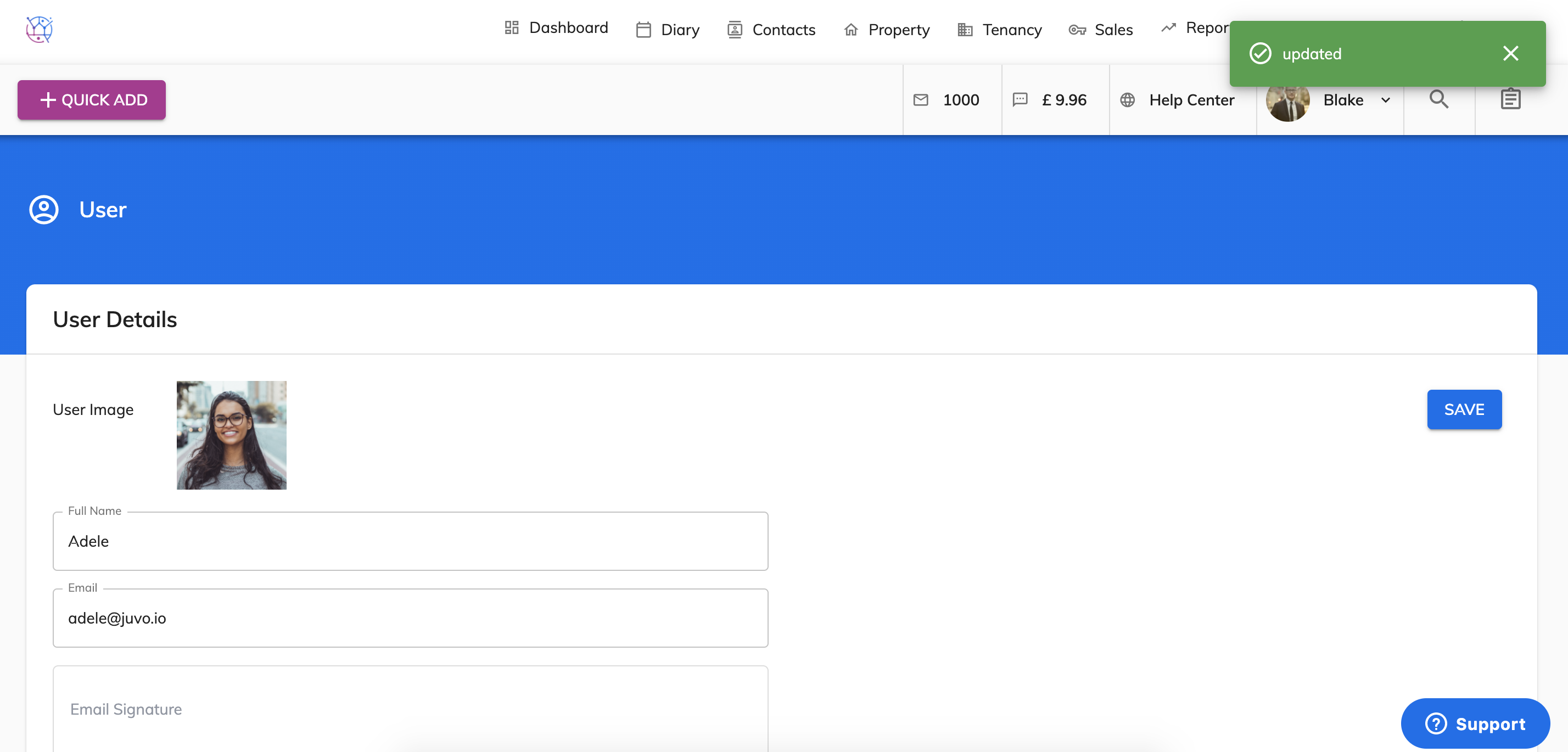
When creating a user within Juvo, you have the ability to restrict the areas of Juvo that you want them to have access to.
1) Go to Admin by clicking on the user name and icon. Select User Management from the dropdown.
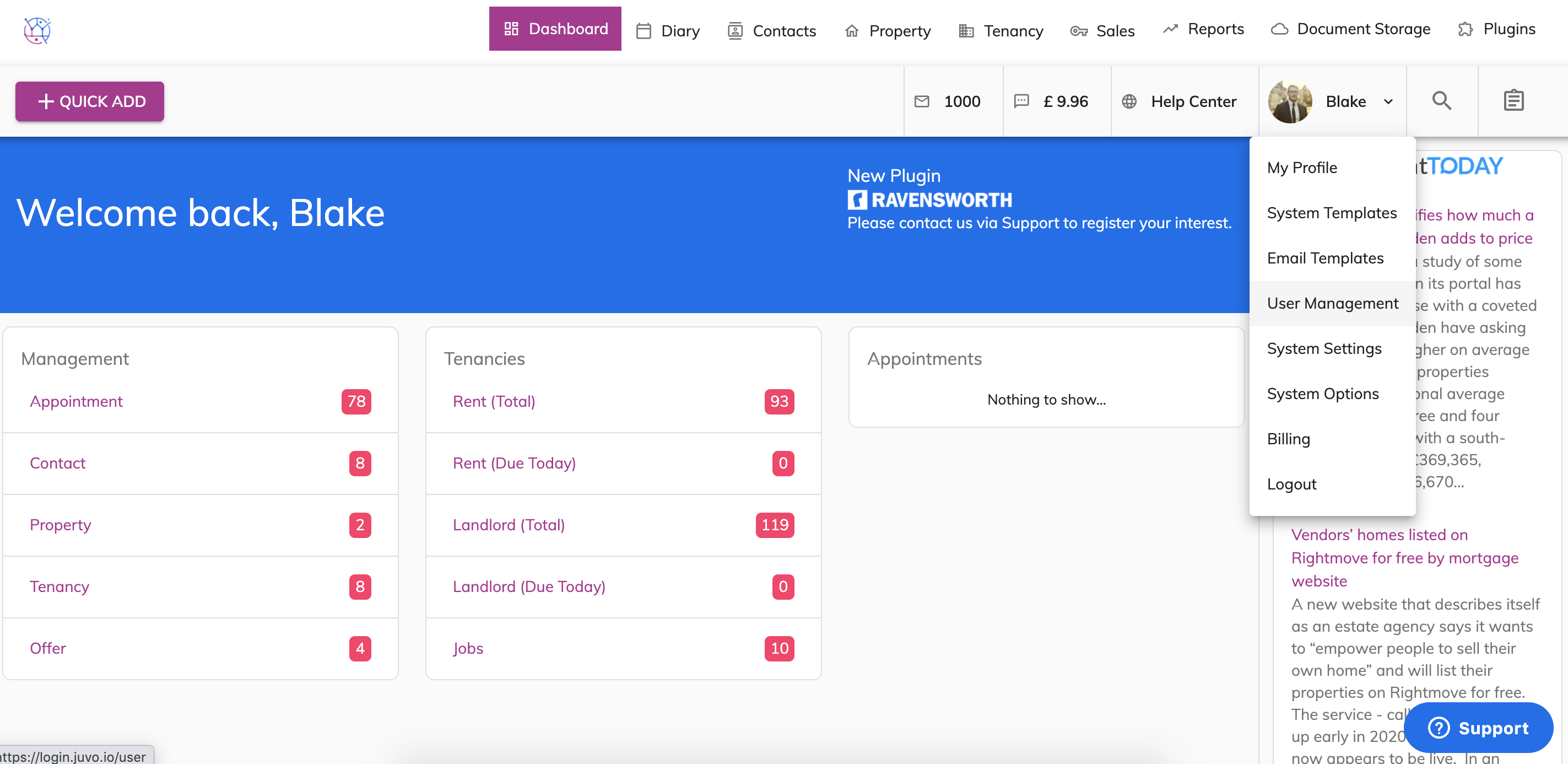
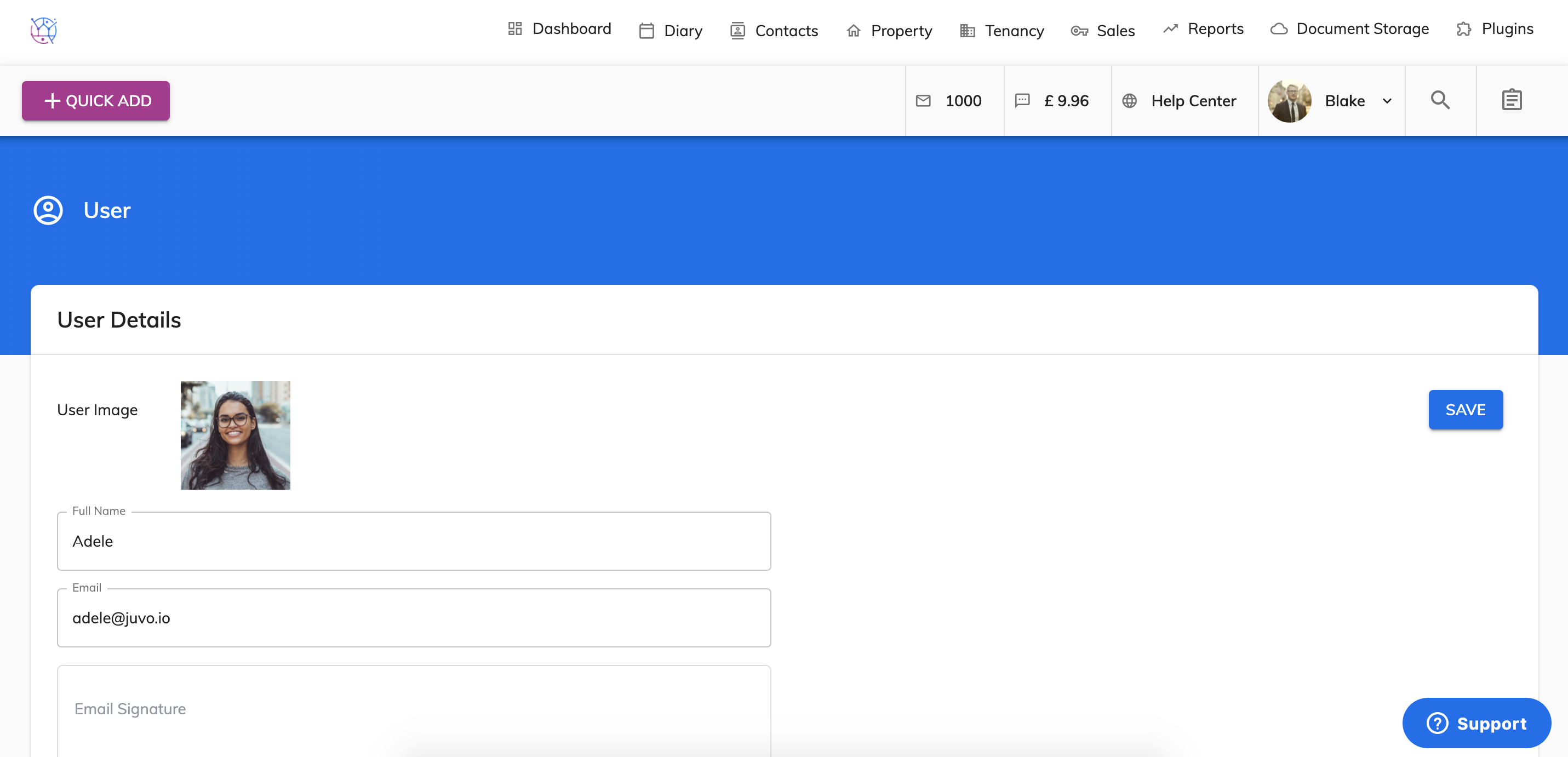
2) Either add a new user or click the pencil icon next to the team member.
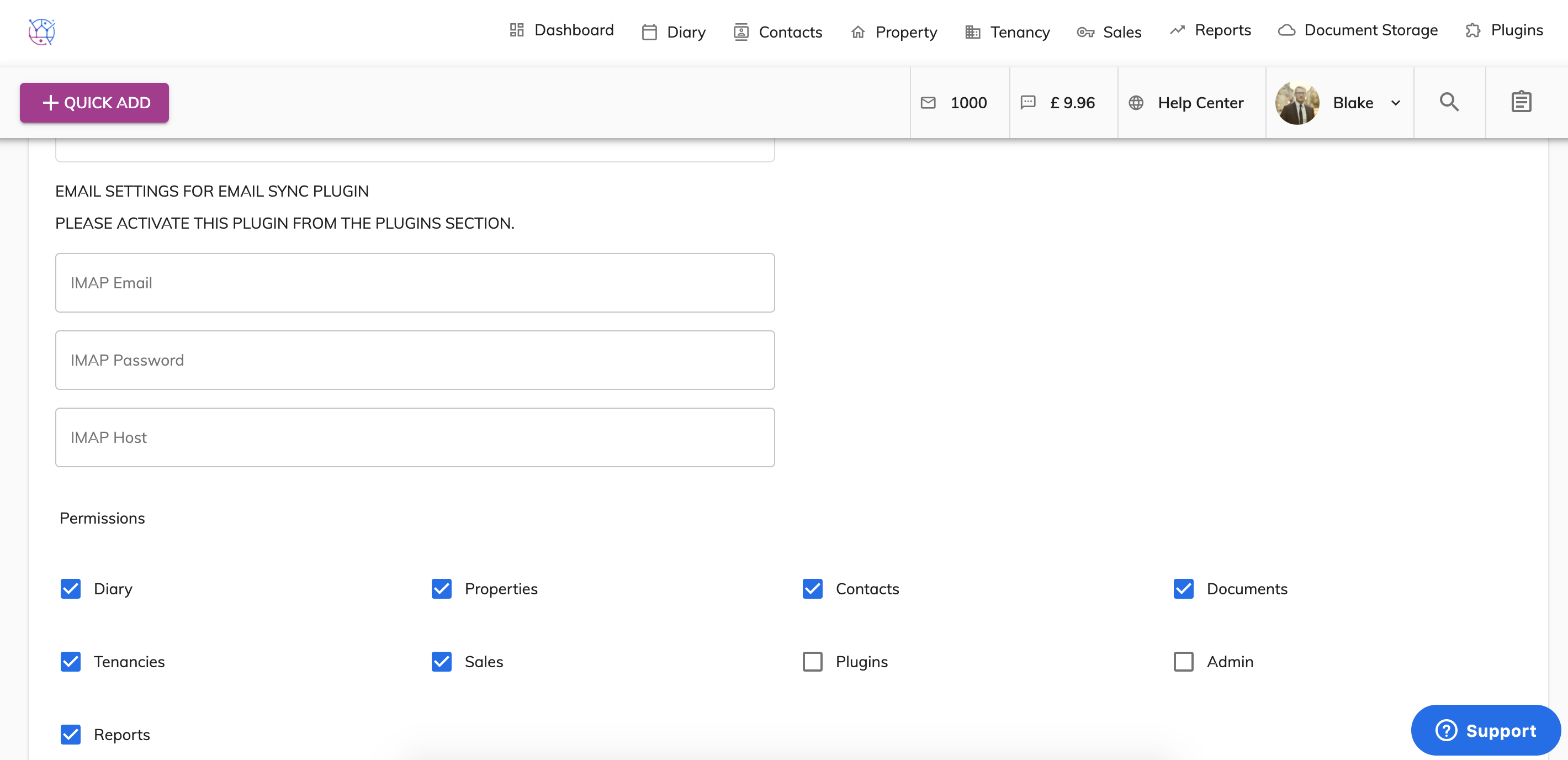
3) Scroll down the page to the permissions section & untick the areas that you do not want the user to have access to.
4) Then press Save.