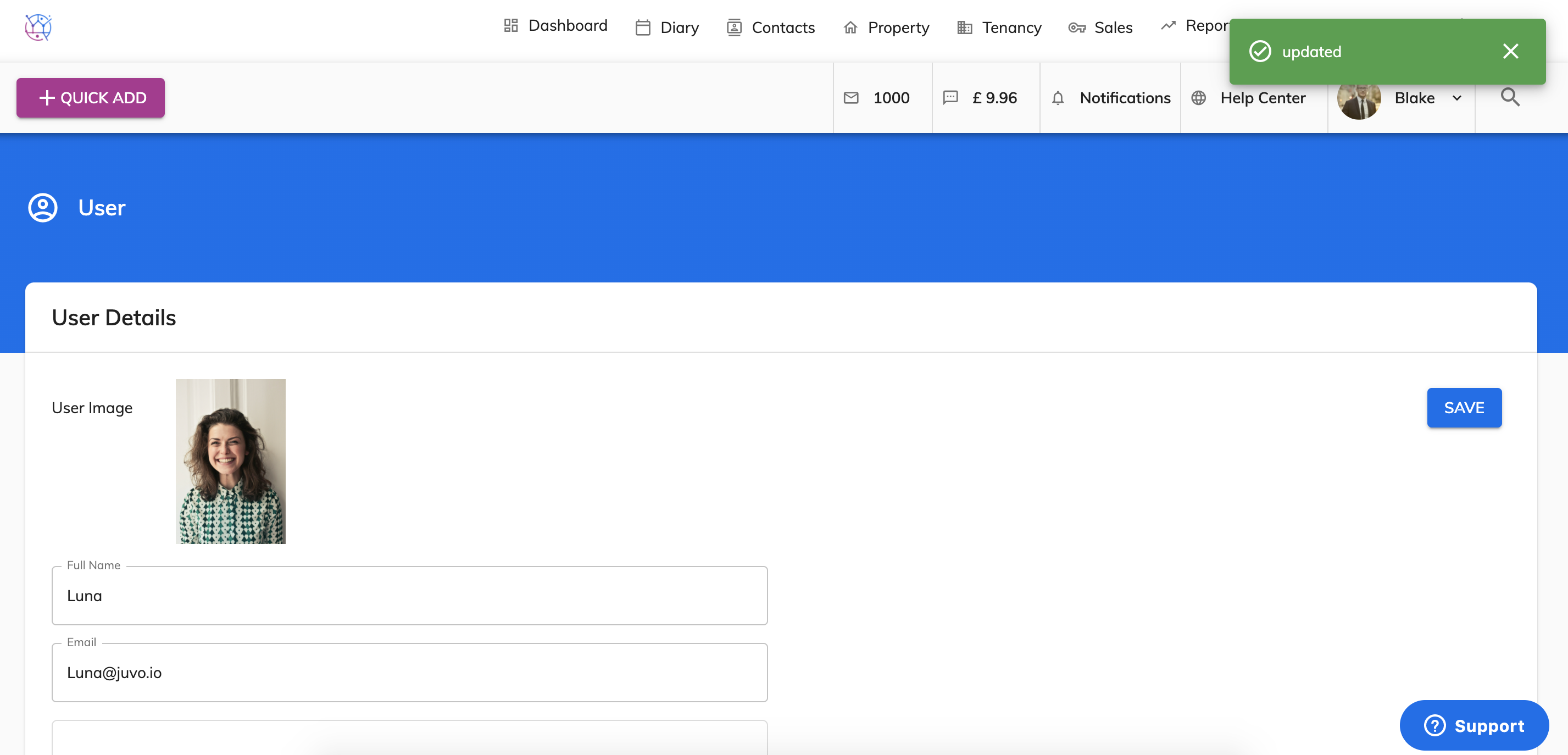
You have complete control over which staff members have access to your Juvo account, follow the steps below to add a user:
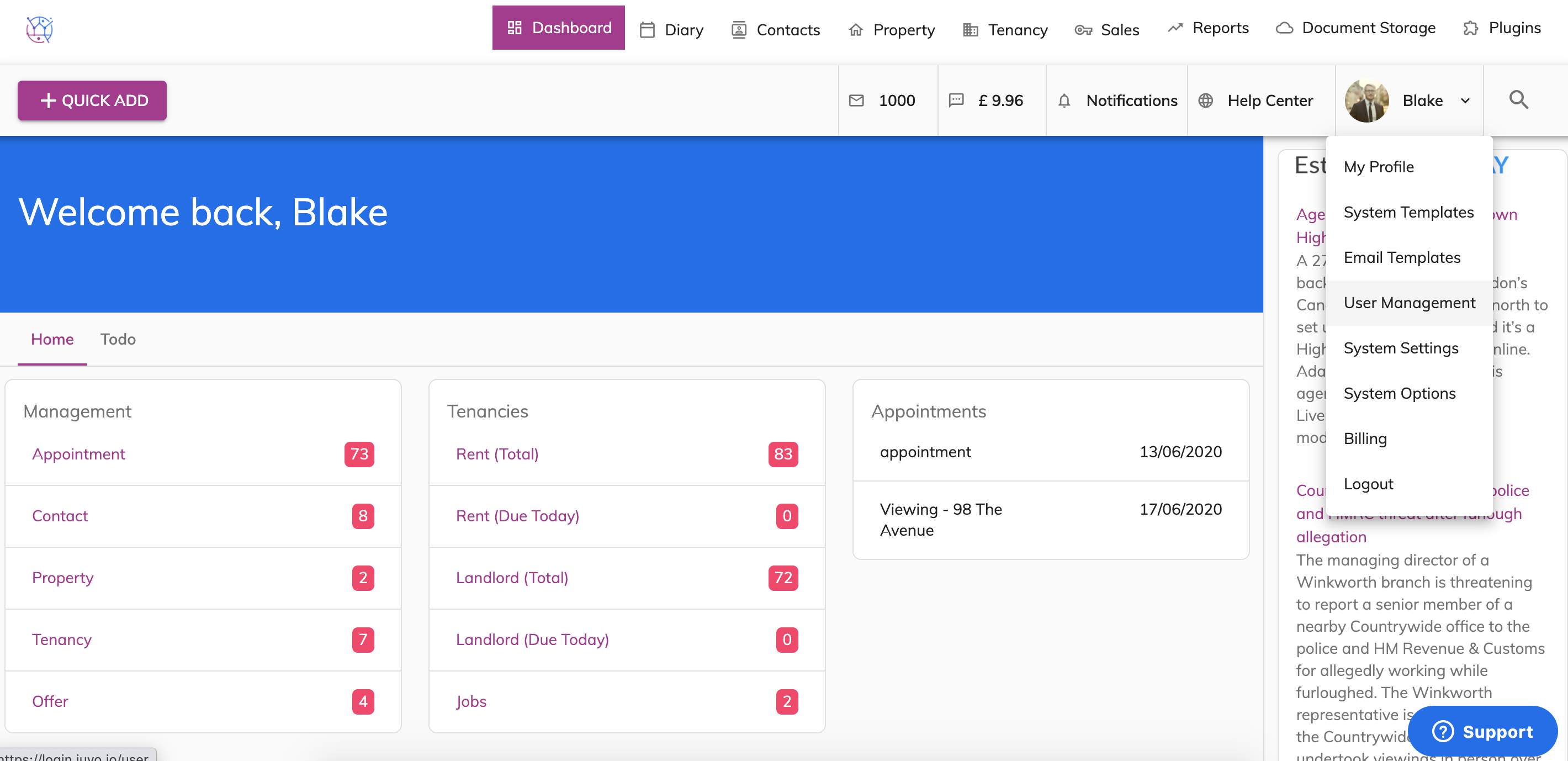
1) Go into Admin by clicking on your user icon & name and select User Management from the dropdown.
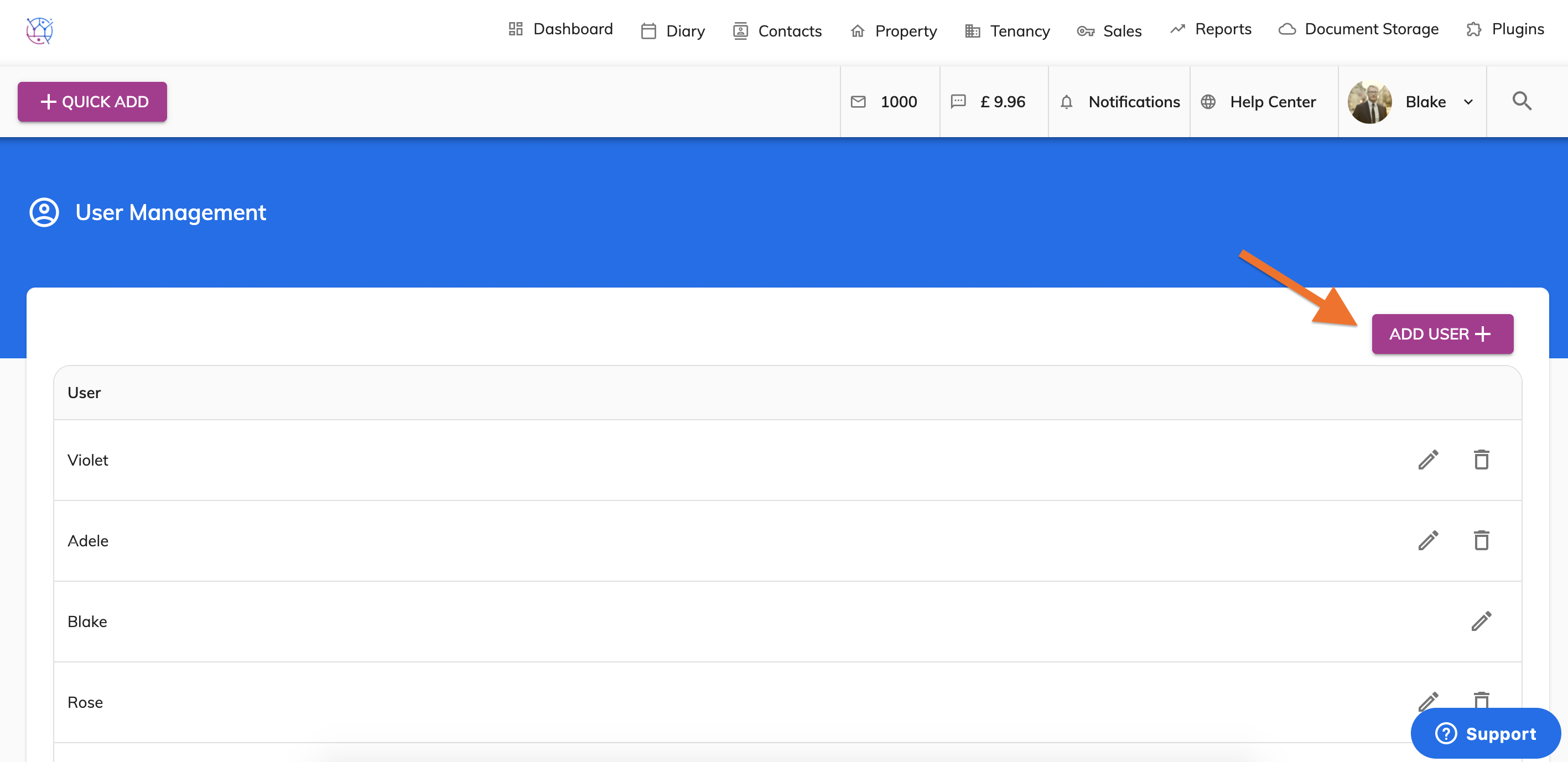
2) Click on the Add User button.
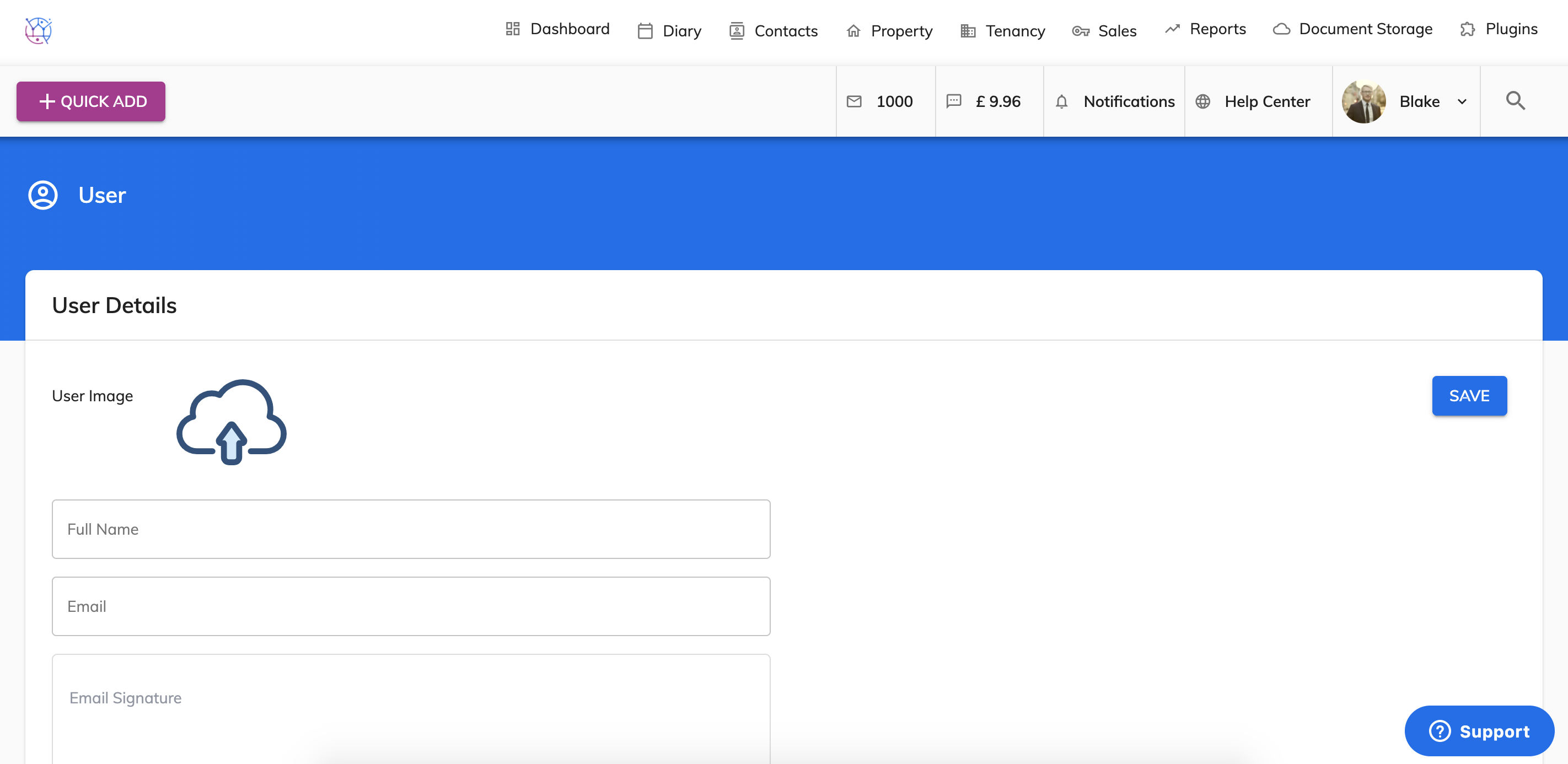
3) The add user details page will appear. Fill out as much information as you can. Mandatory fields include name, email address, mobile number, password and confirm password.
Please note the email address used must be different from other users already created.
4) Once the form is completed, click the save button.