
To select additional mobile country codes, follow steps below:
1) Go to Admin section by clicking on the User icon and name.
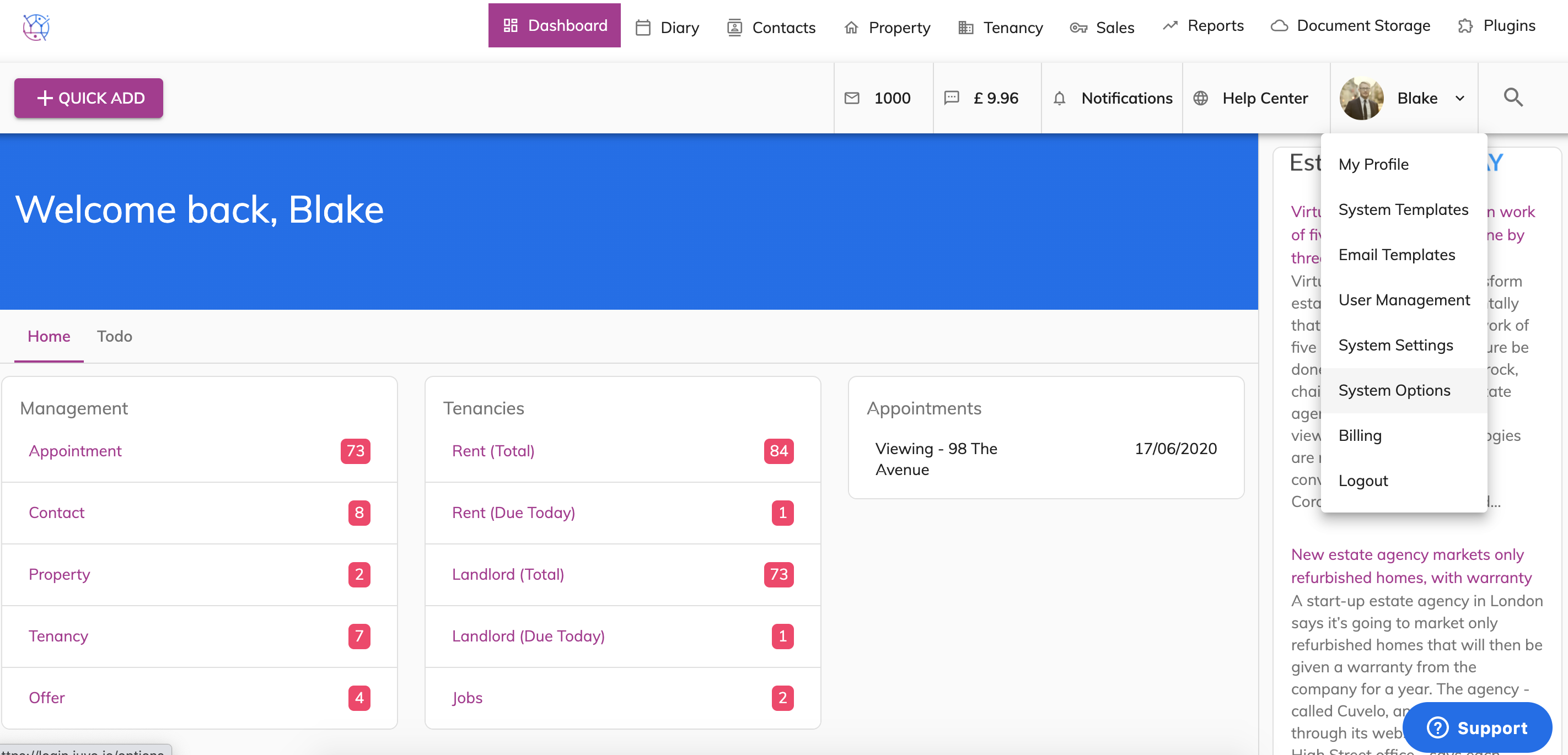
2) Select System Options.
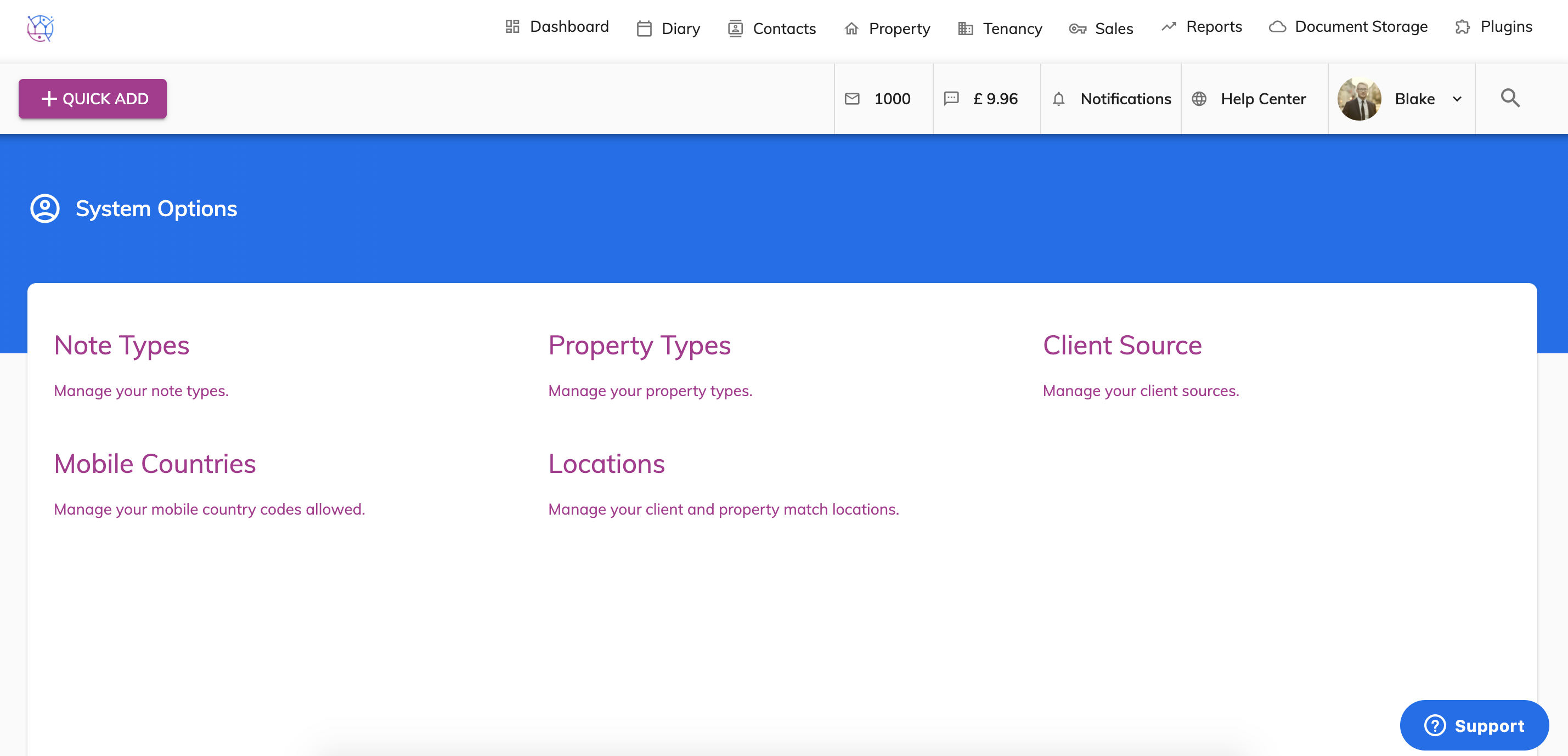
3) Select Mobile Countries.
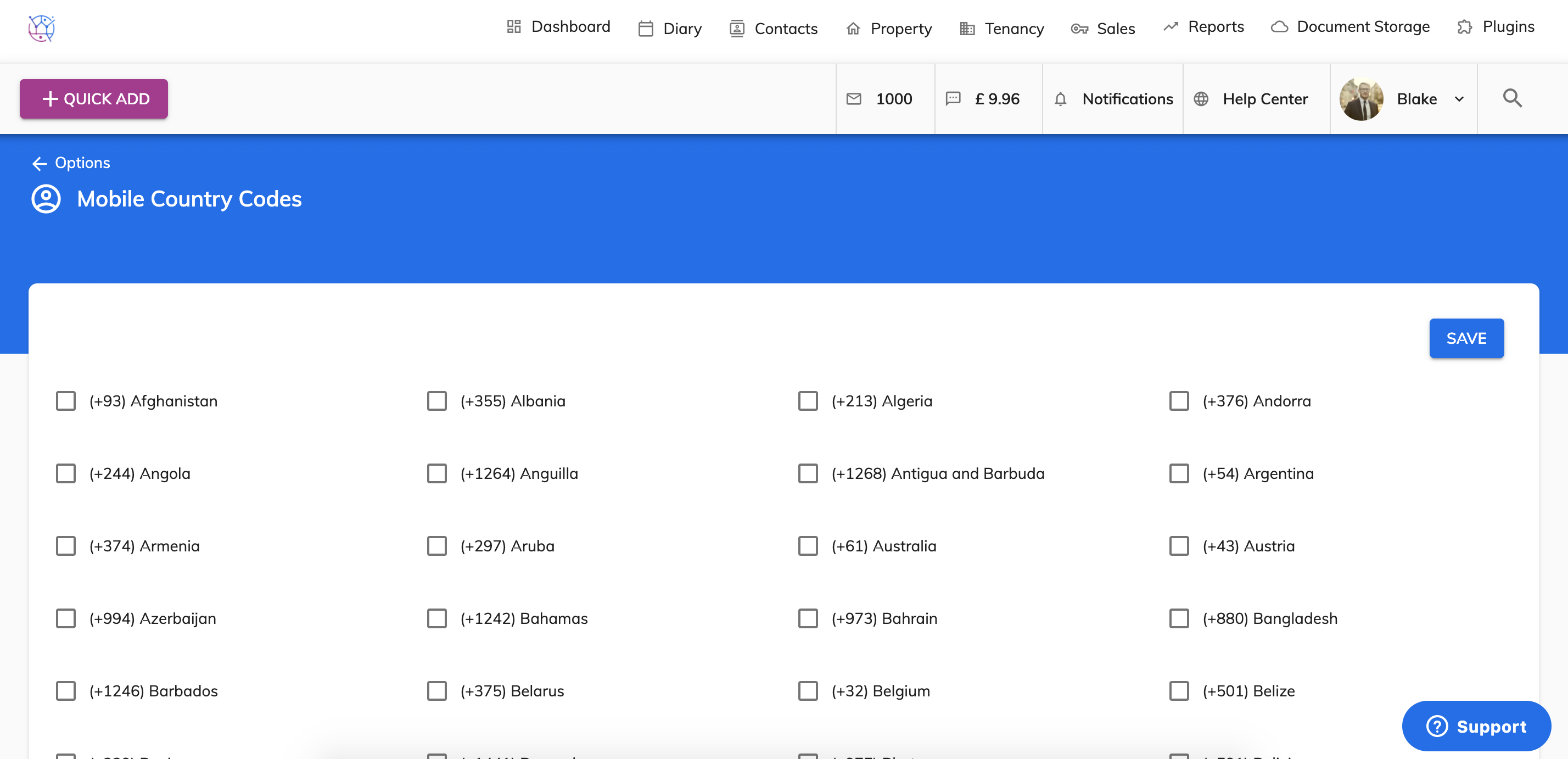
4) Tick/untick the relevant mobile countries as required.
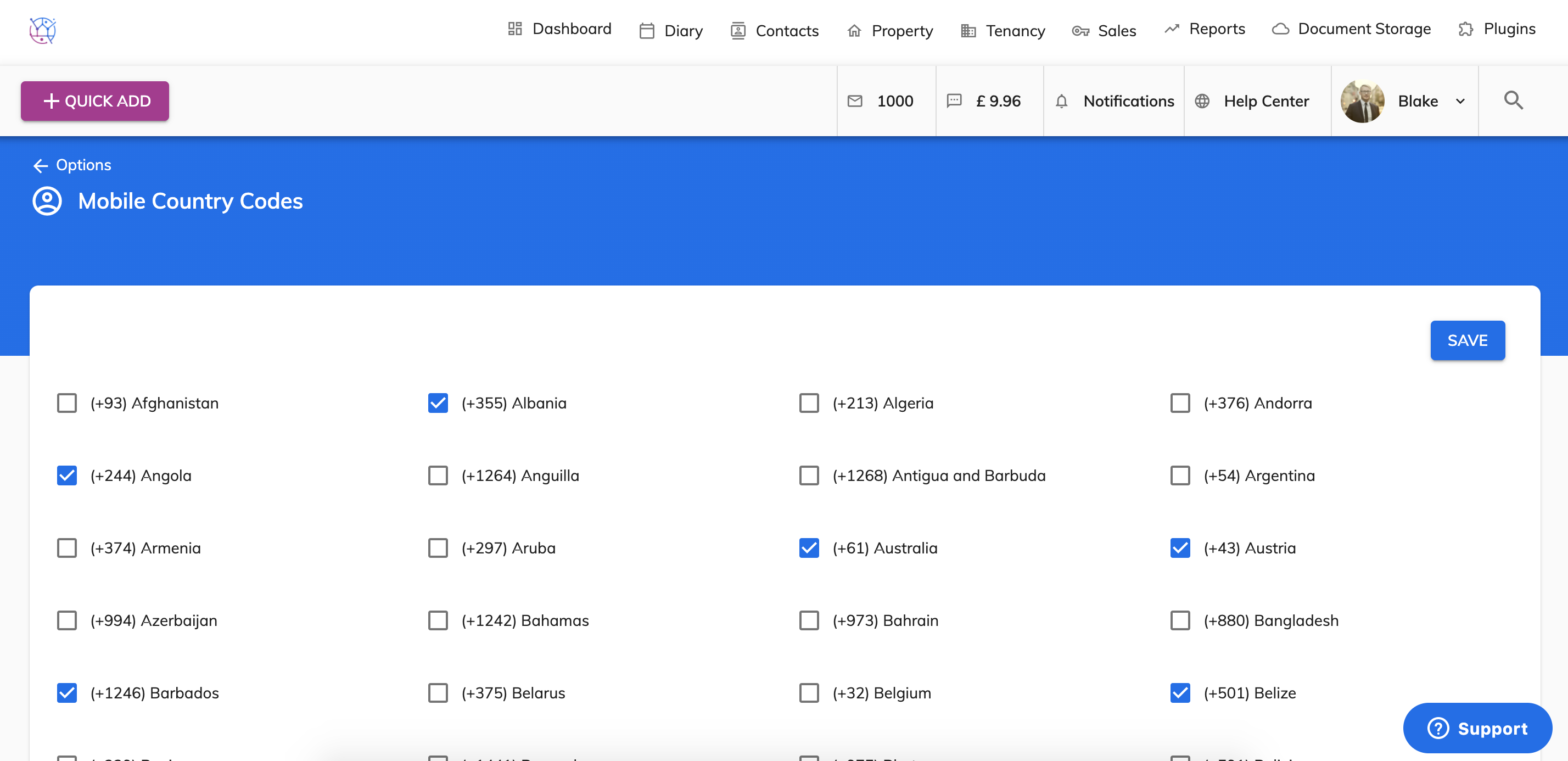
5) Save
This will then appear in the dropdown when adding a contacts mobile number on the contact details page.