
Juvo comes with an extensive list of all the possible property types available, to condense this property type list, follow the steps below:
1) Go to Admin section by clicking on the user icon and name.
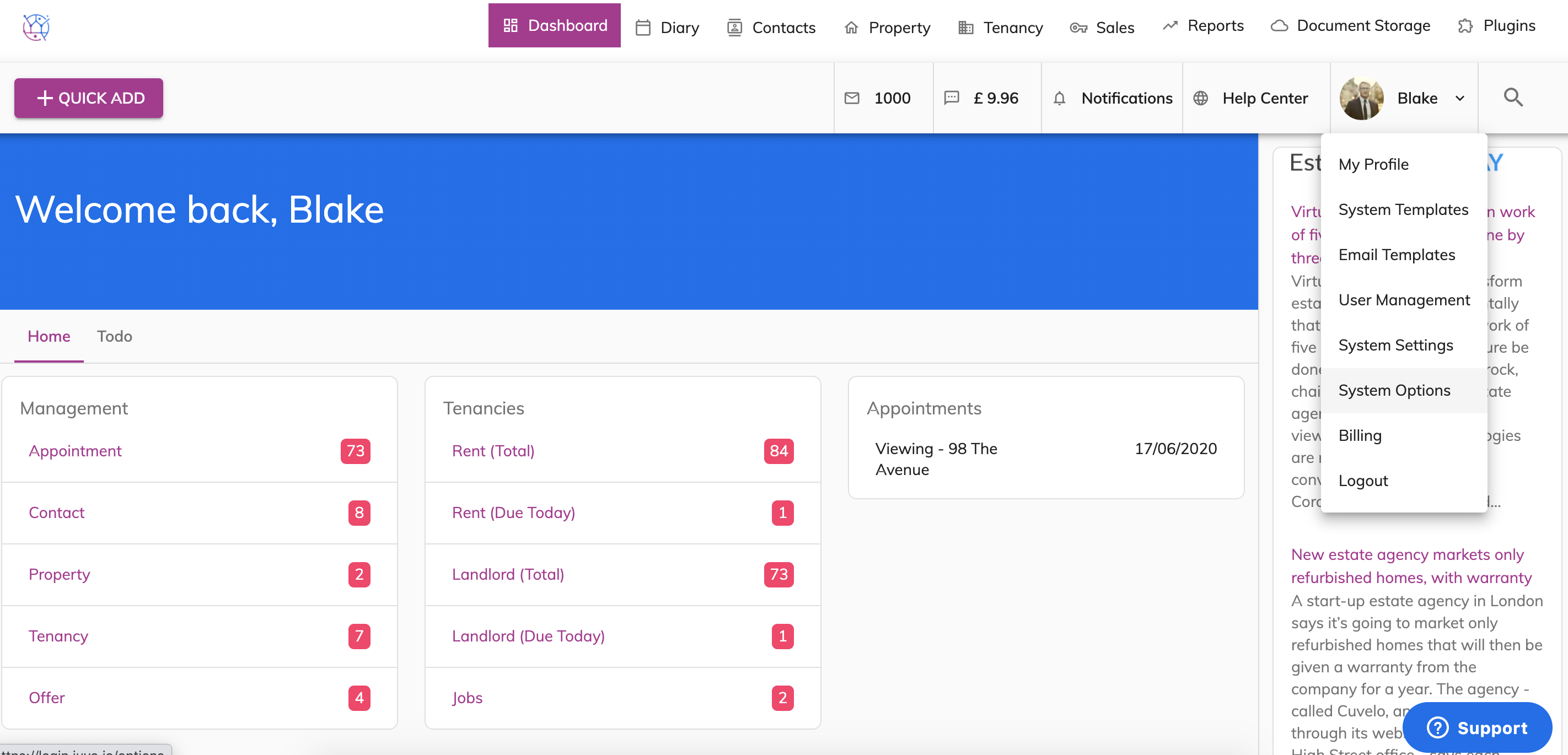
2) Select System Options from the dropdown.
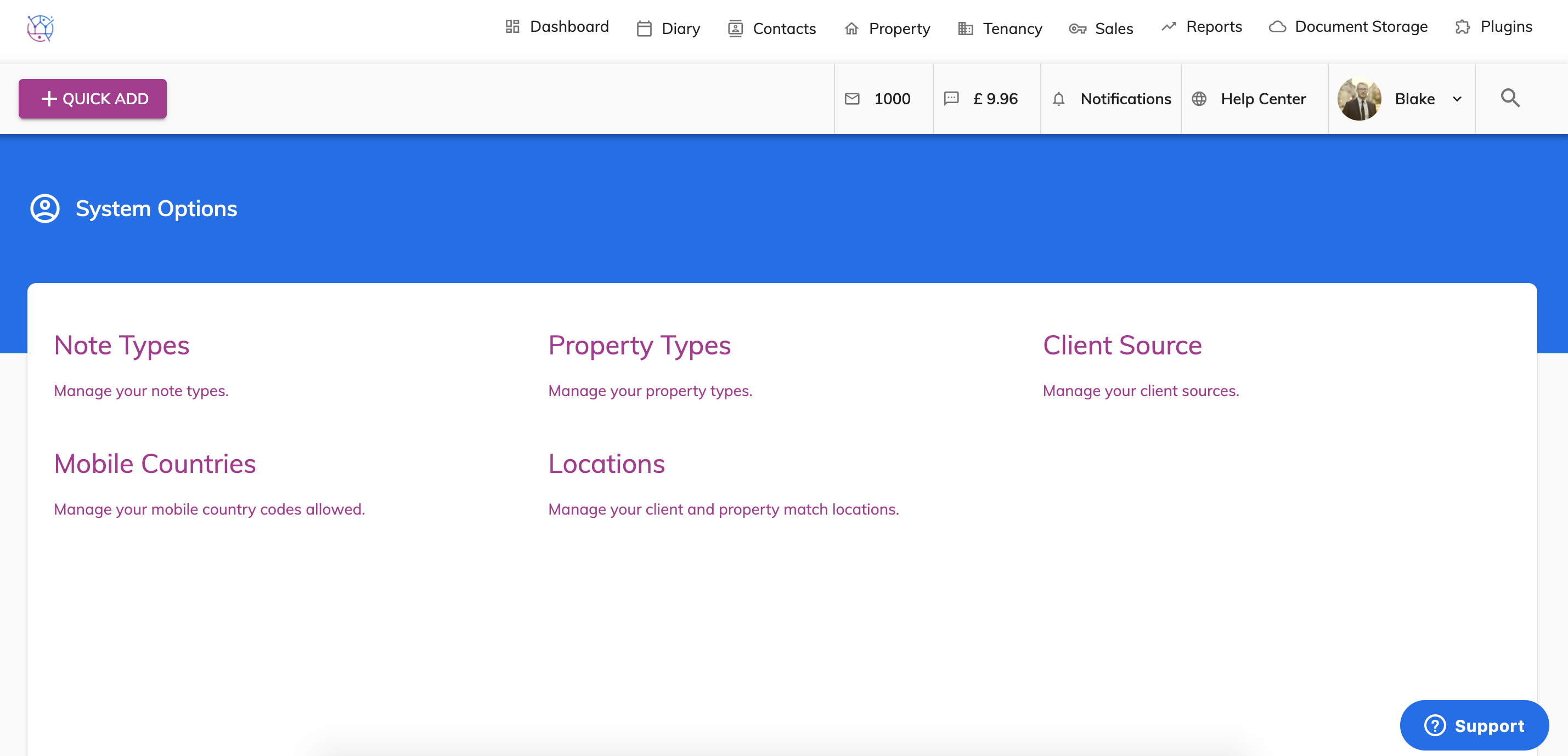
3) Select Property Types.
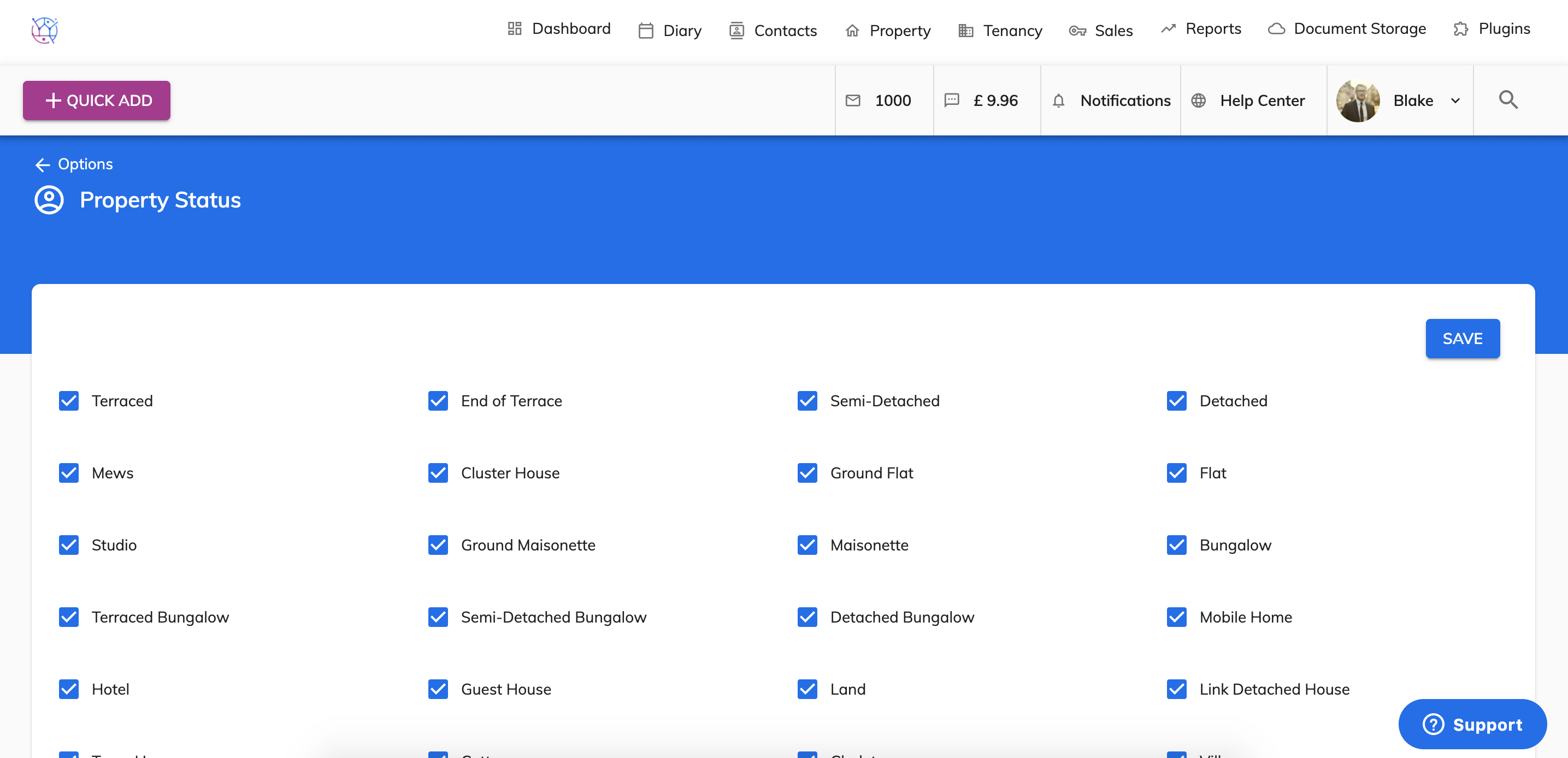
4) Tick/untick the relevant property types.
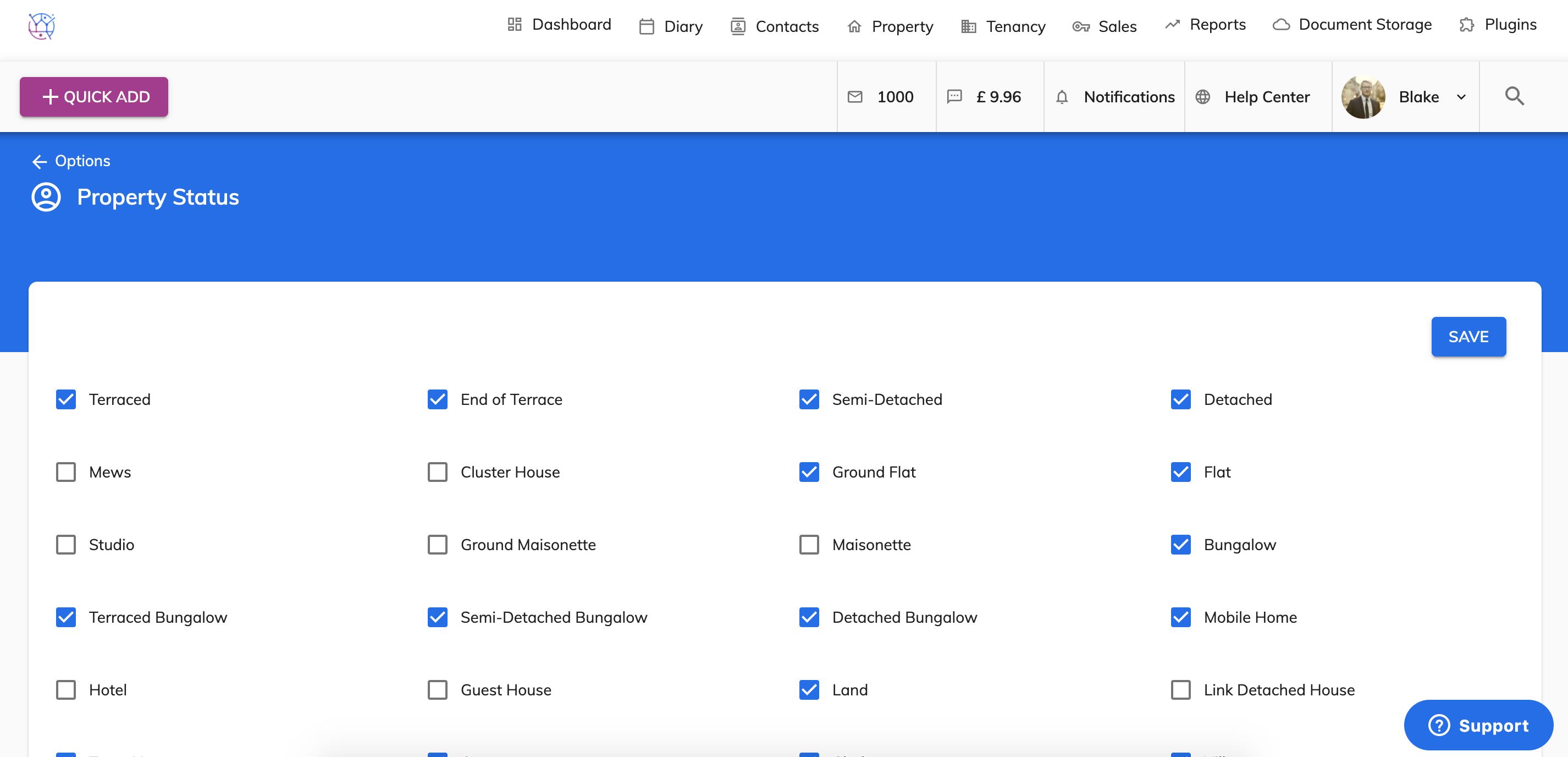
5) Save
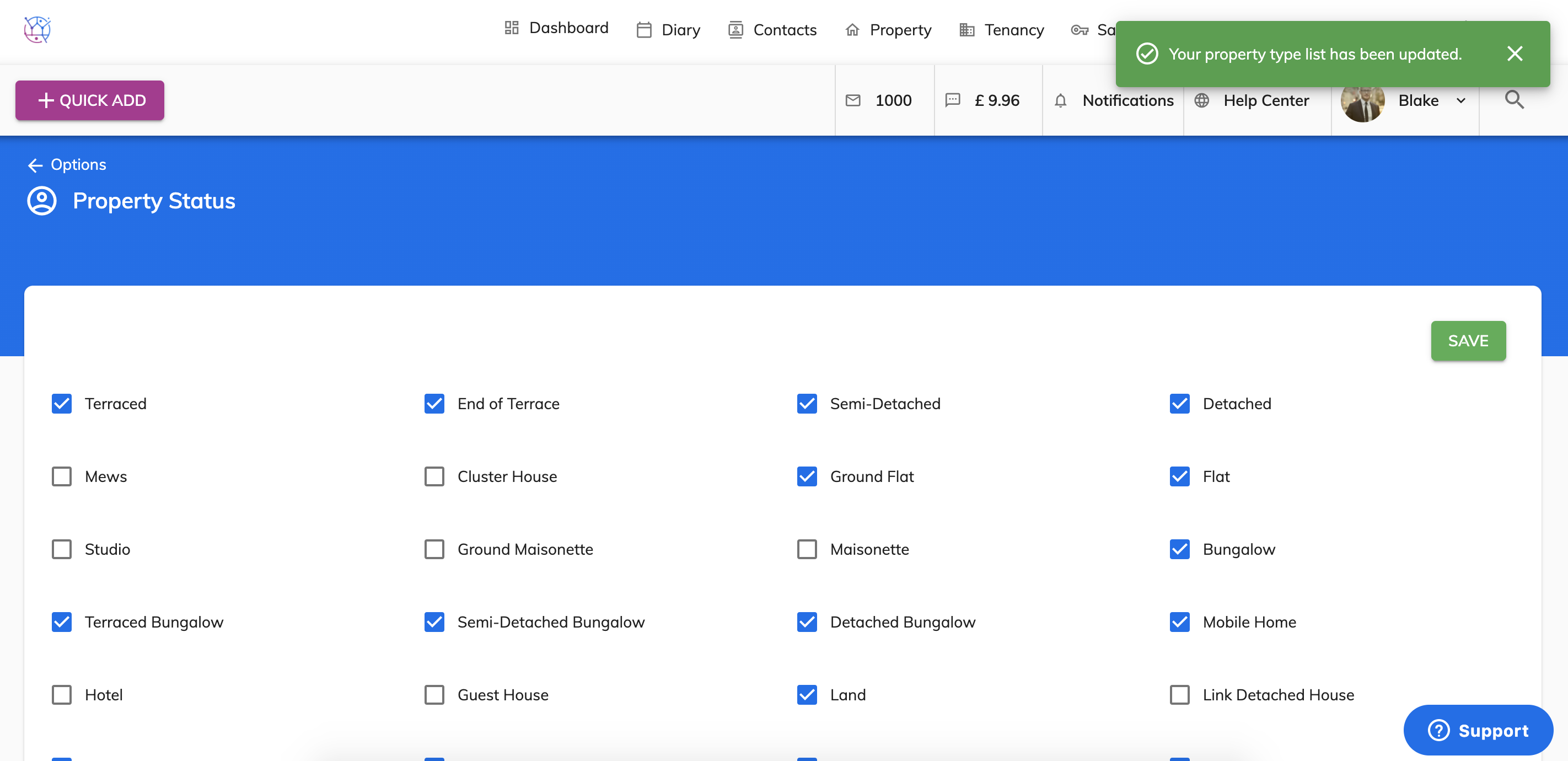
This will produce a condensed list of property types when on the property details page, for when properties are being added.