
To add extra note types, follow the steps below:
1) Go to Admin section by clicking on user icon and name.
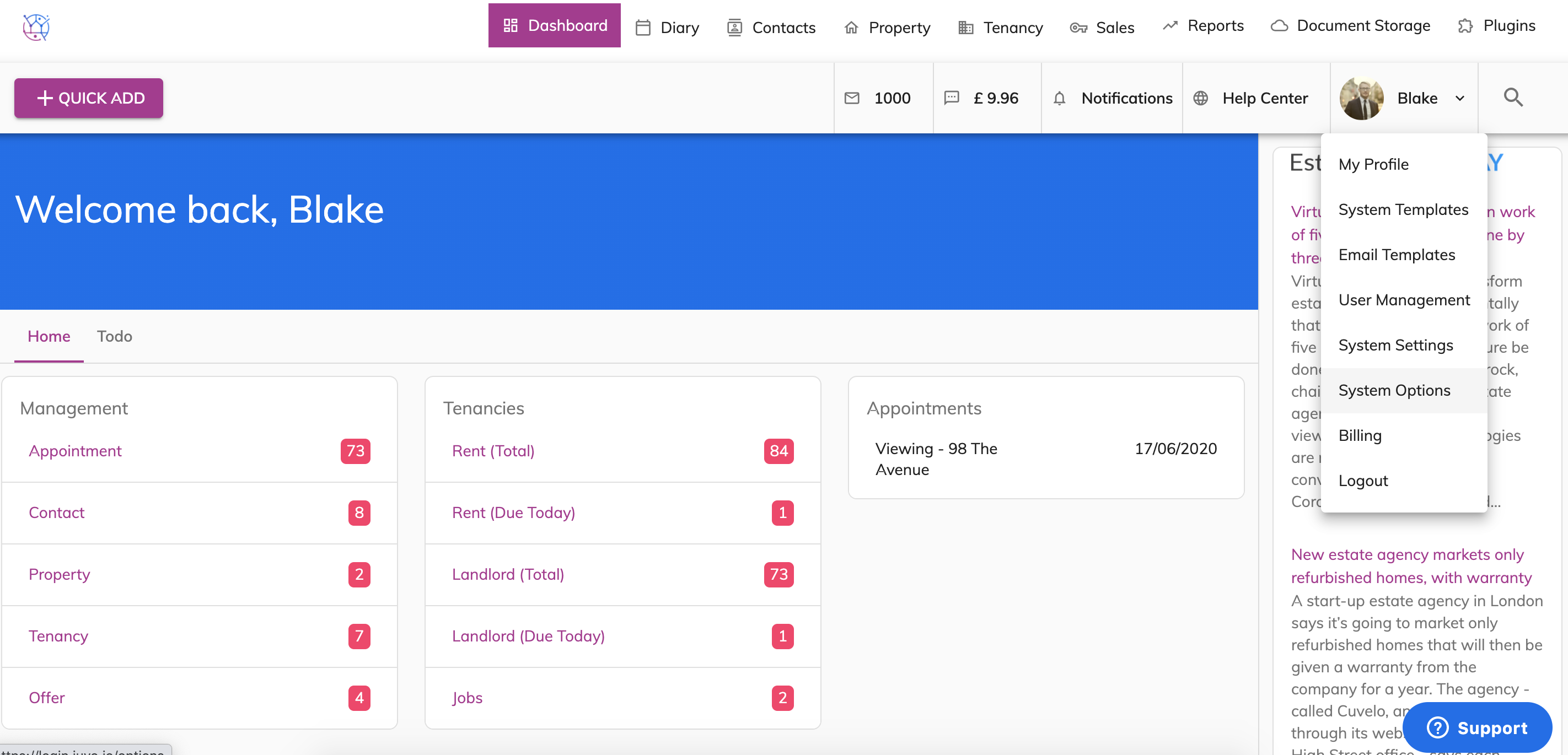
2) Select System Options.
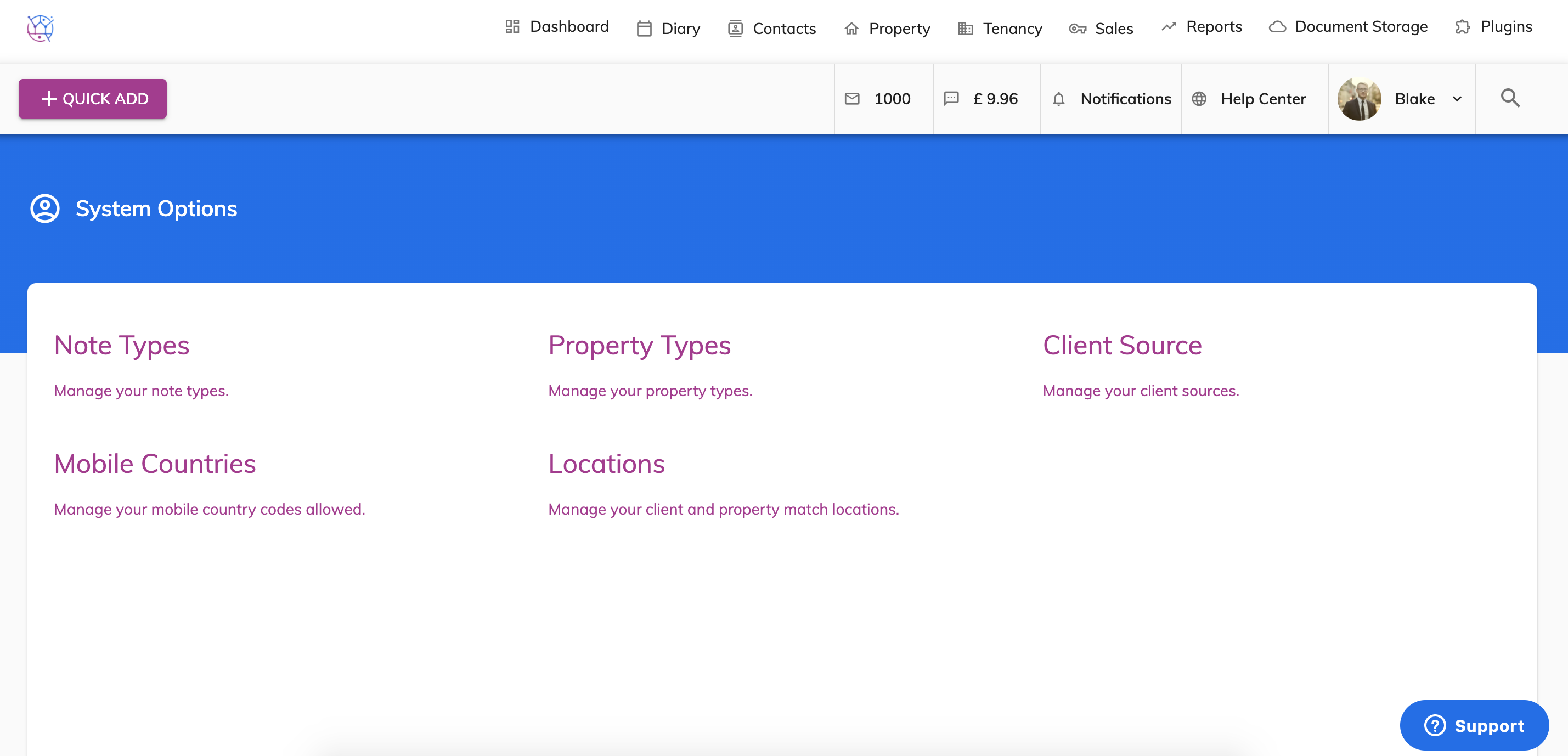
3) Select Note Types.
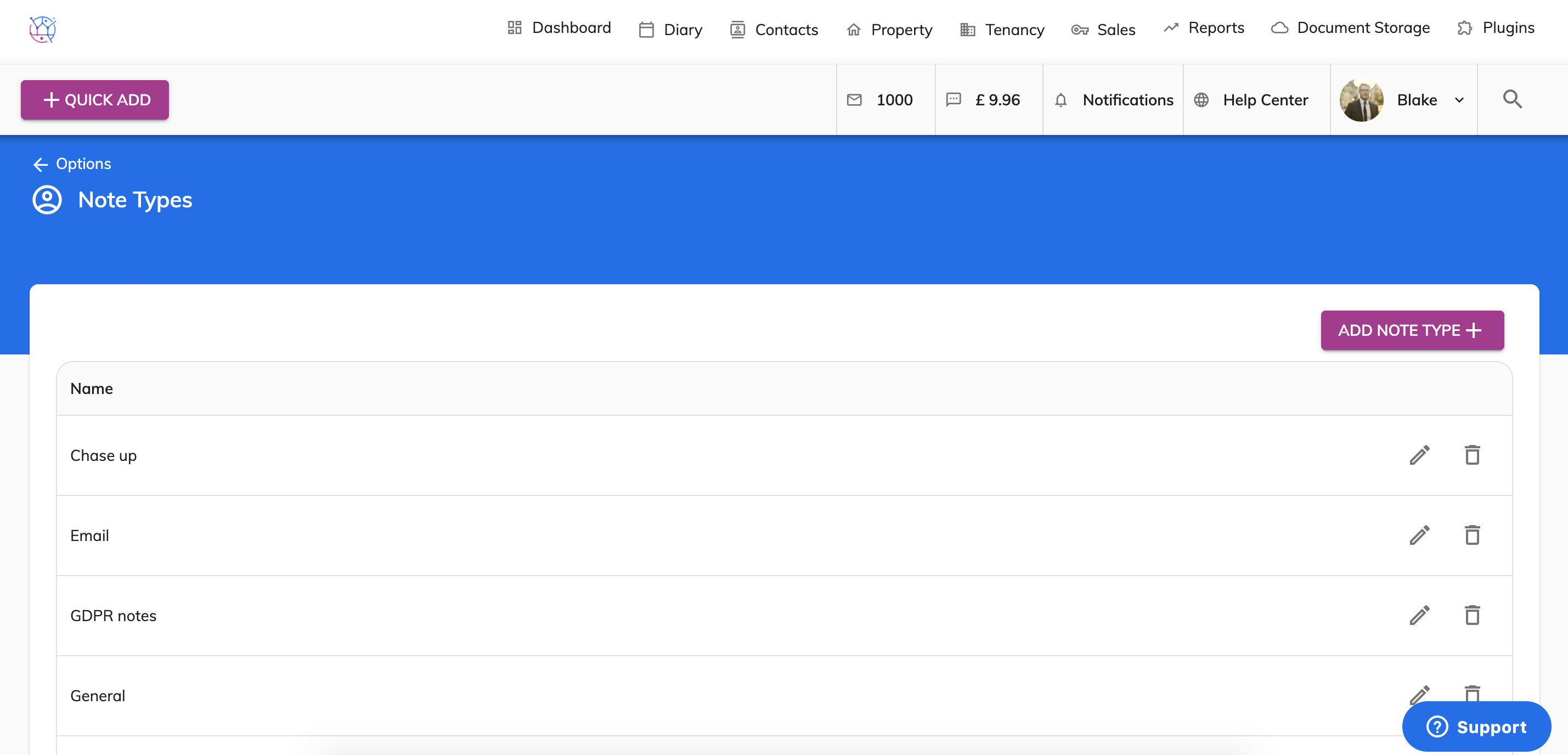
4) Click on the Add Note type button.
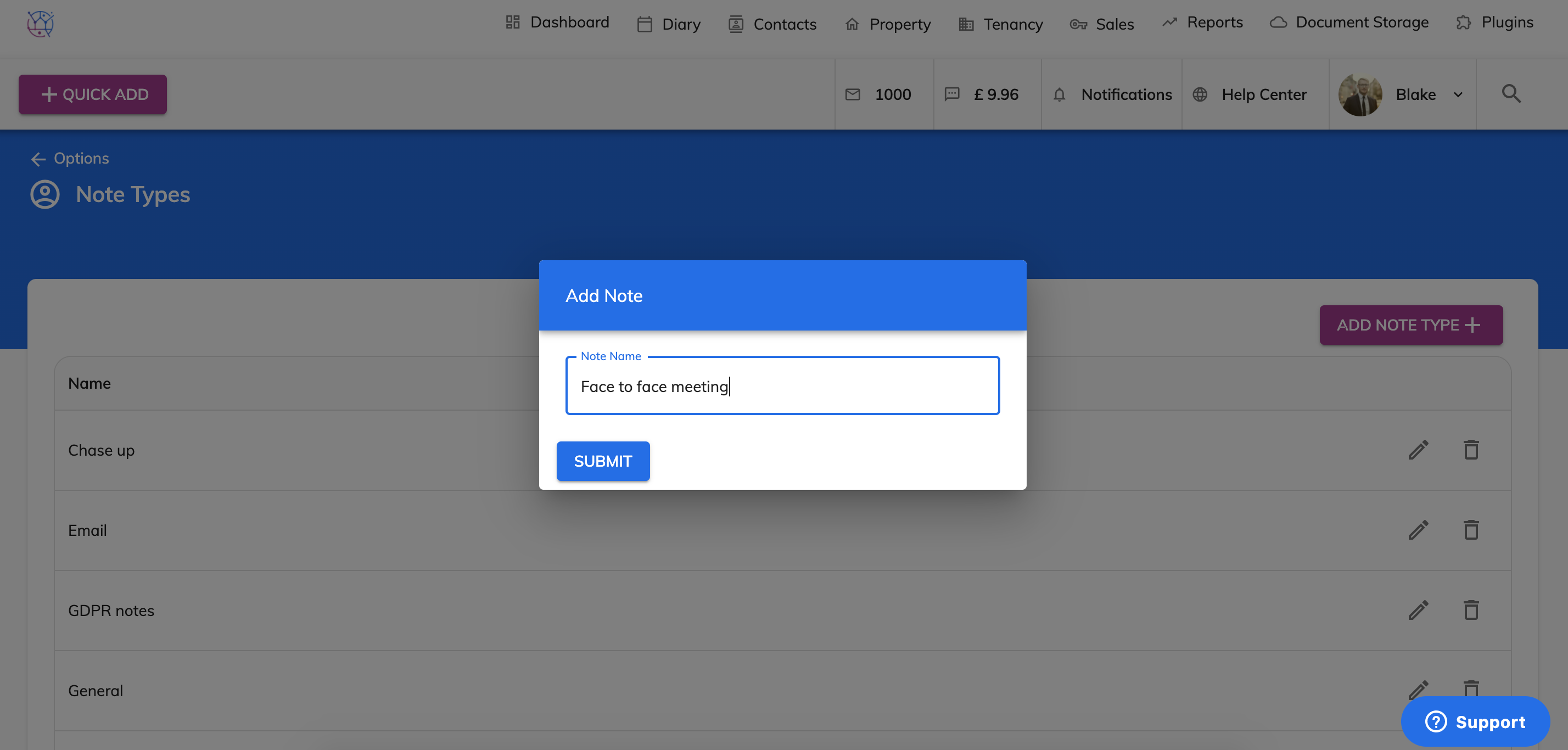
5) Add of the name of the Note.
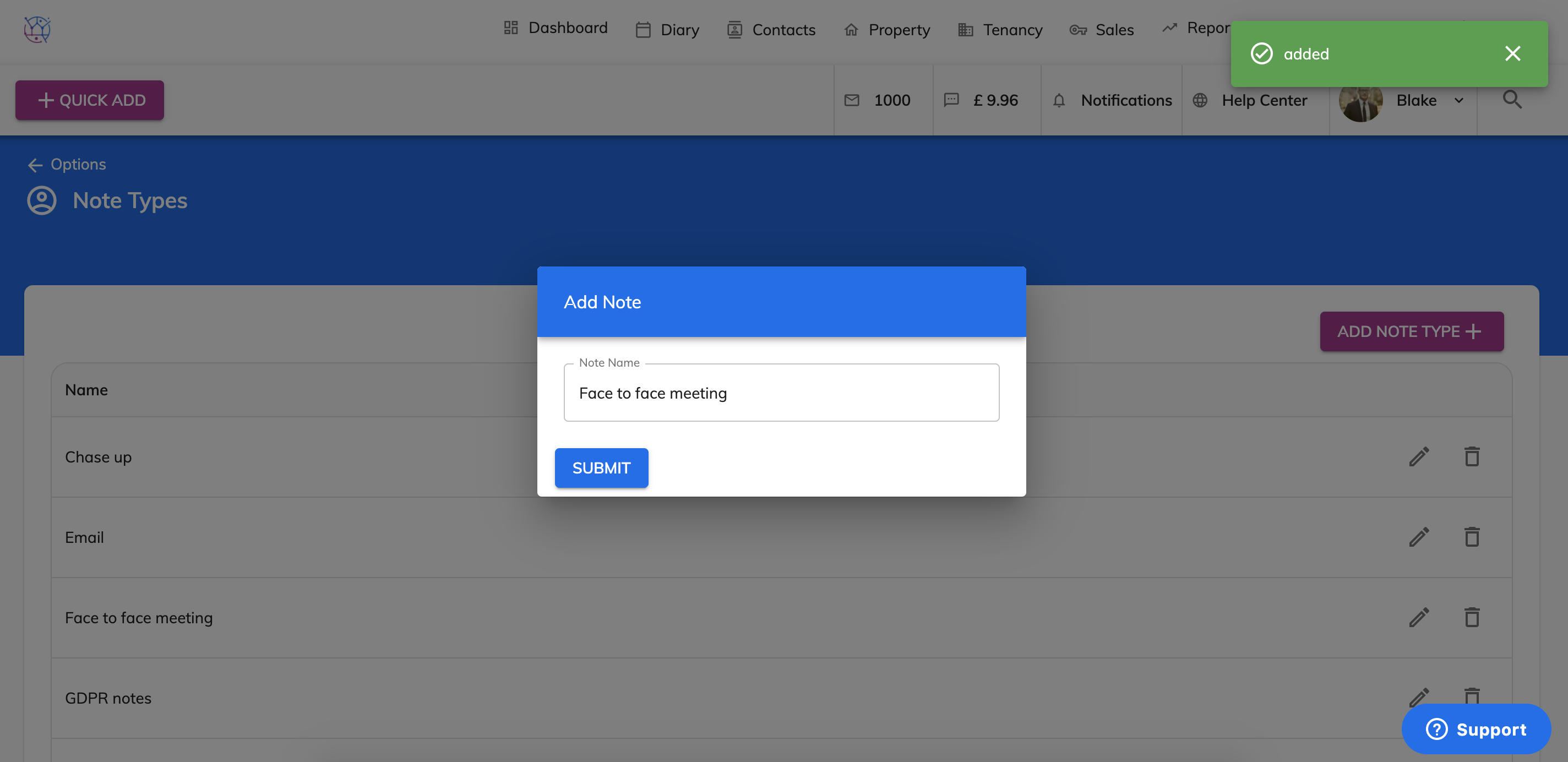
The new note type will be added to the list.