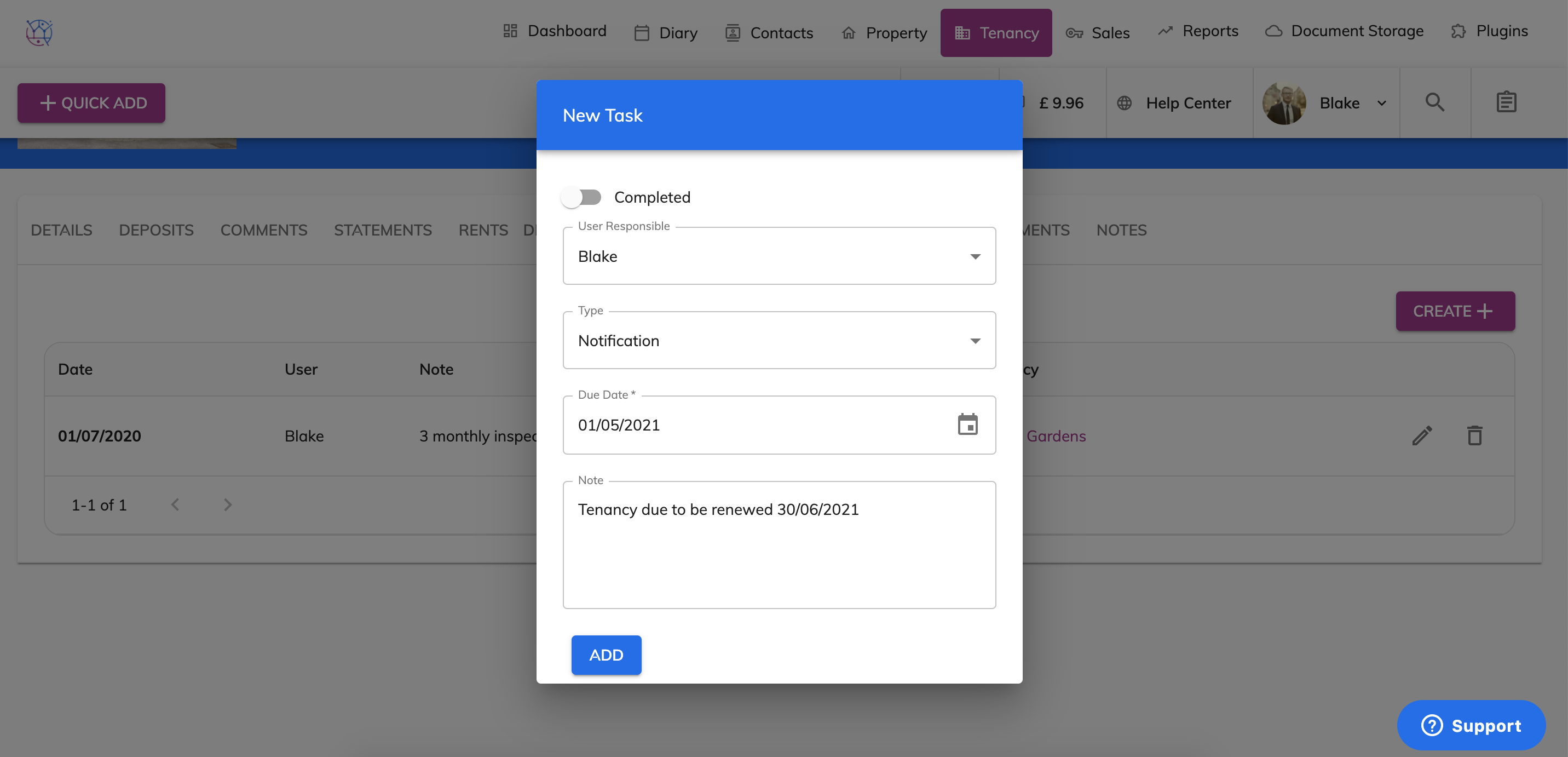
When renewing a tenancy that has the same tenant, there is no need to create a brand new tenancy. You can simply amend the existing tenancy within Juvo.
1) Click on the tenancy tab.
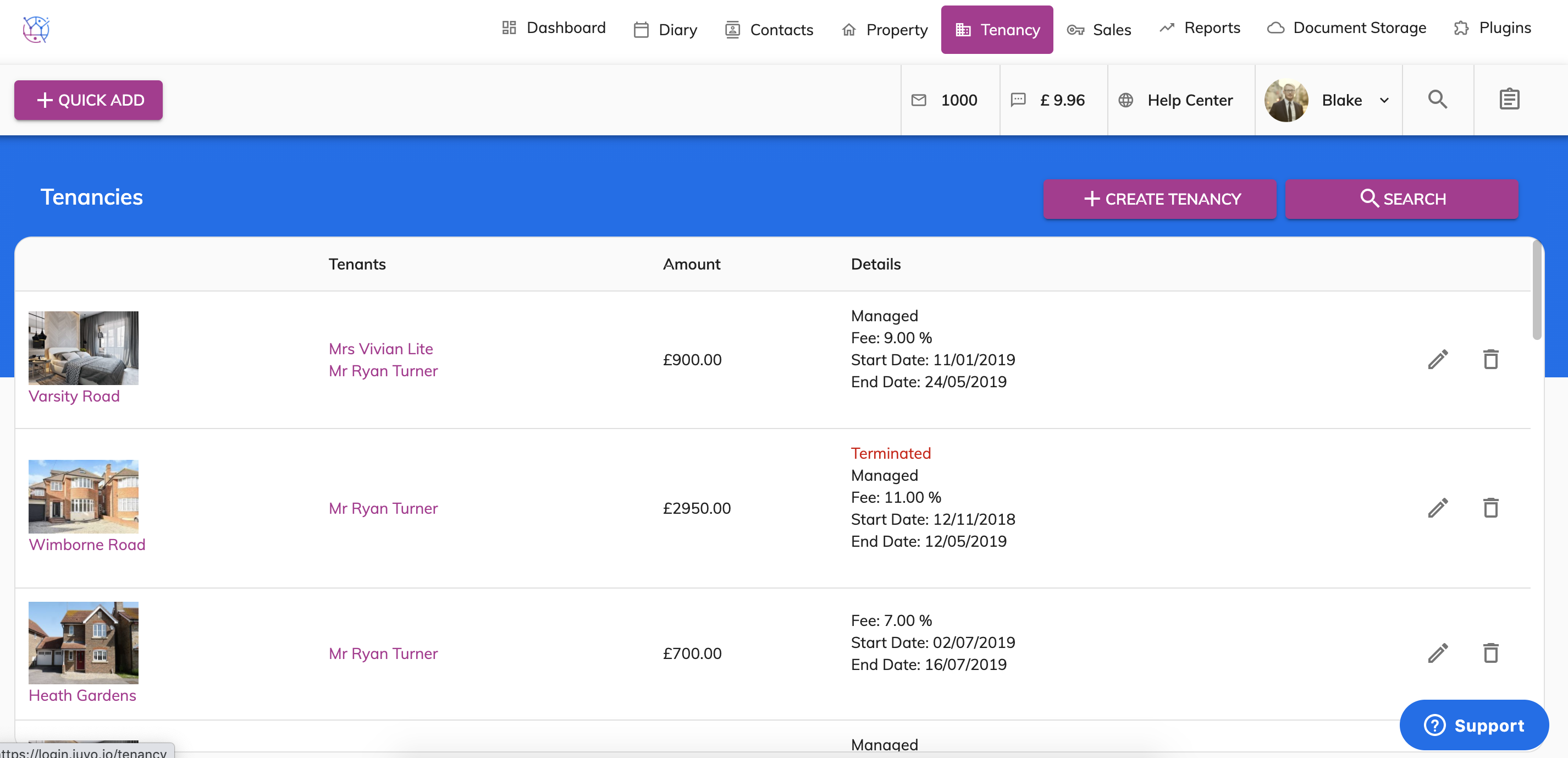
2) Click on the pencil icon of the tenancy you would like to renew.
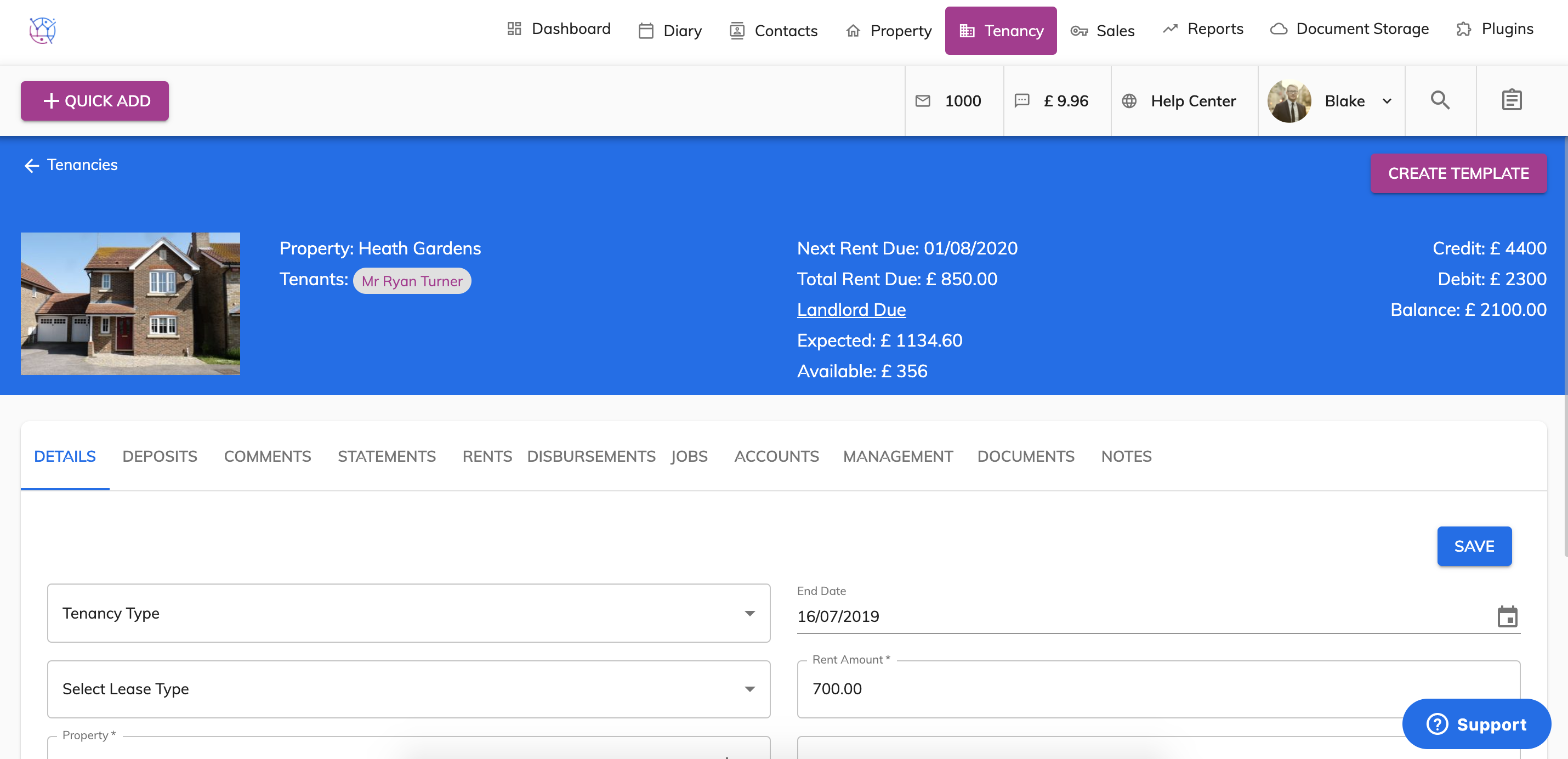
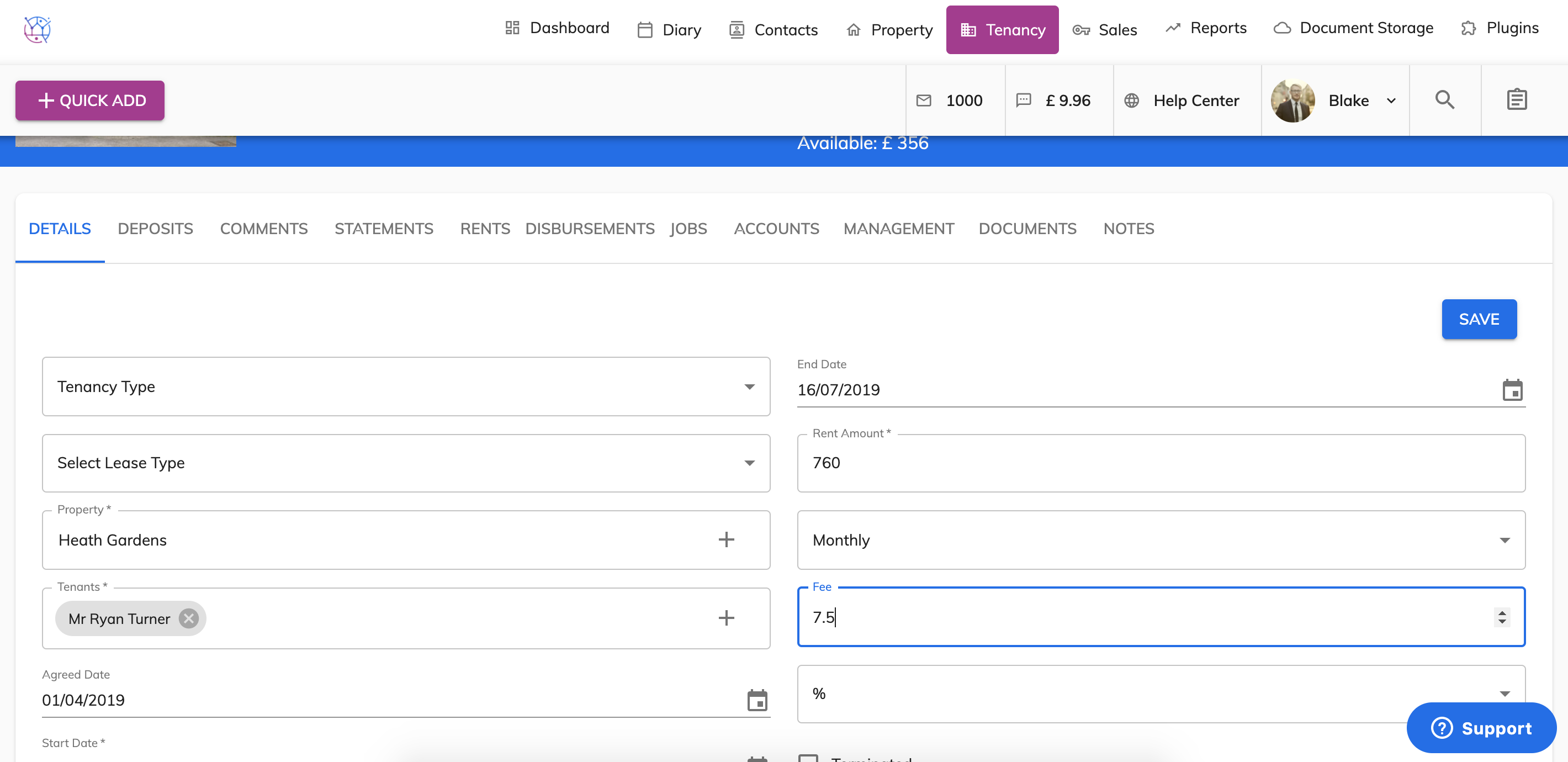
3) Amend the relevant tenancy details if they have changed eg the Rent amount, frequency or management fee. Press Save.
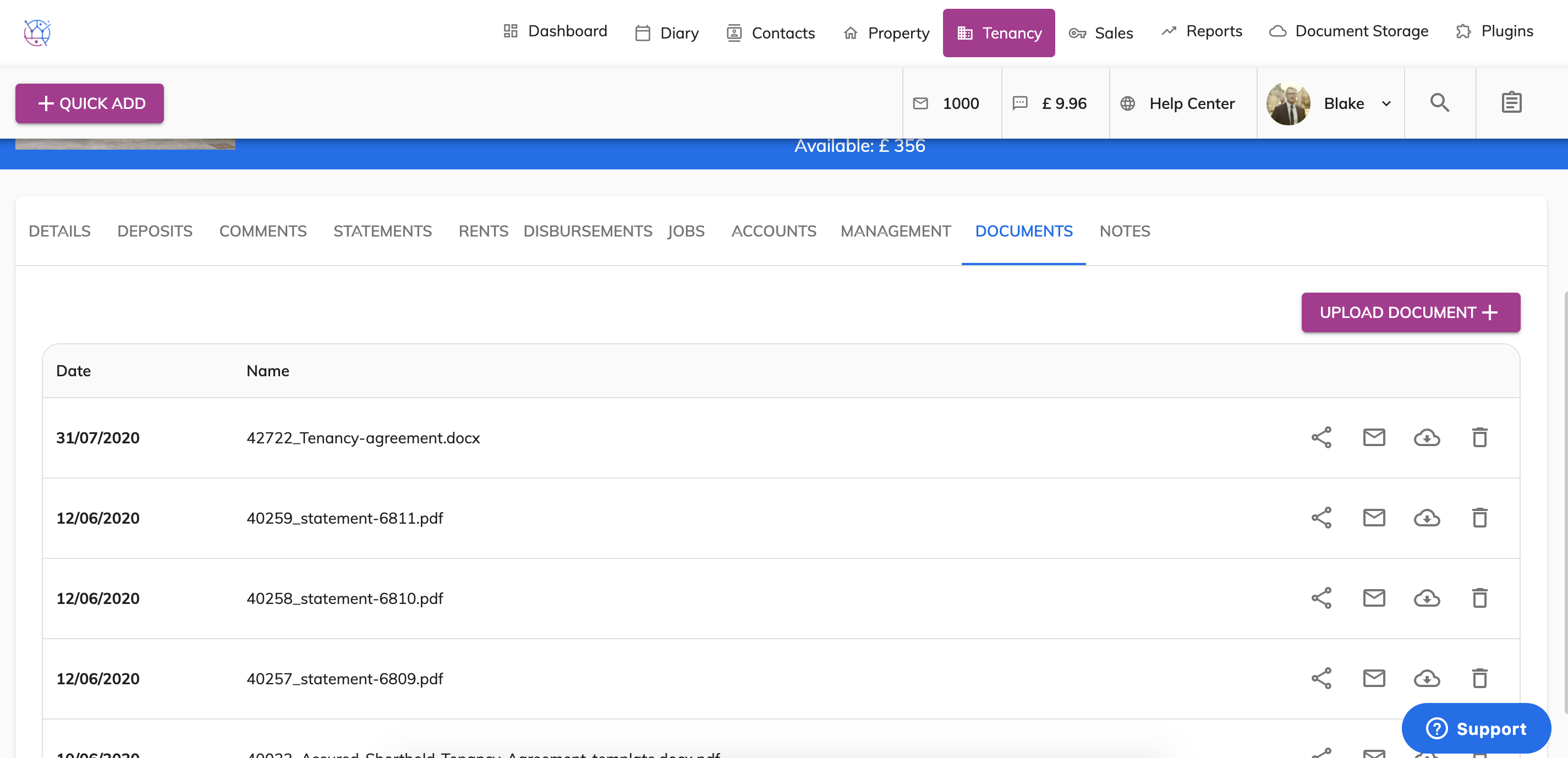
4) Generate a tenancy agreement template if needed or upload the signed agreement, if this has already been done. Click on Documents and upload.
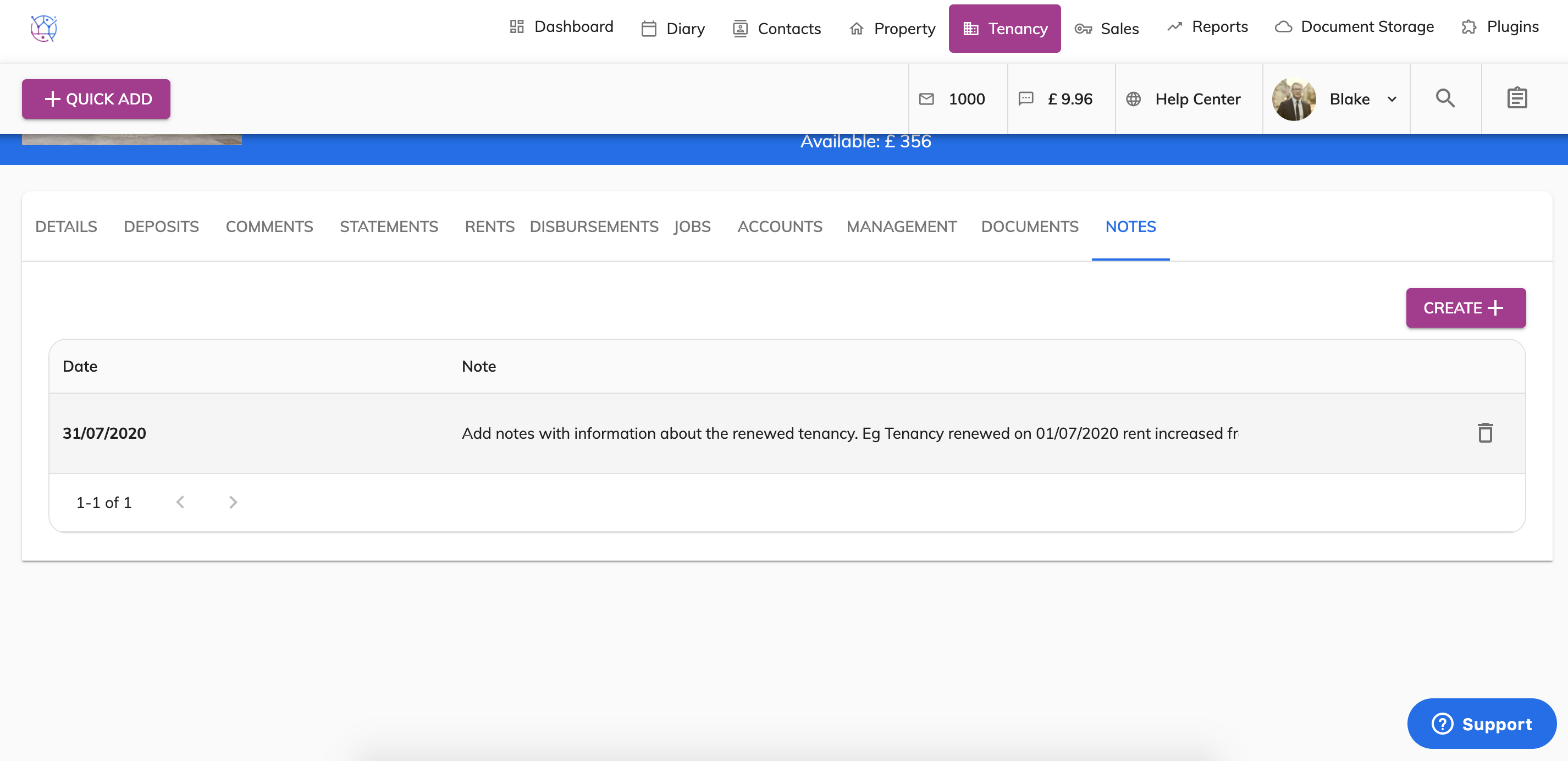
5) Add notes with information about the renewed tenancy. Eg Tenancy renewed on 01/07/2020 rent increased from £700 p/m to £760 p/m & management fee increased from 7% to 7.5%. Tenancy renewed until 30/06/2021.
6) Add a management task to remind you when the tenancy is due to expire.