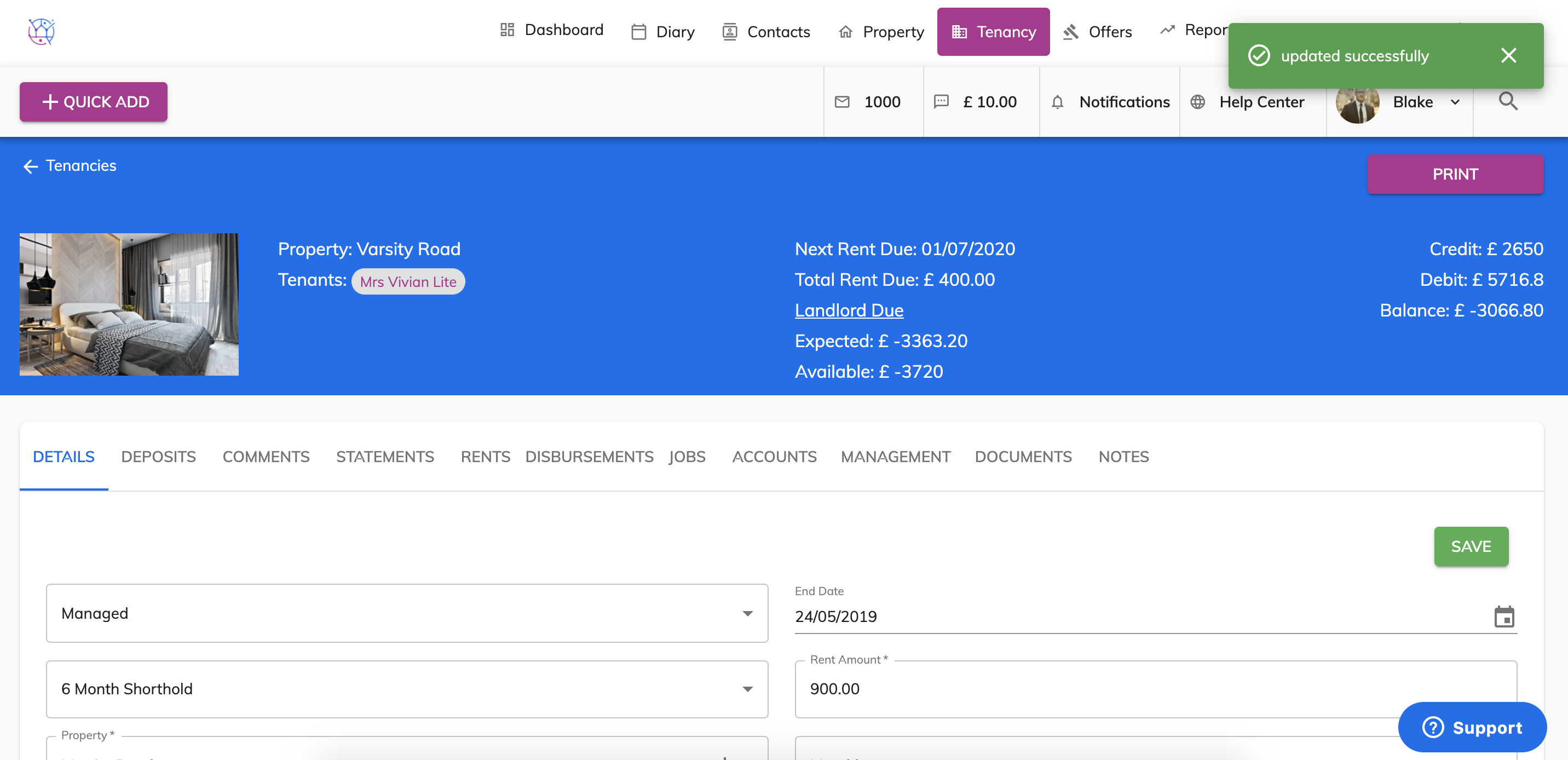
Once you have added a tenancy, you can make edits or amends to the tenancy at anytime by following the instructions below:
1) Click the Tenancy tab.
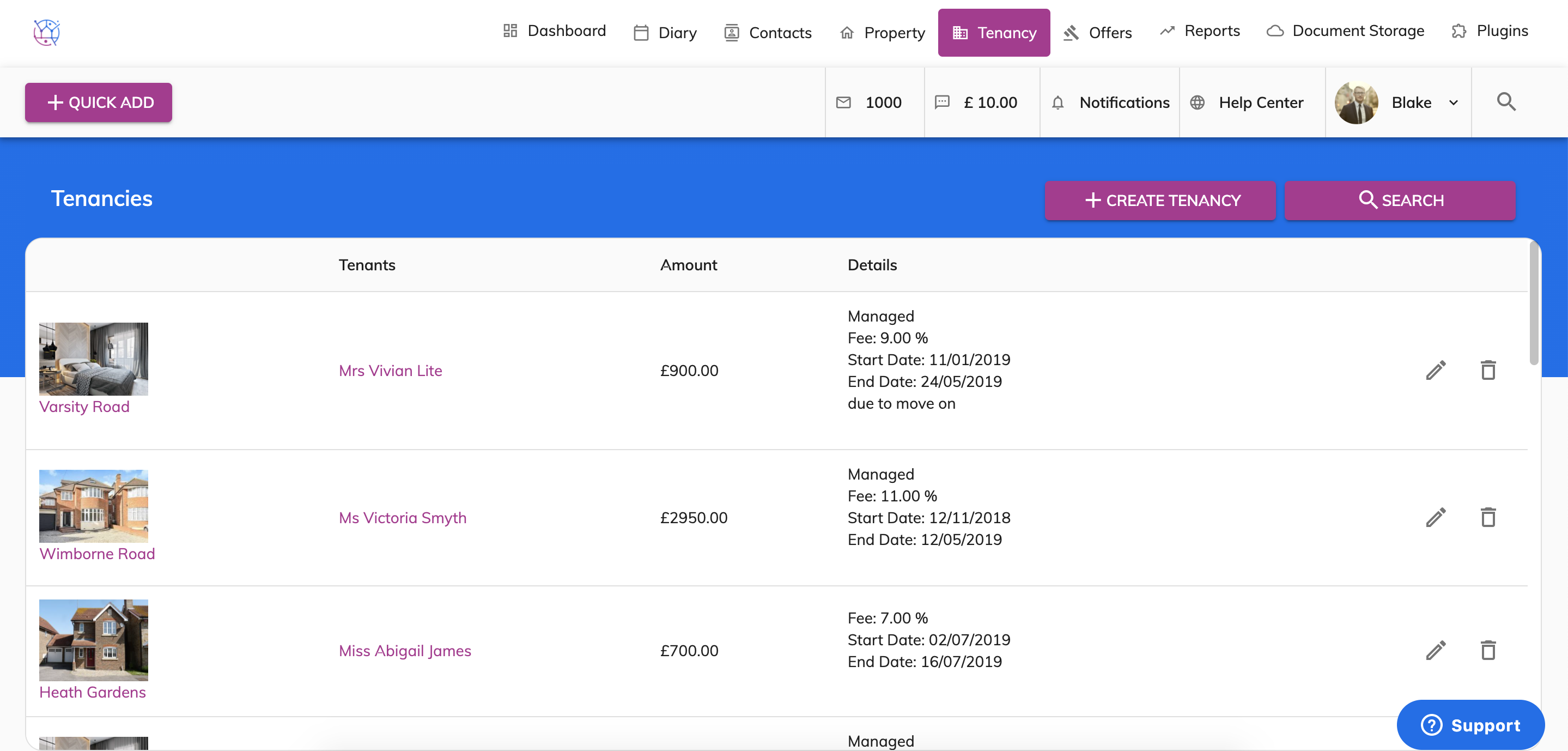
2) Using the tenancy search at the top of the page, enter key words, tenancy type or tenancy status. Press Search.
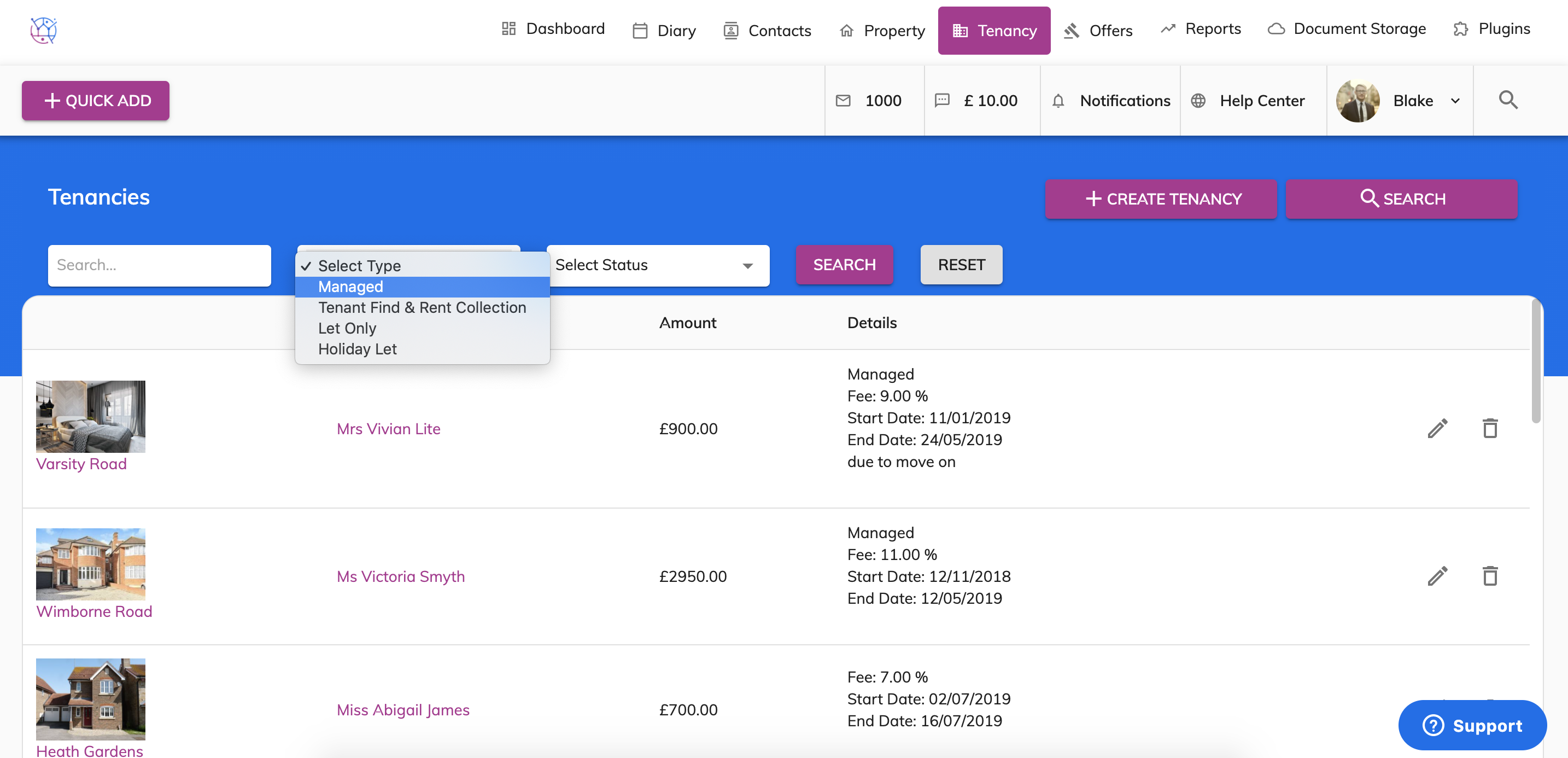
3) Click on the pencil icon on the right hand side of the tenancy to edit.
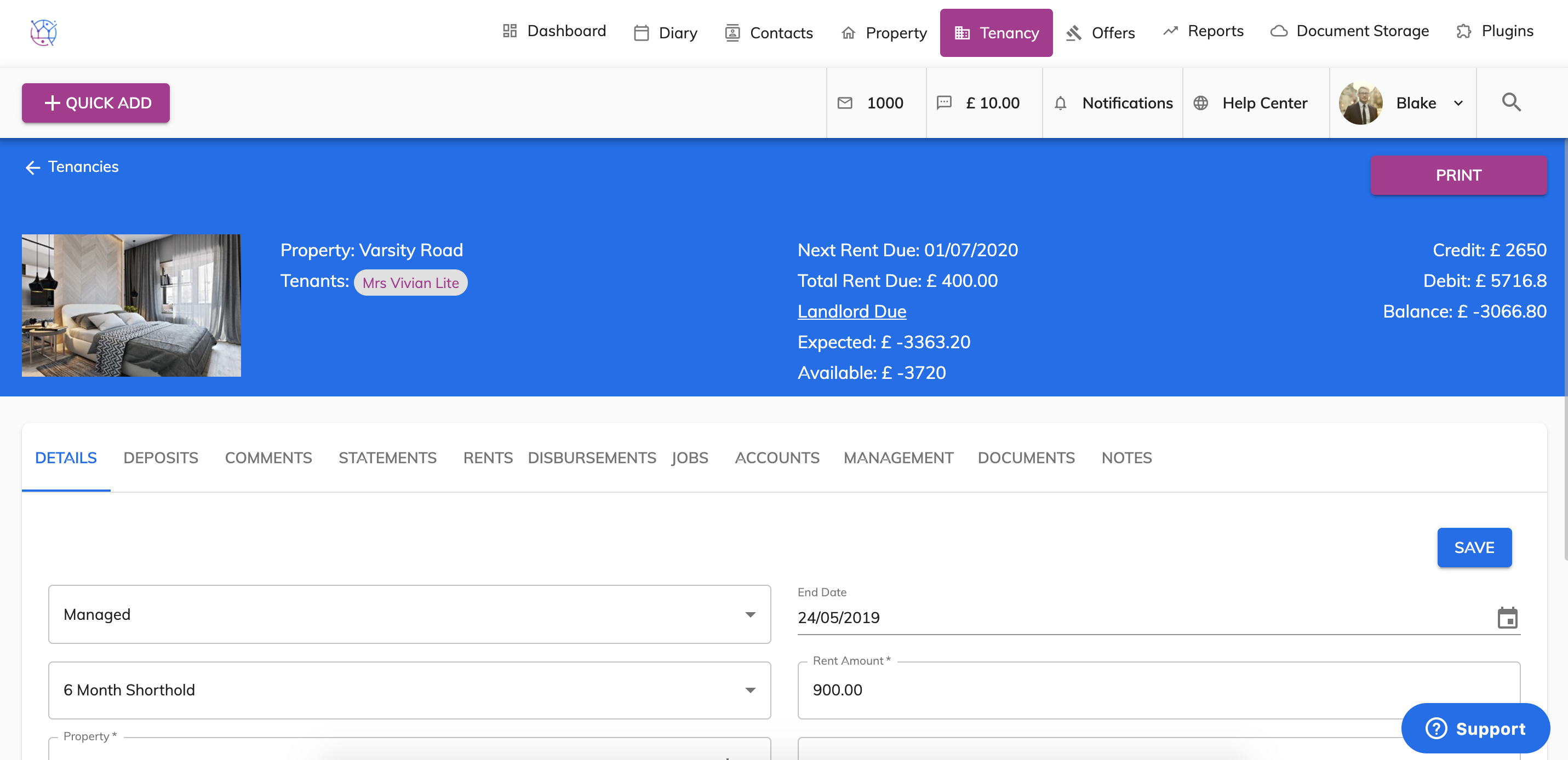
4) Make the necessary changes to the tenancy as required. Press save. You will have a green confirmation saved bubble appear, to confirm this updated save.