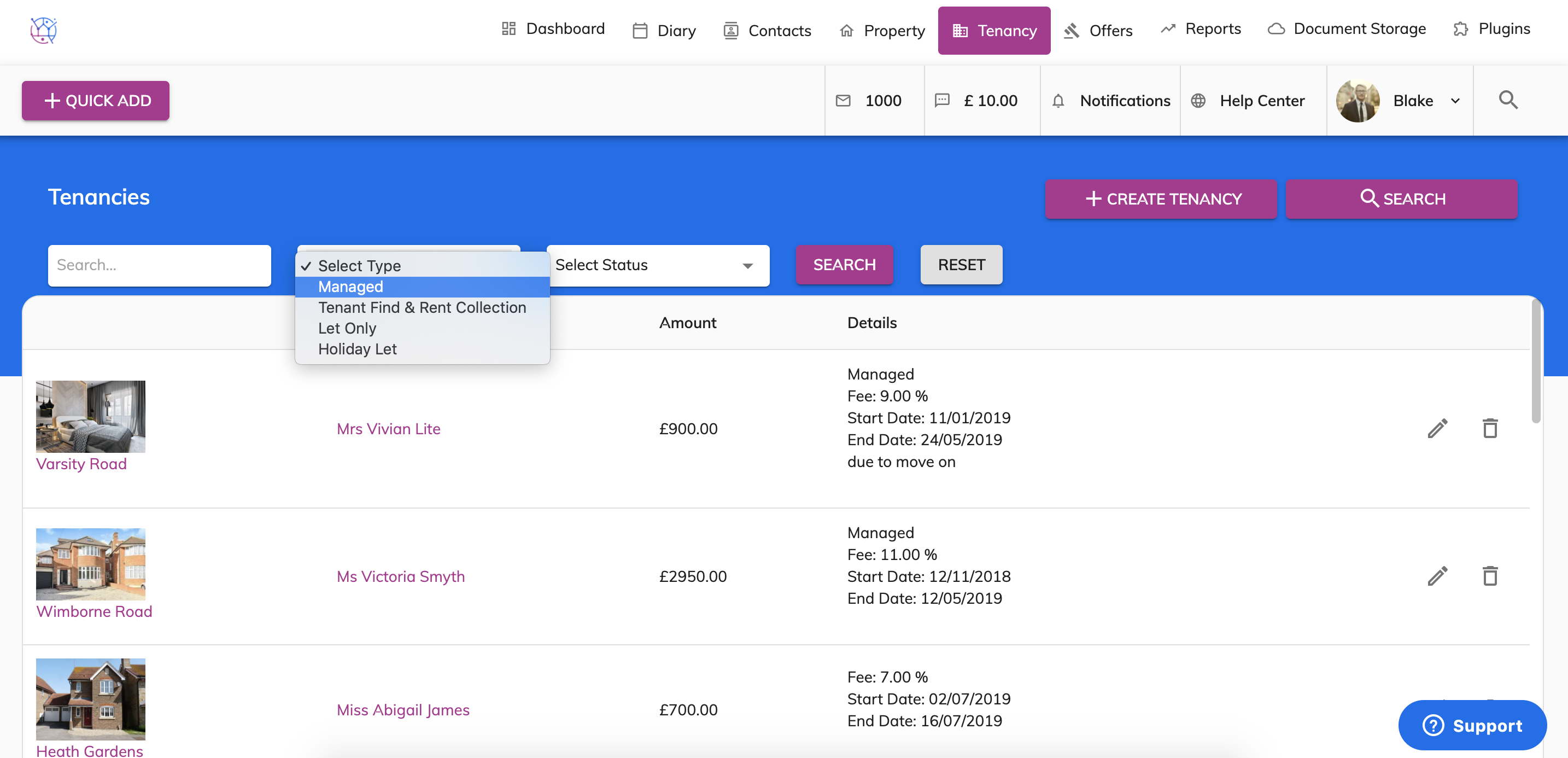
To search for a tenancy can be done two ways.
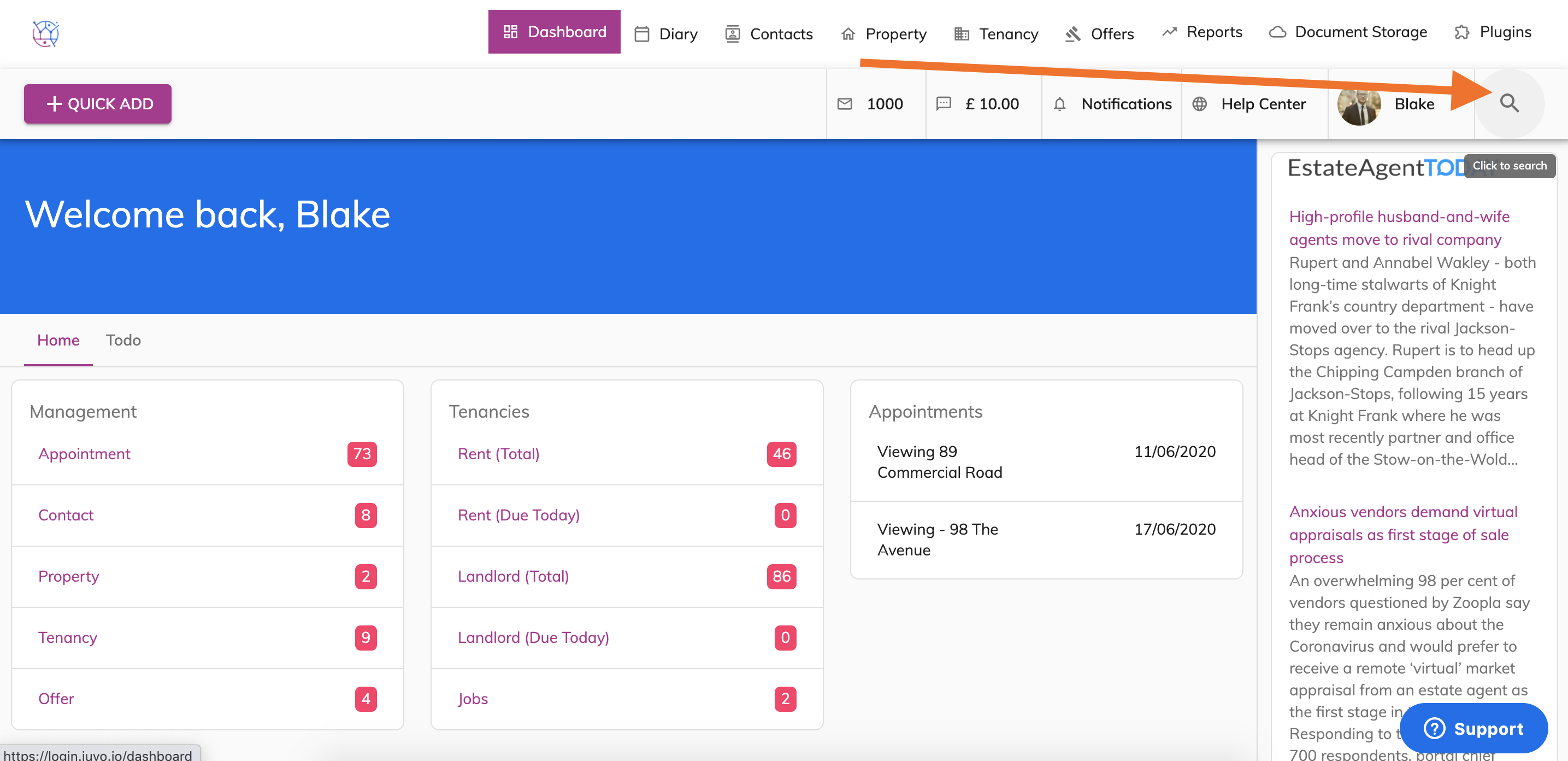
1) Global search – Click on the Magnifying icon on the right hand side of your user name.
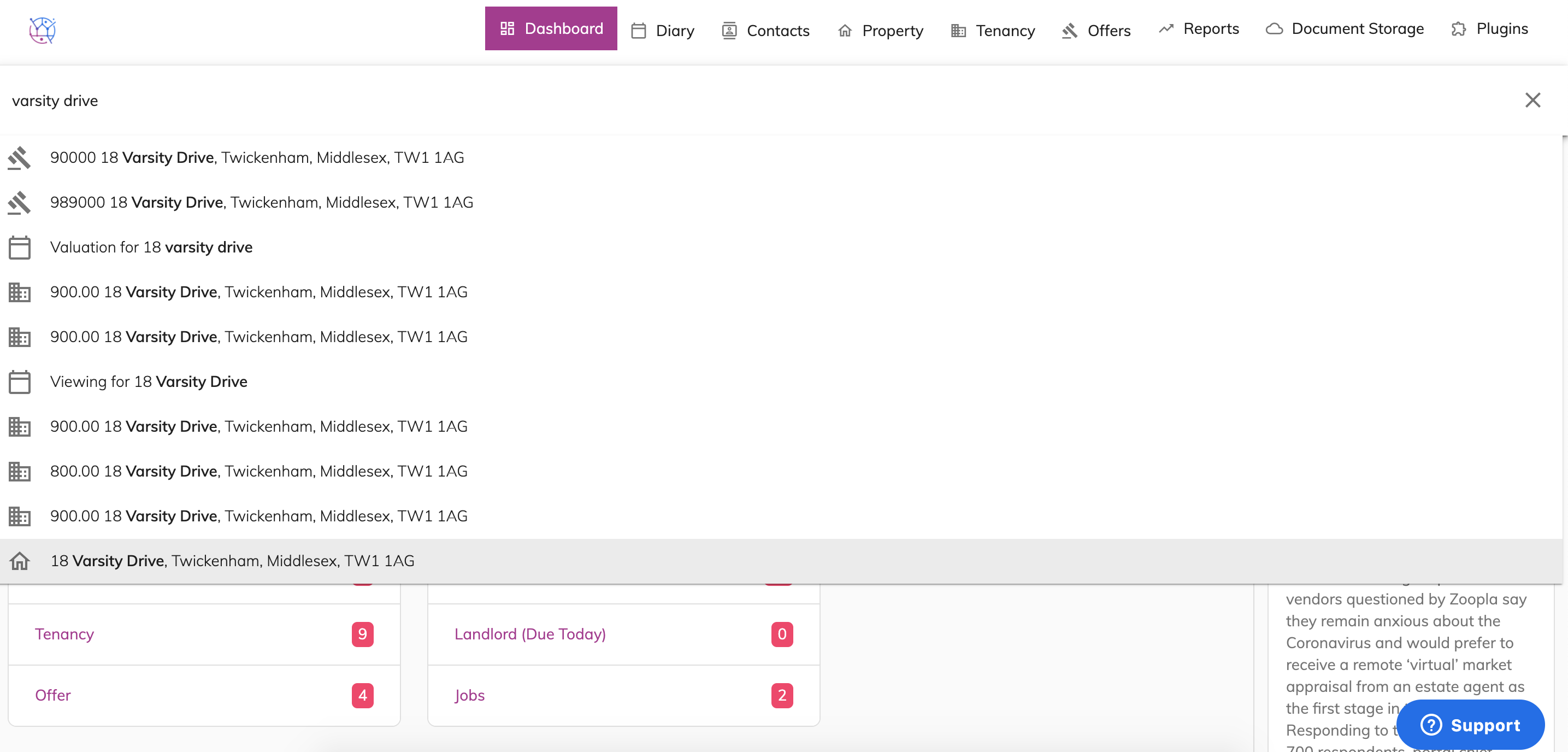
Type in the name of the tenancy. This will search all properties, offers, contacts and tenancies relating to this keyword. The icons in the list relate to the icons of the tabs running across the top of Juvo. Click the tenancy from the list displayed.
2) Search within the Tenancy section. Click Search Tenancy. Type in information or select search criteria as required. This will display a list of tenancies that meet the search criteria.