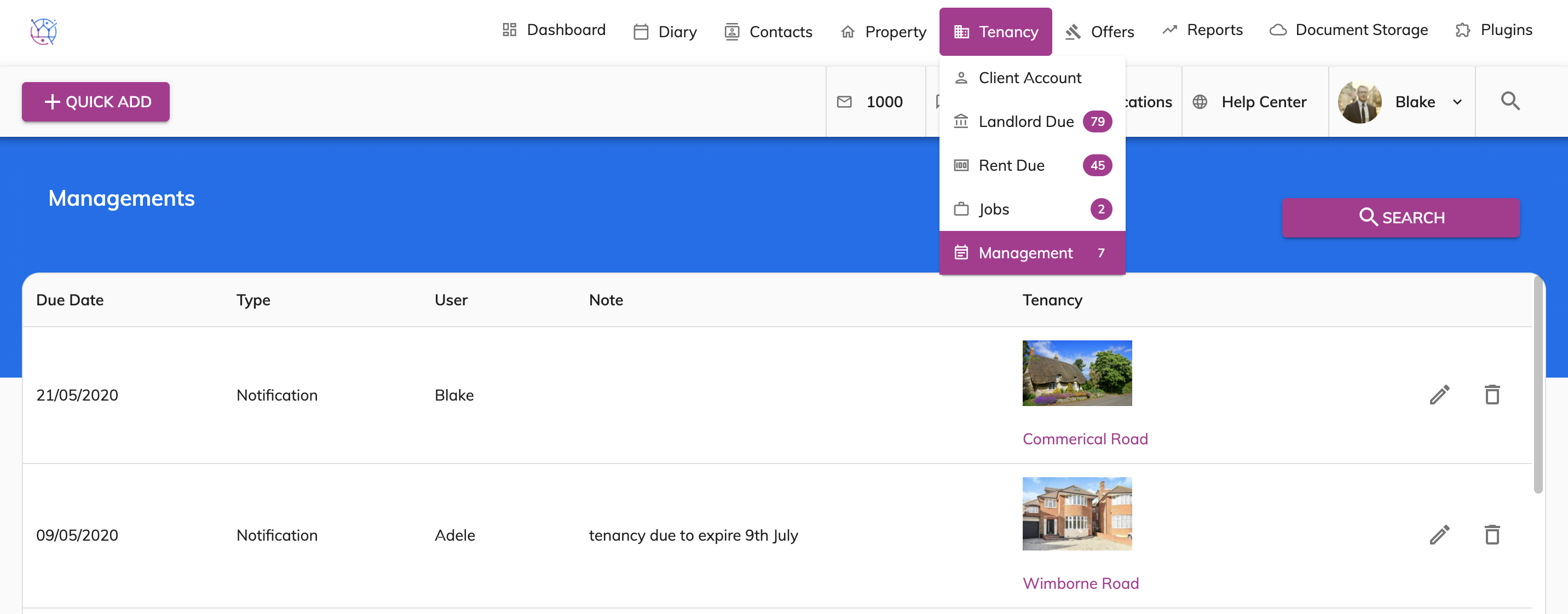
To add management reminders such as Inspections or Tenancy renewal or chase ups, please follow instructions below.
1) Click the Tenancy tab.
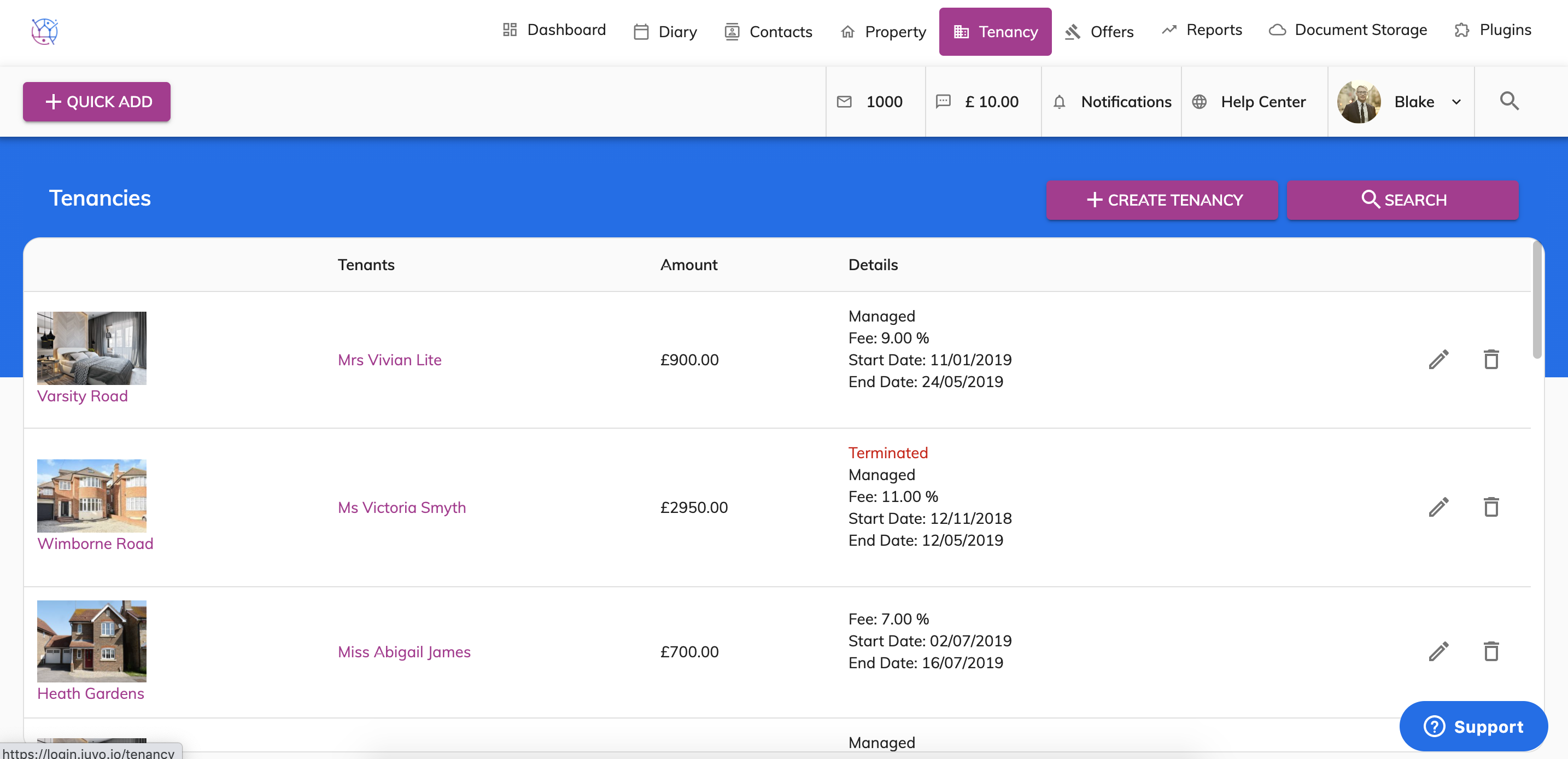
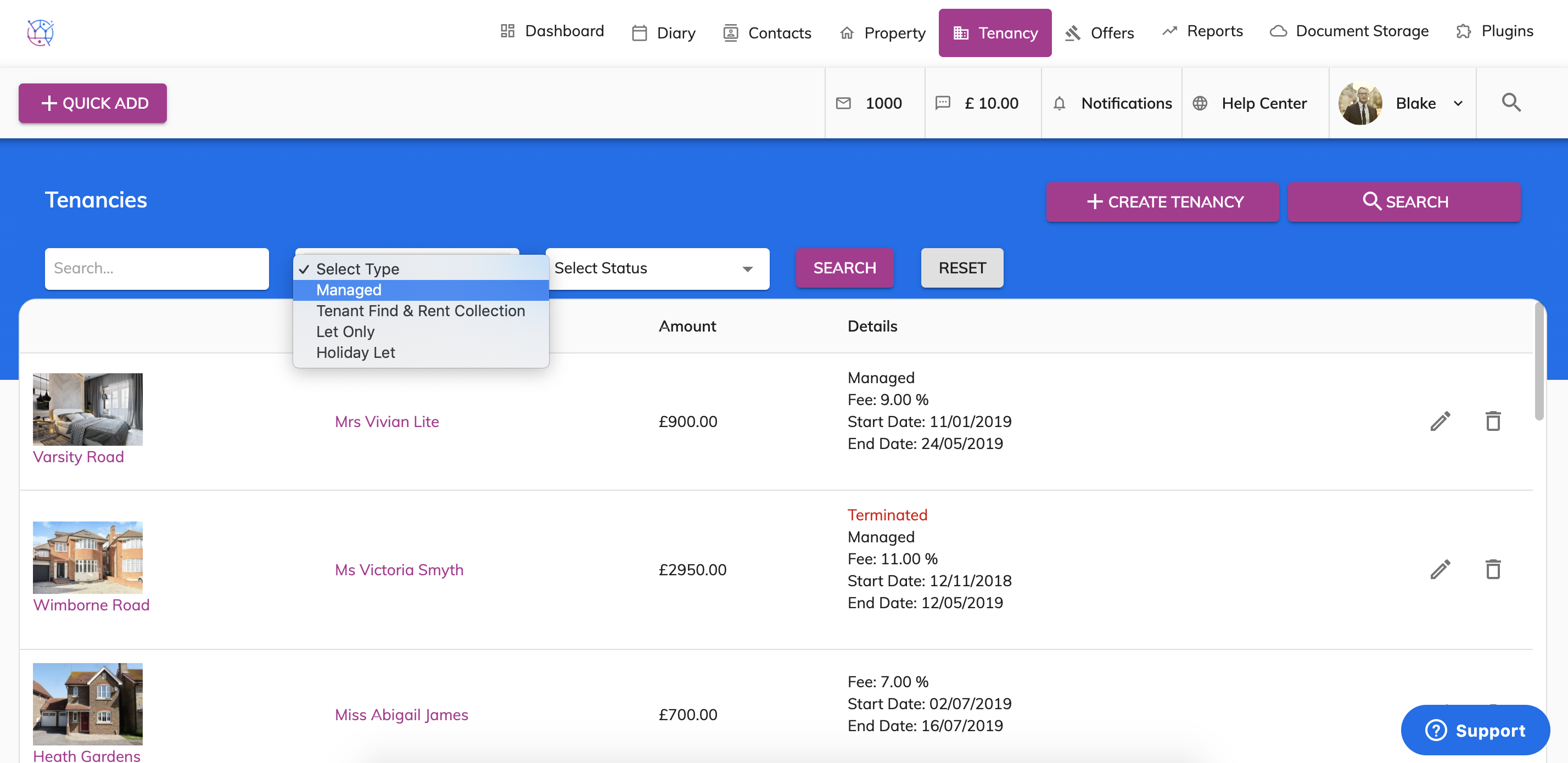
2) Using the tenancy search at the top of the page, enter key words, tenancy type or tenancy status. Press Search.
3) Click on the pencil icon to edit the tenancy.
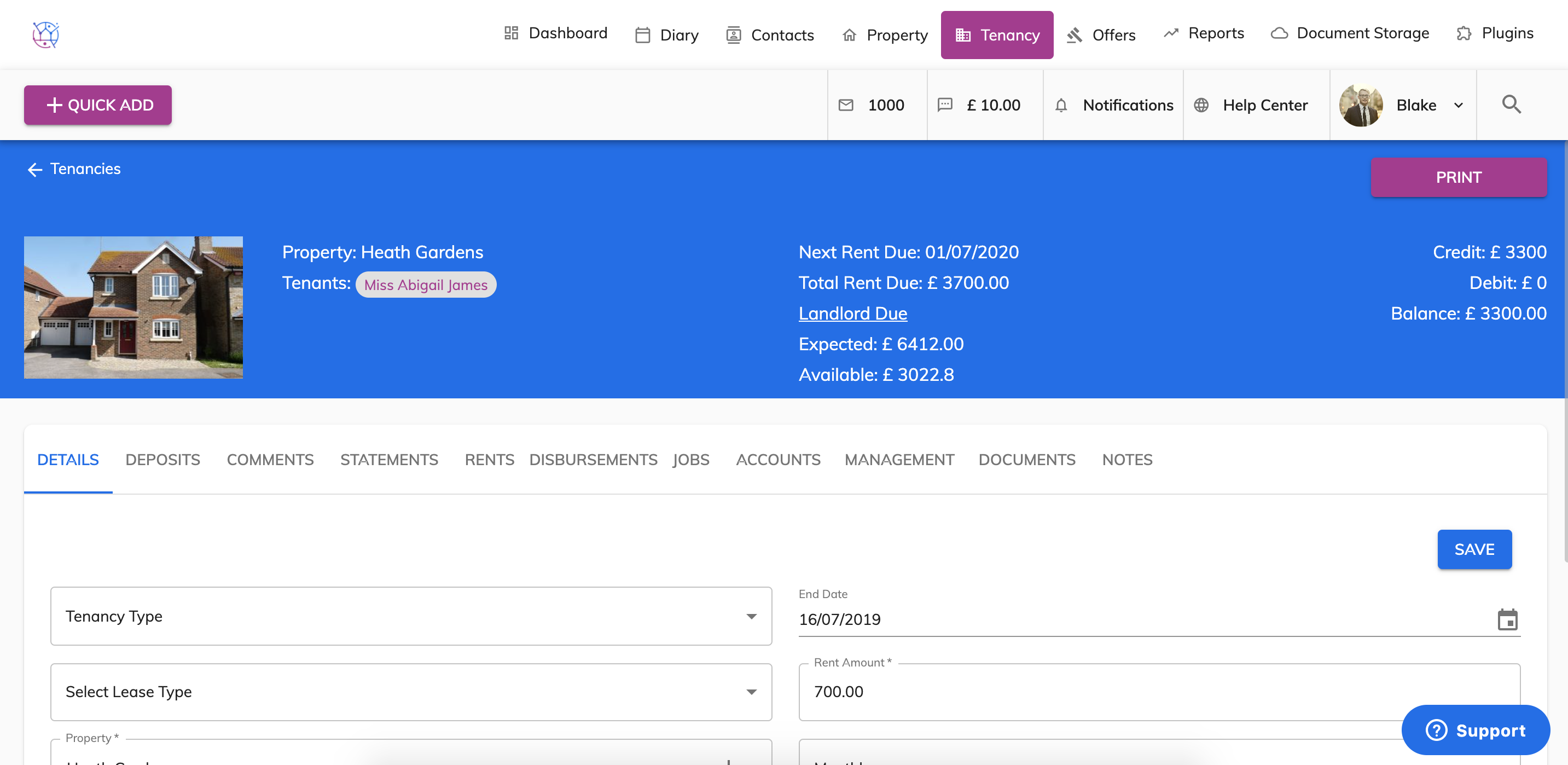
4) Select the Management tab from the menu.
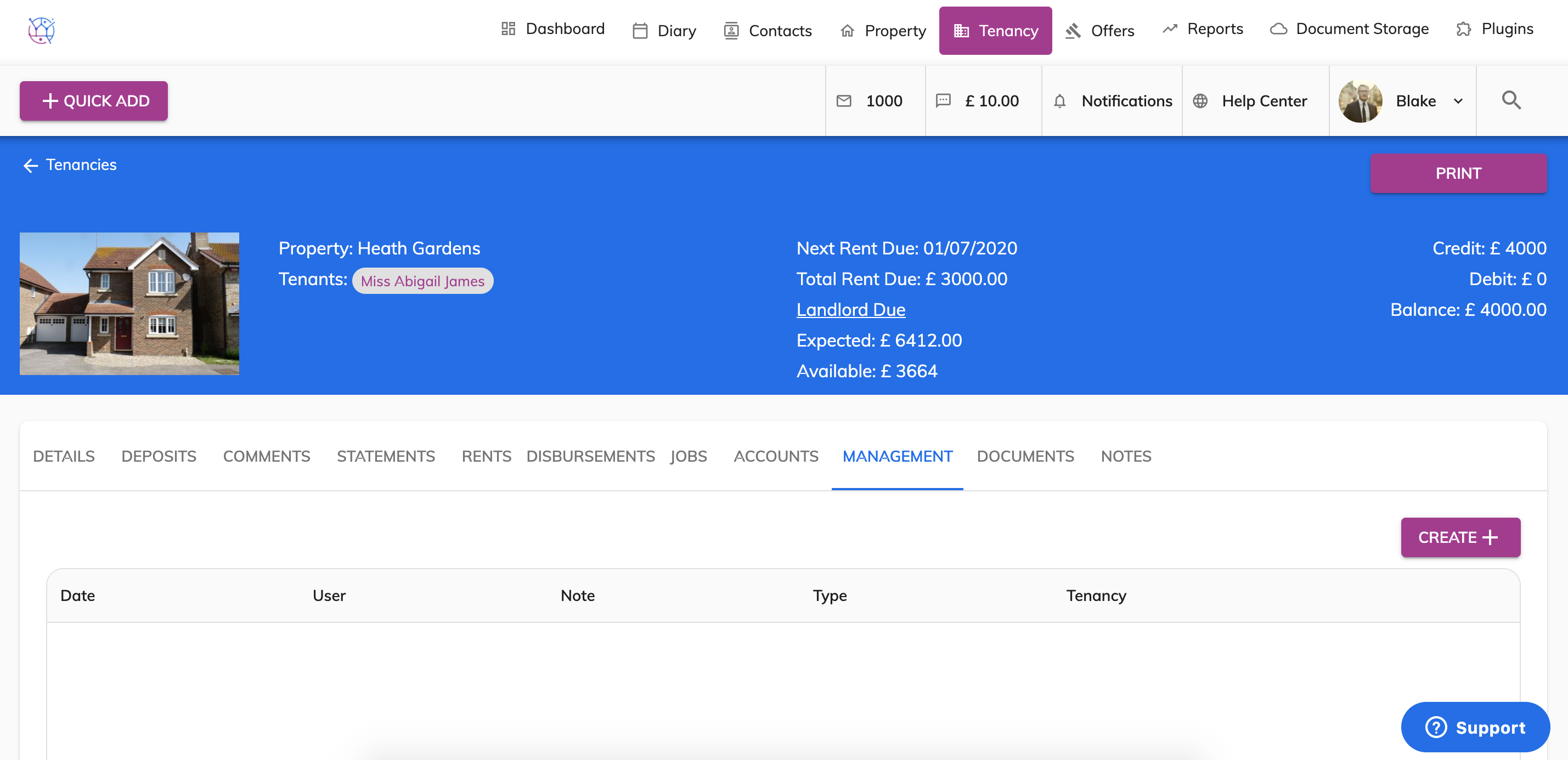
5) Press the Create button.
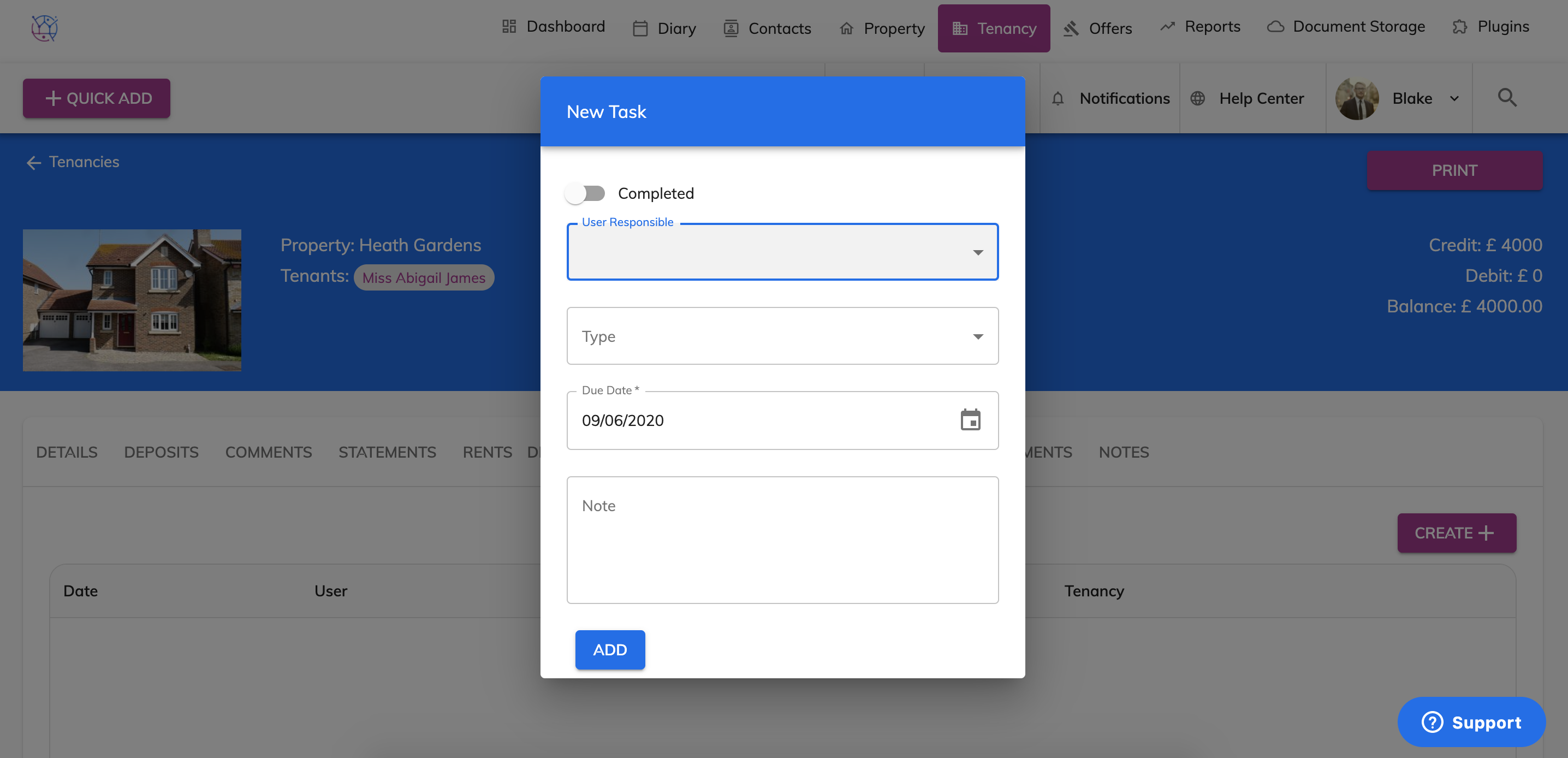
6) Select the user responsible and the reminder type.
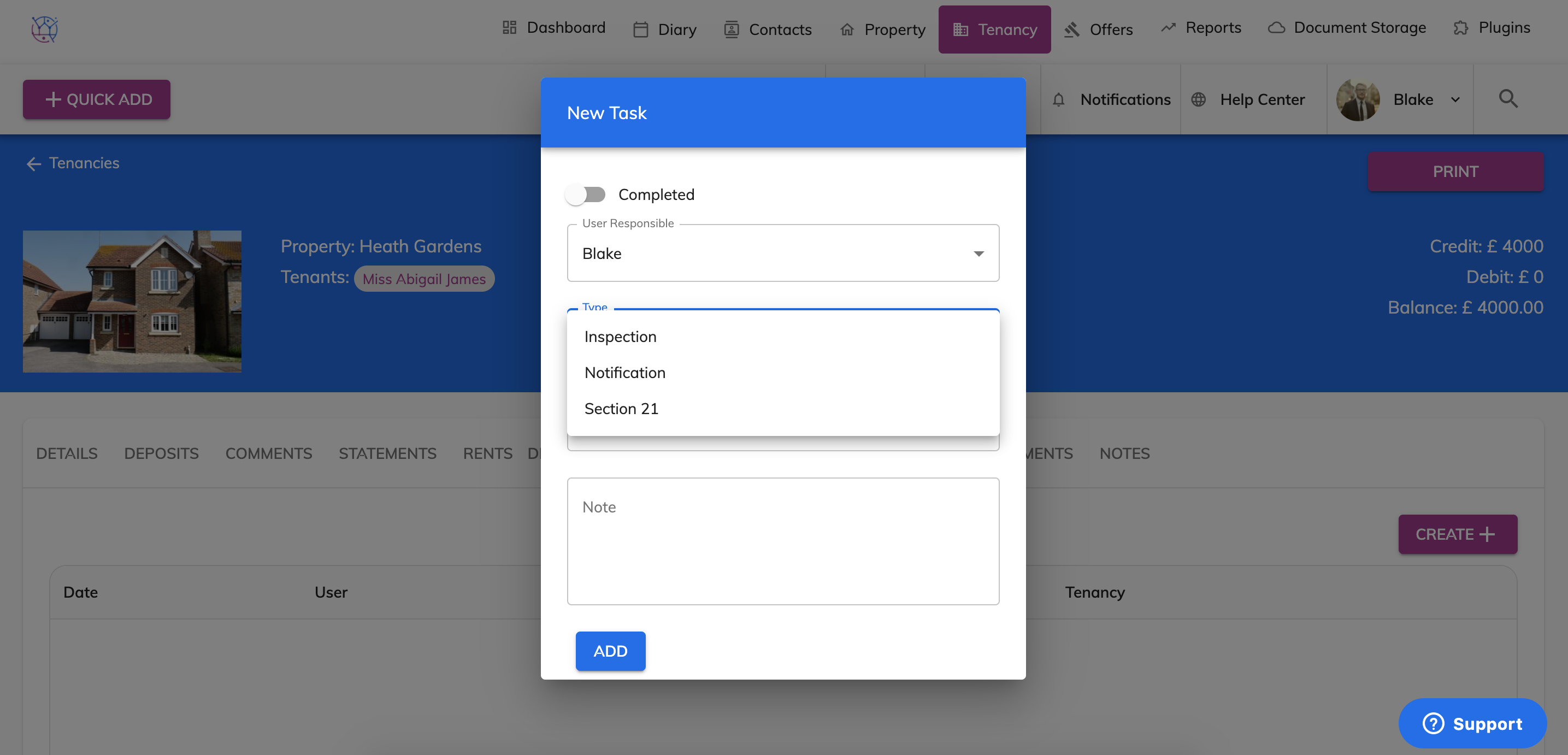
7) Select the due date of the management task. This is the date you will receive the reminder. For example if an inspection is due on the 14th July, you may need 2 weeks notice to put this into action. Therefore the due date will be the 1st July.
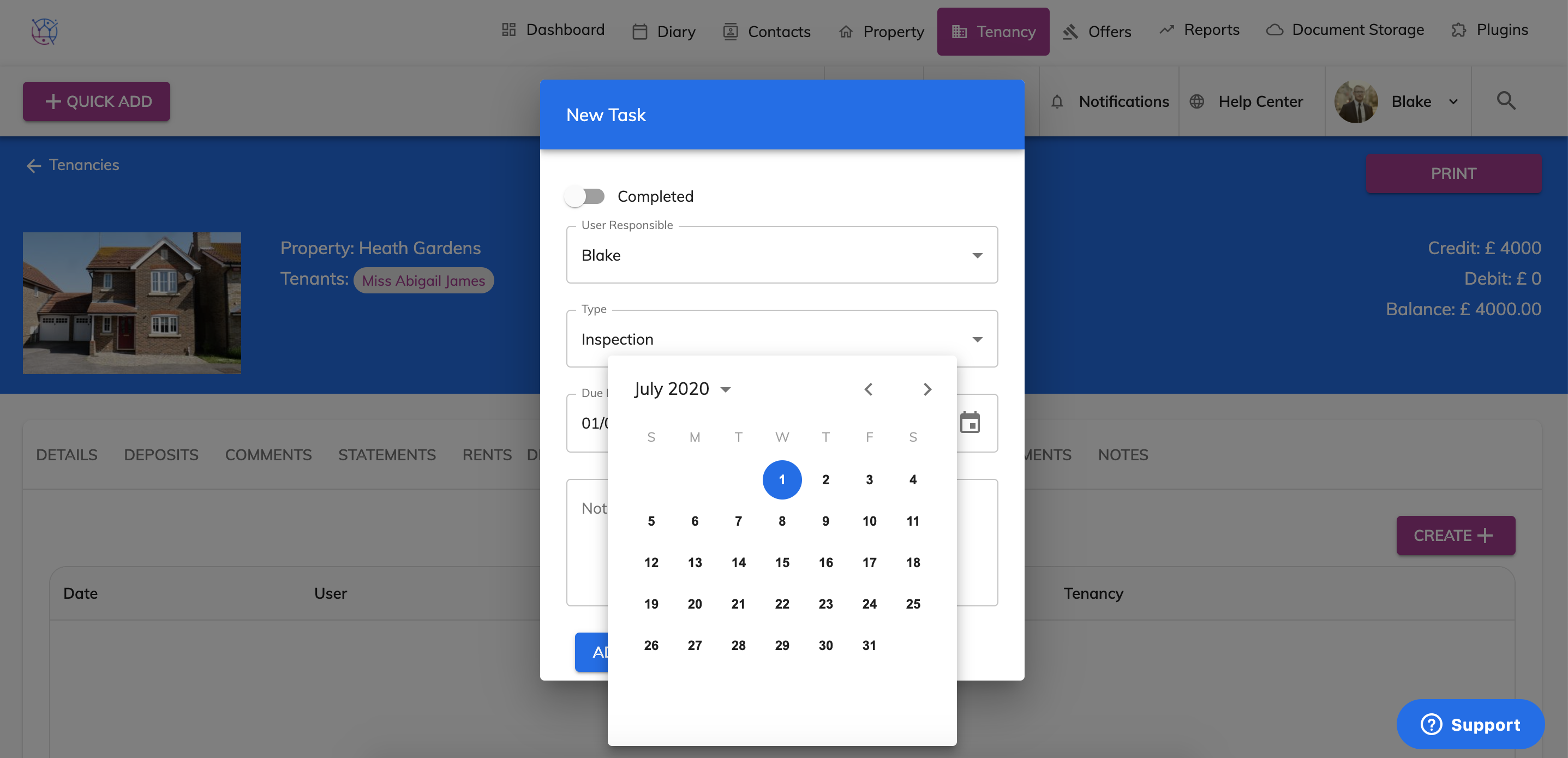
8) Add any additional notes to the management task. For example '3 monthly inspection'.
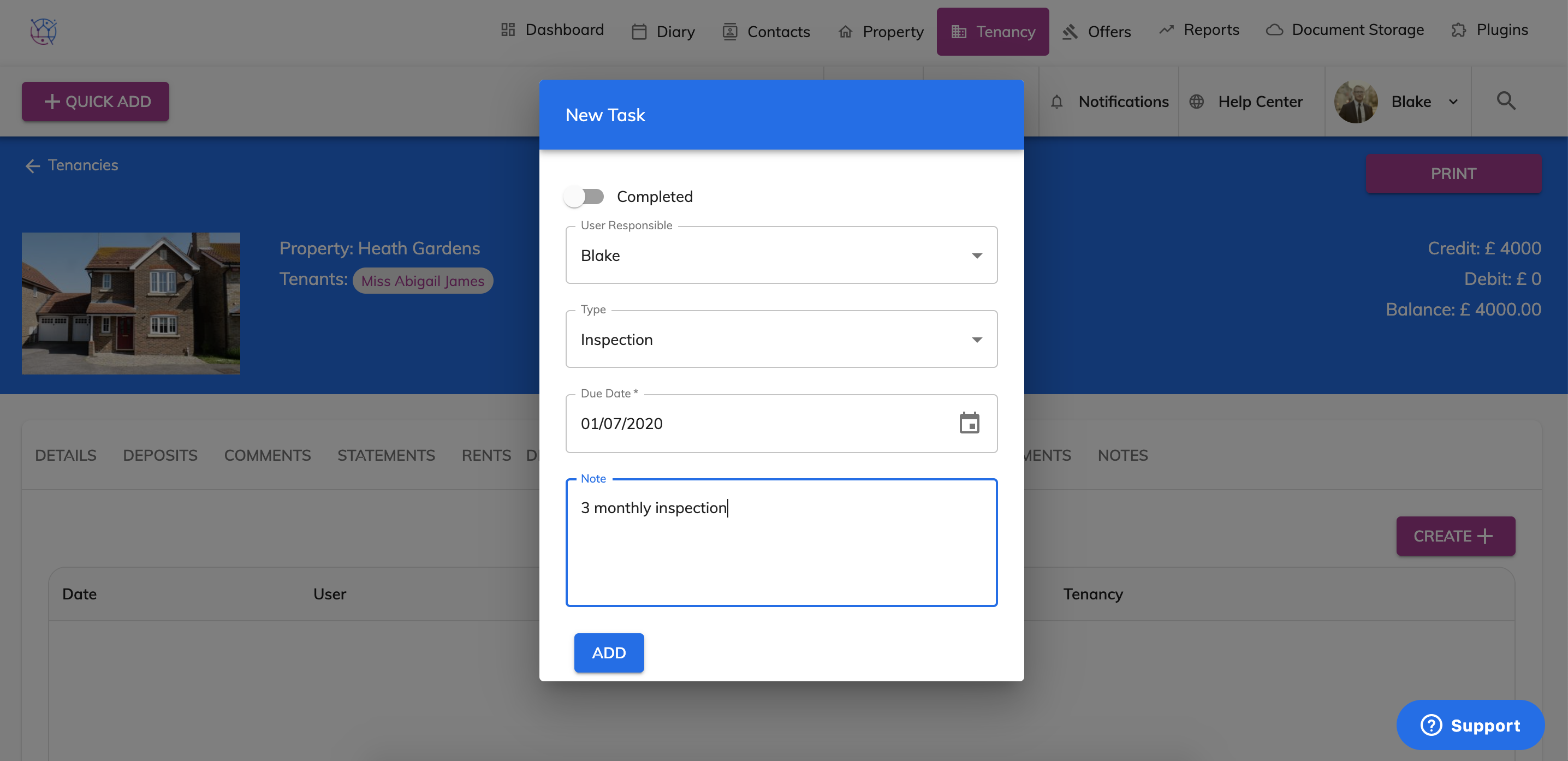
9) Press the Add button. The management task will now appear below.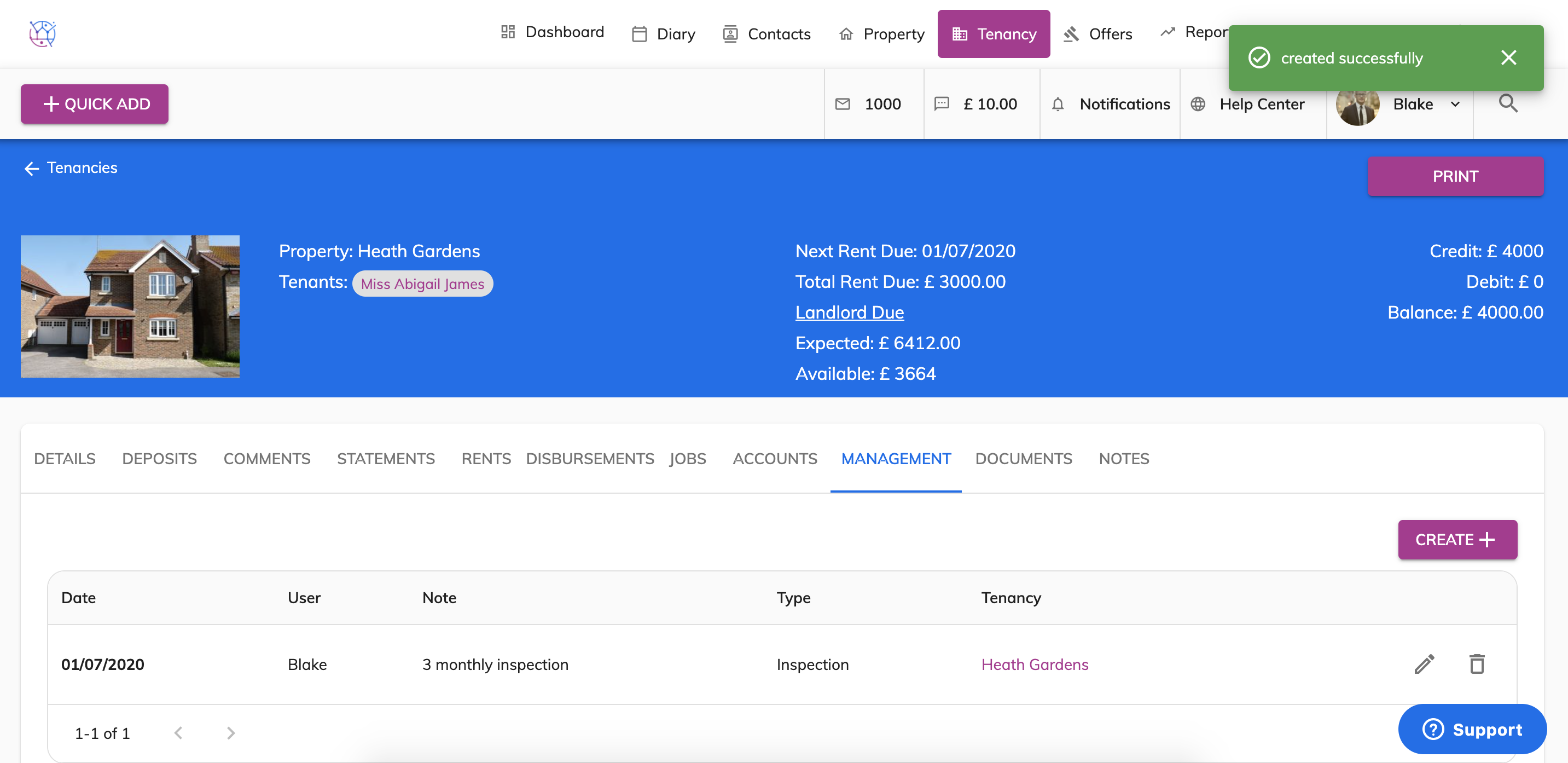
10) This management task will show on the dashboard and on the Tenancy section when it is due.