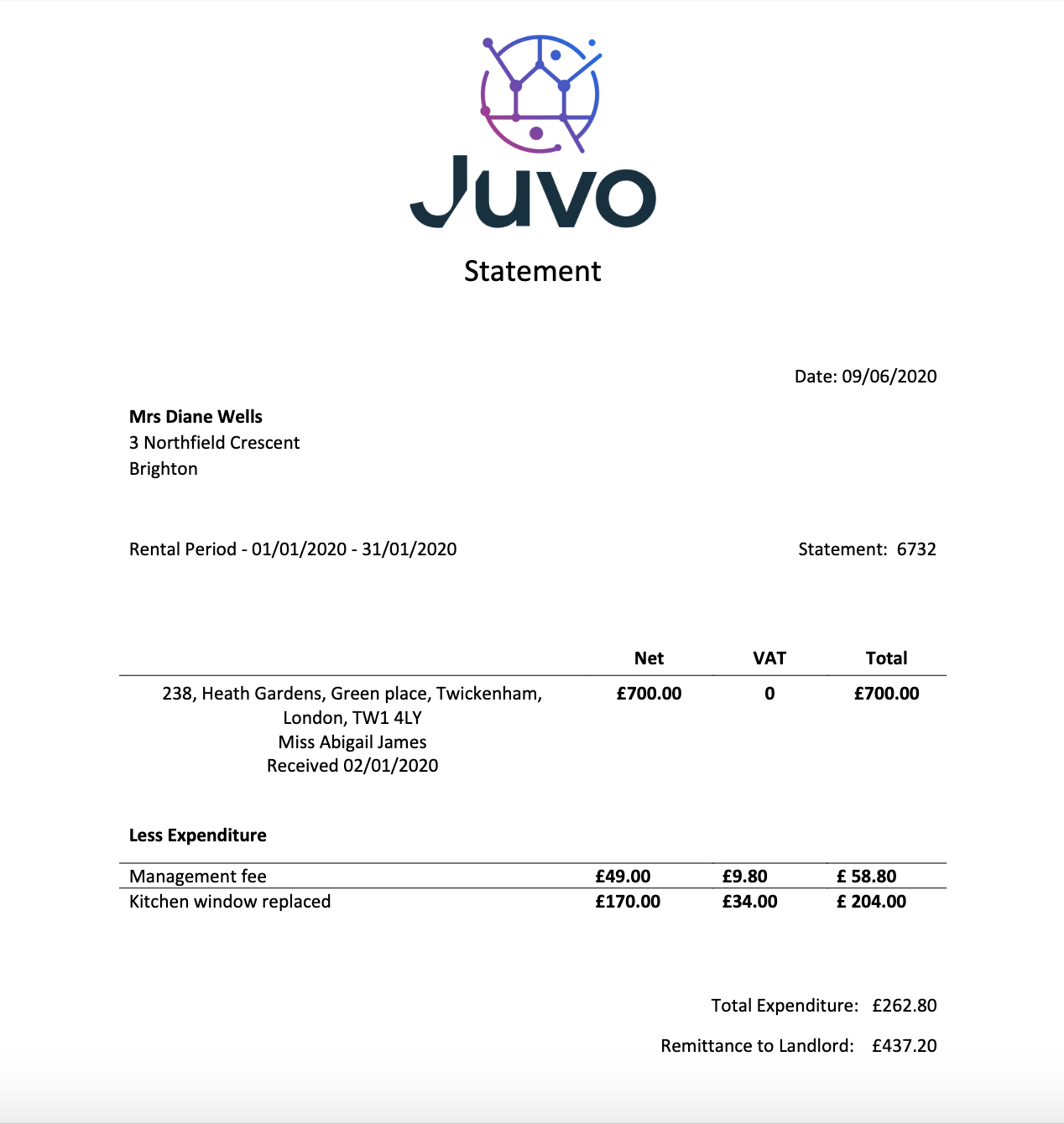
To add disbursements or charges to the landlord for invoices or tenant finder fees, please follow the instructions below:
1) Click the Tenancy tab.
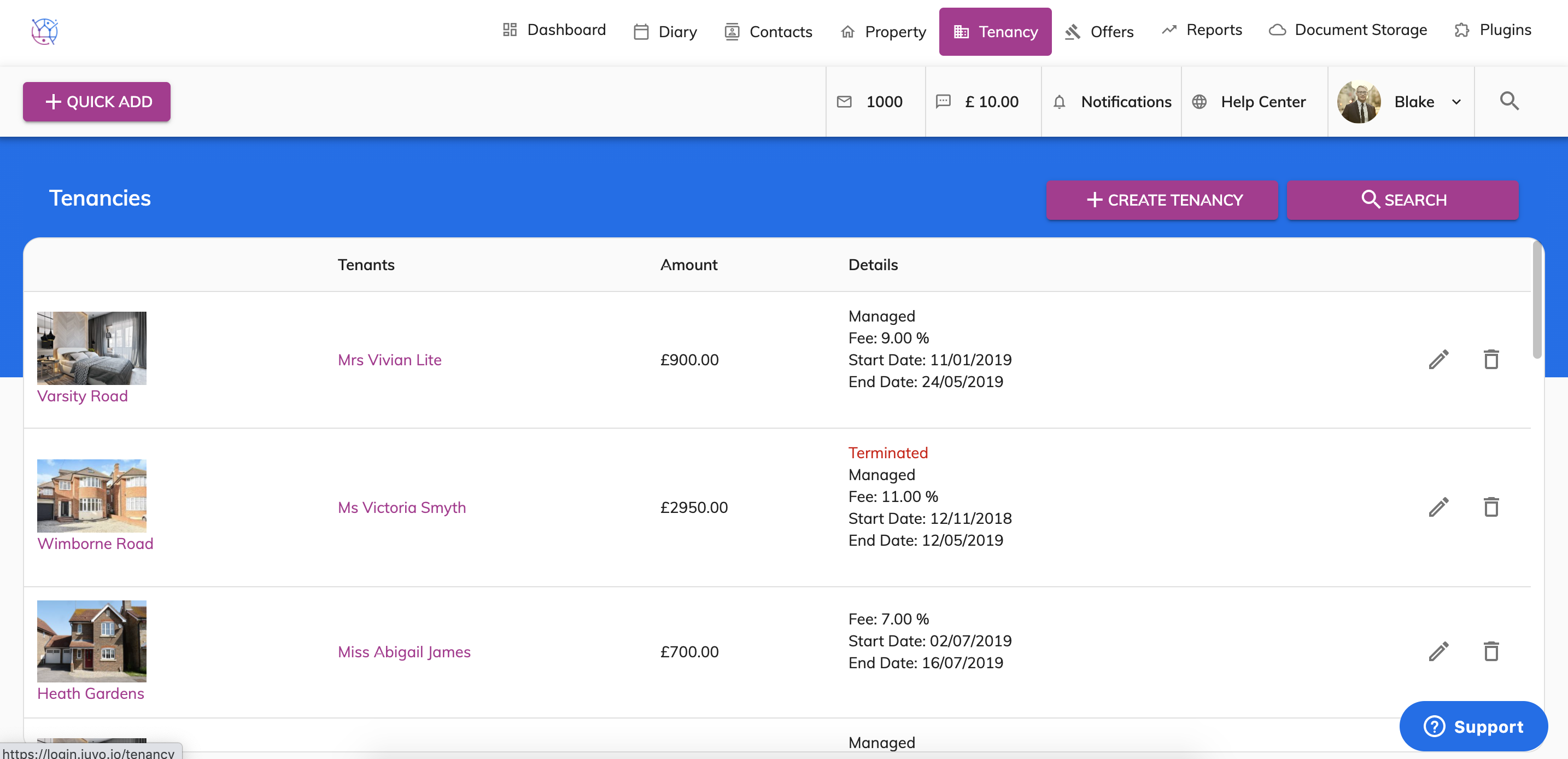
2) Using the tenancy search at the top of the page, enter key words, tenancy type or tenancy status. Press Search.
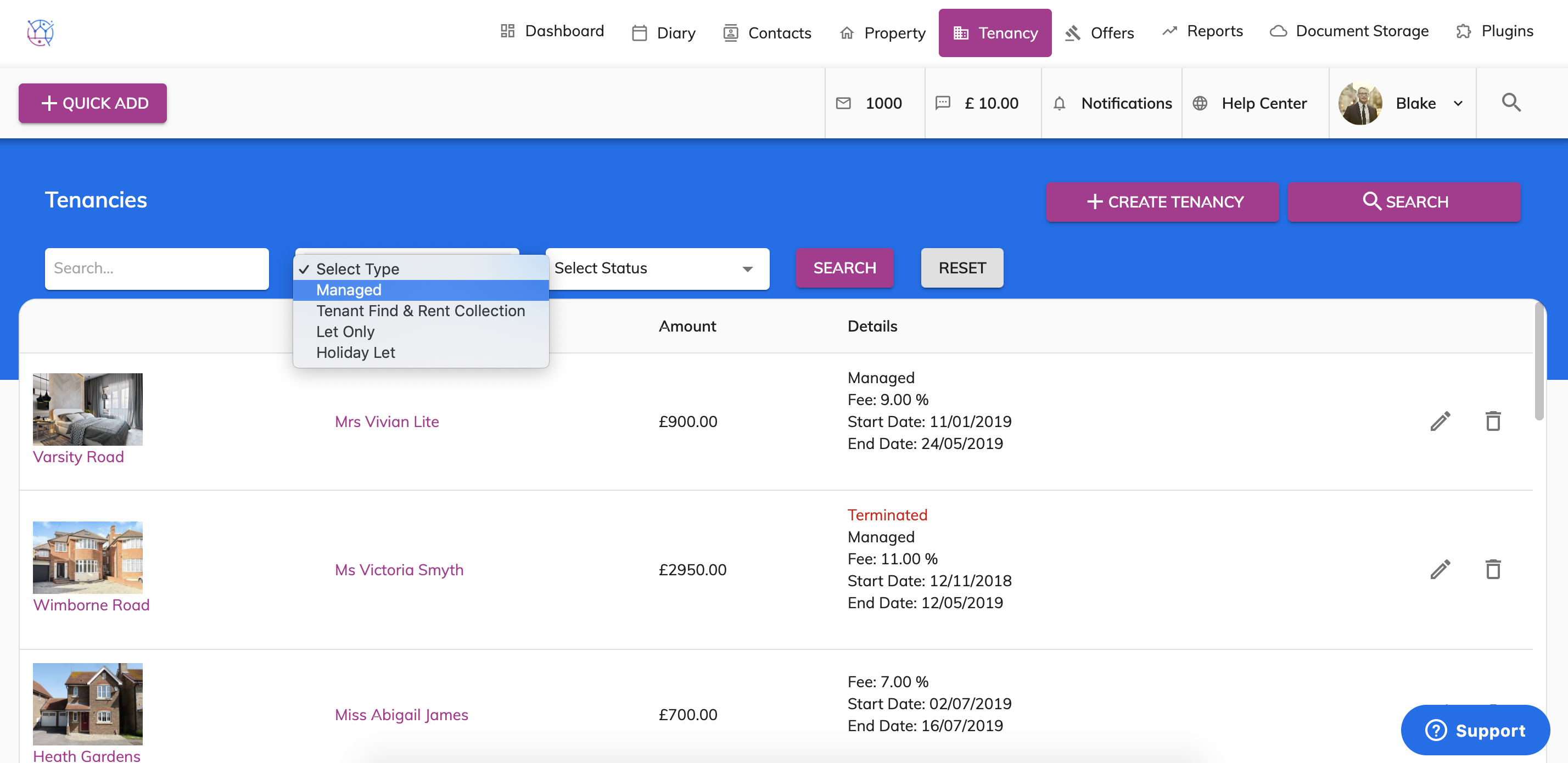
3) Click on the pencil icon on the right hand side to edit the tenancy.
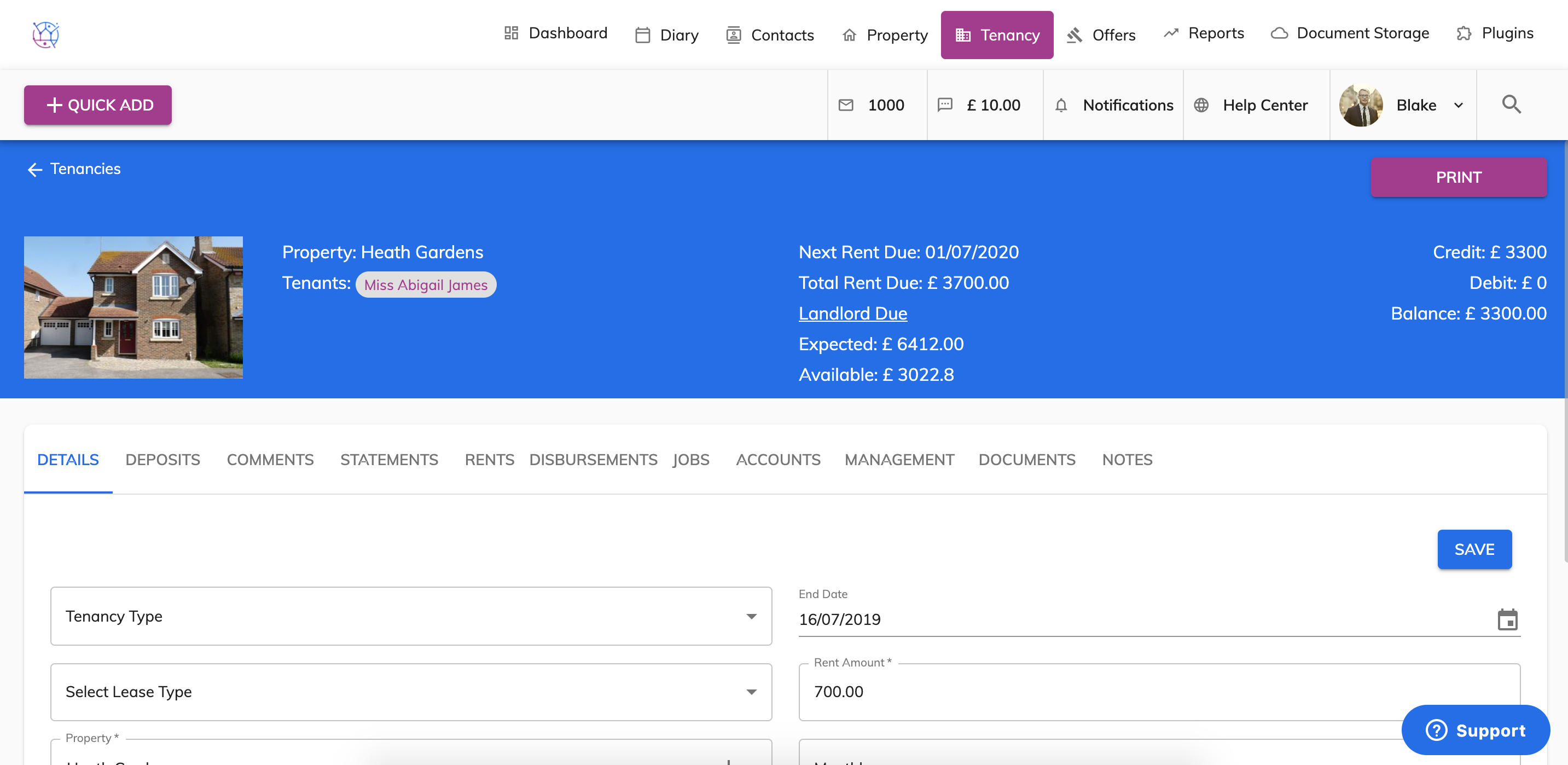
4) Select the Disbursement tab on the menu.
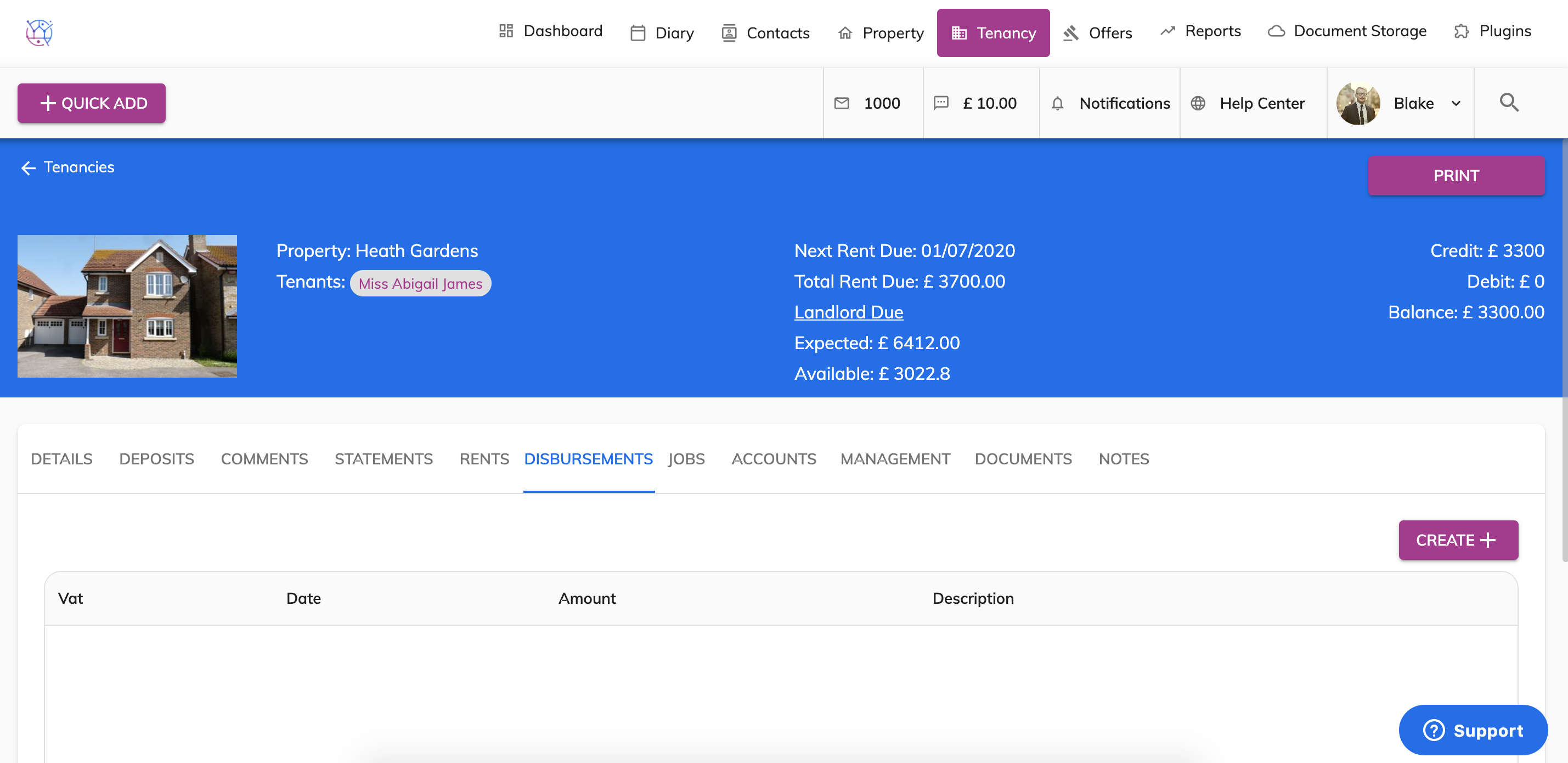
5) Click on the Create button.
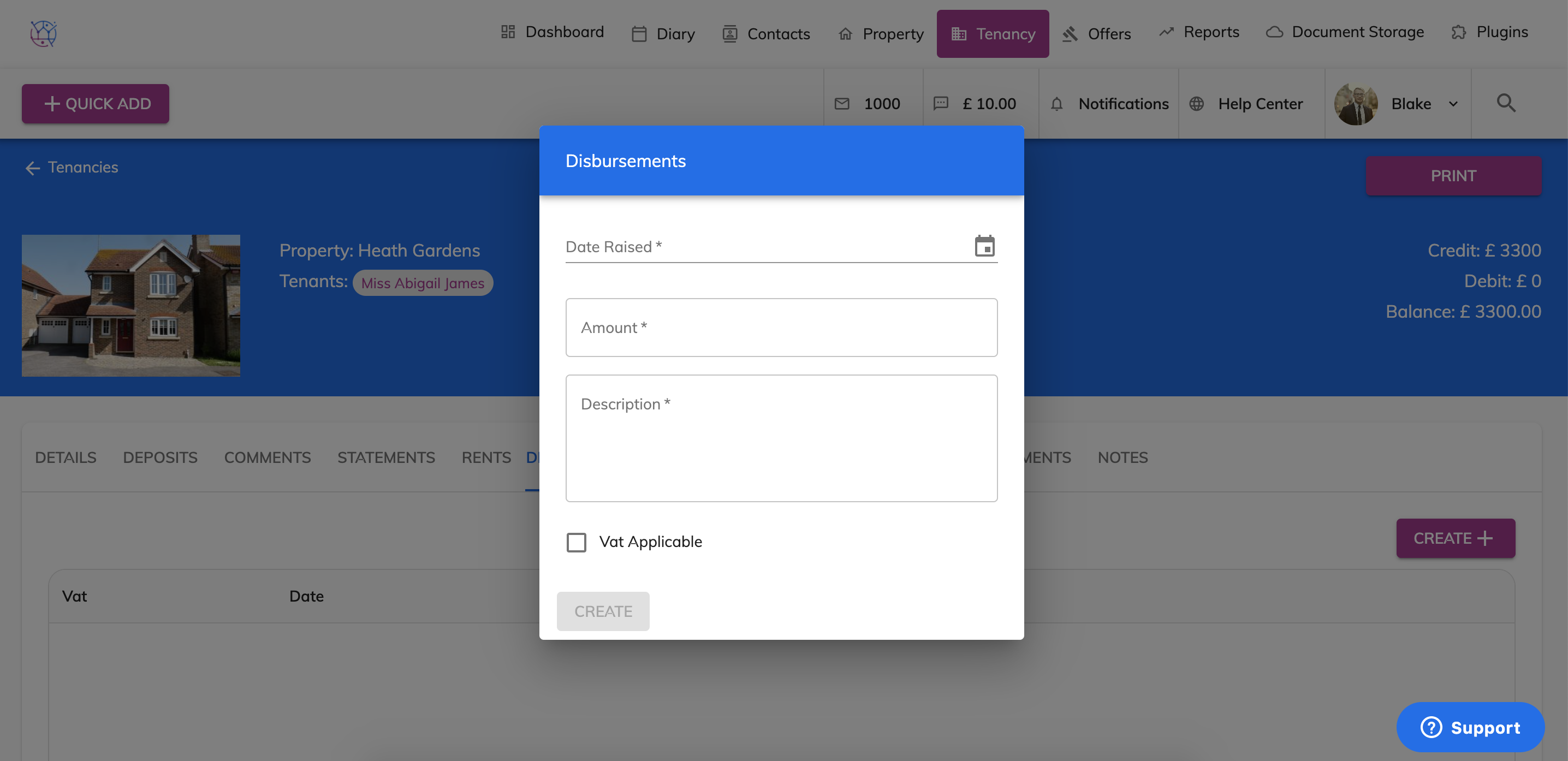
6) Enter the date of the disbursement.
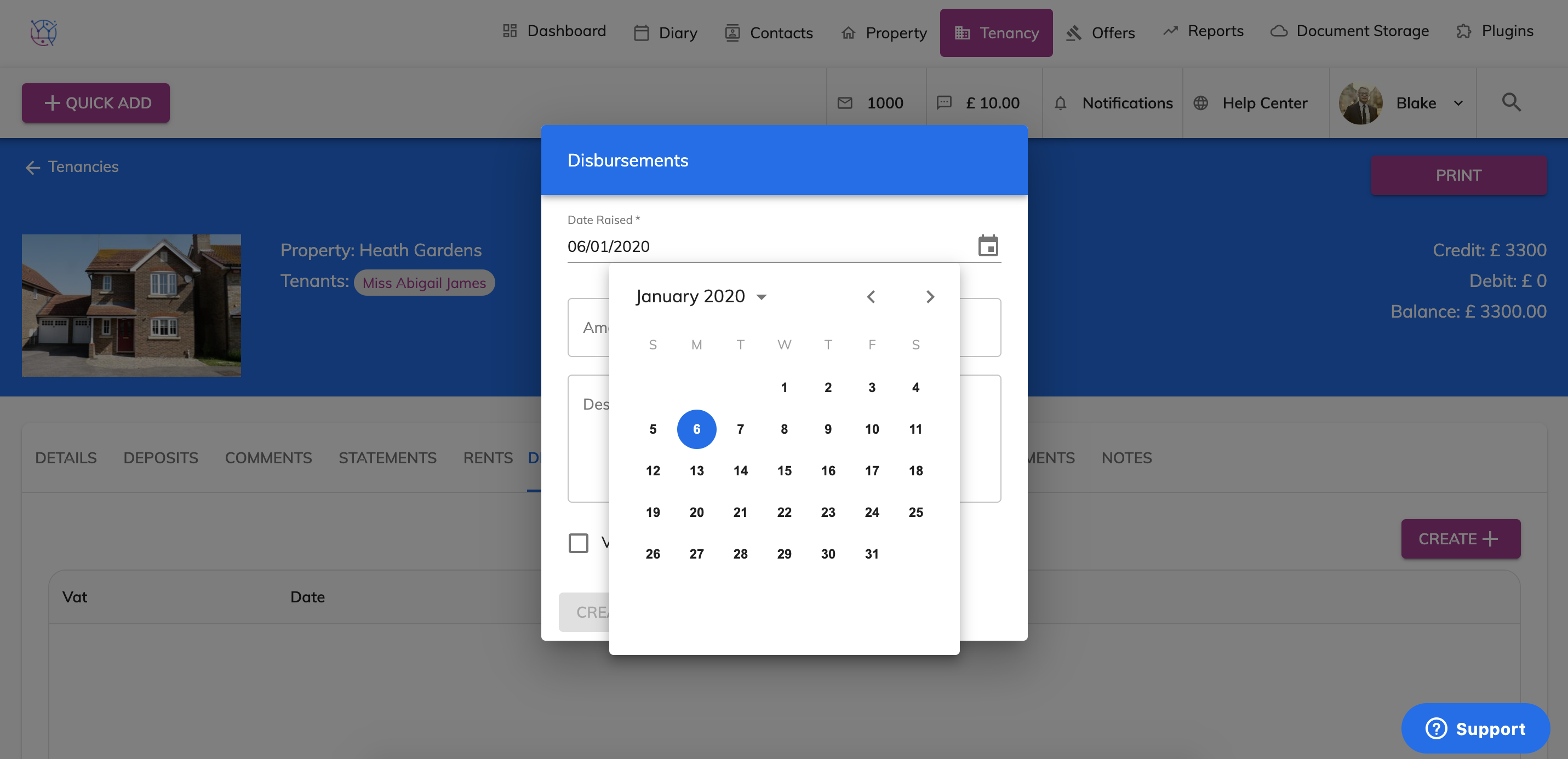
7) Next enter the total amount of the disbursement excluding vat. For example if the invoice from the contractor was £150 and you as a letting agency take £20 commission. Put the amount as £170.
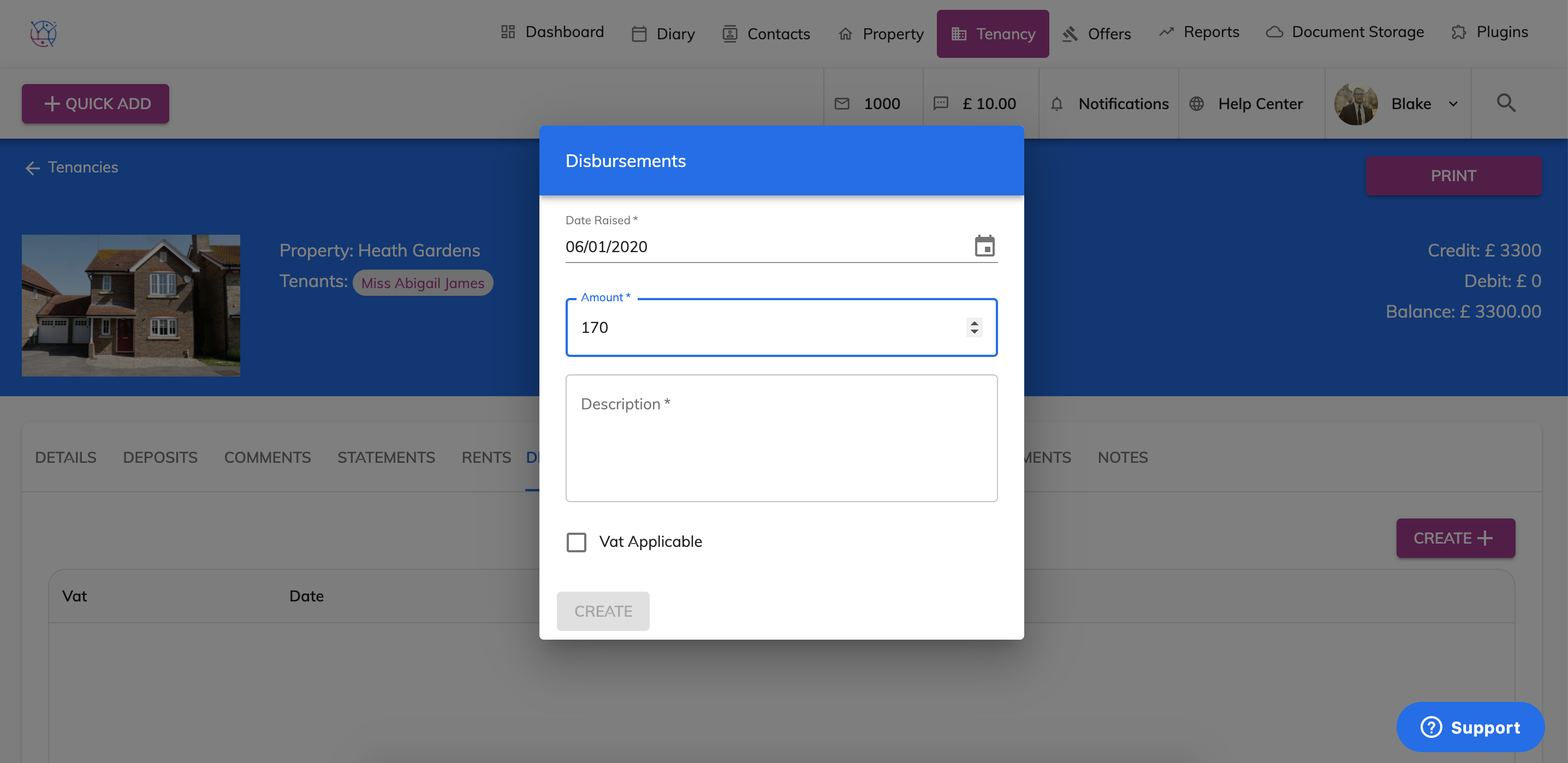
8) Enter the description of the Disbursement. This will show against the tenancy for your records and will also show on the landlord statement, to show the landlord what the disbursement is.
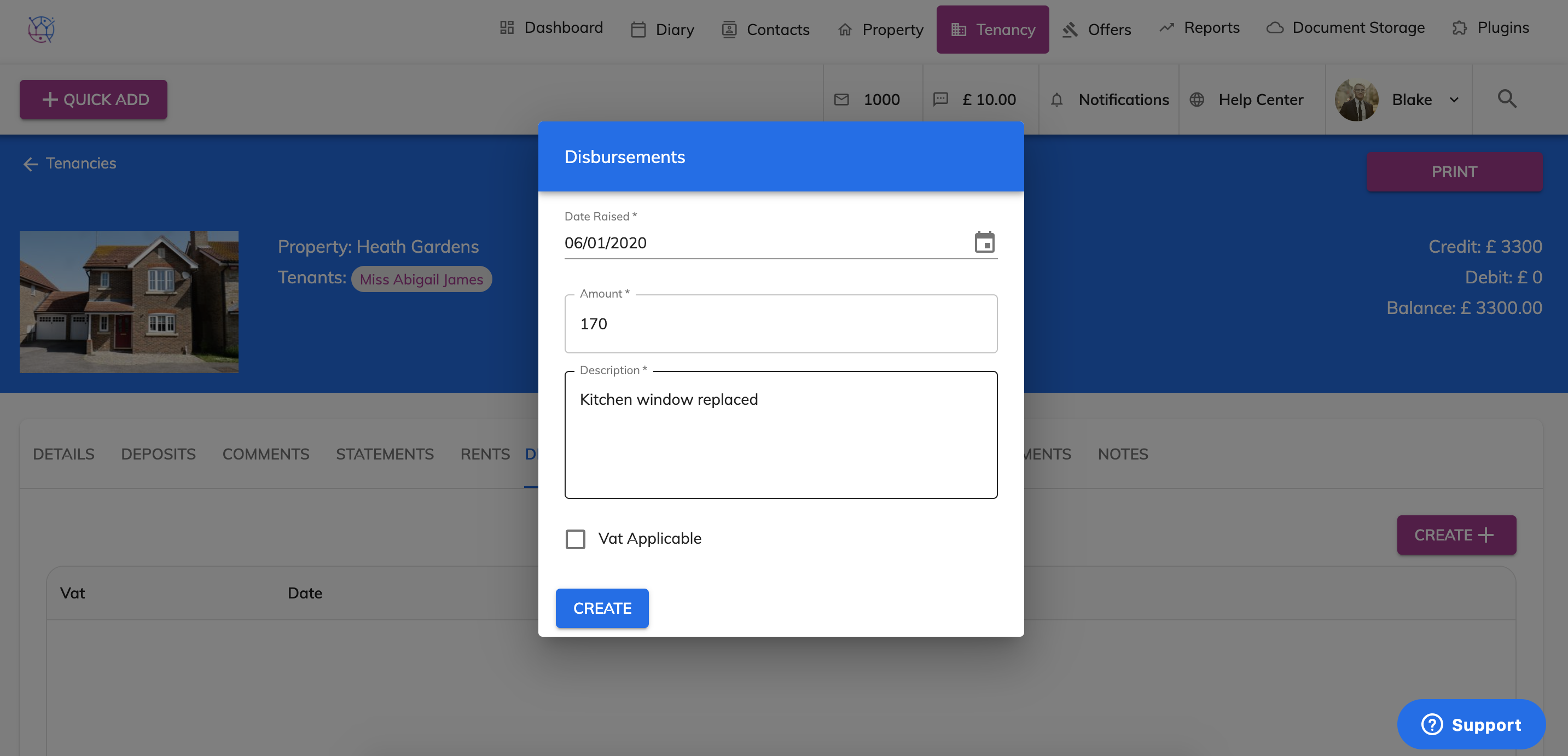
9) If the total amount is VAT applicable, tick this box.
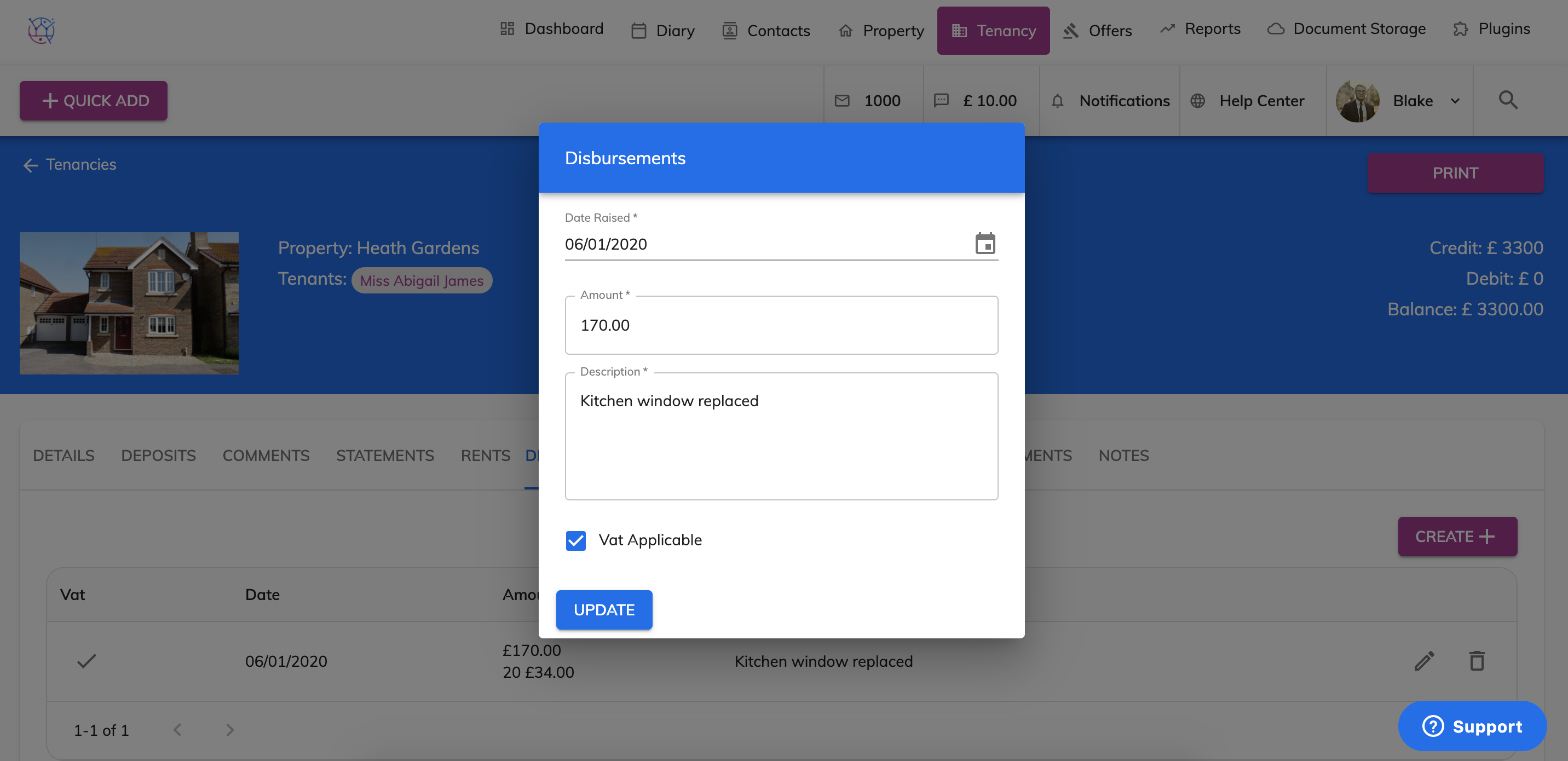
10) Once the form is complete, press the Update button. The disbursement will then be added on the top of the list against the tenancy.
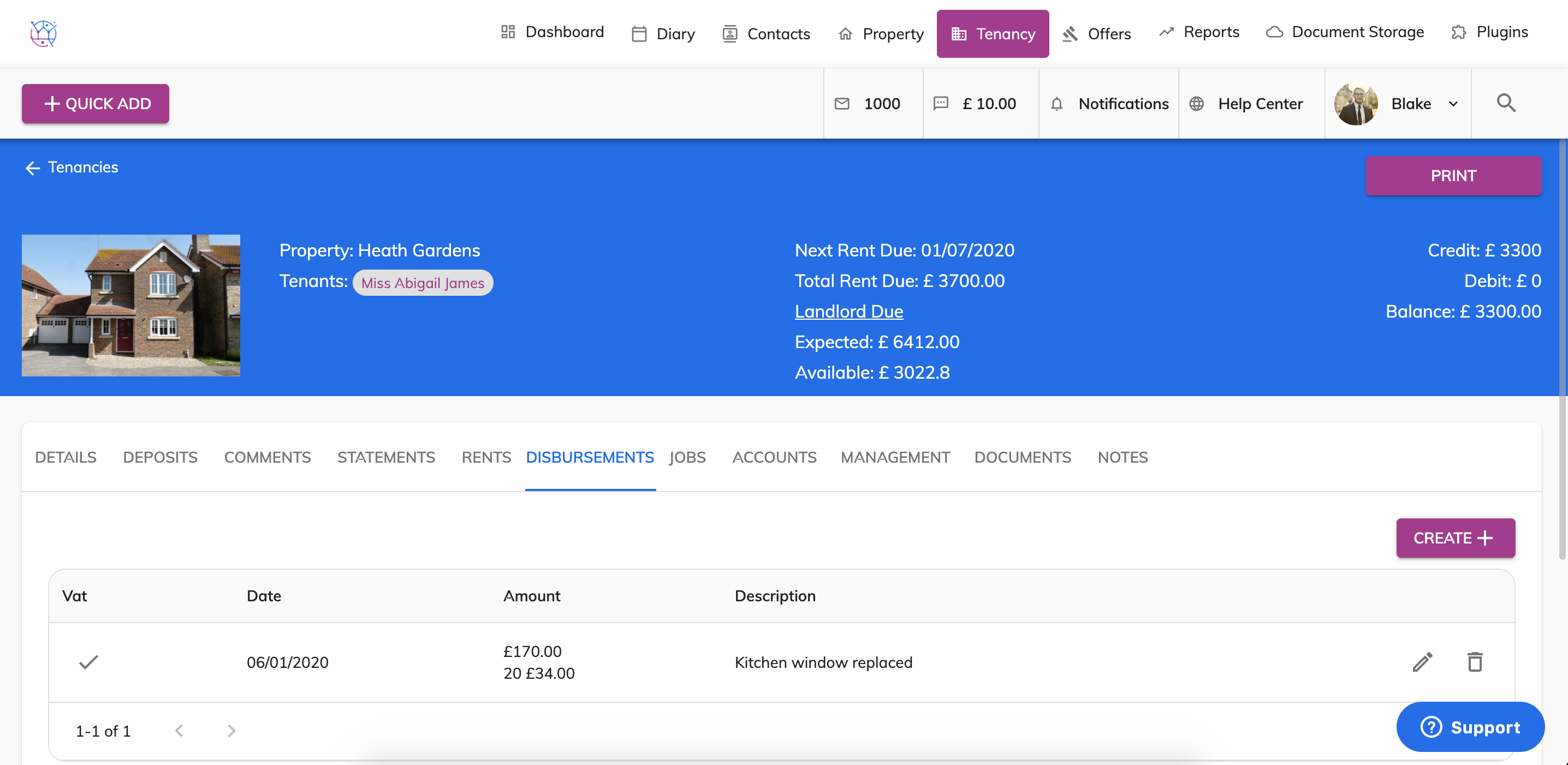
11) This disbursement will also pull through on the the landlord statement as a deduction and then be deducted from any rent payments due to the landlord.