
To add one off management / letting fee to be charged to landlord, please follow the instructions below:
1) Click into the Tenancy tab.
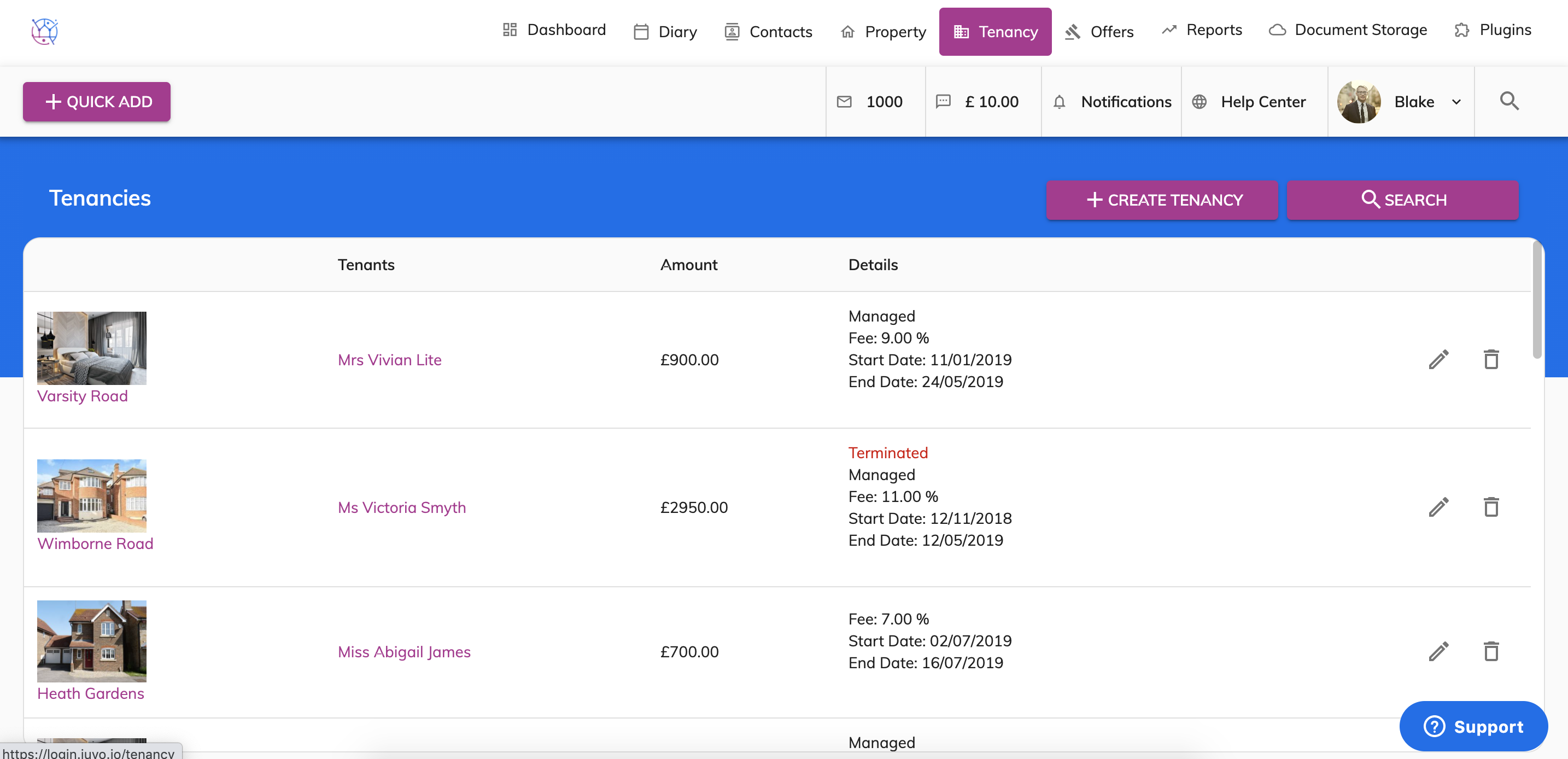
2) Find the tenancy from the list or use the tenancy search at the top of the page. Press the Pencil icon to edit the tenancy.
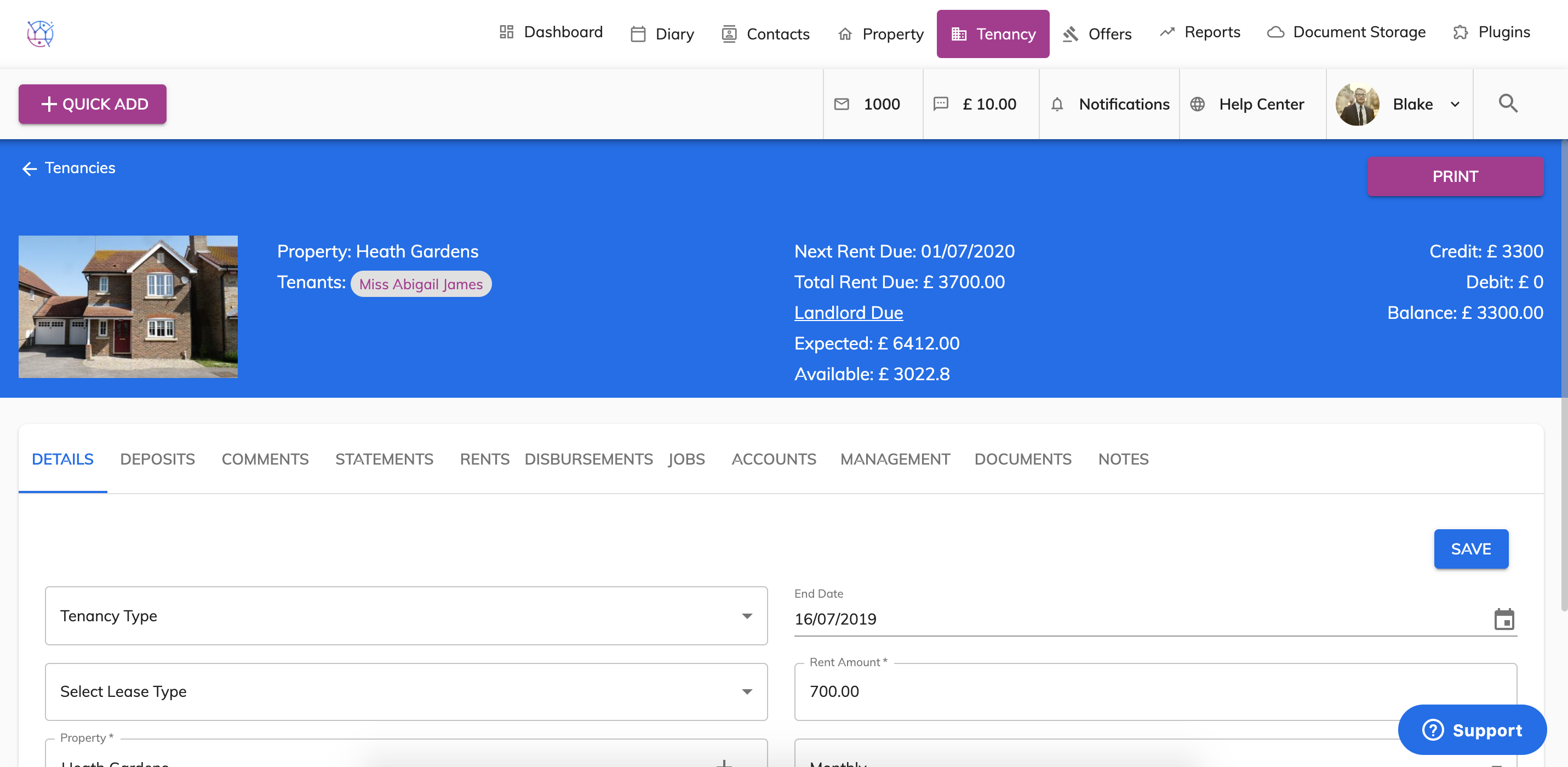
3) Select the Disbursements tab from the menu.
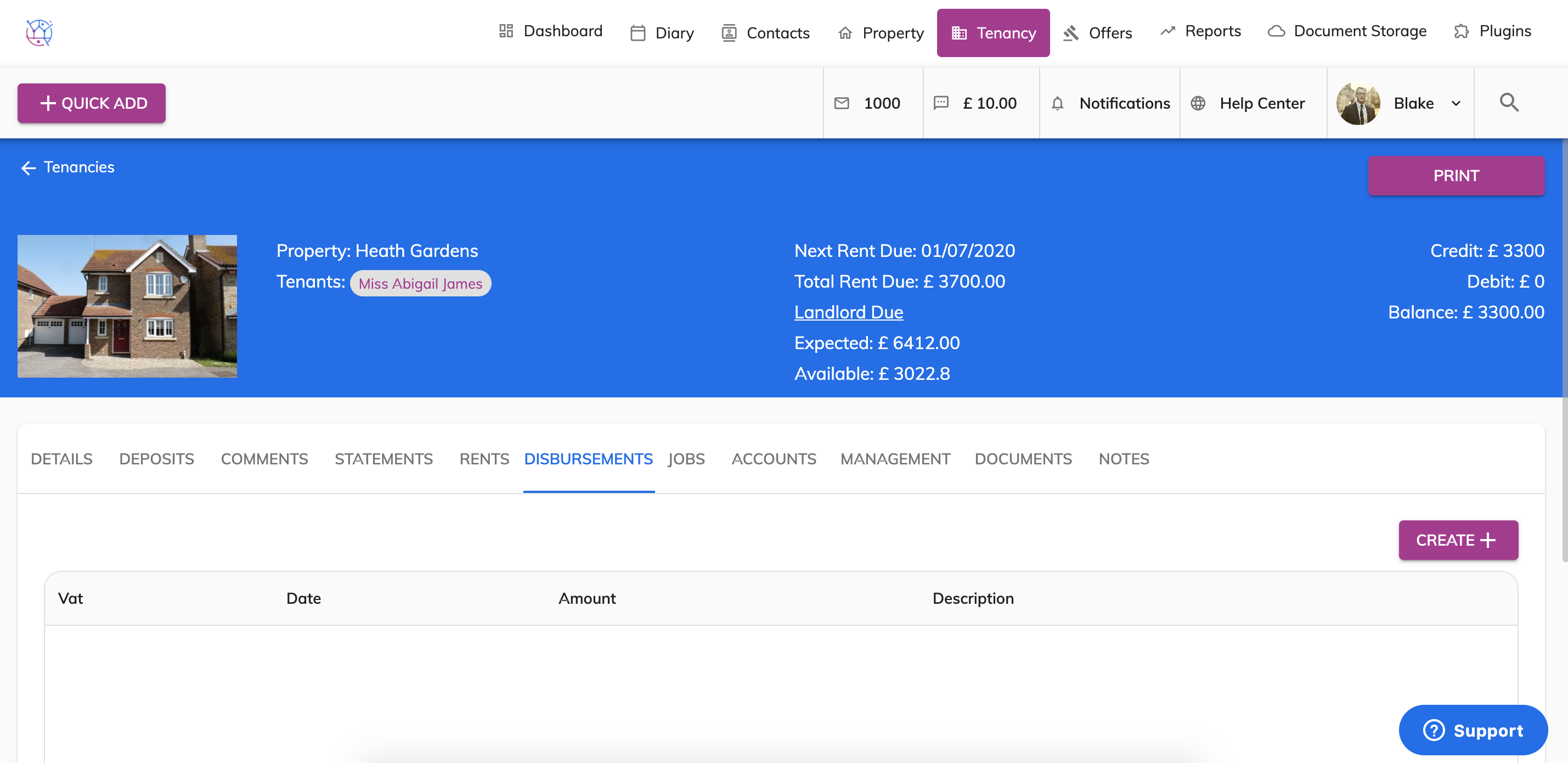
4) Press the Create button.
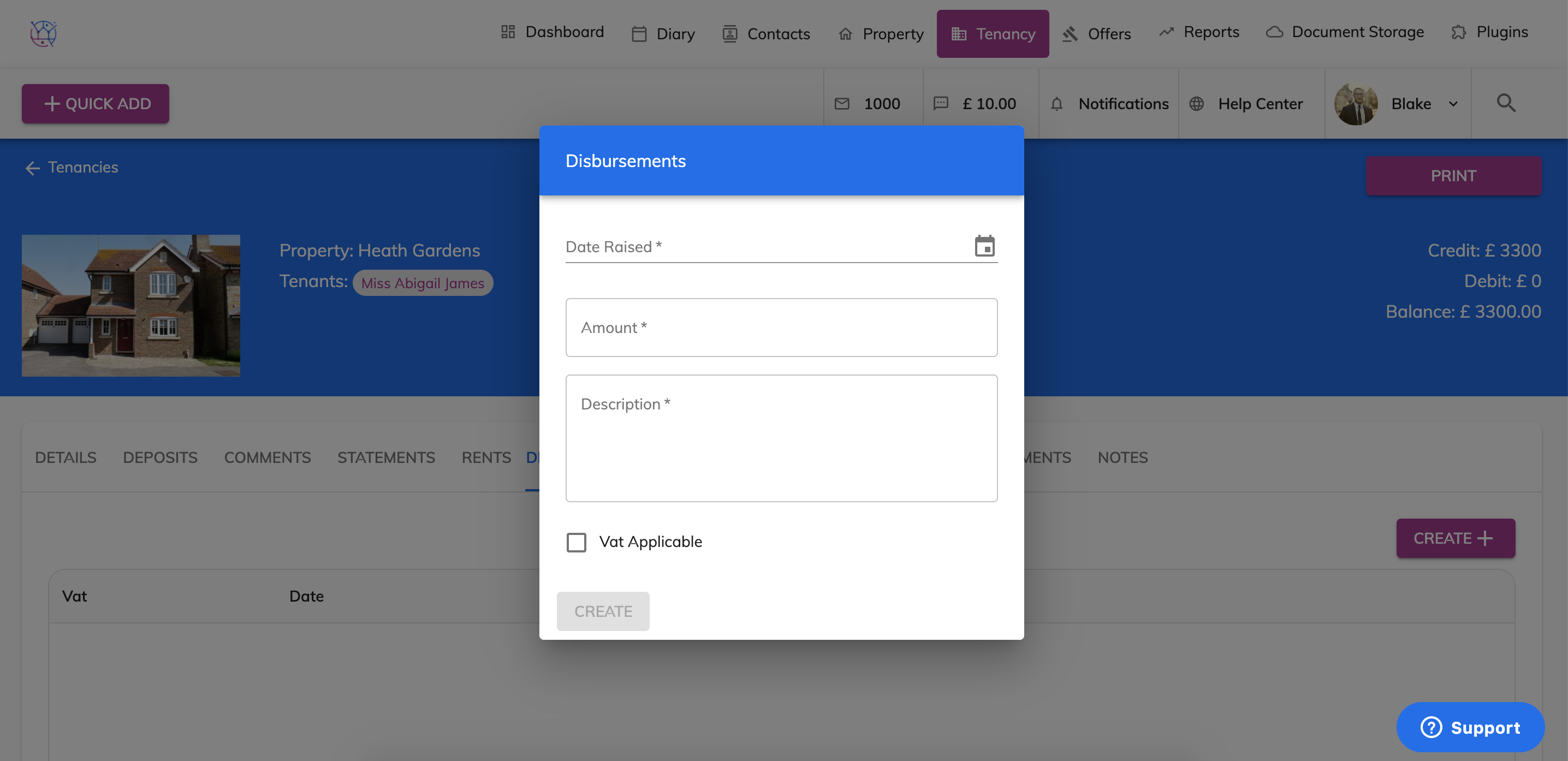
5) Complete the disbursement form including date, amount, description and if VAT is applicable.
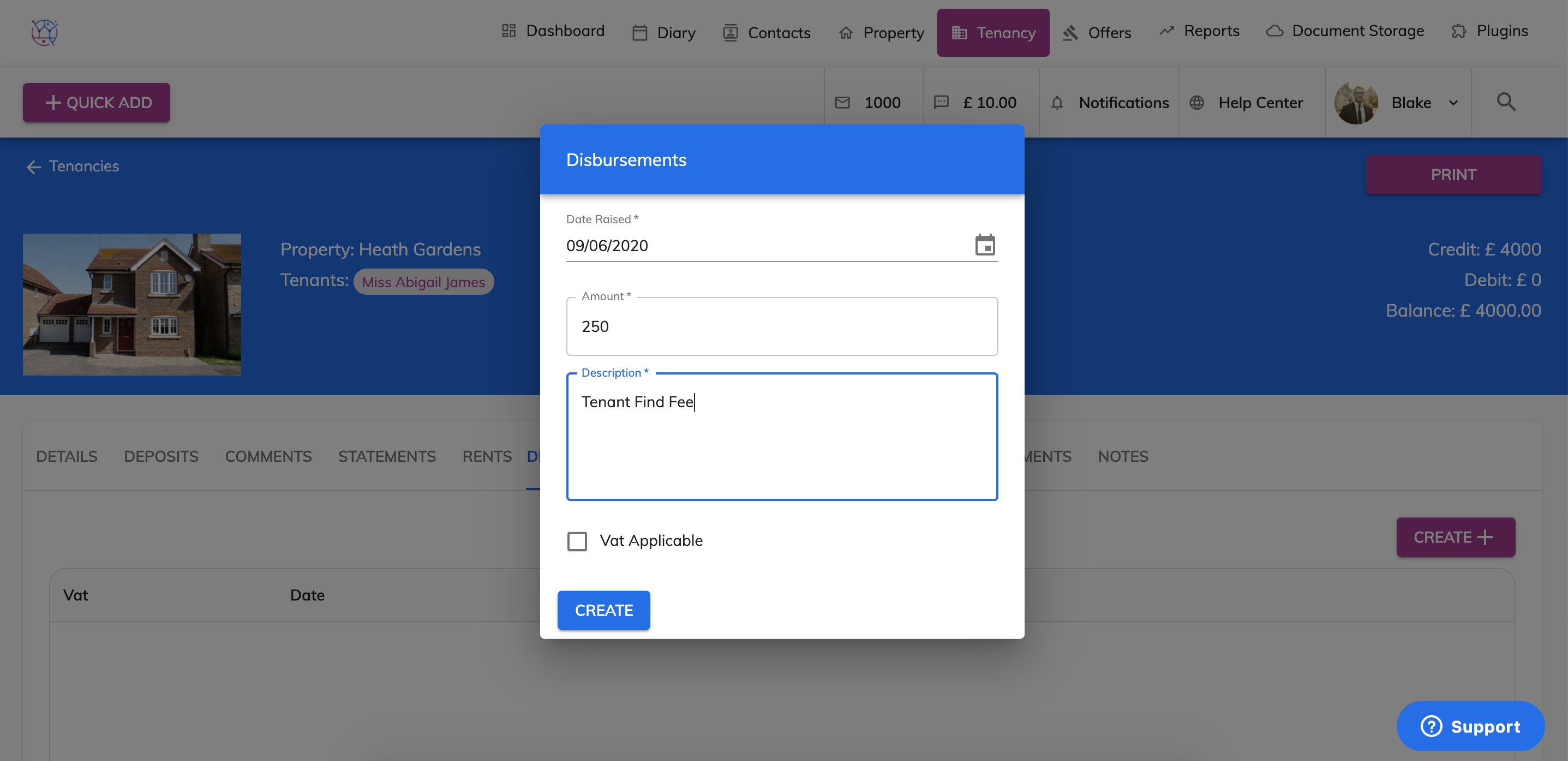
6) Press the Create button.
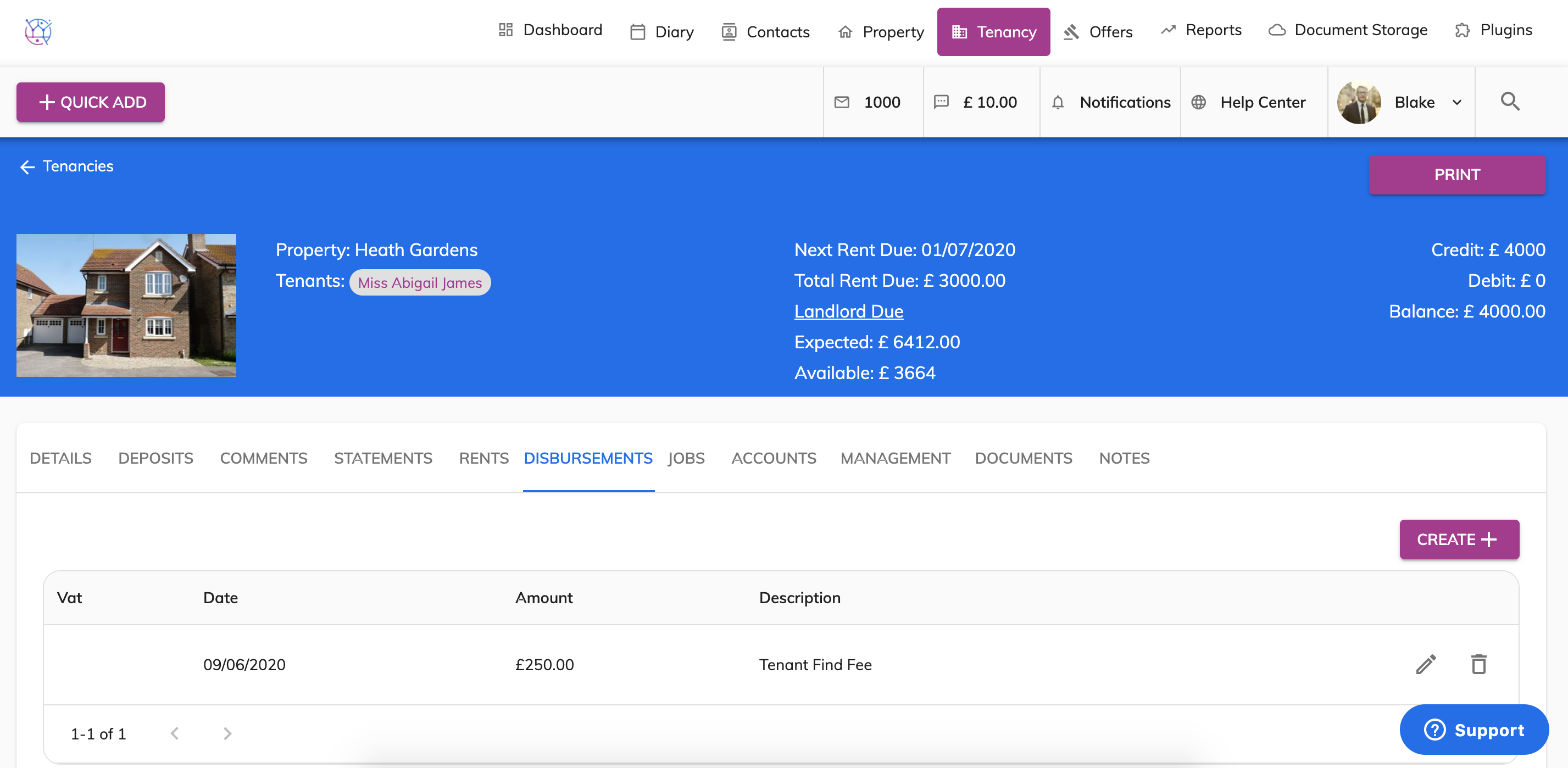
This disbursement will be deducted from the landlord during the relevant period and appear on the Landlord Statement.