1) Click on the Tenancy tab.
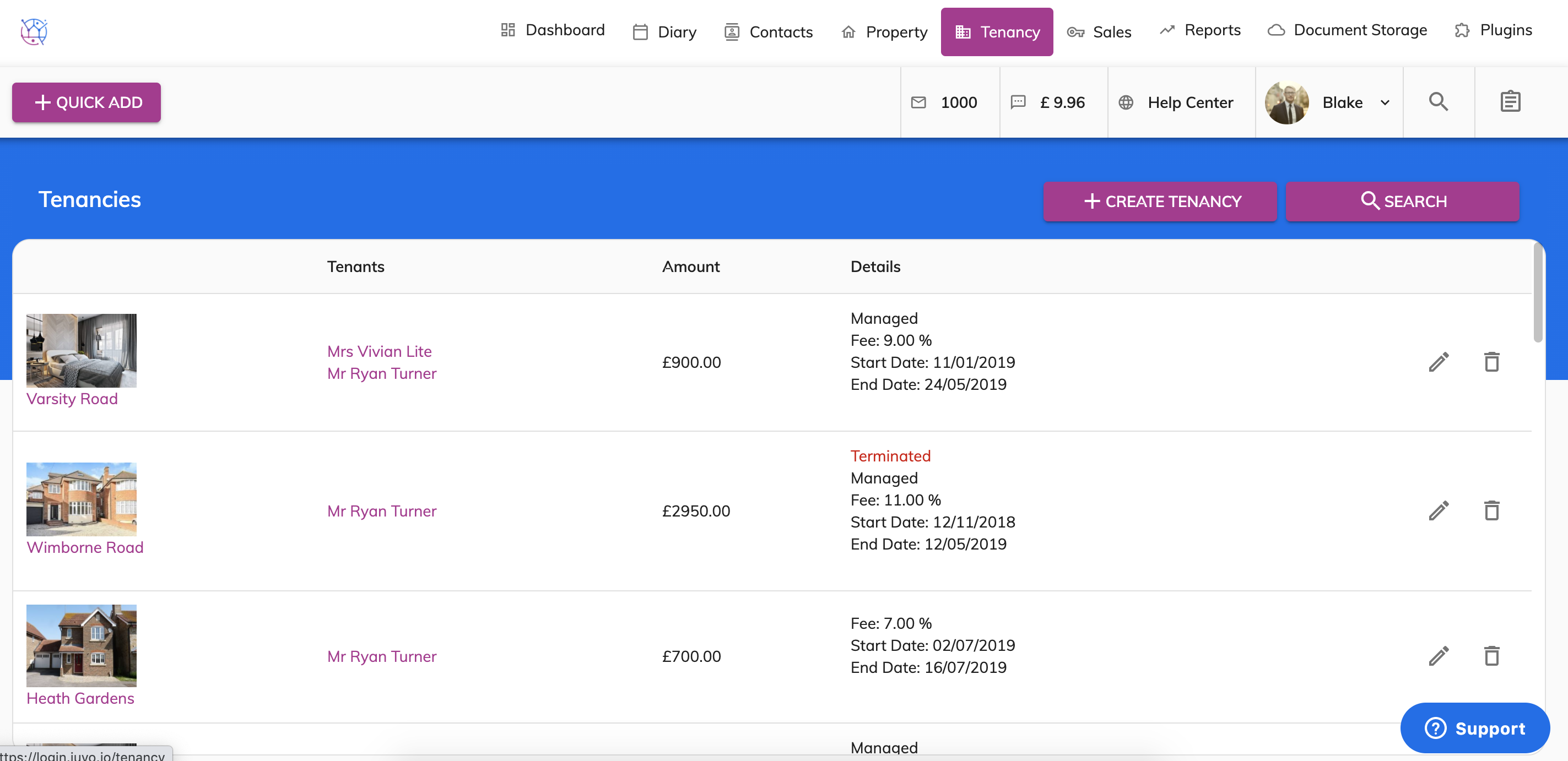
2) Select the Tenancy where the duplicate payment was applied, click the pencil icon.
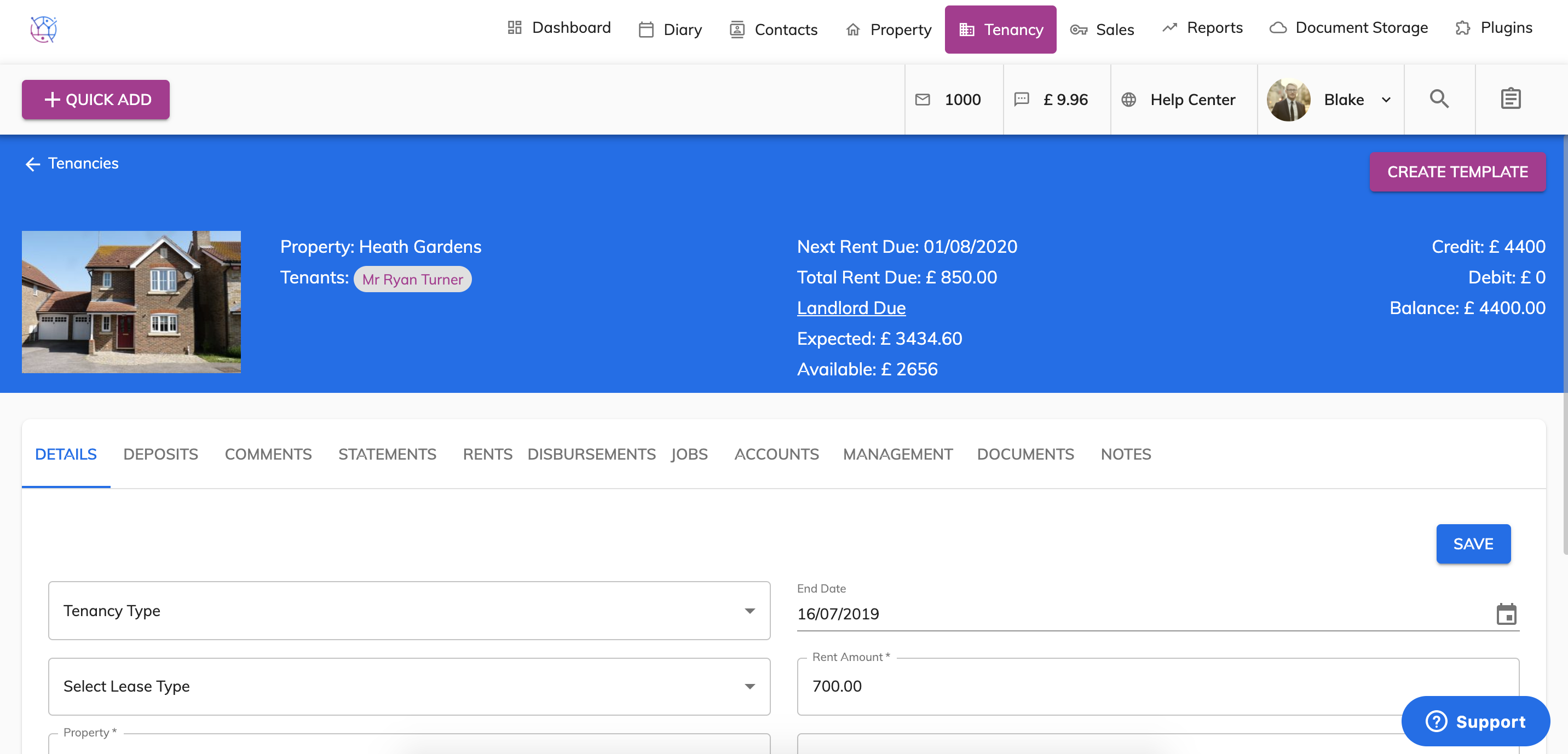
3) Go to Rents.
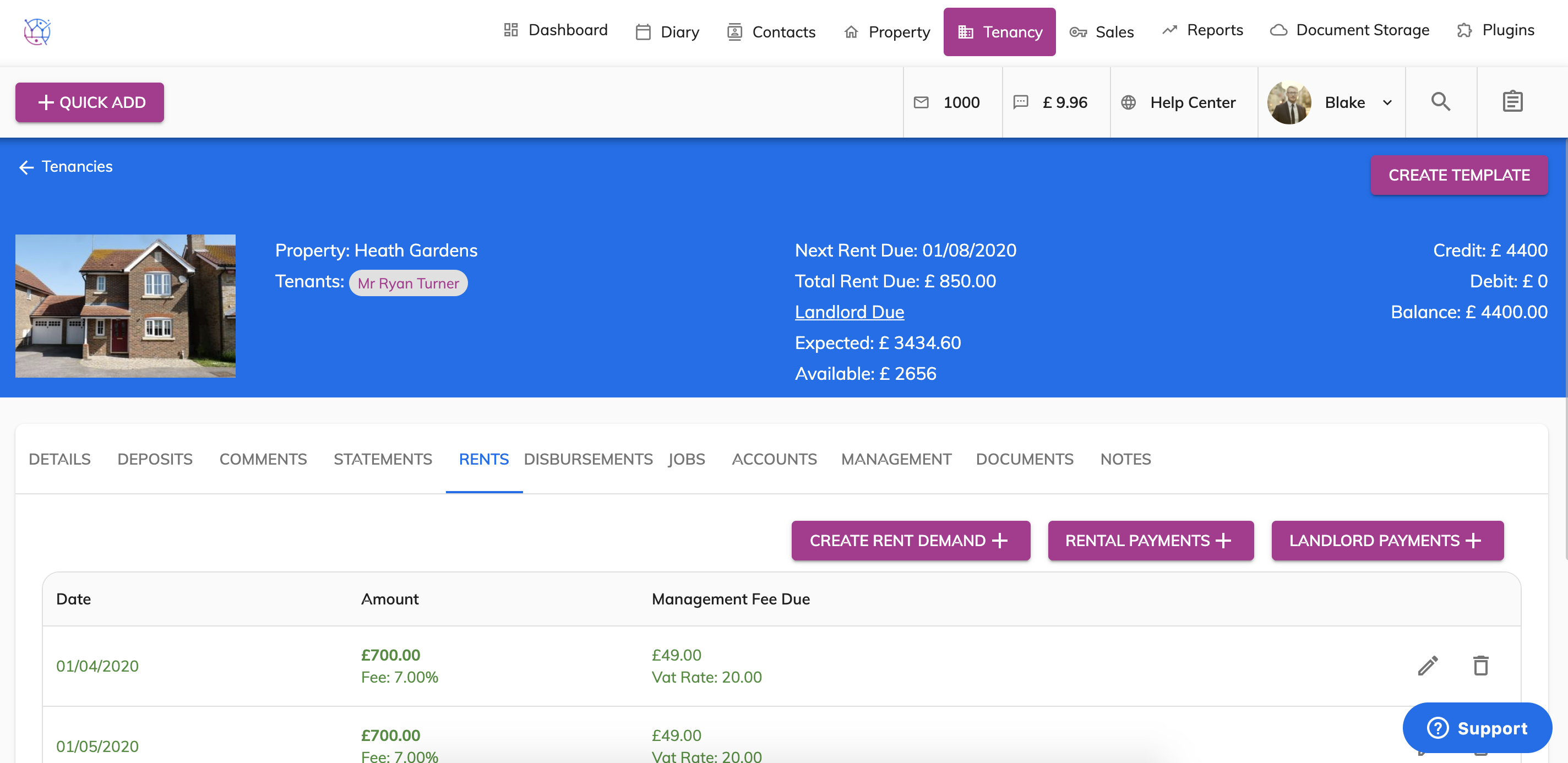
4) Click on the Landlord Payments box.
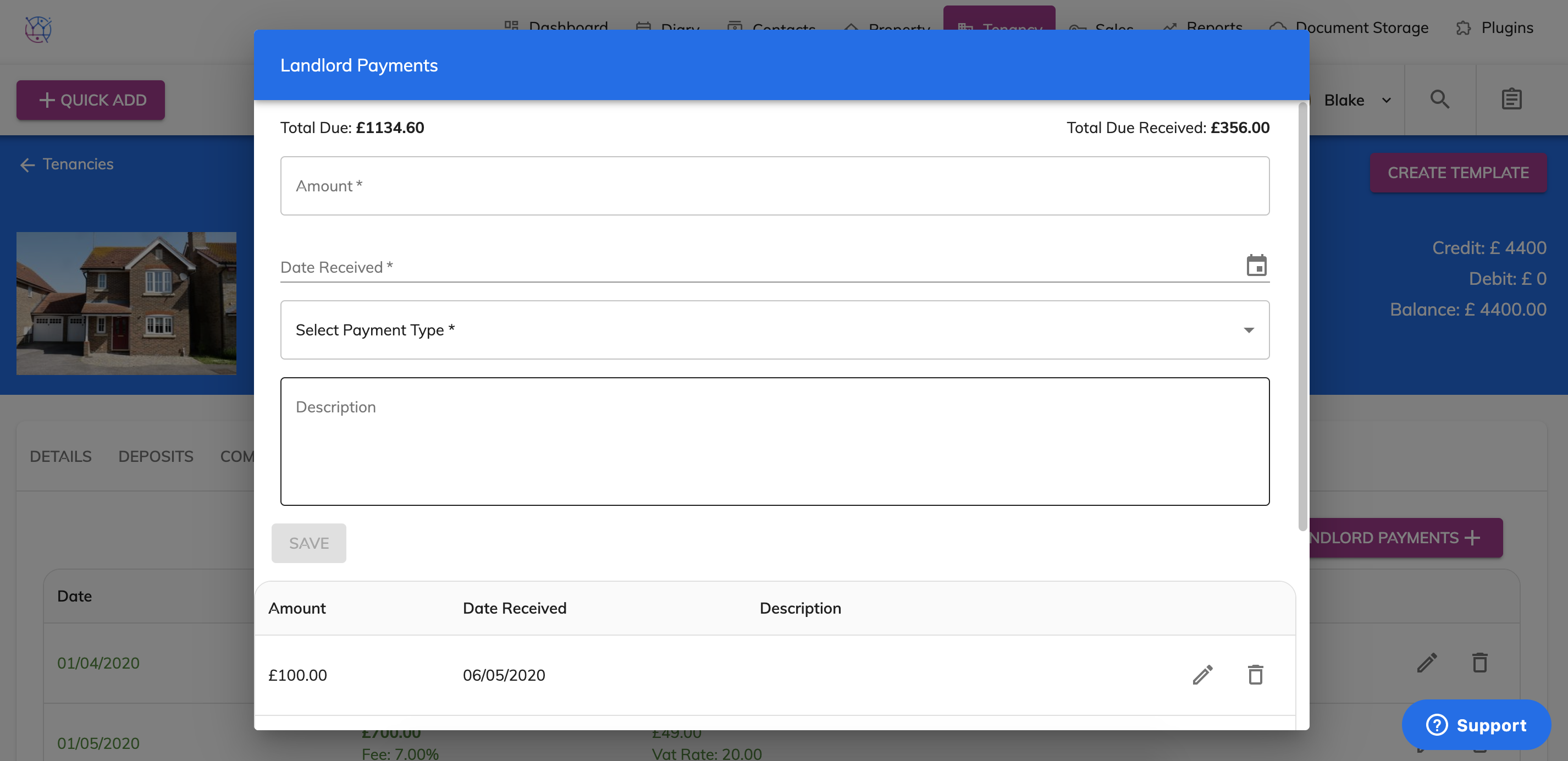
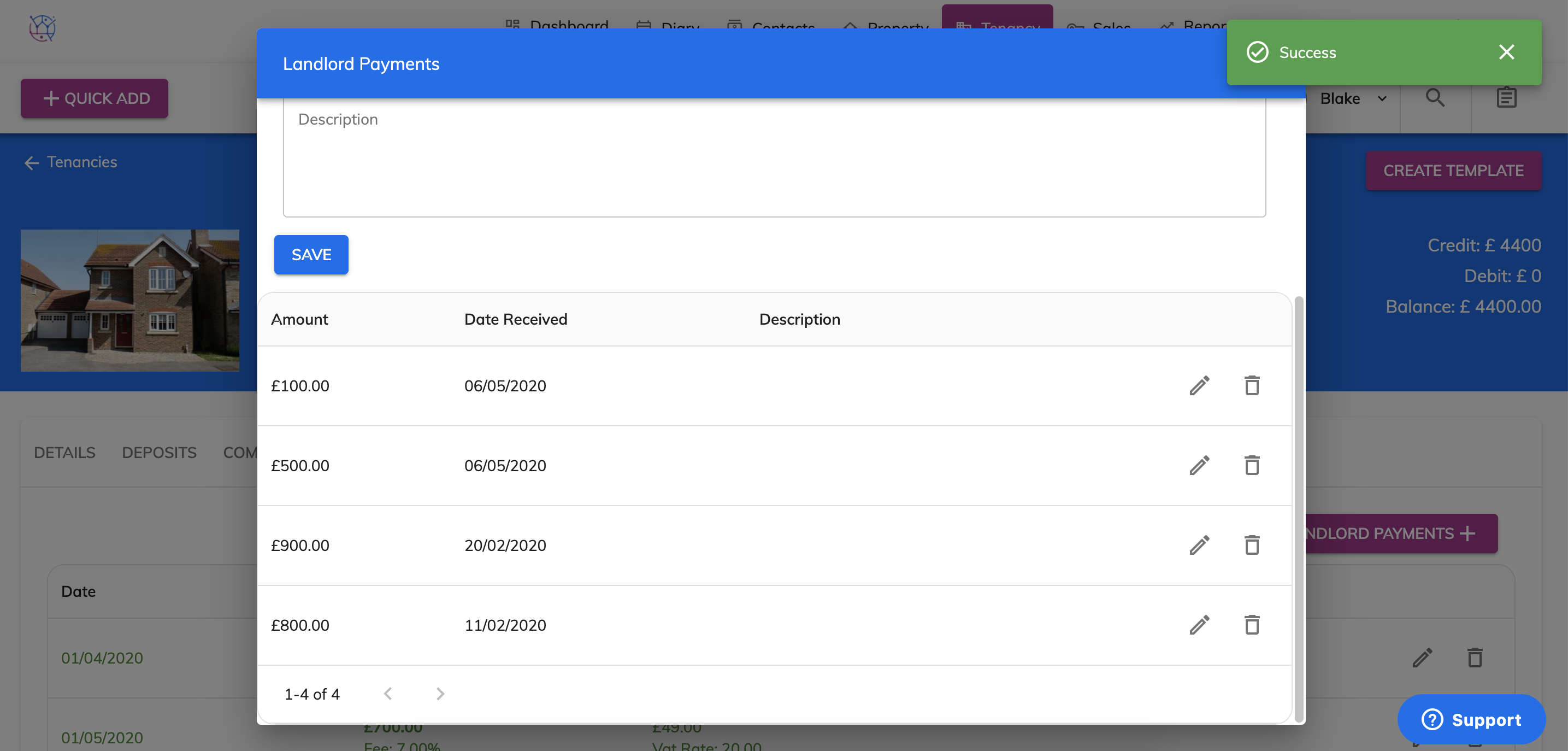
5) A pop up box will appear, scroll down to the bottom of the screen you will be able to see a history of all payments previously made to the landlord.
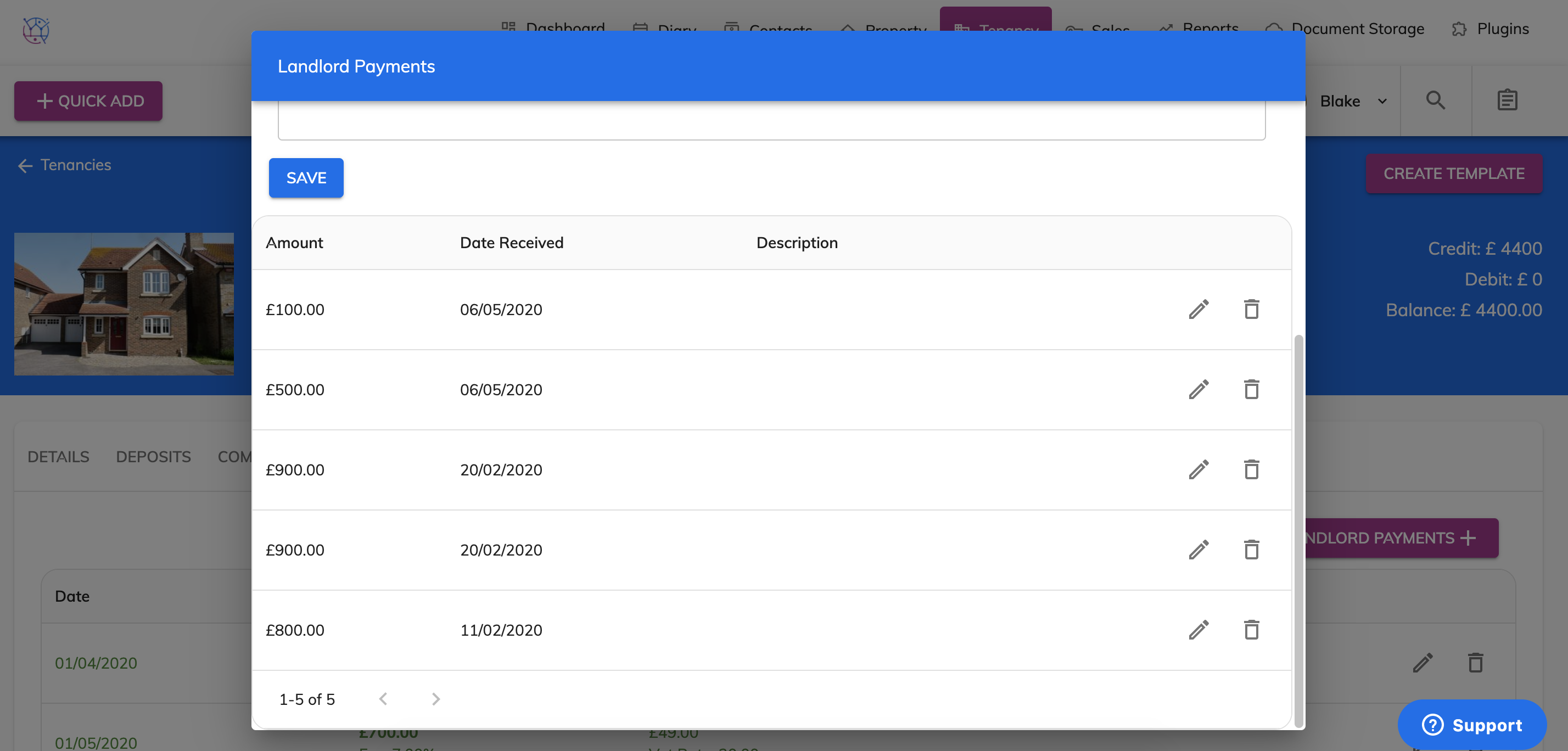
6) Find the the duplicate payment and press the Bin icon to delete the payment.
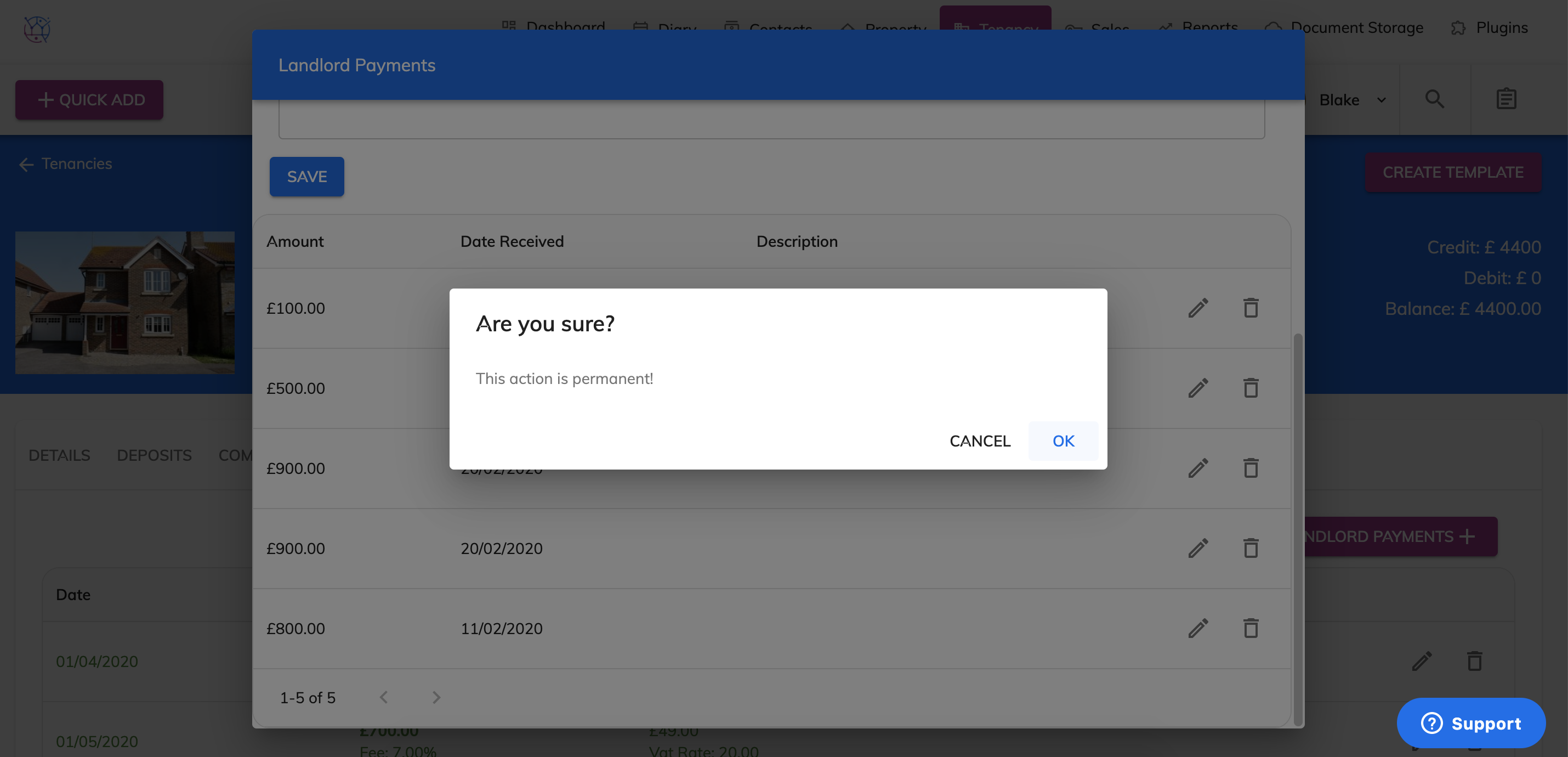
A warning box will appear, press the Ok button to delete the payment record.