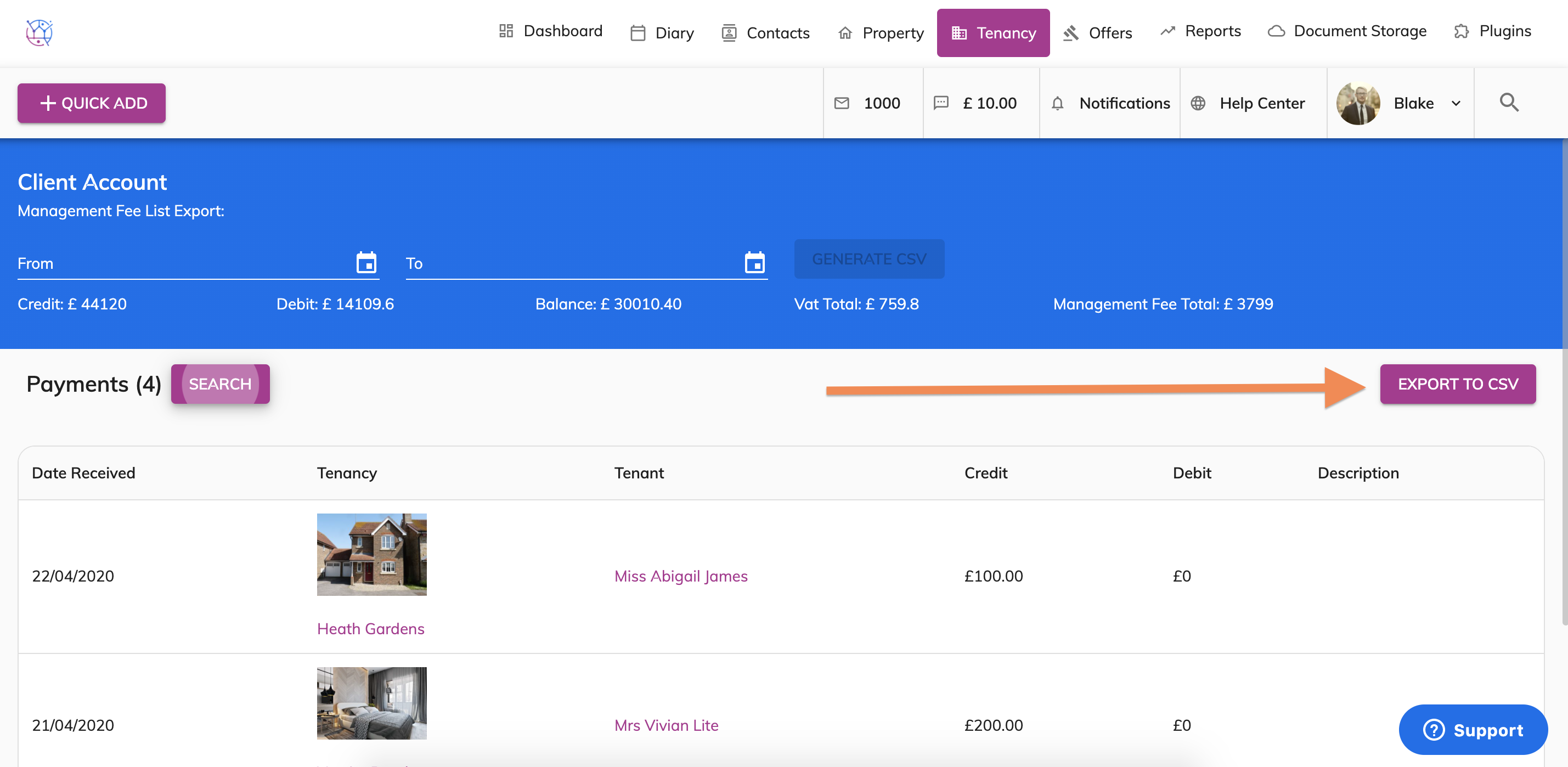
To view the accounts to see all the payments received and paid out for all tenancies and export them to a spreadsheet, please follow the instructions below:
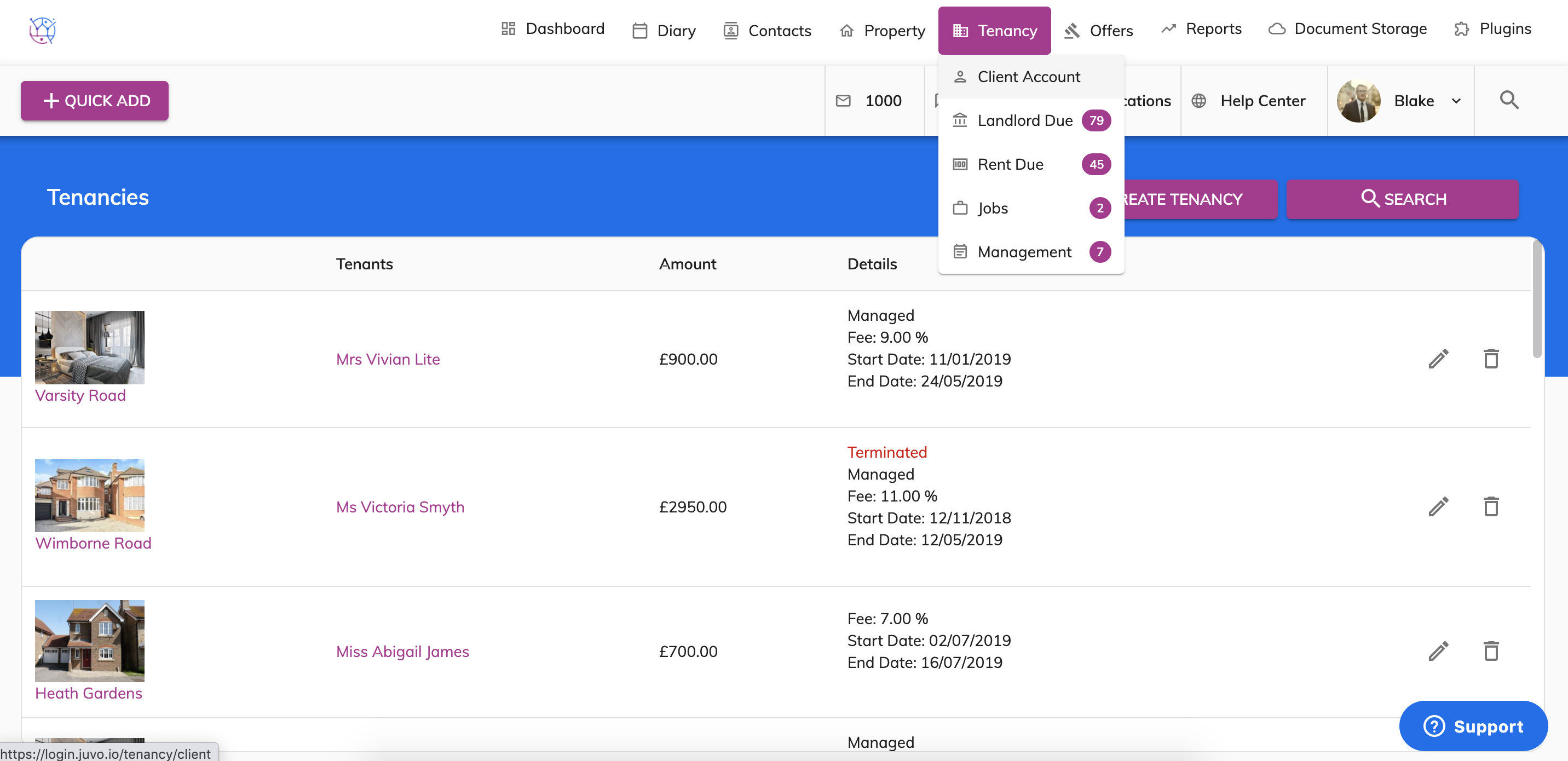
1) Hover over the tenancy tab and select the Client Account button.
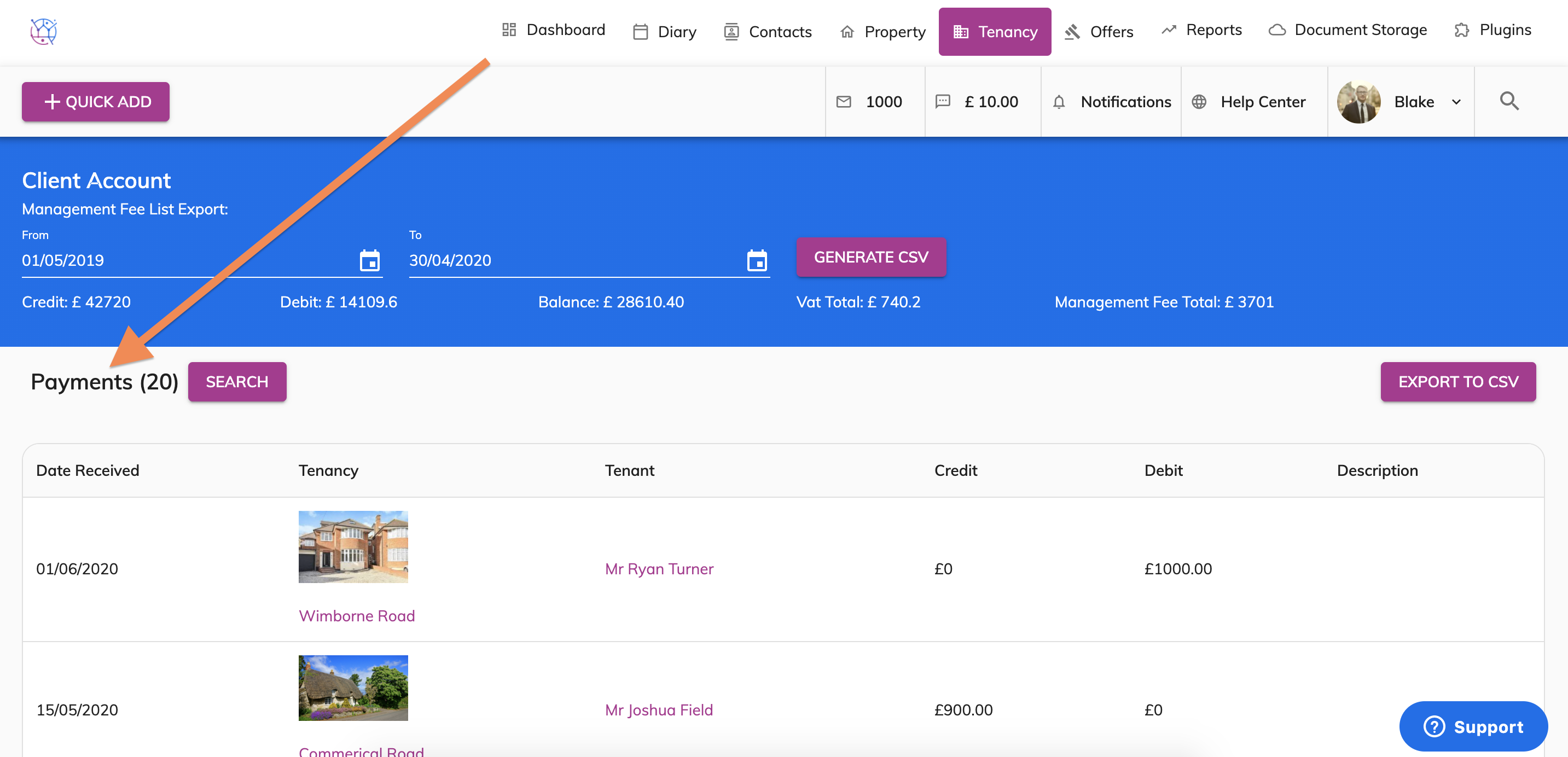
2) Underneath the Client Account - Management Fee List Export, you will see the Payments section.
3) Press the search button and select the date range from the calendar pop out.
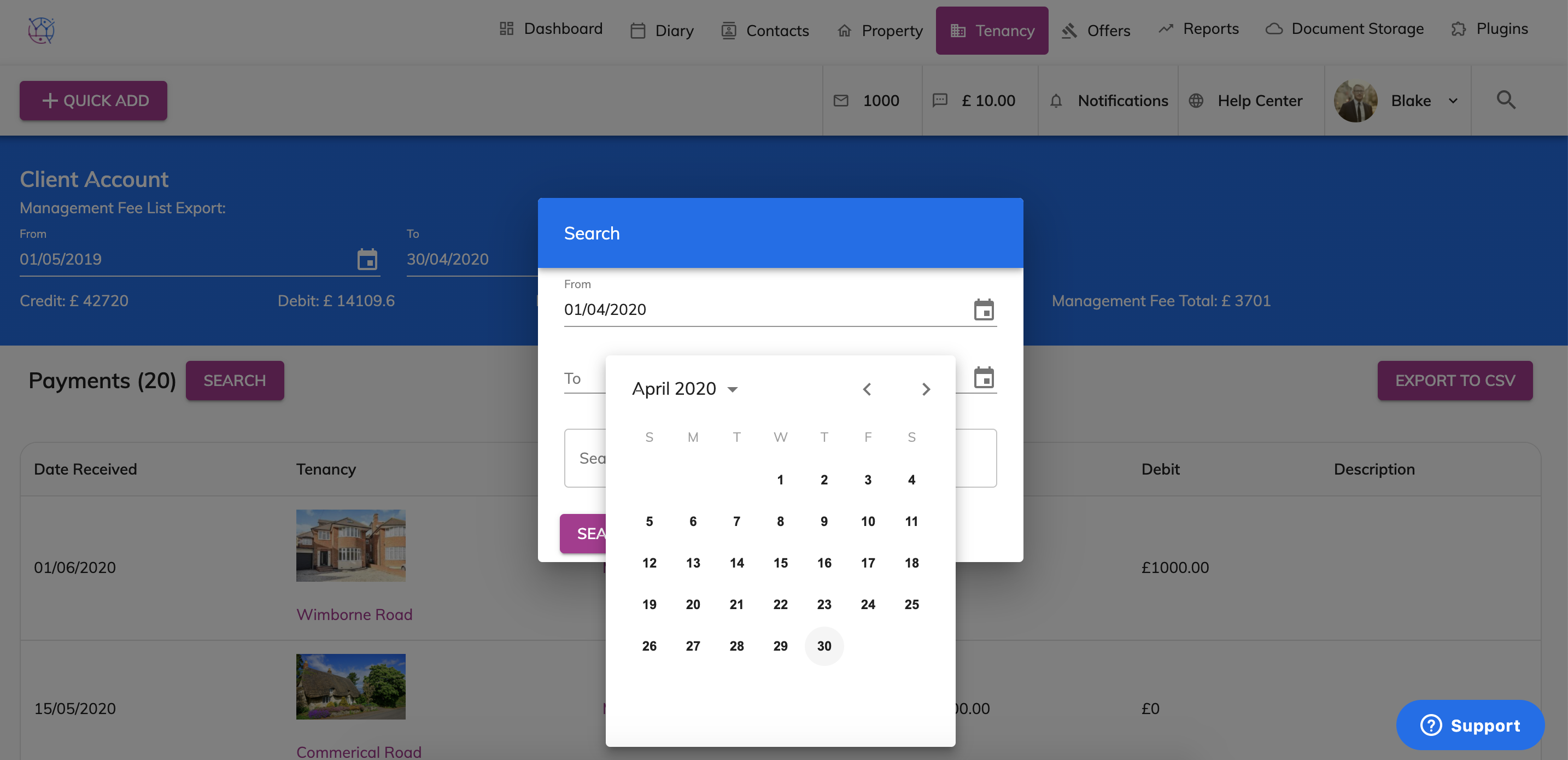
4) Enter any key words in the Search text field and press the Search button. This will show all transactions during that time period below.
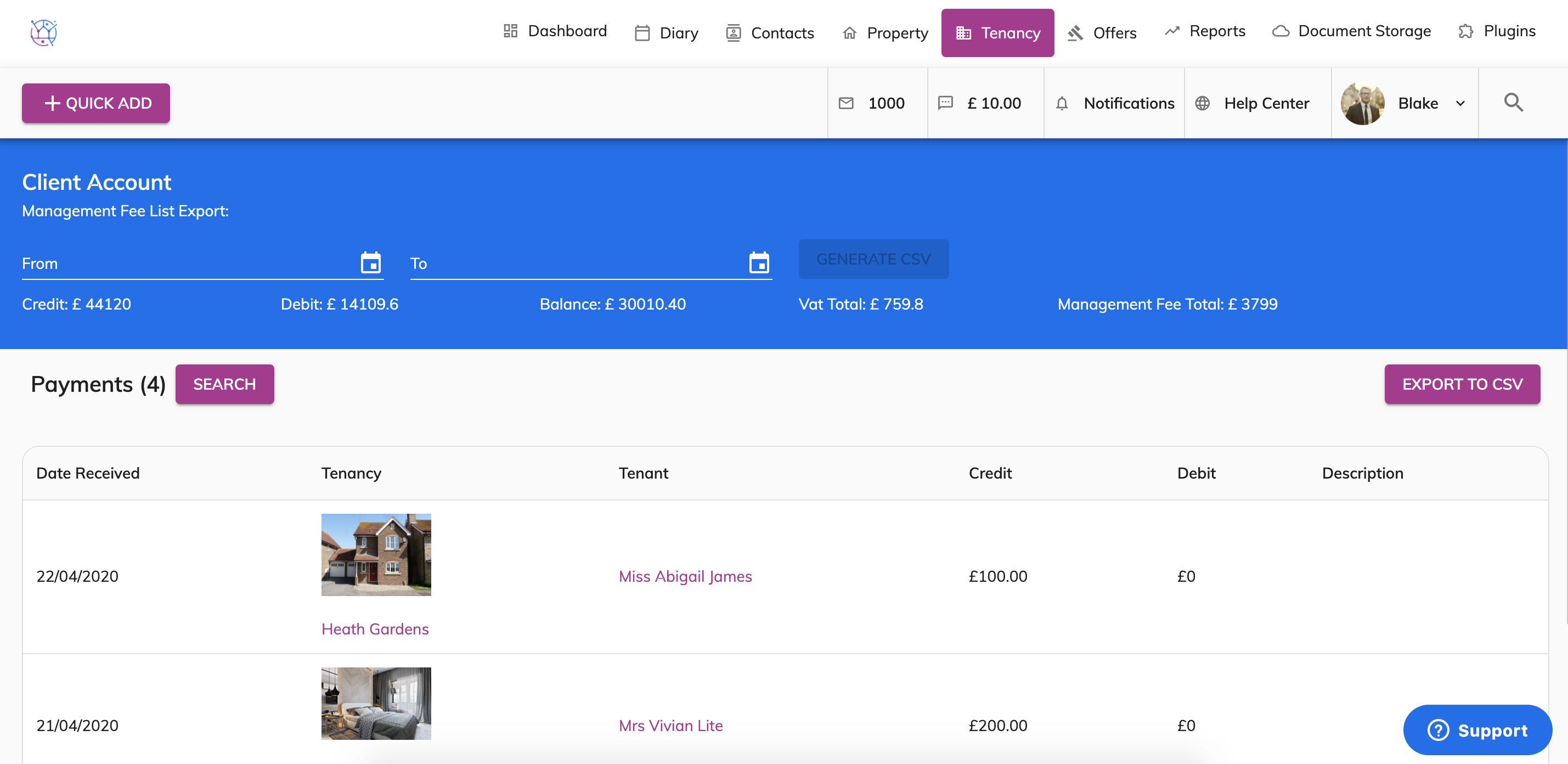
5) If you would like a spreadsheet print out of all transactions paid into and paid out of the tenancy client account, press the Export To CSV button.