
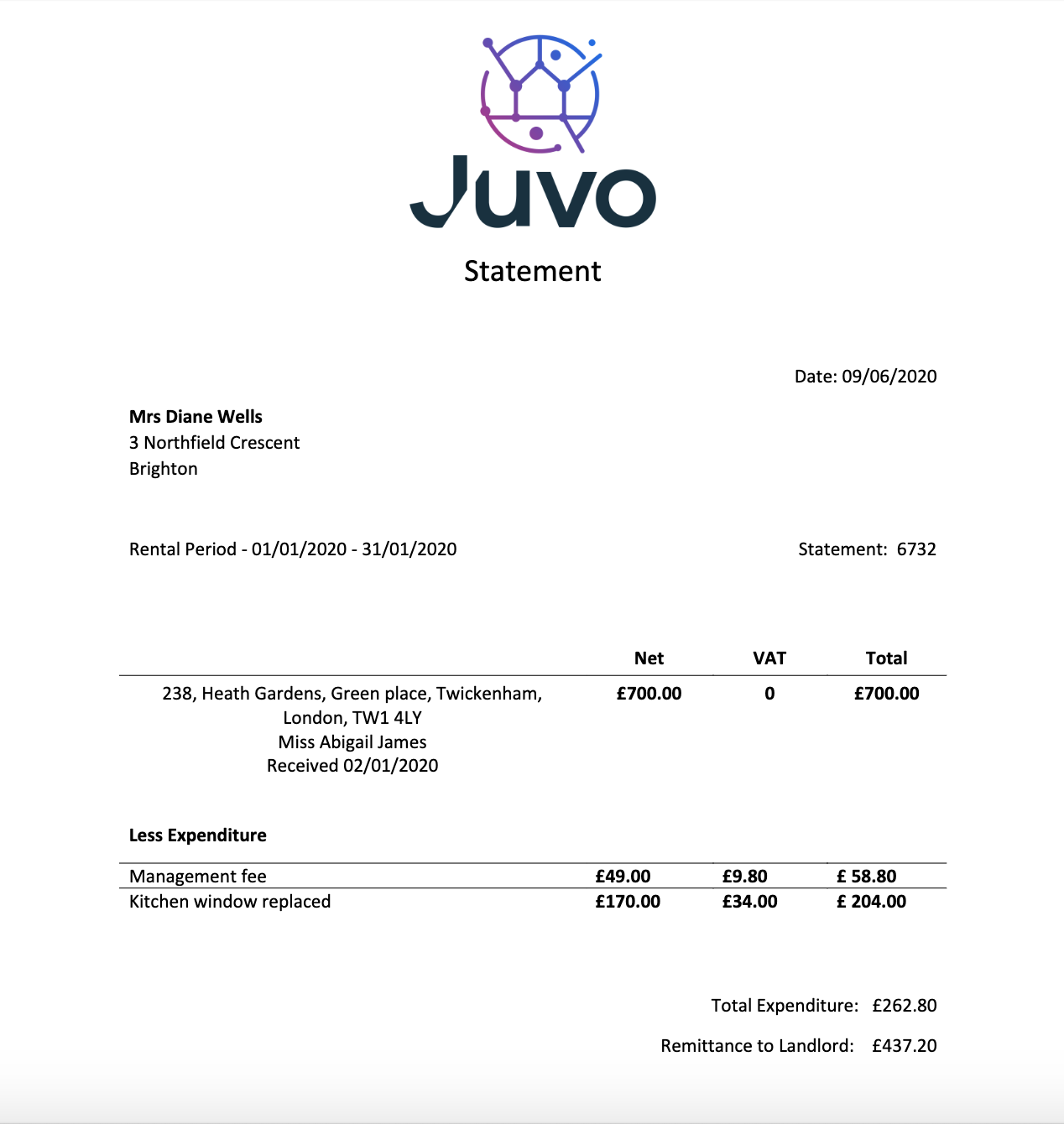
Landlord Statements show the landlord the total amount of rent paid by the tenant between certain date ranges. This is usually on a monthly basis. However can be created quarterly or yearly as required. The landlord statement also shows any deductions during that period, including your management fee and disbursements for works/maintenance.
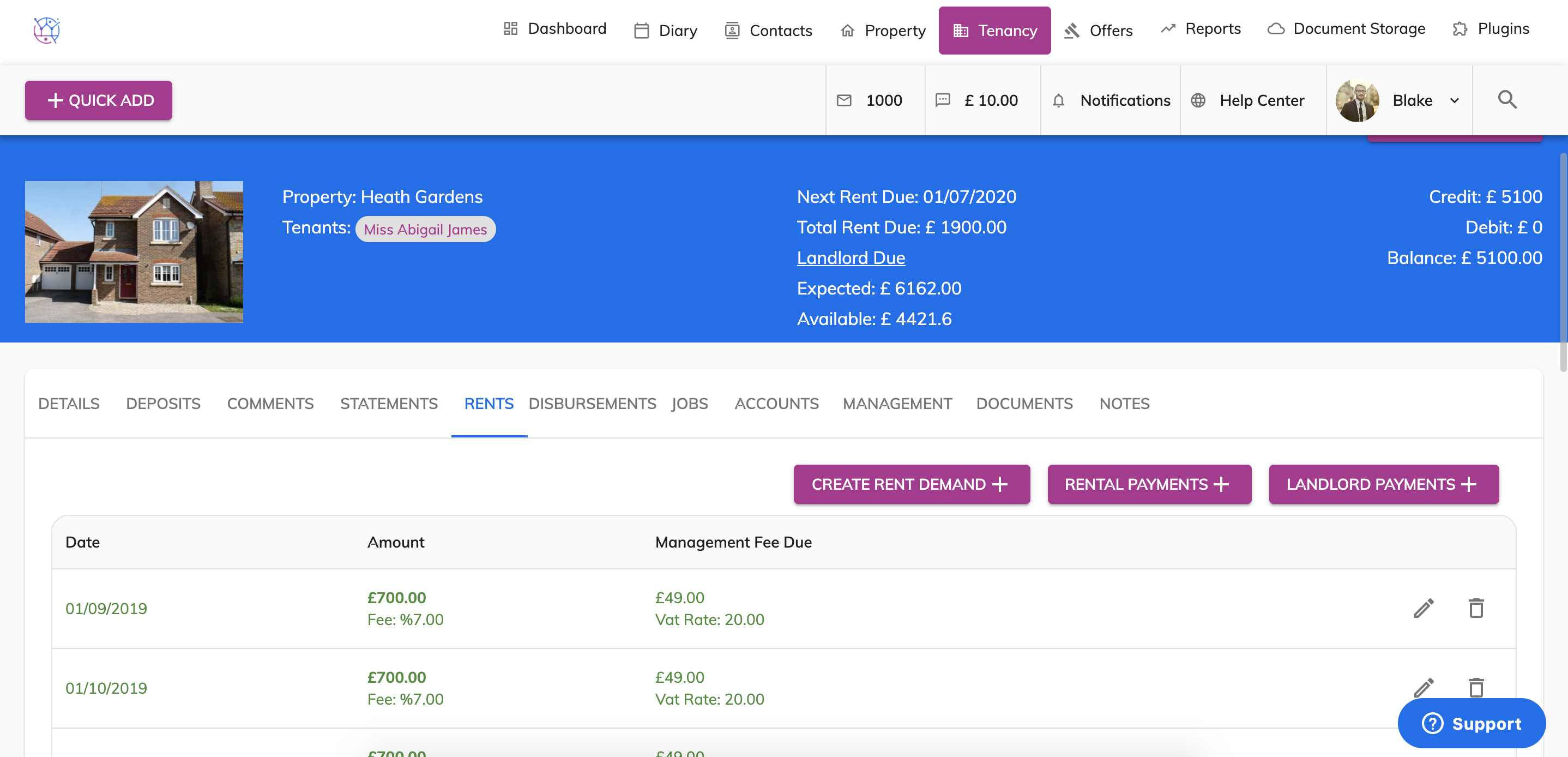
1) Check the frequency of the rent and the date it is due.
In this example the start date is the 1st of the month and the frequency is monthly.
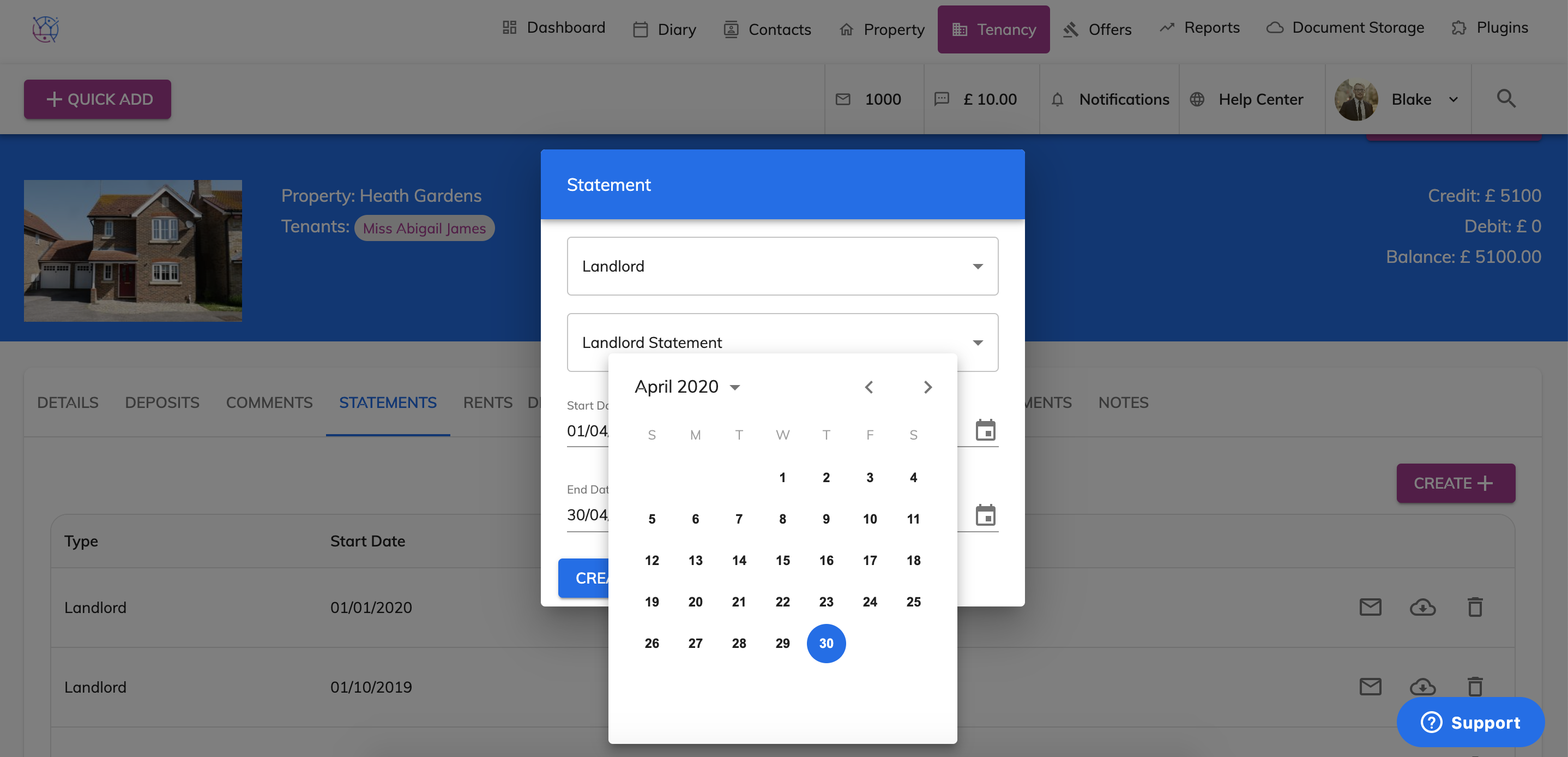
2) Next step is to click on the Statements tab from the menu.
To create a monthly landlord statement. I would choose the date range as the 1st of the month to the last day of the month, as the rent is due each month on the 1st.
This will then pull through any rental payments made by the tenant, and any deductions during this period.
3) Press Create. The statement will appear on the top of the list. To send this statements via email - press the Envelope Icon and to print this statement, press the Cloud Icon to download the statement on to your computer. All landlord statements created will automatically appear in the clients login, ready for them to download.
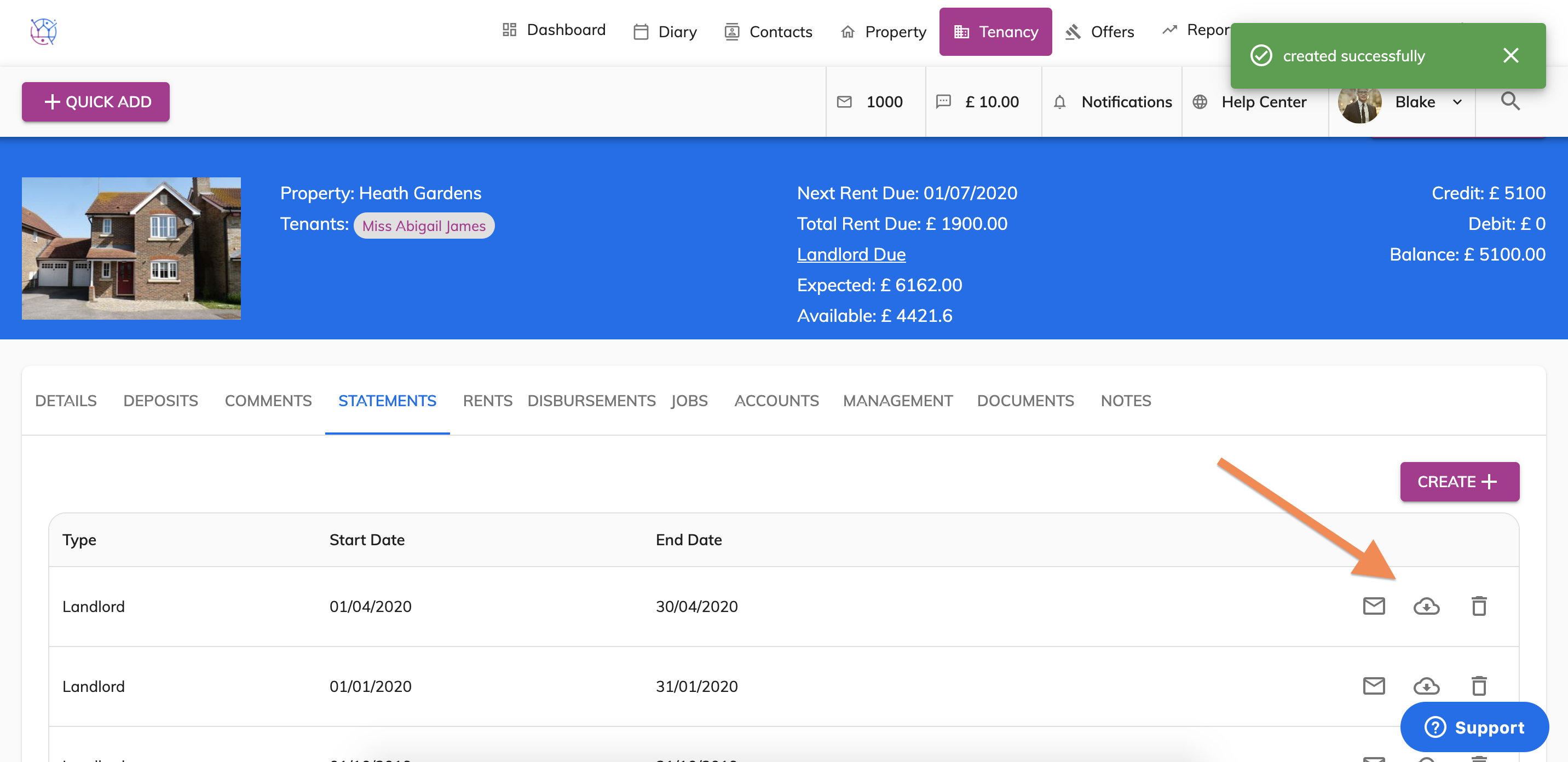
By using the same date range each month, this prevents any dates from being missed and creates a statement that is easier to follow for the landlord.
If you do not want to use the date of the rental demand, you can however use a different date each month. Just remember to stay consistent and use this date range each time you create a statement for that landlord.