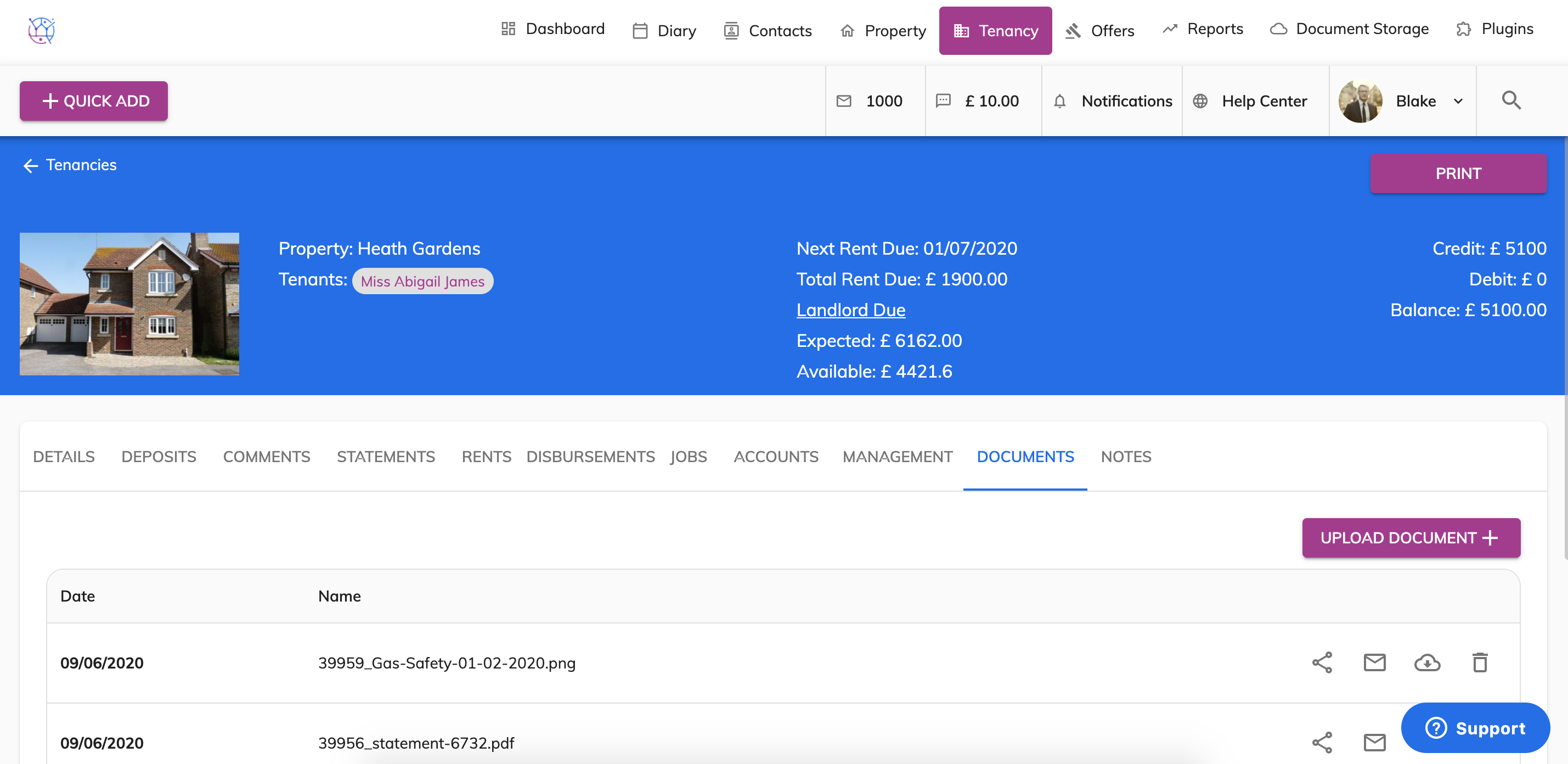
To upload the gas safety certificate or maintenance certificate, please follow the instructions below:
1) Click on the Tenancy Tab.
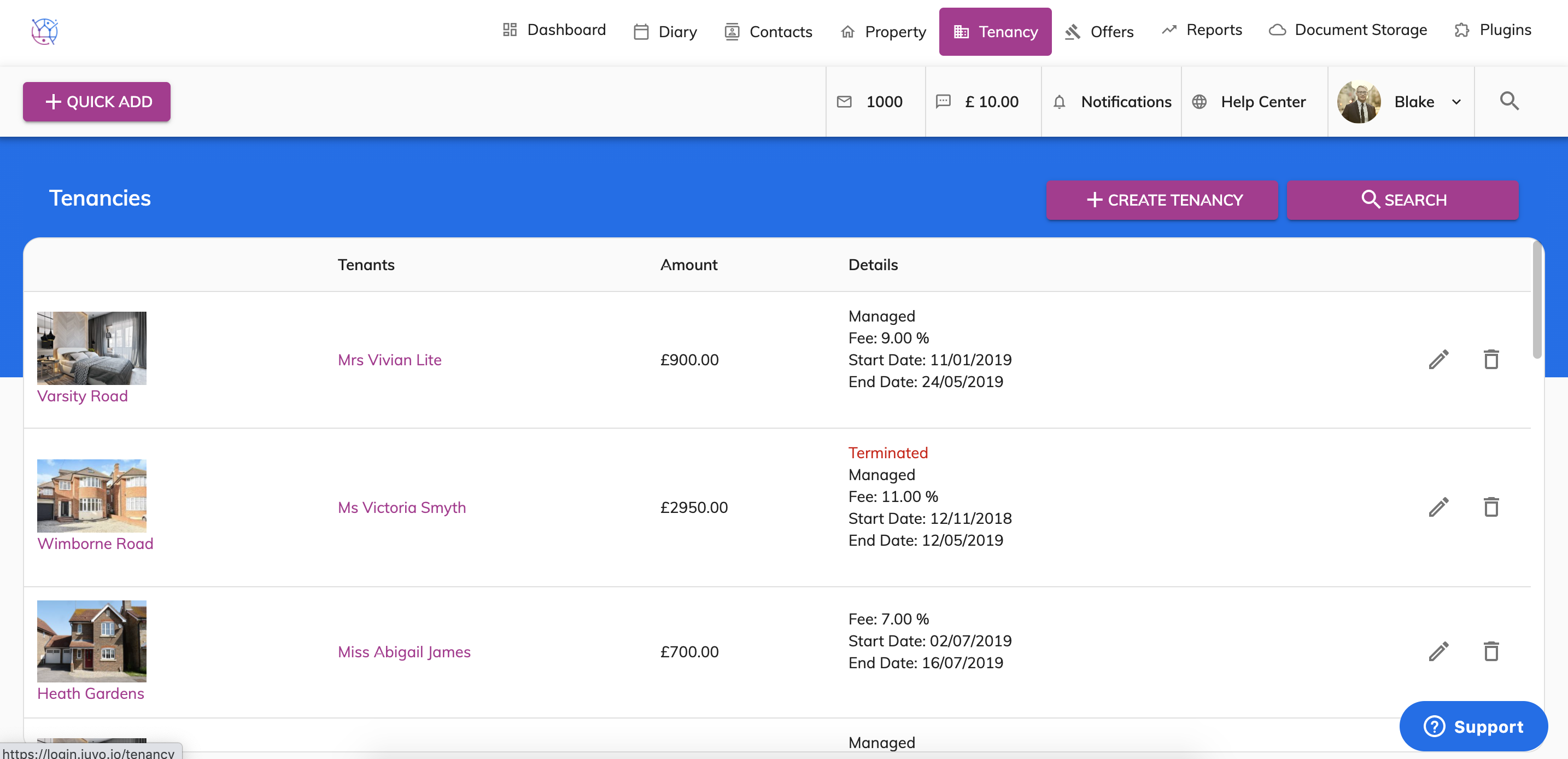
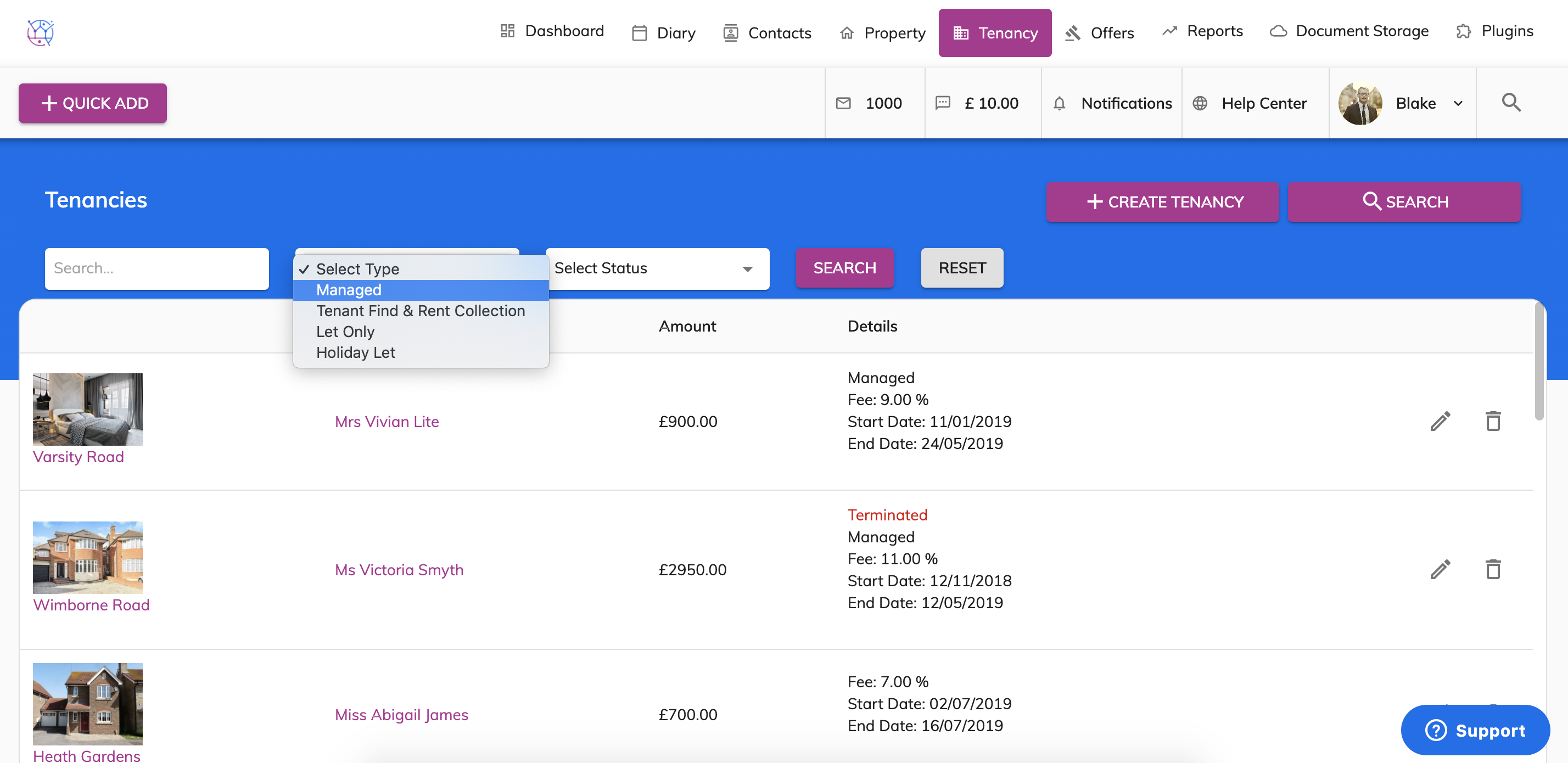
2) Using the tenancy search at the top of the page, enter key words, tenancy type or tenancy status. Press Search.
3) Click on the pencil icon to edit the tenancy.
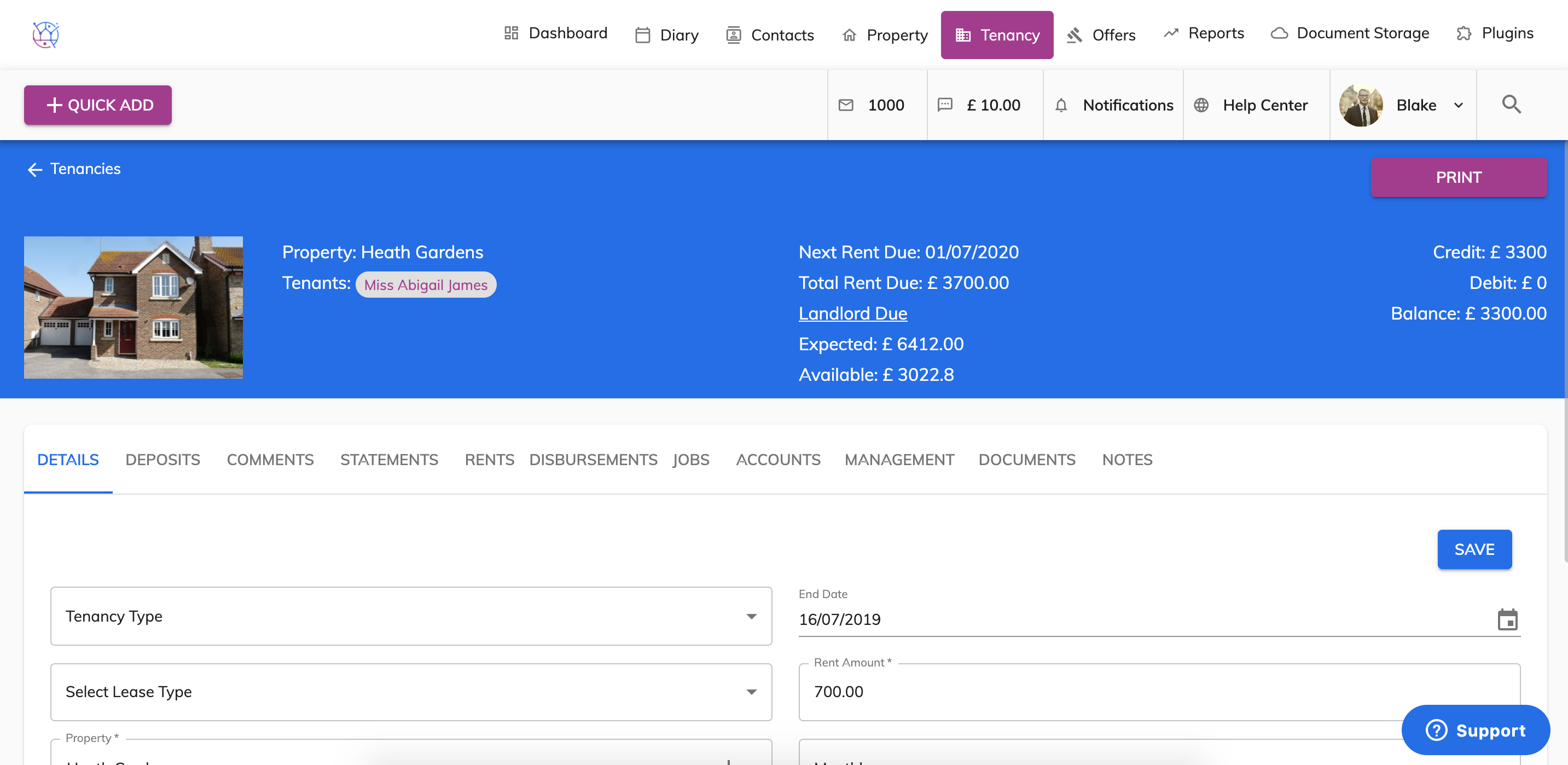
4) Select the documents tab from the menu.
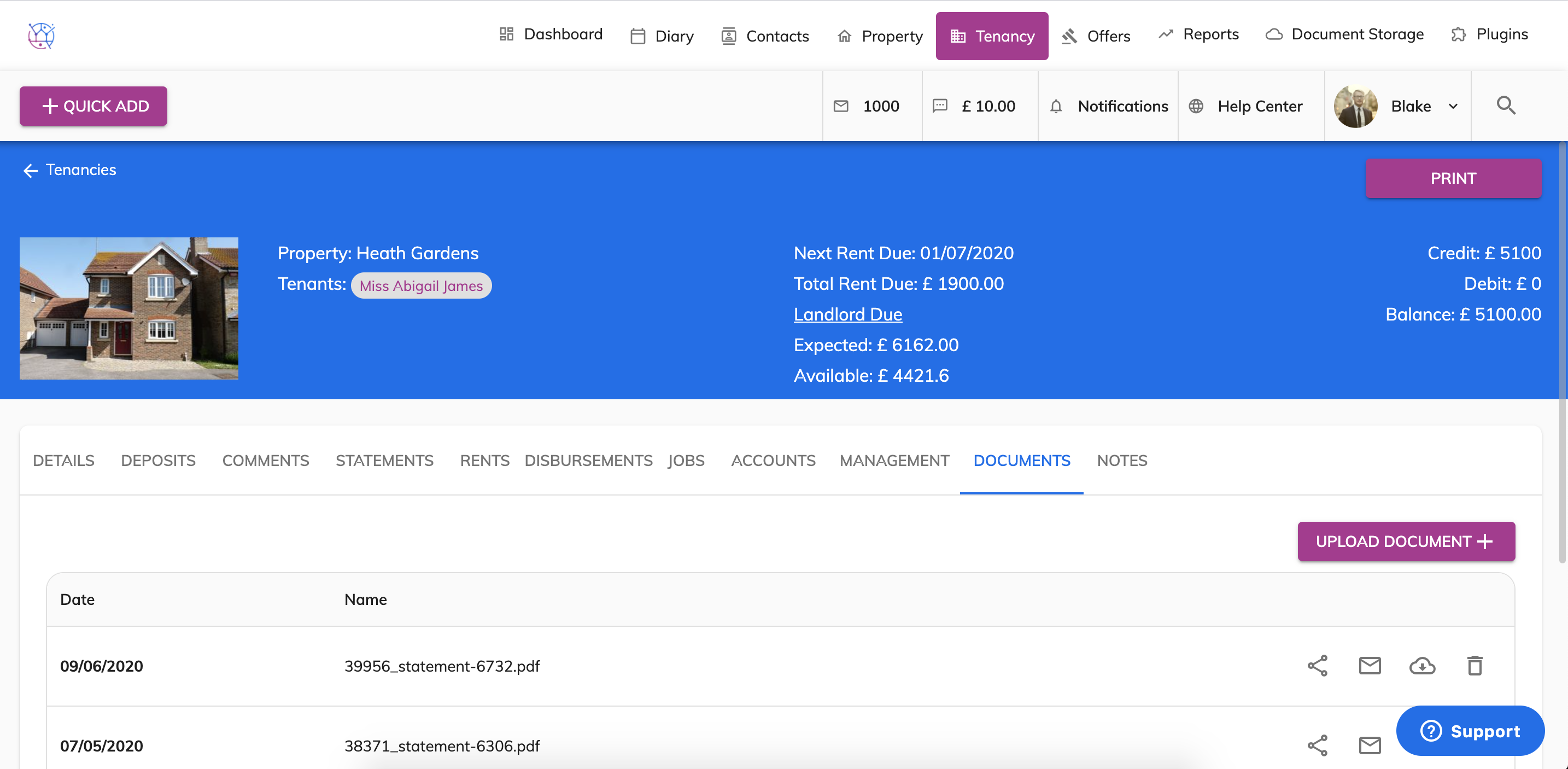
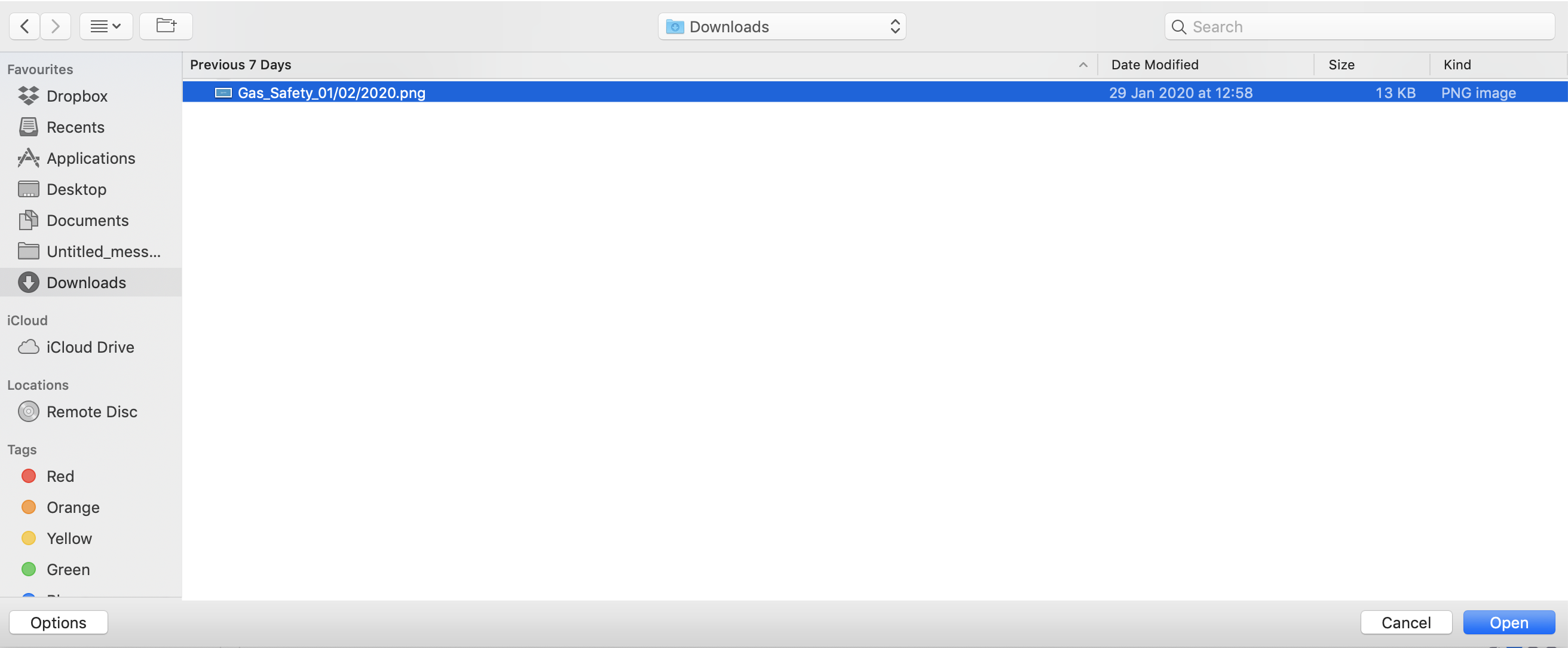
5) Press the Upload Document button. Select the file from your computer and press open.
6) The file will now be uploaded to the tenancy, the document will be shown at the top of the list.