
To view an overview of accounts on one tenancy, follow the instruction below:
1) Click the Tenancy tab. Using the tenancy search at the top of the page, enter key words, tenancy type or tenancy status. Press Search.
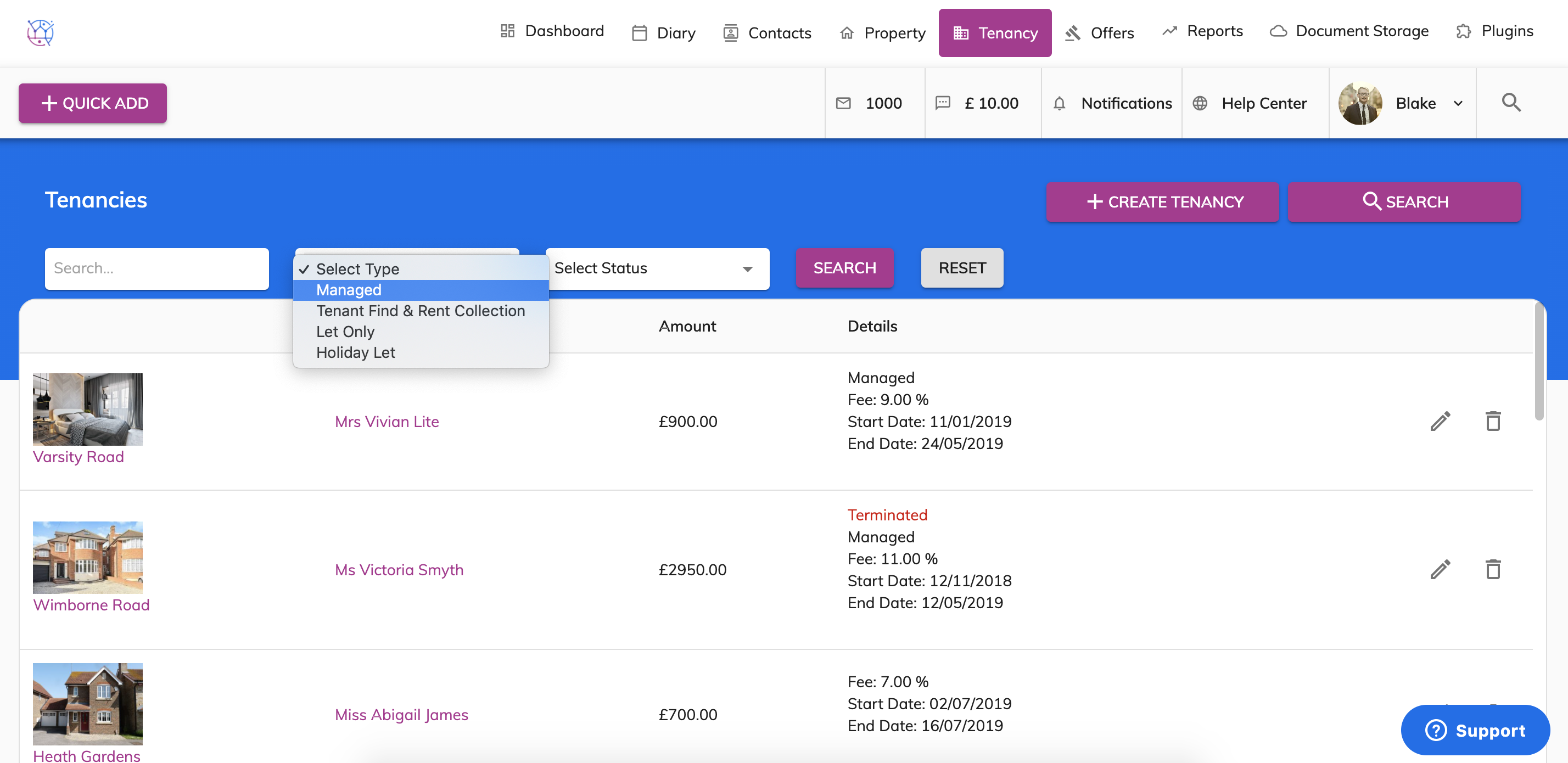
2) Click on the pencil icon to edit the tenancy.
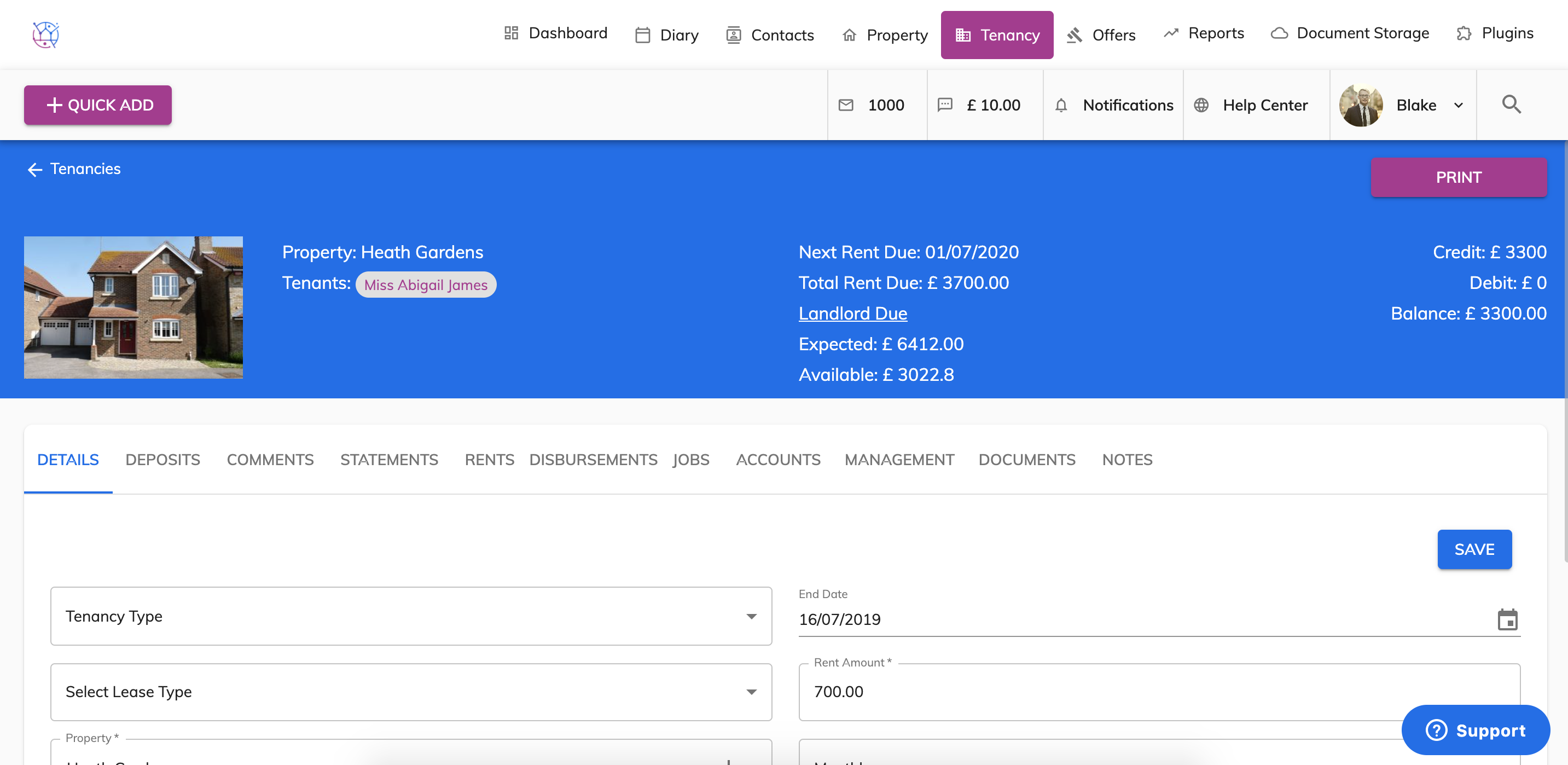
3) At the top of the tenancy details page you can see an overview of the accounts. Including Rent Due, Landlord Due - expected & available, Next Rent Due, Credit, Debit and Balance.
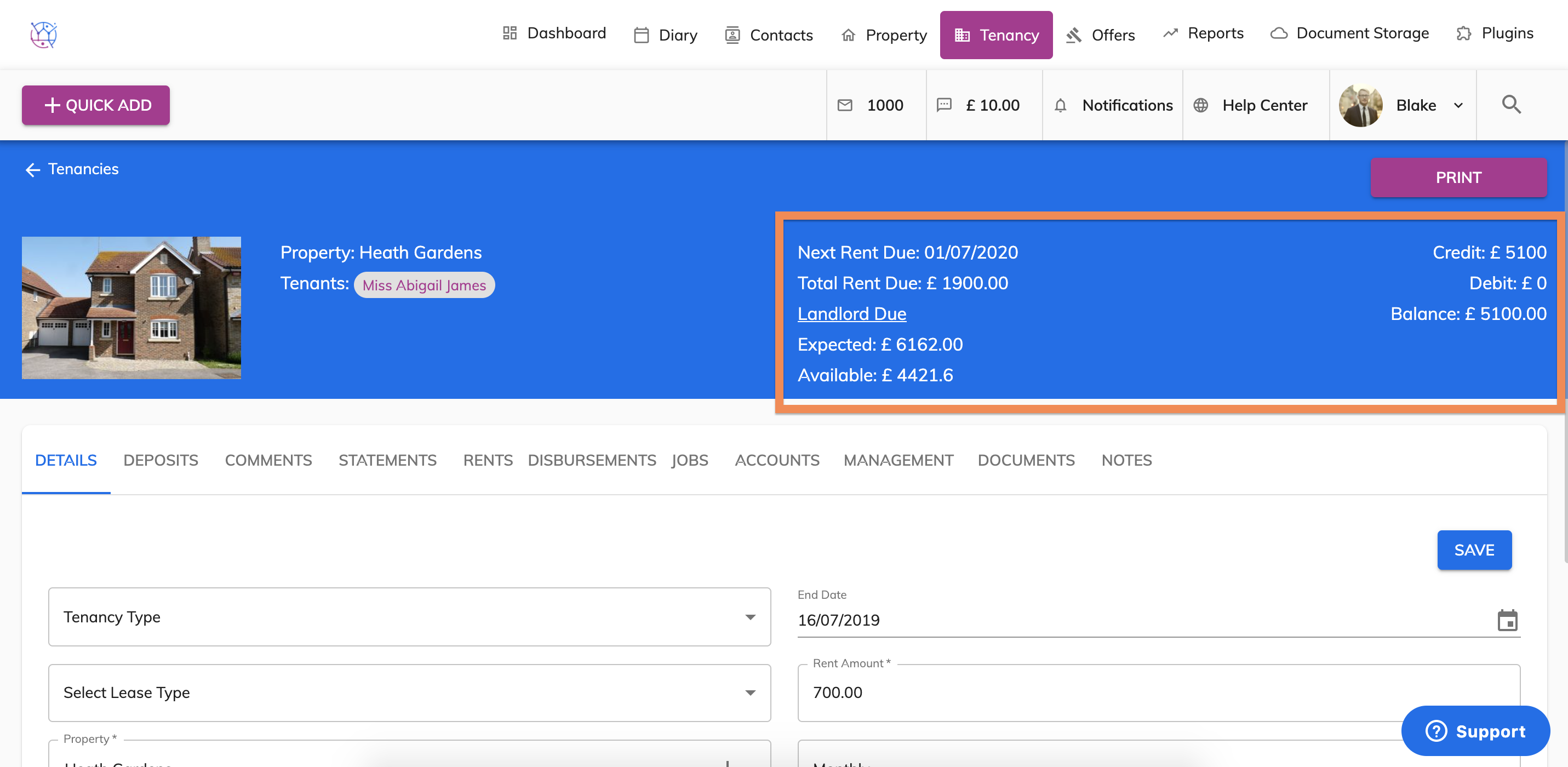
Total Rent Due - is the total amount of rent due from the tenant to date.
Landlord Due Expected - is the total amount due to the landlord based on the rent that was expected from the tenant. This figure already included deductions from management fees and disbursements.
Landlord Due Available - is the total amount due to the landlord based on the rent that has actually been paid from the tenant. This figure already included deductions from management fees and disbursements.