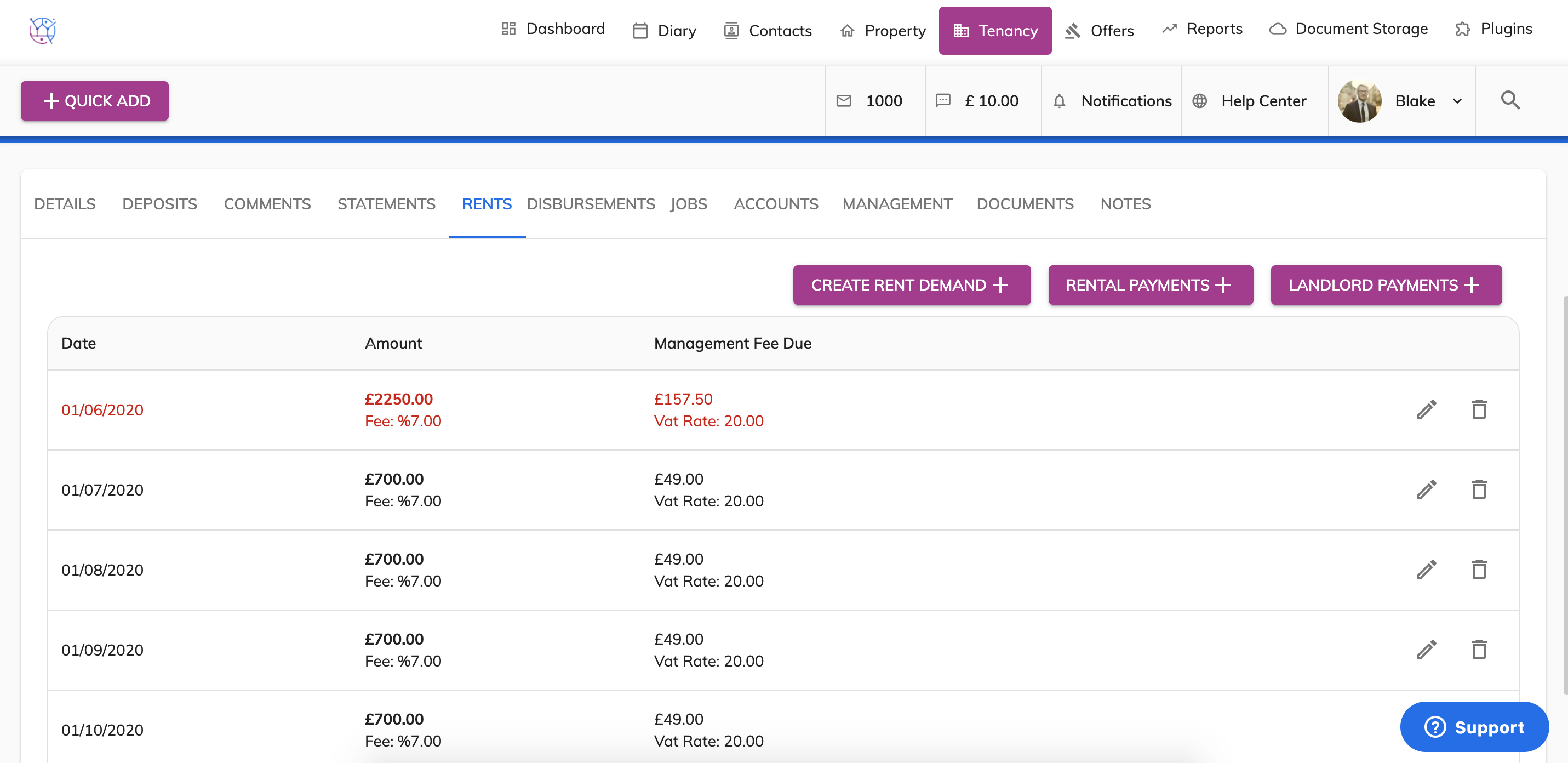
To record rent arrears from an existing tenant when added them as a new tenancy is Juvo, please follow the instructions below:
1) Click on the tenancy tab.
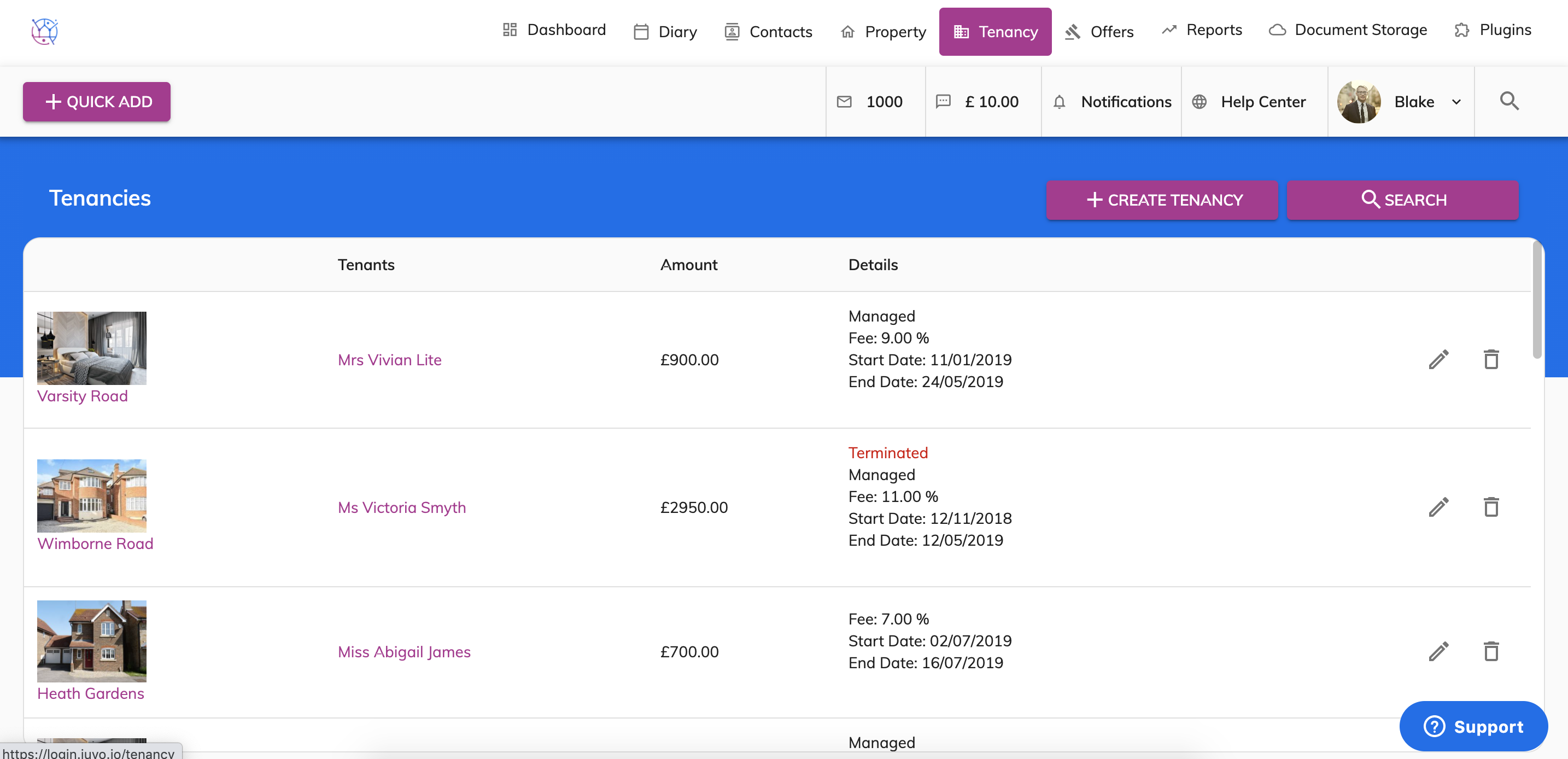
2) Using the tenancy search at the top of the page, enter key words, tenancy type or tenancy status. Press Search.
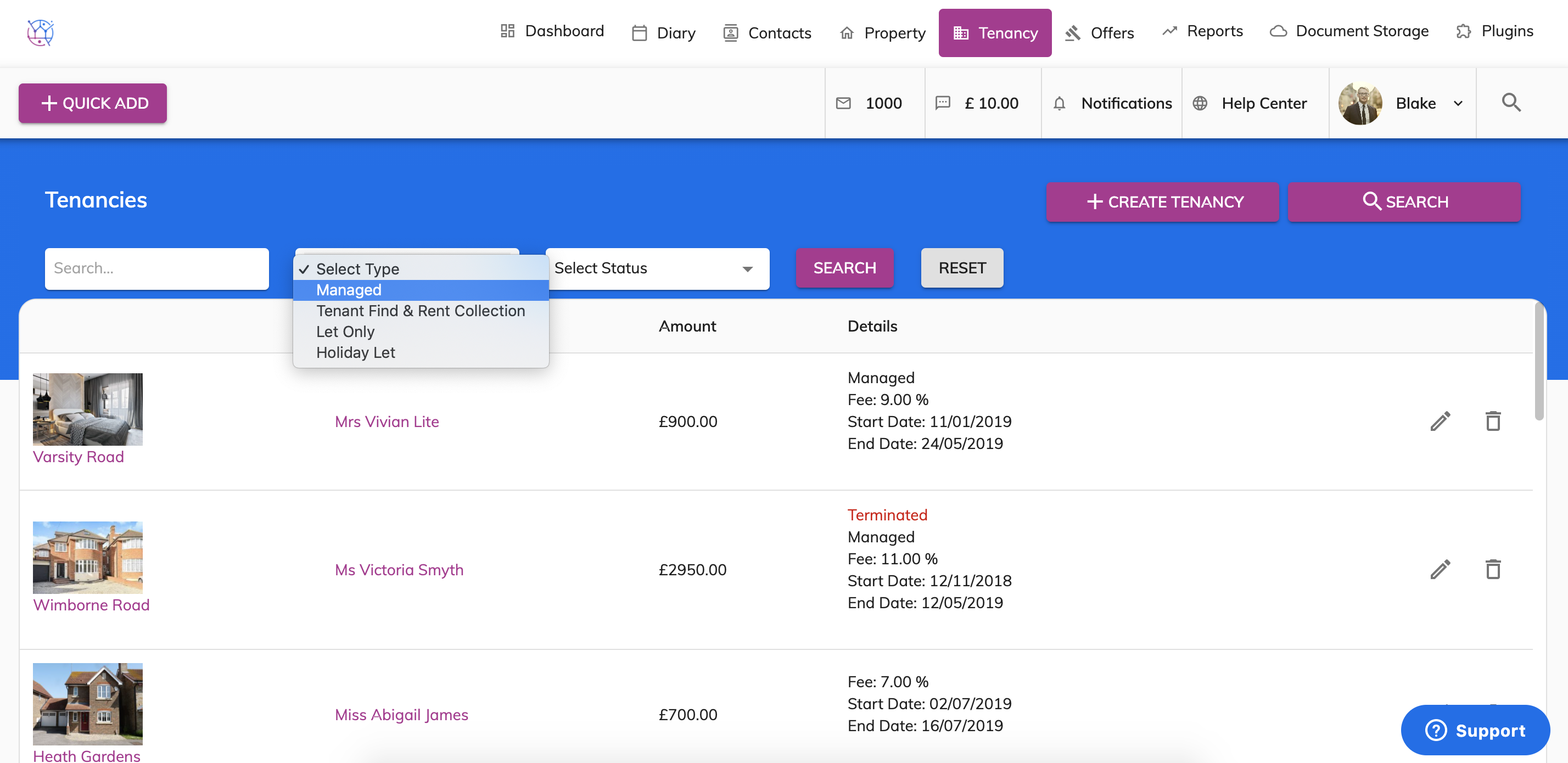
3) Click on the pencil icon to edit the tenancy.
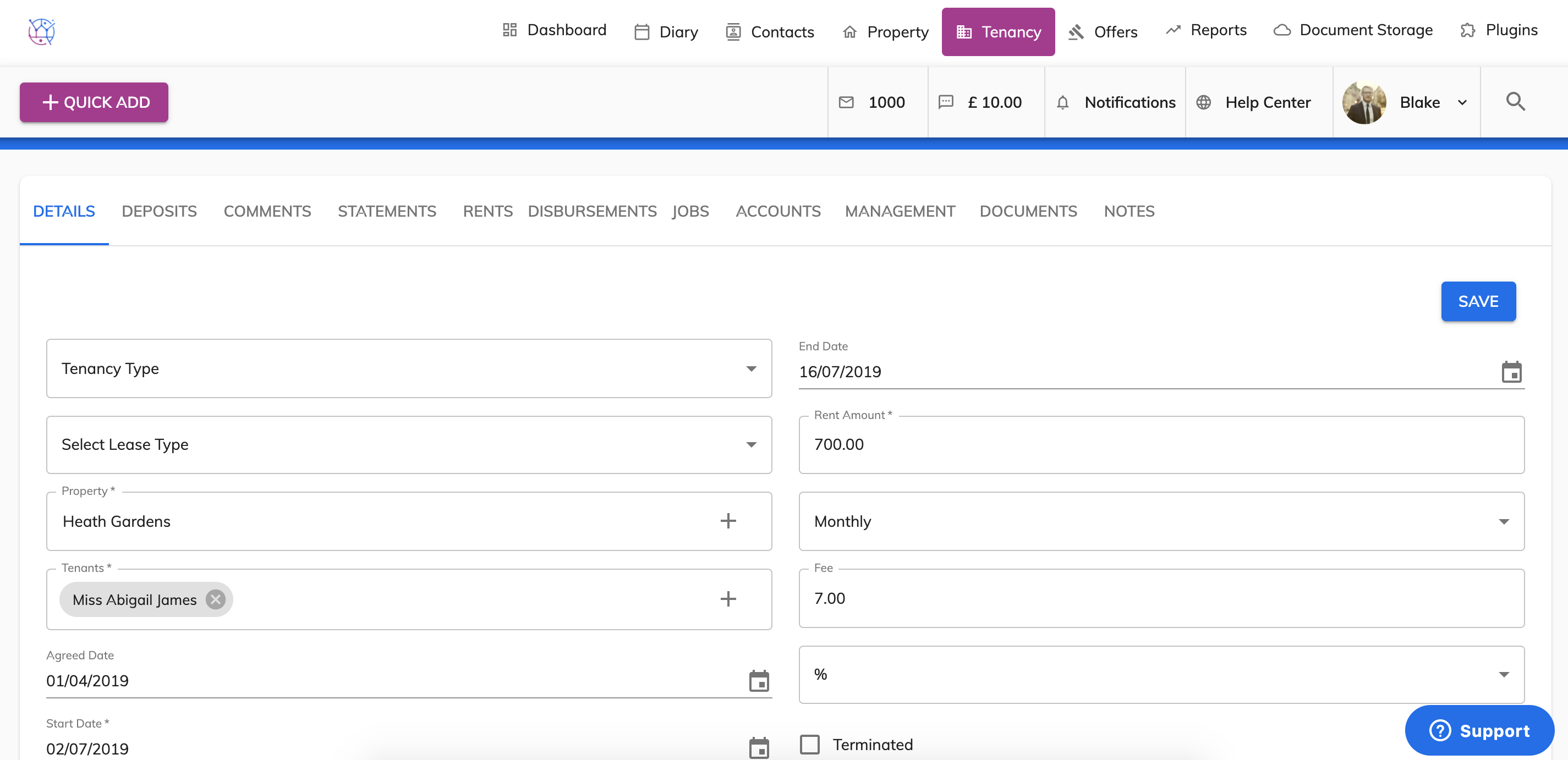
4) Click on the Rents tab from menu, enter the start date for the rent demands. This will be the next rent that is due to be paid to you.
Enter the end date for the rent demands. This is normally the end of the tenancy, however if this date is less that 6 months away - increase the end date of the rent demand to at least 6 months from the start rent date.
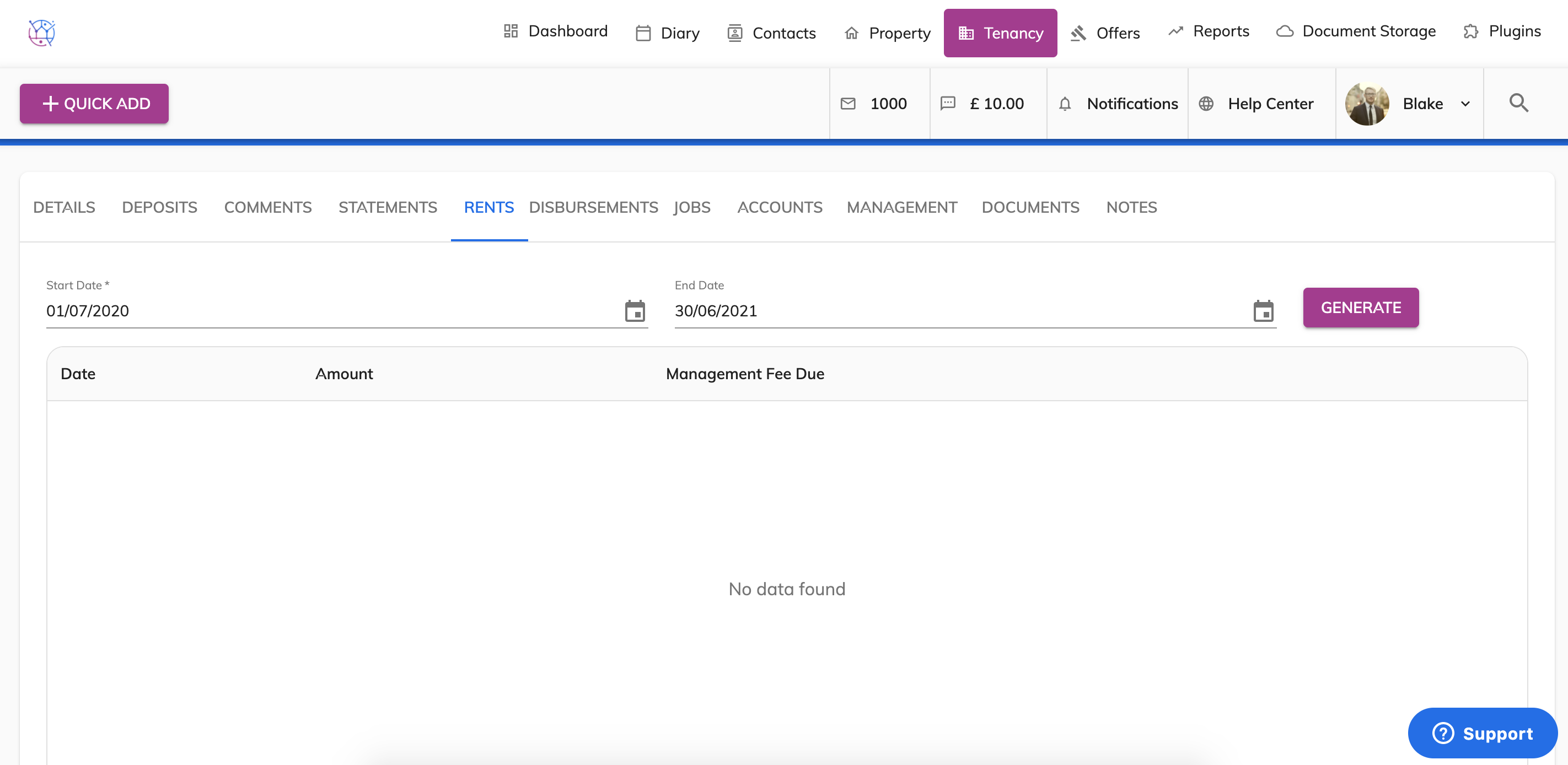
5) Press the Generate button.
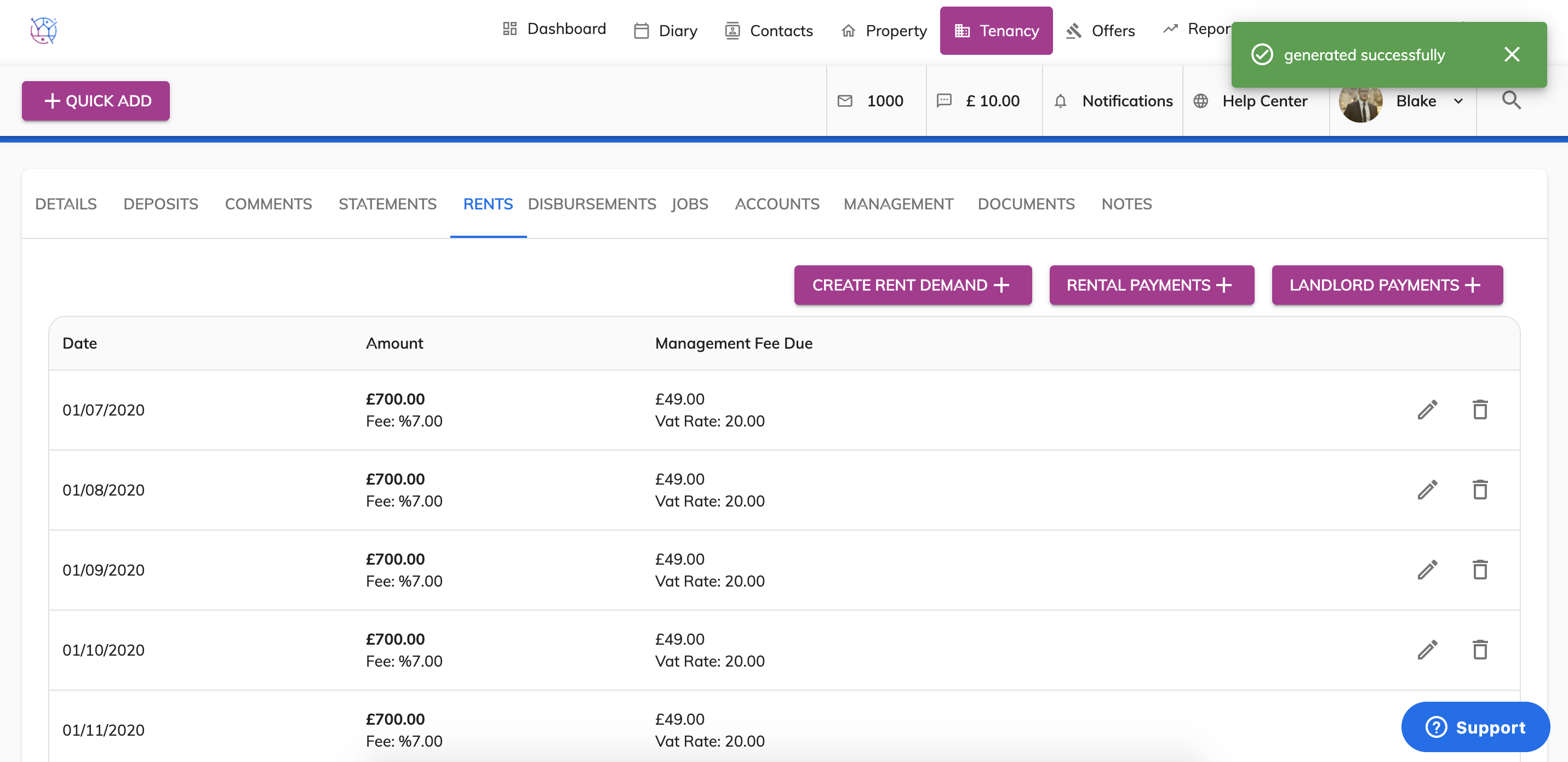
Please note that if the tenancy continues after the end date, rent demands will continue to be created as long as the tenant continues to pay their rent and the tenancy is not terminated.
6) To add the rent arrears to the tenancy, click on the Create Rent Demand button. Select the date for the arrears (could be todays date), the total amount of arrears due to date & then your management fee and vat if applicable. Press Create.
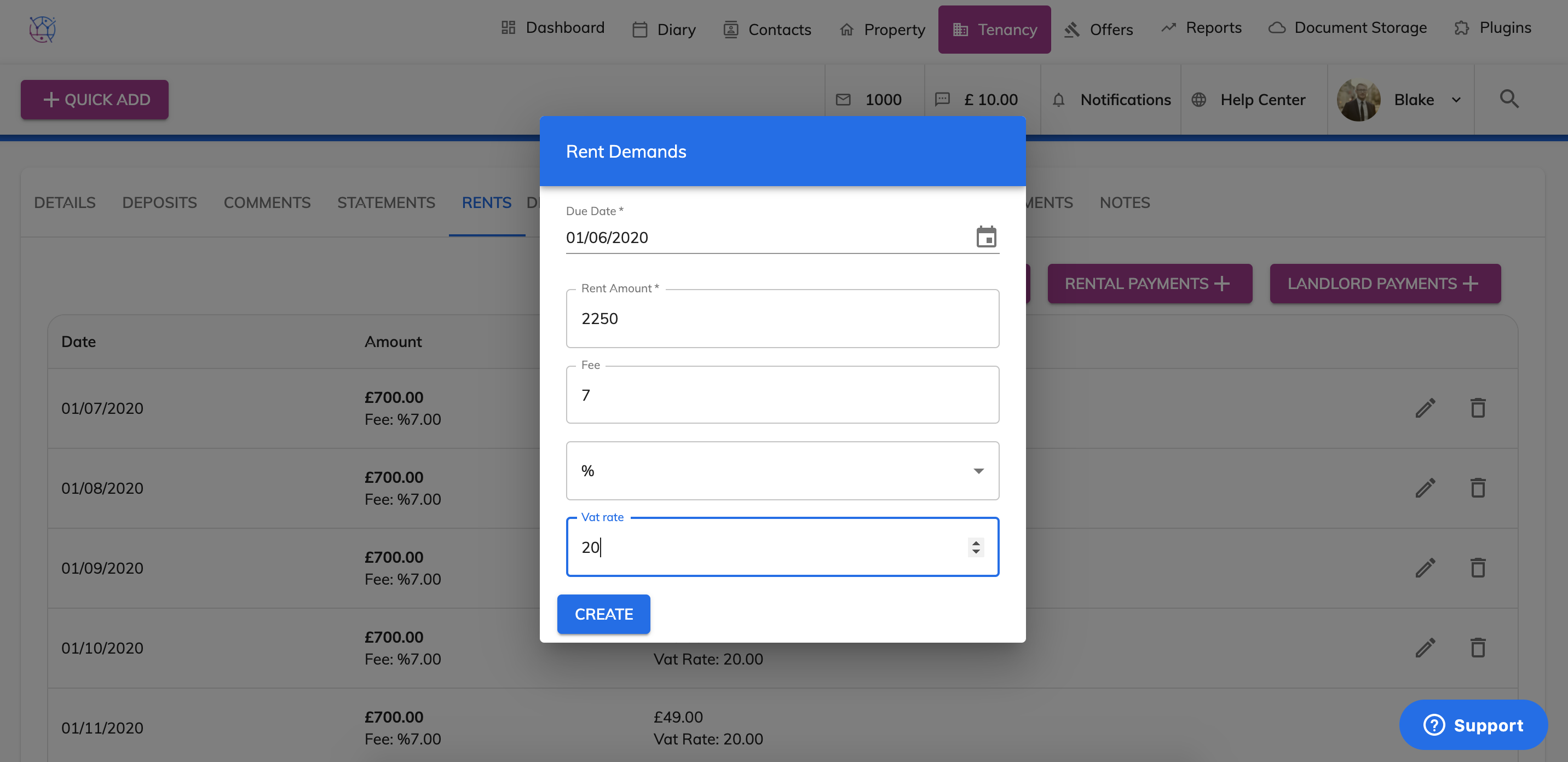
7) This rent demand for overdue arrears will be added to the top of the tenancy and will added to the total amount due from the tenant.