To add a reoccurring management fee or commission to a tenancy, follow the steps below:
1) Click the Tenancy tab.
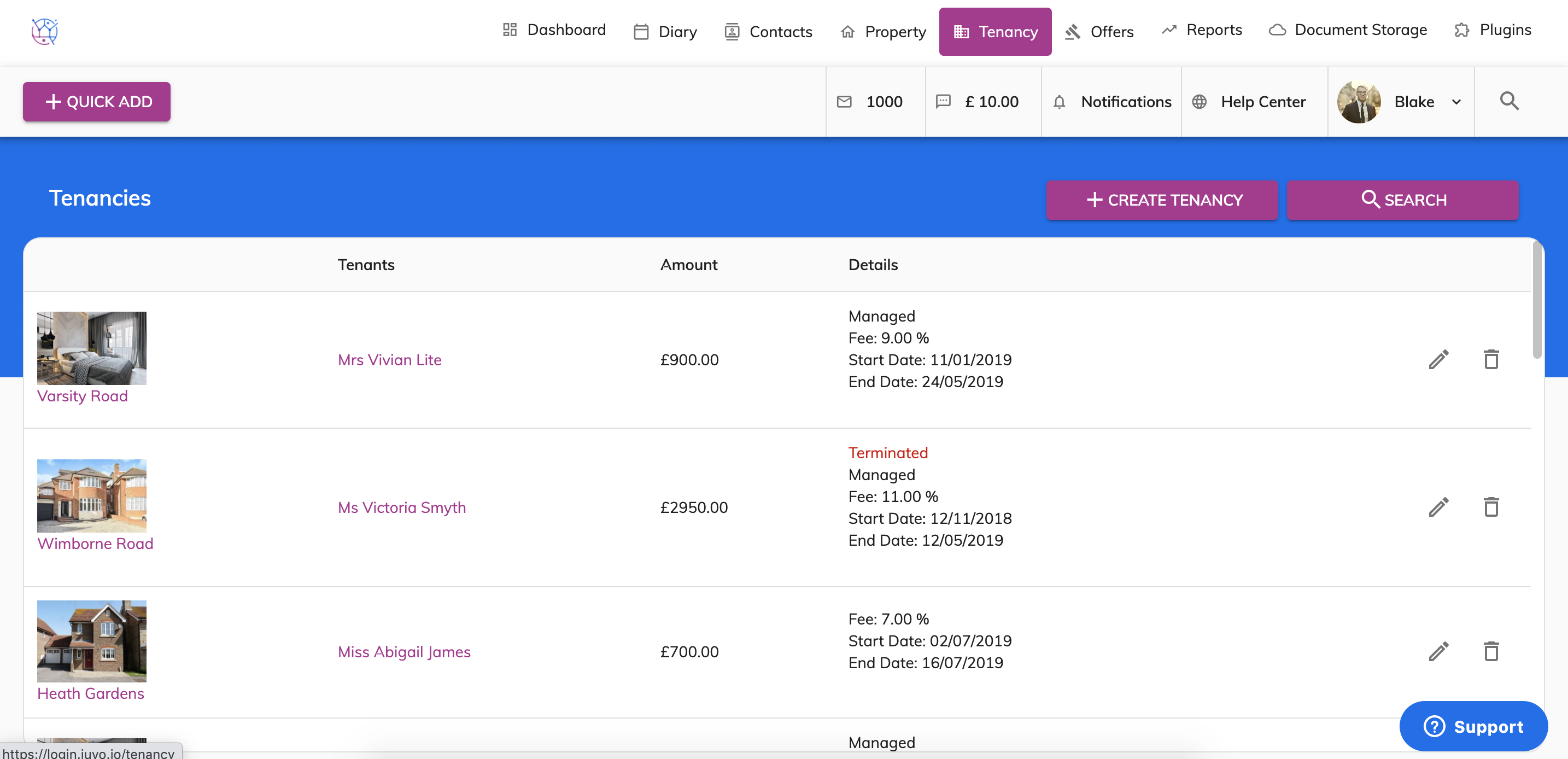
2) Using the tenancy search at the top of the page, enter key words, tenancy type or tenancy status. Press Search.
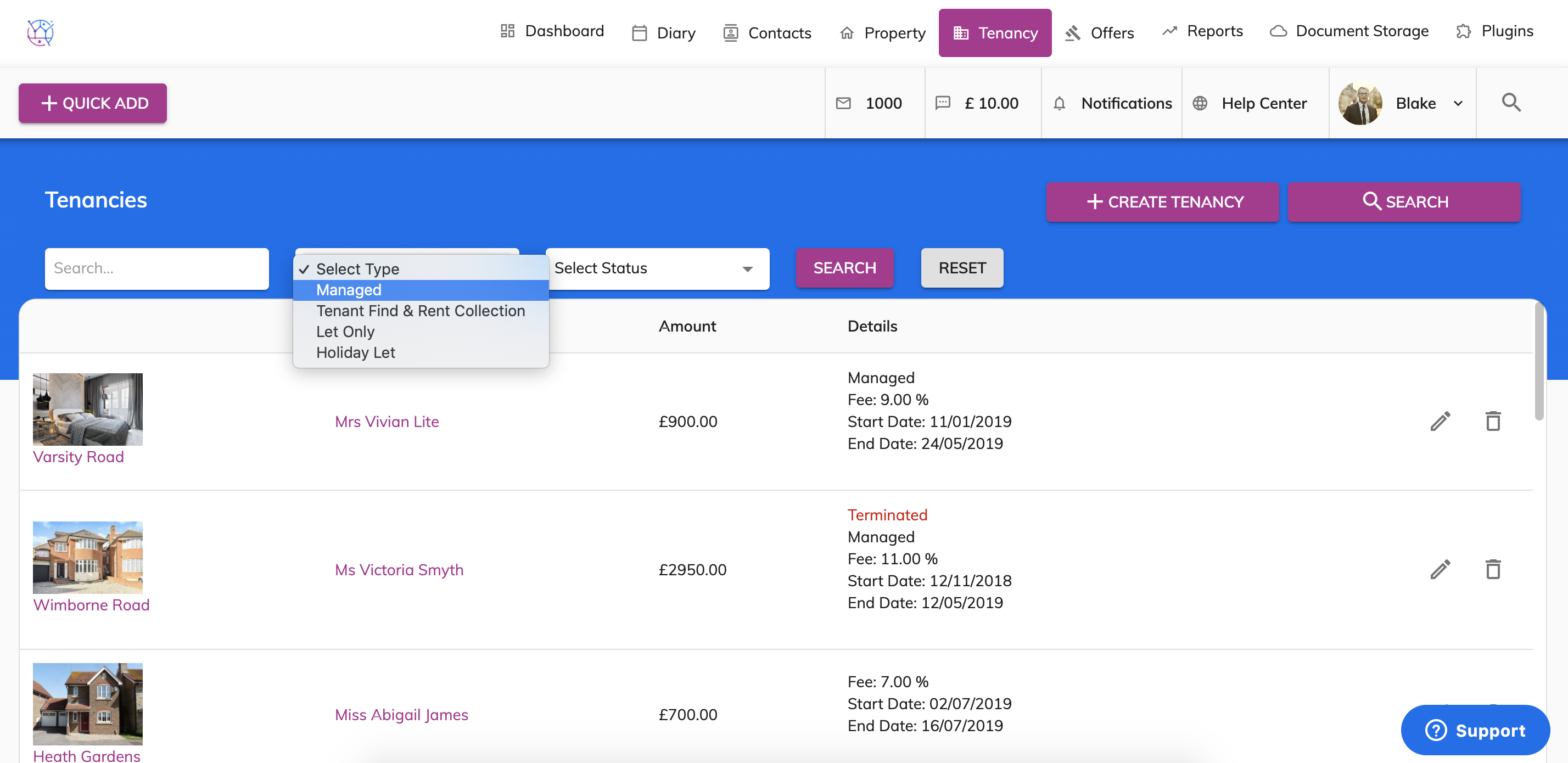
3) Click on the pencil icon to edit the tenancy.
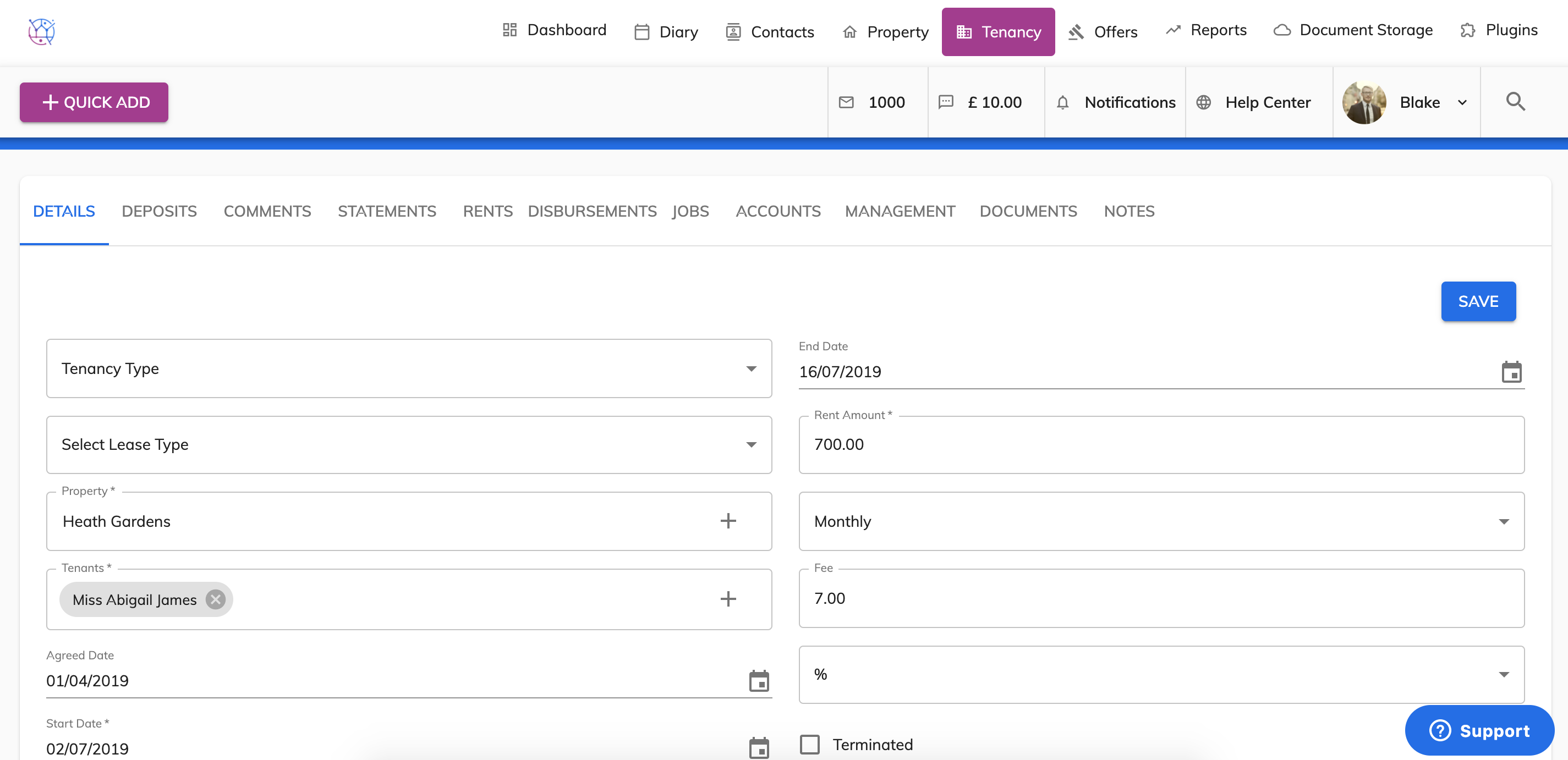
4) The fee entered on the property details page is the management fee for the tenancy.
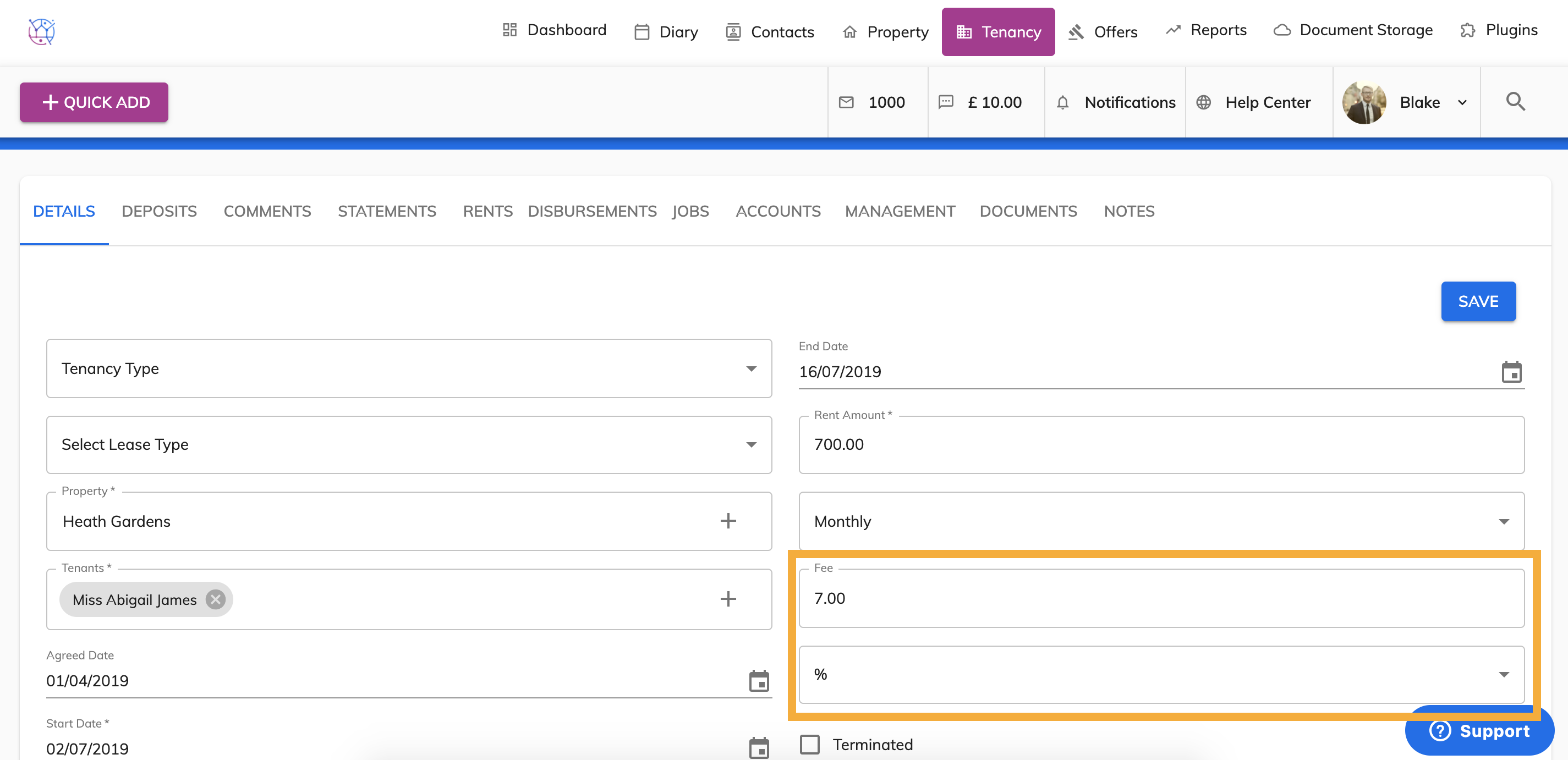
The management fee can be entered as a percentage by selecting the percentage fee type. In this example this is showing the management fee as 7% of the rent amount.
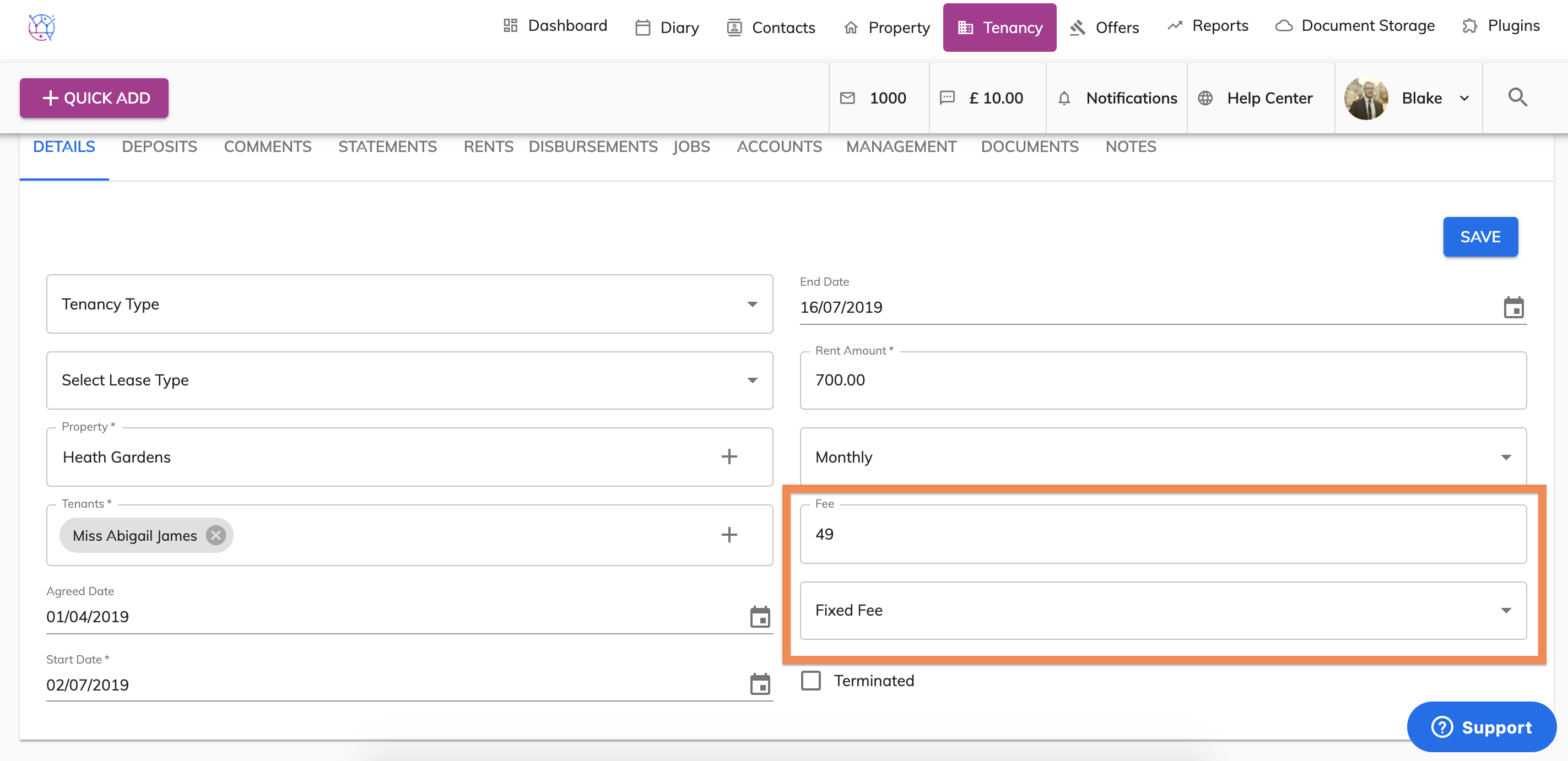
5) The management fee can also be entered as a fixed fee, by selecting the fixed fee type from the dropdown. In this case it is showing the management fee as £49 of the rent amount.
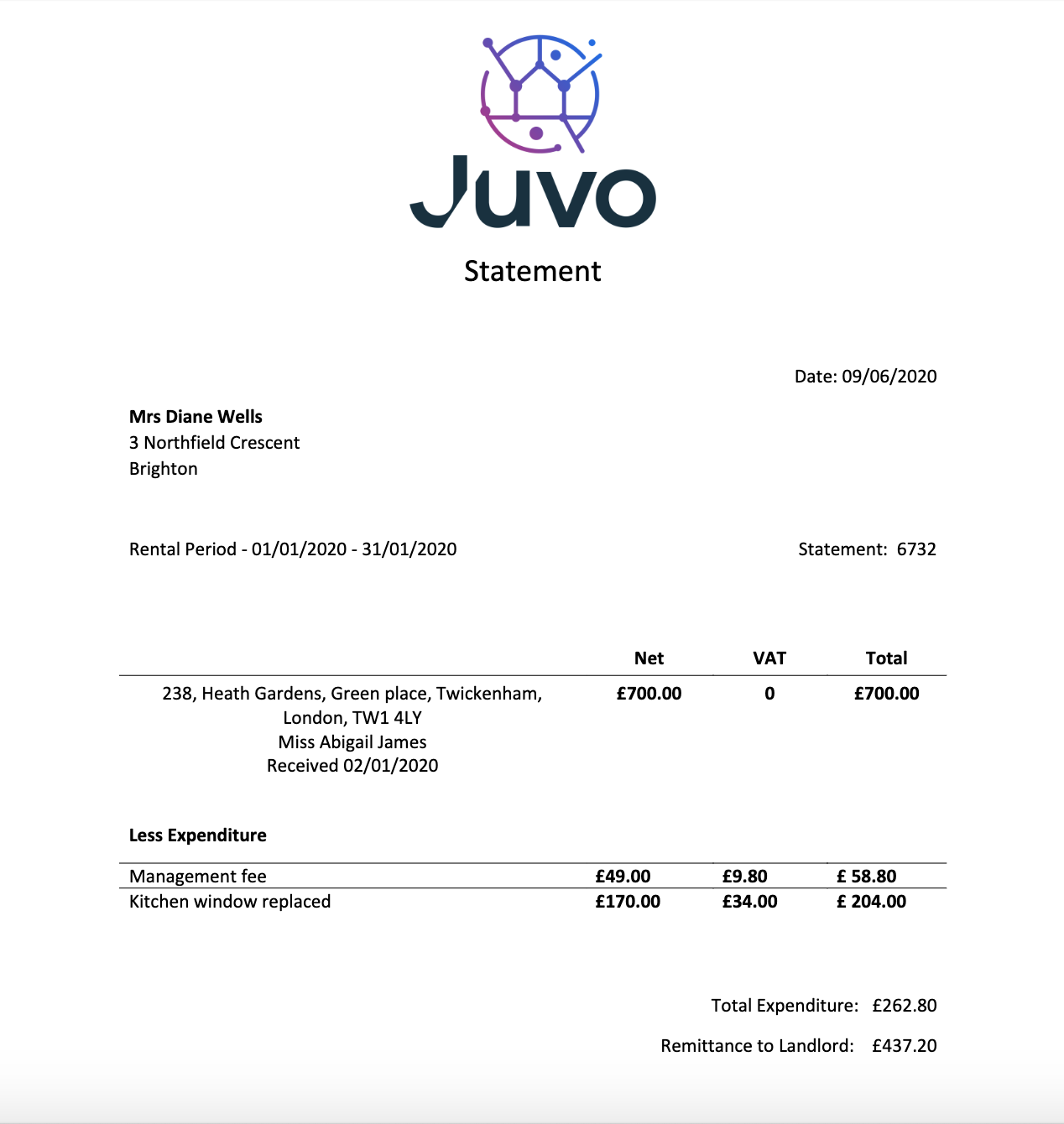
6) The management fee will be deducted from any payments due the landlord, based on the frequency of the rent and will appear on landlord statements. See an example landlord statement below to show how the management fee will show.