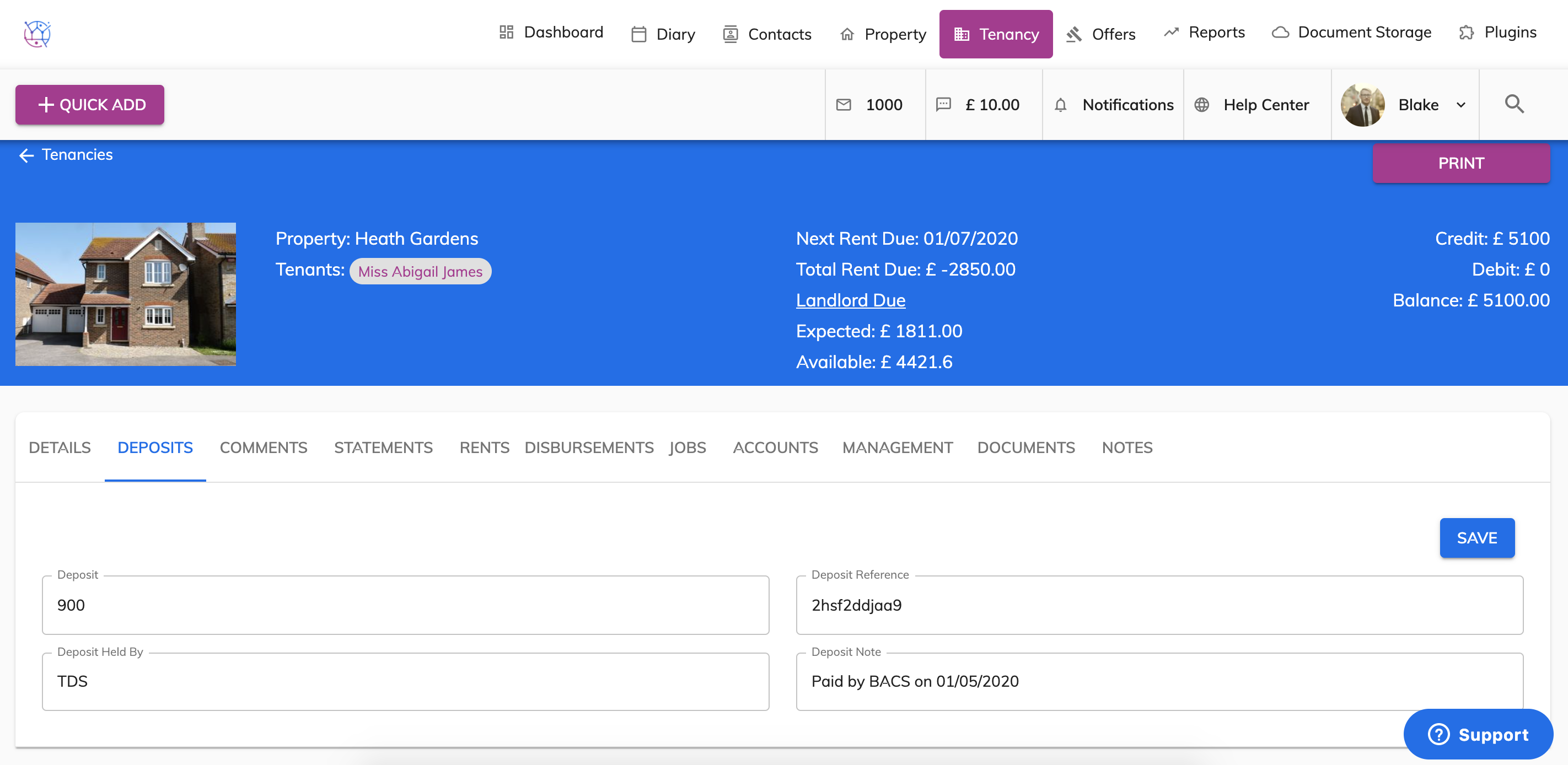
To to record where a deposit is being held, follow the steps below:
1) Click the Tenancy tab.
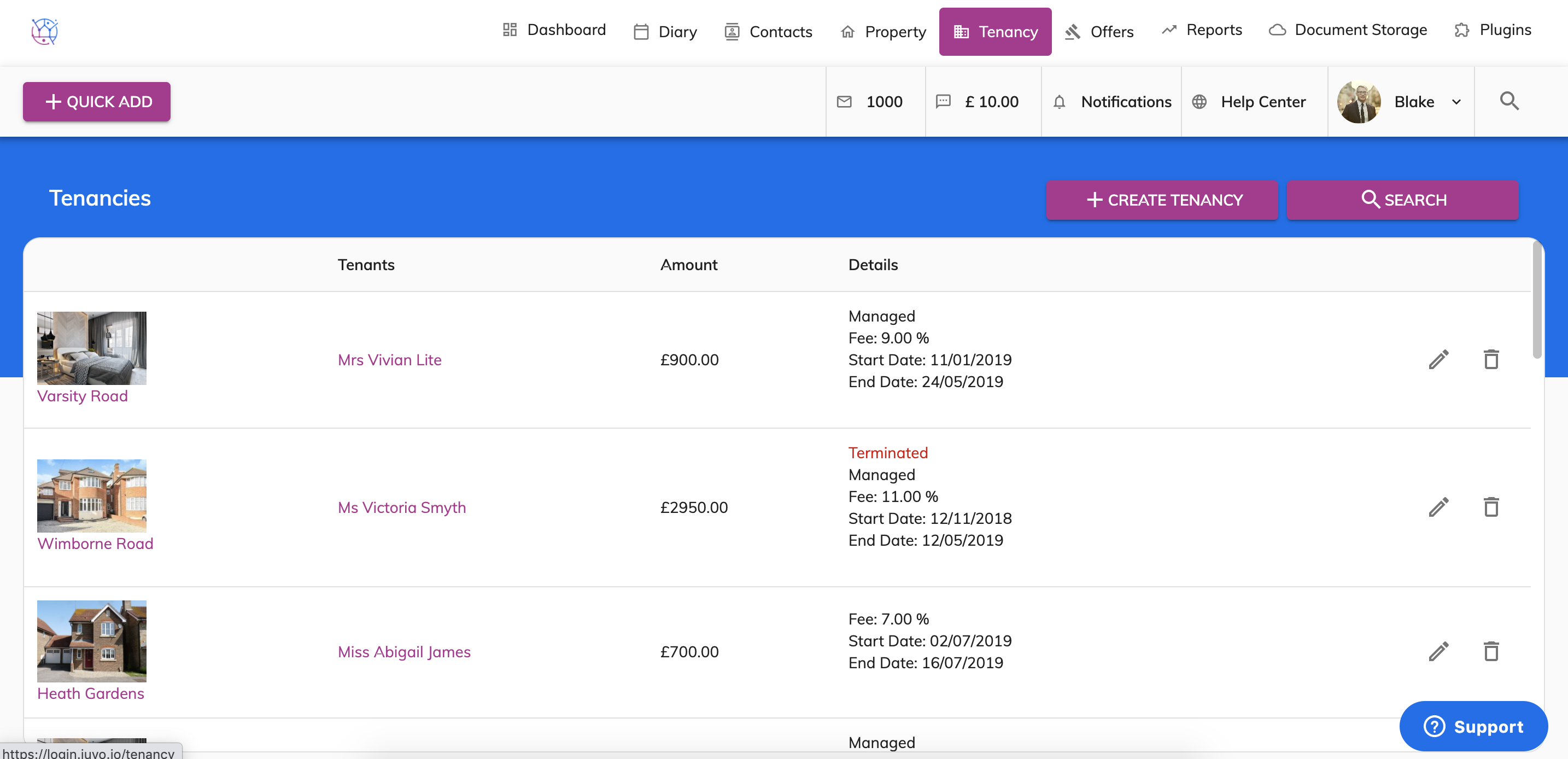
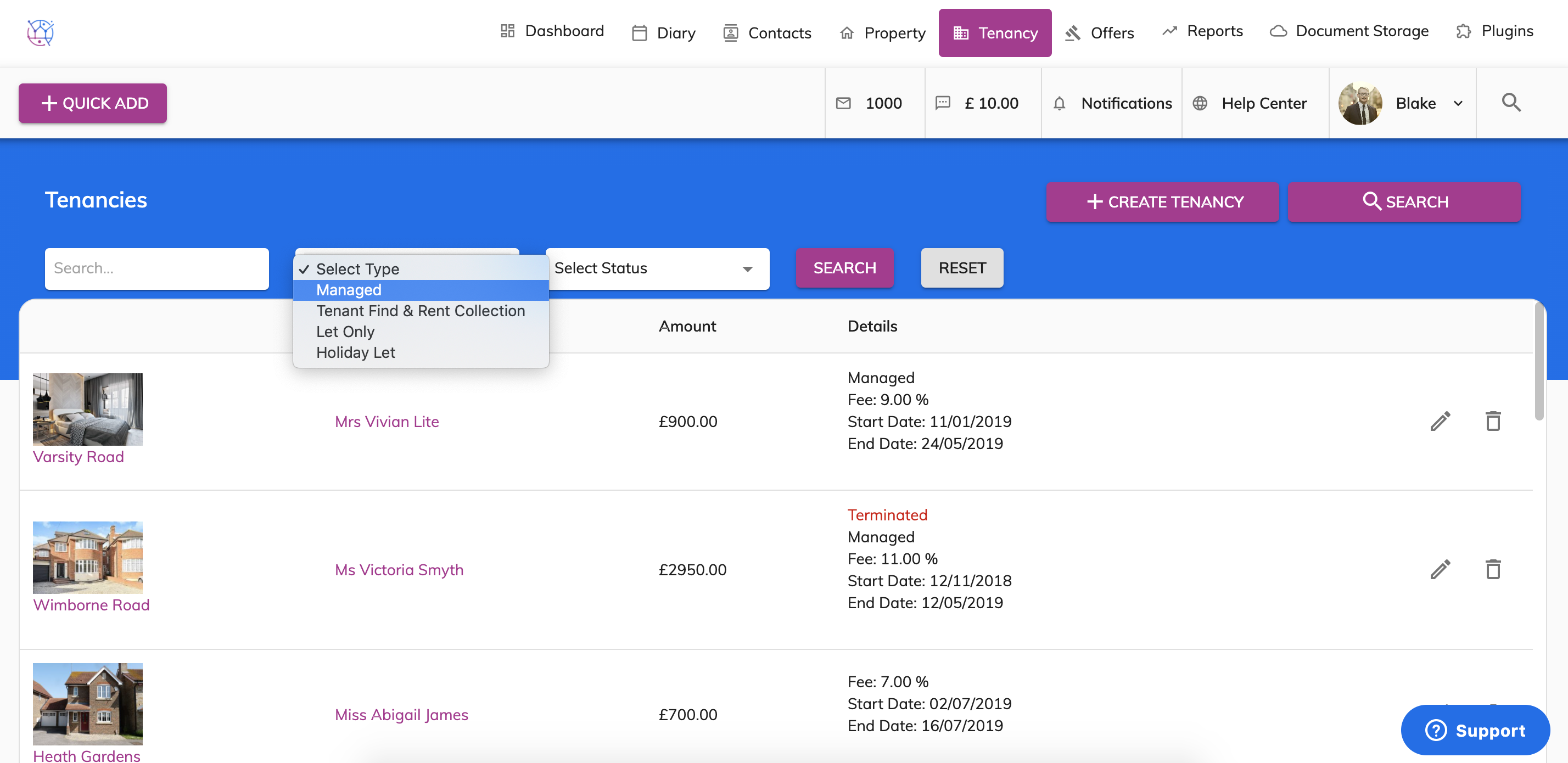
2) Using the tenancy search at the top of the page, enter key words, tenancy type or tenancy status. Press Search.
3) Click on the pencil icon to edit the tenancy.
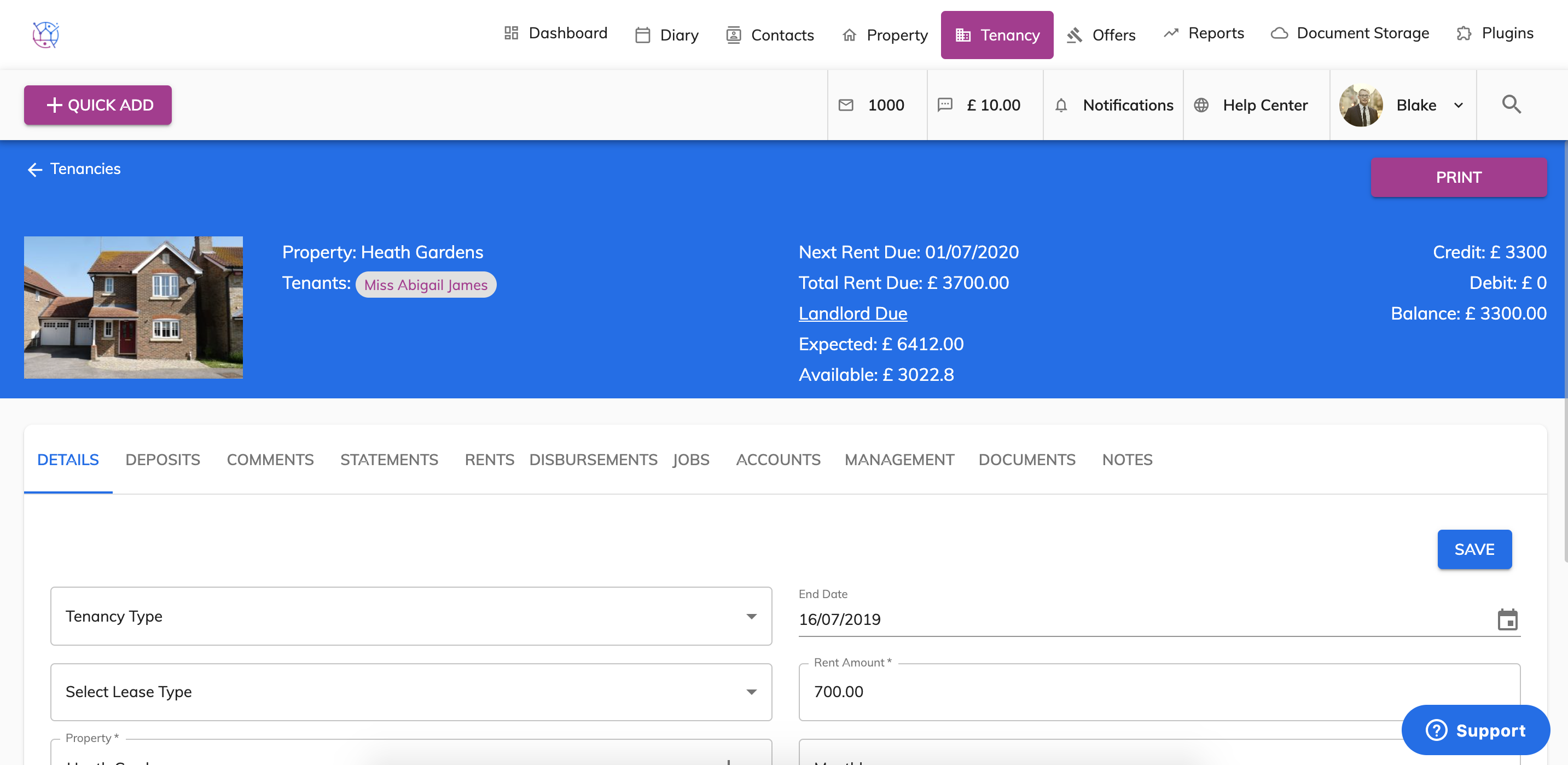
4) Click on Deposits from the menu.
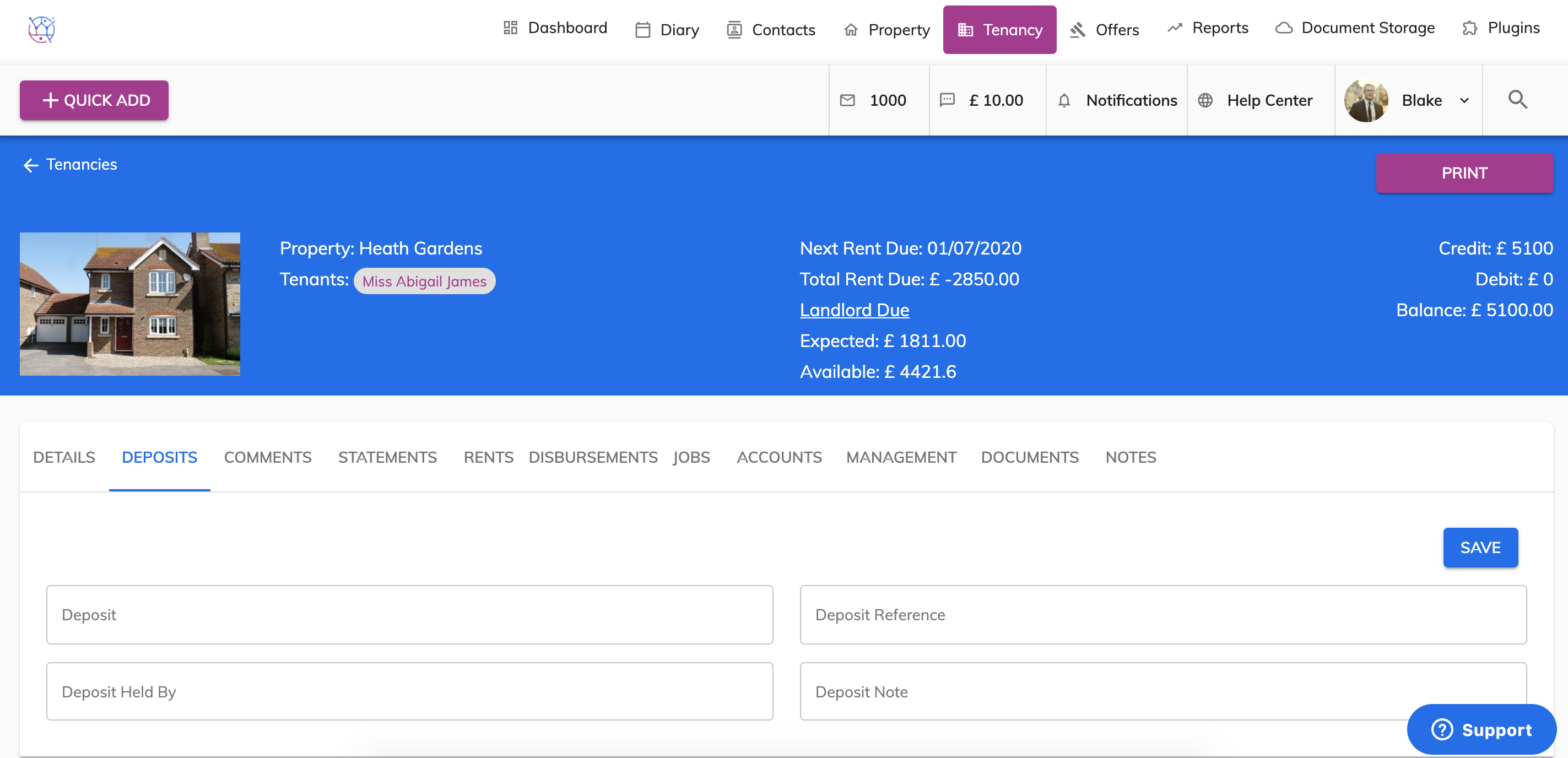
5) Enter the deposit amount, the deposit unique reference number usually given by where it is being held, the name of the company where the deposit is being held and any additional notes. Press Save.