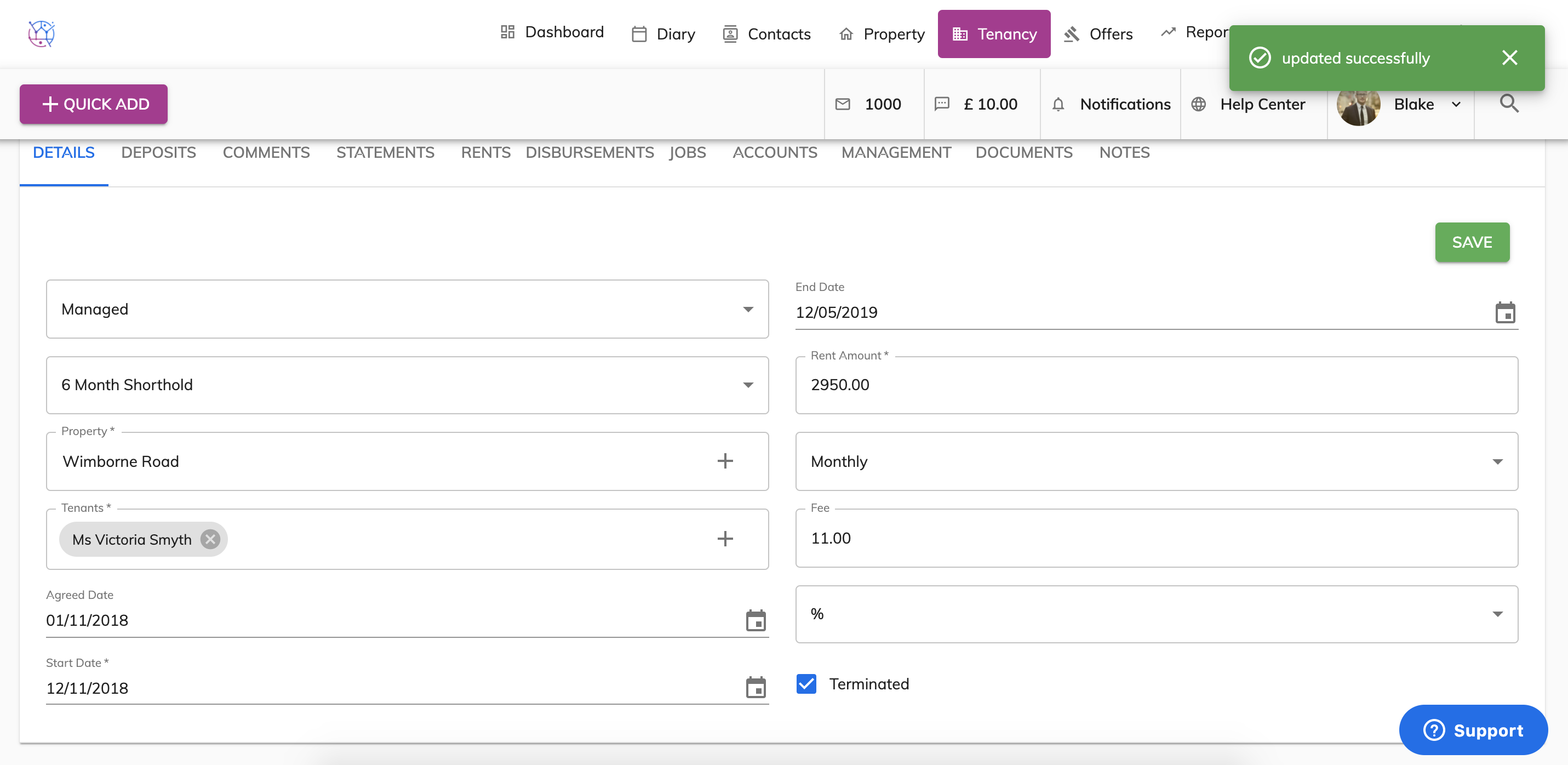
To terminate or end a tenancy, follow the steps below:
1) Click the Tenancy tab.
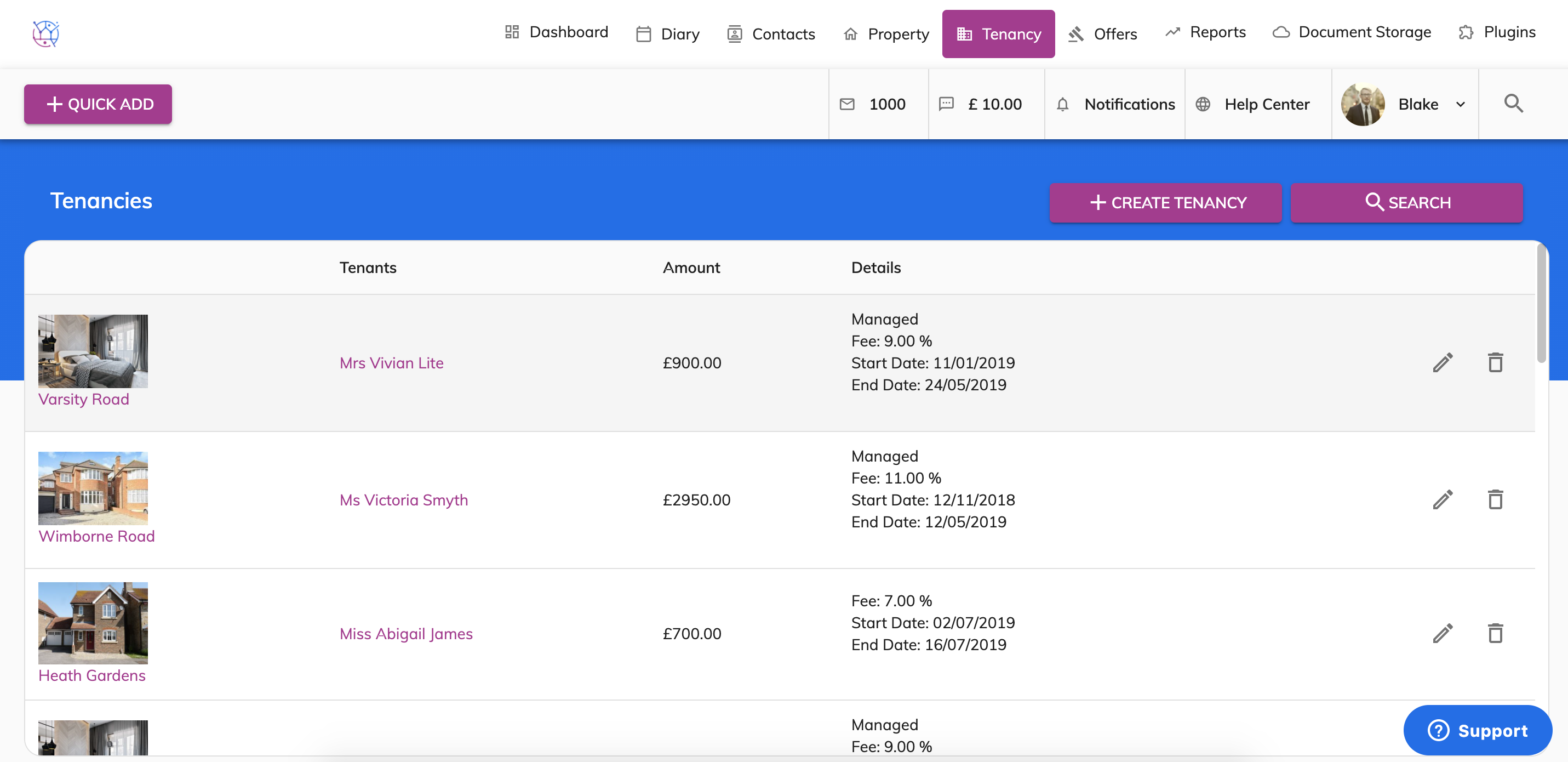
2) Locate the tenancy you would like to terminate from the lists of tenancies or by using the search. Edit that Tenancy.
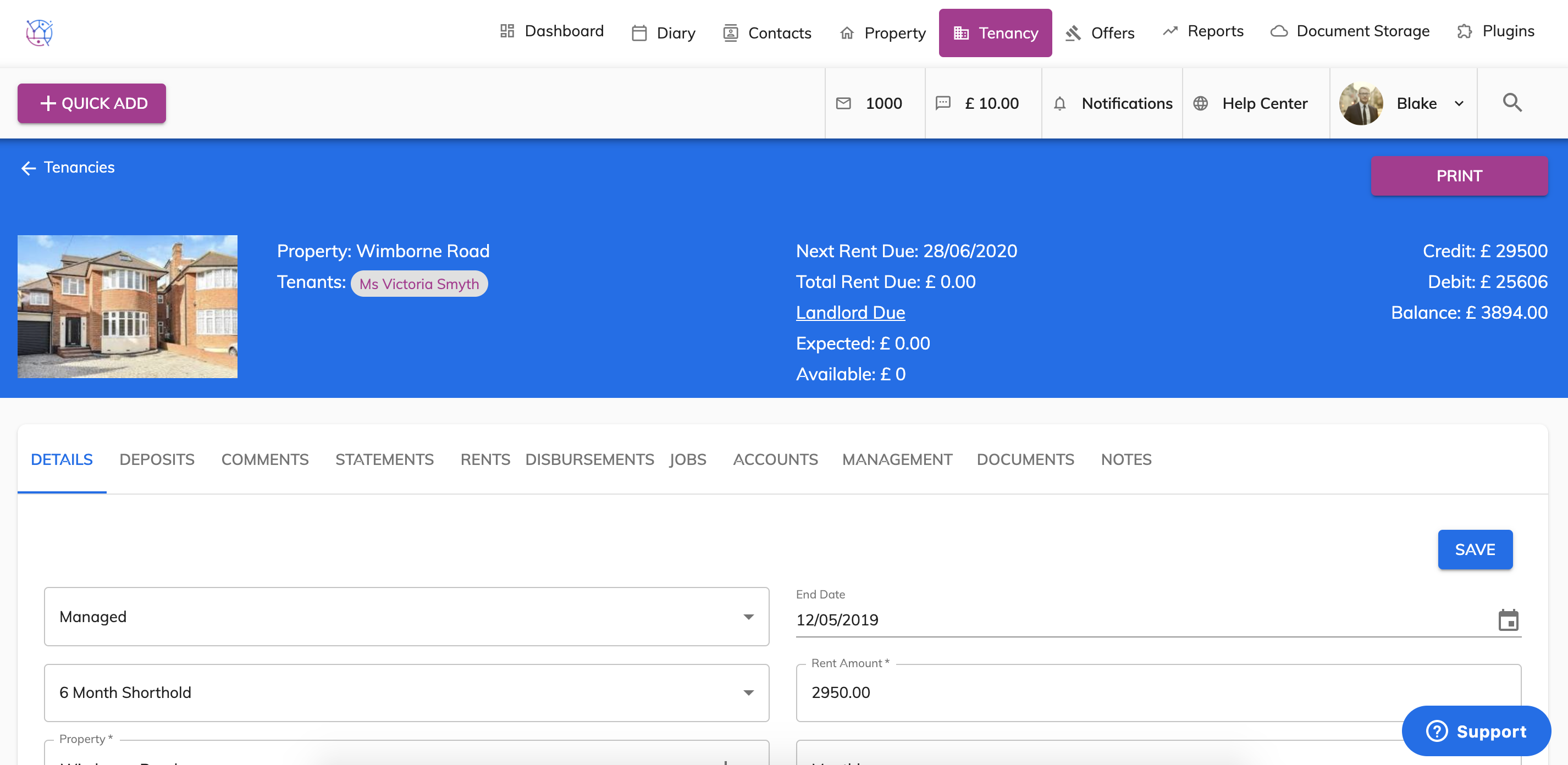
3) On the right hand side underneath the deposit information, you will see a terminated box. Tick the Terminated box.
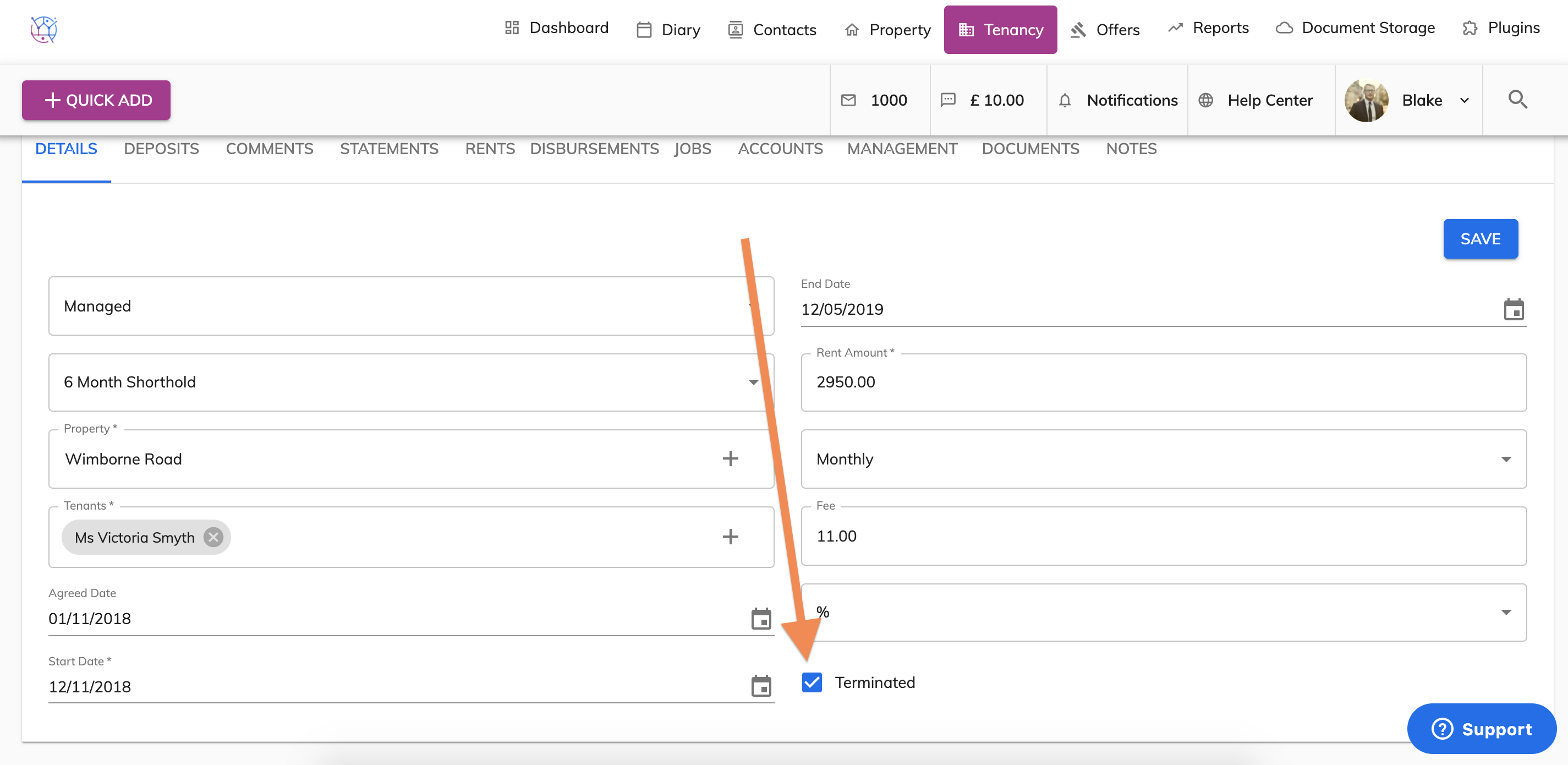
4) Press the Save button.
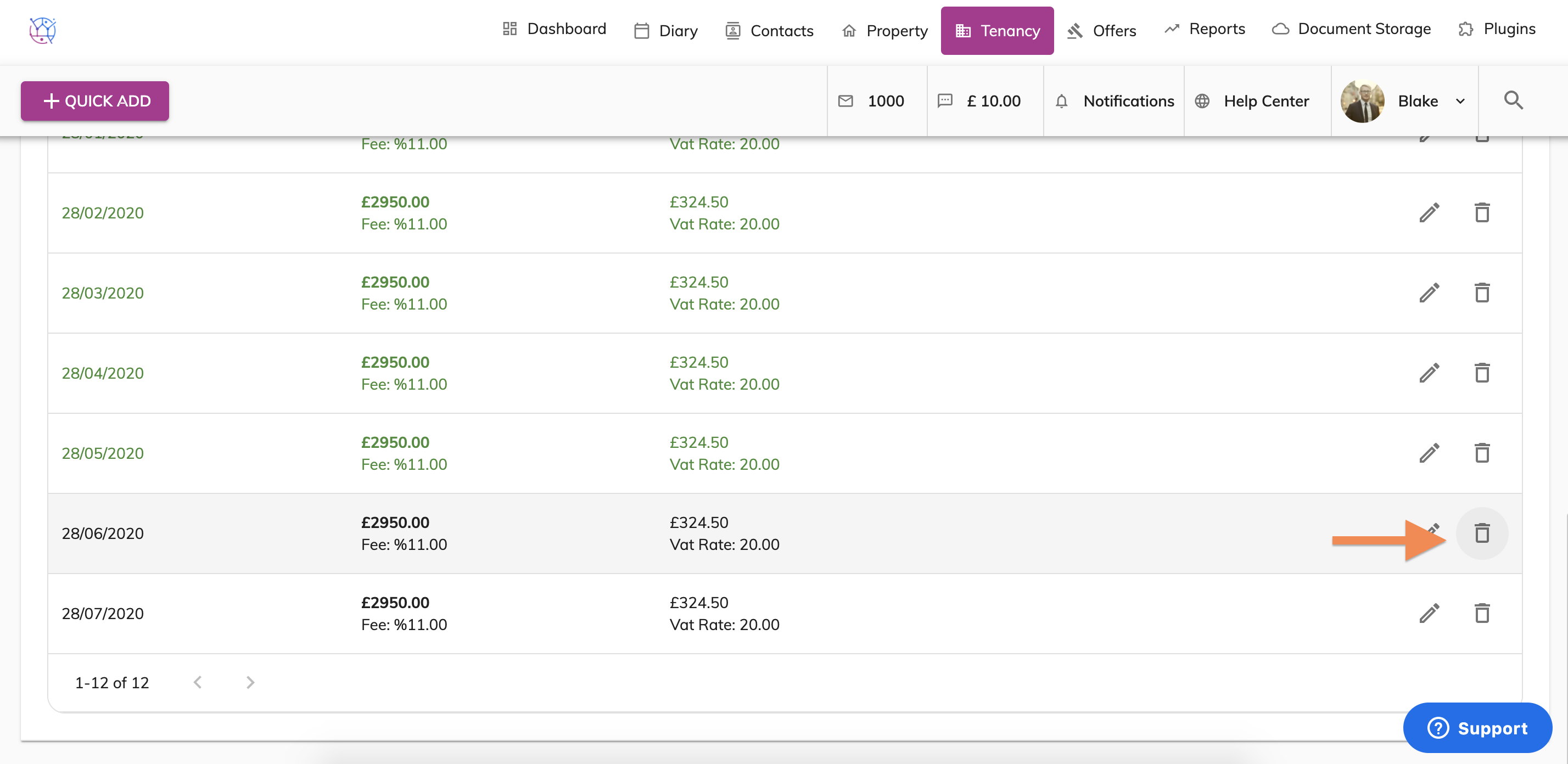
5) Once the tenancy has been terminated remember to remove the rent reminders which are no longer need. Click on the rents tab from the menu and use the Bin icon to remove rent demands that are no longer needed.