
To delete a document from a tenancy, follow the steps below:
1) Click the Tenancy tab.
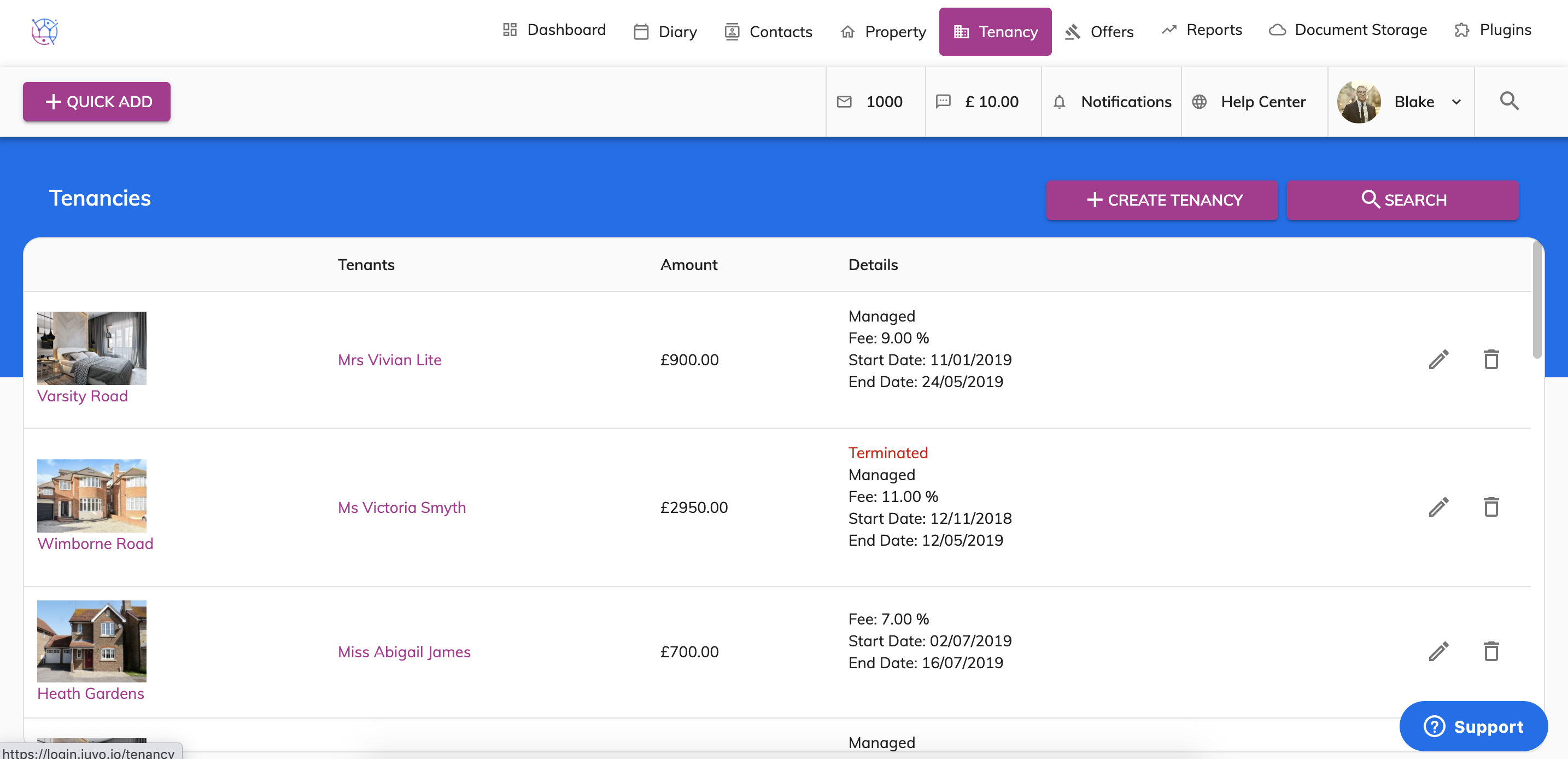
2) Locate the Tenancy from the list or use the tenancy search at the top of the page. Press the pencil icon to edit the tenancy.
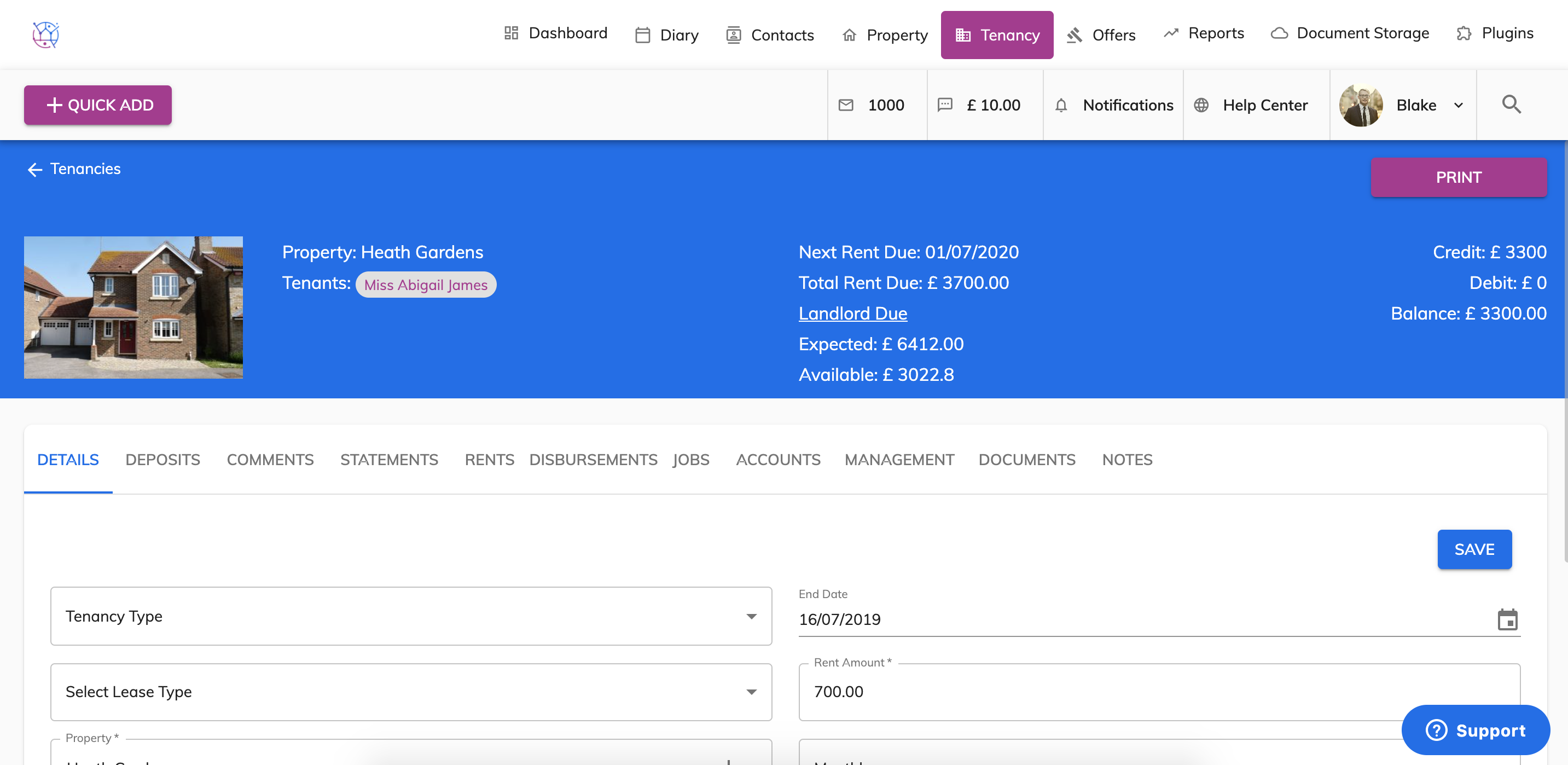
3) Select the Documents tab from the menu.
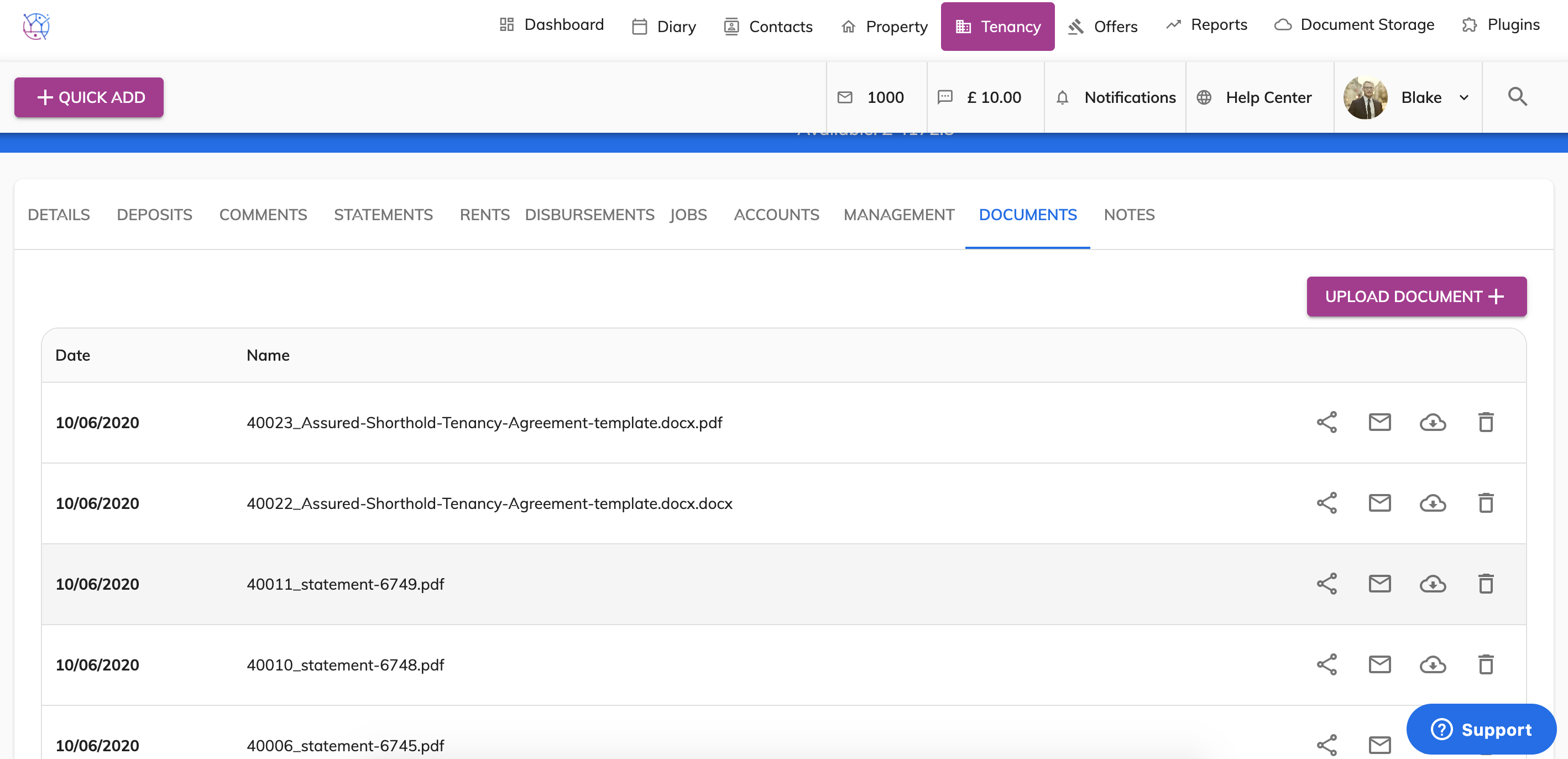
4) Find the document in the list and press the Bin icon on the right hand side of the document. A confirmation pop up box will appear.
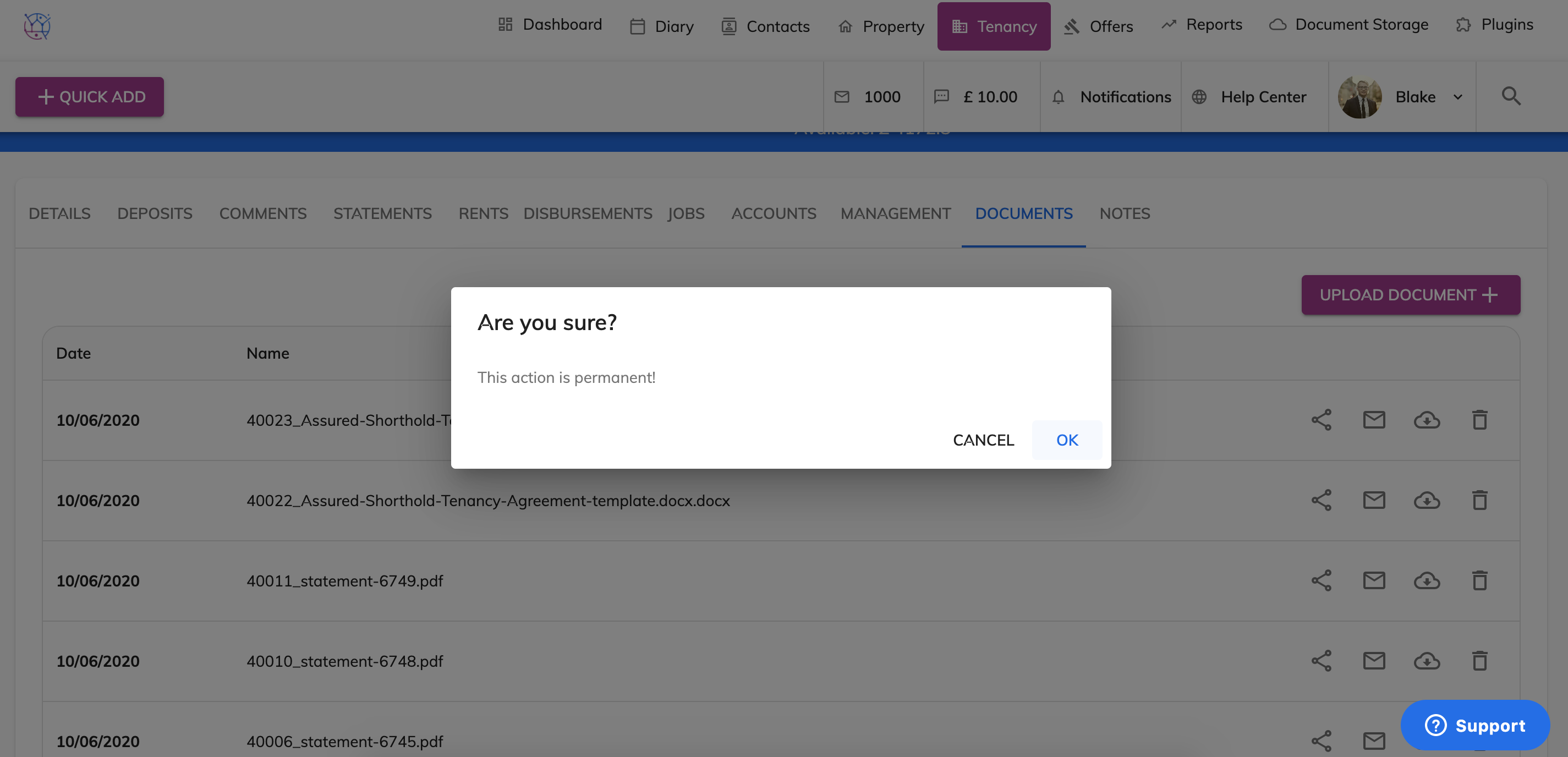
This will permanently delete the document from this tenancy and it will also be deleted from the Documents section.