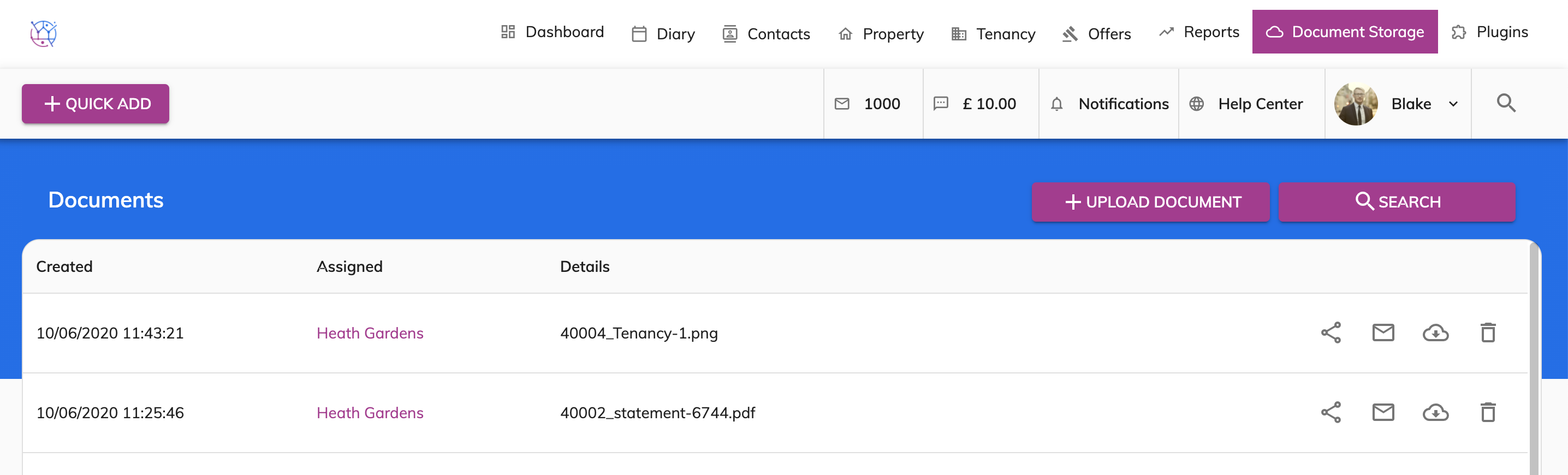
To add a document to a tenancy, for the steps below:
1) Click the Tenancy tab.
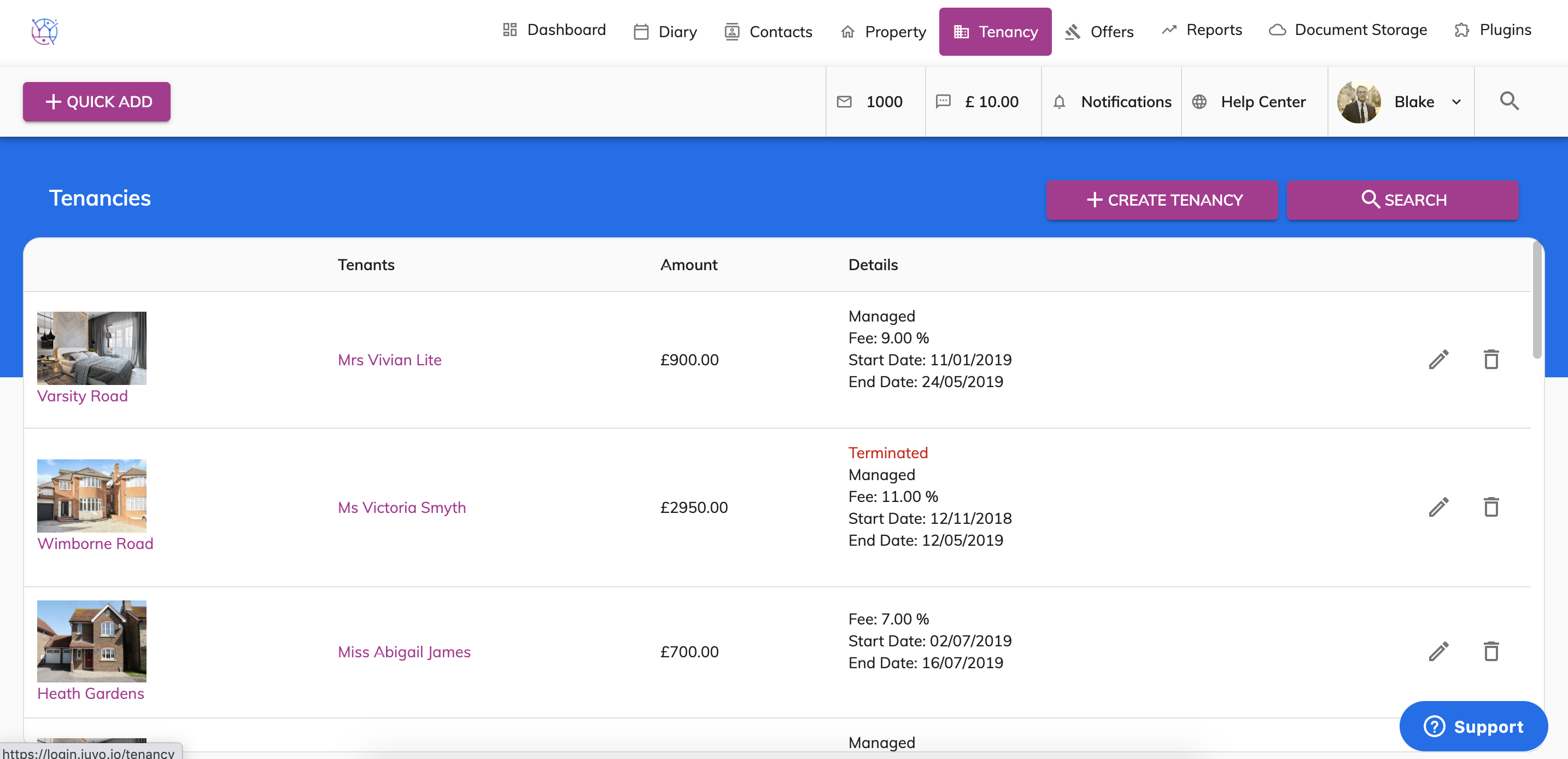
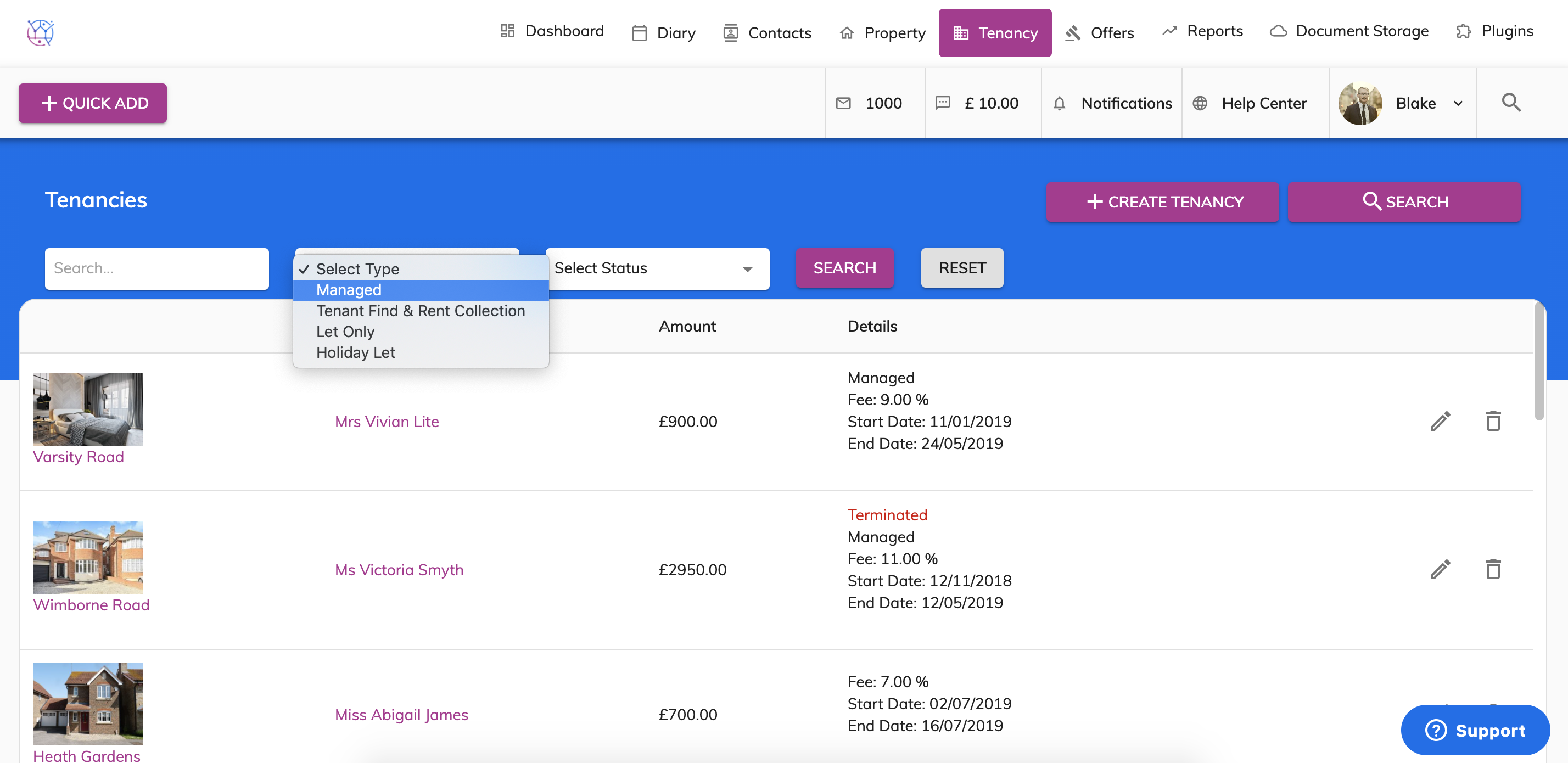
2) Find the tenancy from the list or use the tenancy search at the top of the page. Press the Pencil icon to edit the tenancy.
3) Select the Documents tab from the menu.
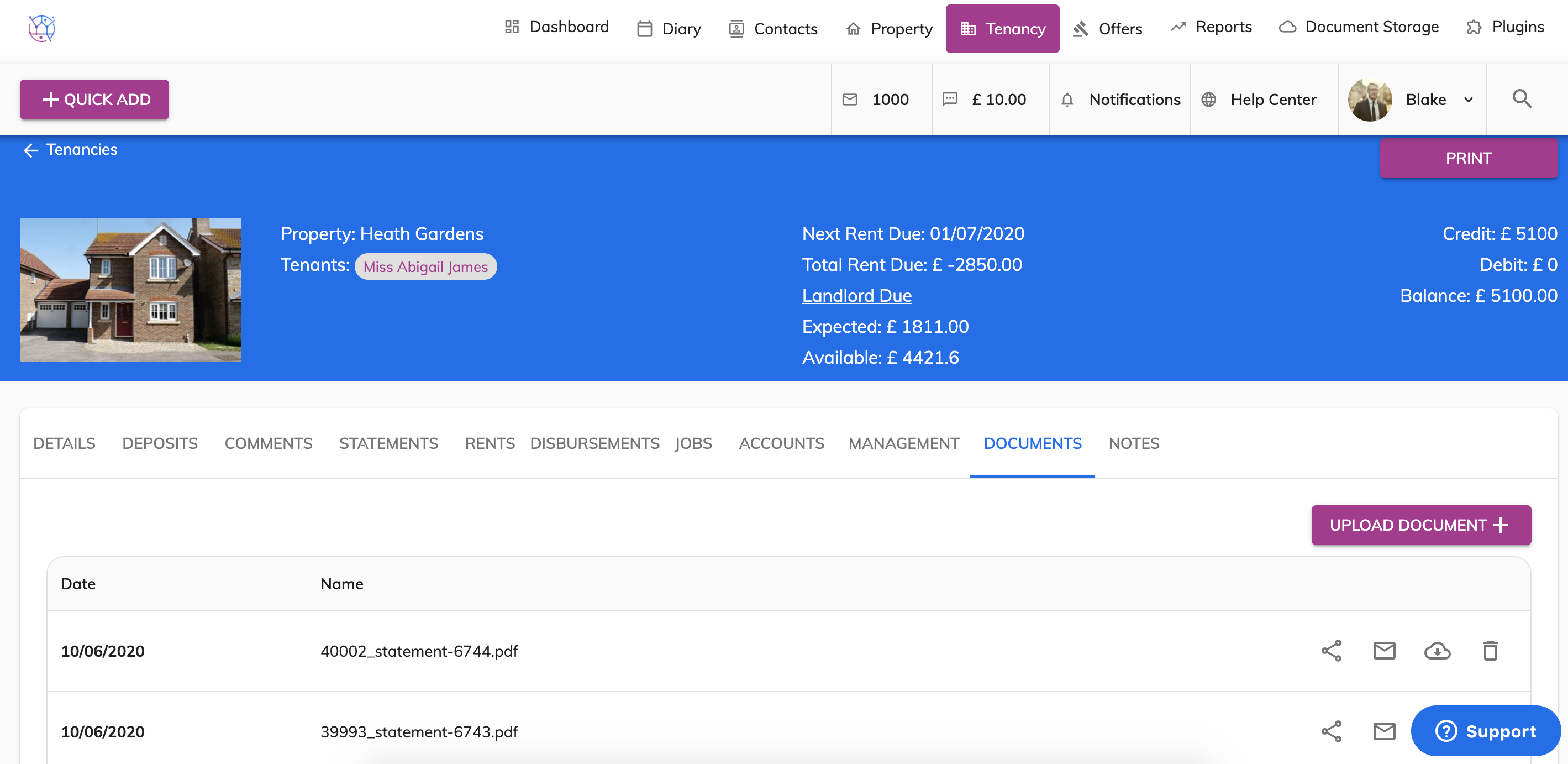
4) Click on the Upload Documents button and select the file from your computer.
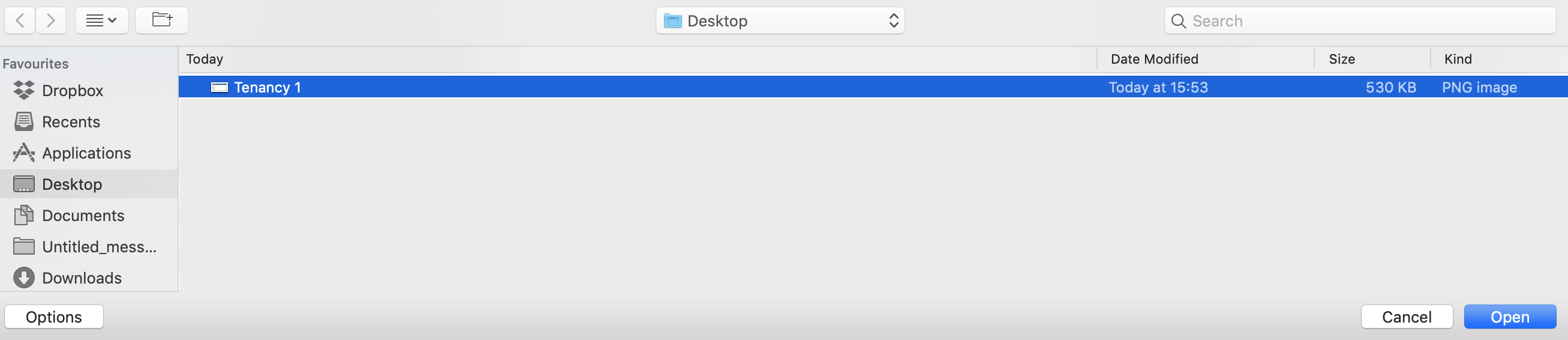
5) Press the Open button. This will upload the file and be saved against the tenancy.
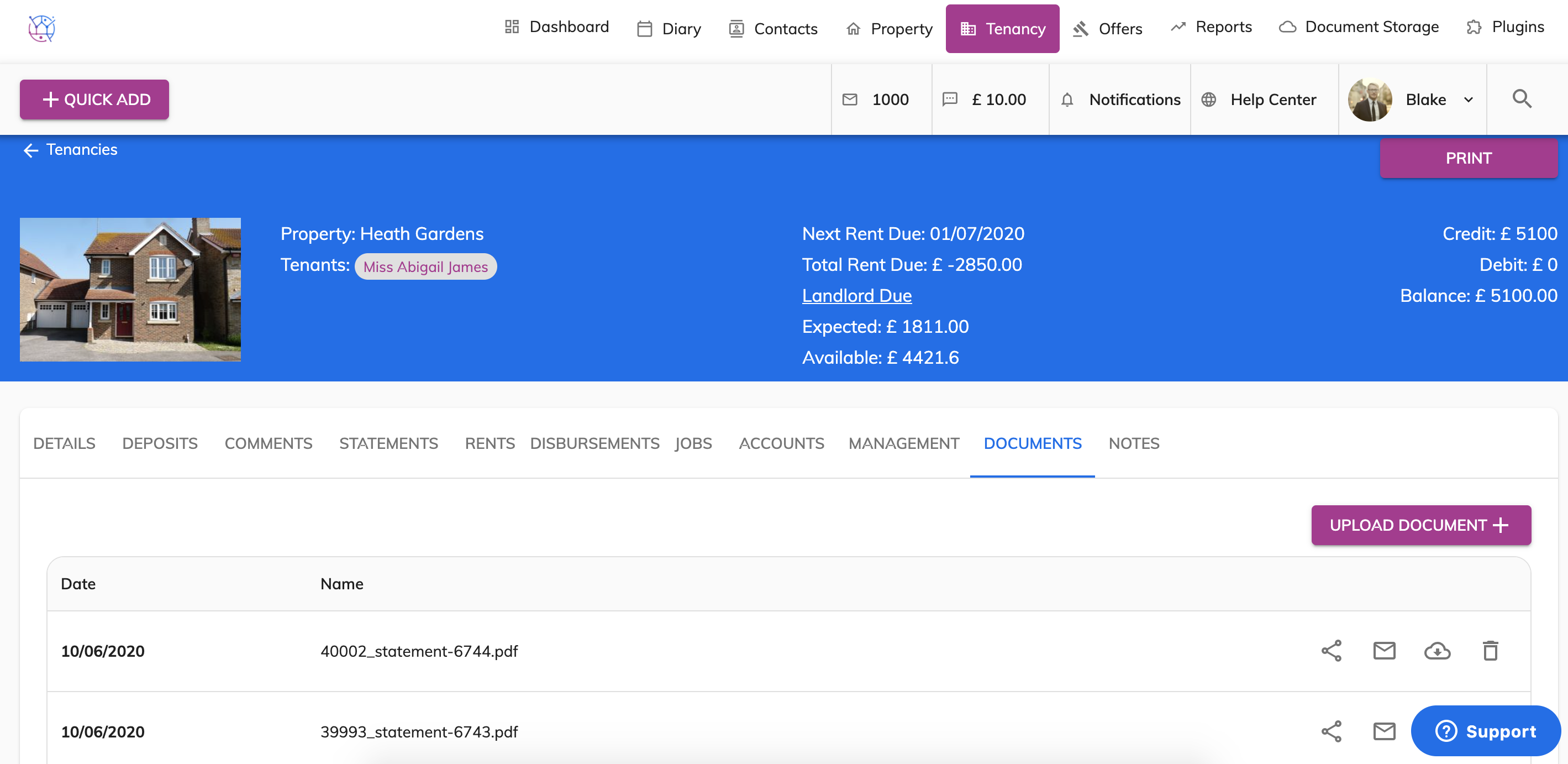
This can also be viewed, downloaded and emailed from the Document Storage tab.