
To add rent reminders, follow the steps below:
1) Click the Tenancy tab from the menu at the top of Juvo.
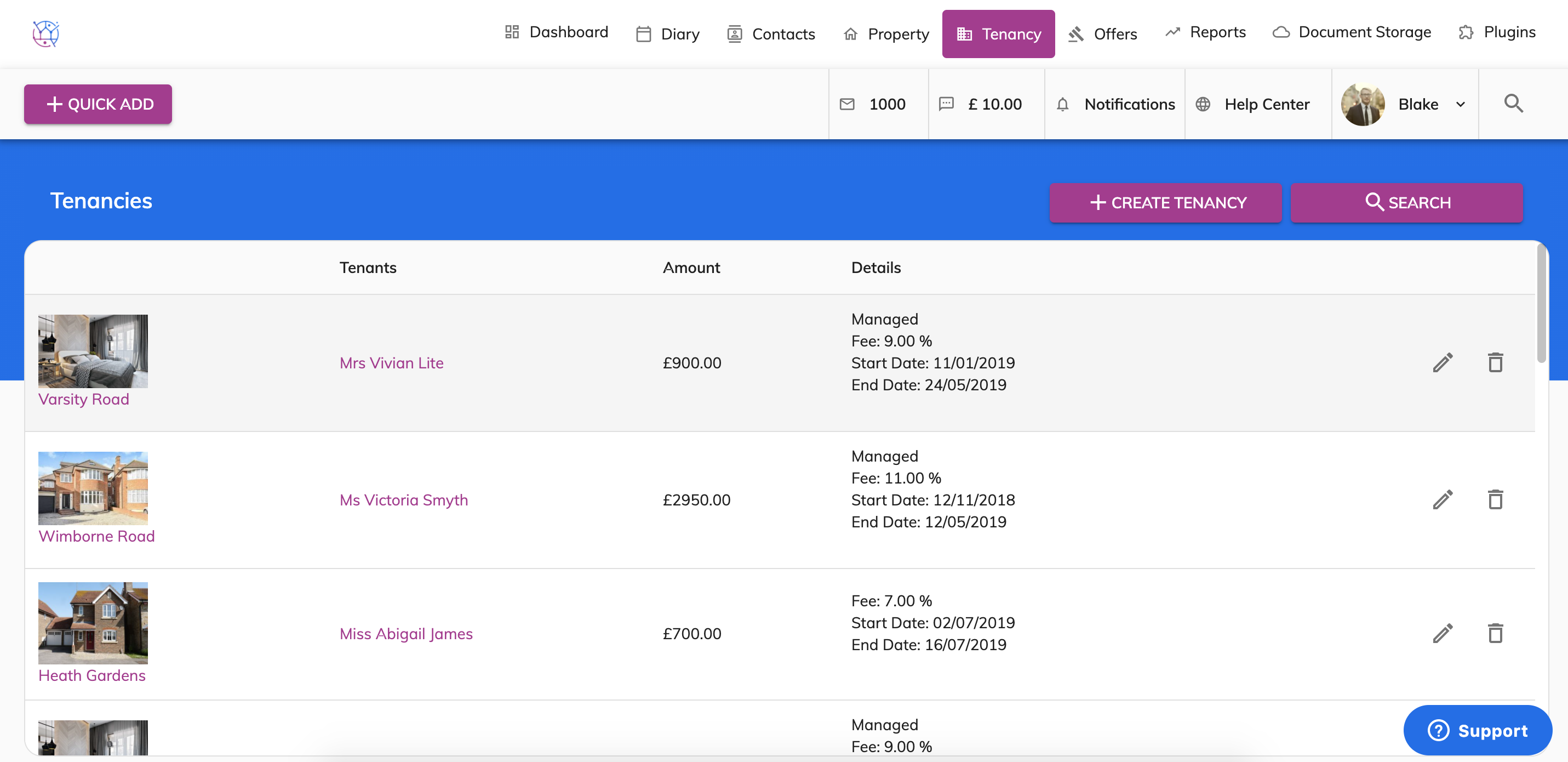
2) Find the relevant tenancy and press the pencil icon to edit. This will show the tenancy details page.
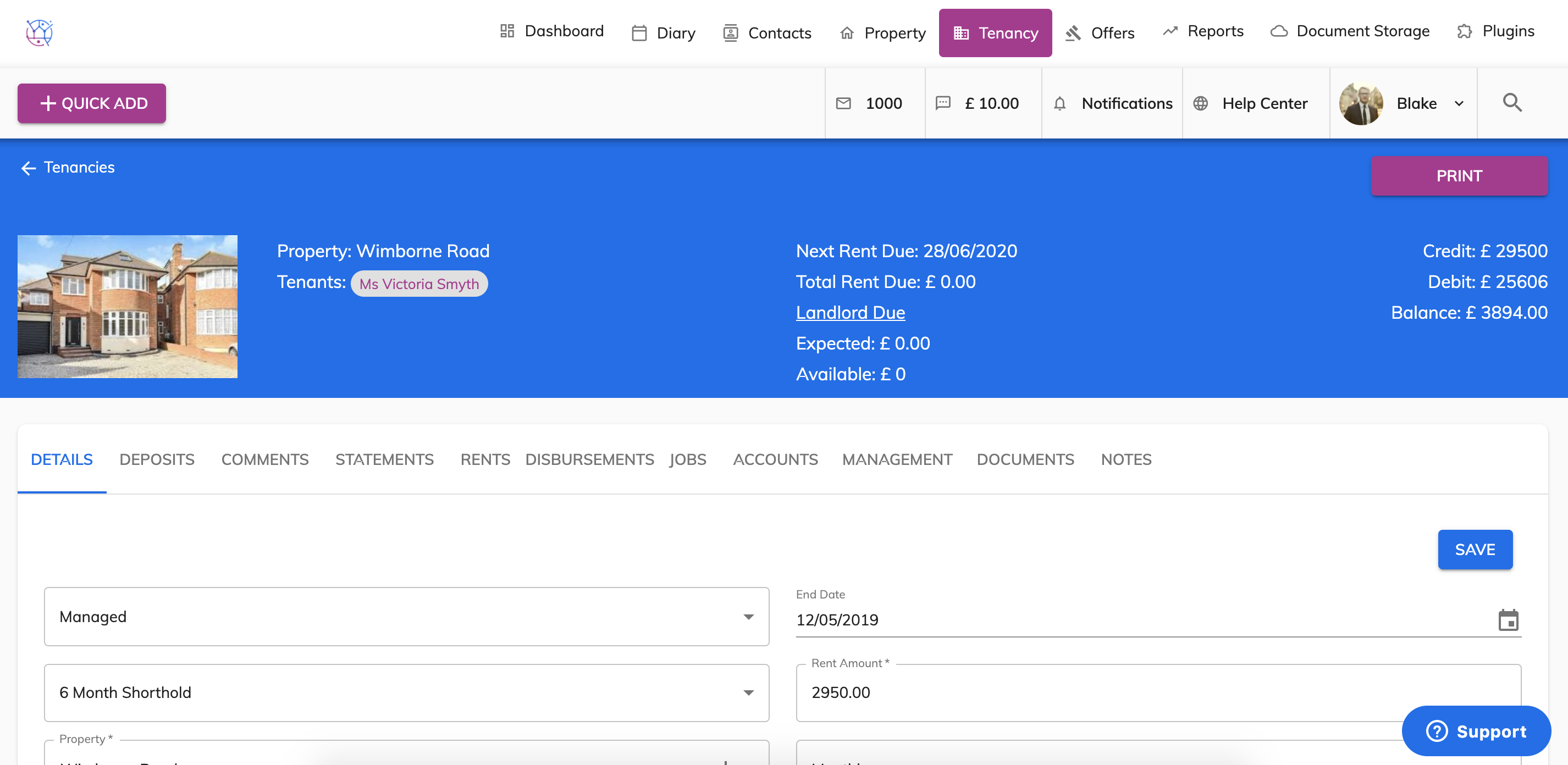
3) Select the Rents tab from the menu.
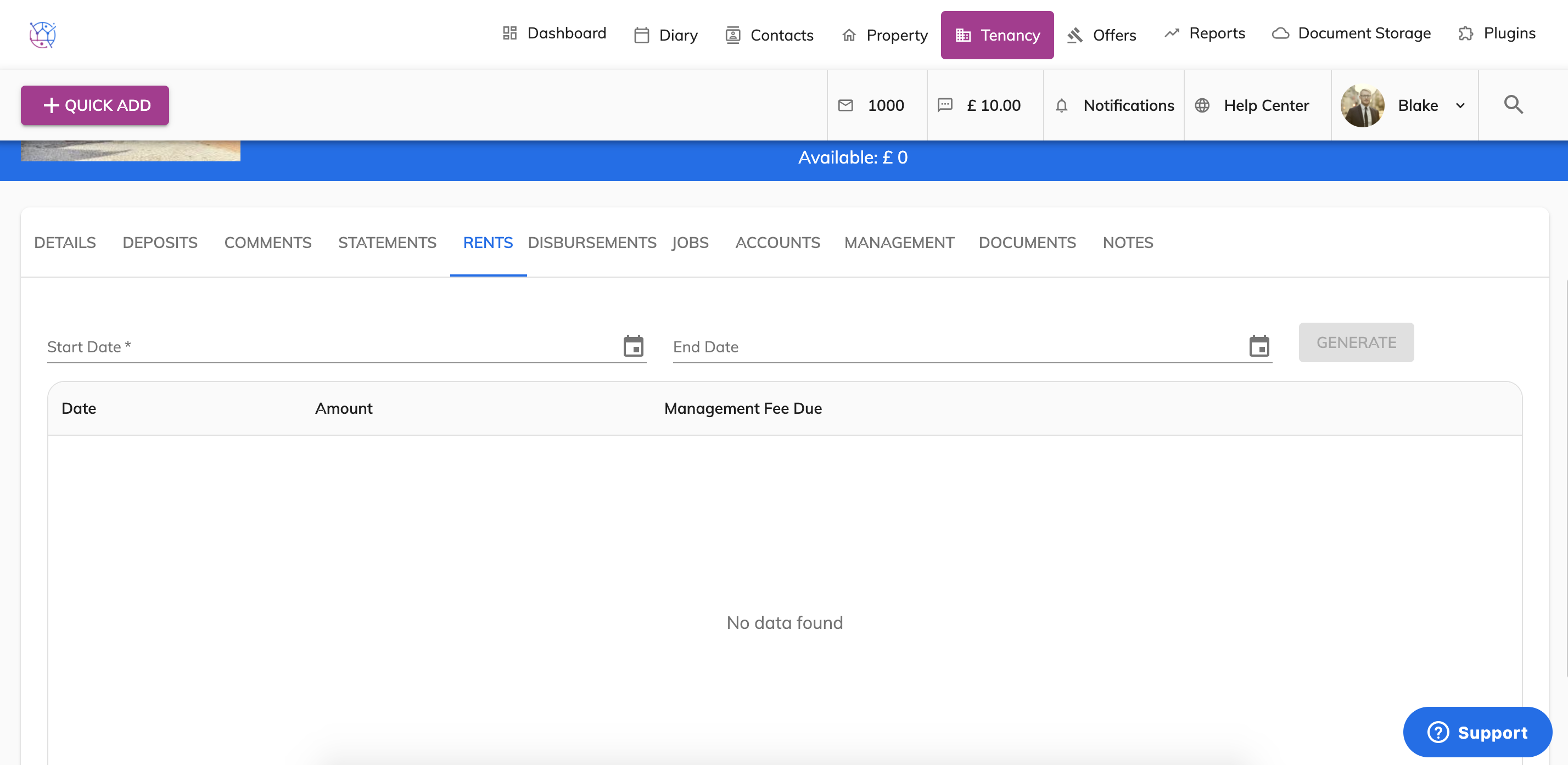
4) Add the start and end dates for the rent demands and press generate.
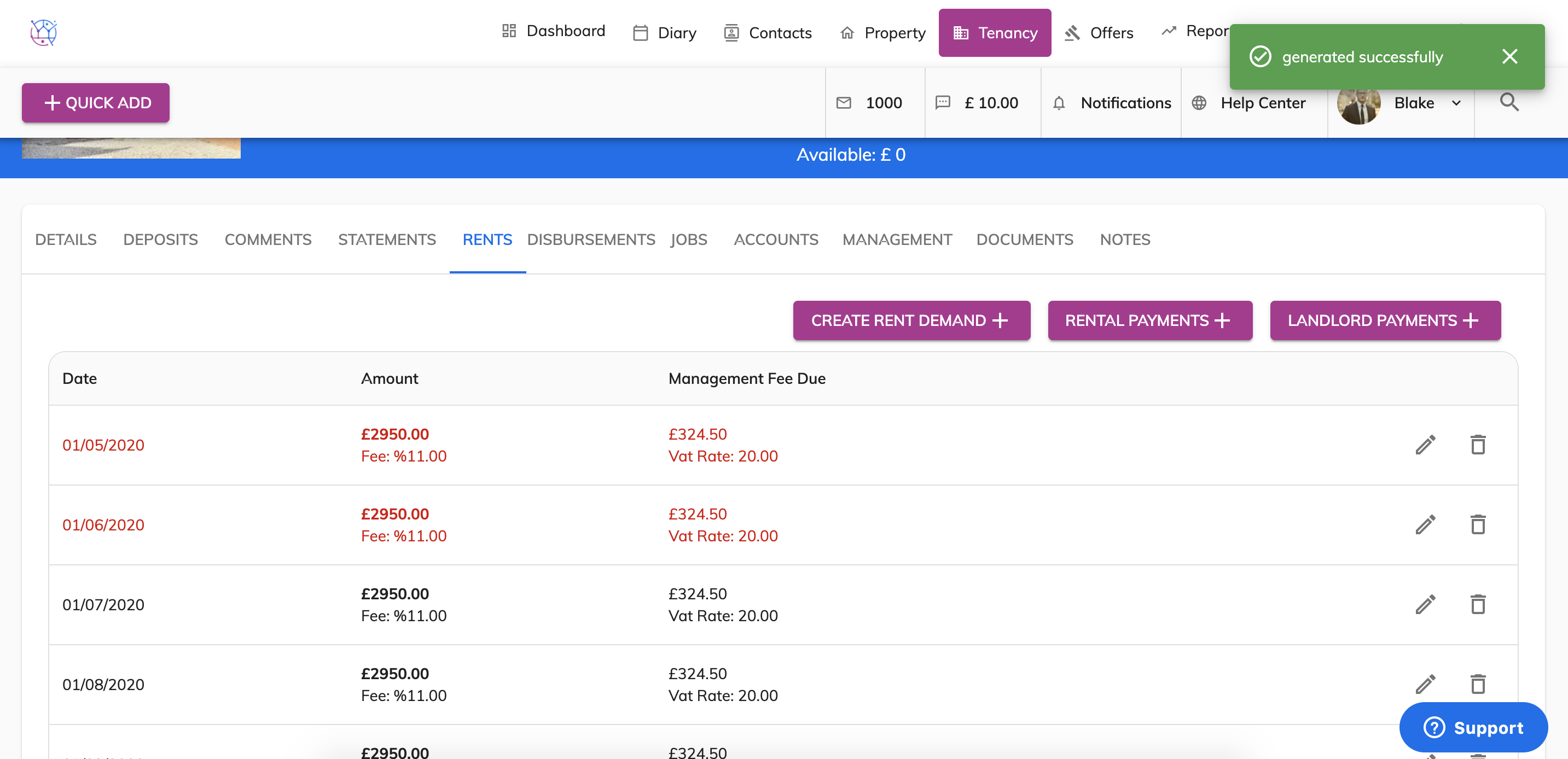
5) The rent demands for the tenancy will appear in a list below. This information is generated from the details you have added on the details page of the tenancy. Rent demands in red are over due.
Have you realised the rent amount, frequency or management fee is incorrect? Simply delete the rent demands using the bin icon. Click on the details page from the menu, edit the details & save. Then repeat steps 3-6.