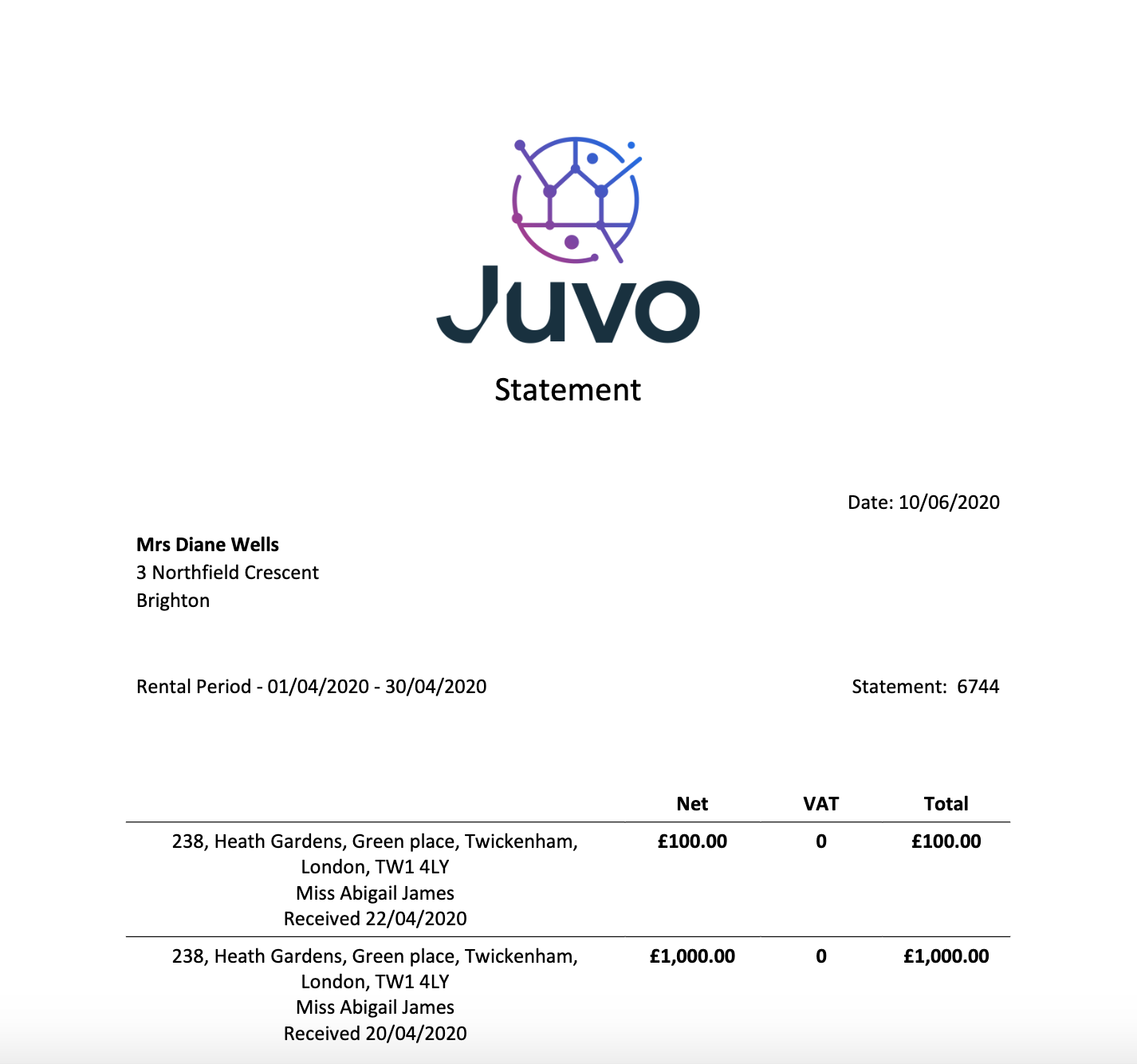
Create a landlord statement or landlord invoice, this will show the landlord payments made by the tenant, as well as any deductions including management fee and disbursements. To create a landlord statement or landlord invoice, follow the steps below:
1) Click the Tenancy tab.
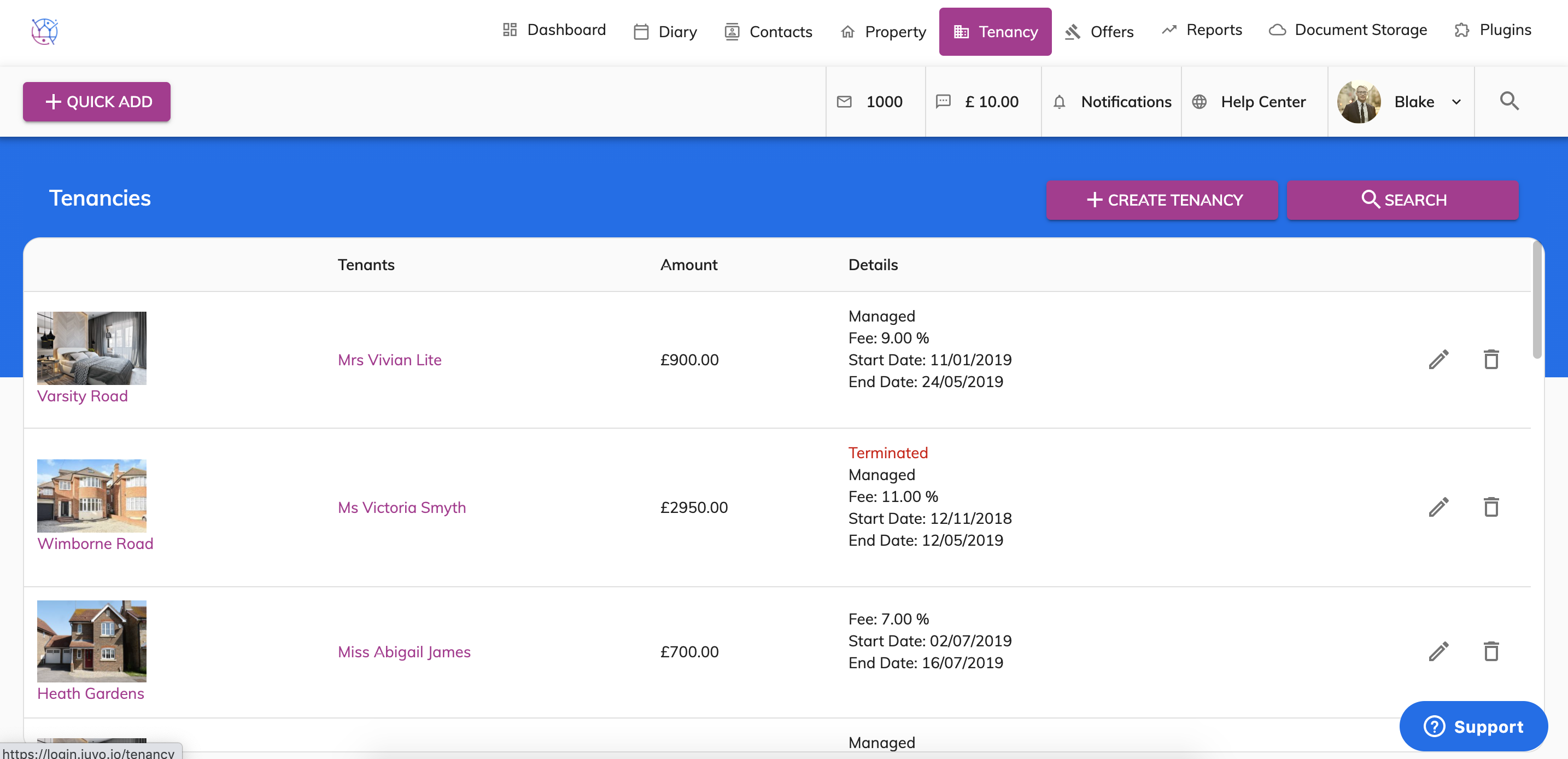
2) Using the tenancy search at the top of the page, enter key words, tenancy type or tenancy status. Press Search.
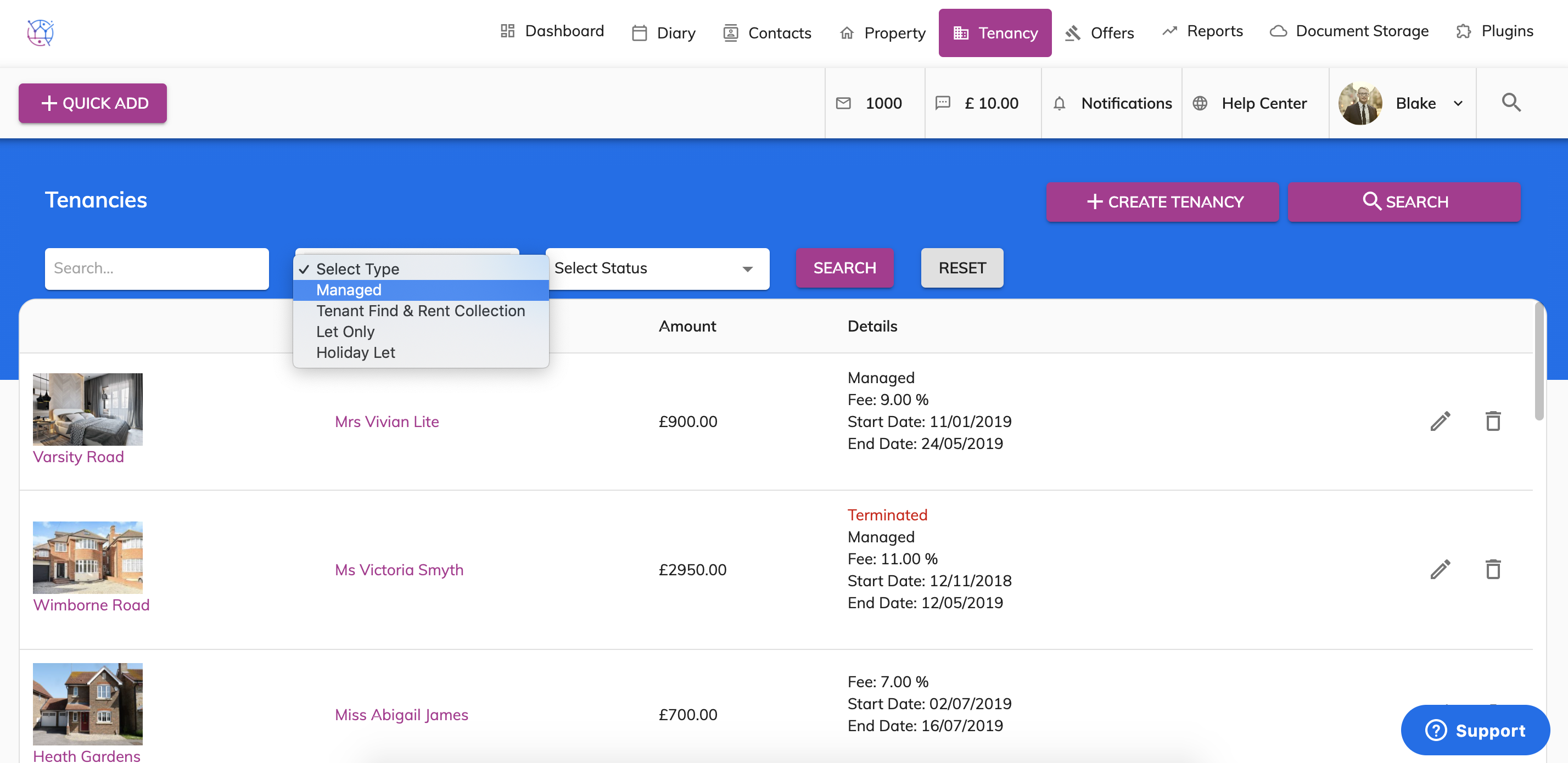
3) Click on the pencil icon to edit the tenancy.
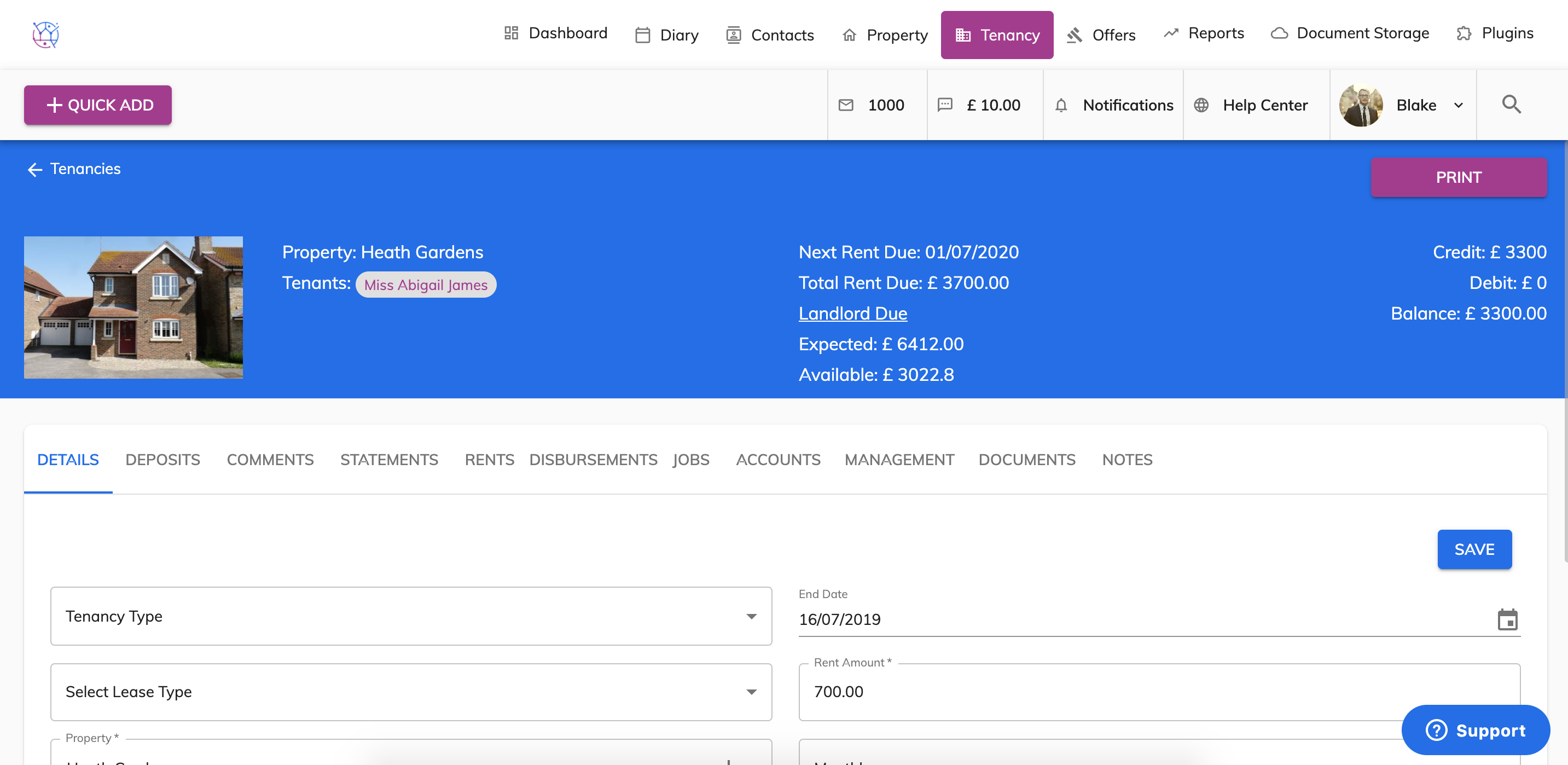
4) Click on the Statement tab from the menu.
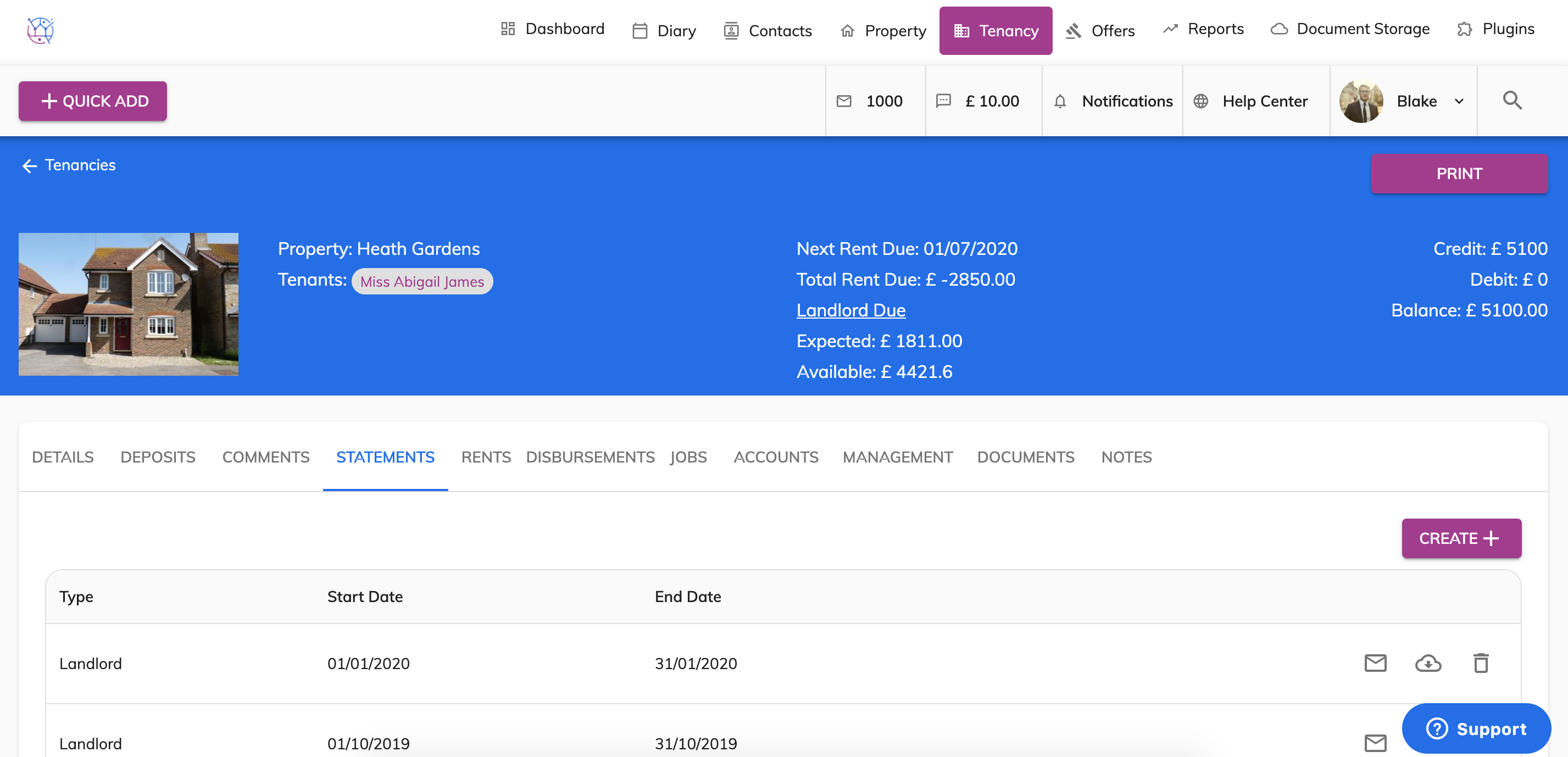
5) Press Create and use the drop down for Type as Landlord and Template as Landlord Statement.
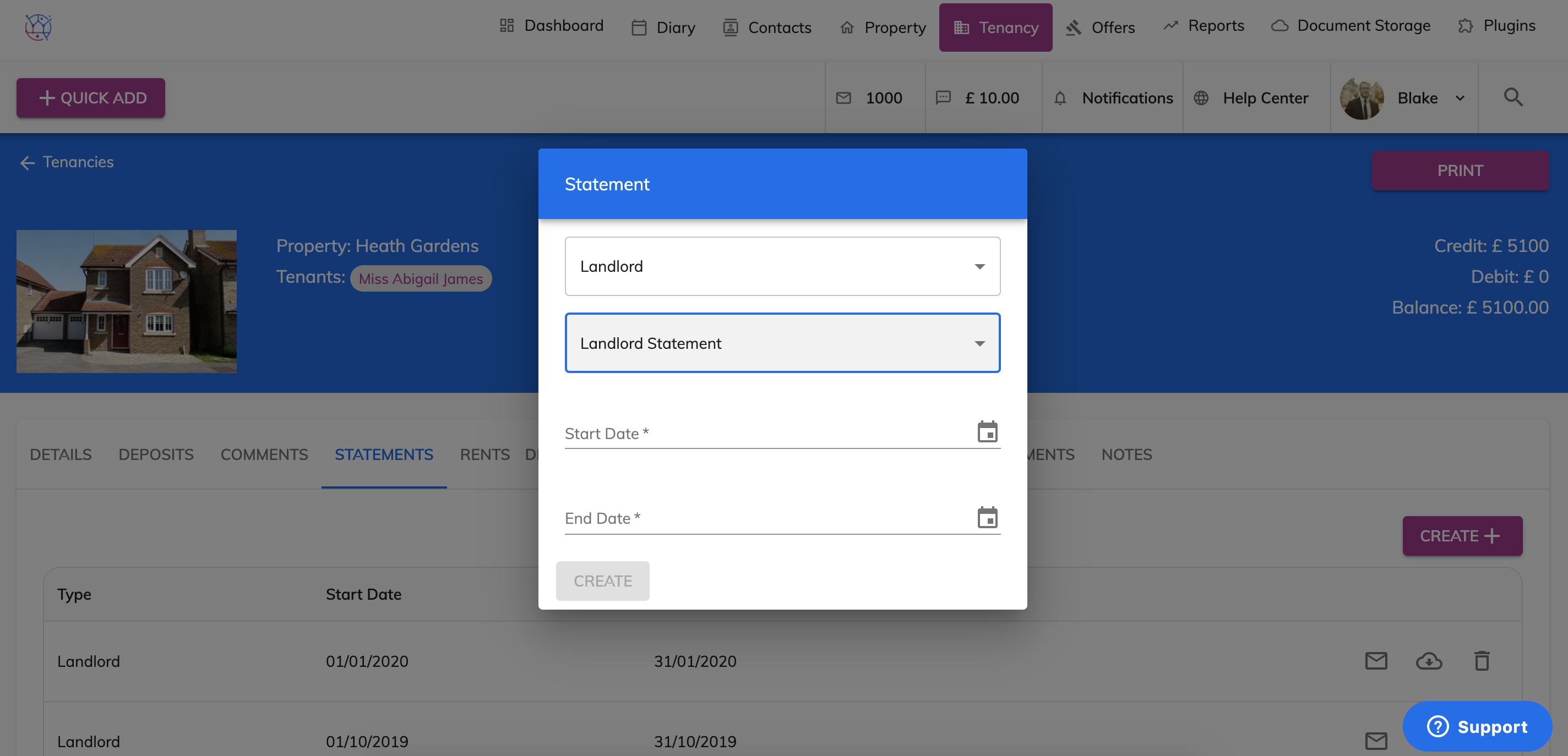
6) Enter the statement dates of the landlord statement.
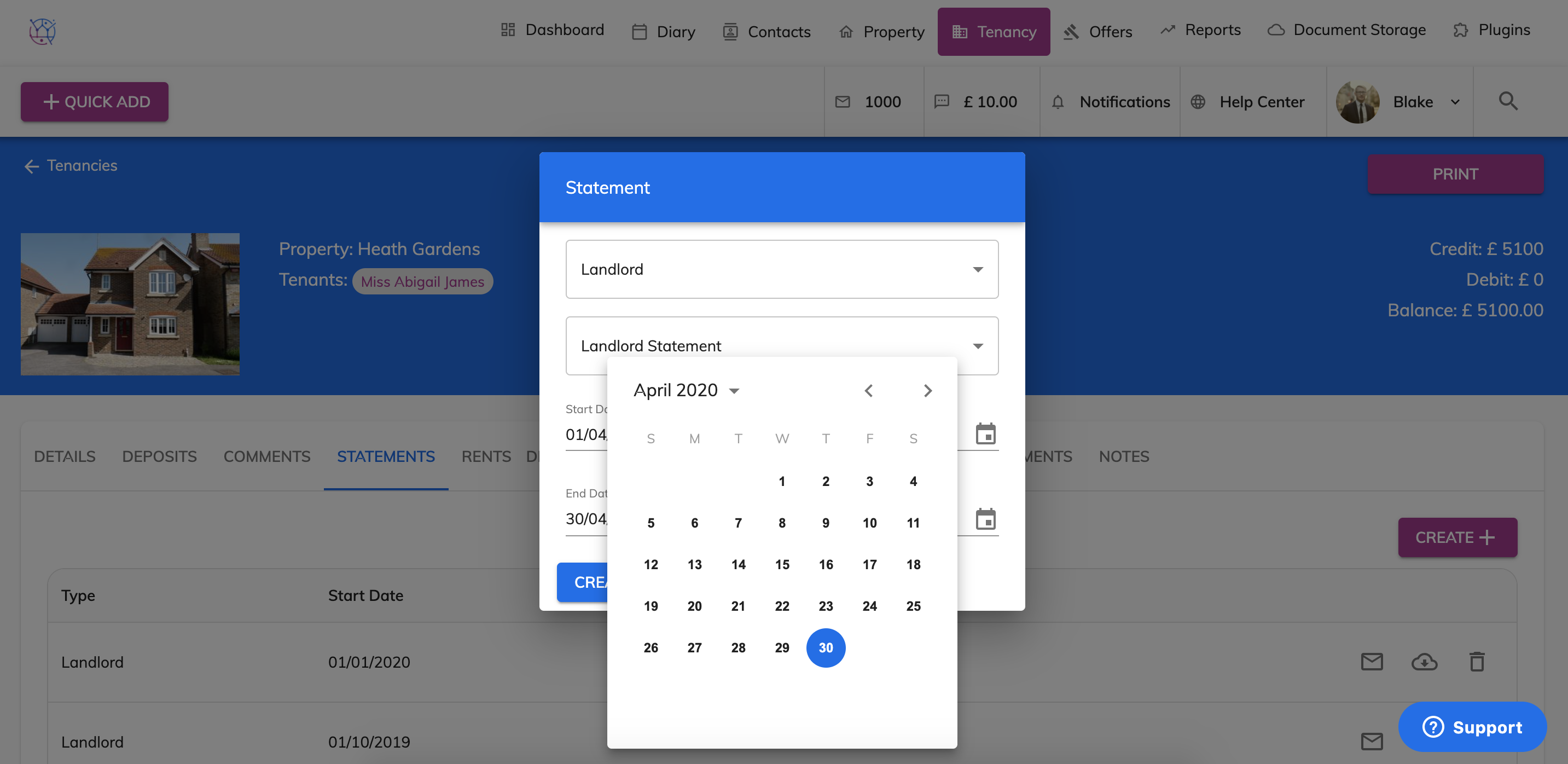
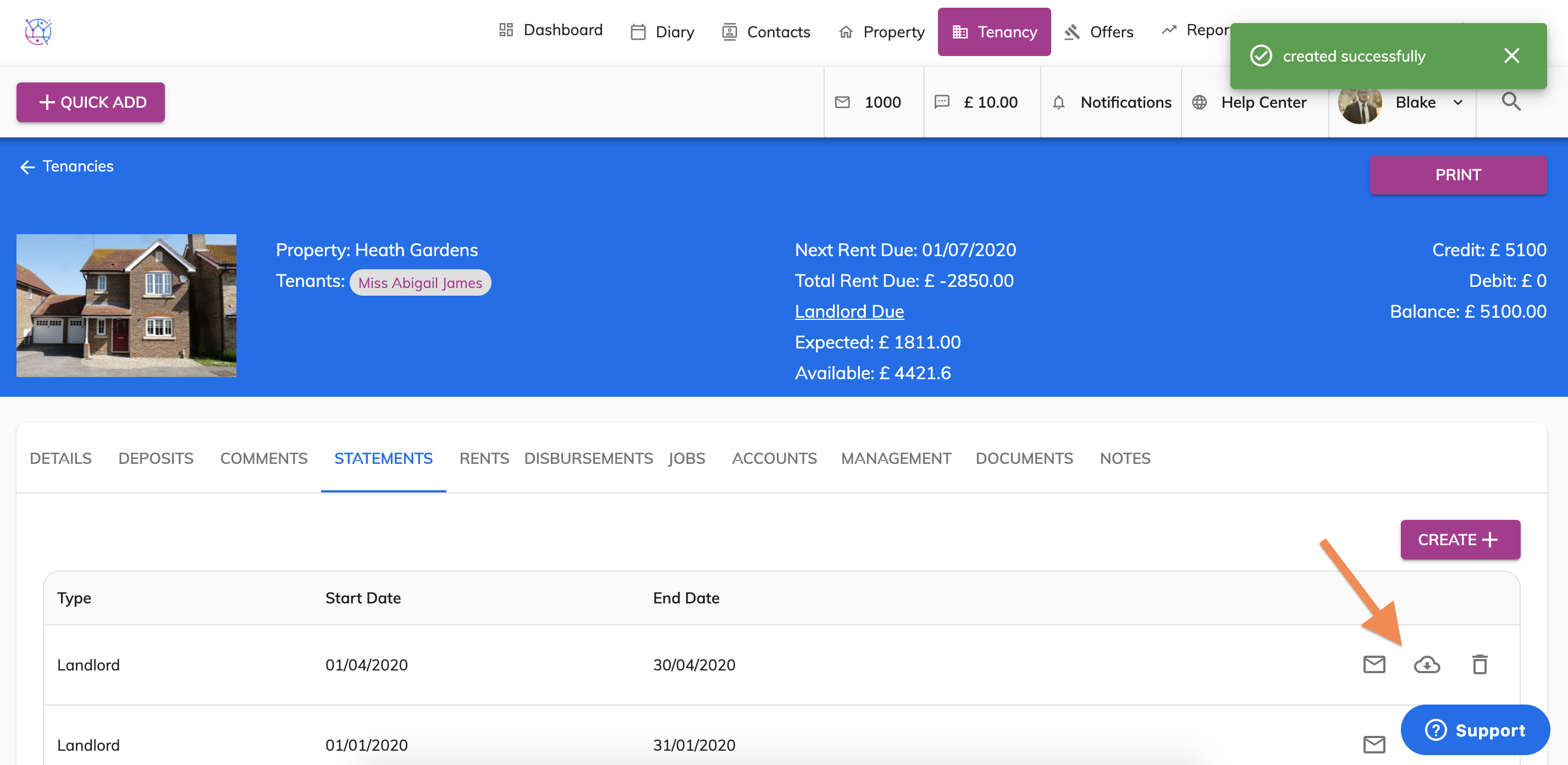
7) Press the Create button. The landlord statement will be added at the top of the list below the form.
To print the statement use the icon with the downwards arrow and to email the statement to the landlord use the envelope icon.
8) The landlord statement will look similar to these, with your logo and company information.