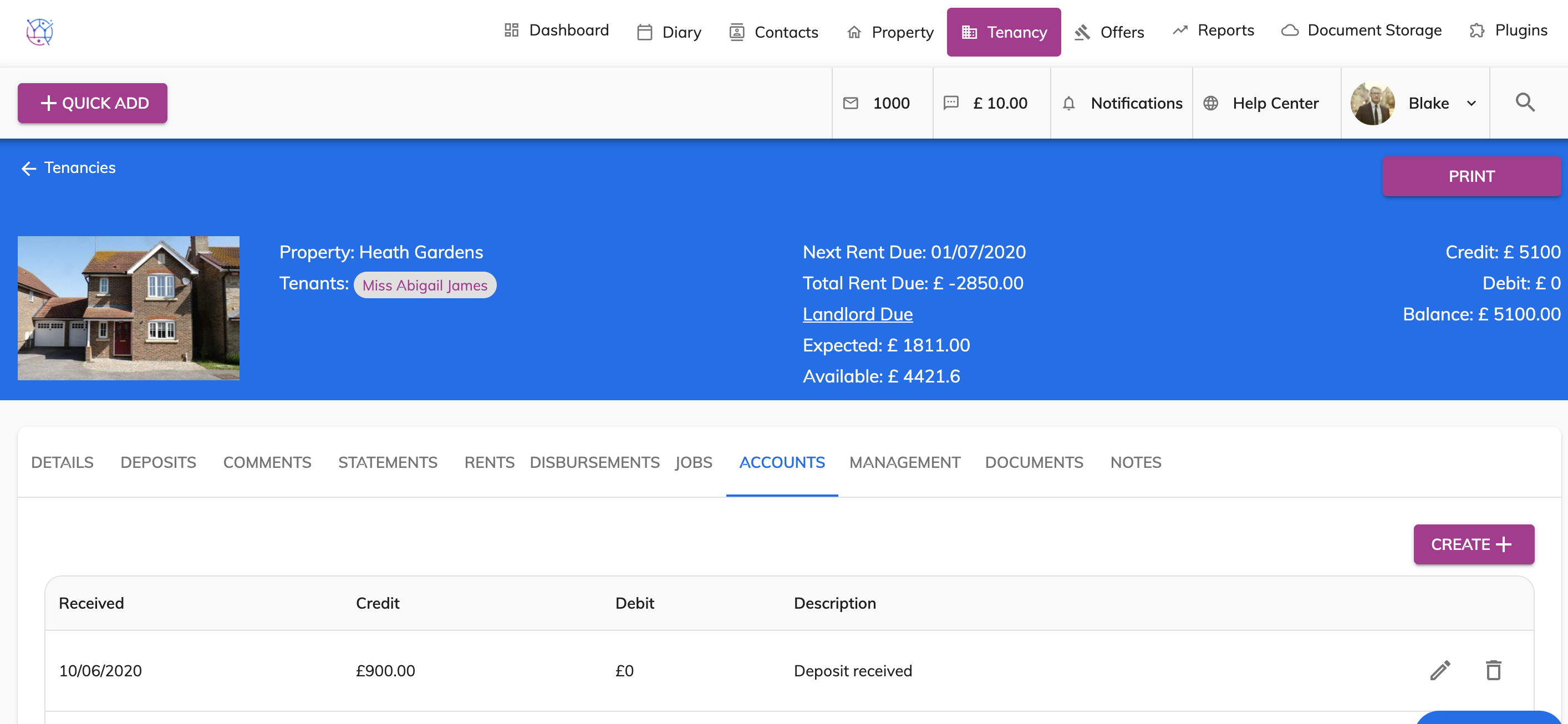
To record deposit monies in the tenancy accounts, follow the steps below:
1) Click the Tenancy tab.
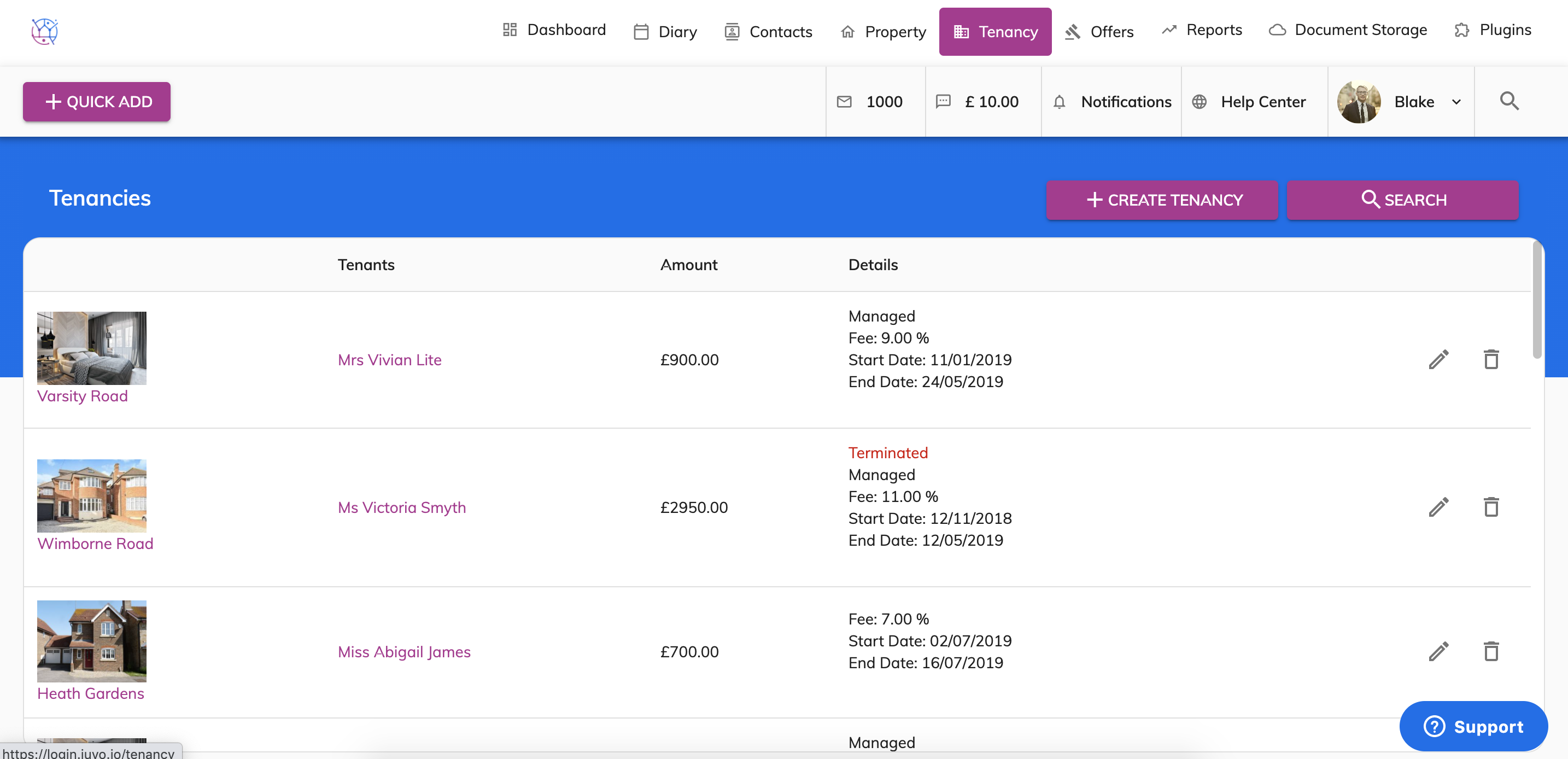
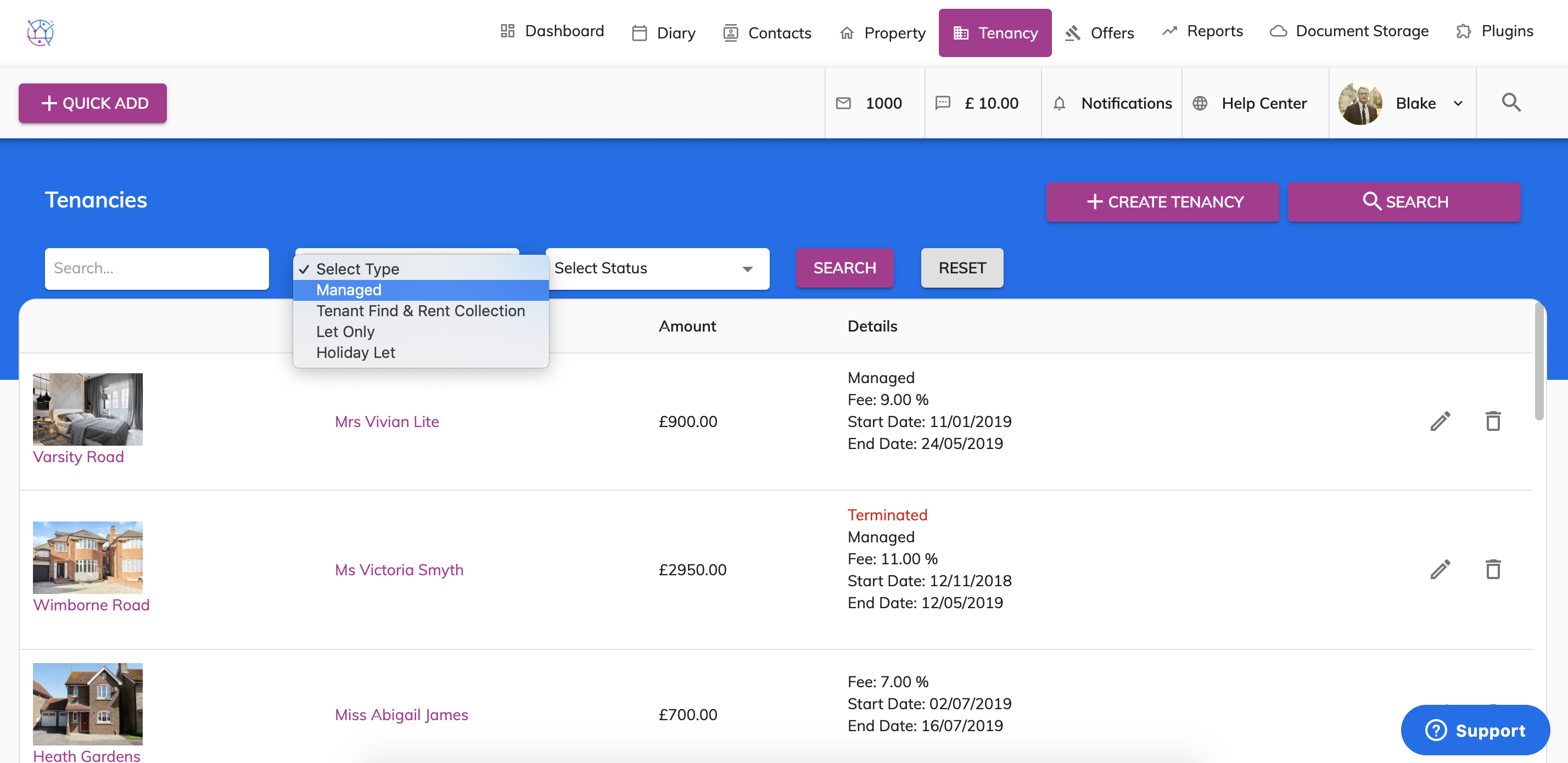
2) Using the tenancy search at the top of the page, enter key words, tenancy type or tenancy status. Press Search.
3) Click on the pencil icon to edit the tenancy.
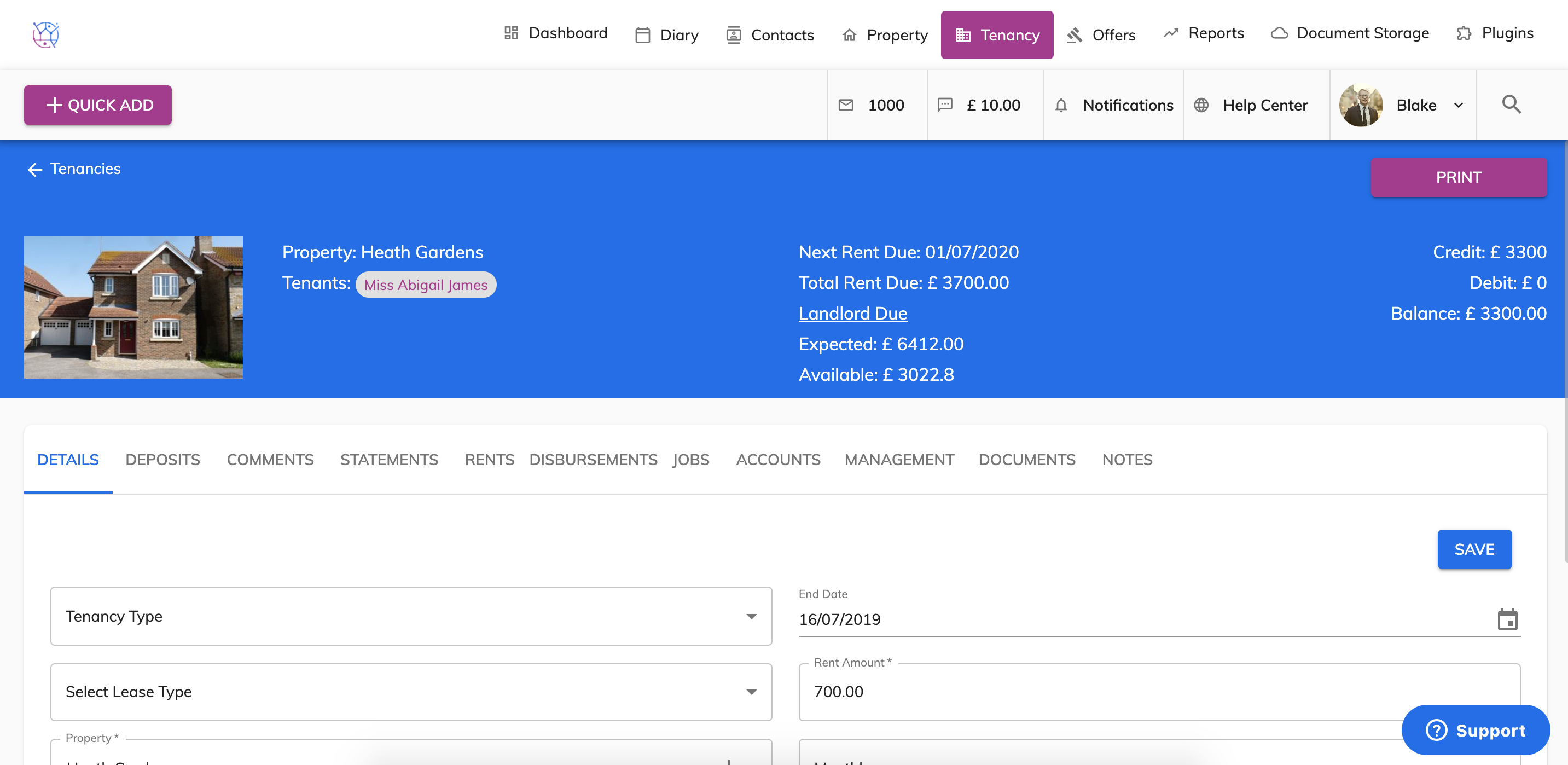
4) Select Accounts from the menu.
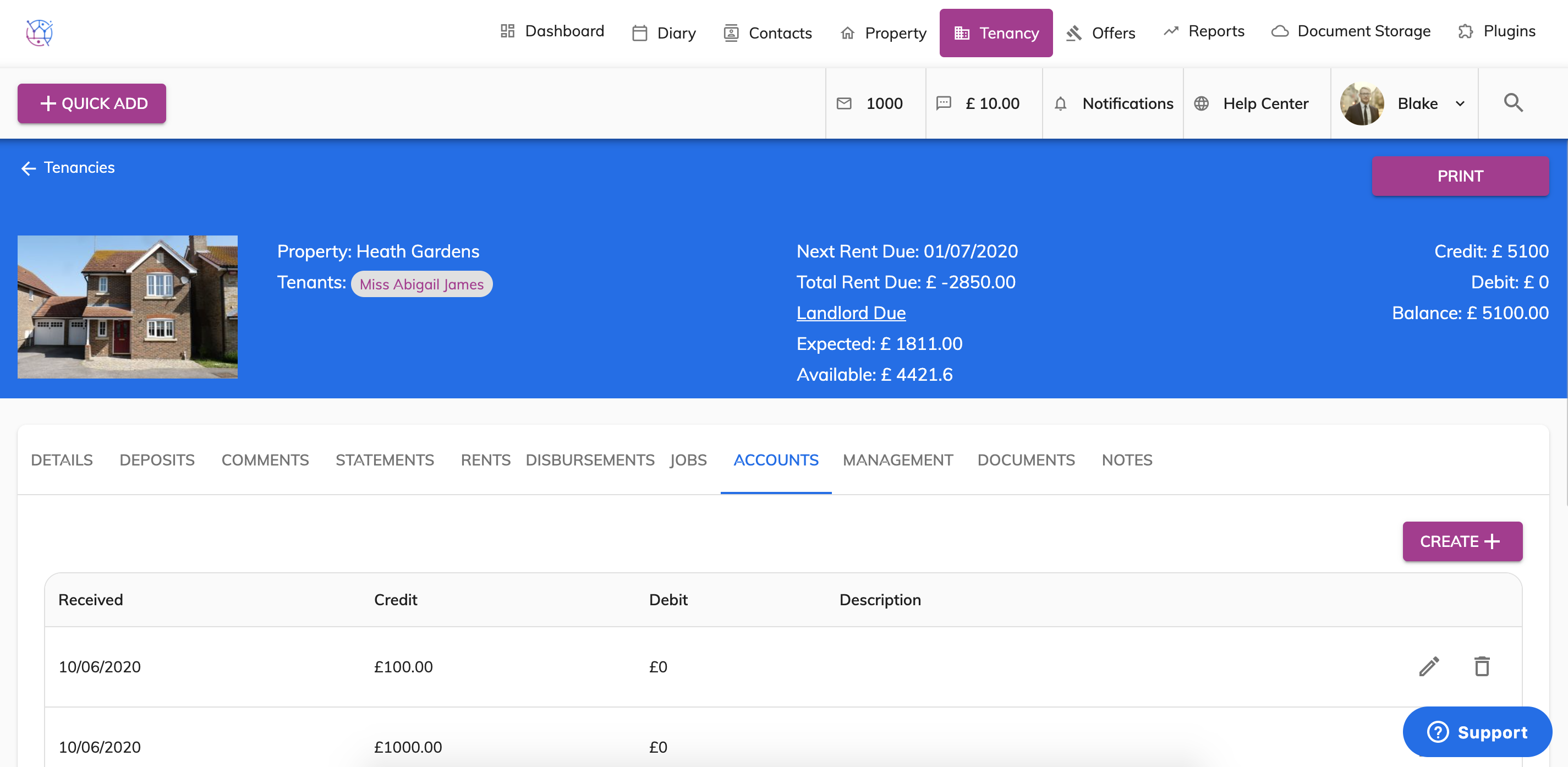
5) Record the deposit that has been paid.
- Credit for the deposit received from the tenant to yourselves.
- Debit for the deposit then transferred to where it is being held for example TDS.
Complete form; including amount, date, method of payment, description.
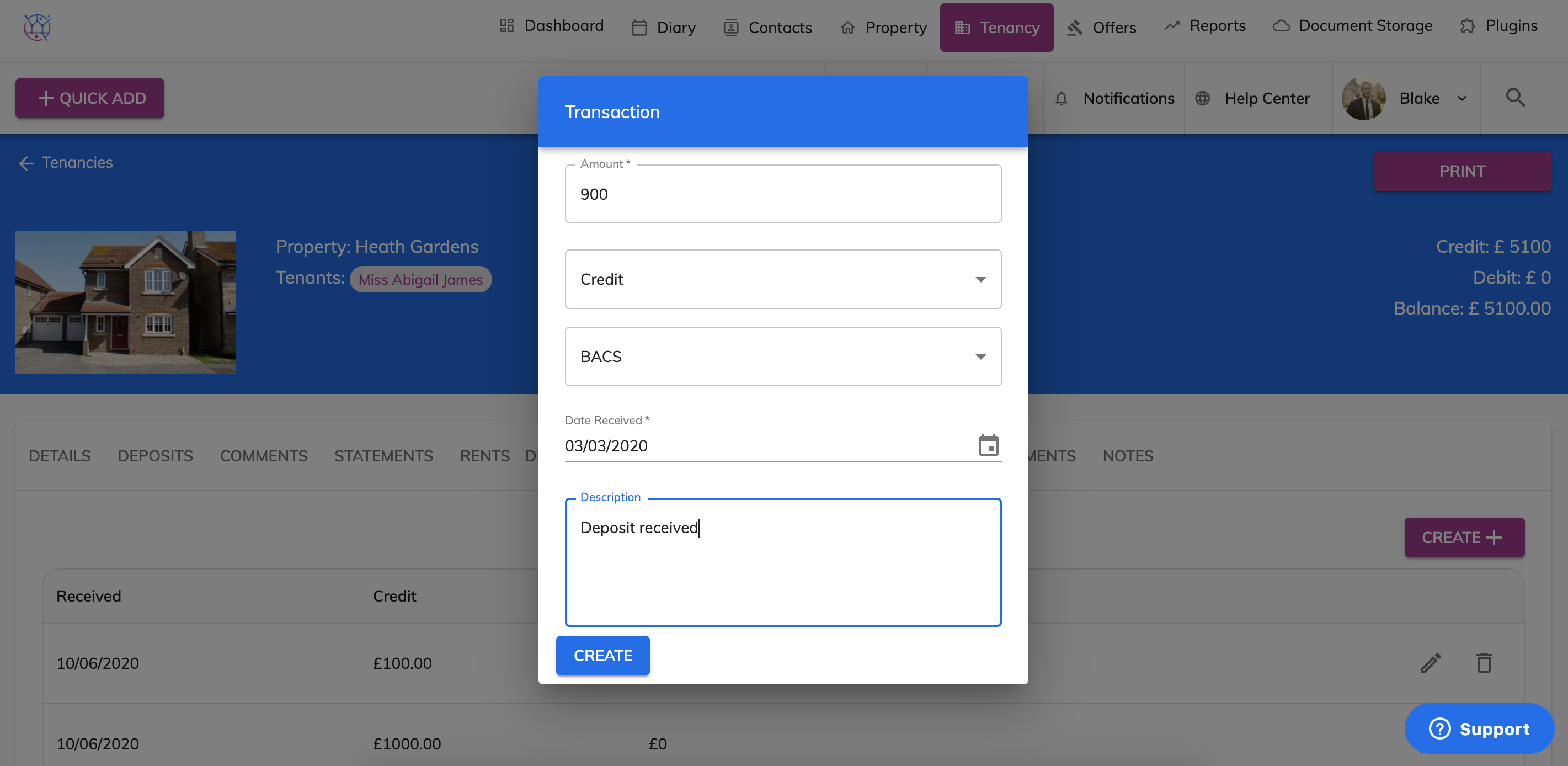
6) Press Create. The payment transaction will be added to the list.