
To view accounts for an individual tenancy, follow the steps below:
1) Click the Tenancy tab.
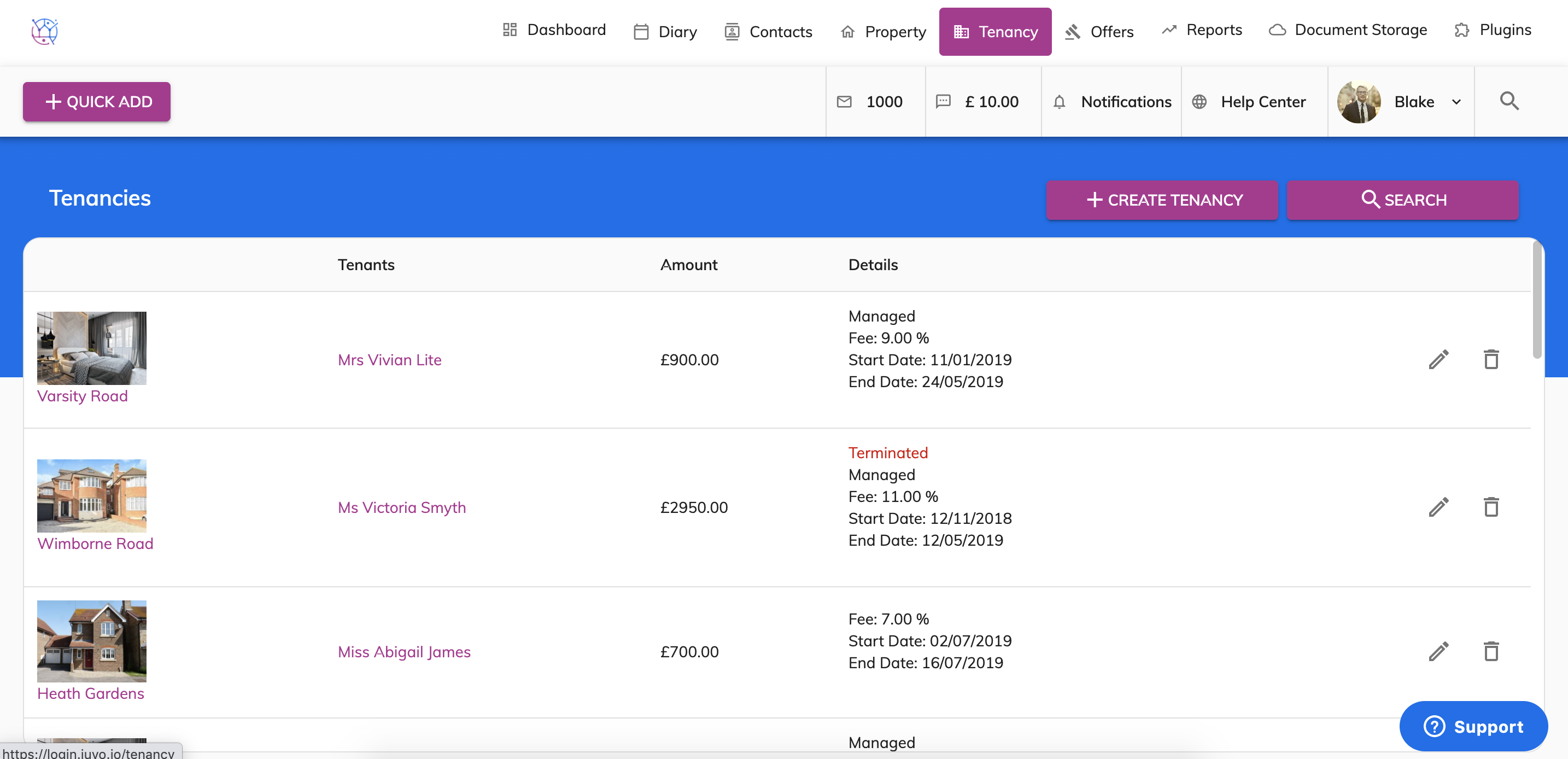
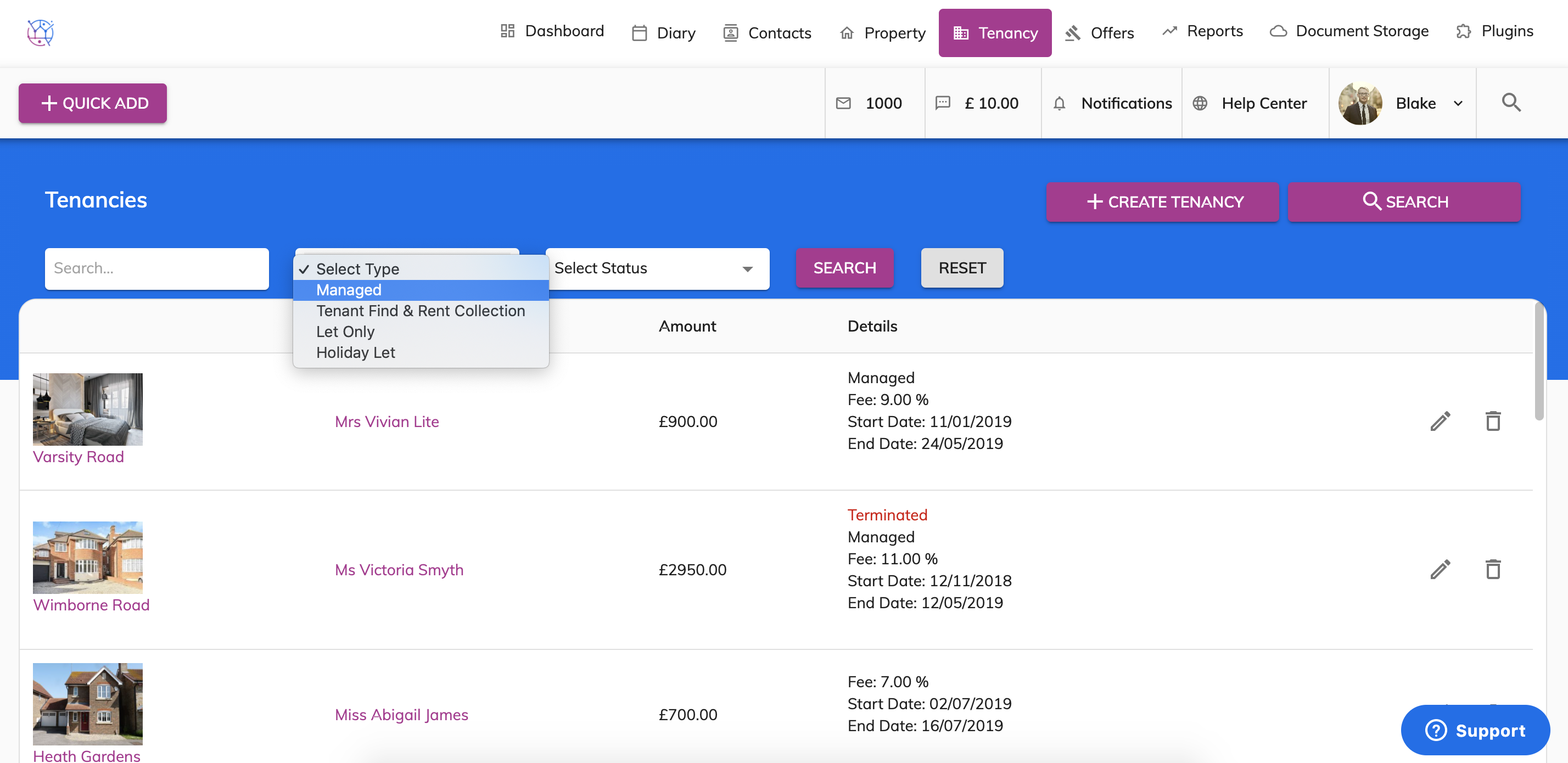
2) Locate the tenancy from the listing or use the search bar at the top of the tenancy. Press the pencil icon to edit the tenancy.
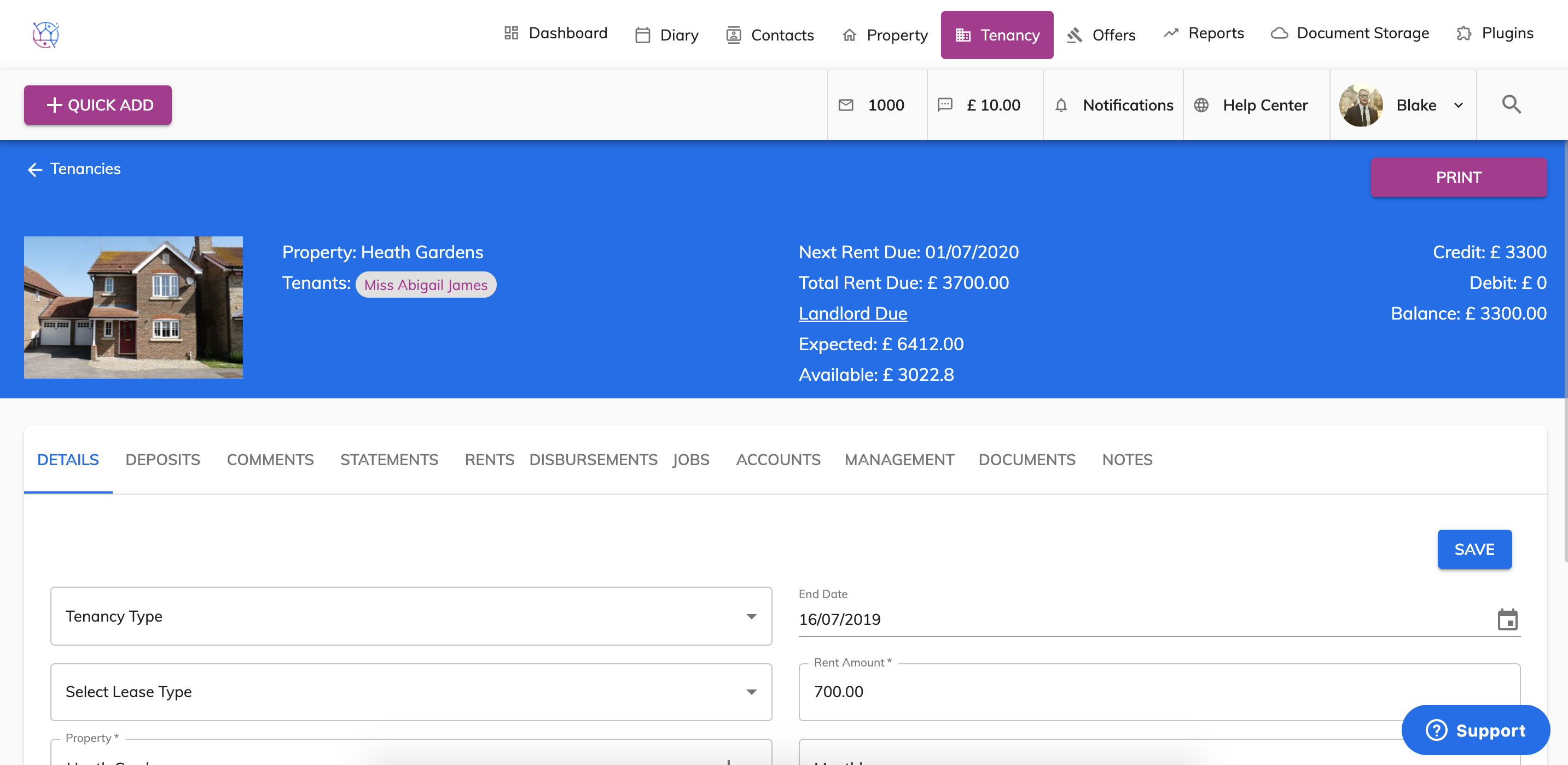
3) At the top of the screen next to the main image, you can see an overview of the accounts for this tenancy.
4) To get an in depth overview of the account for this tenancy. Click on the Accounts tab from the menu.
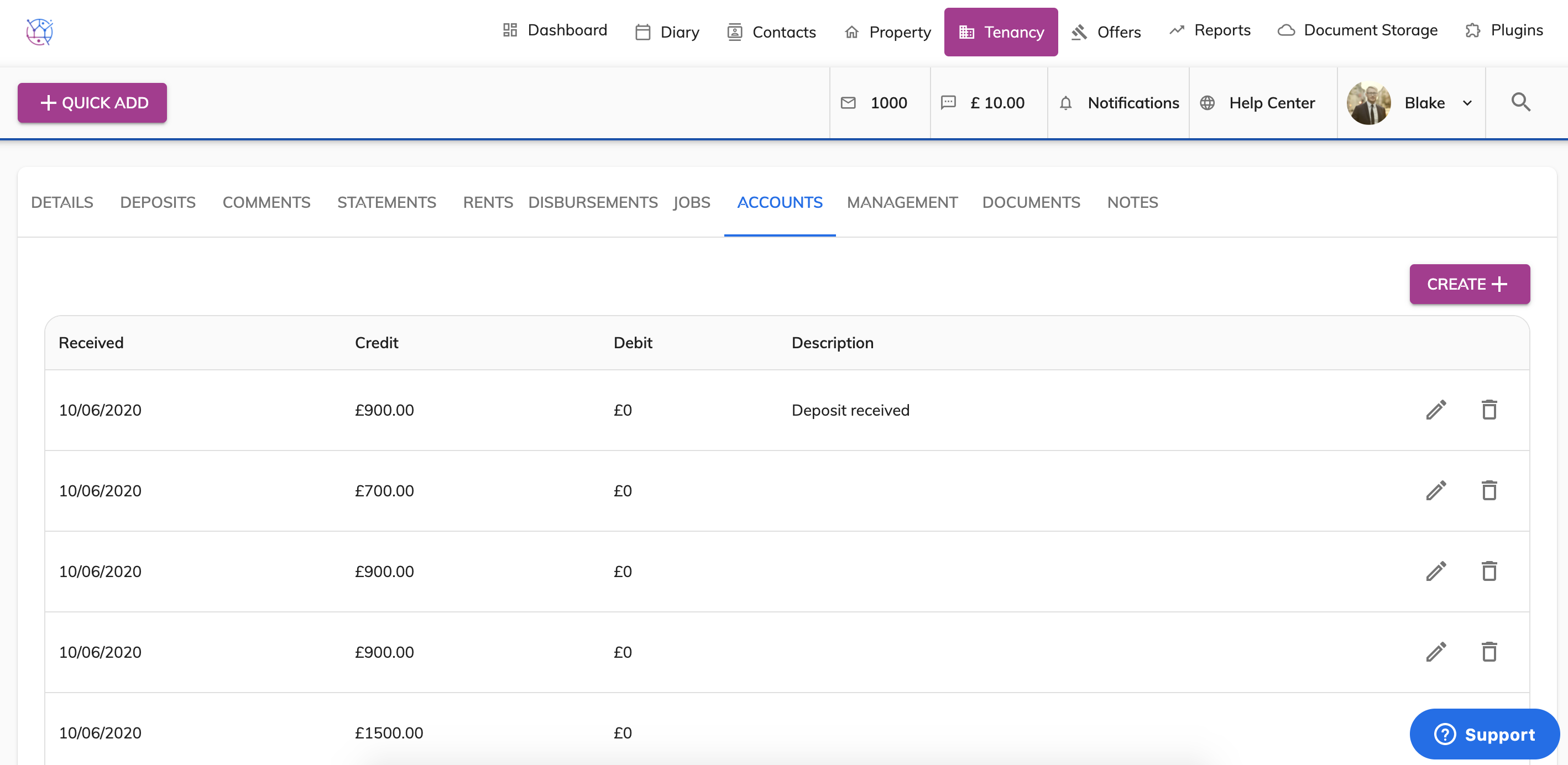
This will show all credits and debits that have been made for this tenancy. From here you can add, edit or delete transactions if needed.