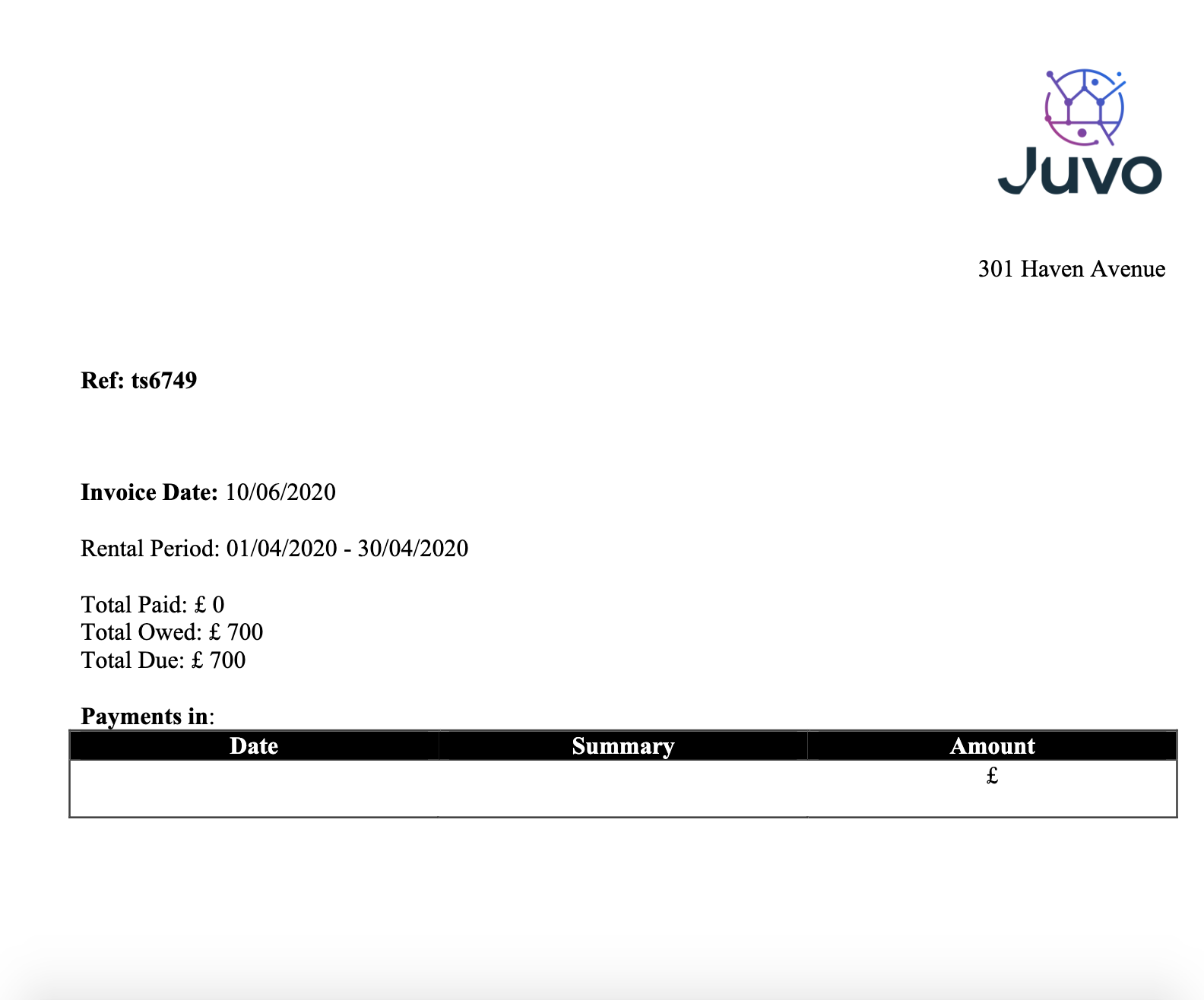
To create a tenant statement or invoice, follow the steps below:
1) Click the Tenancy tab.
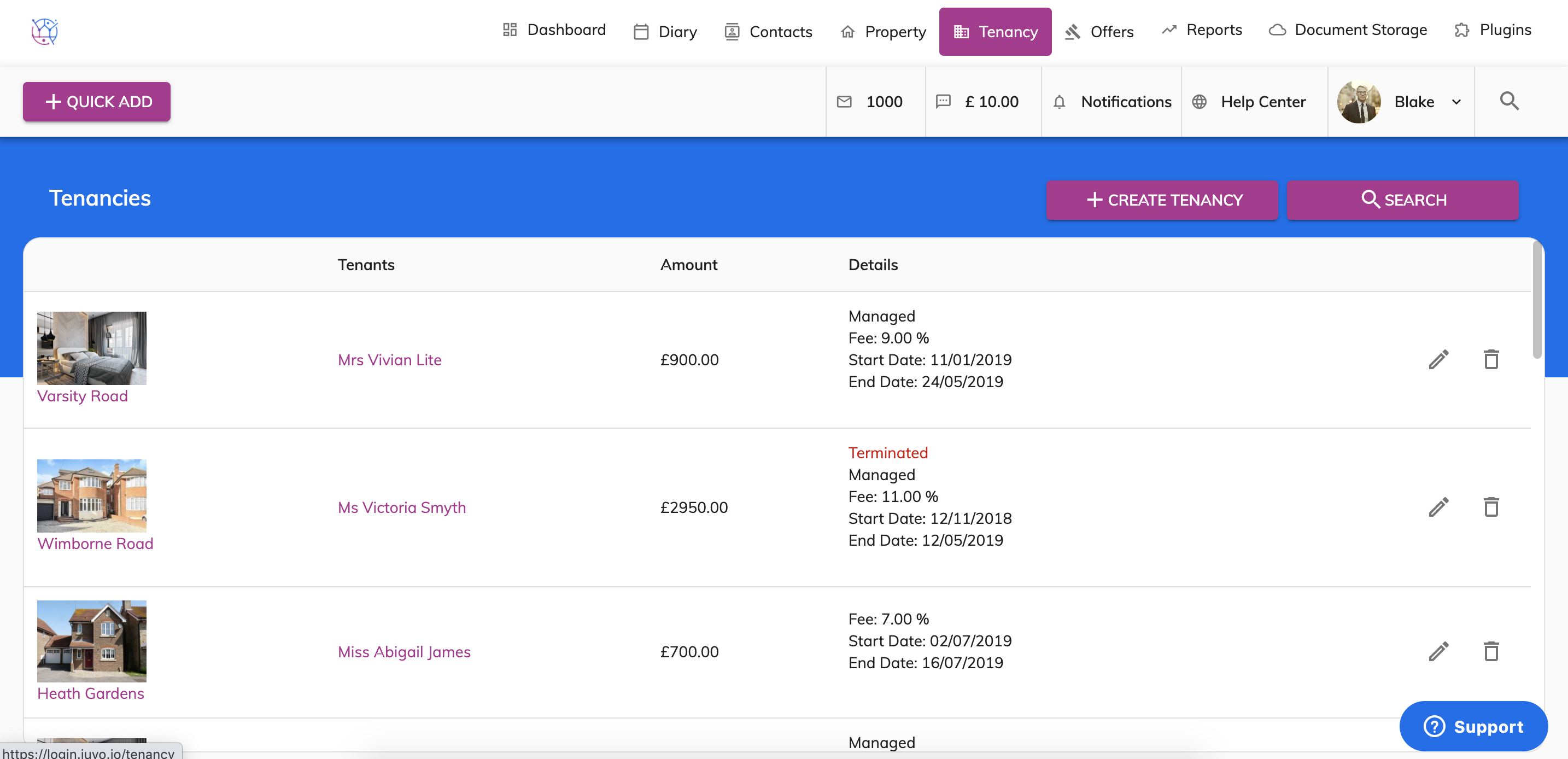
2) Using the tenancy search at the top of the page, enter key words, tenancy type or tenancy status. Press Search.
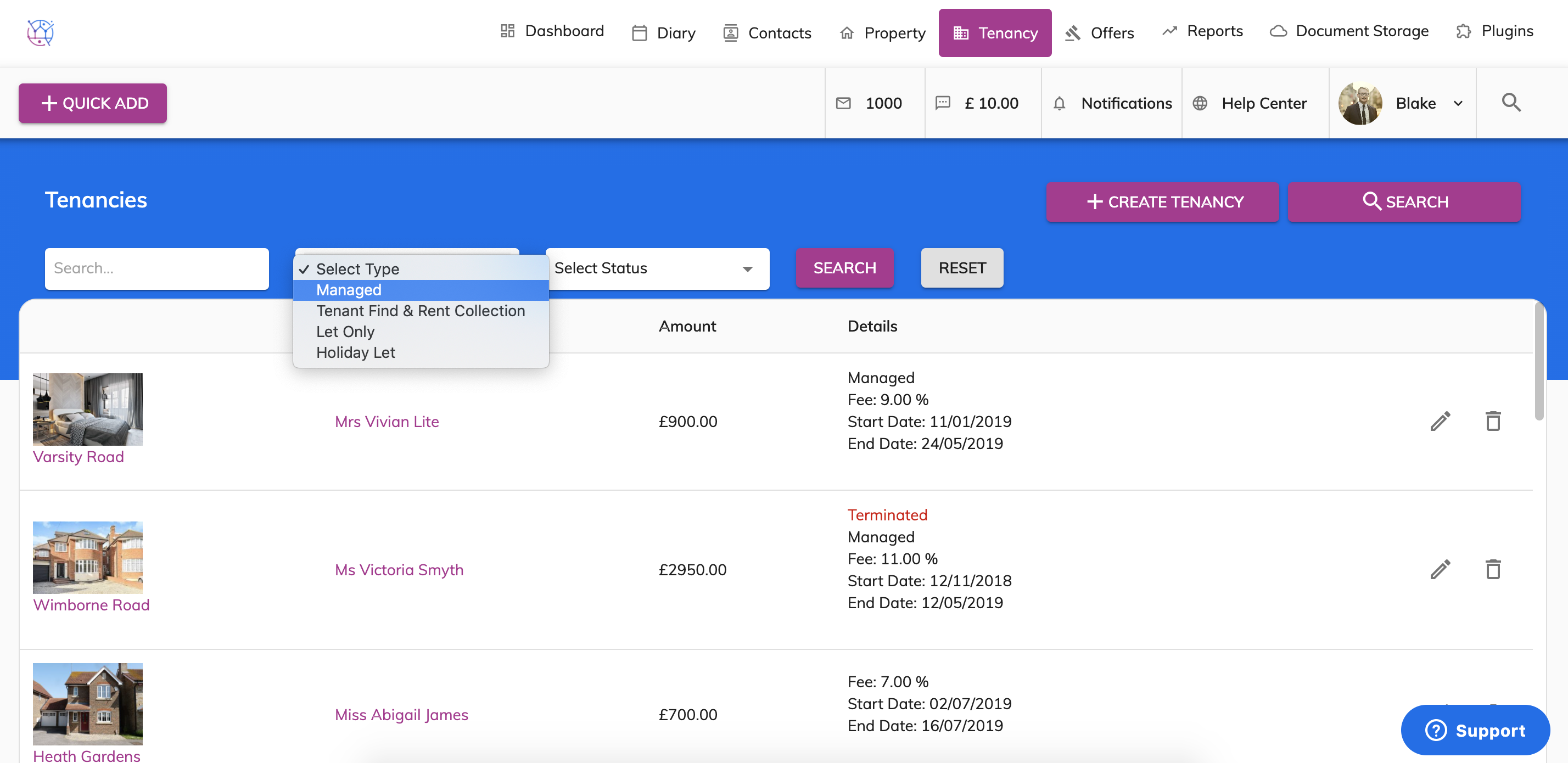
3) Click on the pencil icon to edit the tenancy.
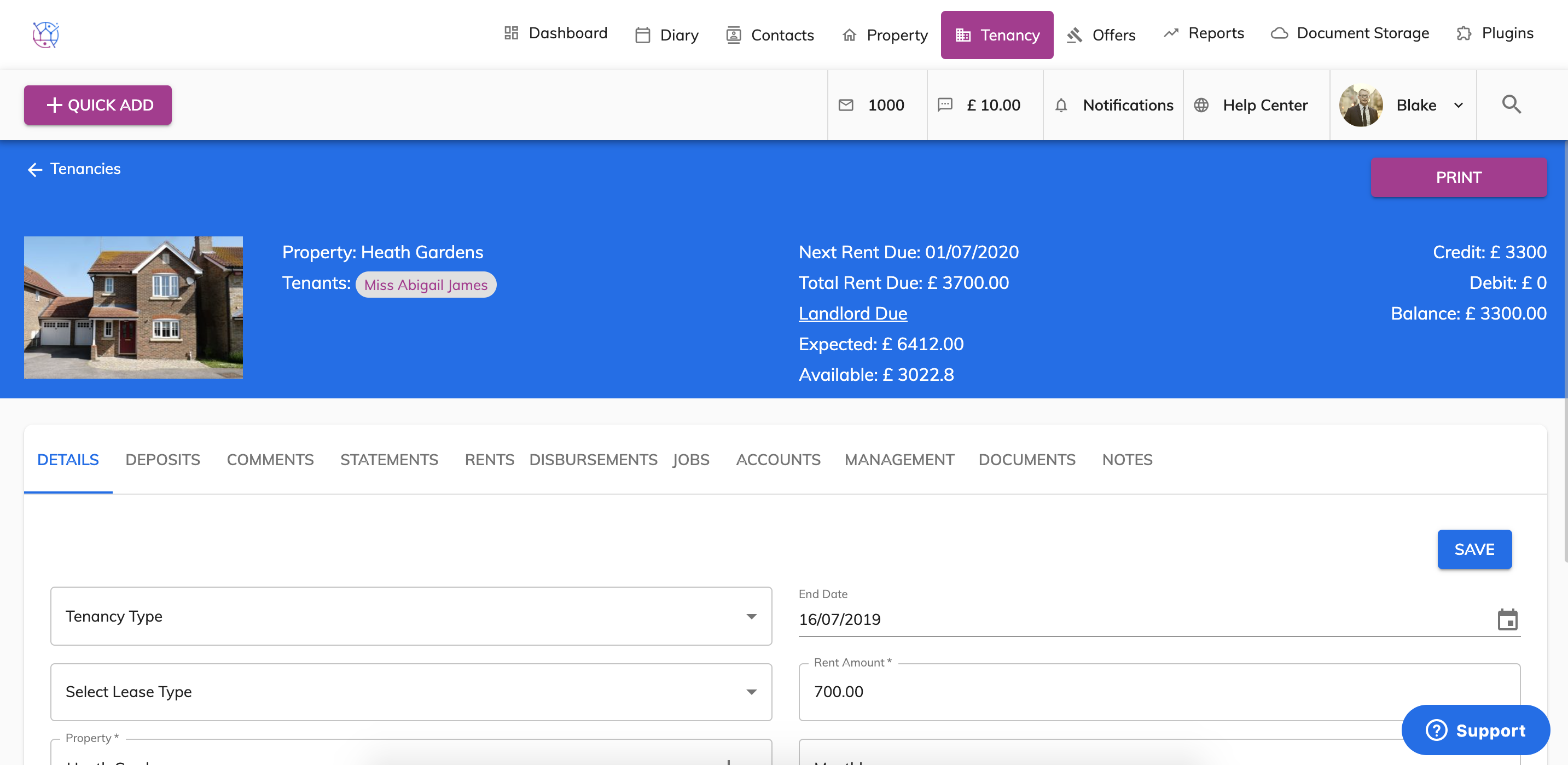
4) Click on the Statements tab from the menu.
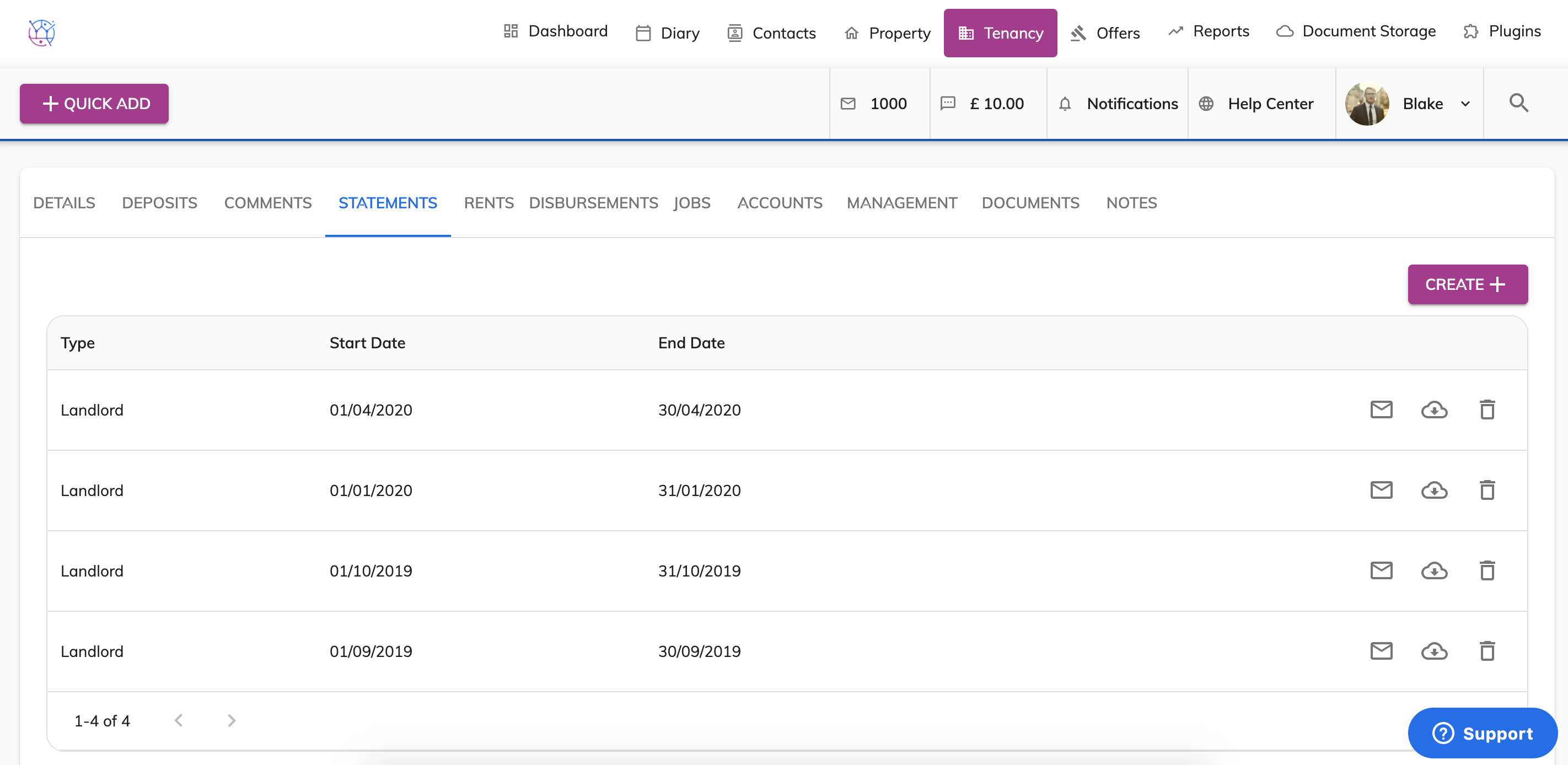
5) Press the Create button.
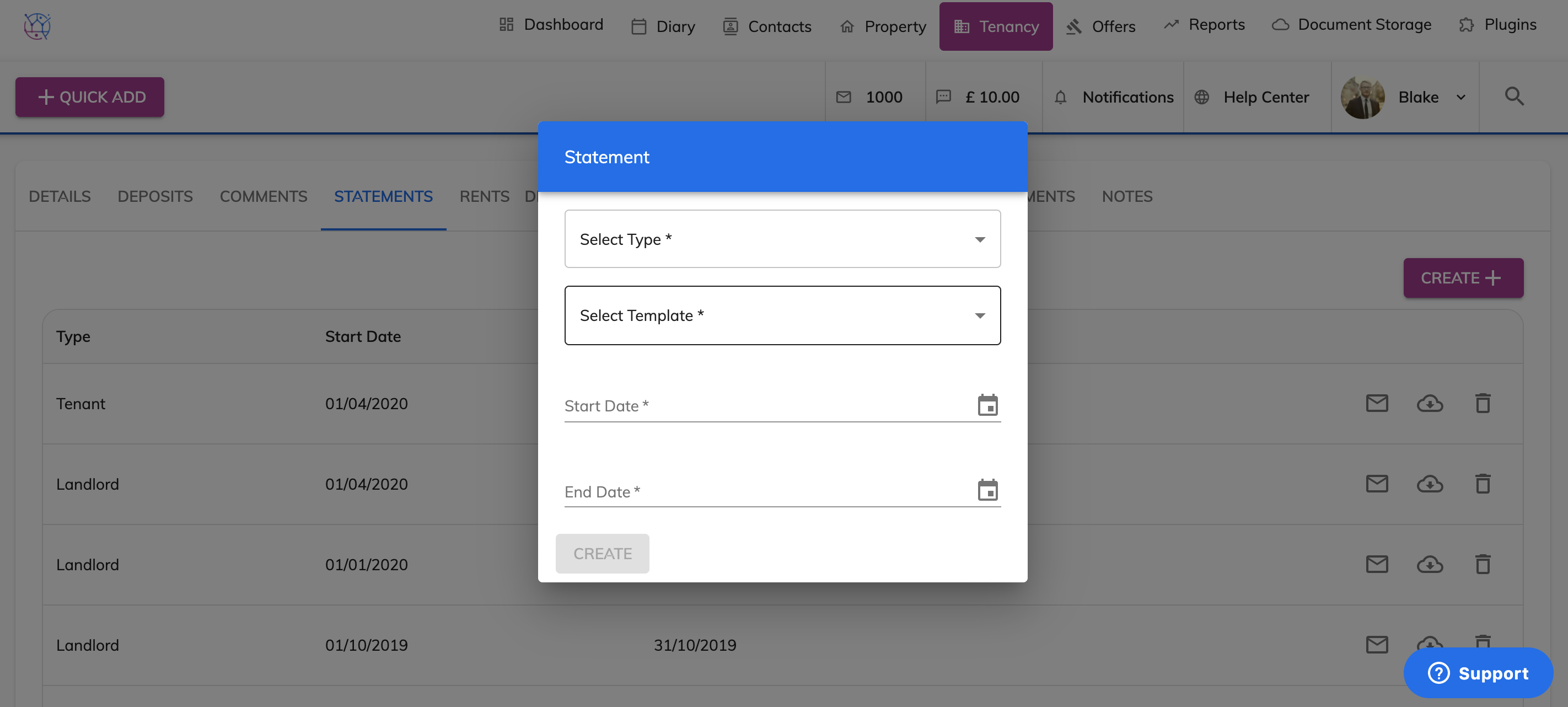
6) Select the statement type, template, tenants name, start & end date of the statement.
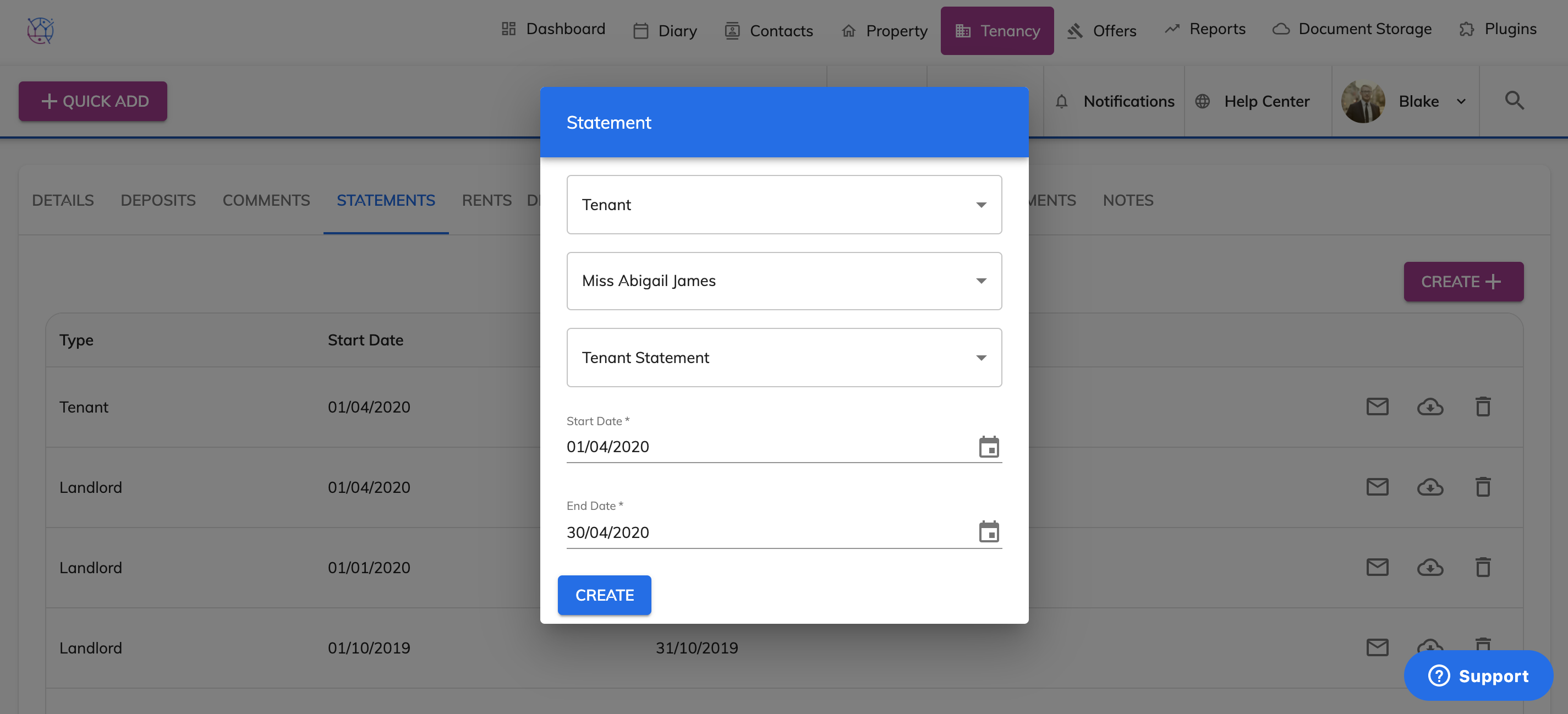
7) Press the Create button. Use the envelope to email the statement and the cloud icon to download & print.
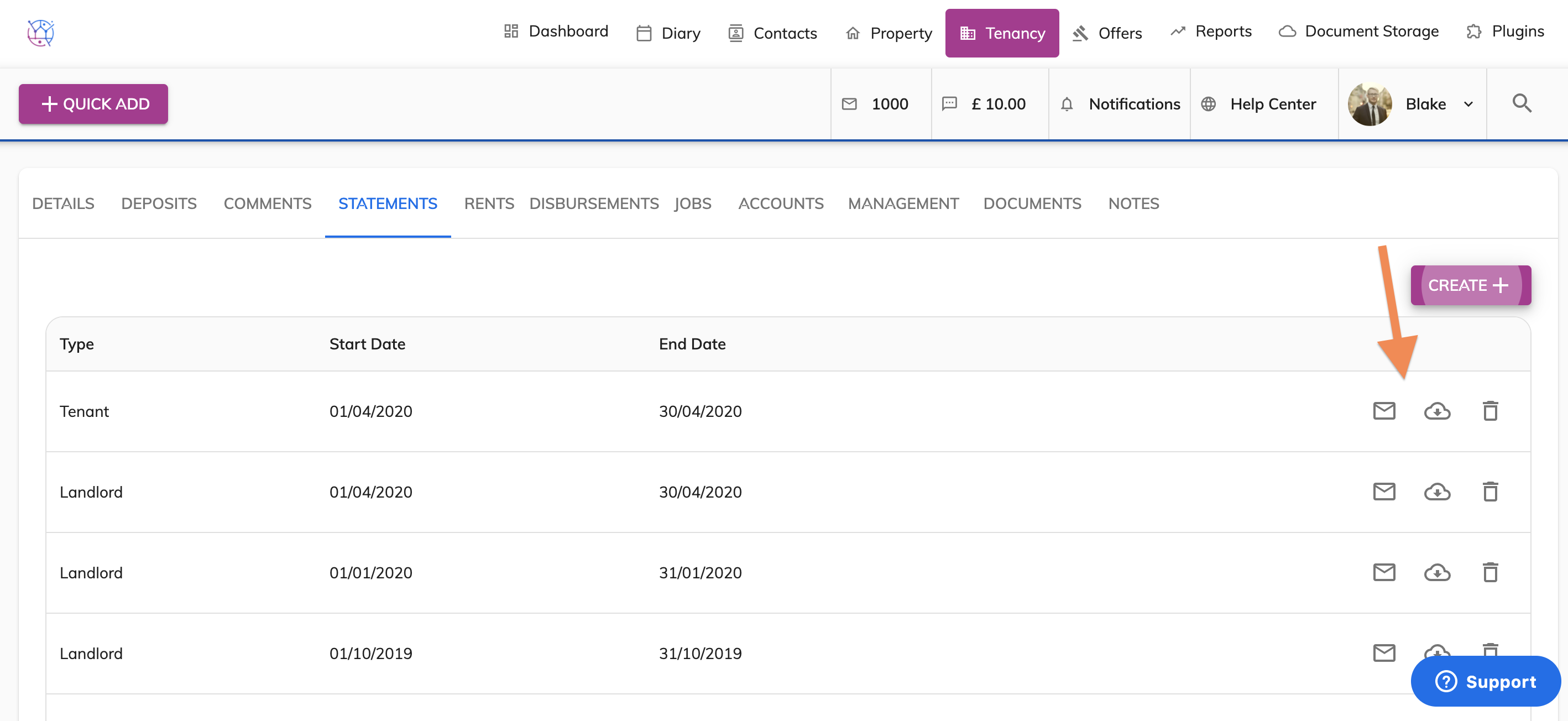
8) All statements will automatically appear in the tenants client portal ready for them to download.