
To delete a tenancy, follow the steps below:
1) Click the Tenancy tab
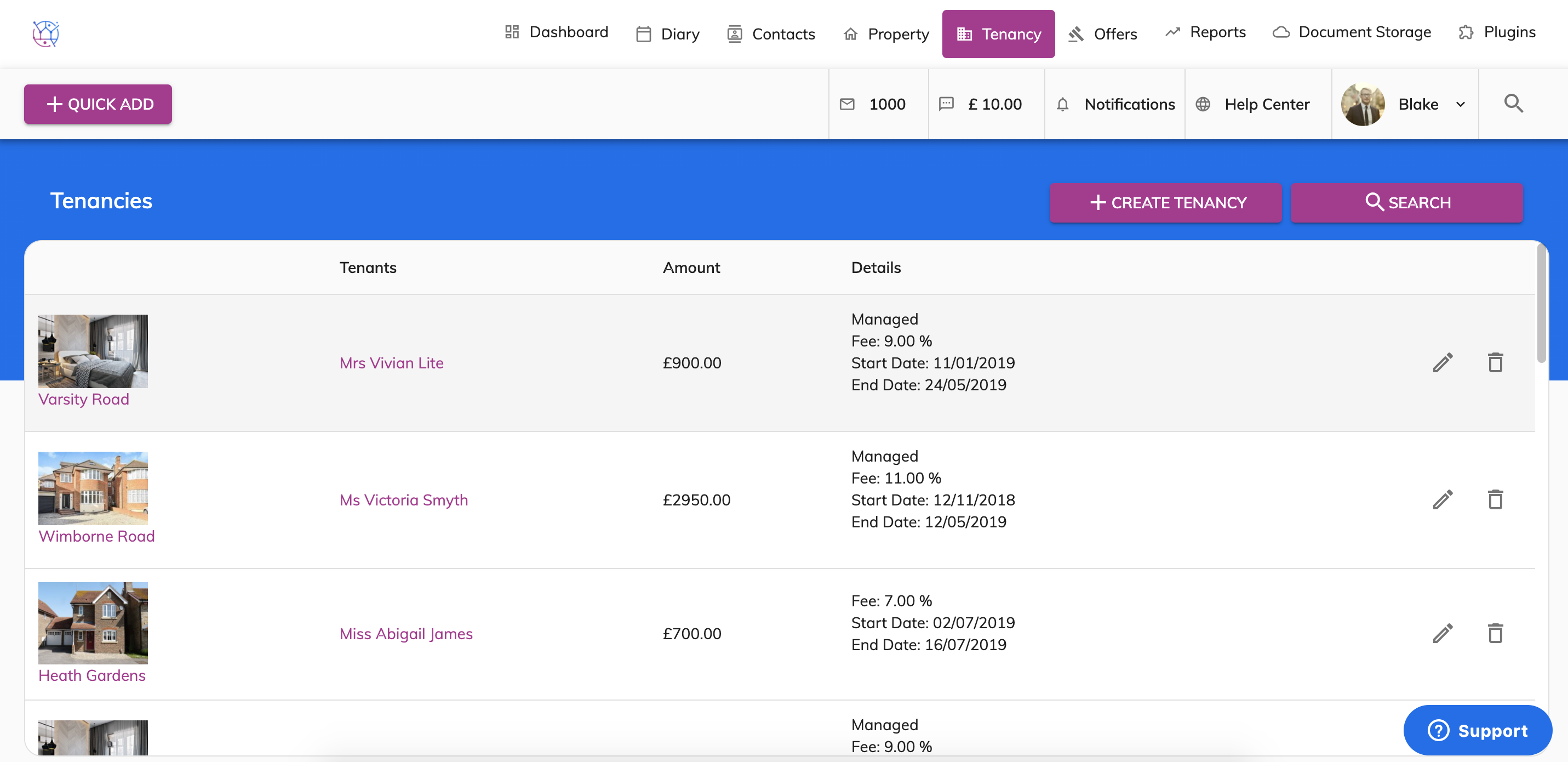
2) Locate the tenancy in the list that you would like to delete. Press the bin icon on the right hand side of the tenancy. A pop up will appear to double check you are sure.
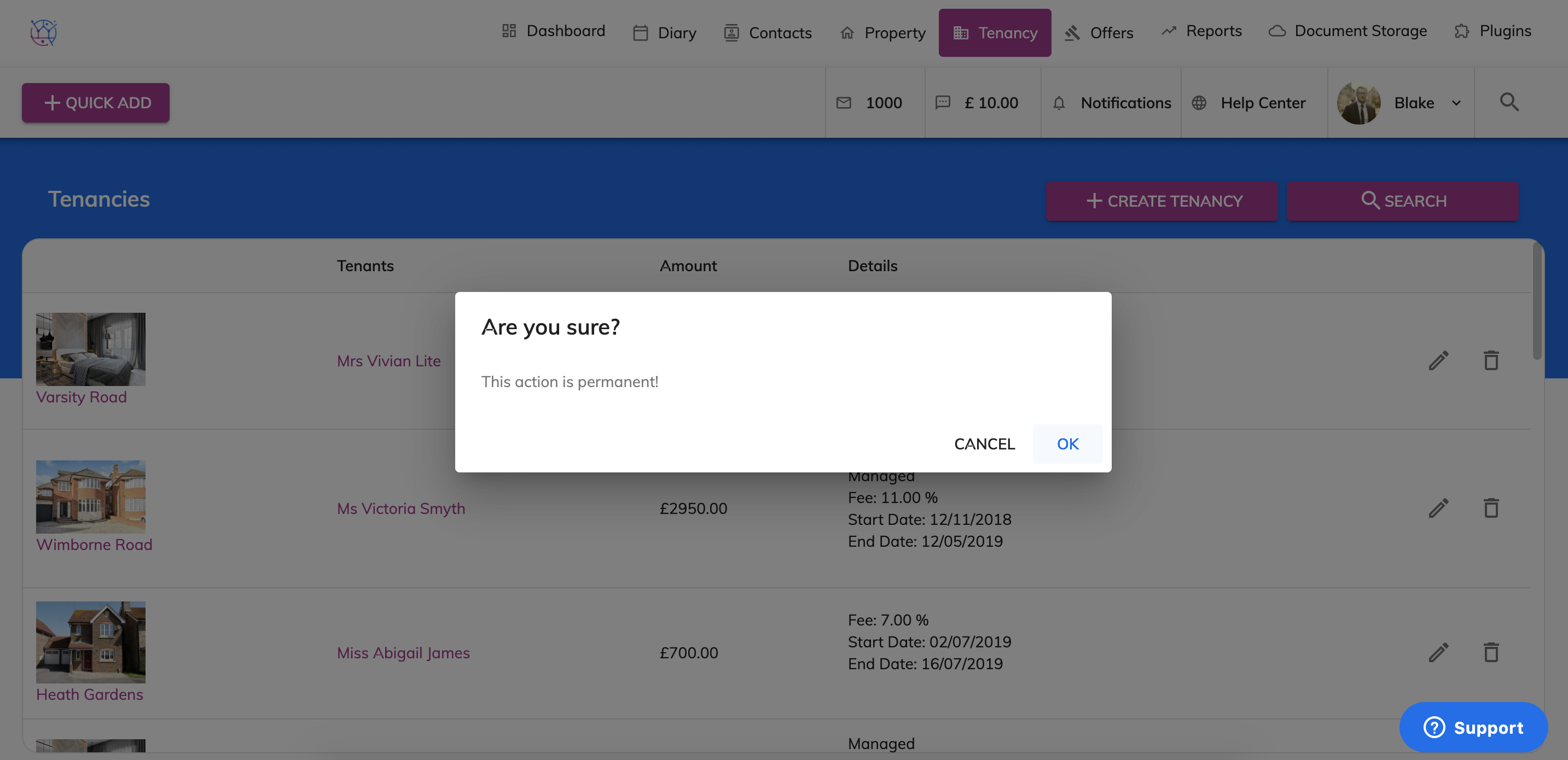
3) Press the Yes button. Please note once the tenancy has been deleted it is unable to be restored.