
This can be done two ways.
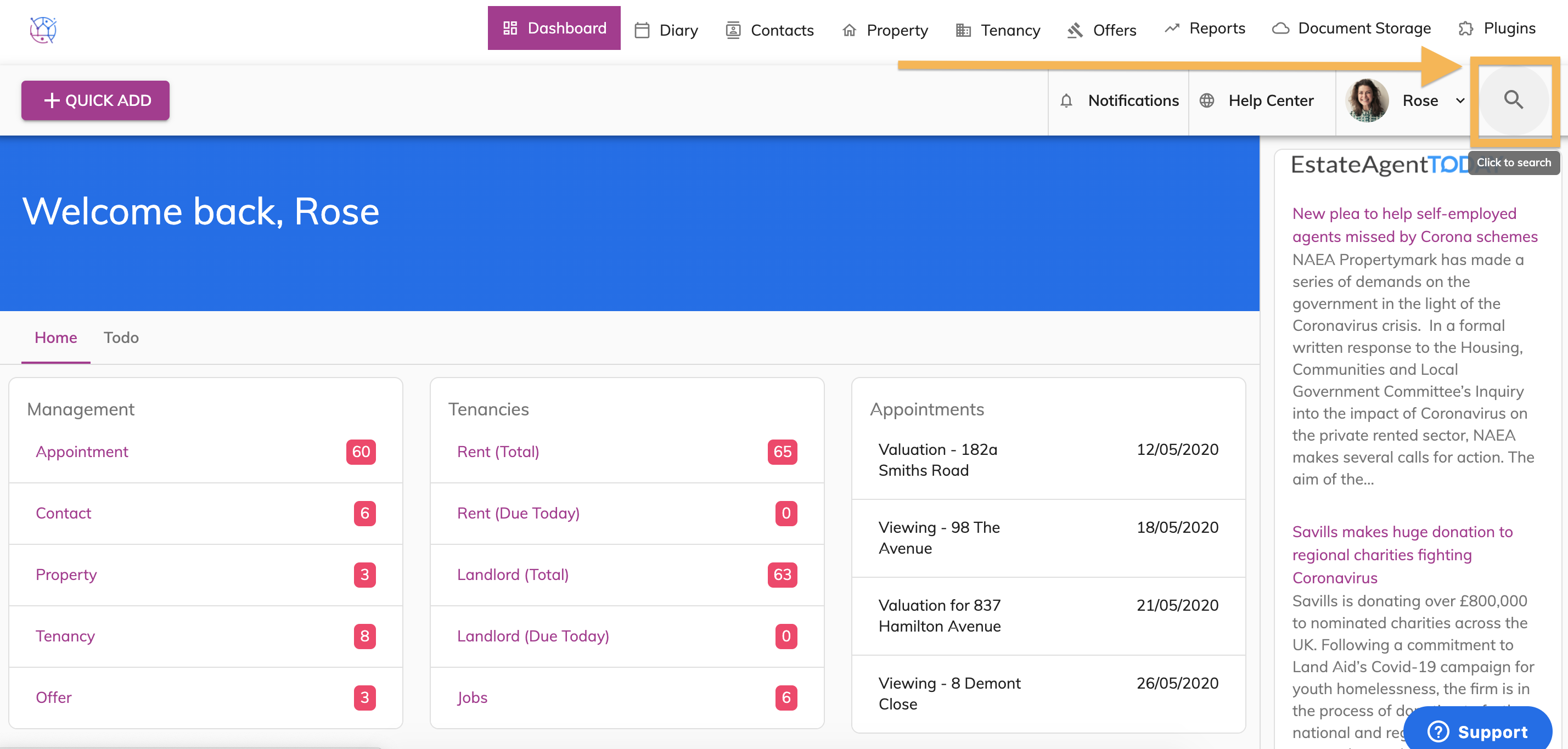
1a) Global search - This will search all properties, offers, contacts and tenancies relating to this keyword. Click on the Magnifying icon next to your user icon on the righthand side of your screen.
1b) Type in the name of the contact you are looking for.
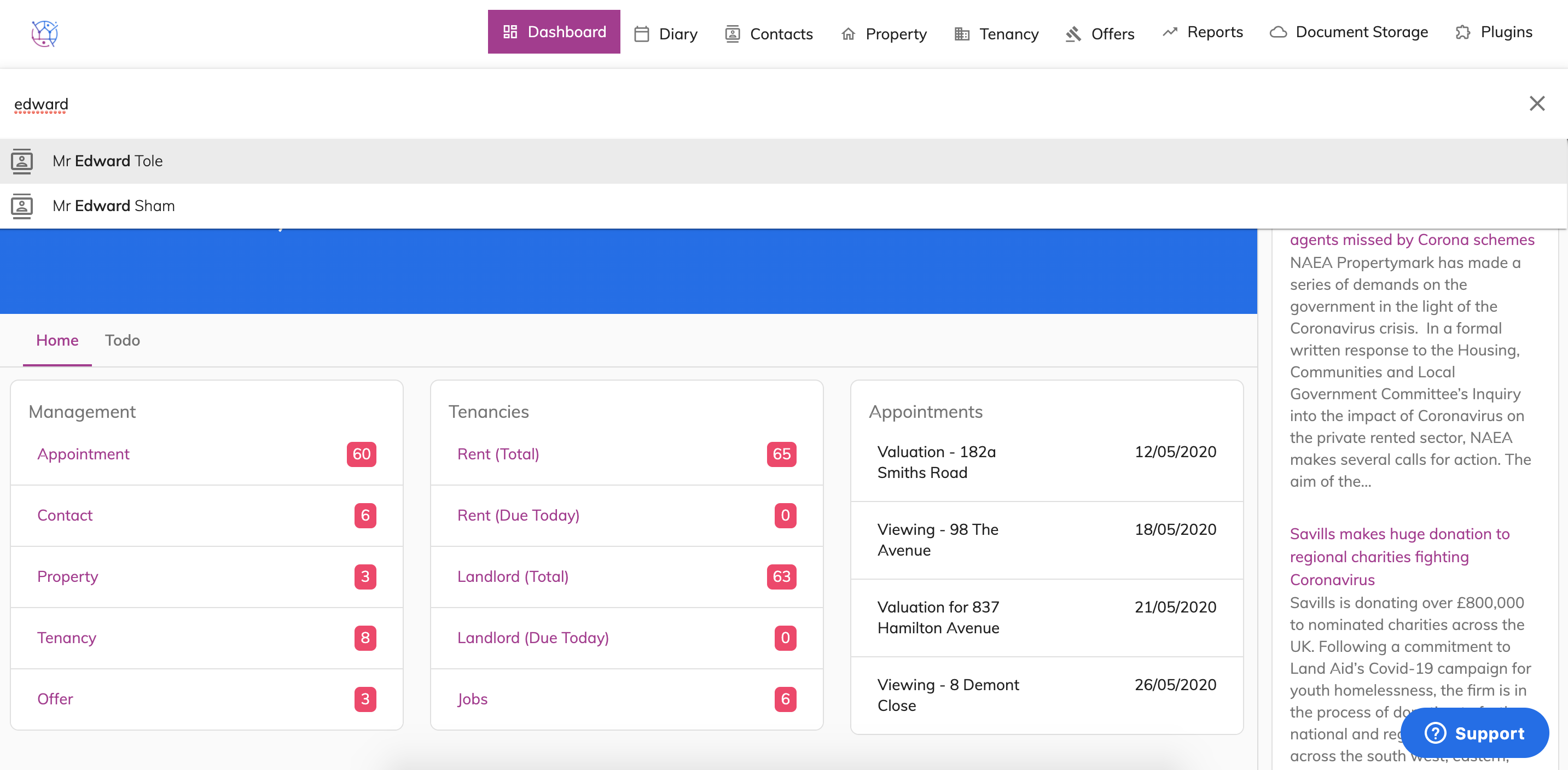 The icons in the list relate to the icons of the tabs running across the top of Juvo.
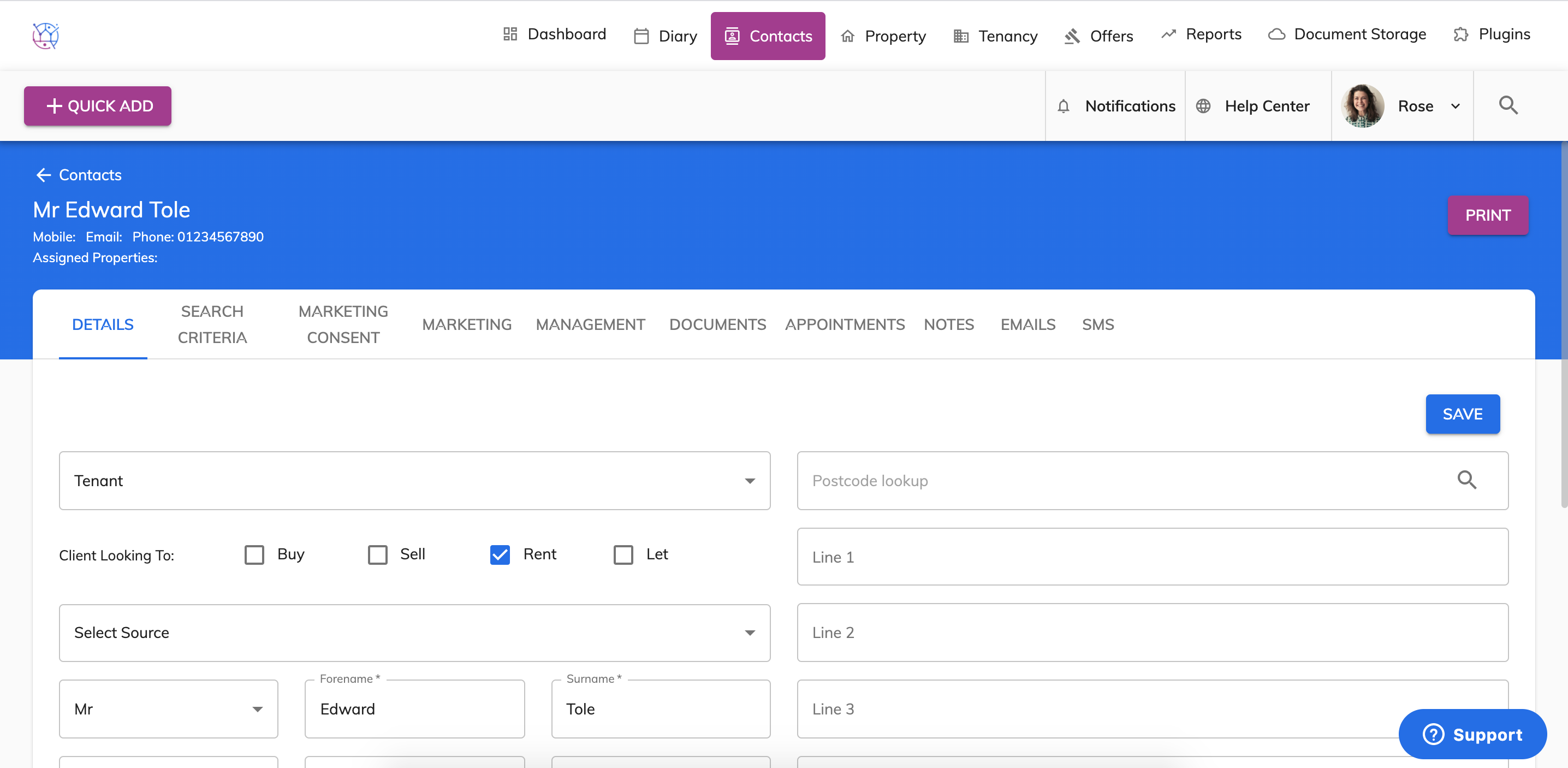
1c) Click the correct contact from the dropdown.
2a) Search within the Contacts section.
Click on the Contacts tab from the top menu.
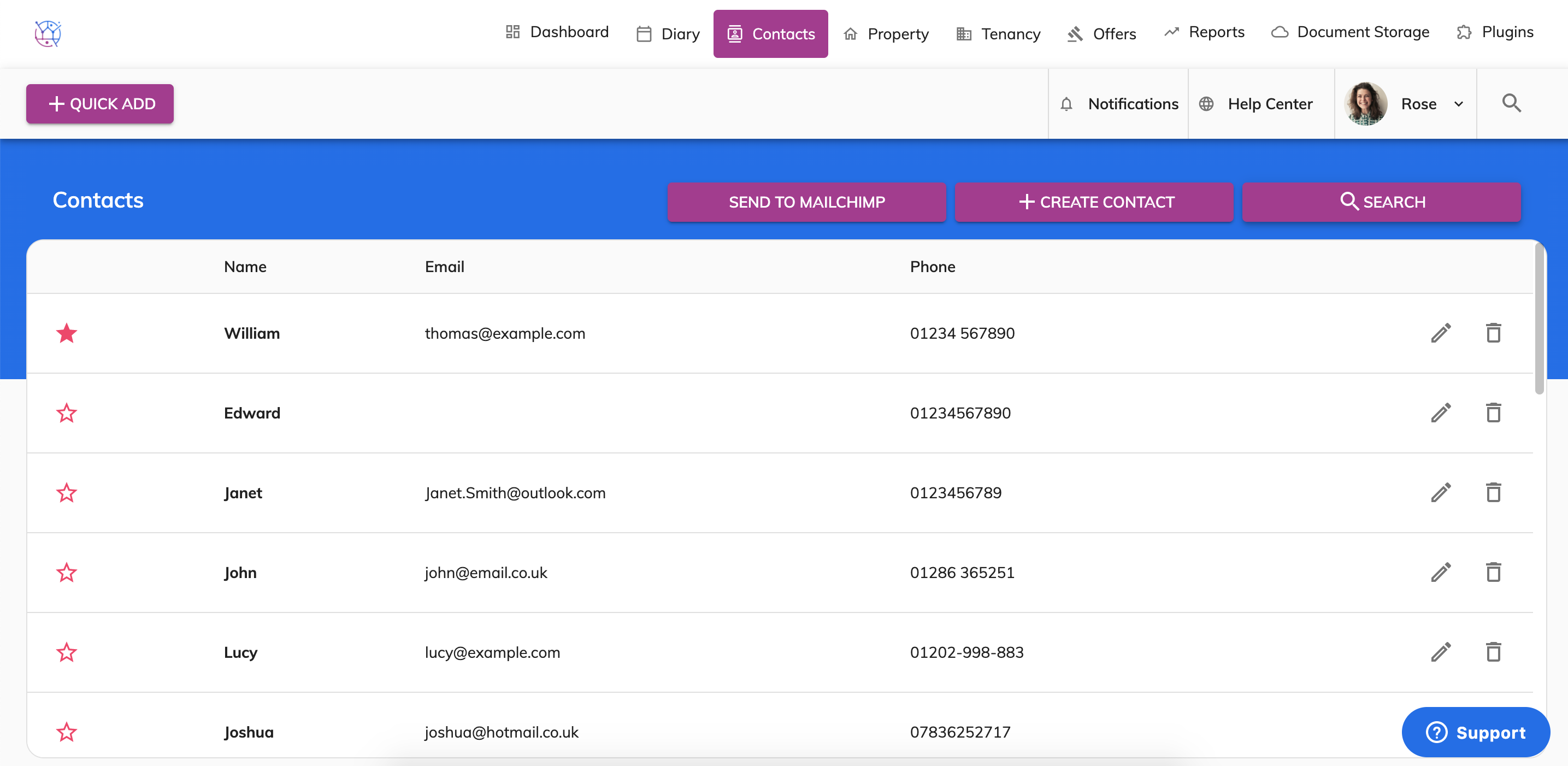
2b) Click Search button with the magnifying icon. Then type in information or select search criteria as required and Press Search.
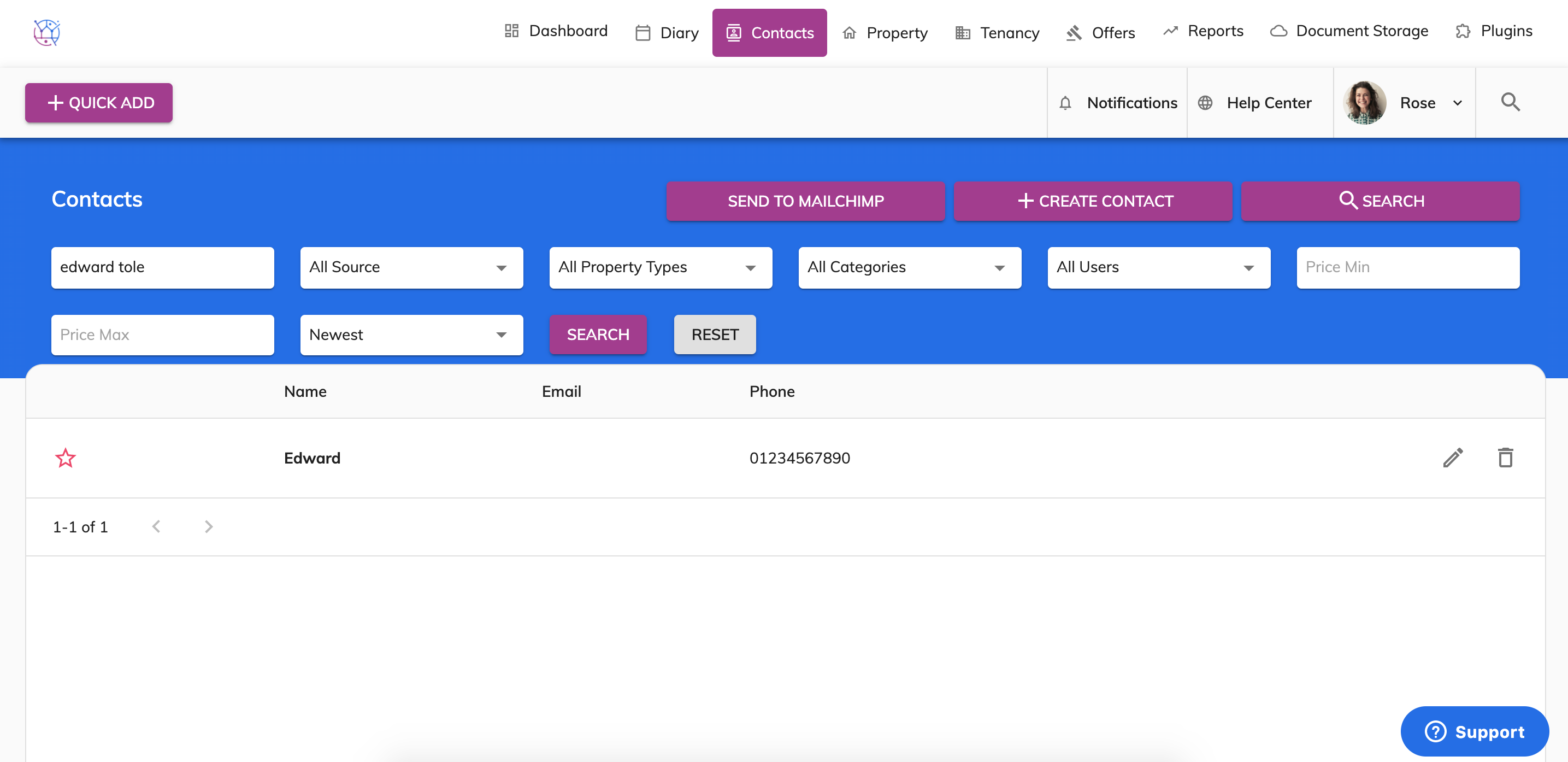
This will display a list of contacts that meet the search criteria. To edit this contact use the pencil icon on the righthand side of the contact.