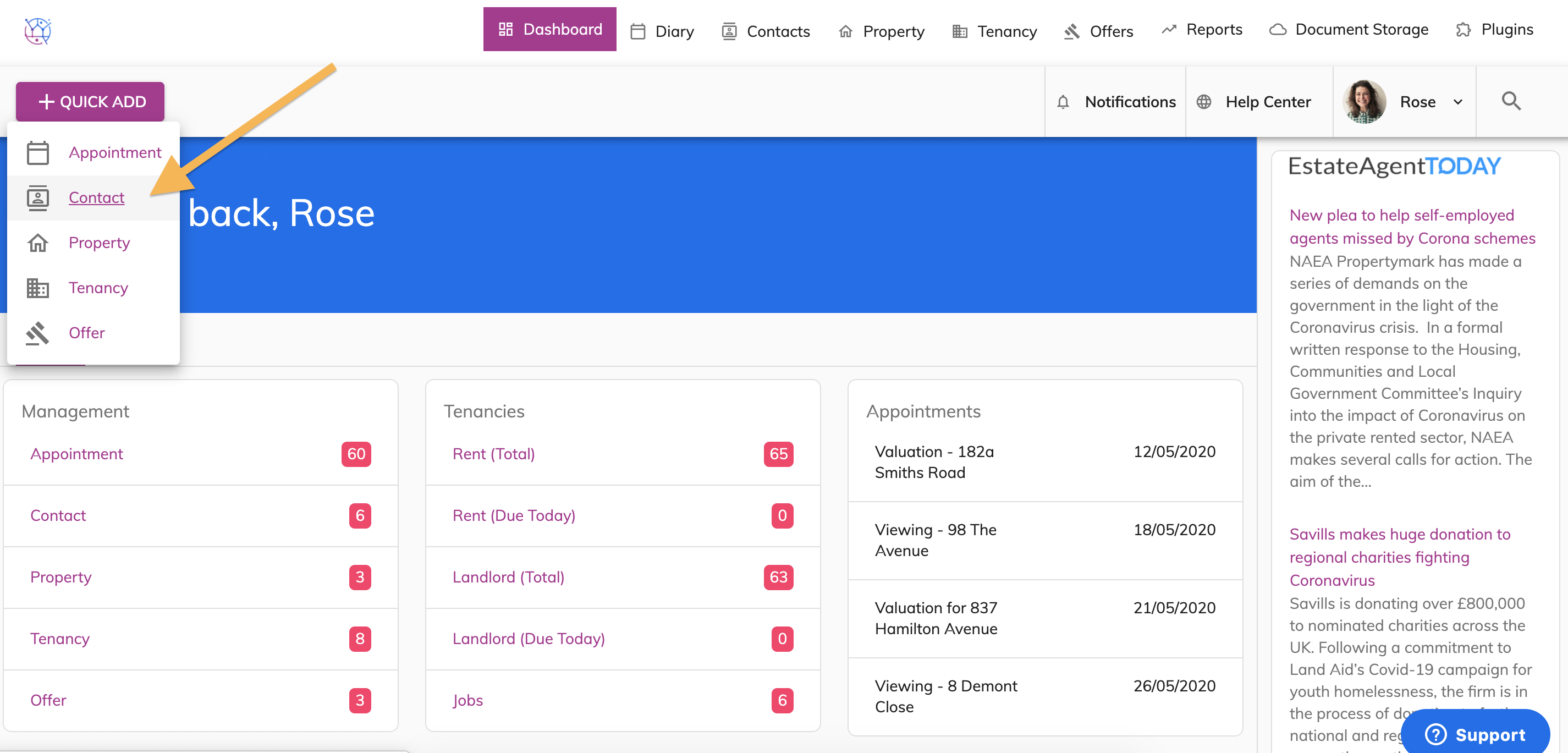
You can add a contact using the quick add button on any page within your Juvo account.
1a) This can be done anywhere by clicking on the '+ Quick Add' button. To add an appointment, contact, property, tenancy or offer.
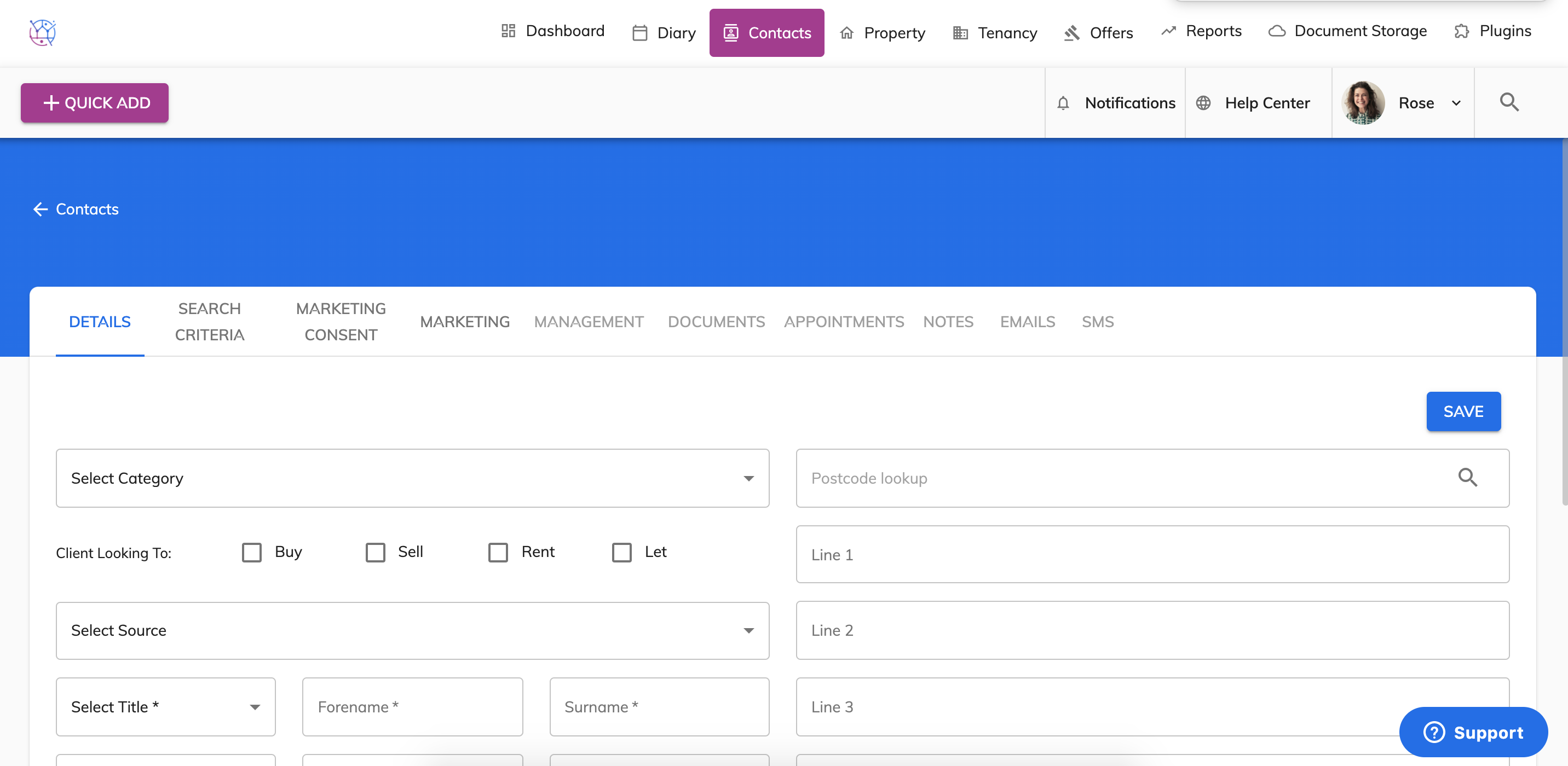
1b) Complete the form as normal and press Save.
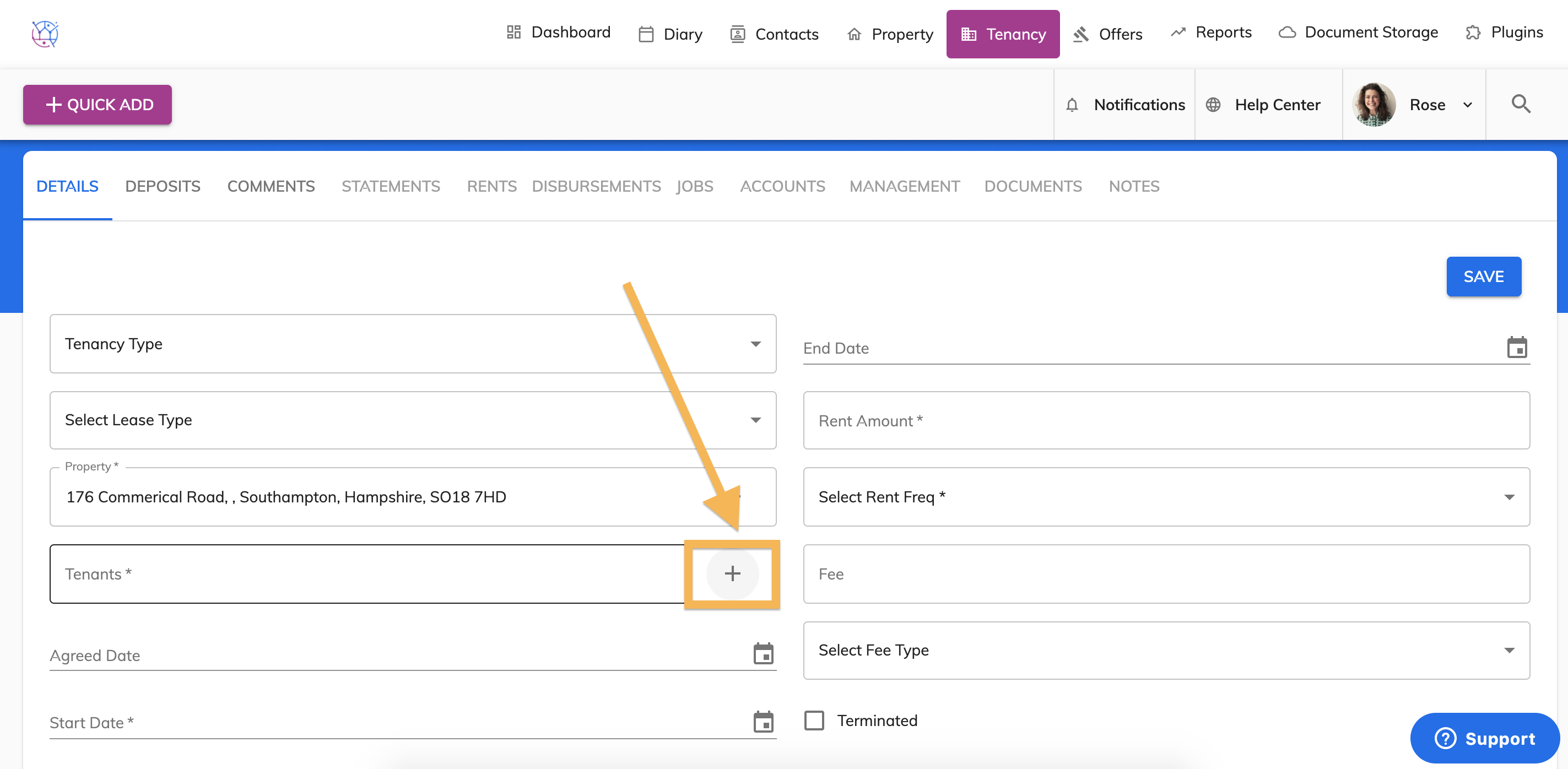
2a) The quick add icon (plus) is also found on all forms when adding diary appointments, contacts, tenancies, offers and properties. This option allows you add the person or property directly from that form.
2b) Complete the pop up Contact form and press Create.
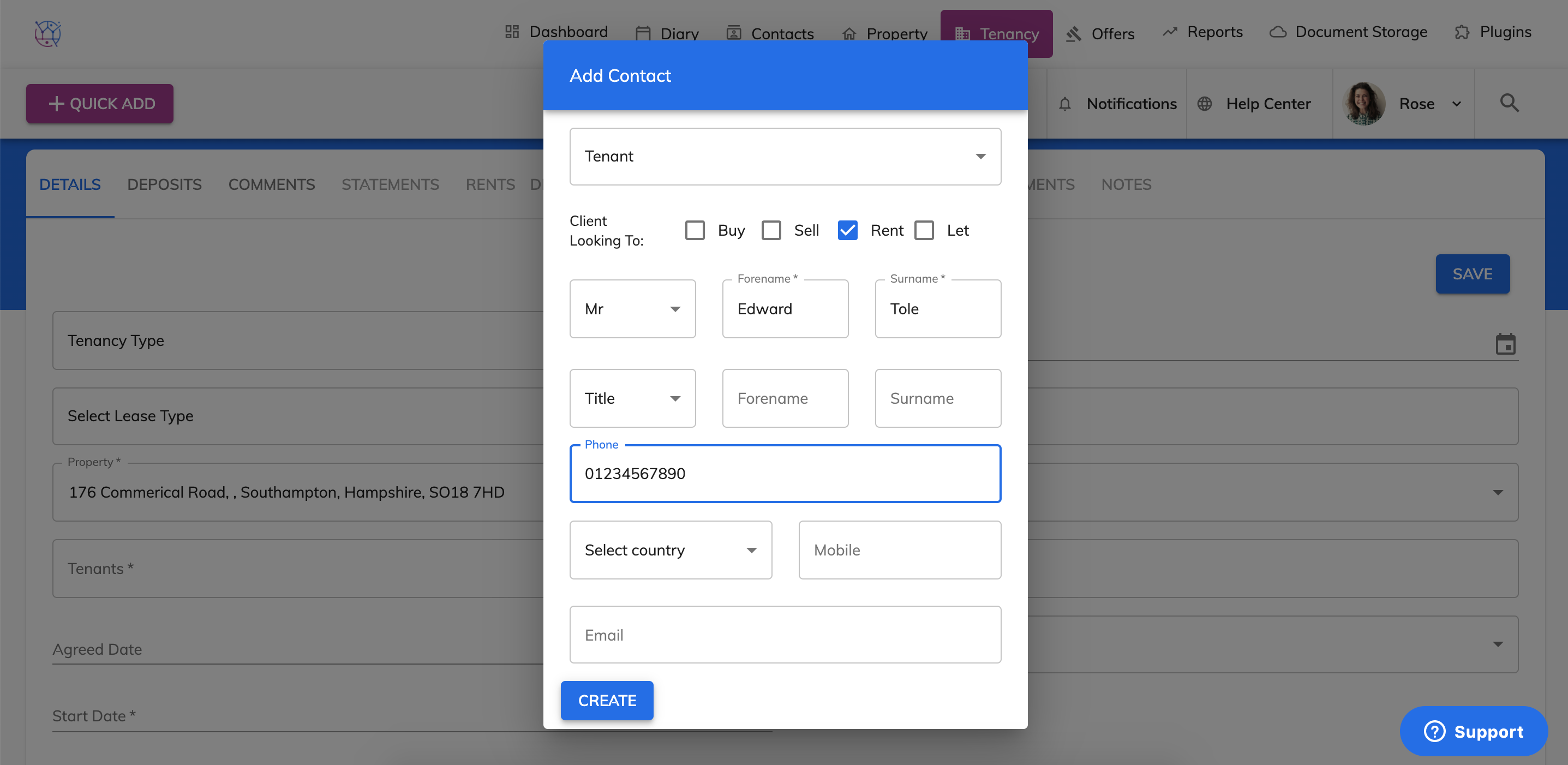
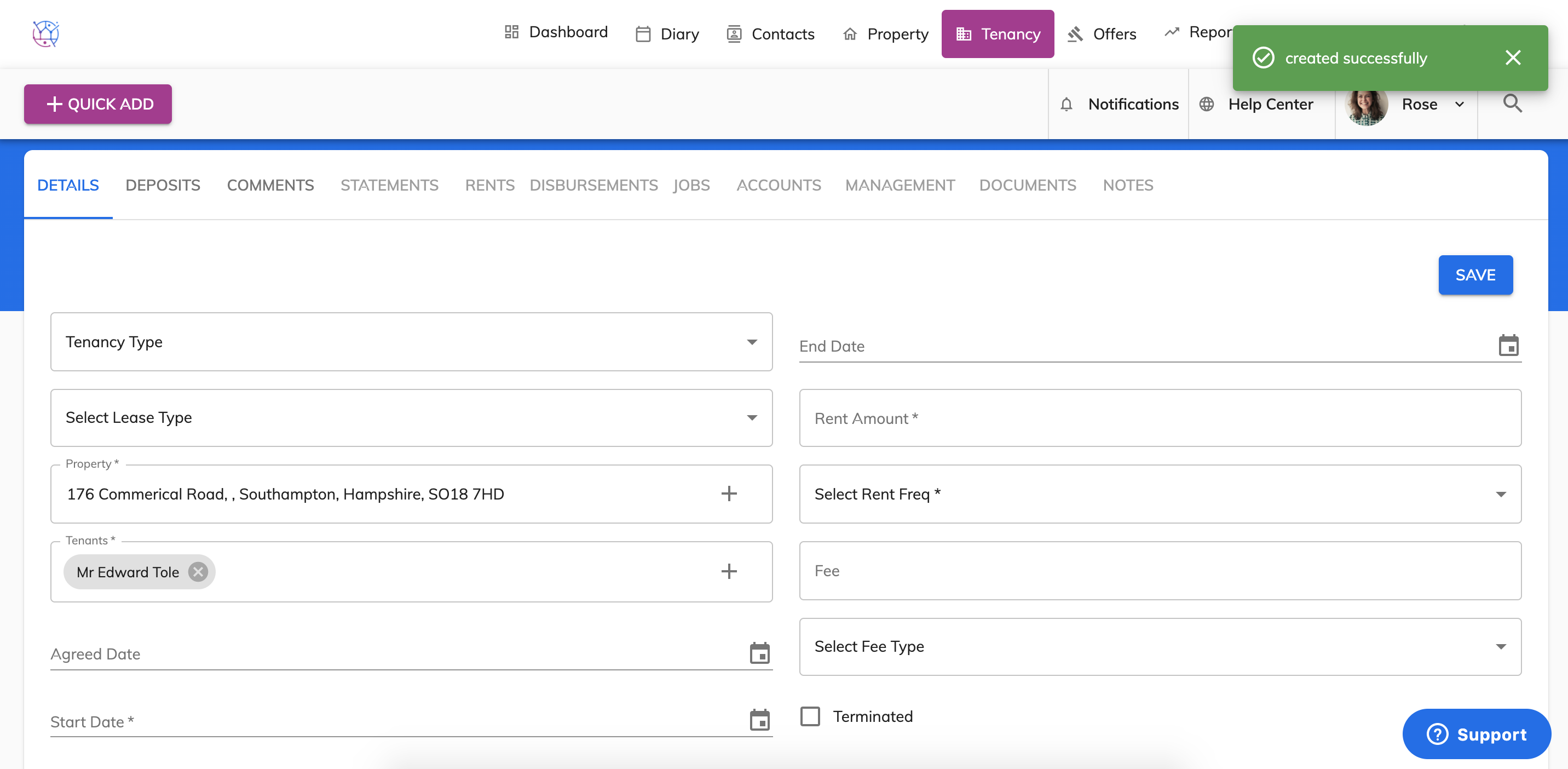
2c) The contact will now be added into the contacts section of your Juvo account and will be linked to the tenancy, ready for you to continue with the form.