To create a contact, follow the steps below:
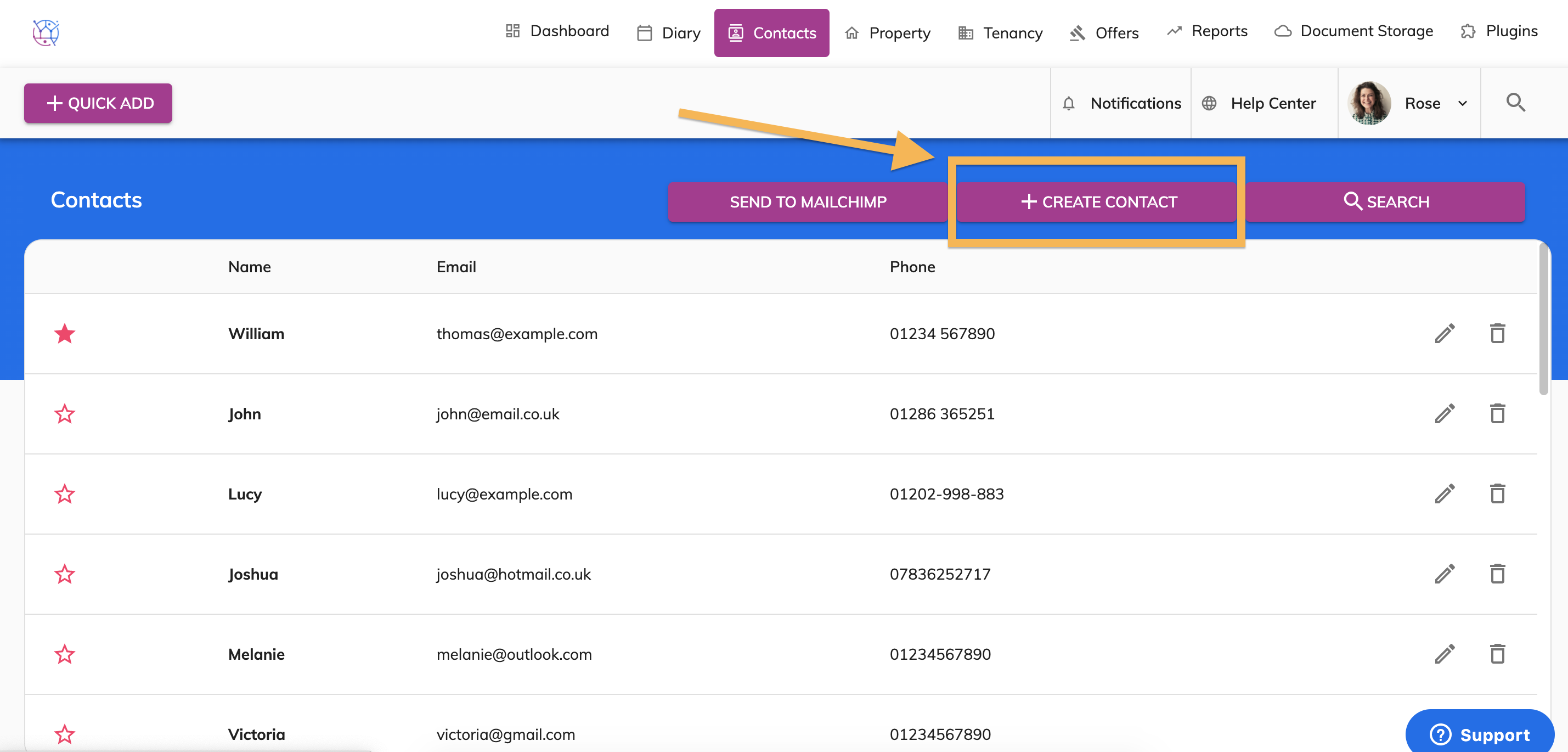
1) Click the Contacts tab and Create Contact.
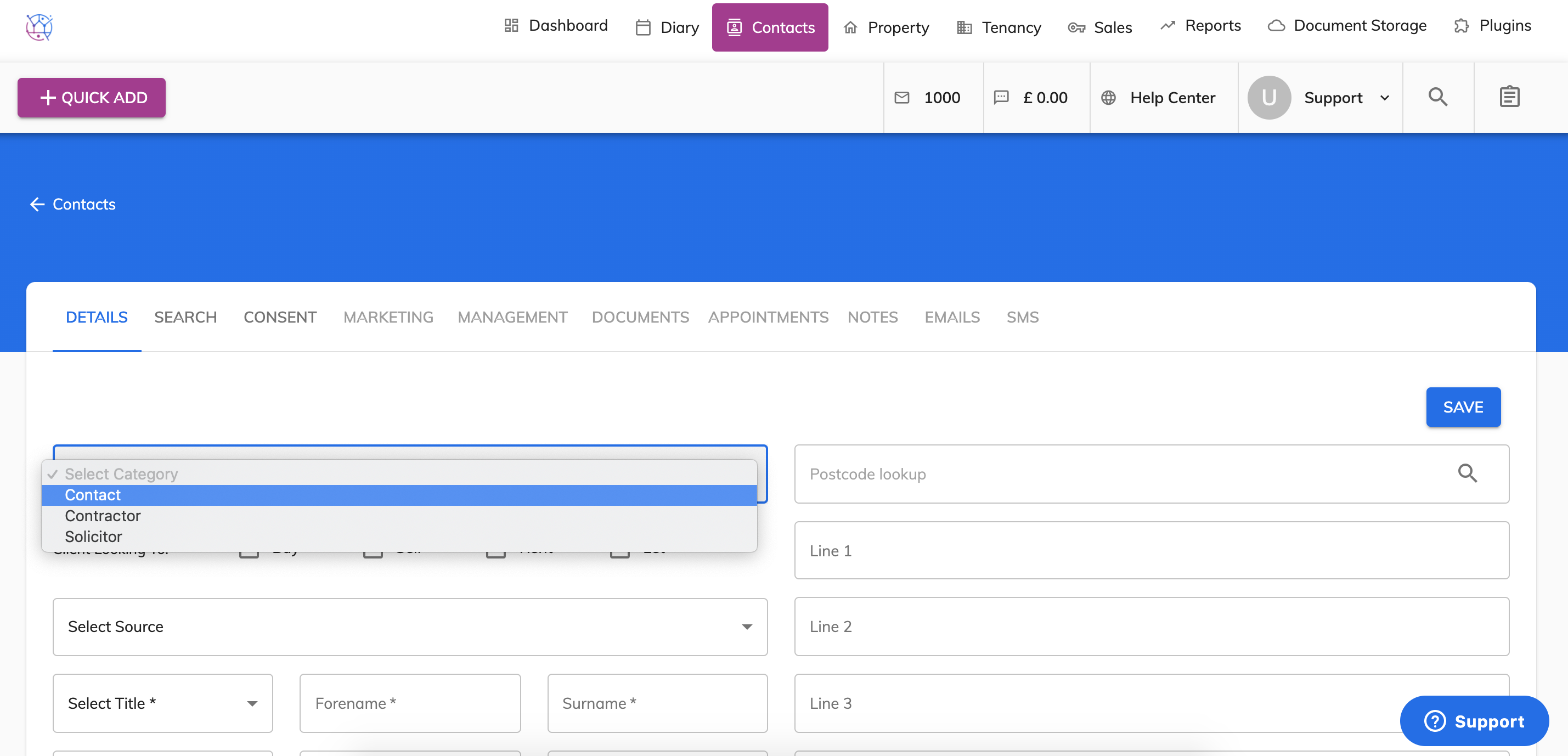
2) Start completing the contact details form starting with the category.
Category types explained:
Contact - a client who is looking to buy, rent, let or sell a property
Contractor - a person/company used for maintenance or works on a property eg Electrician, Plumber, Handyman etc.
Solicitor - a member of the legal profession qualified to deal with conveyancing.
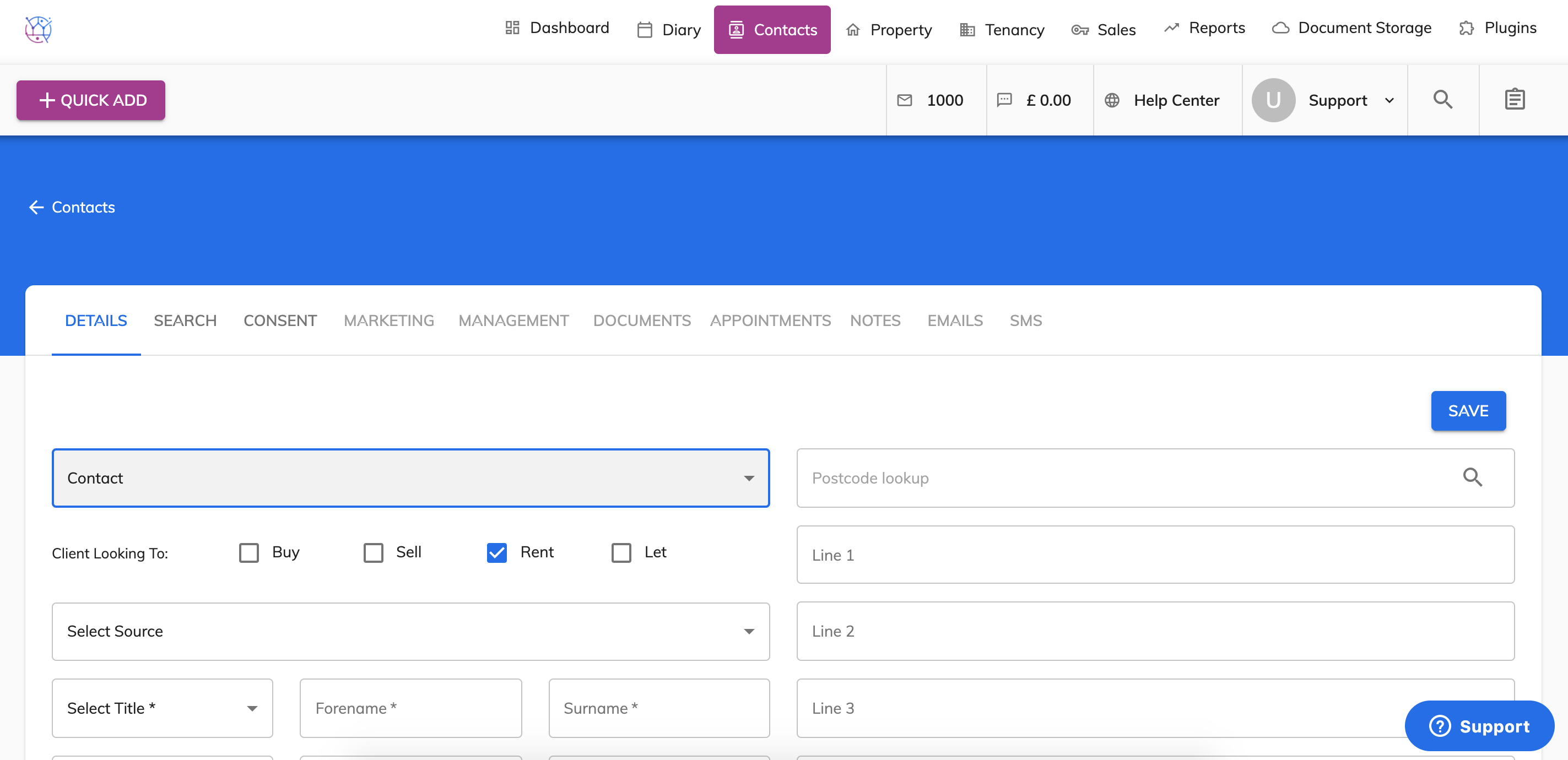
3) If this contact is an applicant, buyer, vendor or landlord - tick the relevant box that the client is looking for. To buy, to sell, to rent or to let.
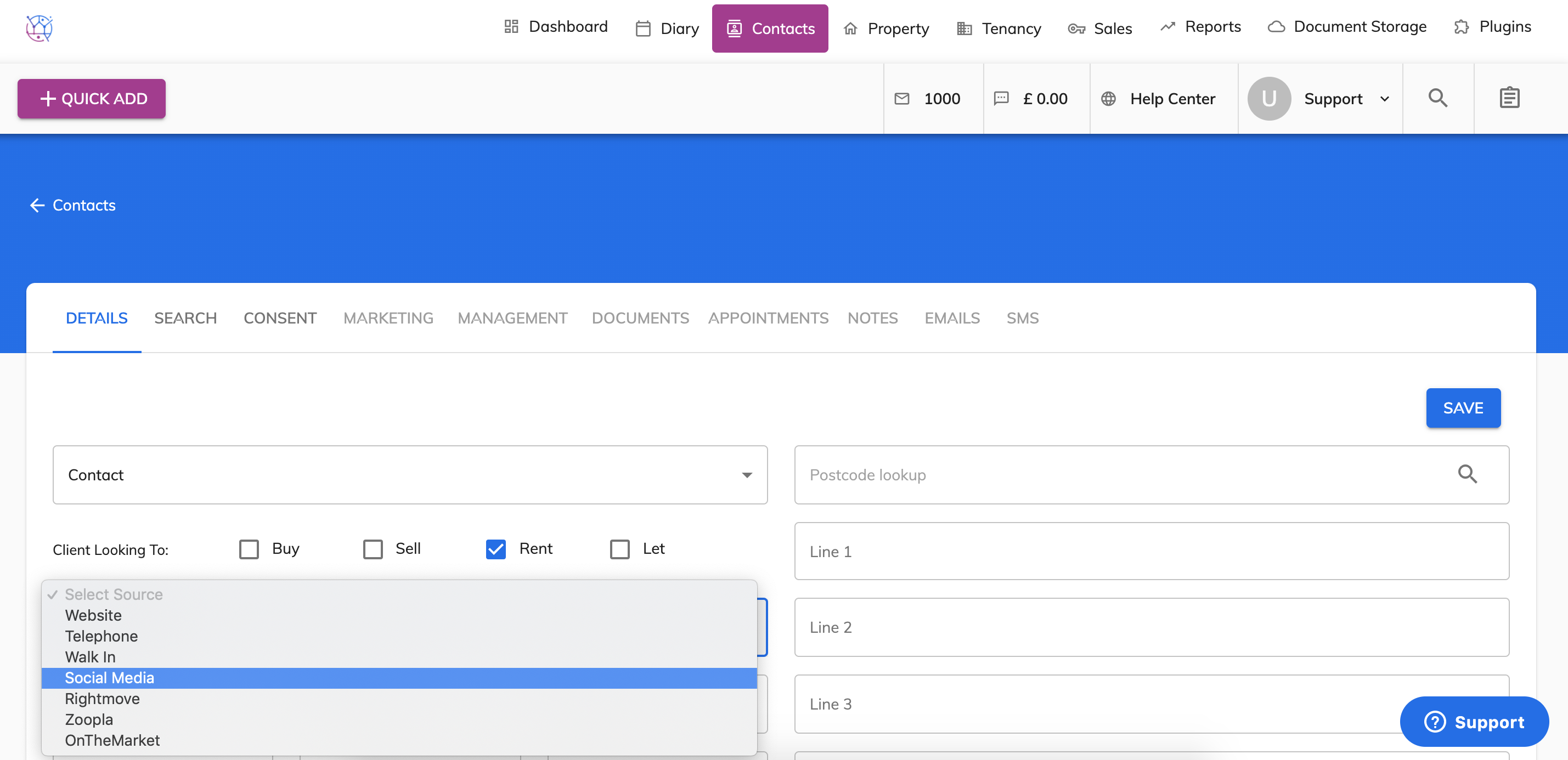
4) Then select the source of the contact, which is where you received the details of the contact originally, including walk in Rightmove, Website, Walk in etc.
5) Enter the name of the contact, including title, first name and surname in the first name fields. The secondary name is if there is a second point of contact for example 2 landlords/vendors of the same property.
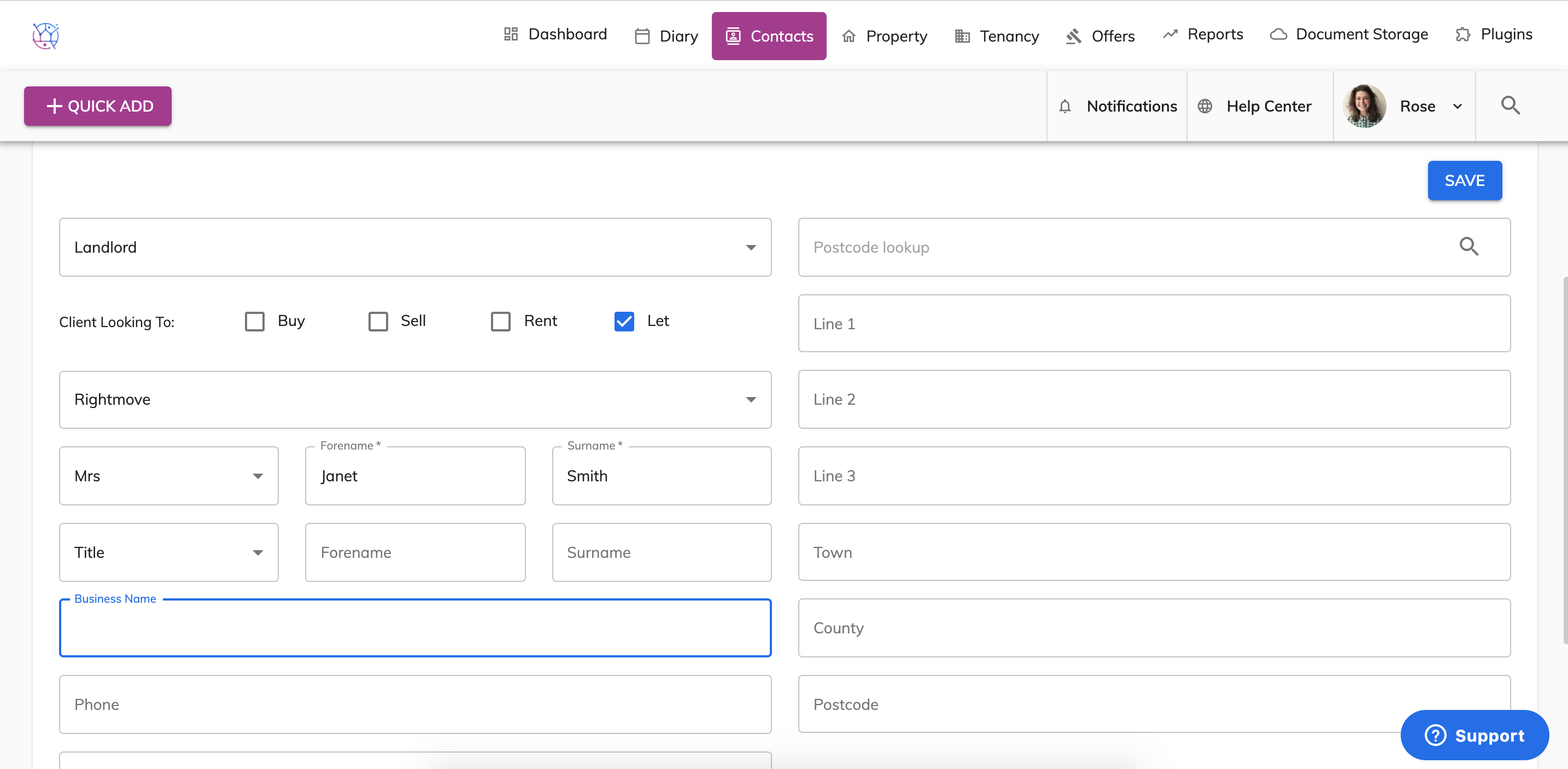
If the contact also has a business name, enter this in the business name field. If there is no business name, leave this field blank.
6) Now add in the contact details for the contact including telephone number, mobile number and address.
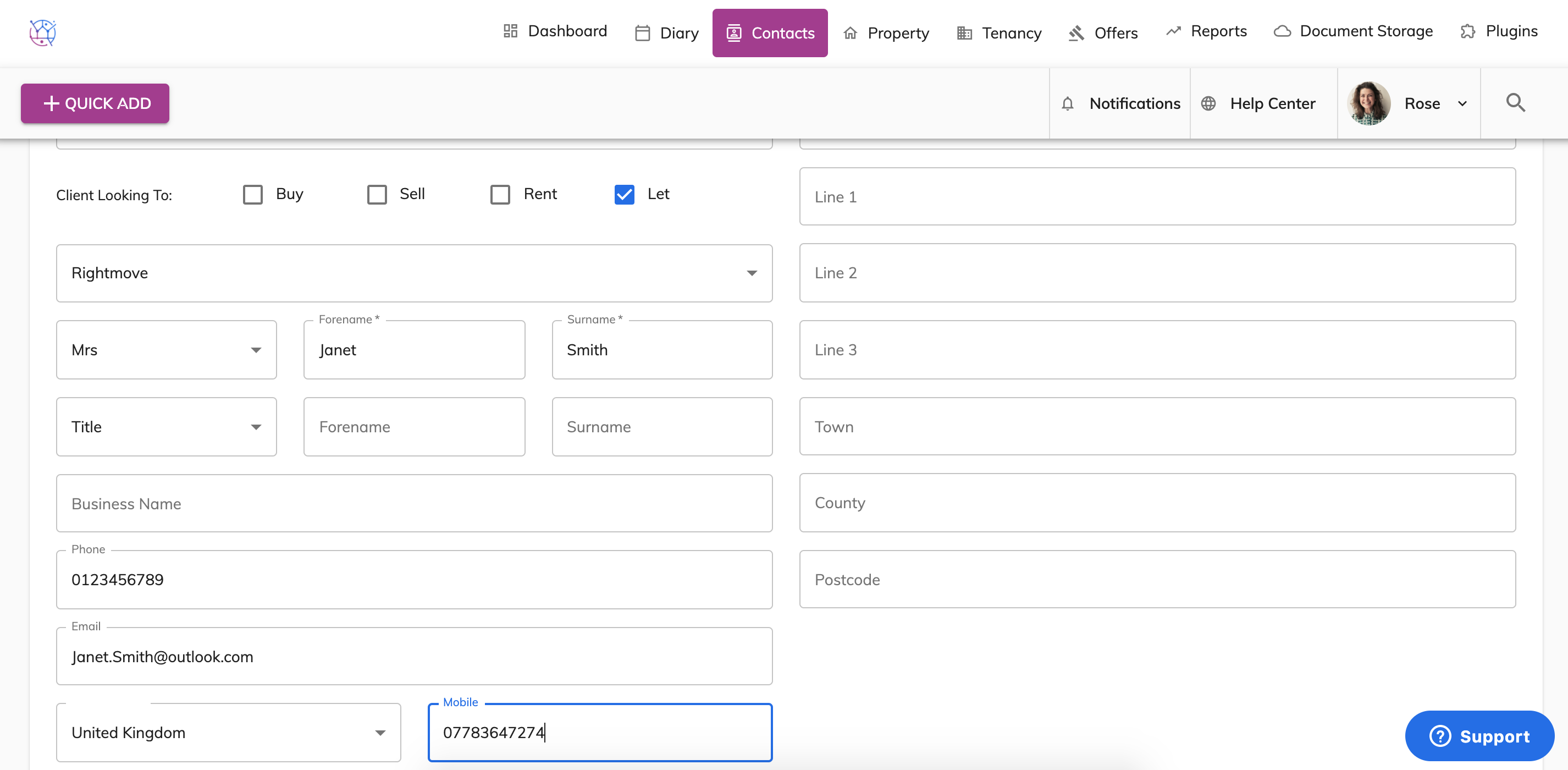 Once this part of the form is complete, press the Save button.
7) If the client is an applicant, add in their property search criteria using the Search Criteria tab next to the Details tab. This includes the minimum bedrooms, bathrooms, price range and property type. From the property type list, tick as many property types that are applicable.
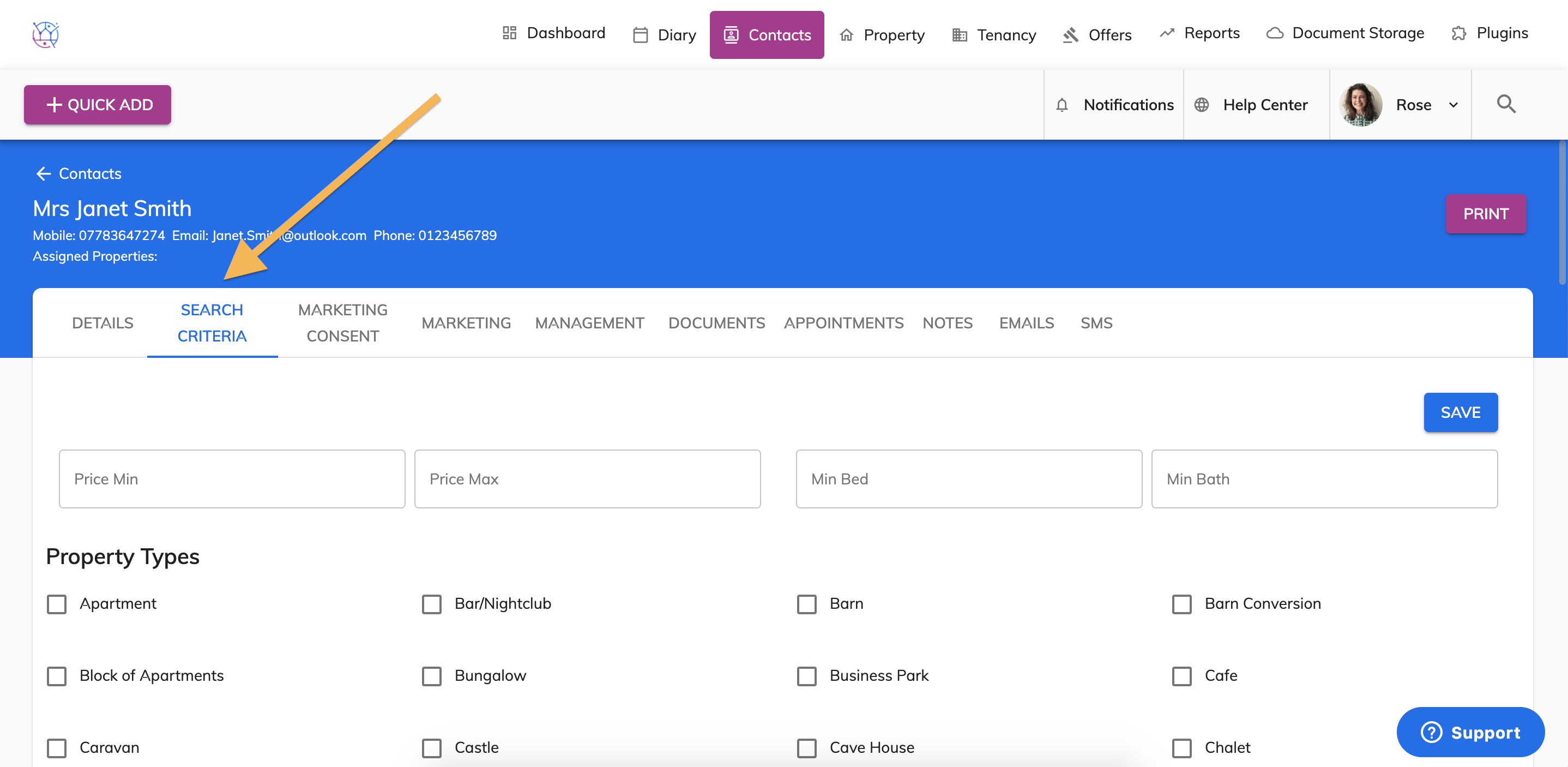
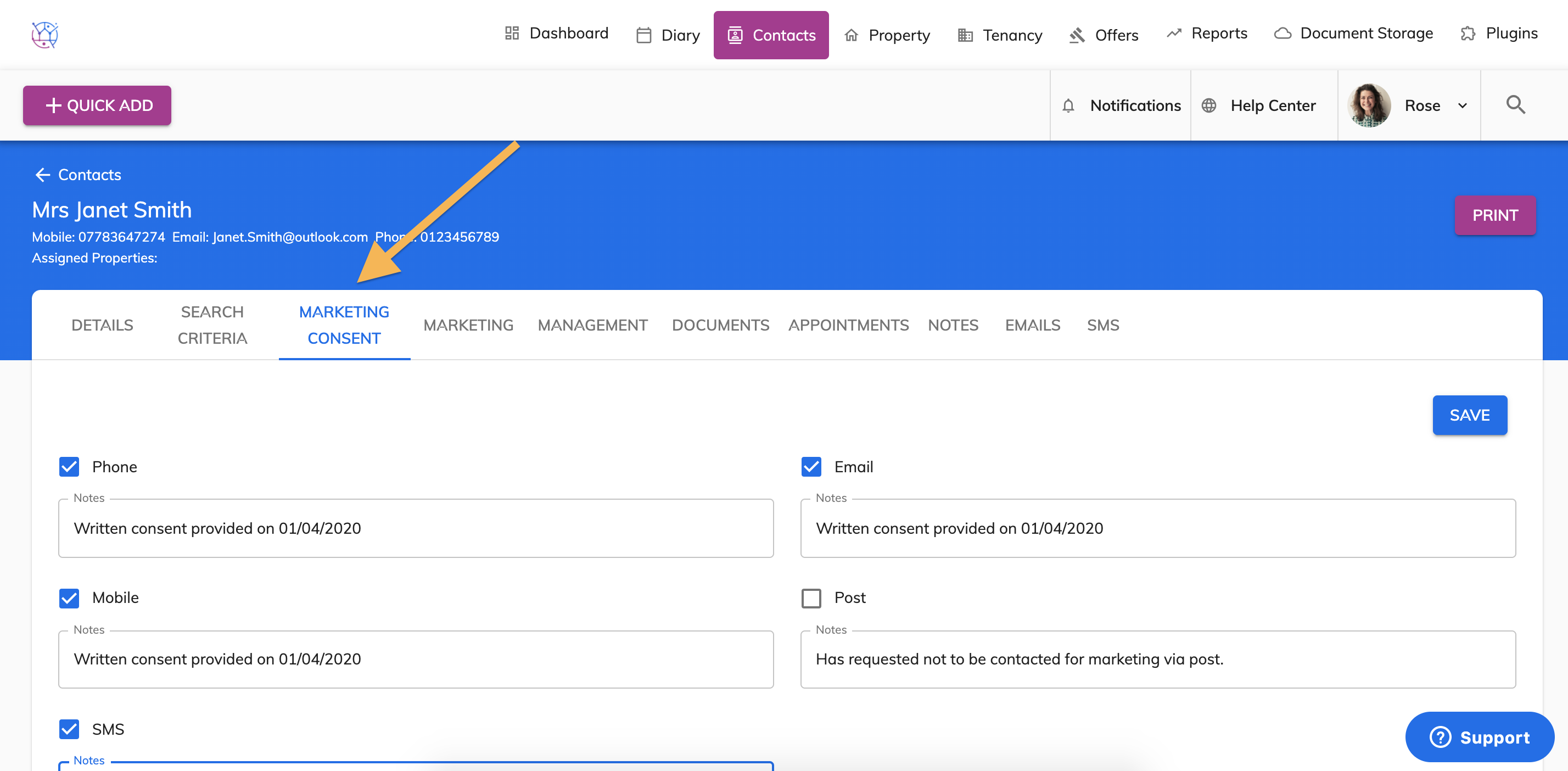
8) Final stage of adding the contact initially is by updating the marketing criteria. Click on the Marketing Consent tab, next to the Search Criteria tab.
Tick the method of communication you have permission for. In the notes box next to each communication method, add the method of permission and the date.
9) Once these 3 tabs of the contacts form have been completed, press the Save button.
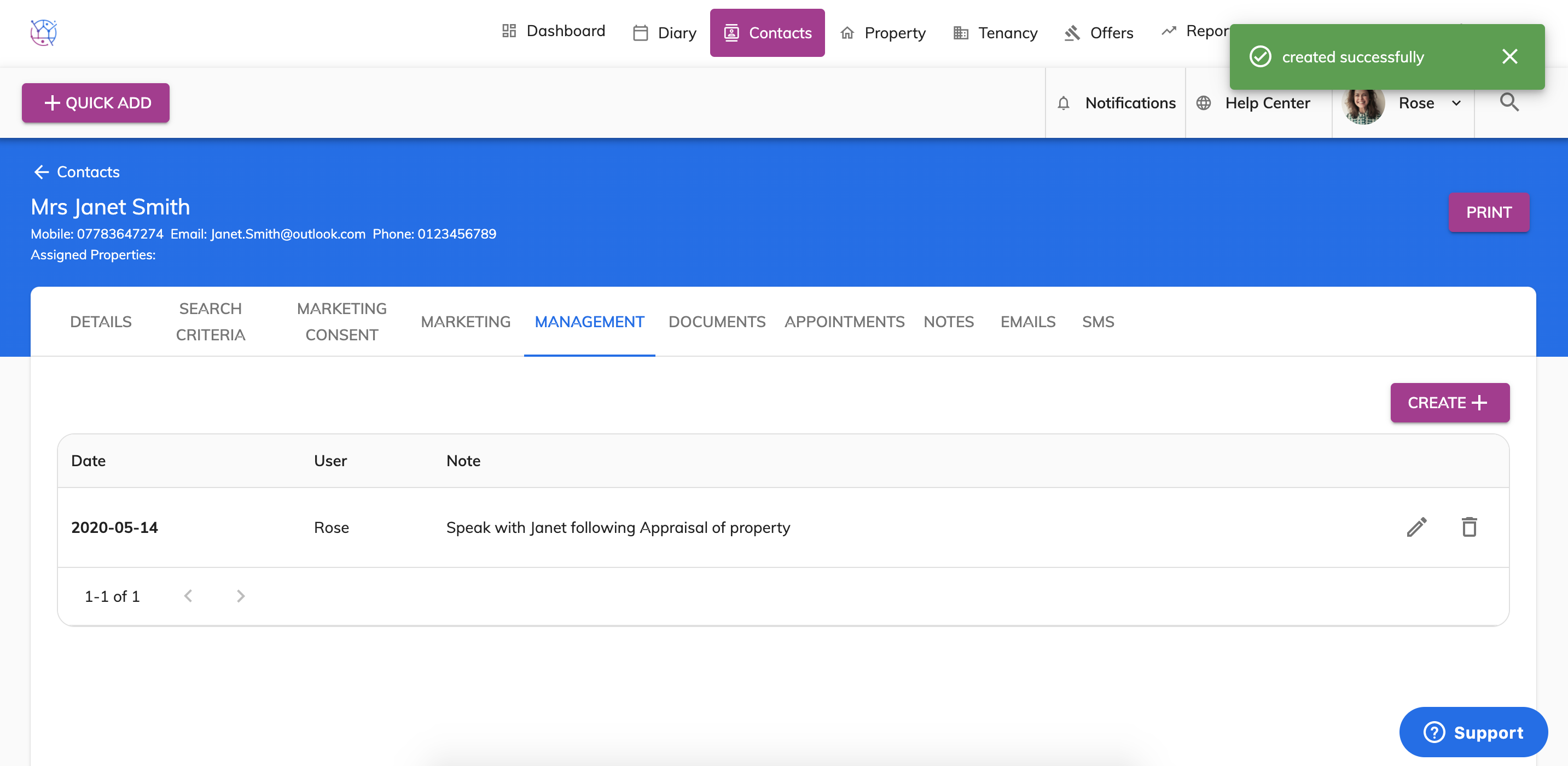
There are also additional tabs for you to use - this will keep a record of emails, sms, management tasks, notes and documents linked to this contact.