
To view properties owned by a contact, follow the steps below:
1) Click the Contacts tab.
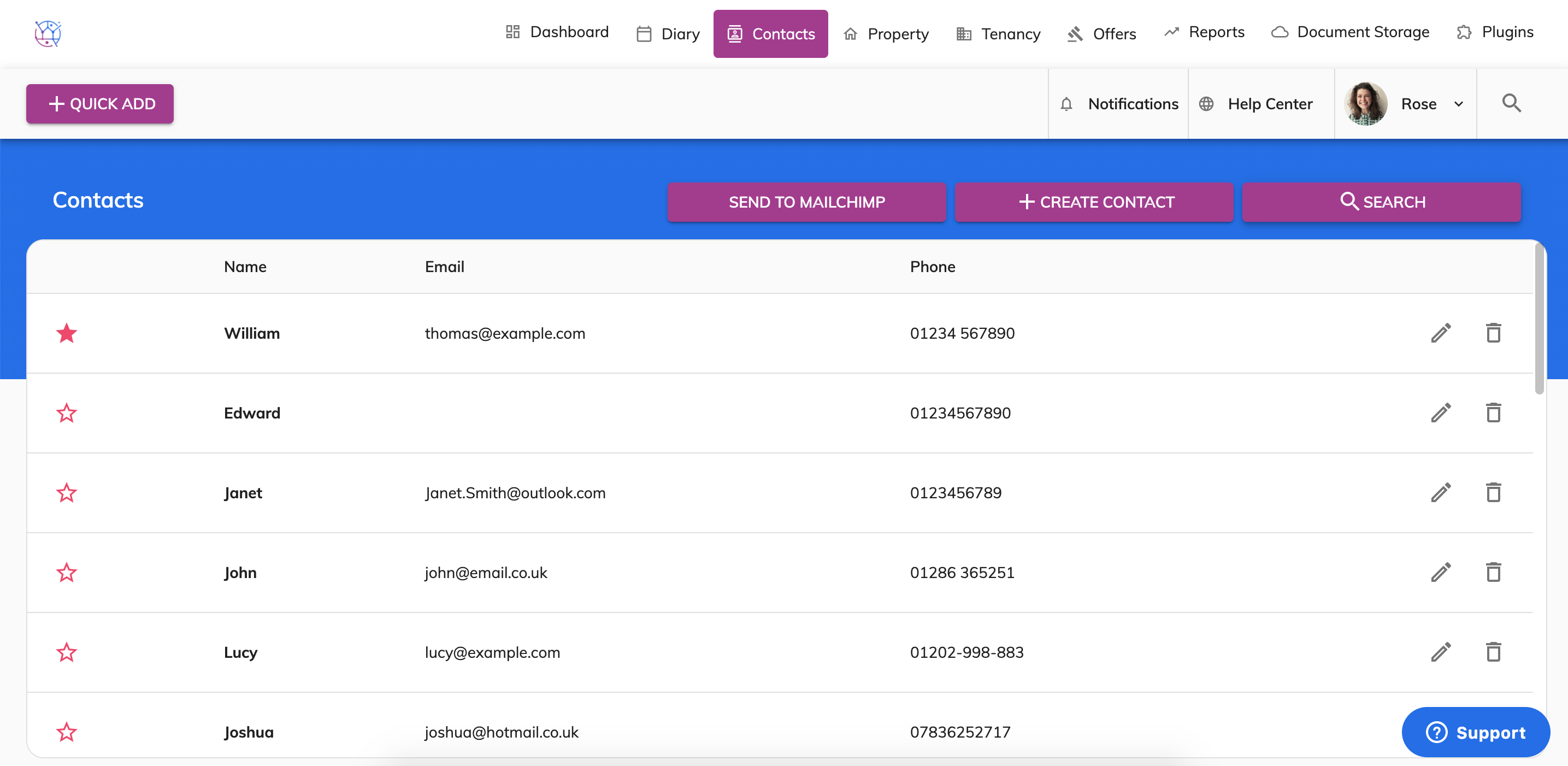
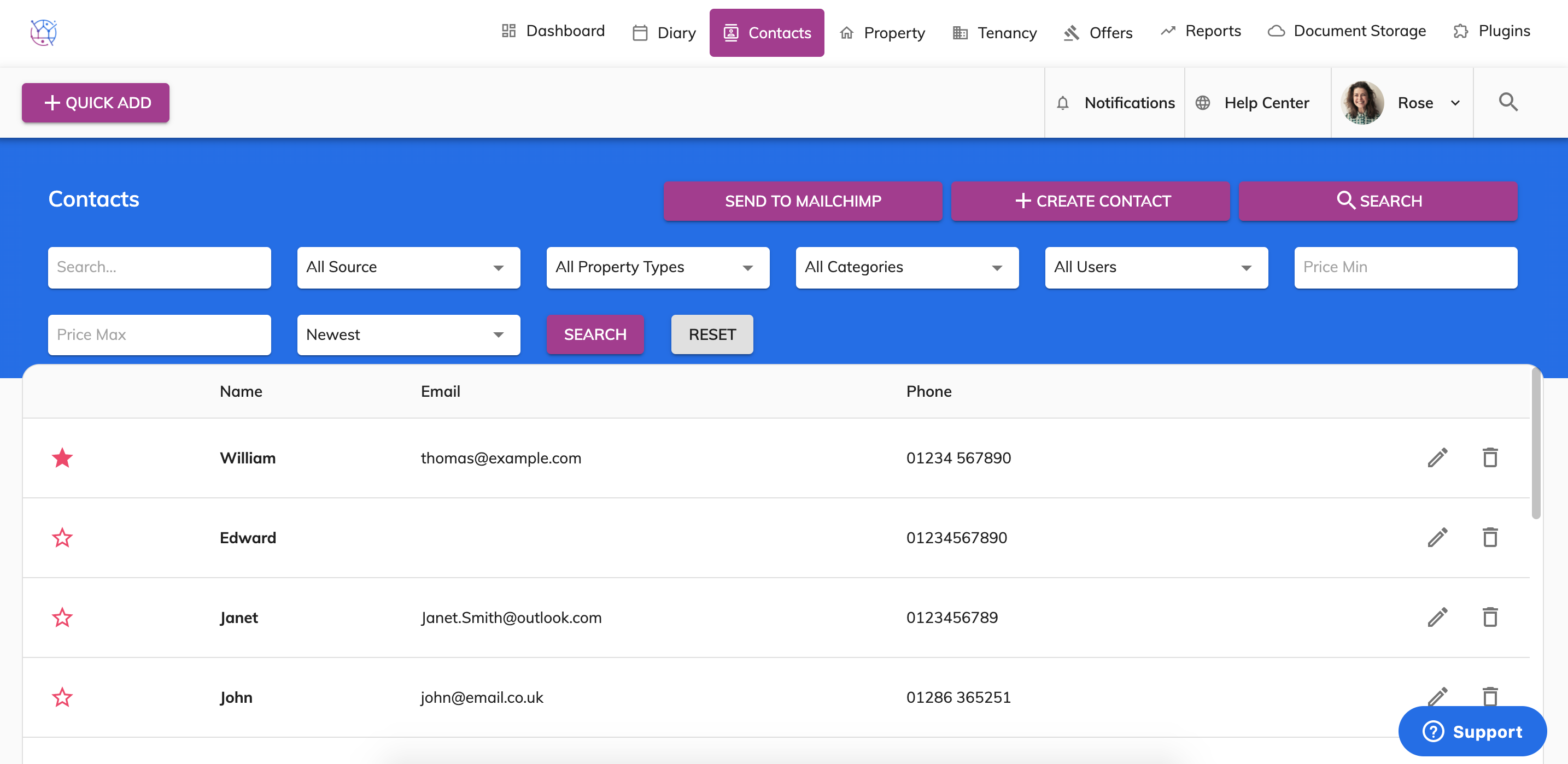
2) Using the offer search at the top of the page, enter the contacts name and or any other relevant information. Press Search.
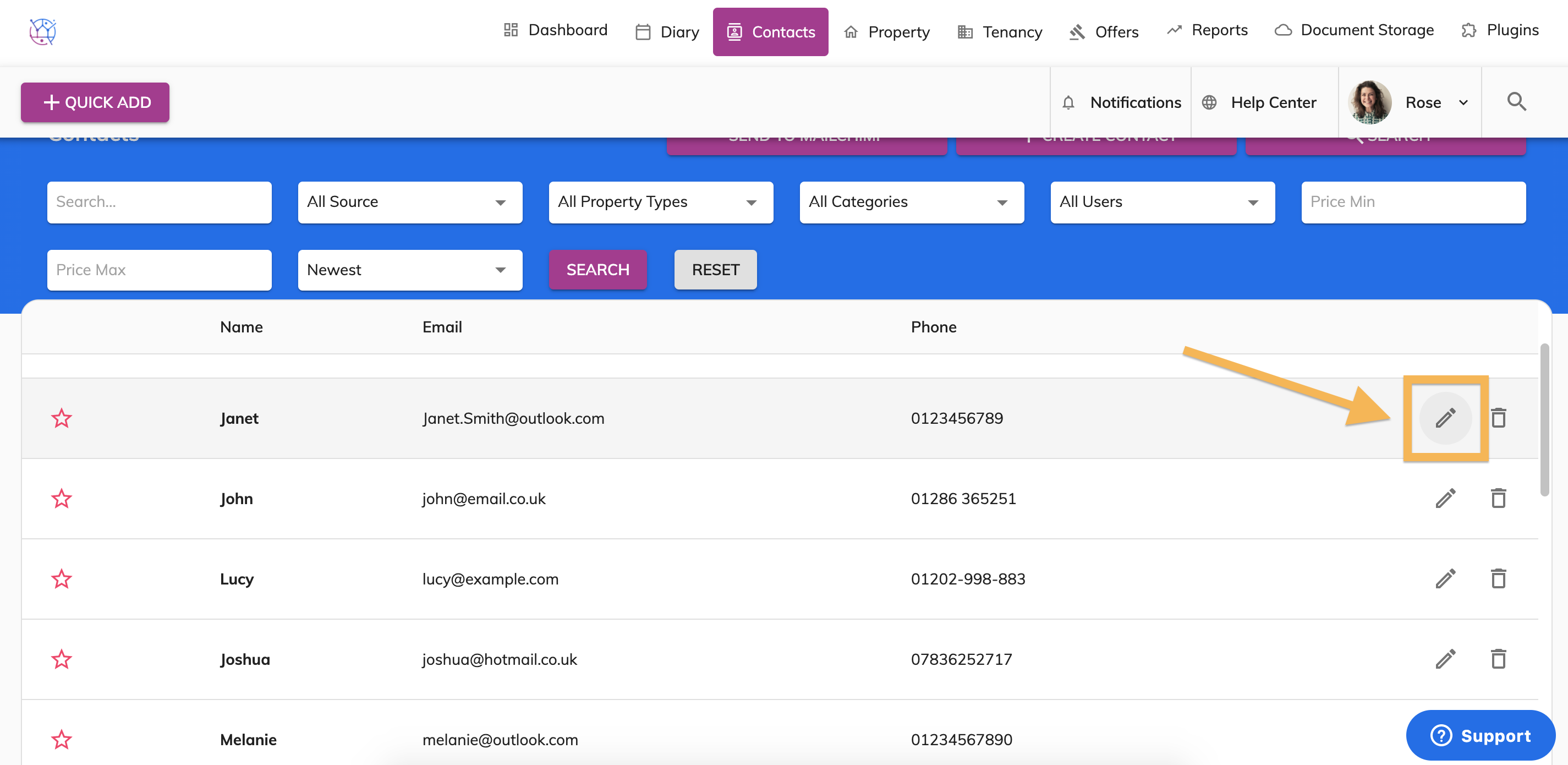
3) Click on the edit button on the right hand side of the contact.
4) On the contacts overview banner at the top of the screen, you can see the contacts name, telephone number and email address. Underneath this you will see Assigned Properties.
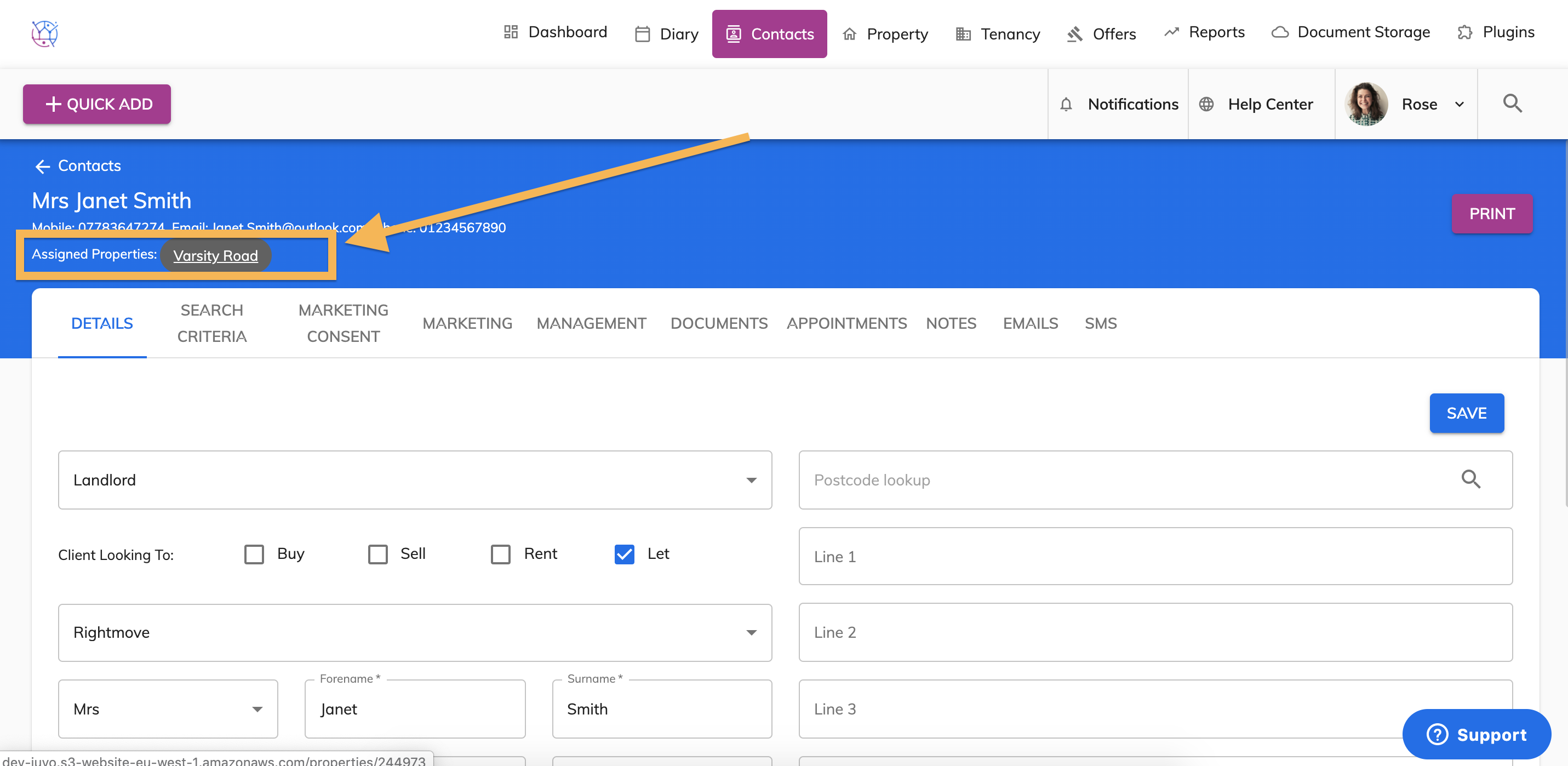
This will display the properties owned by that contact.
5) Click on the property name to go directly to the property.
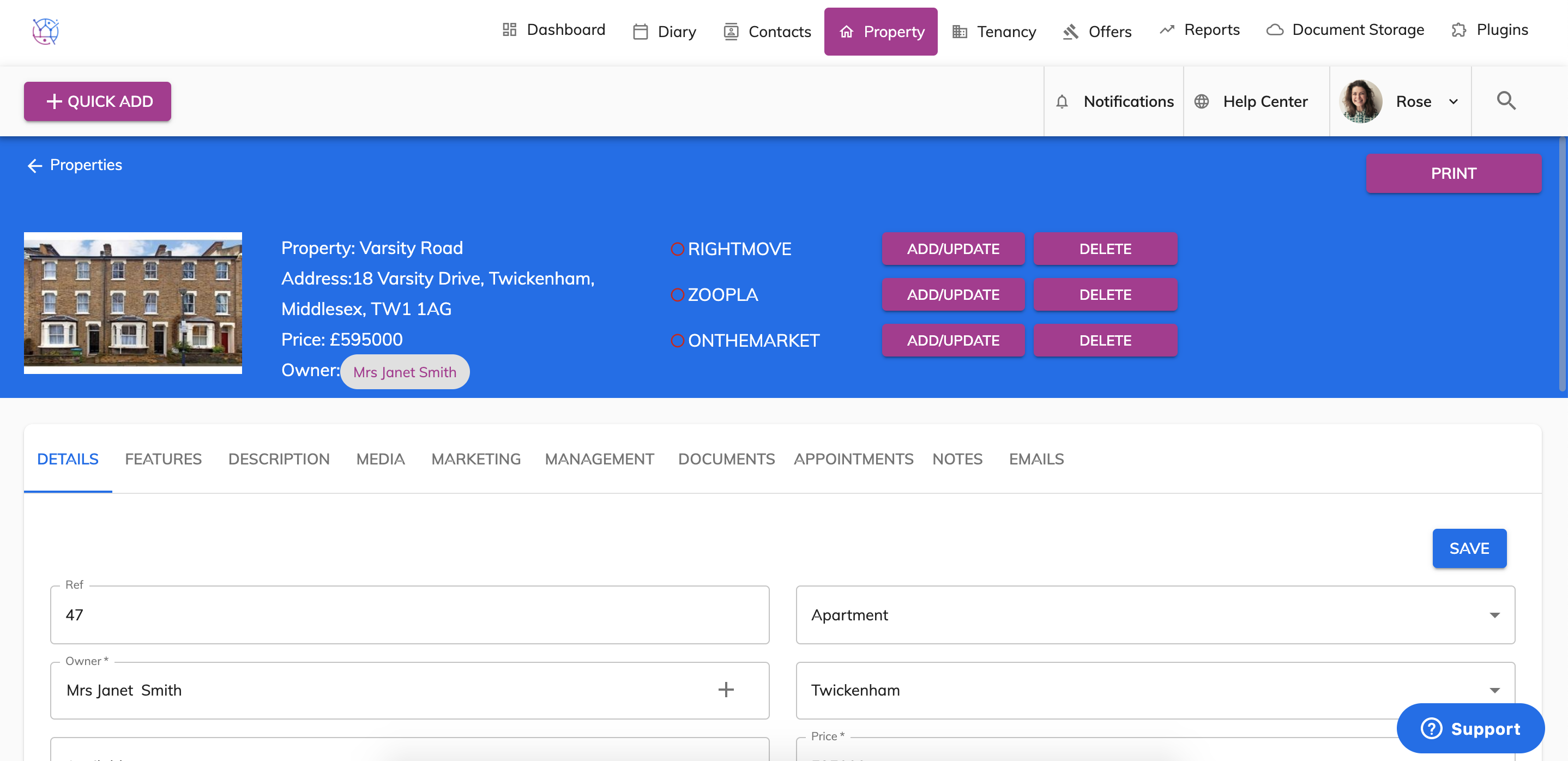
When you are in a property, if you would like to be taken straight to the owners contact details - click on the owners name next to the main image at the top of the property details page.