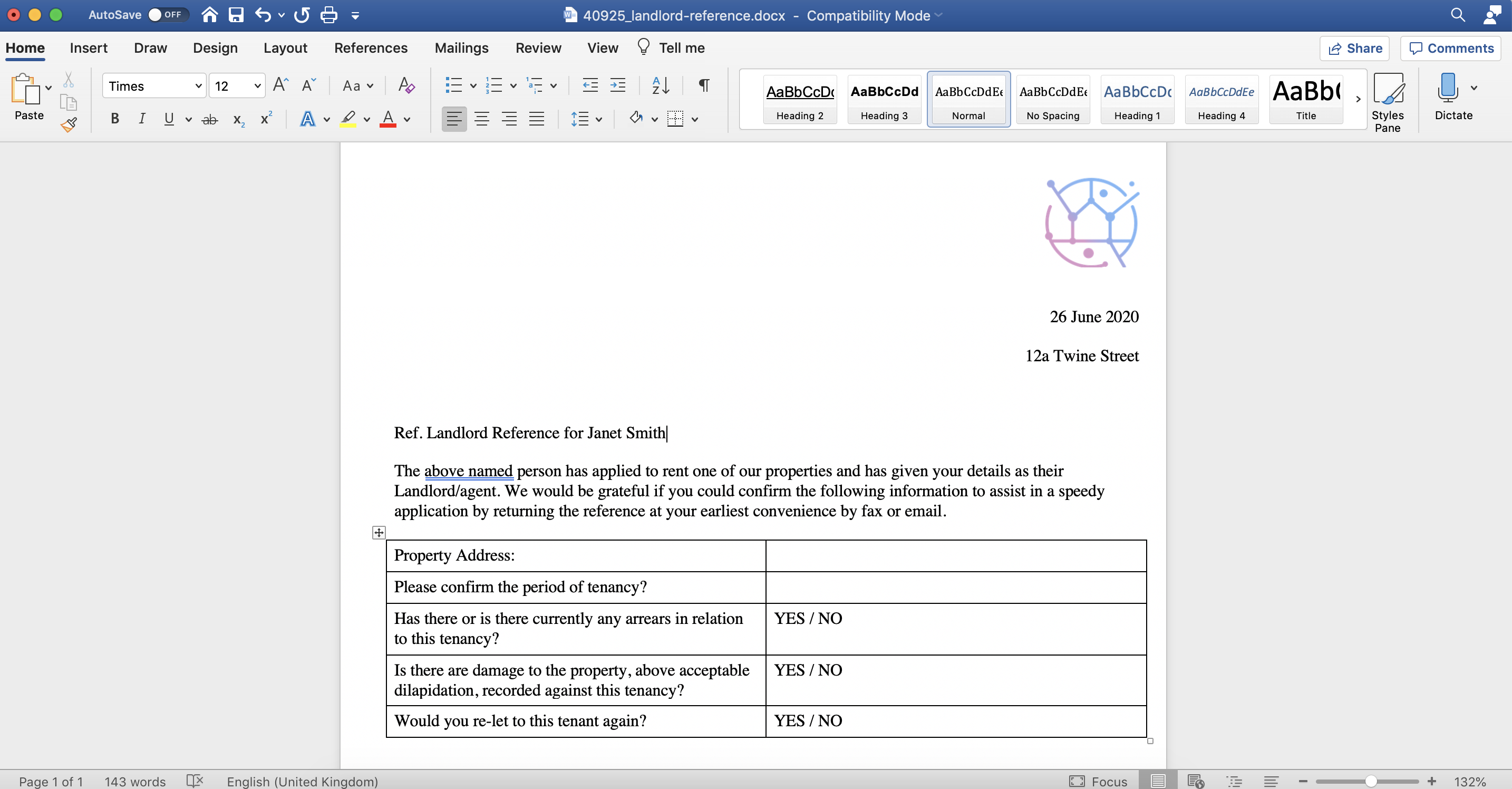
To create customised letters - templates from the contact, follow the steps below:
1) Click the Contacts tab.
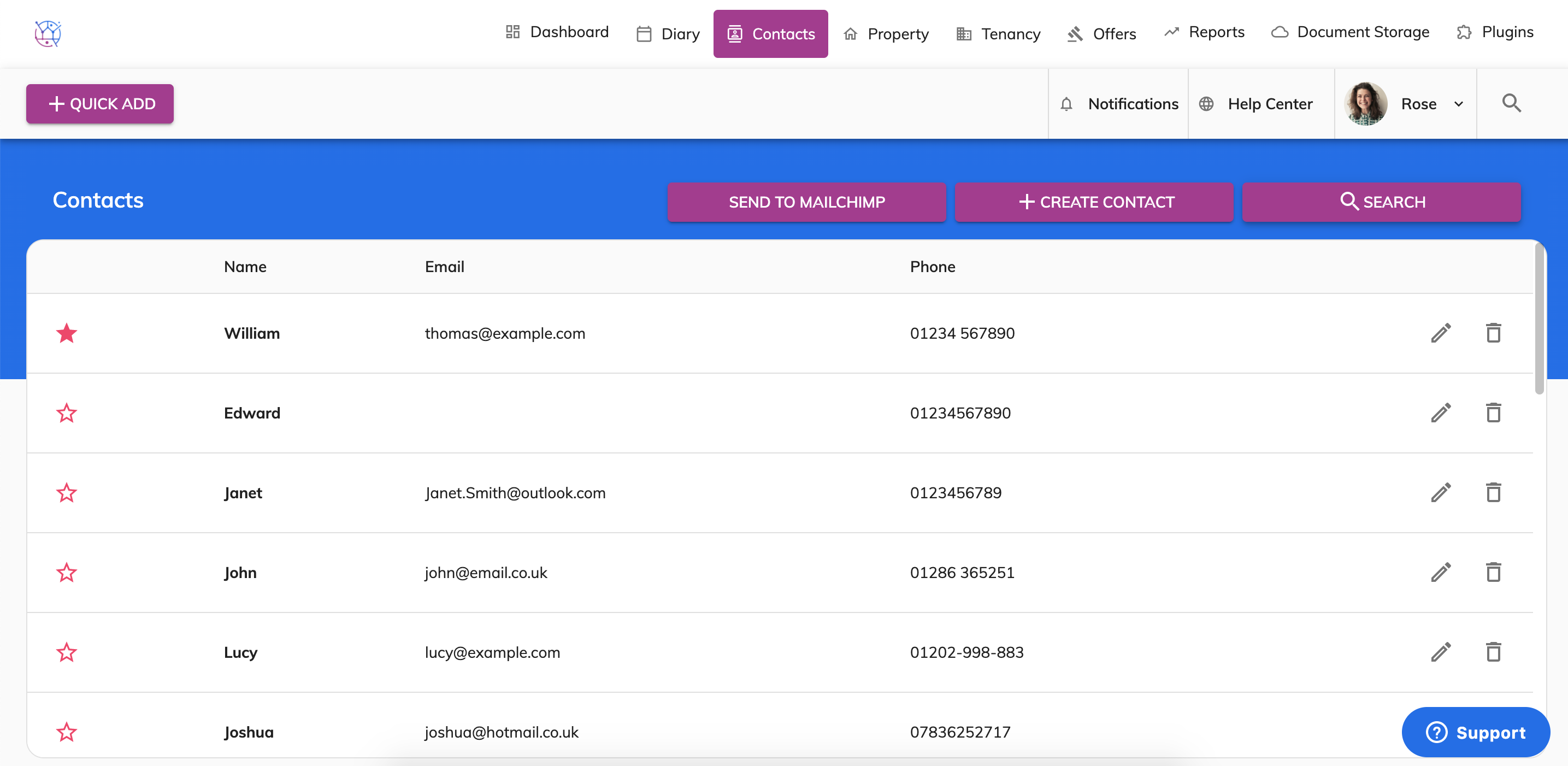
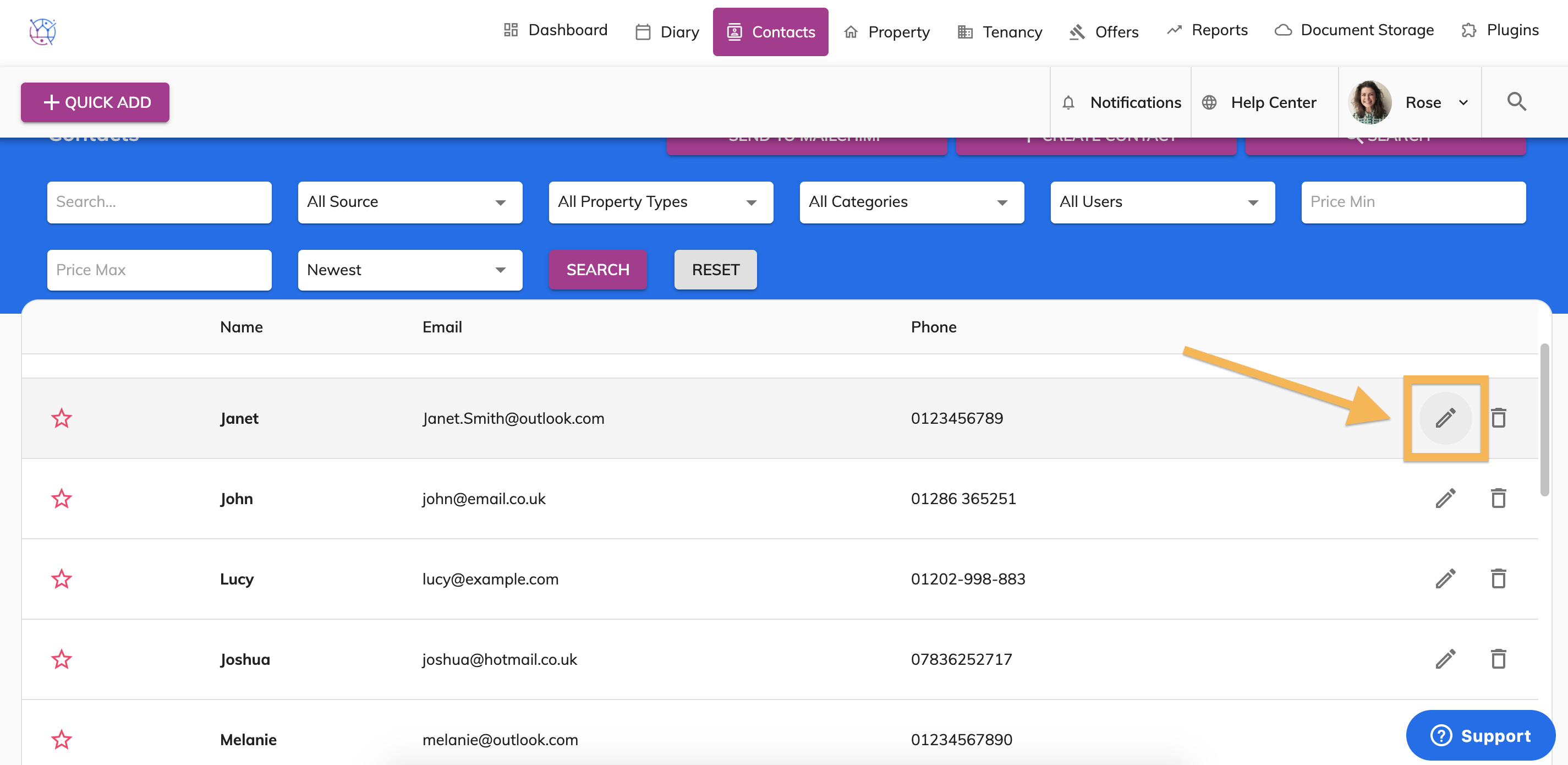
2) Find the contact you would like to create a letter for from the contact listings or from the search at the top of the page. Click on the pencil icon.
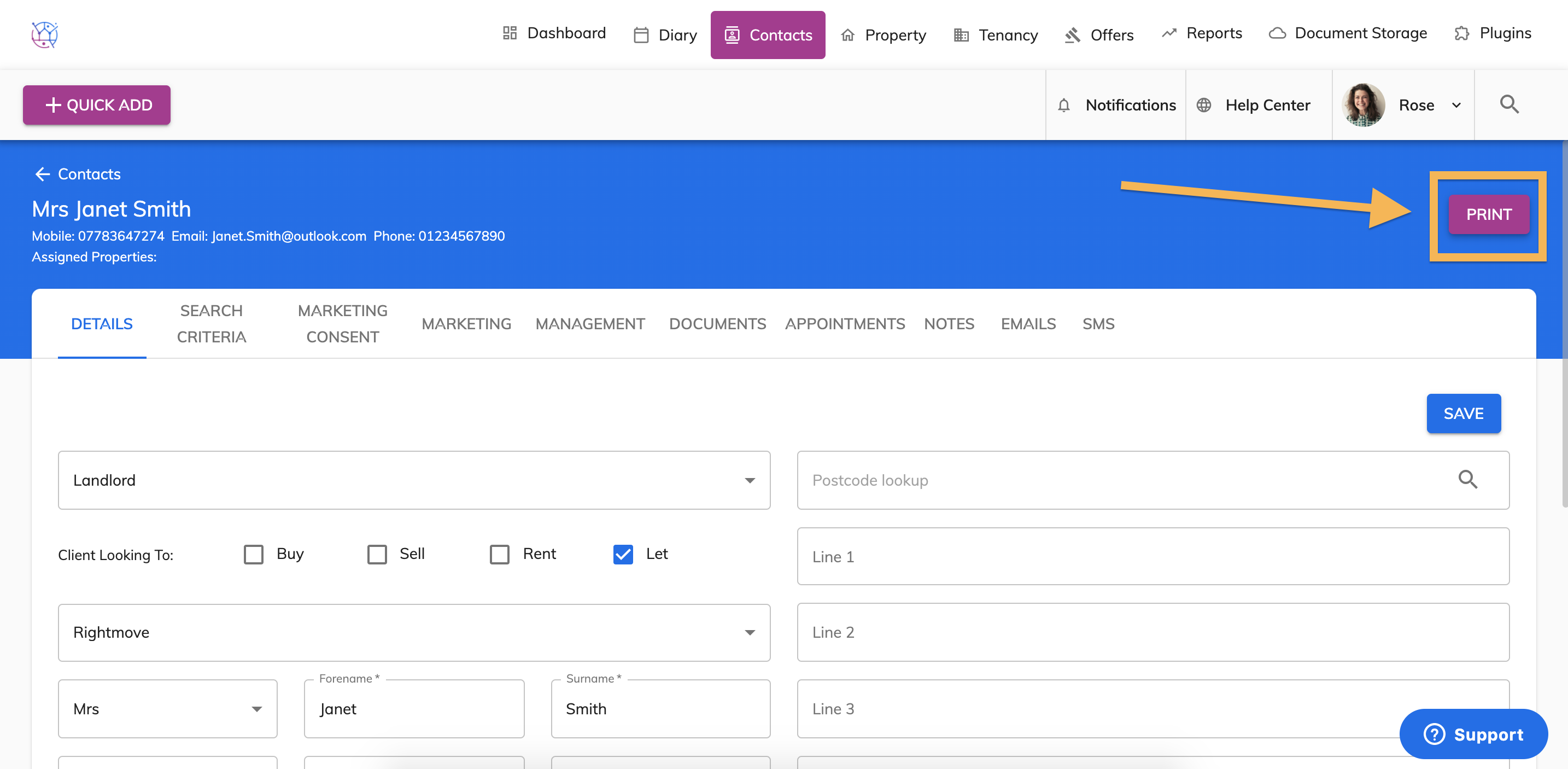
3) Click on the Print button on the top righthand side.
4) The template pop up box will appear. Select the name of the letter template you would like to create and the format.
DOC is Microsoft Word (which can be amended after being downloaded) or PDF cannot be amended after being created.
To download the letter on your computer leave the Email and Signable boxes unticked and press Print.
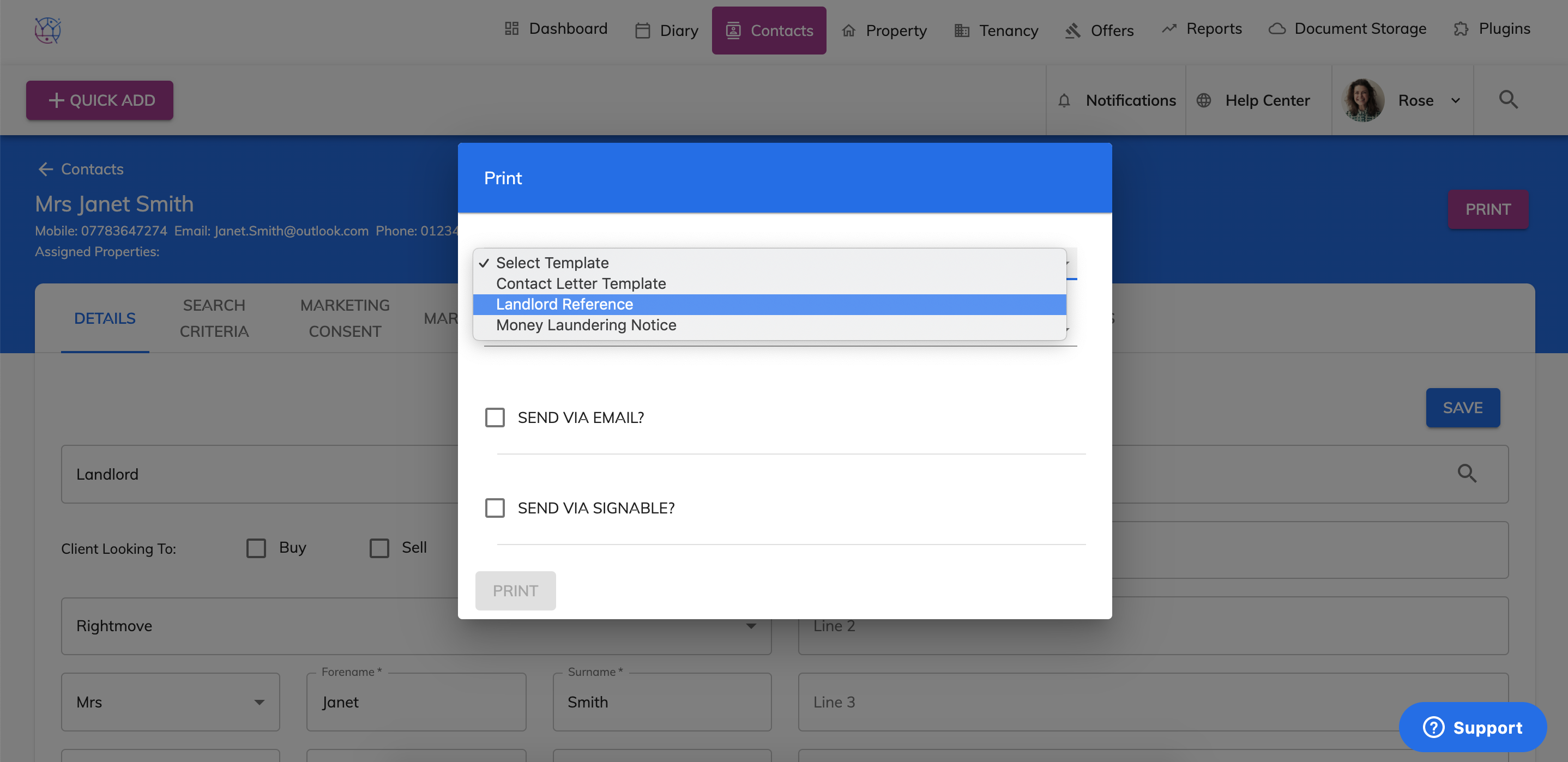
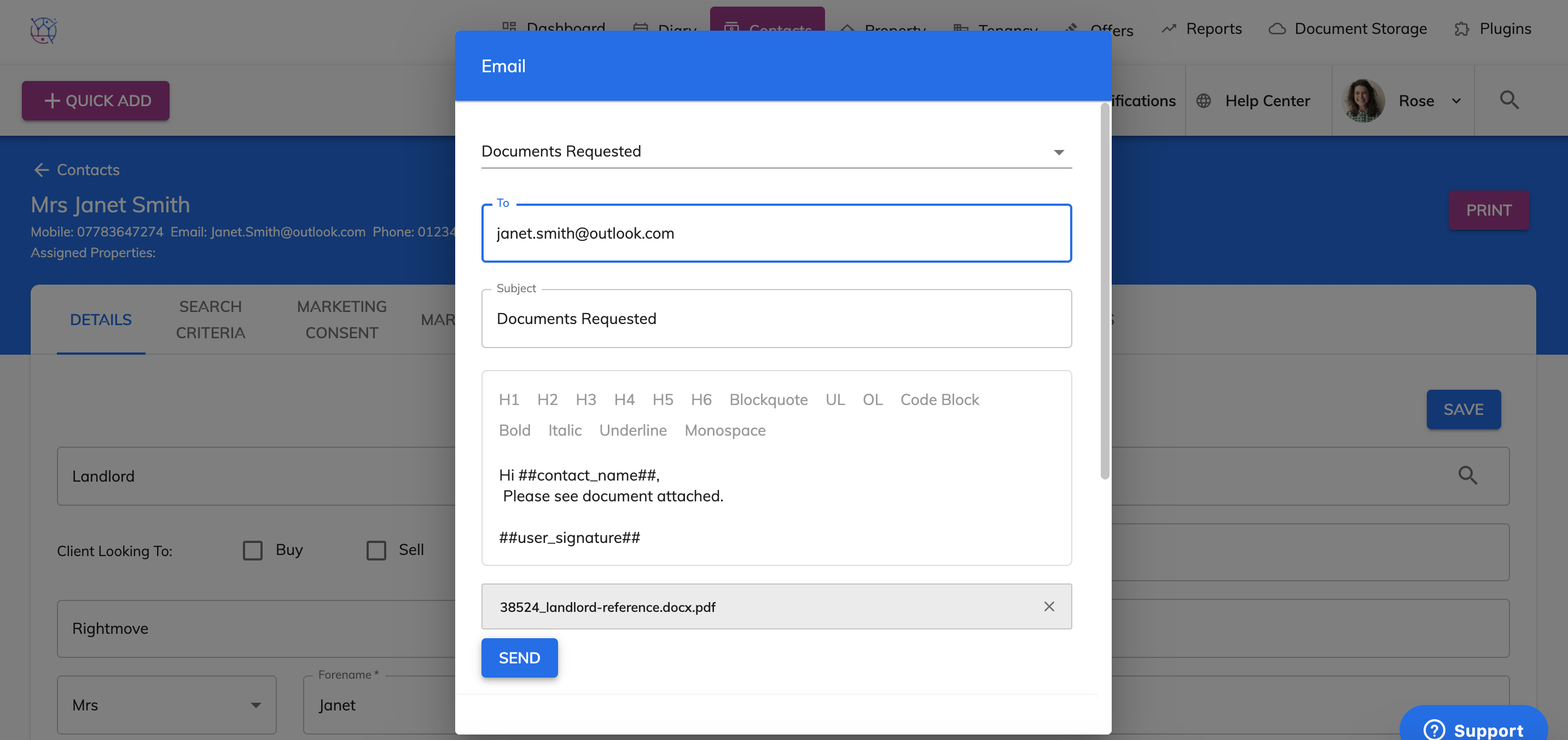
5) If you would like to send the template letter via Email or Signable, tick the relevant box and press Print. A new email pop up box will appear.
Select the email text template and enter the email address in the To field. You can also amend the text in the body of the message. Once ready Press Send. This will send this template as an email attachment to the contact.
6) The template will then be downloaded to the Downloads folder on your computer.