
Global search – Start typing in a keyword. This will search all properties, offers, contacts and tenancies relating to this keyword.
1) Click on the search icon which is found on the right hand side of the screen next to your name/icon.
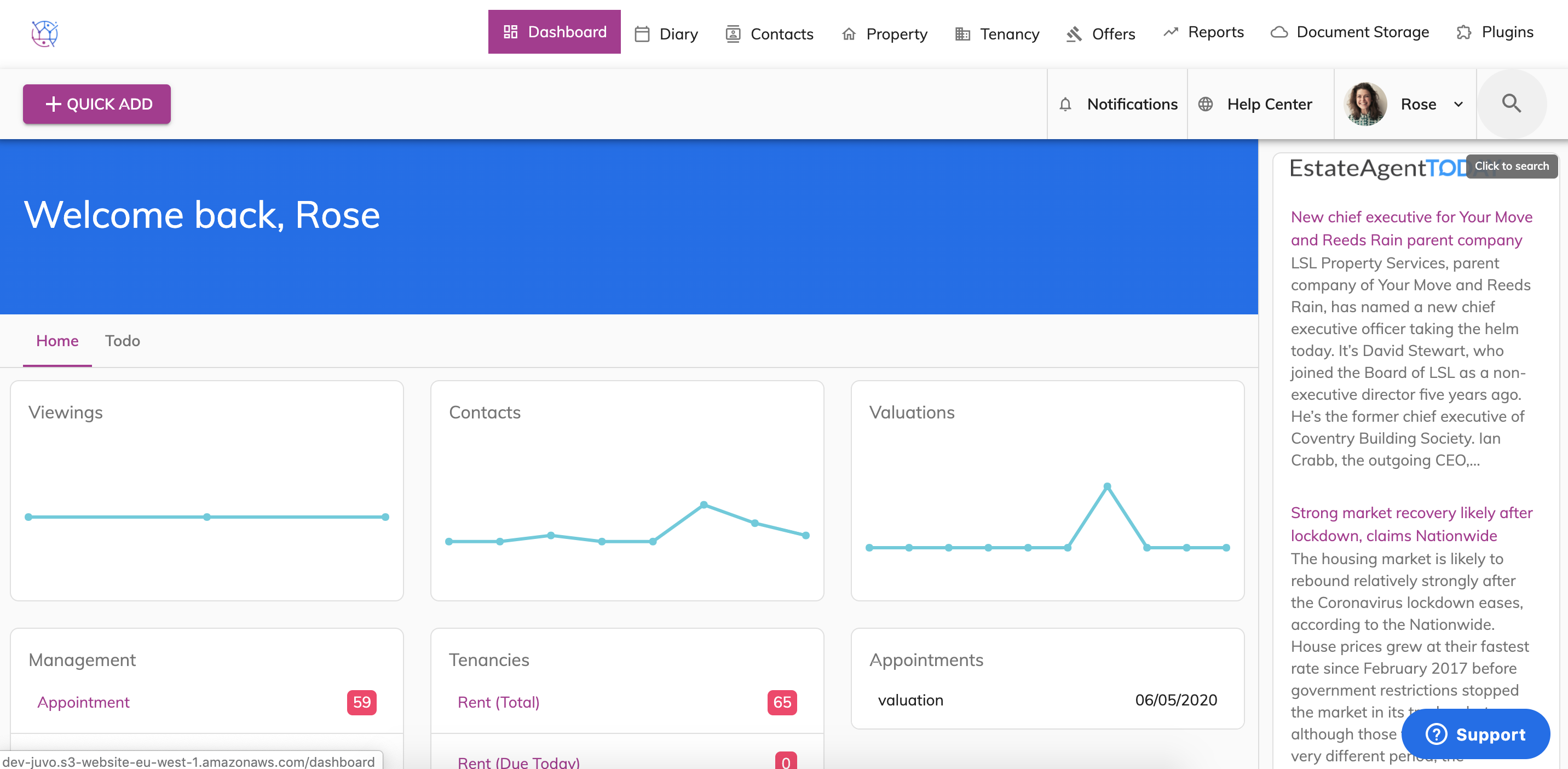
2) Start typing in the contact, property, tenancy or offer that you are looking for.
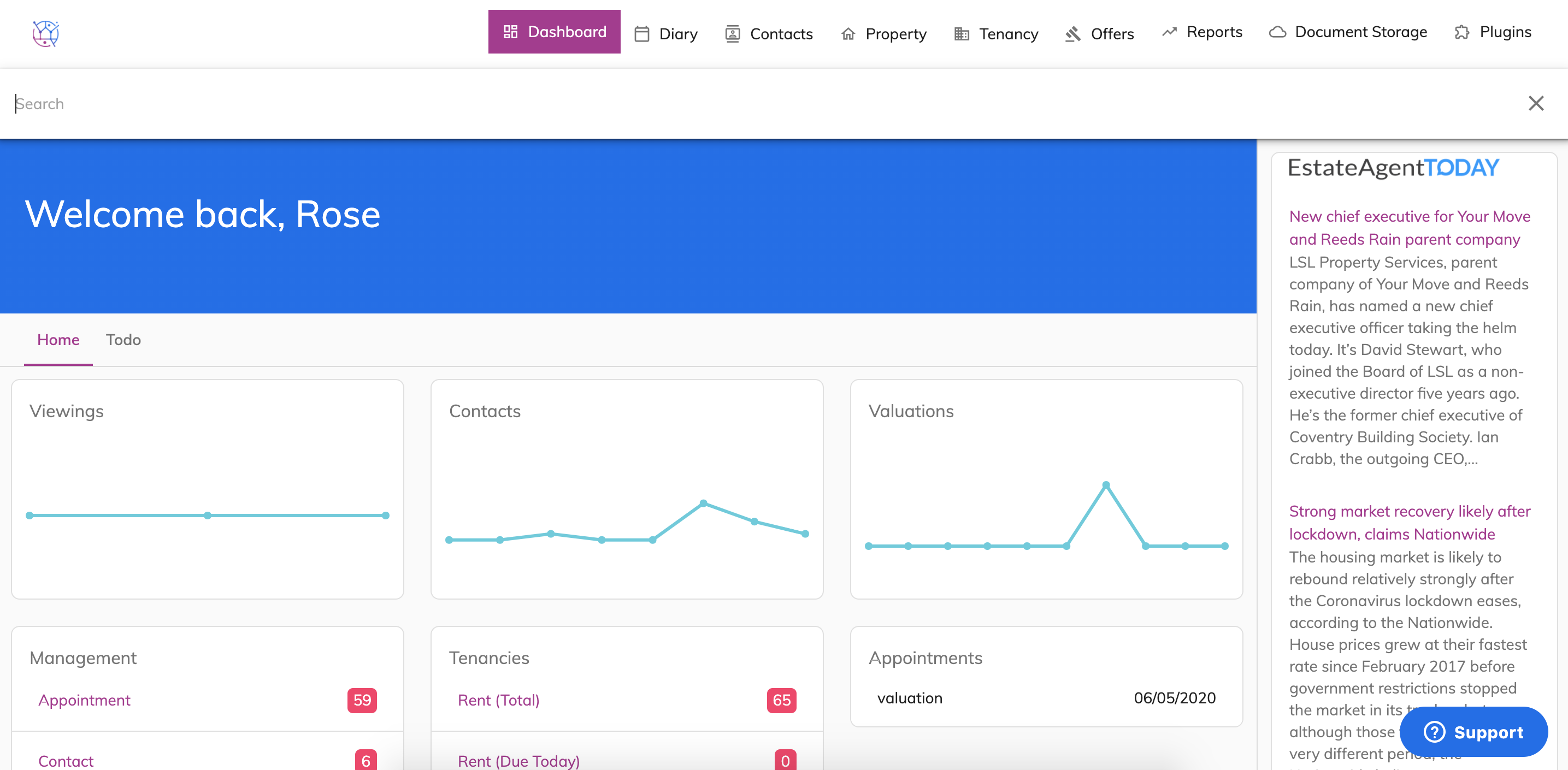
The icons in the list relate to the icons of the tabs running across the top of Juvo.
3) Click from one of the dropdown options.
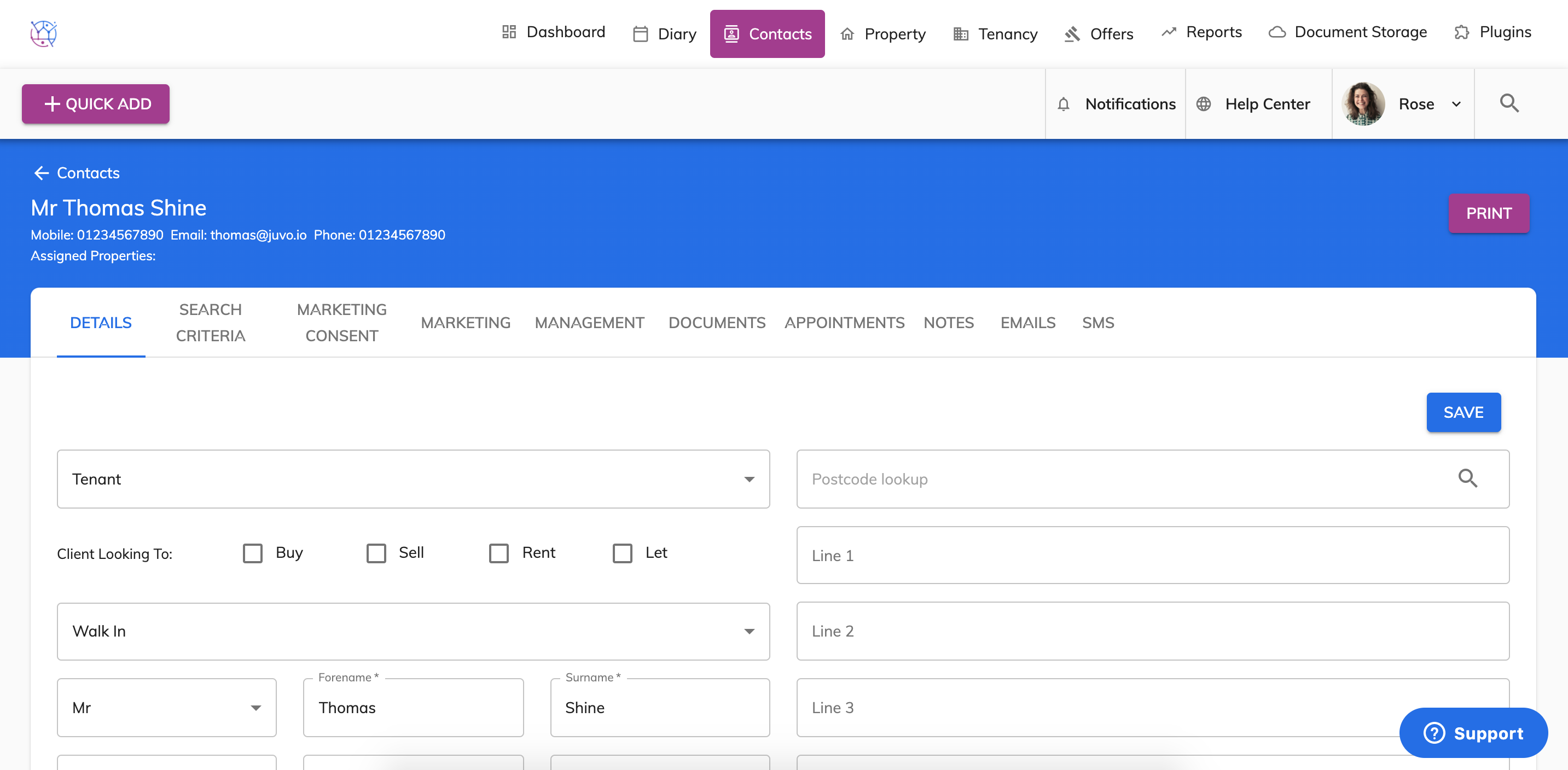
This will then take you straight to those details.