
To connect your Juvo account with your third party website to automatically display your properties, follow the steps below.
1) This can be done via an I frame Search, xml feed or using the property hive plugin.
2) Click into the Plugins section.
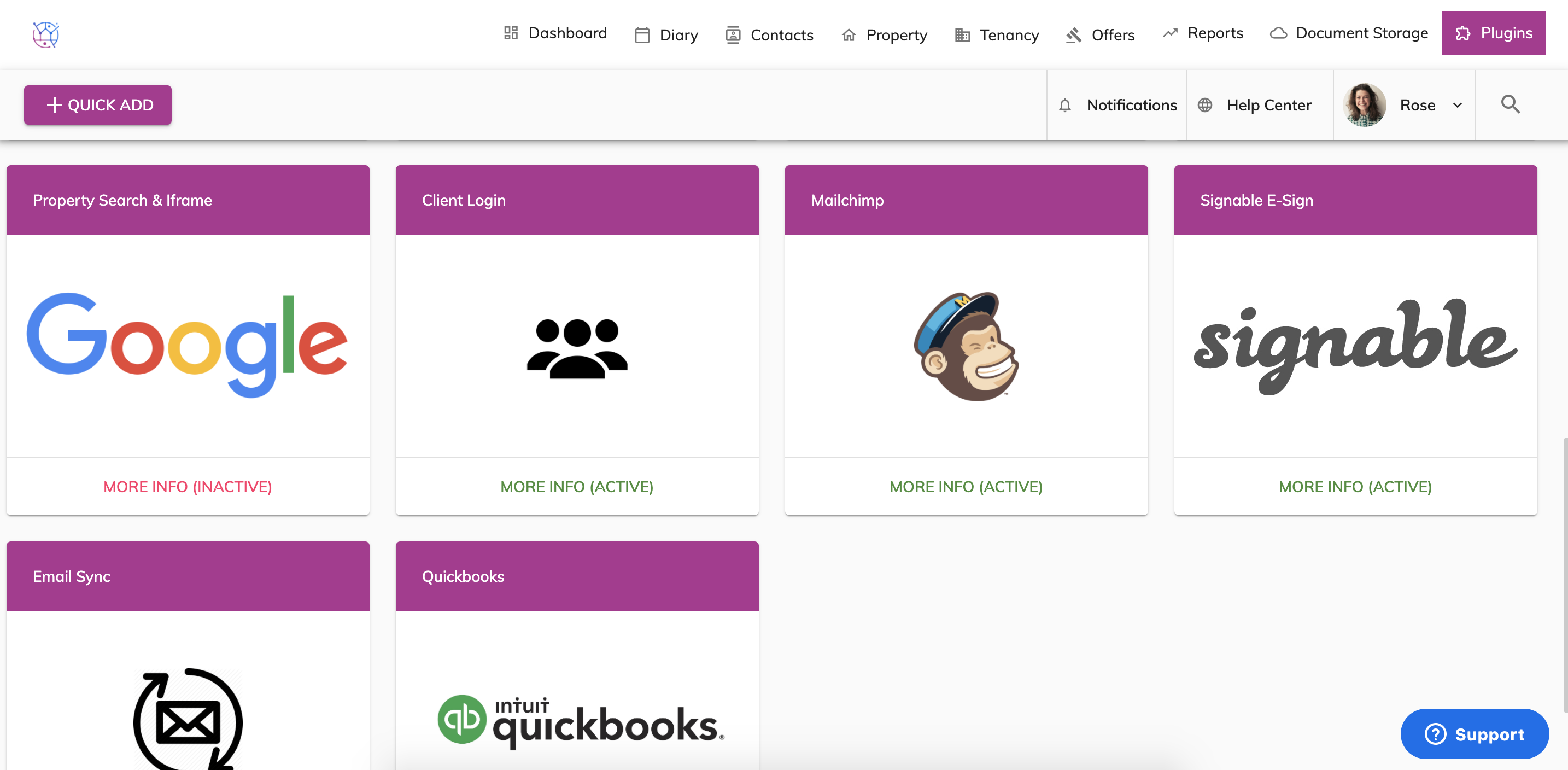
3) Click on the More Info (Inactive button) on the Property Search and Iframe Plugin - this plugin has a Google Logo.

4) Press the Activate Plugin to make it active.
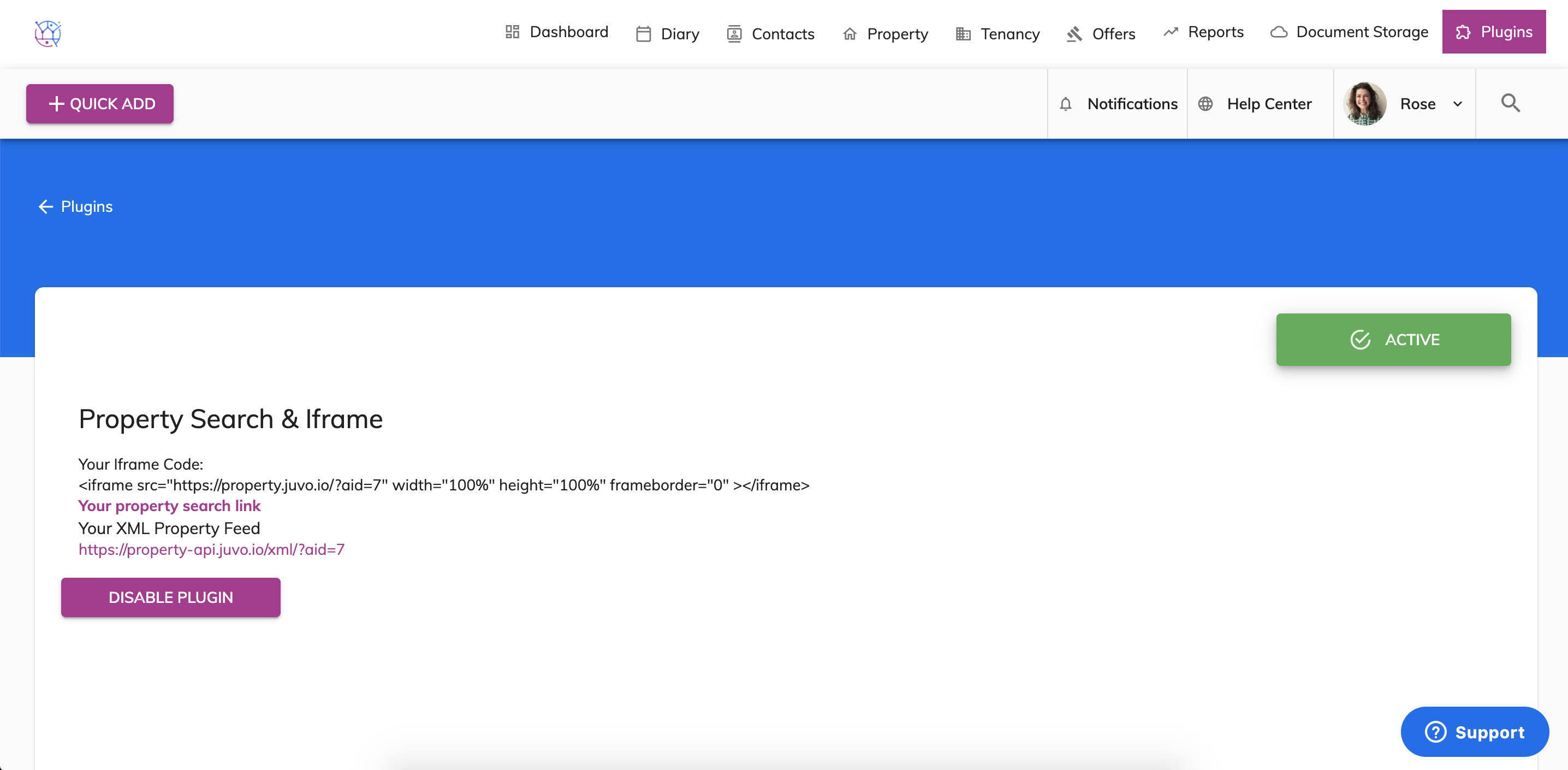
5) Once the plugin active, your website developer will be able to decide if a xml feed, iframe code or Property Hive Plugin would be the best integration method for your website.

Copy and paste the information to your website developer. They will then decide the most suitable upload method for your website.
Any questions about integrating your website and Juvo account, please contact the Juvo team using the Support button in your Juvo account.