
1) Go to the Plugins section.
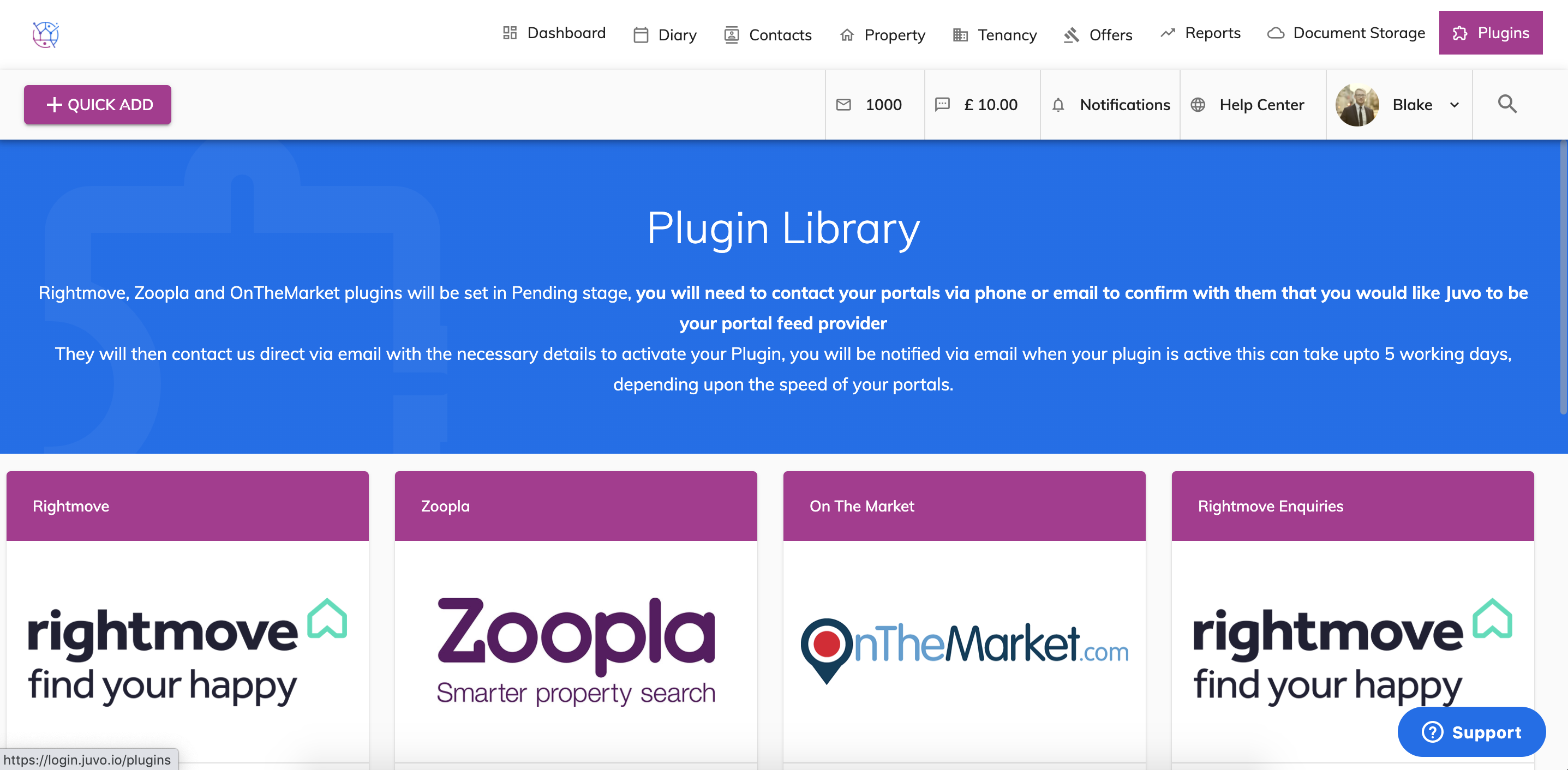
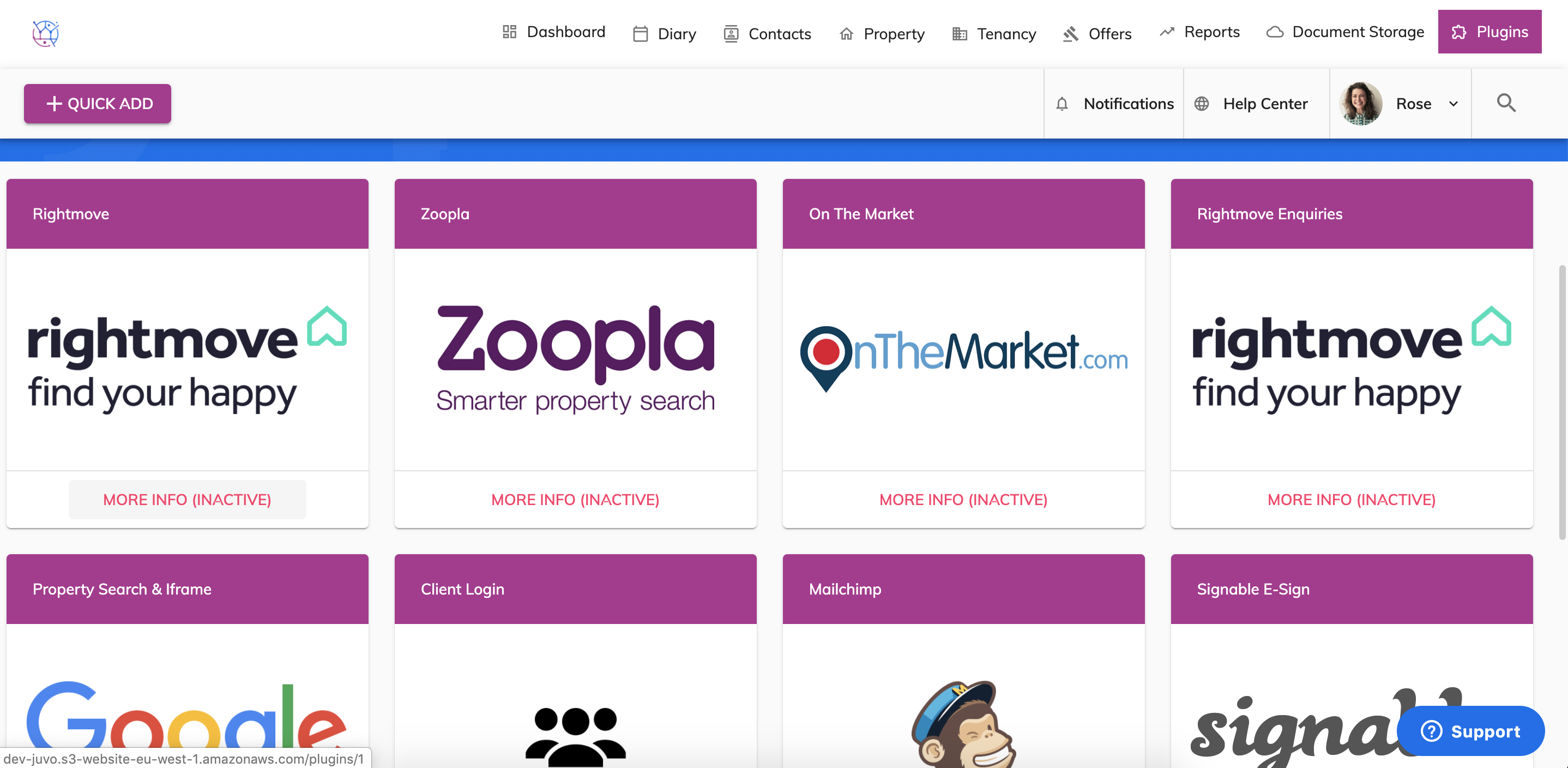
2) Find the portal you want to activate, click the red More Info (inactive) button.
3) Press the Activate Plugin button, this will make the plugin pending and a message will automatically be sent on your behalf to notify the Juvo development team to get this set up.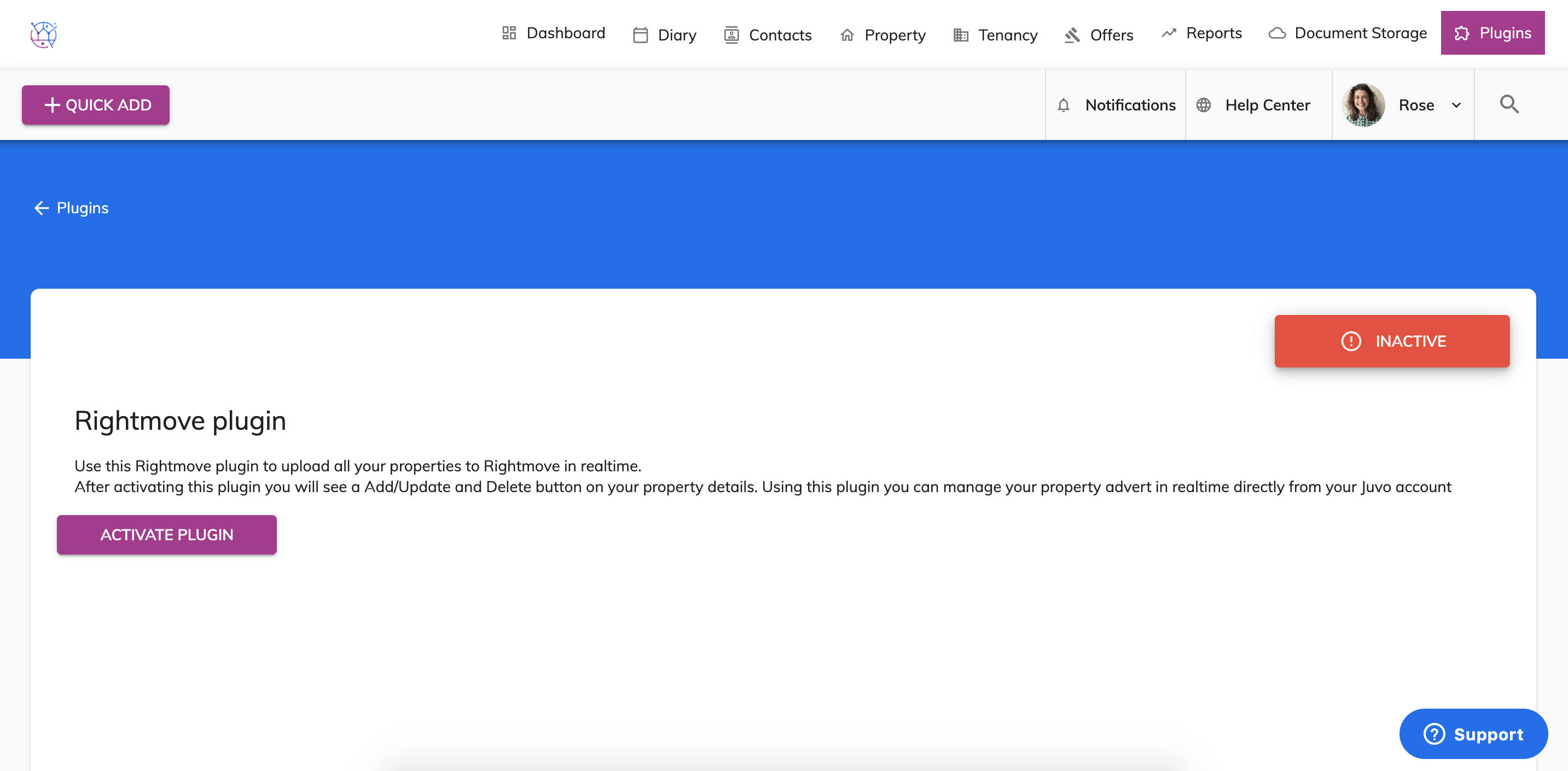
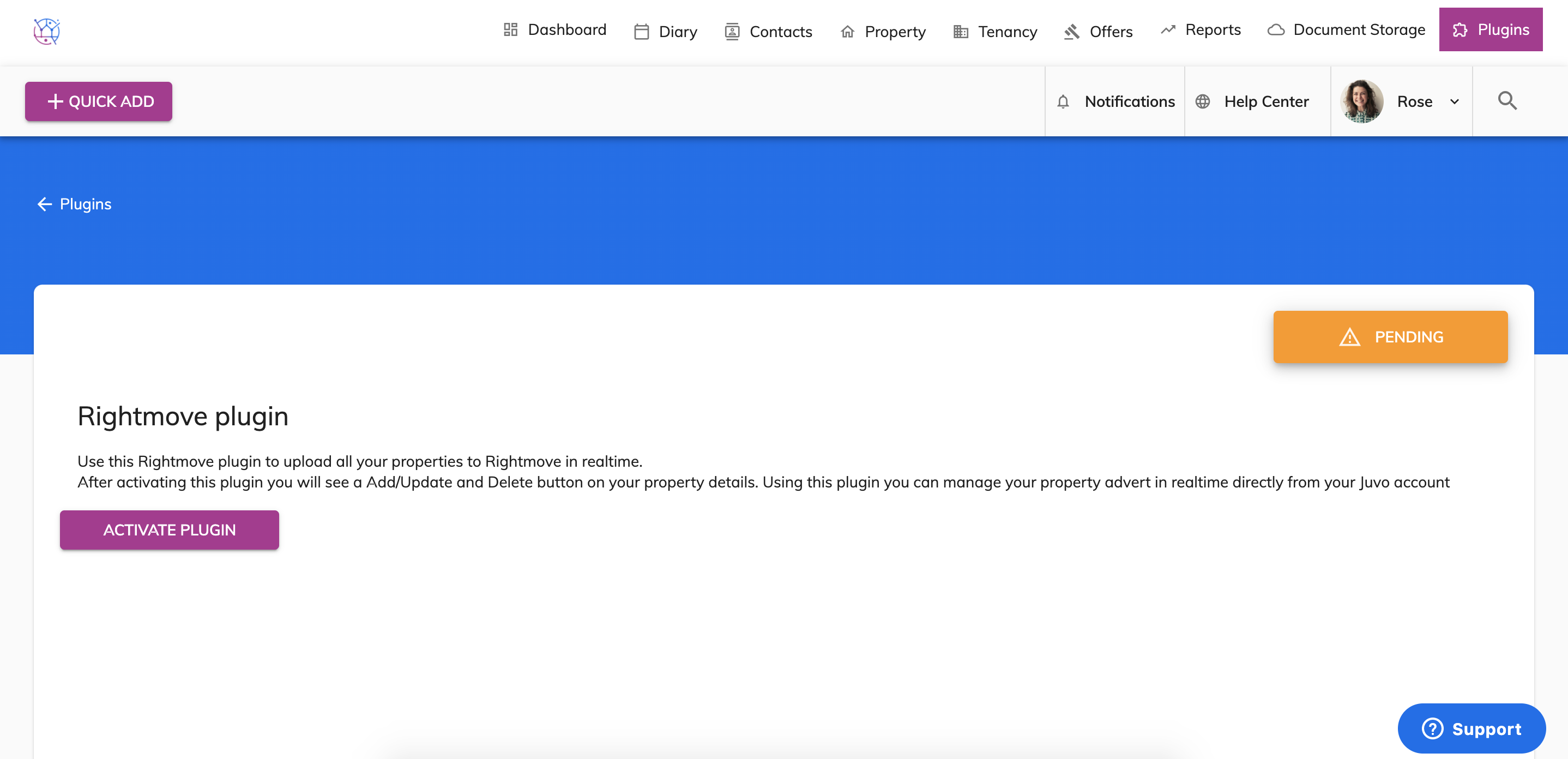
4) Next step is to contact your portal directly and let them know that you are using Juvo as your feed provider.
5) Your portal will send us the necessary information over to us via email. Once this has been received by the Juvo team, we will get this activated in your account.
Once the portal is active you will receive an email notification from the Juvo team and the portal in the plugins area will be green Active.