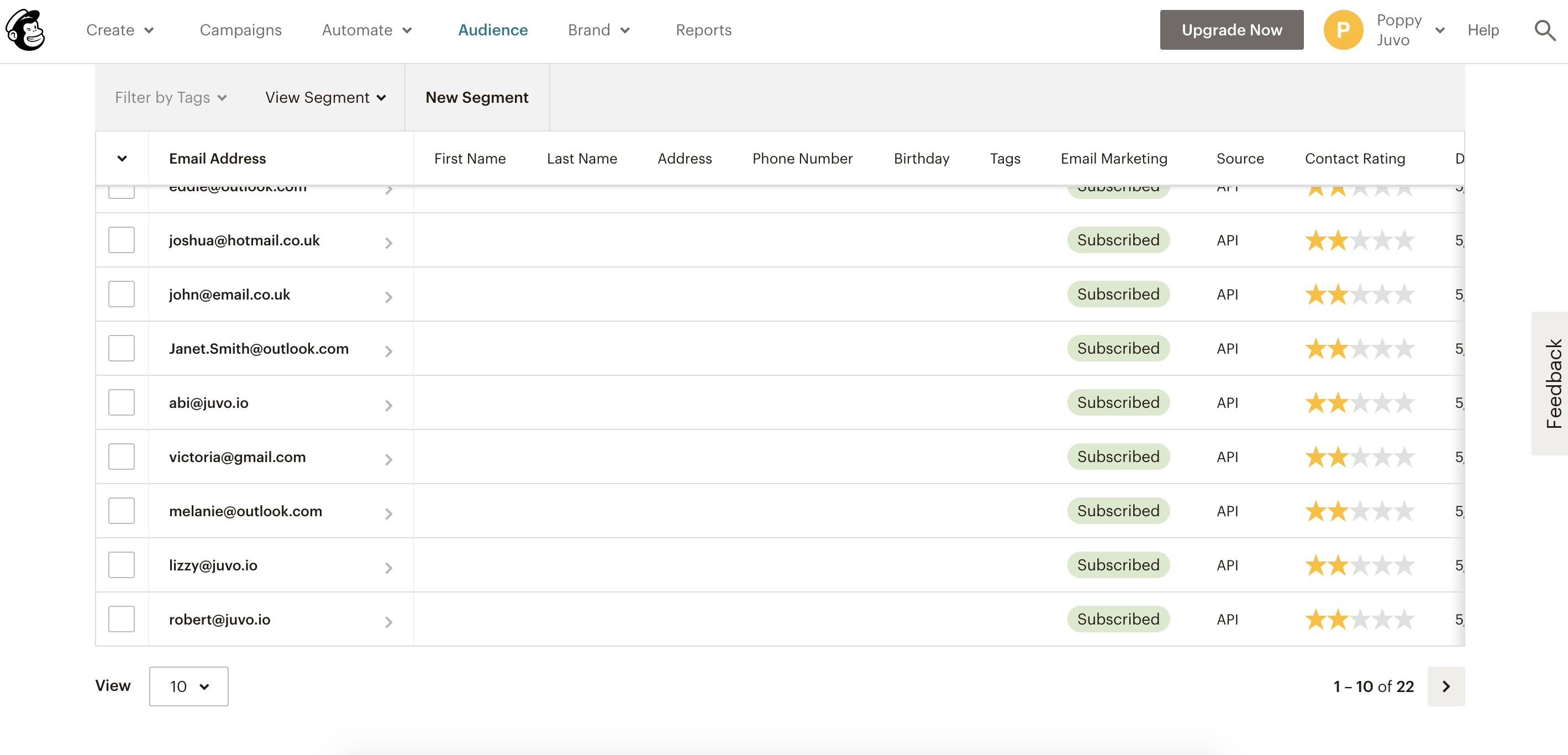
Once your Mailchimp plugin has been activated, use Juvo to send contacts directly into your Mailchimp account.
1) Click on the contacts tab.
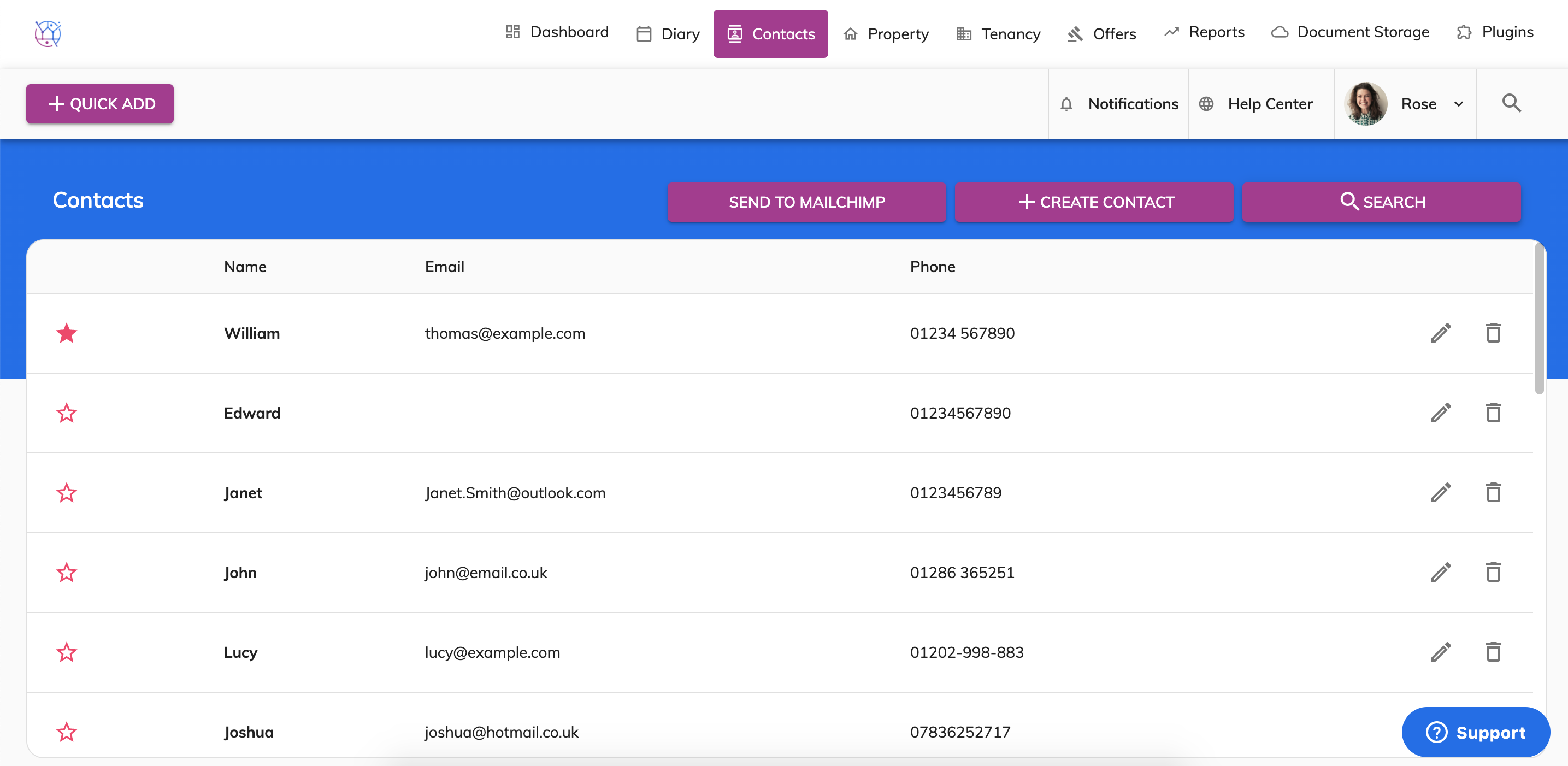
2) Using the search at the top of the contacts, click on the Search Contacts button. Filter through your contacts using category, source etc and then press search.
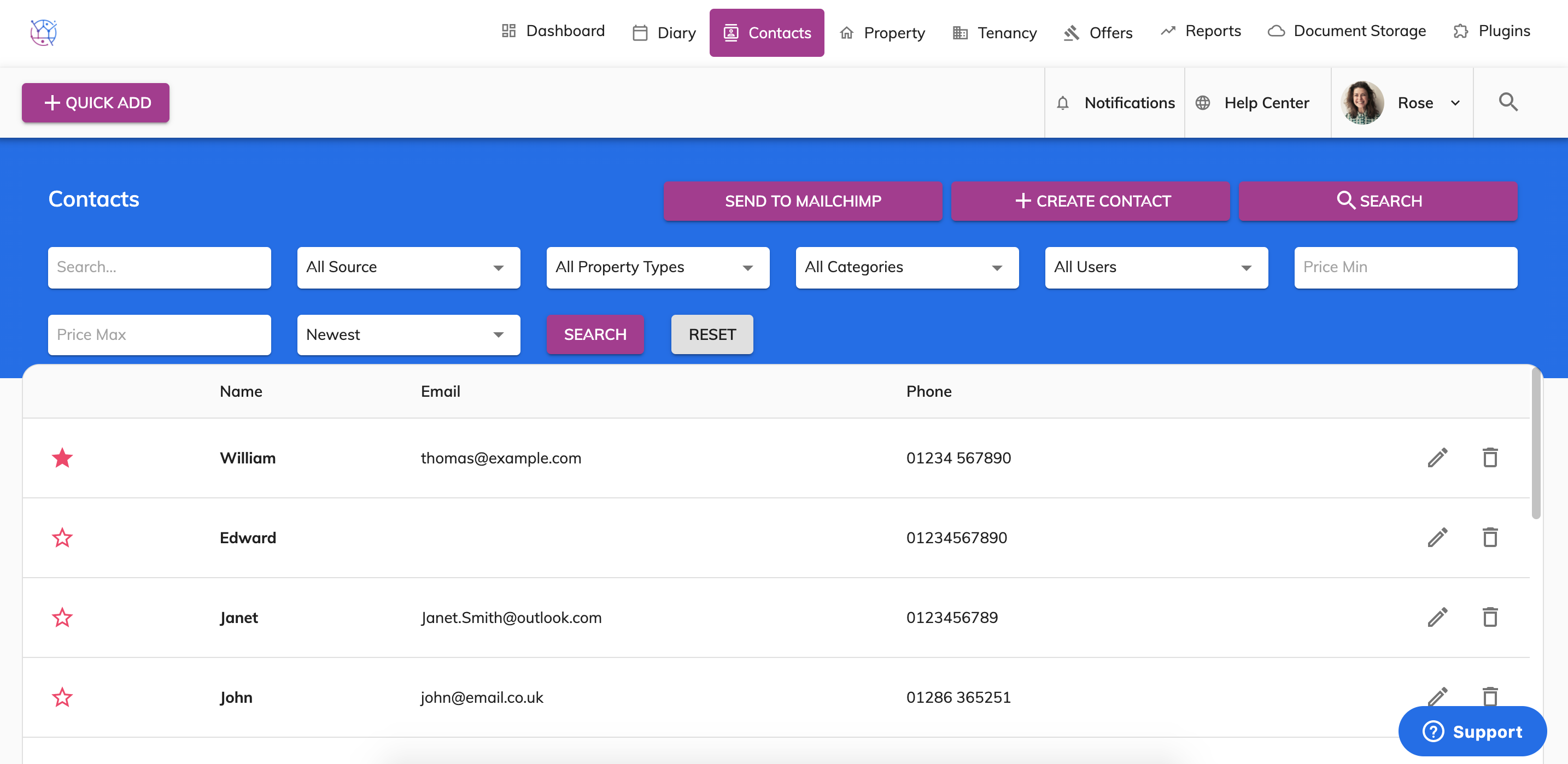
3) Add in the desired criteria for the list of contacts you are looking for. For example all landlords. Choose Landlords from the Category dropdown and press the Search button.
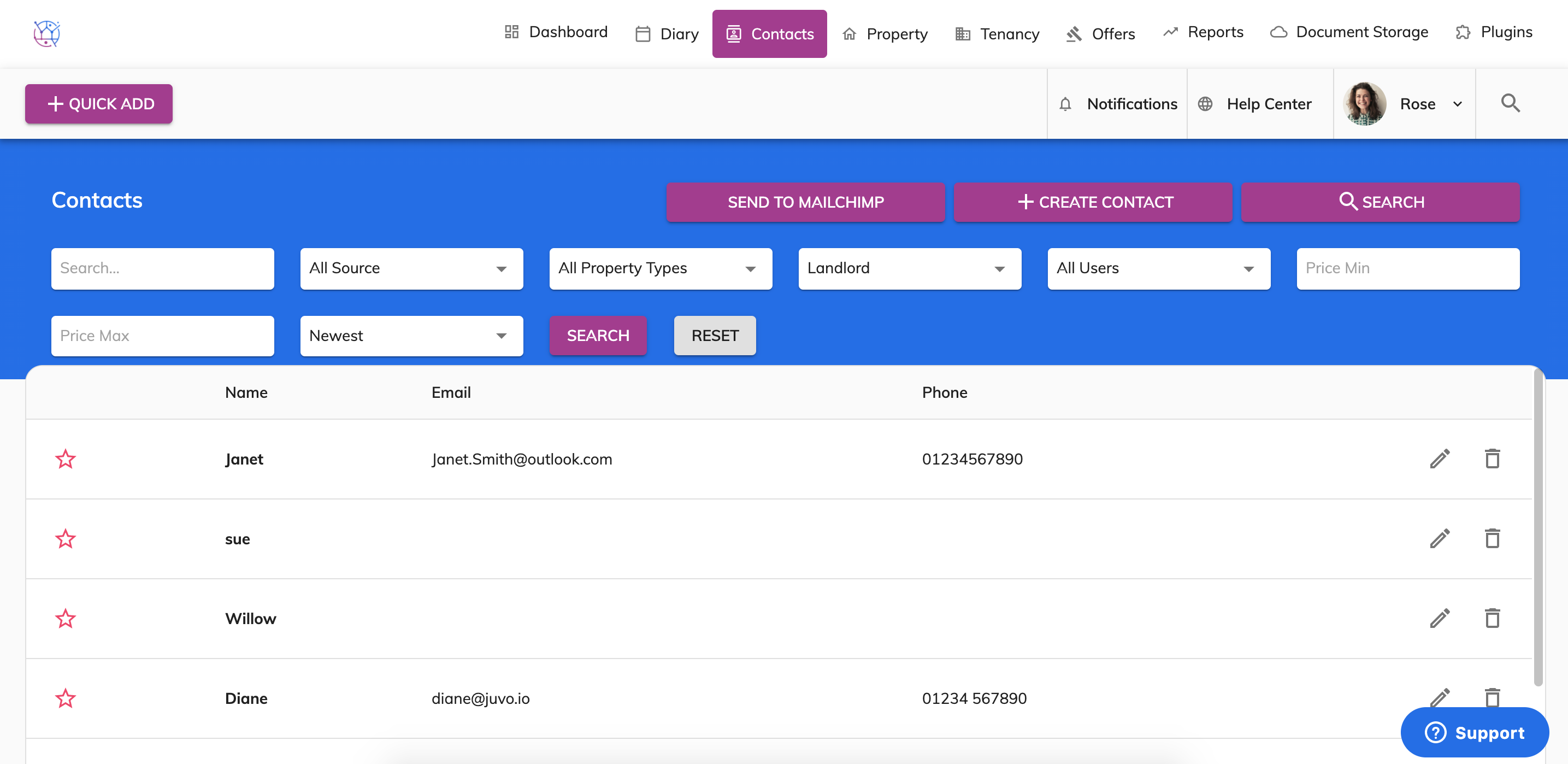
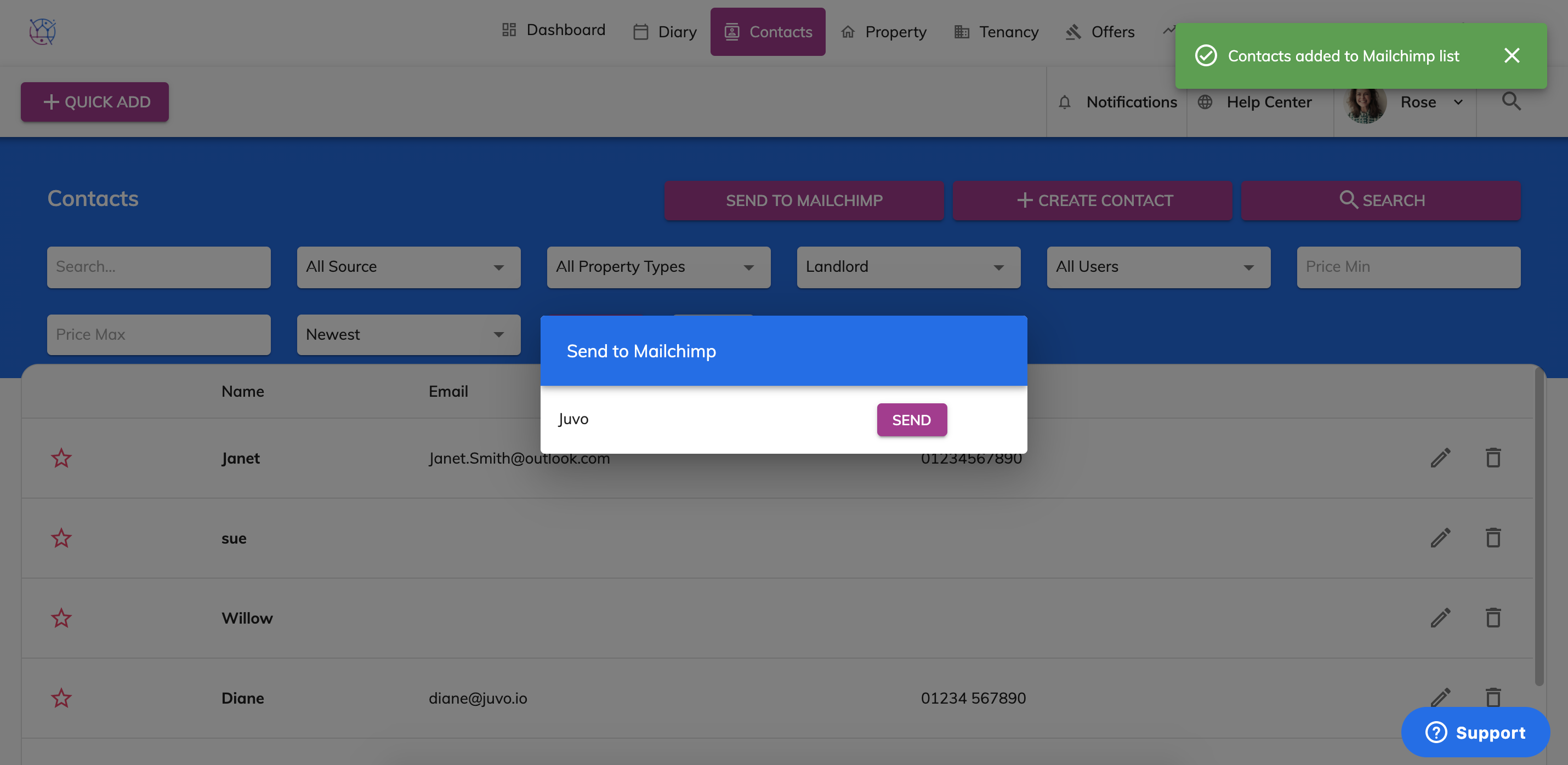
4) This will then update the contacts listing below to any contacts that meet the search criteria that has been added. Press the 'Send to Mailchimp' button.

5) Choose which Mailchimp Campaign you would like to send the contacts to, and Press Send for that campaign. This will transfer the details directly into your Mailchimp account.
6) Login to your Mailchimp account to send out your marketing emails to these clients https://login.mailchimp.com/