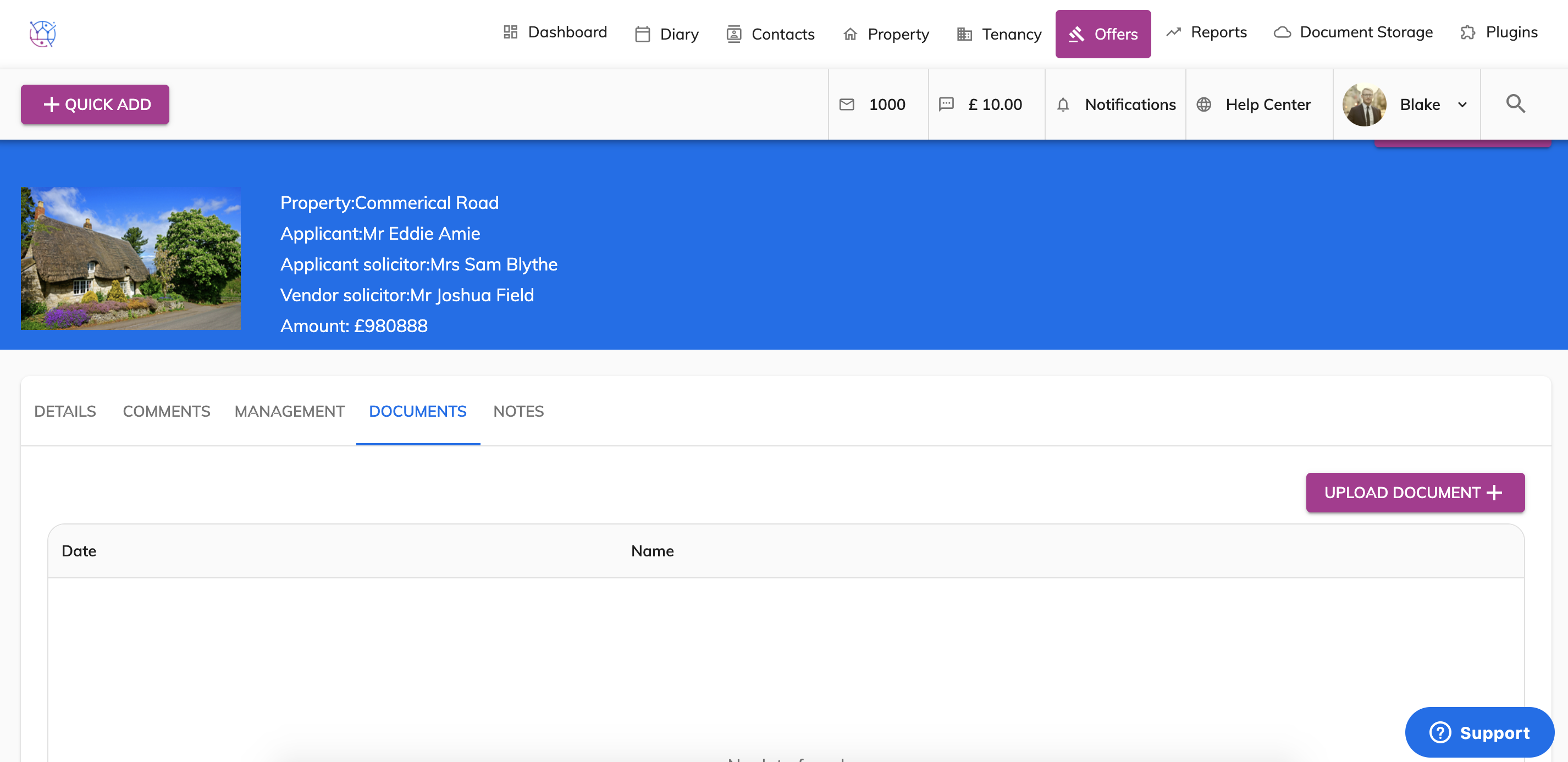
To delete documents from an offer, follow the steps below:
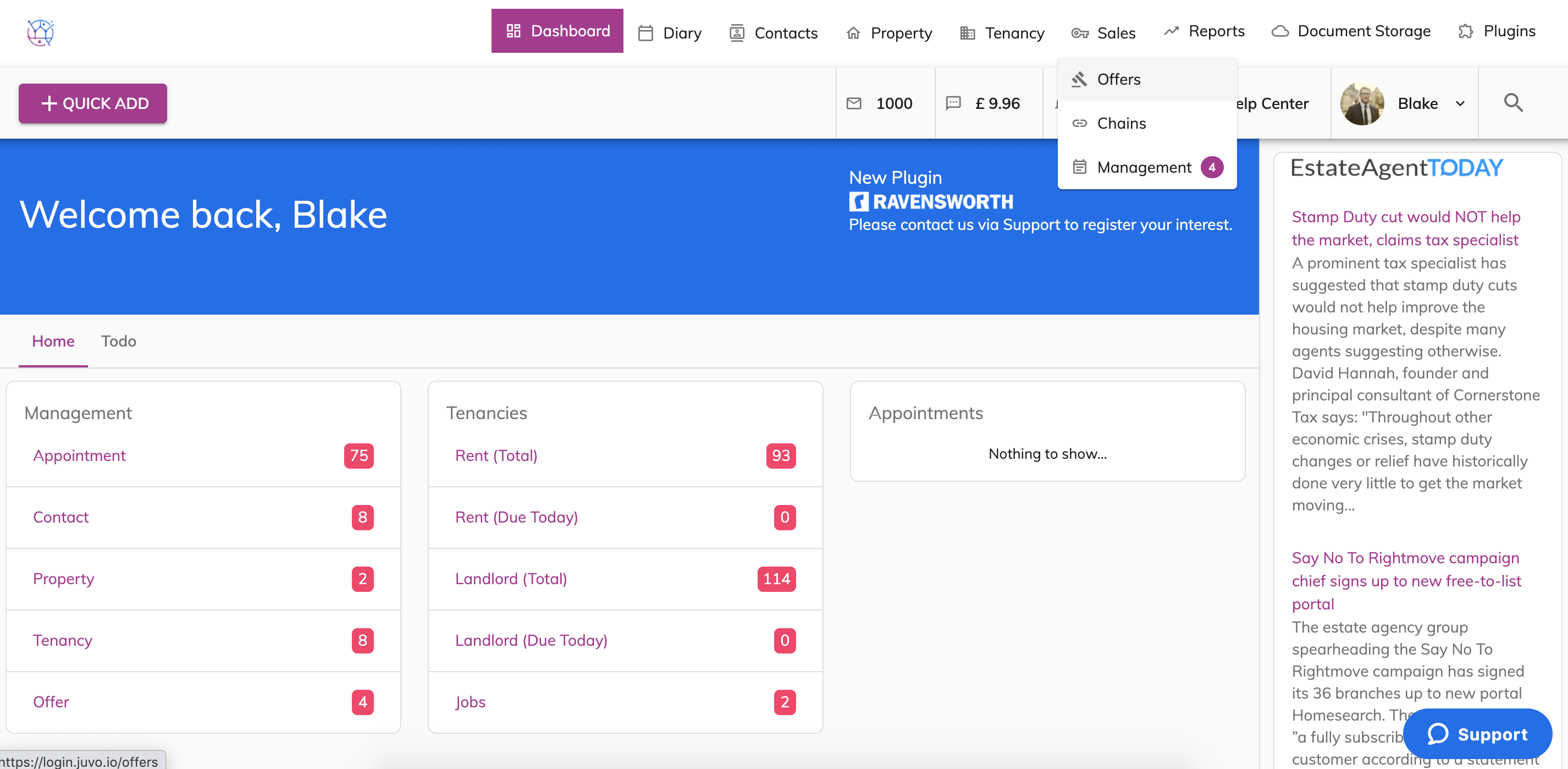
1) Hover on the Sales tab and select Offers from the dropdown.
2) Find the offer from the listing and press the pencil icon to edit.
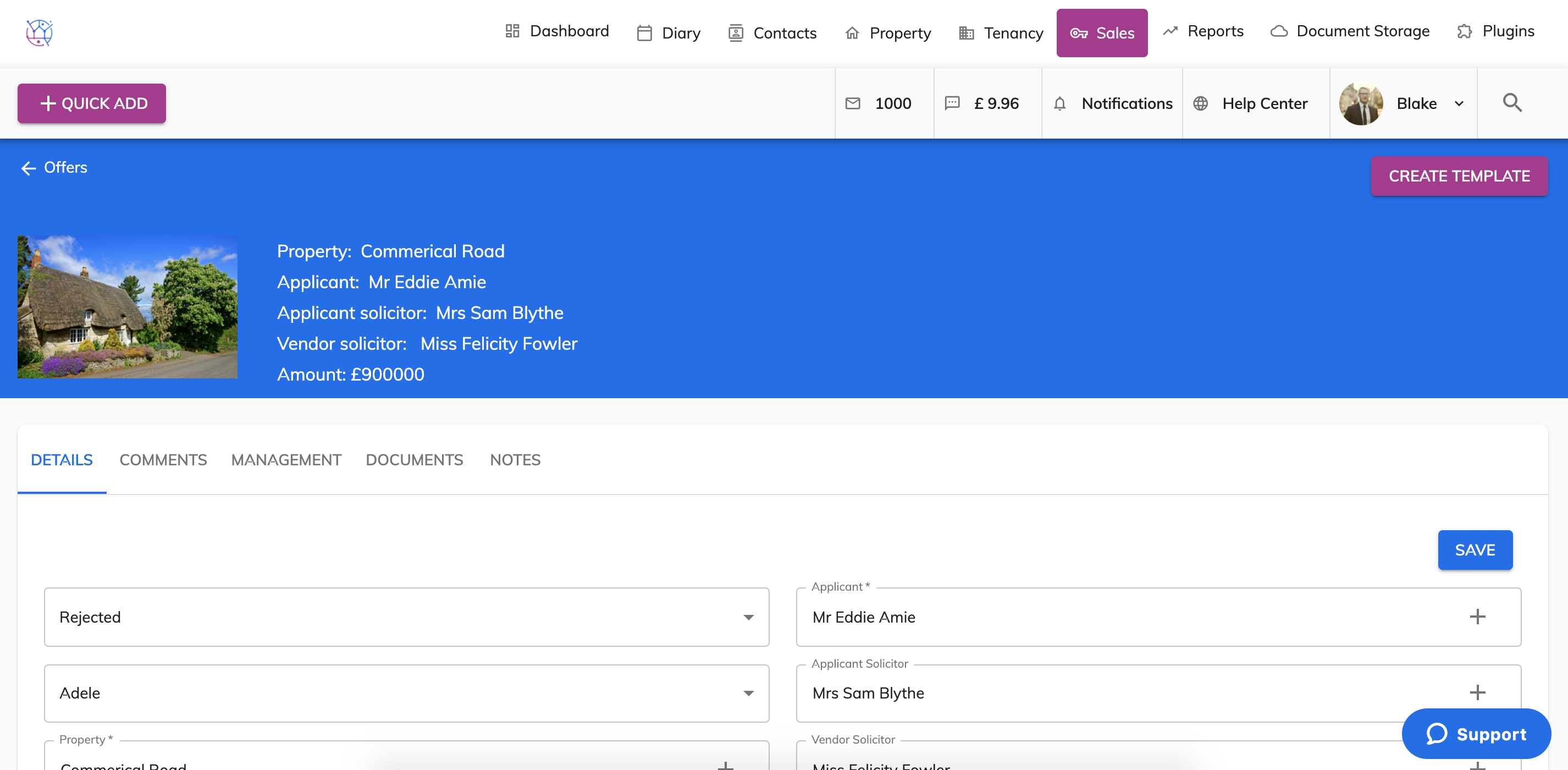
3) Select the Documents tab from the menu.
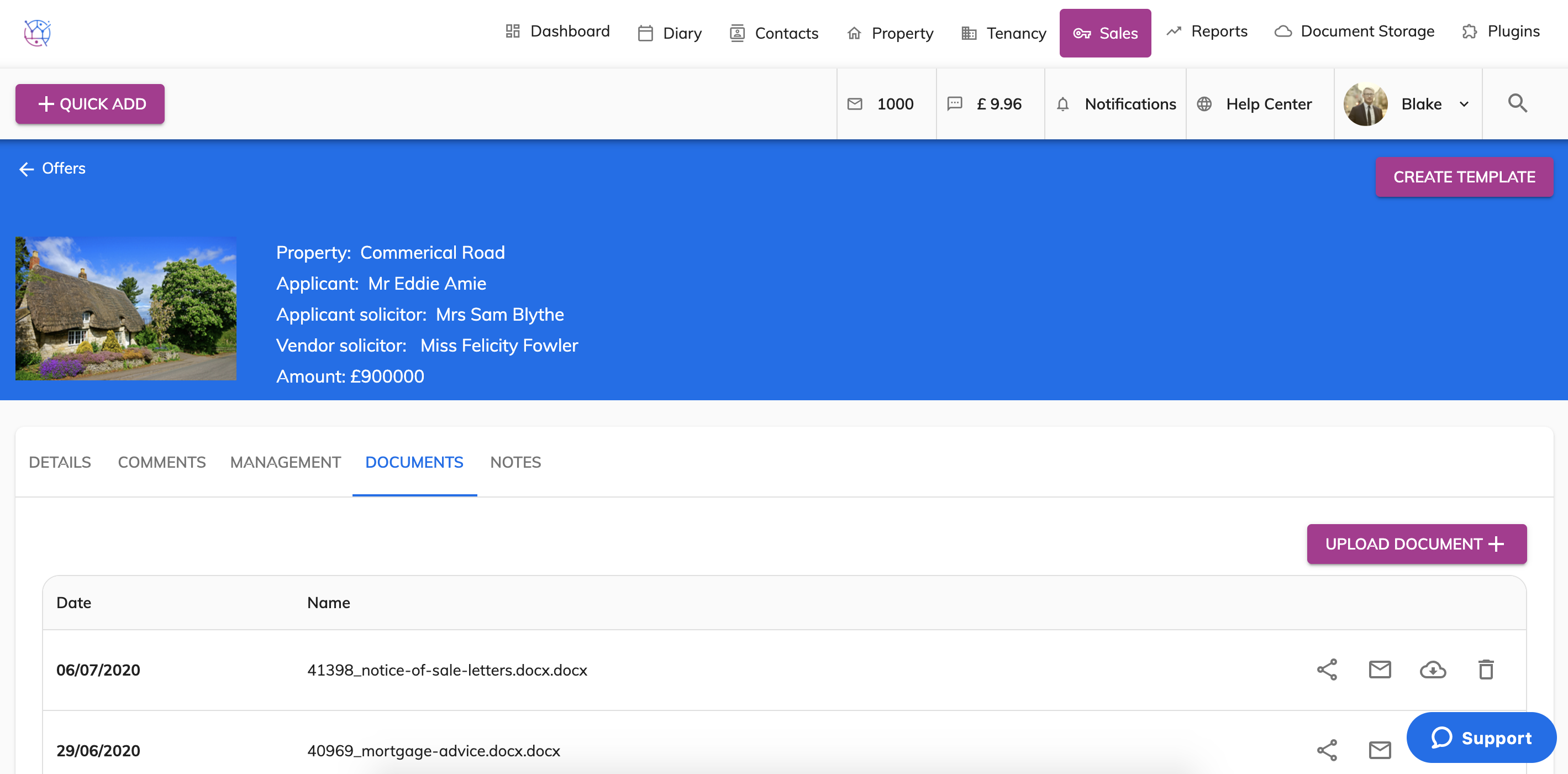
4) Find the document from the list that you would like to delete, Press the bin icon on the right hand side of the document. A warning message will appear, please note once deleted the document is unable to be recovered.
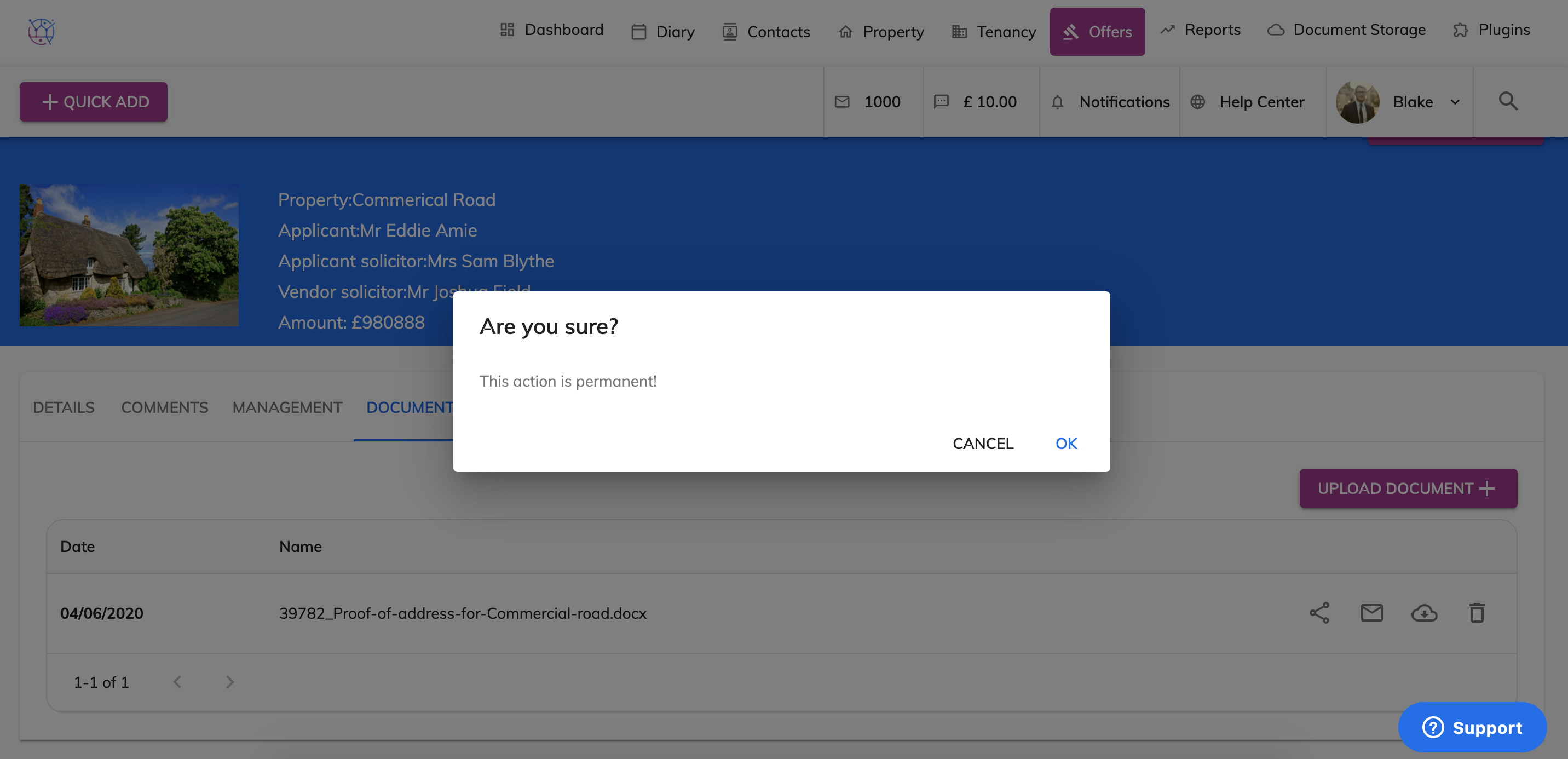
5) This will delete the document from the documents section in the Offer and from the Documents section.