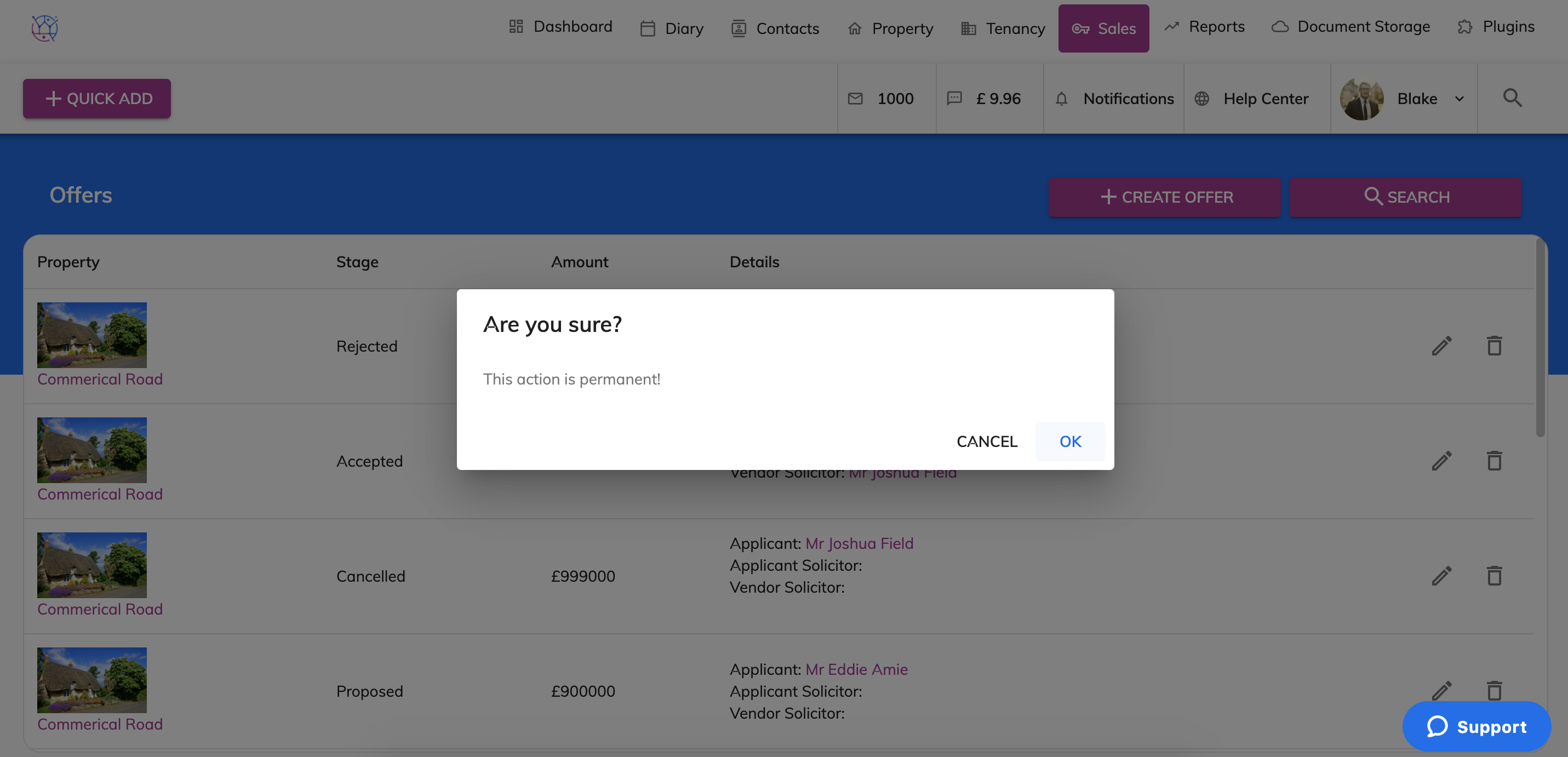
To delete an offer, follow the steps below:
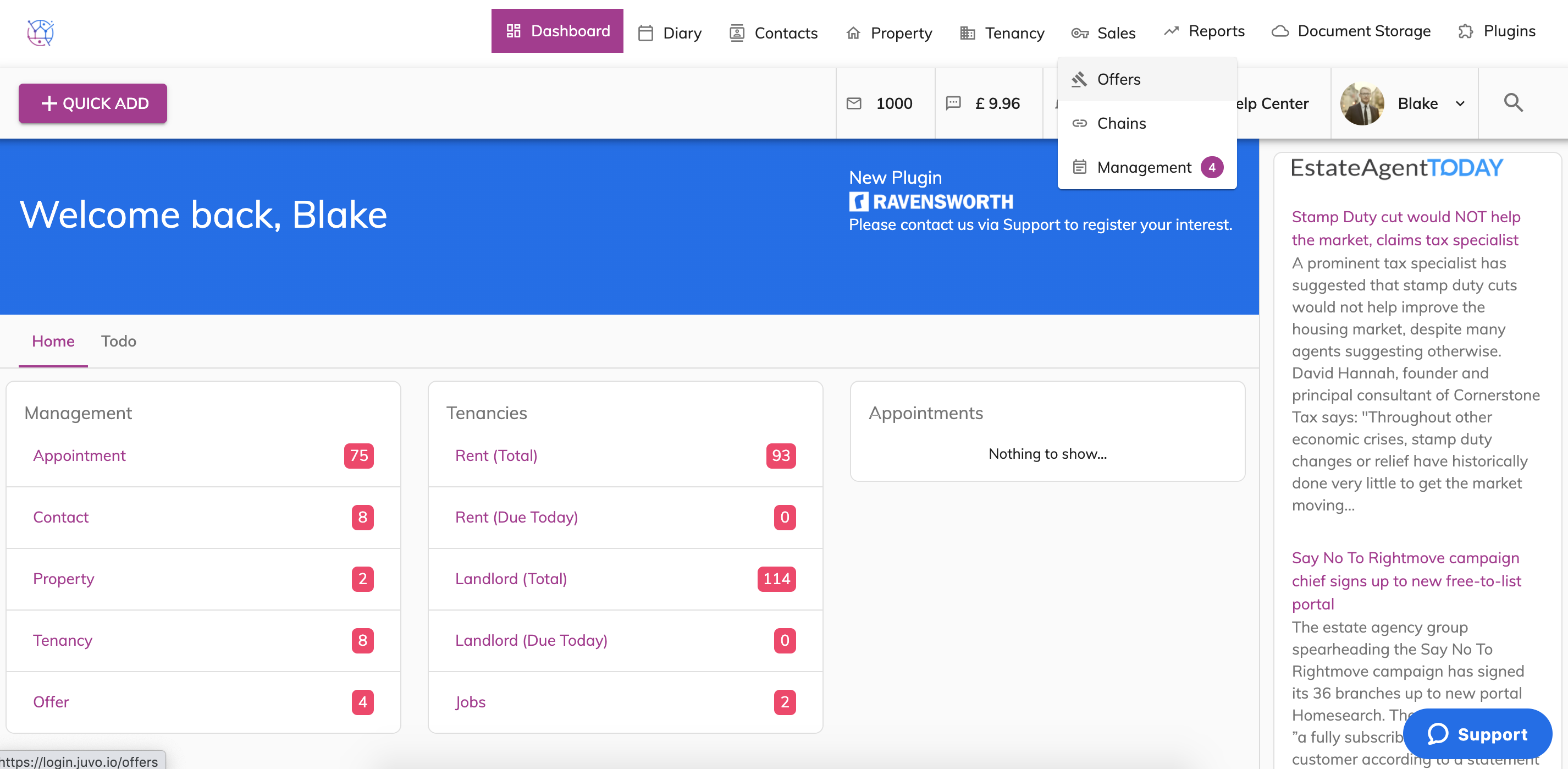
1) Hover on the Sales tab and select the Offers tab from the dropdown.
2) Find the Offer from list that you would like to delete. Press the Delete from the Righthand side of the offer listing. A pop up will appear to double check you are sure. Press the Yes button.
Please note once the offer has been deleted it is unable to be restored.