
To create a management task or reminder on offers, please follow the steps below:
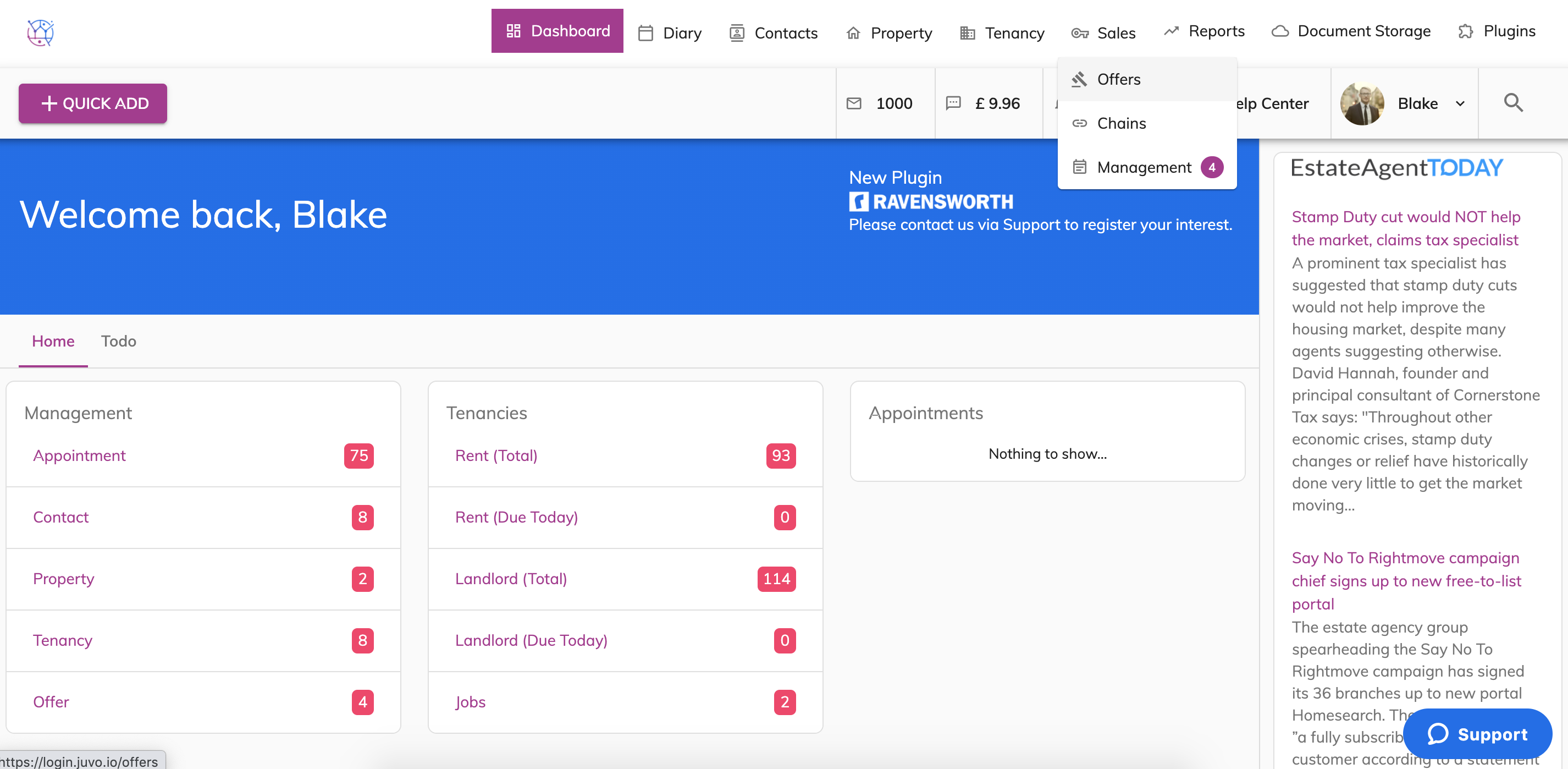
1) Hover on the Sales tab and select Offers from the dropdown.
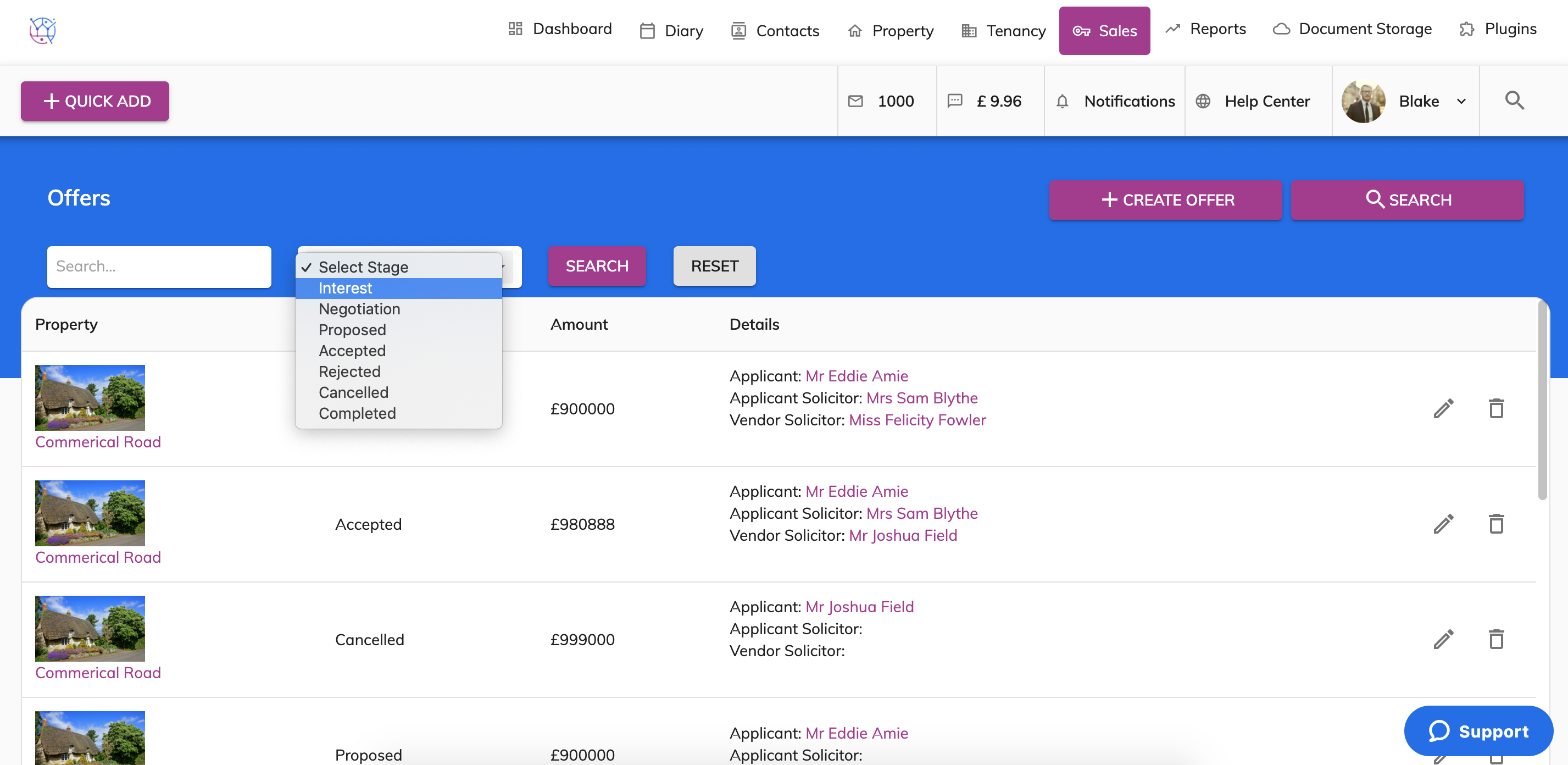
2) Press the pencil icon to edit the offer you would like to add the management task reminder too.
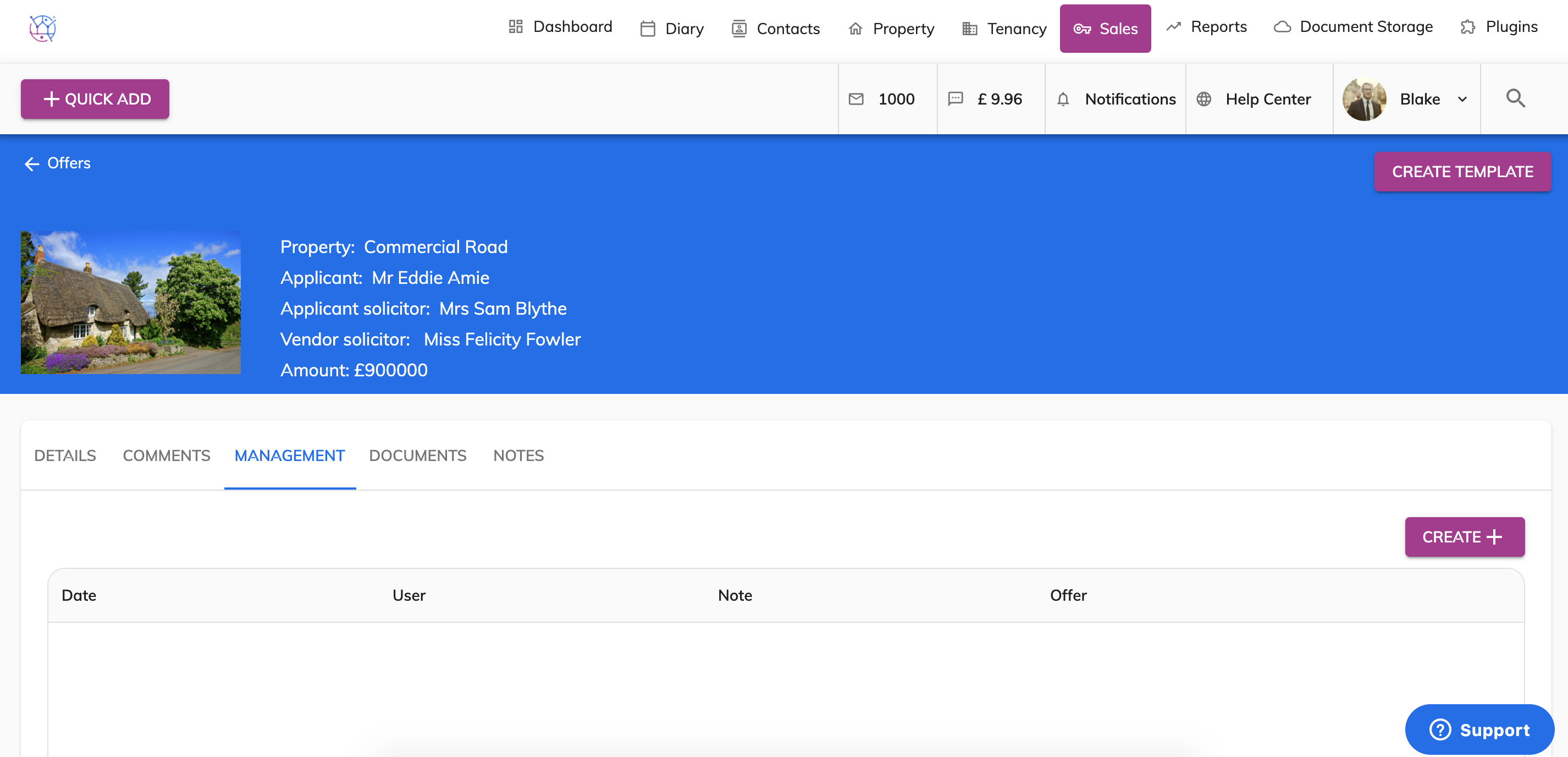
3) Select the Management tab on the menu.
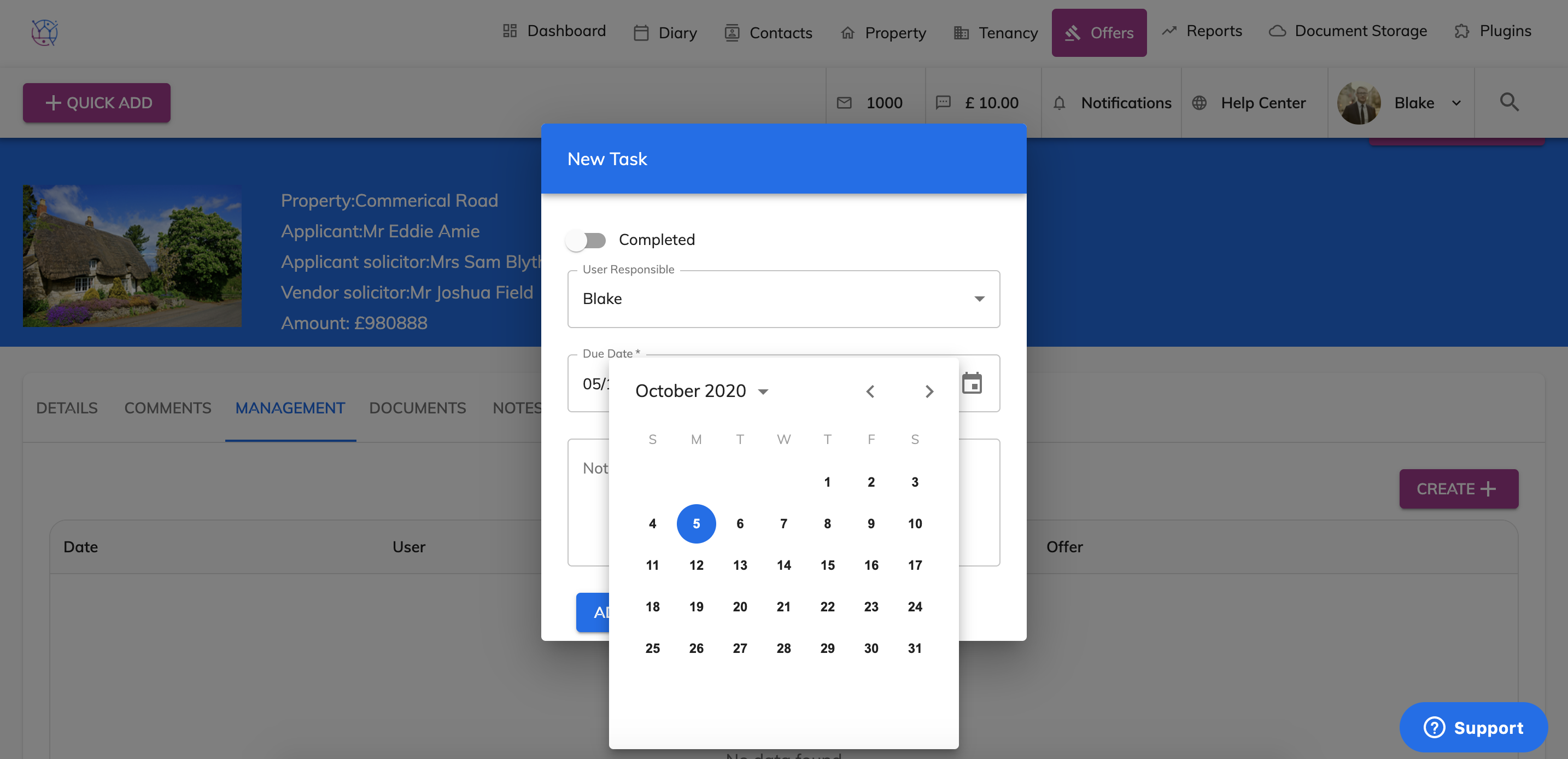
4) Press the Create button and select the user responsibility from the dropdown.
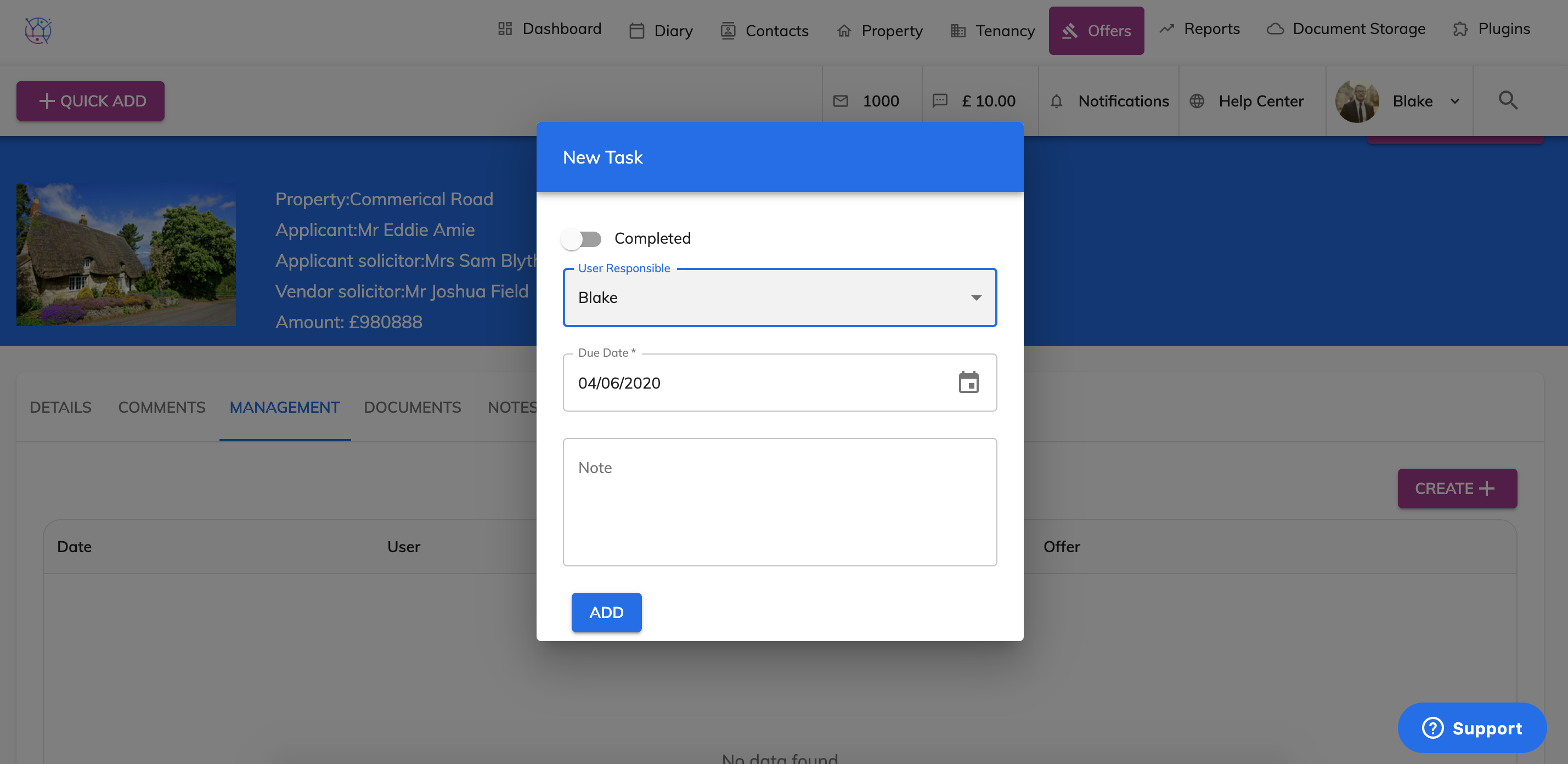
5) Select the due date (this is the date you want to be reminded of the task).
6) Add any notes to job your member when the management task reminds you.
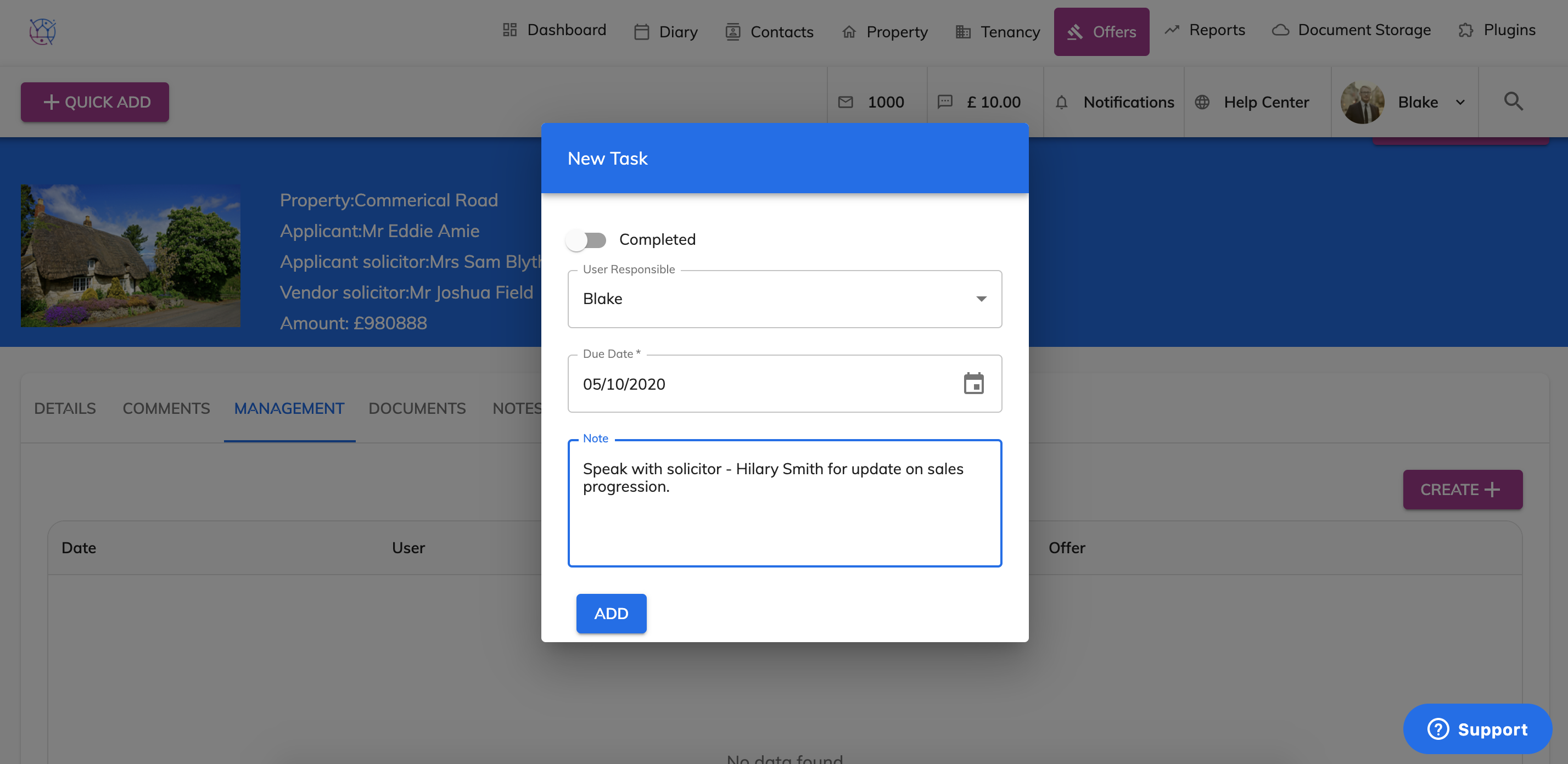
7) Press Add. The management task will then appear in the table below.
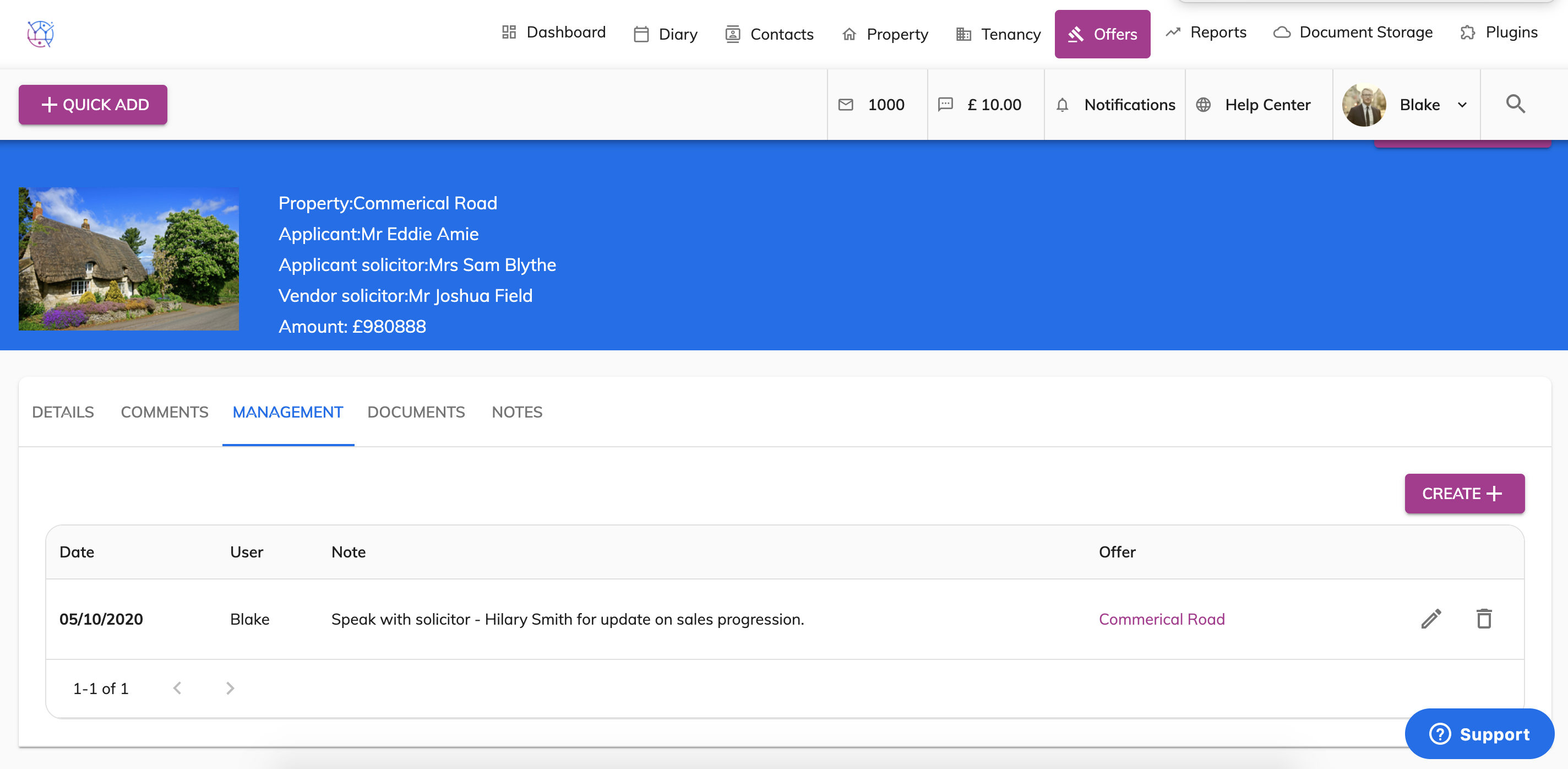
This management task will show on the dashboard and on the Offers section when it is due.