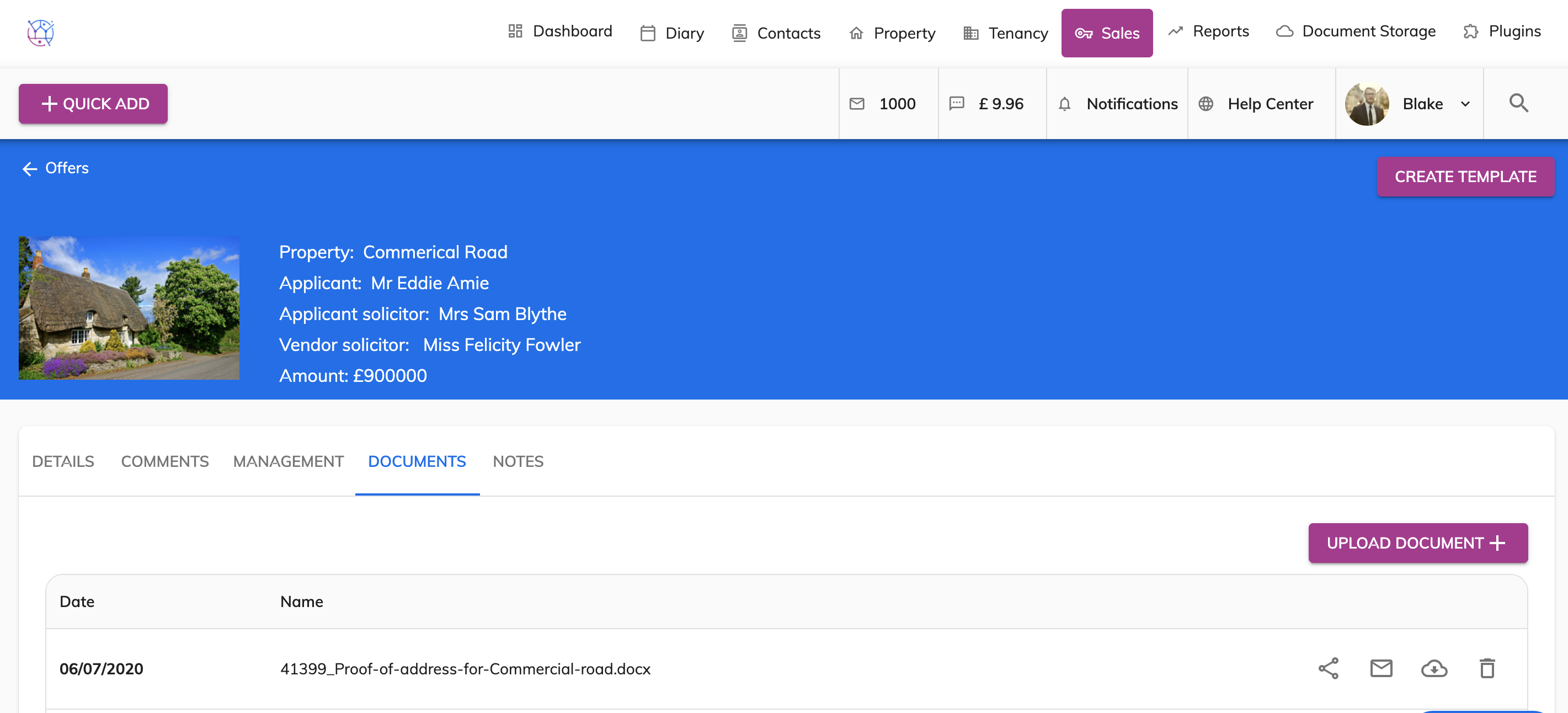
To attach documents to an offer, follow the steps below:
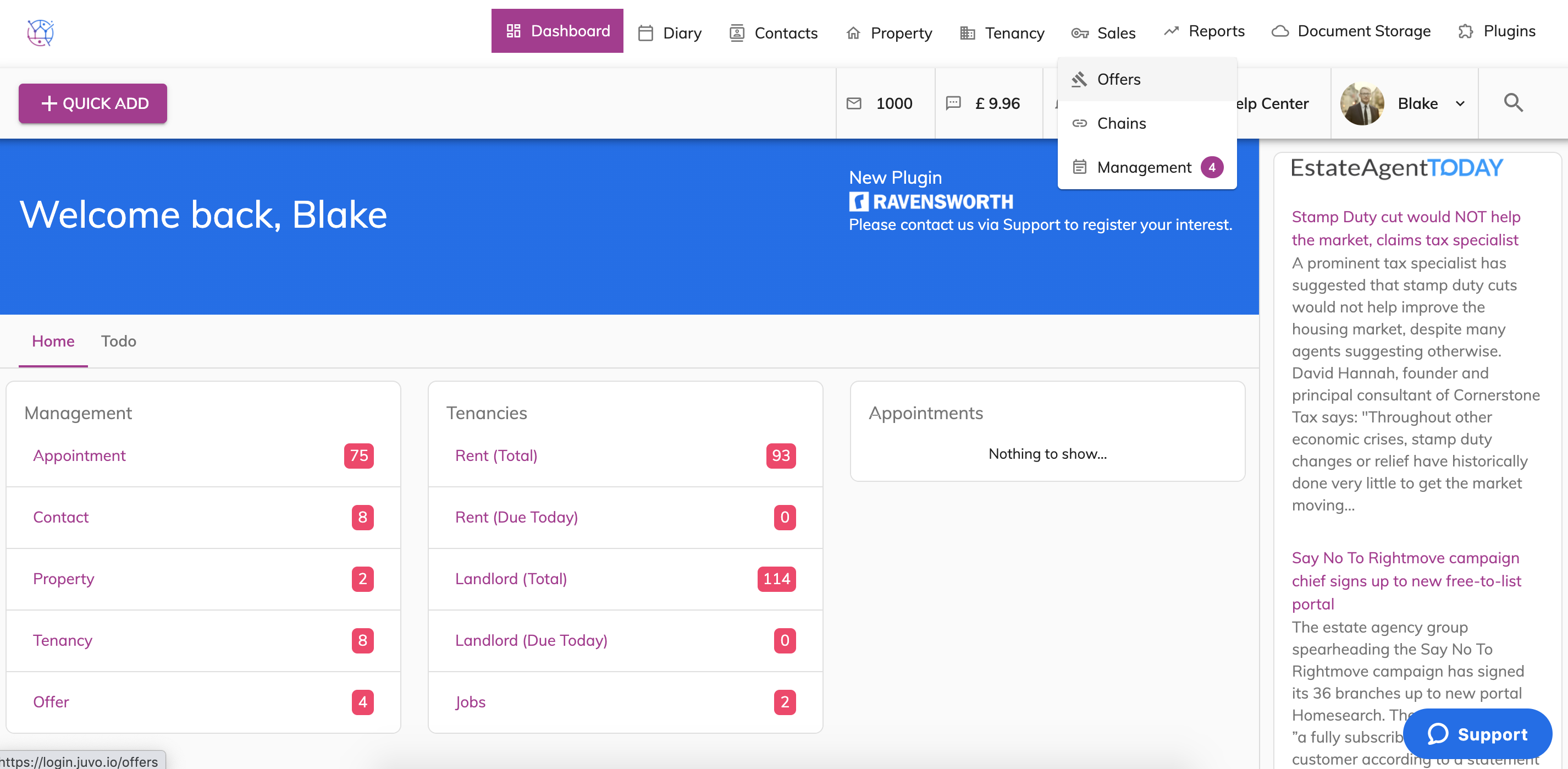
1) Hover over the Sales tab and select Offers from the dropdown.
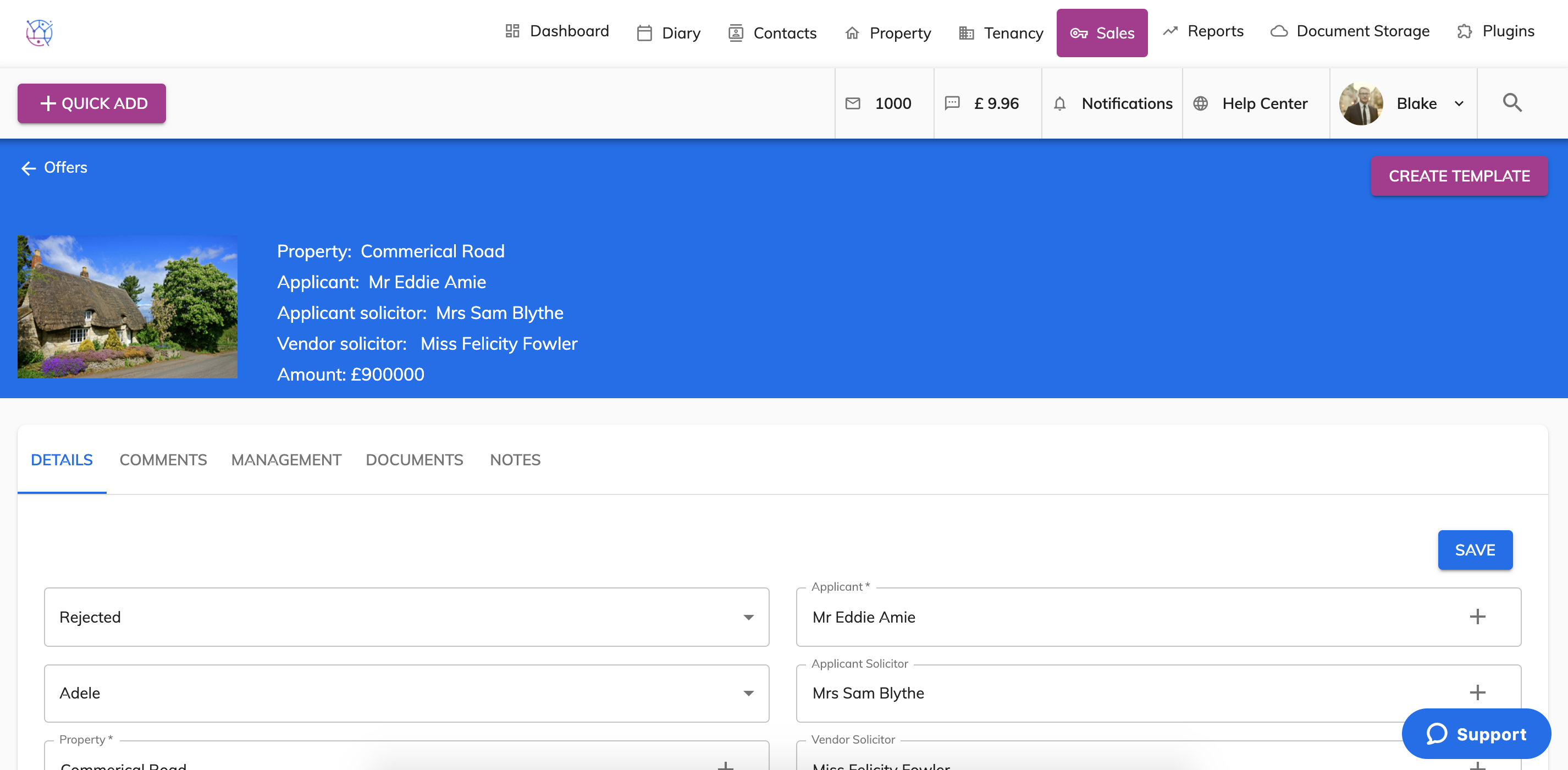
2) Edit the offer you would like to attach a document too.
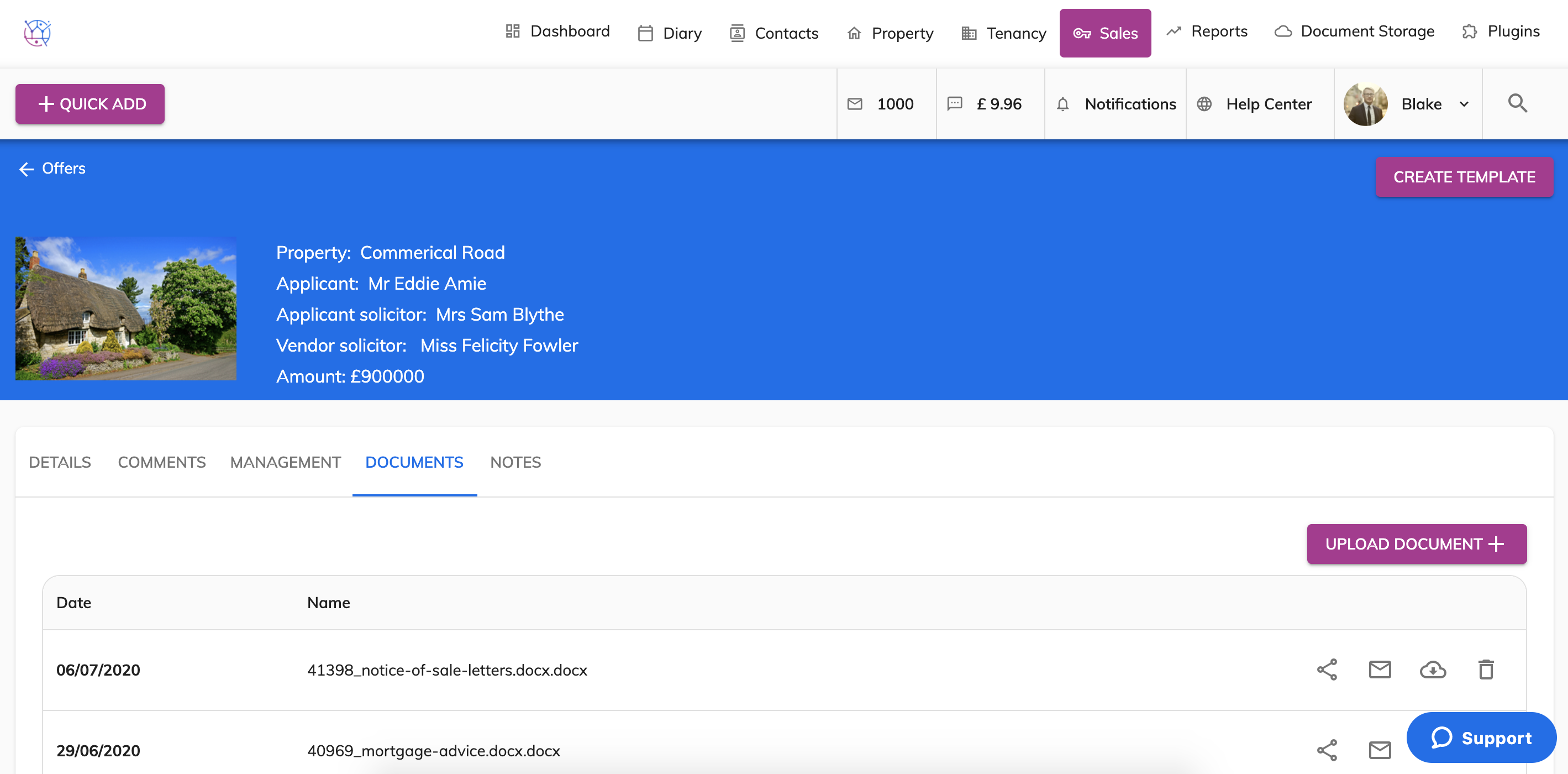
3) Select the Documents tab from the menu.
4) Press the Upload Document button. Select the file from your computer and press Open.
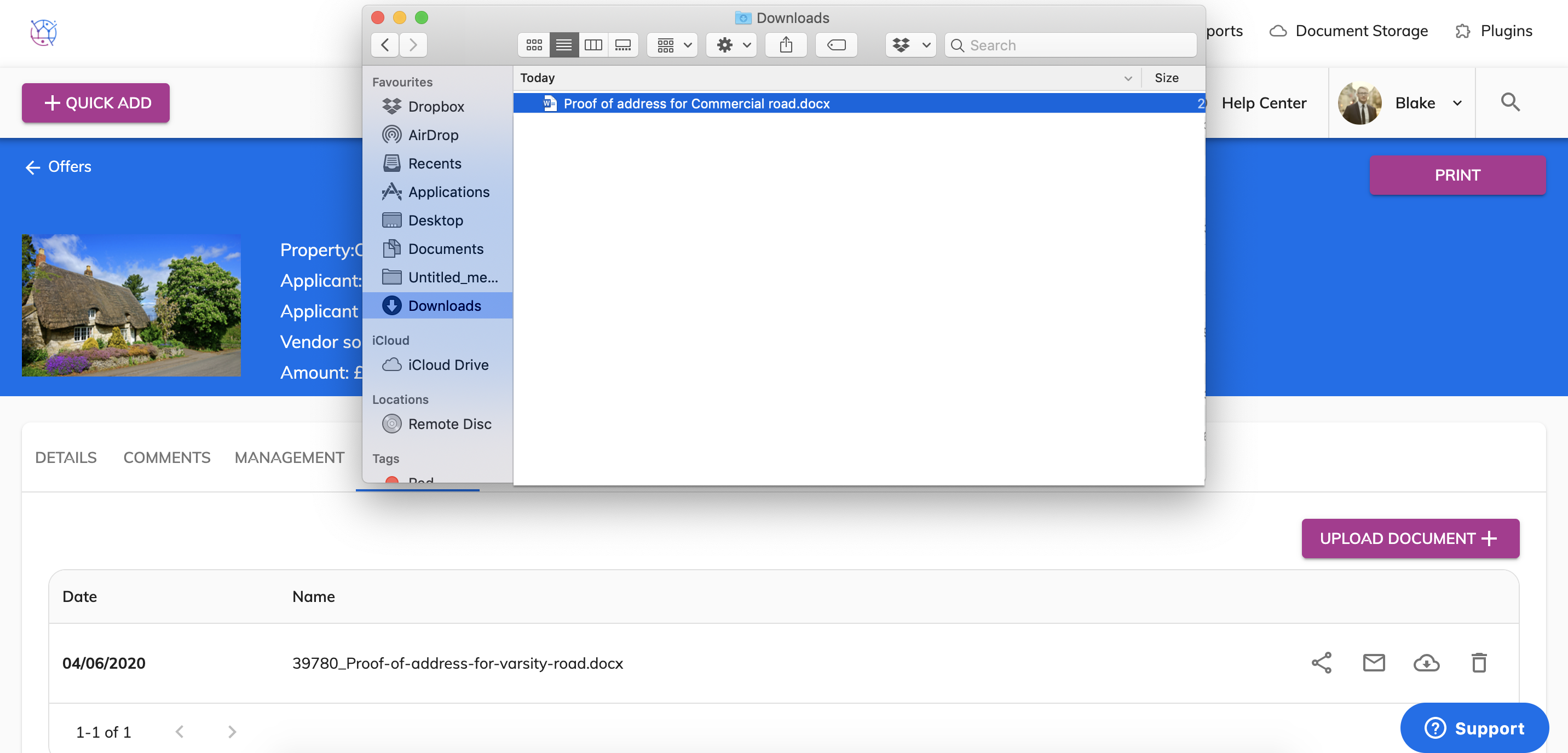
5) This will upload the file and be saved against the offer. This can also be viewed from the Documents section.