
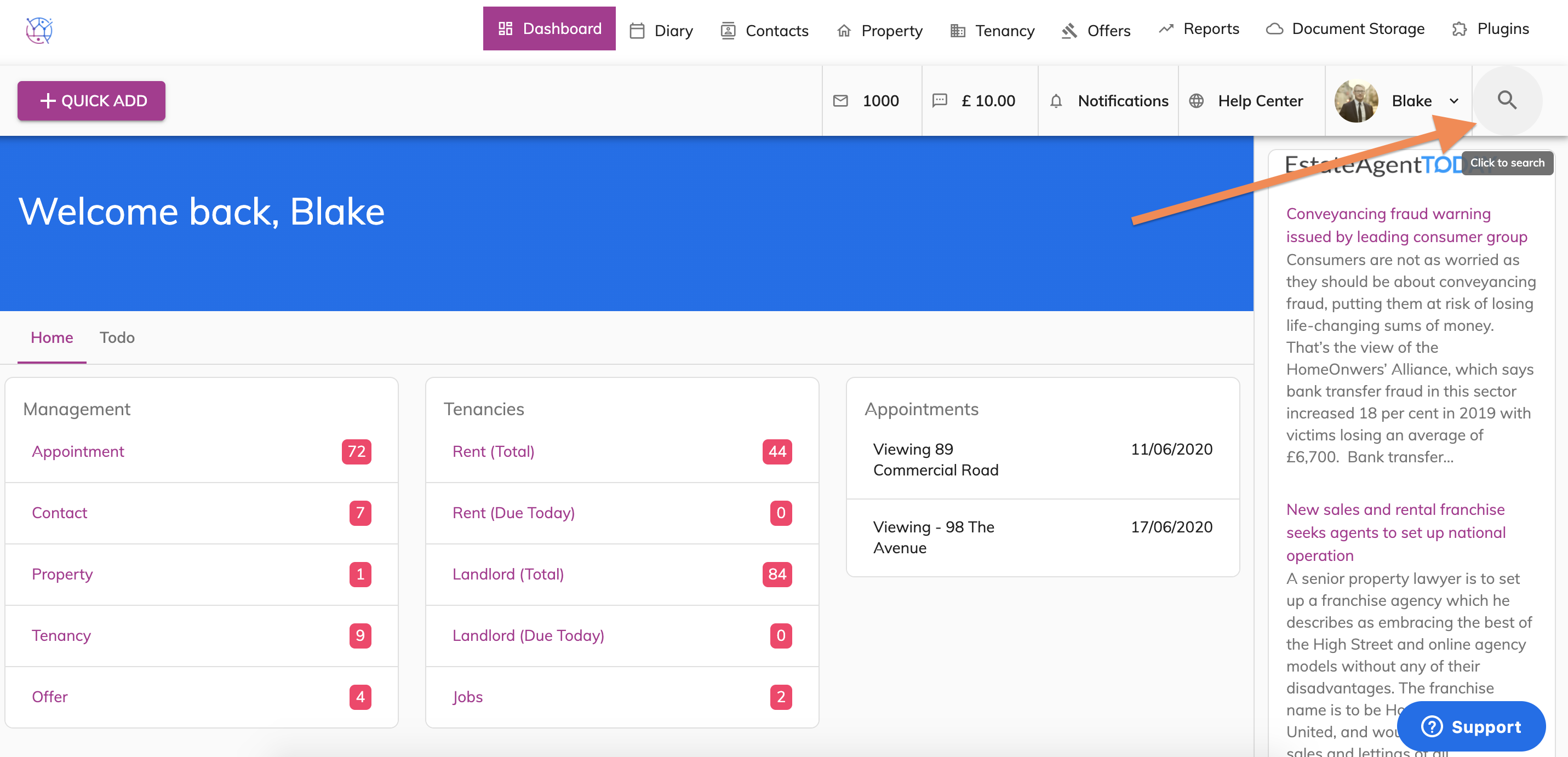
1) Click on the Magnifying glass icon to use the Global search
Type in the name of the offer. This will search all properties, offers, contacts and tenancies relating to this keyword.
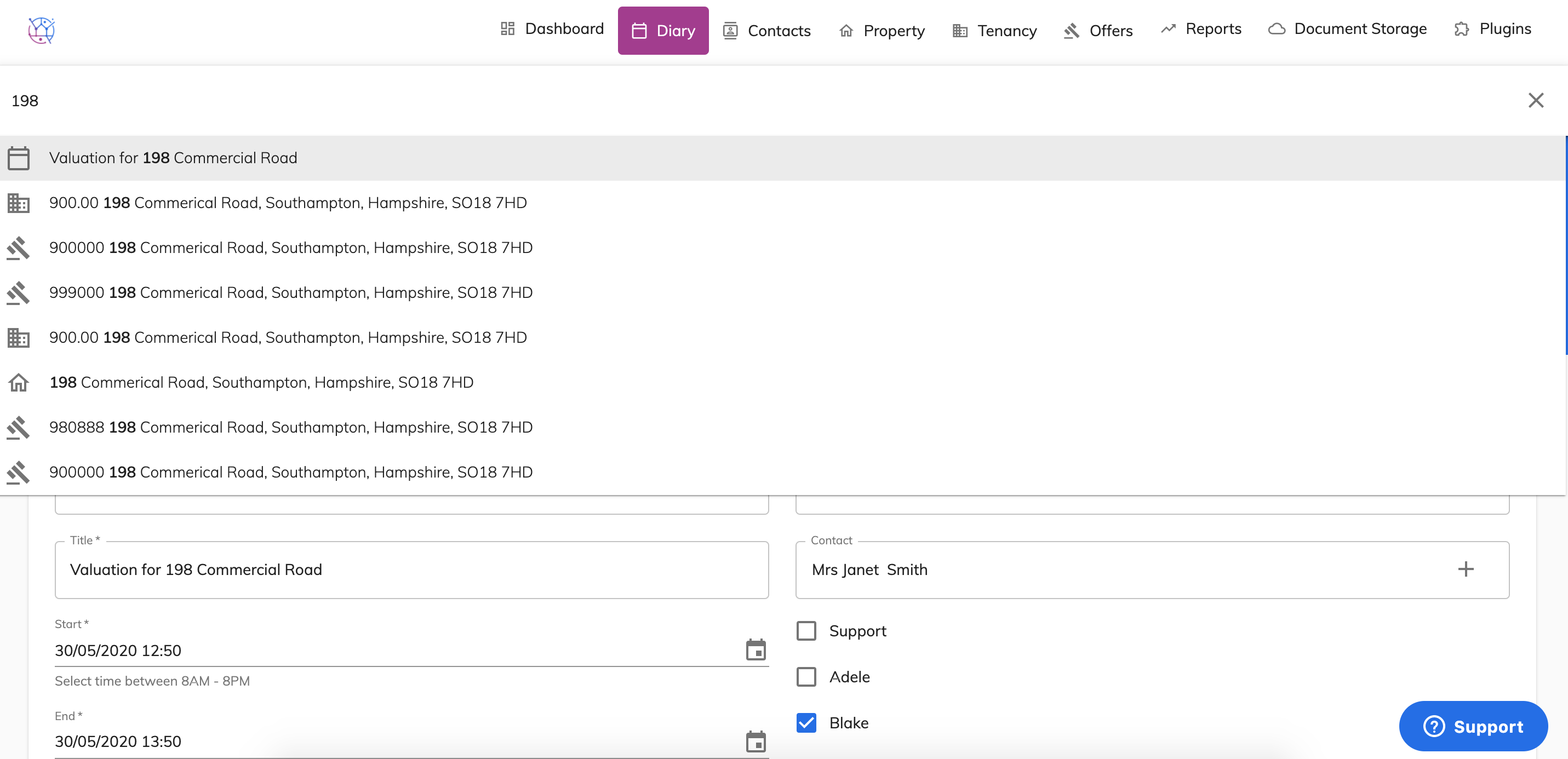
The icons in the list relate to the icons of the tabs running across the top of Juvo.
2) Click the offer from the list displayed to open up the offers details page.