
To view appointments for a contact, follow the steps below.
1) Click the Contacts tab.
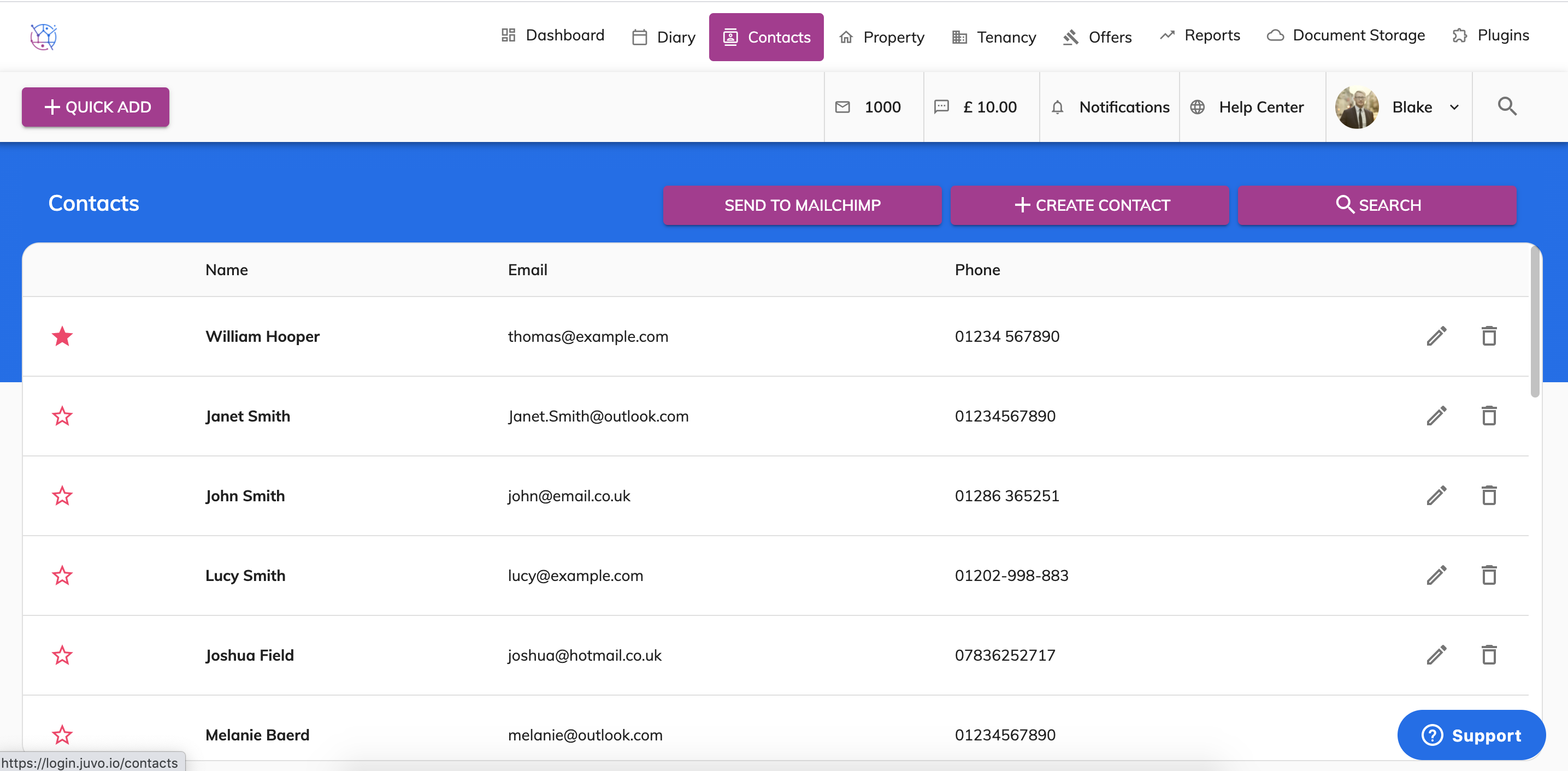
2) Using the offer search at the top of the page, enter the contacts name and or any other relevant information. Press Search.
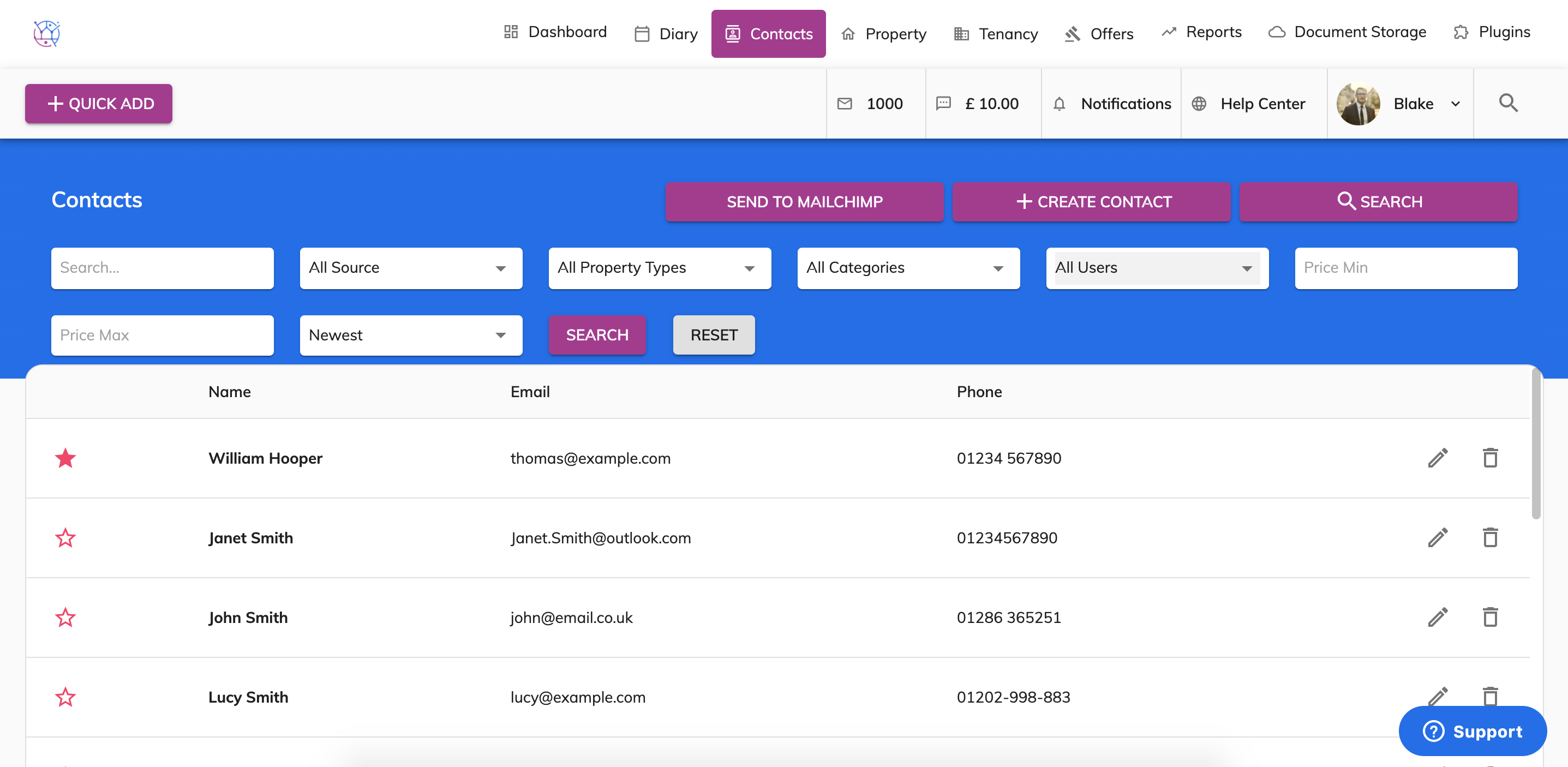
3) Click on the pencil icon on the right hand side of the contact.
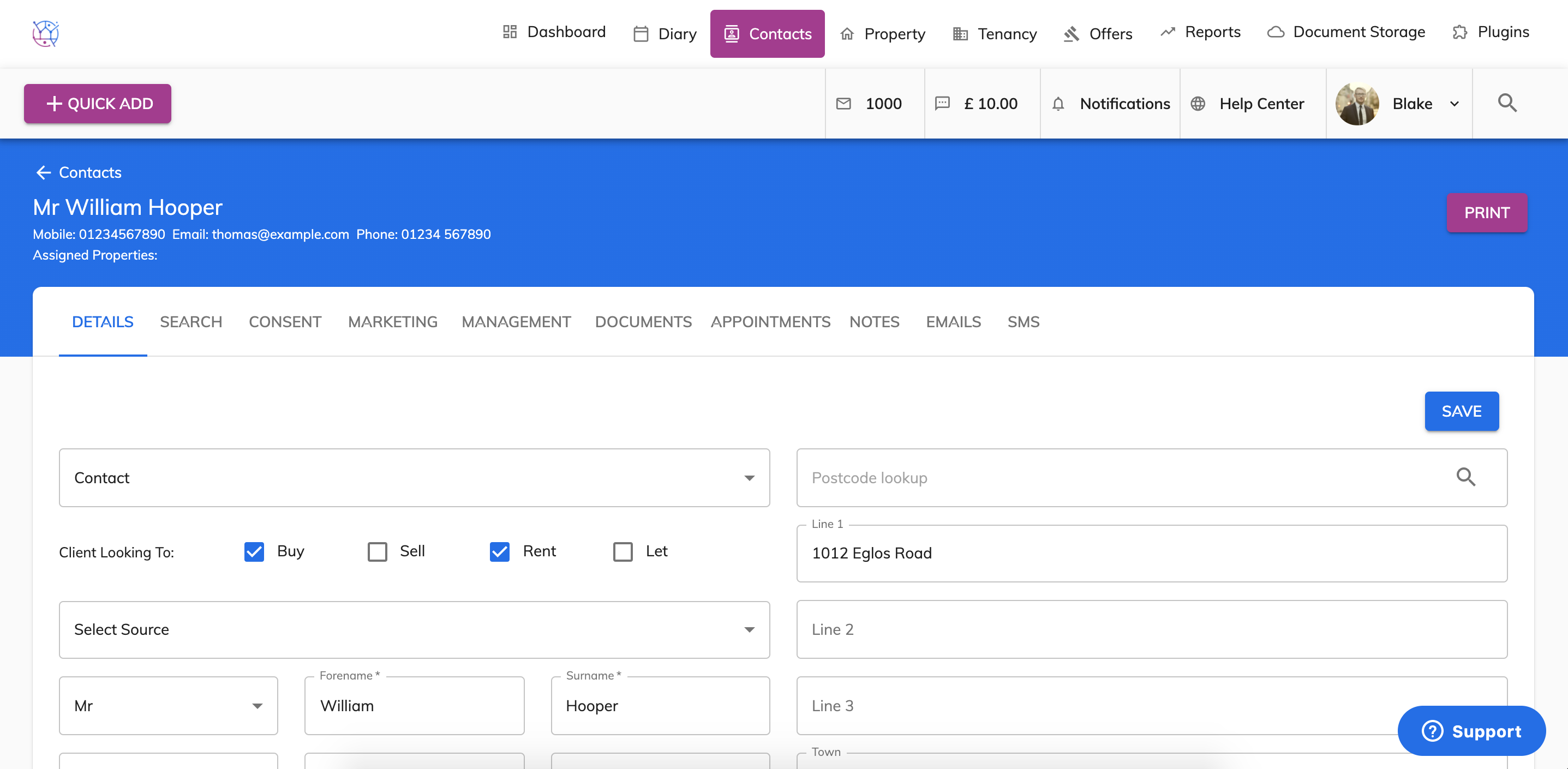
4) Select the Appointments tab from the menu.
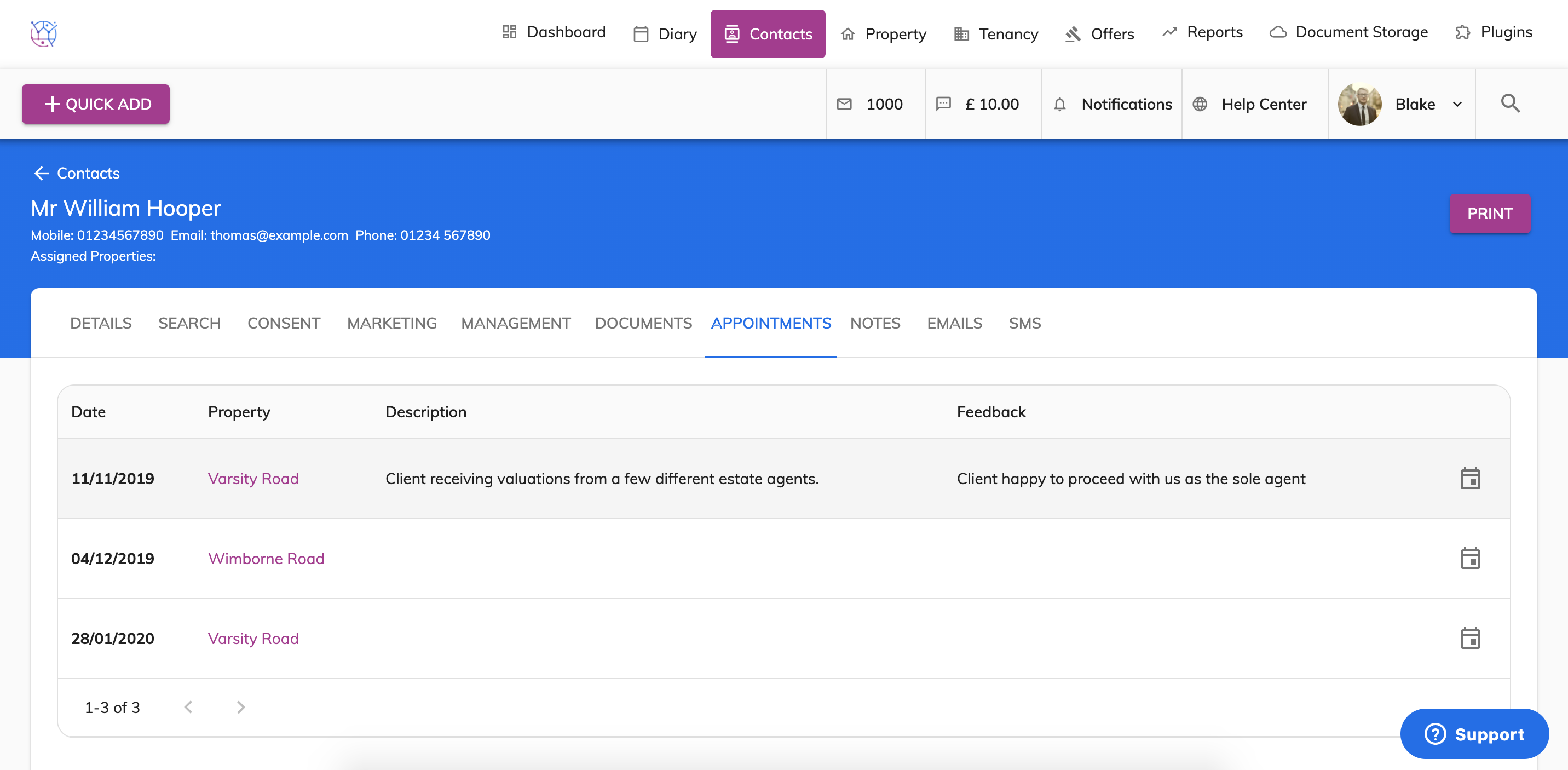
This will display a list of all appointments the contact has been scheduled past and present. On this screen, it will display the date of the appointment, property, description and feedback on the appointment.
5) To amend the appointment, click the calendar icon found on the righthand side of the appointment.
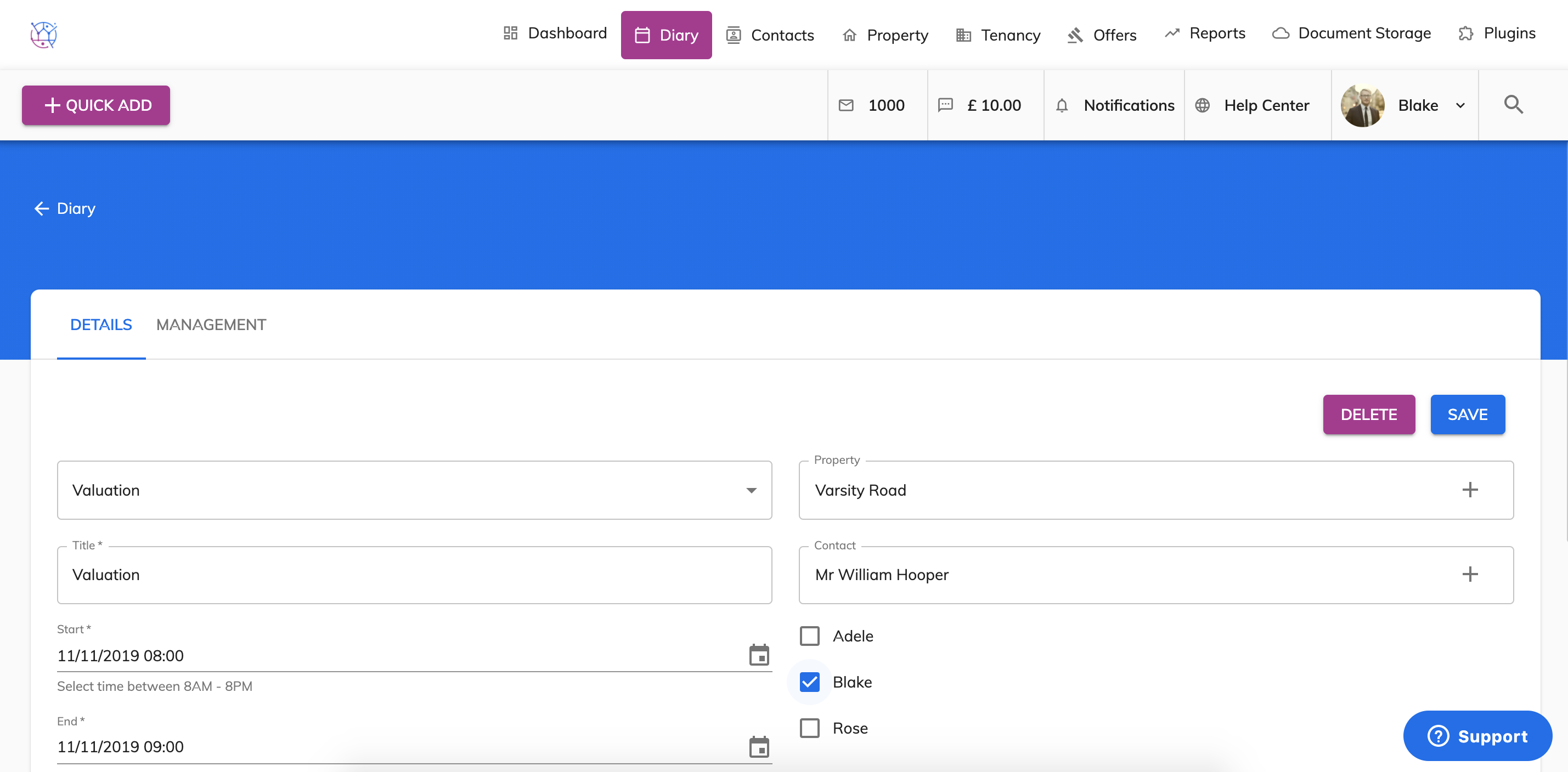
From here you can change the appointment date/time and title. As well as assigning the appointment to a different member of staff, adding a description of the appointment and adding any feedback received from the client.