
To attach documents to a contact, follow the steps below:
1) Click the Contacts tab.
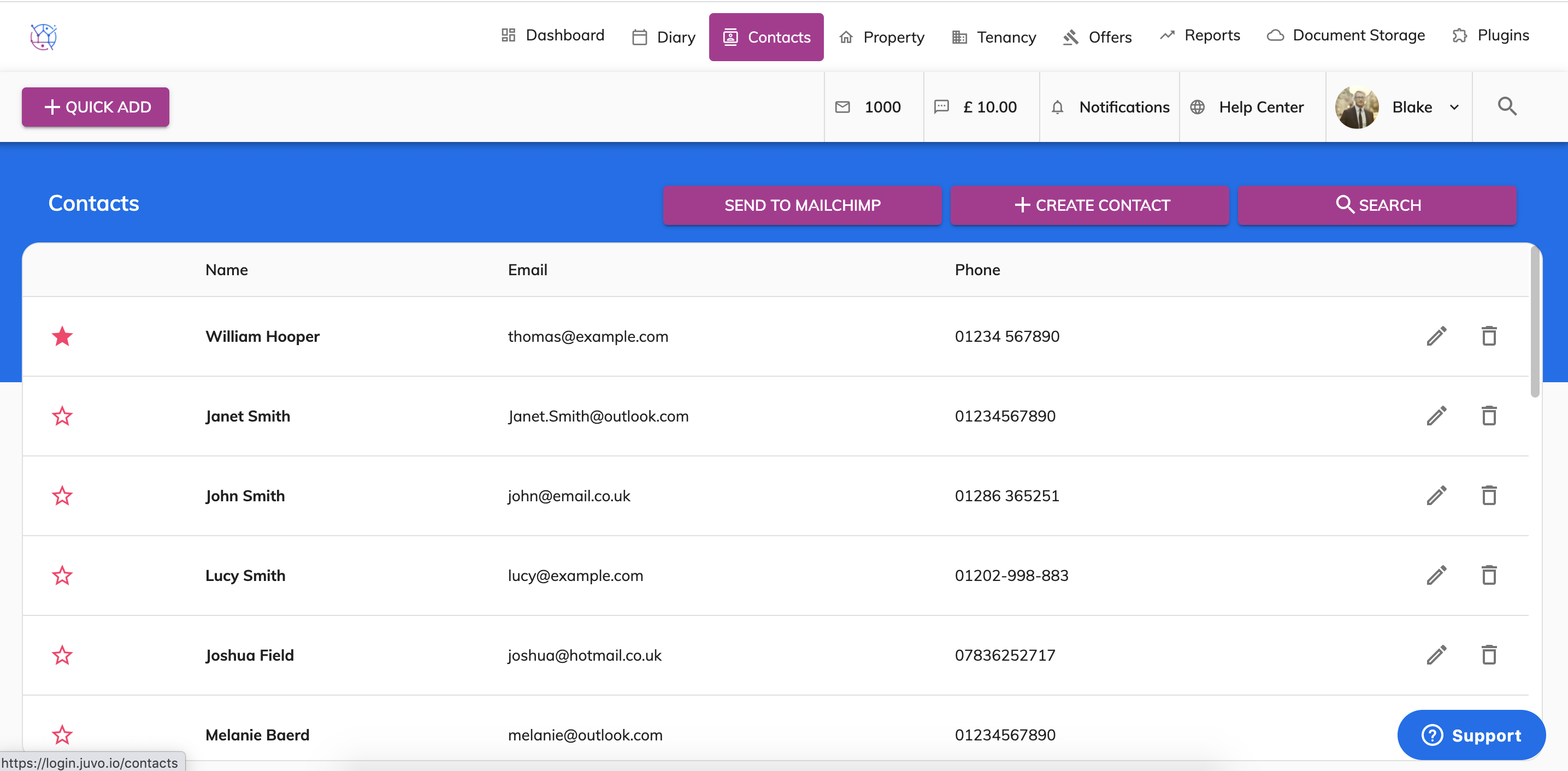
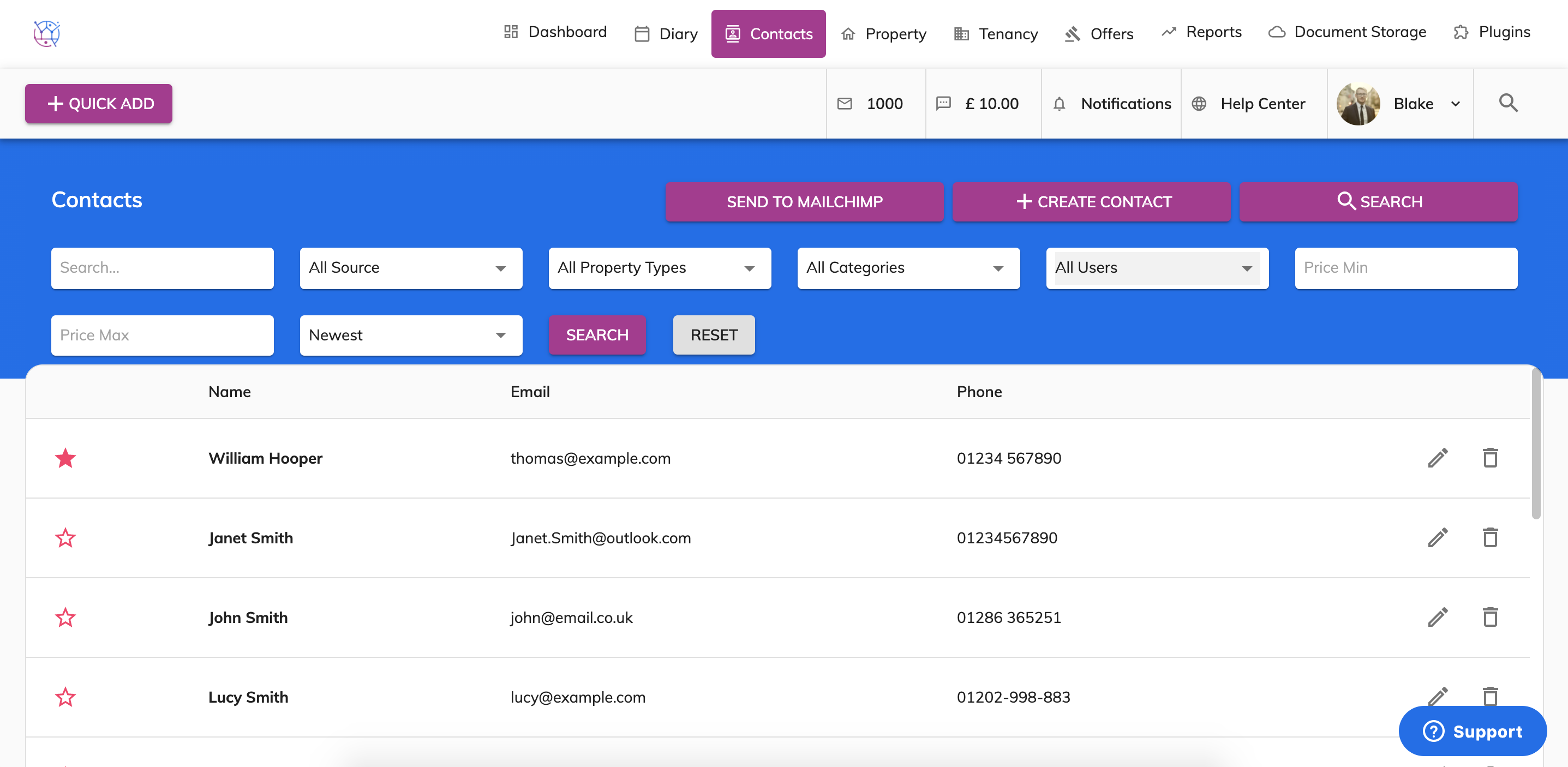
2) Using the offer search at the top of the page, enter the contacts name and or any other relevant information. Press Search.
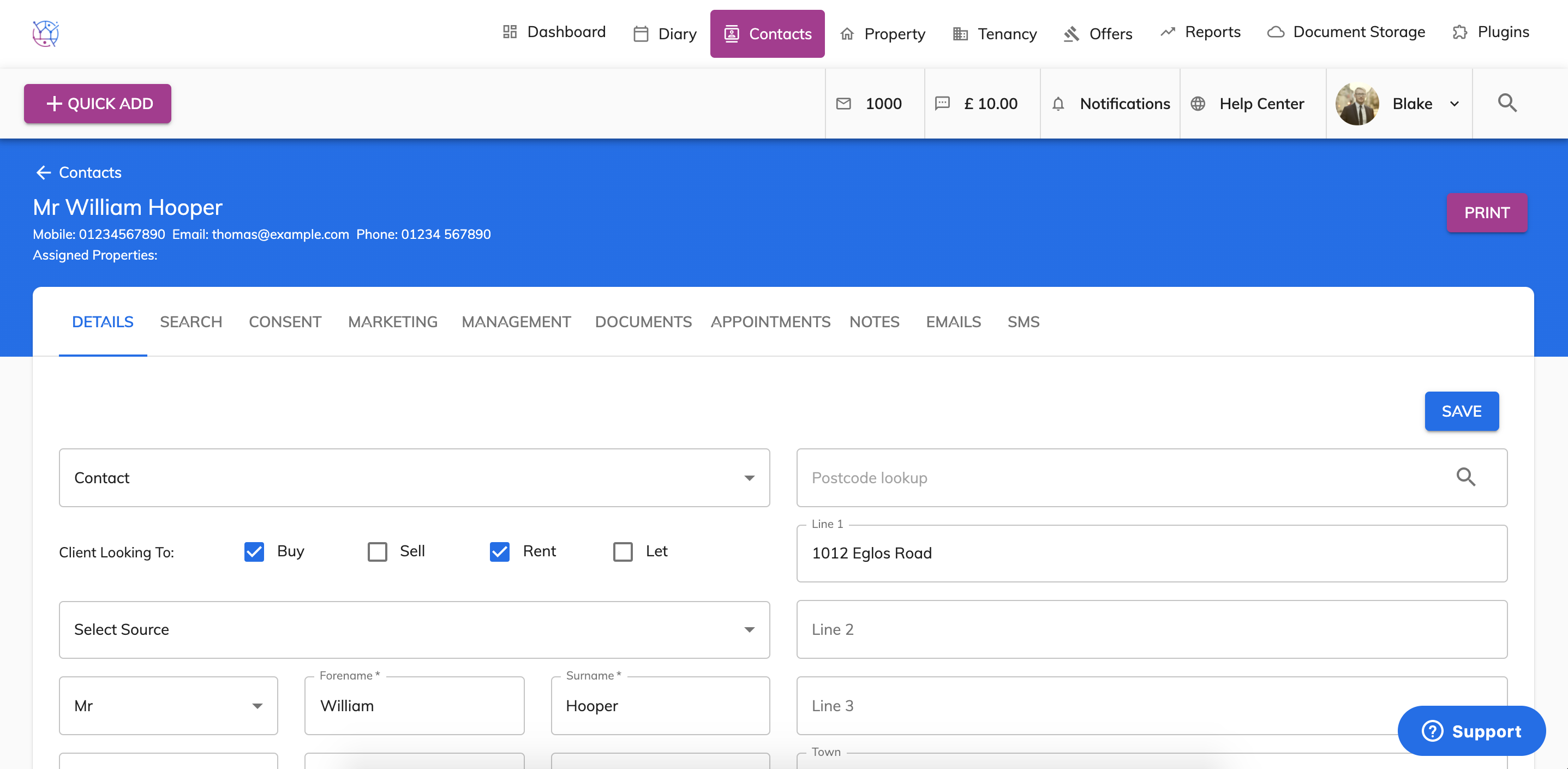
3) Click on the pencil icon on the right hand side of the contact.
4) Select the Documents tab from the menu.
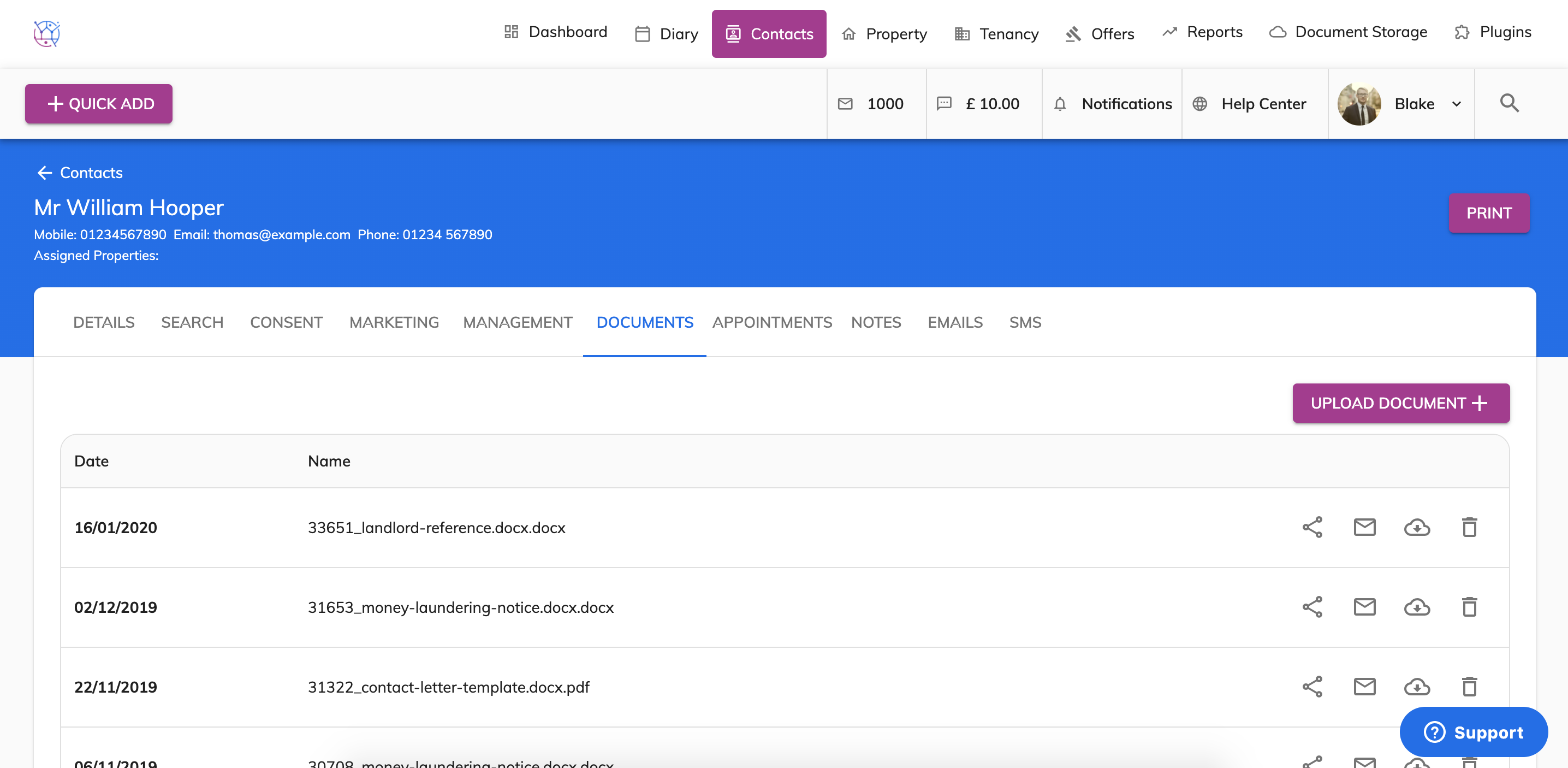
5) Press the Upload Documents button and select the file from your computer, press open.
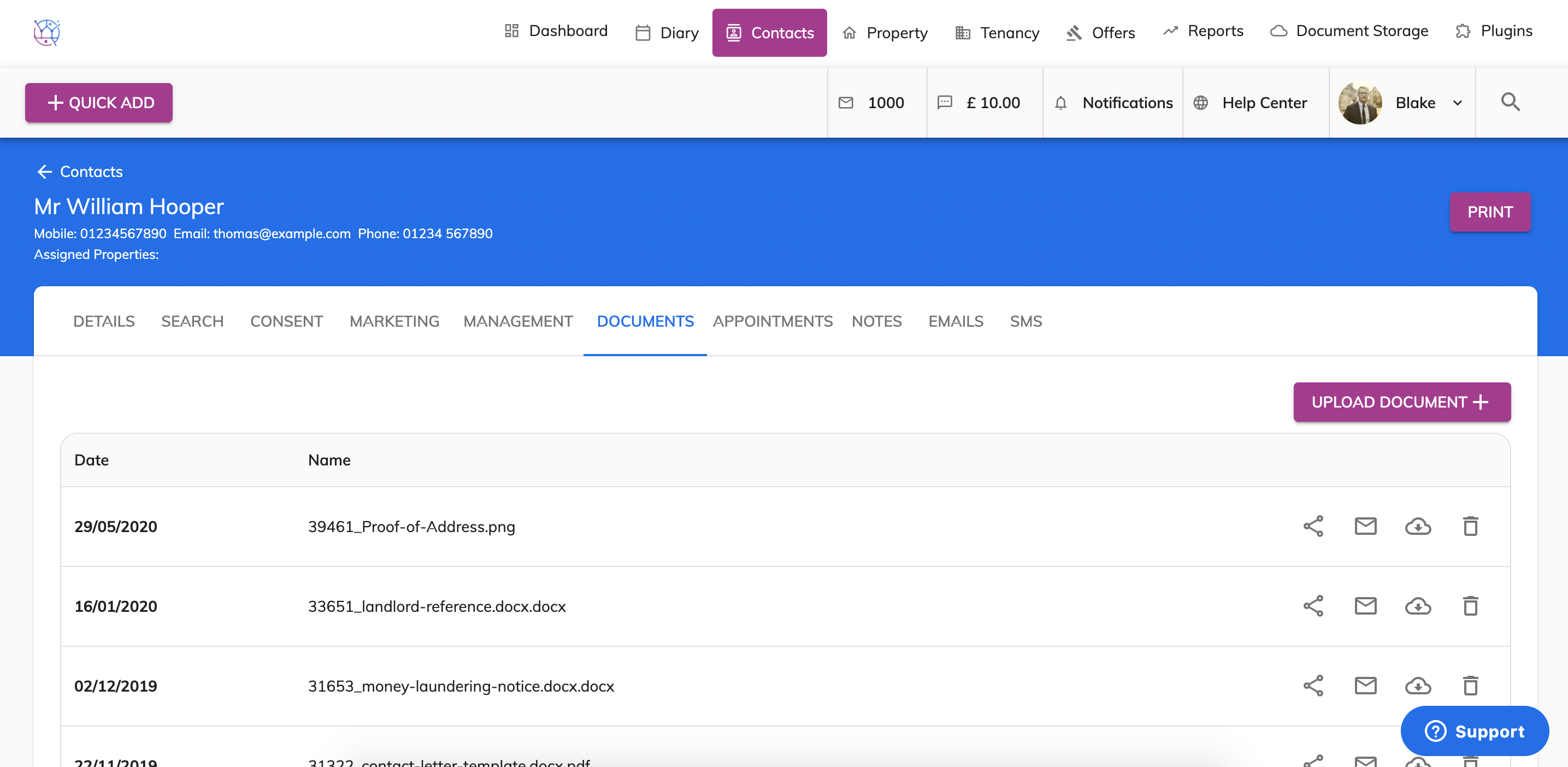
This will upload the file, you will know once the file has been uploaded as the loading bar will show 100% and the document will be added to the top of the list.
The document can then be downloaded against the contact and from the Documents section.