
To select the contacts property locations criteria, follow the steps below:
1) Click the Contacts tab.
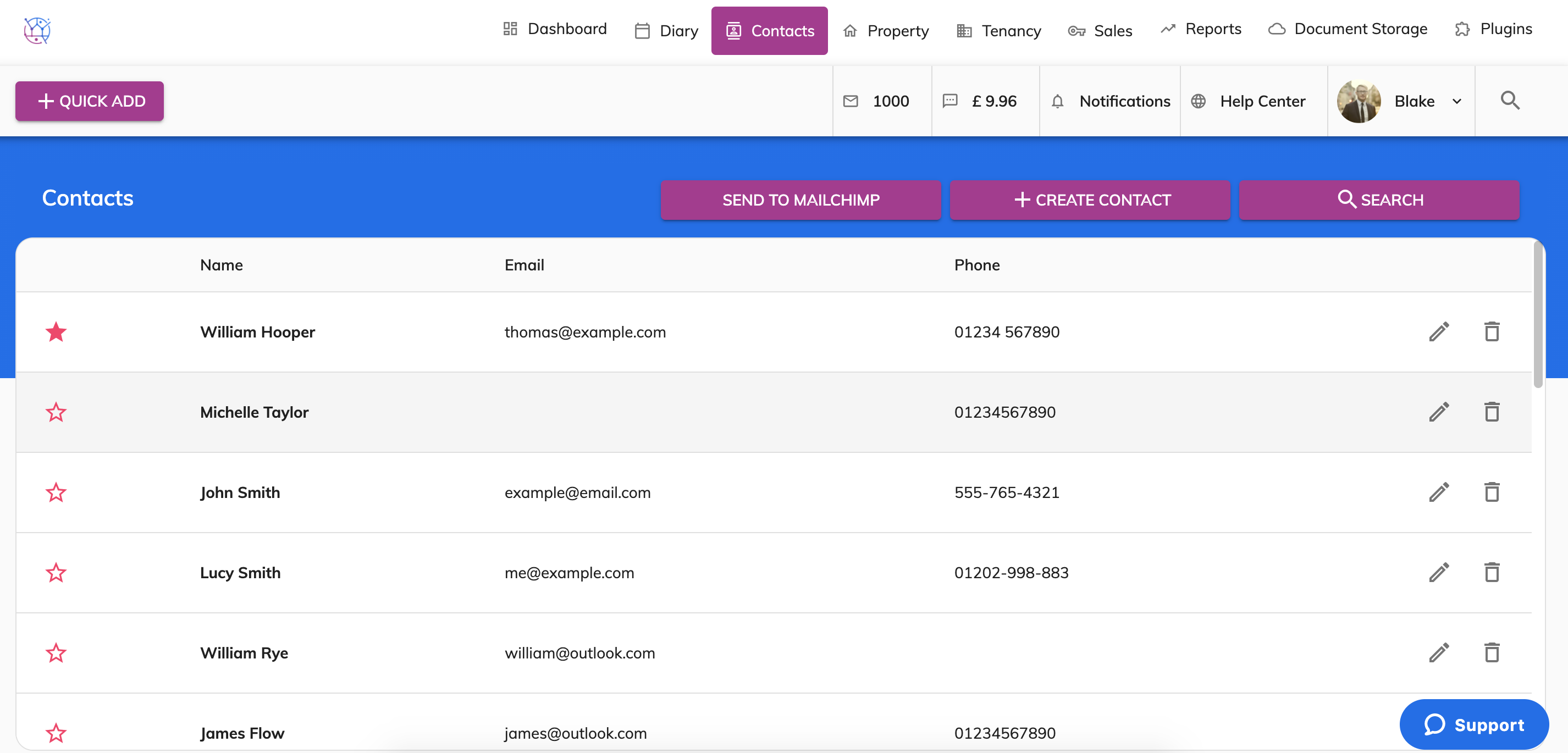
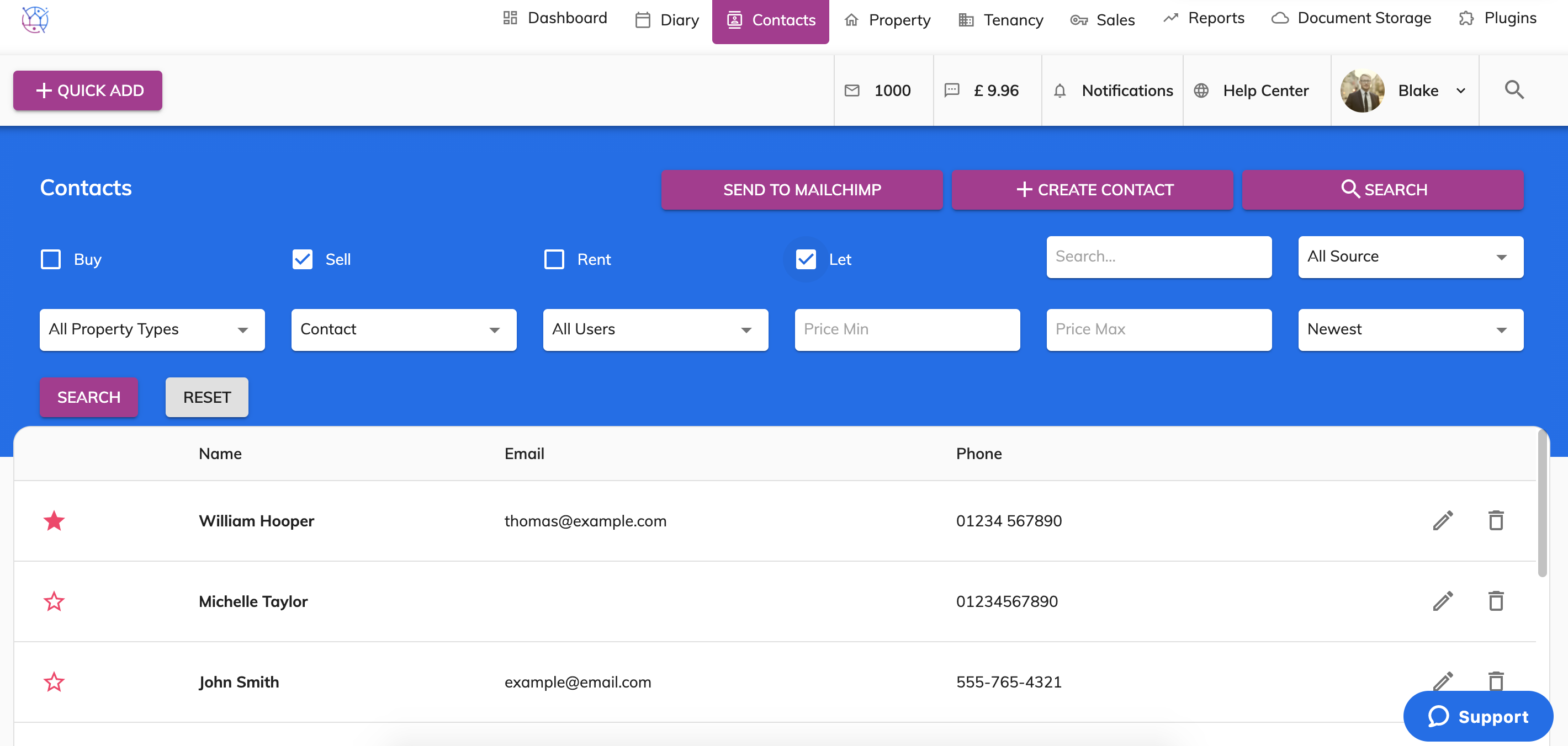
2) Using the offer search at the top of the page, enter the contacts name and or any other relevant information. Press Search.
3) Click on the pencil on the right hand side of the contact.
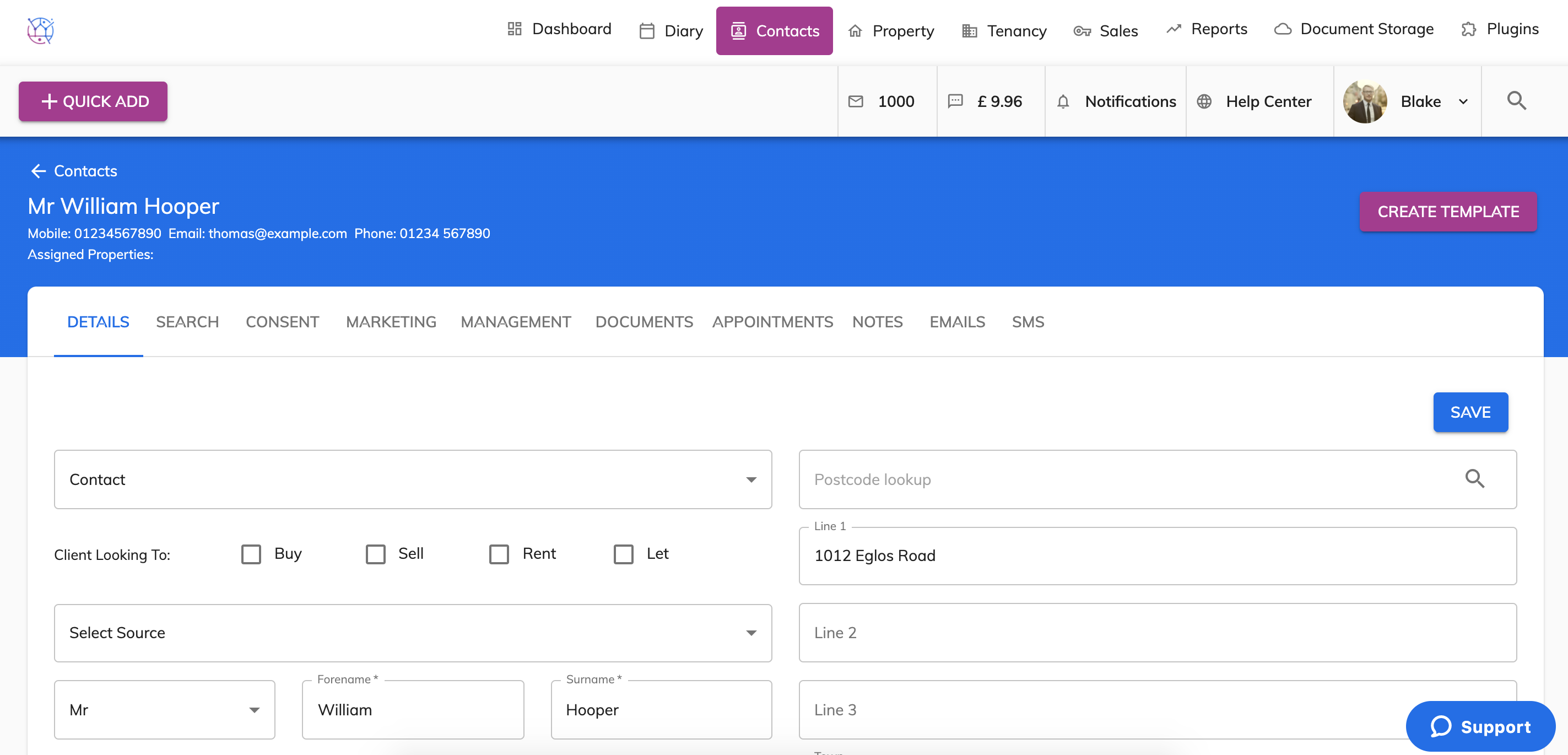
4) Select the Search tab from the menu and scroll towards the bottom of the page.
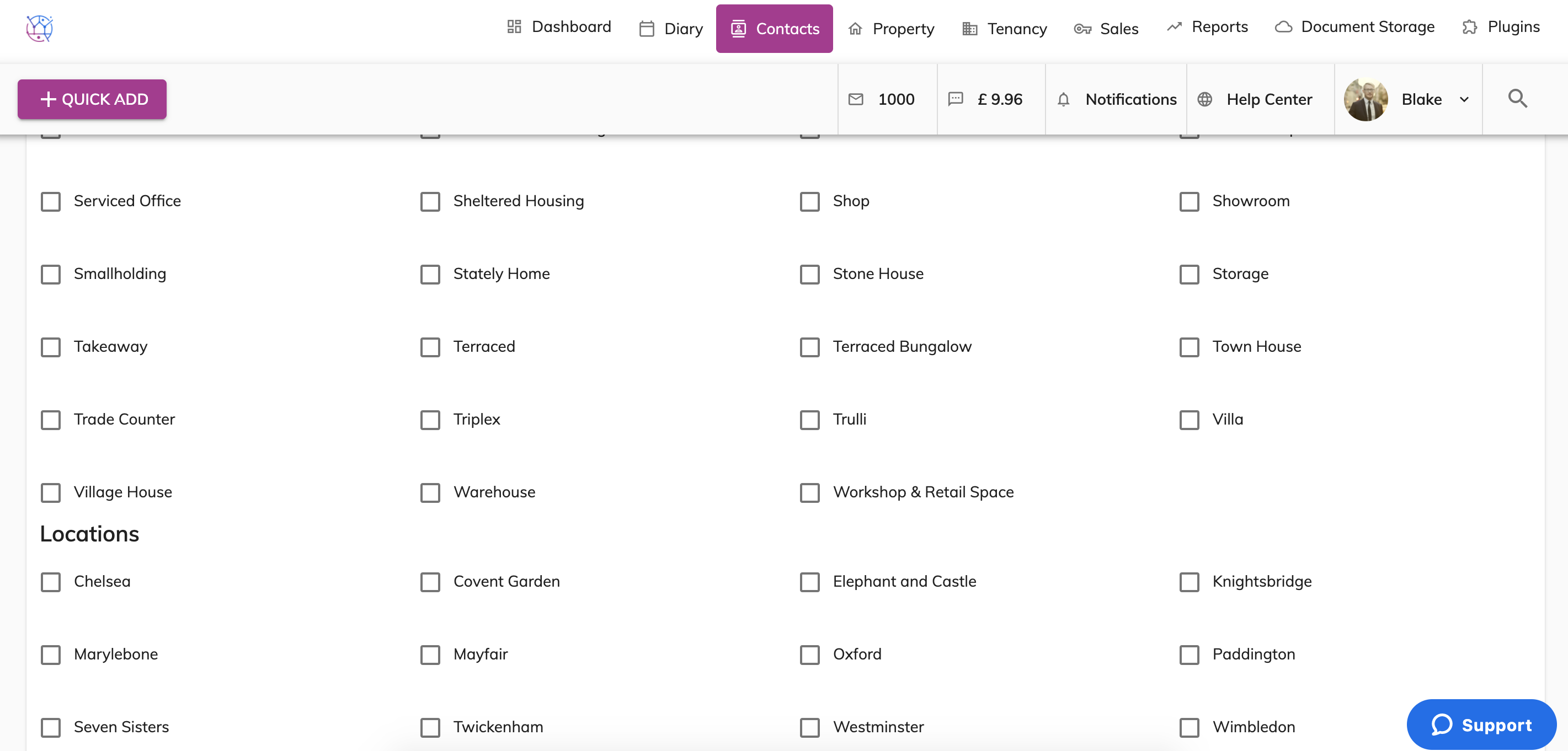
5) Add a tick into the boxes next to the locations that the contact is happy to buy or rent properties in. Then press the Save button.
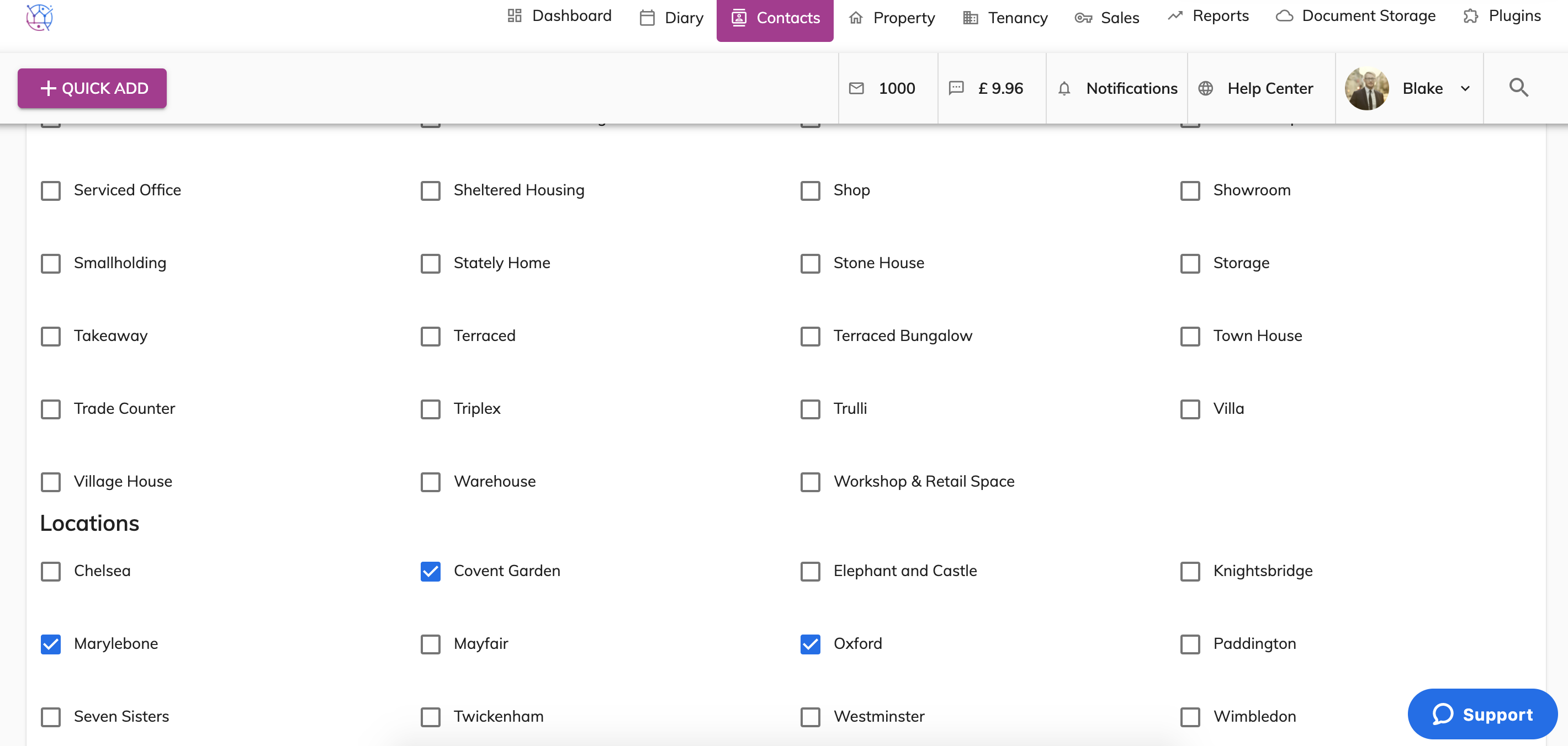
These locations will be used for extra matching criteria when using the Marketing Tool on the property, matching applicants to properties that are suitable for them based on their property criteria. Including property types, price, bedrooms, bathrooms and locations.