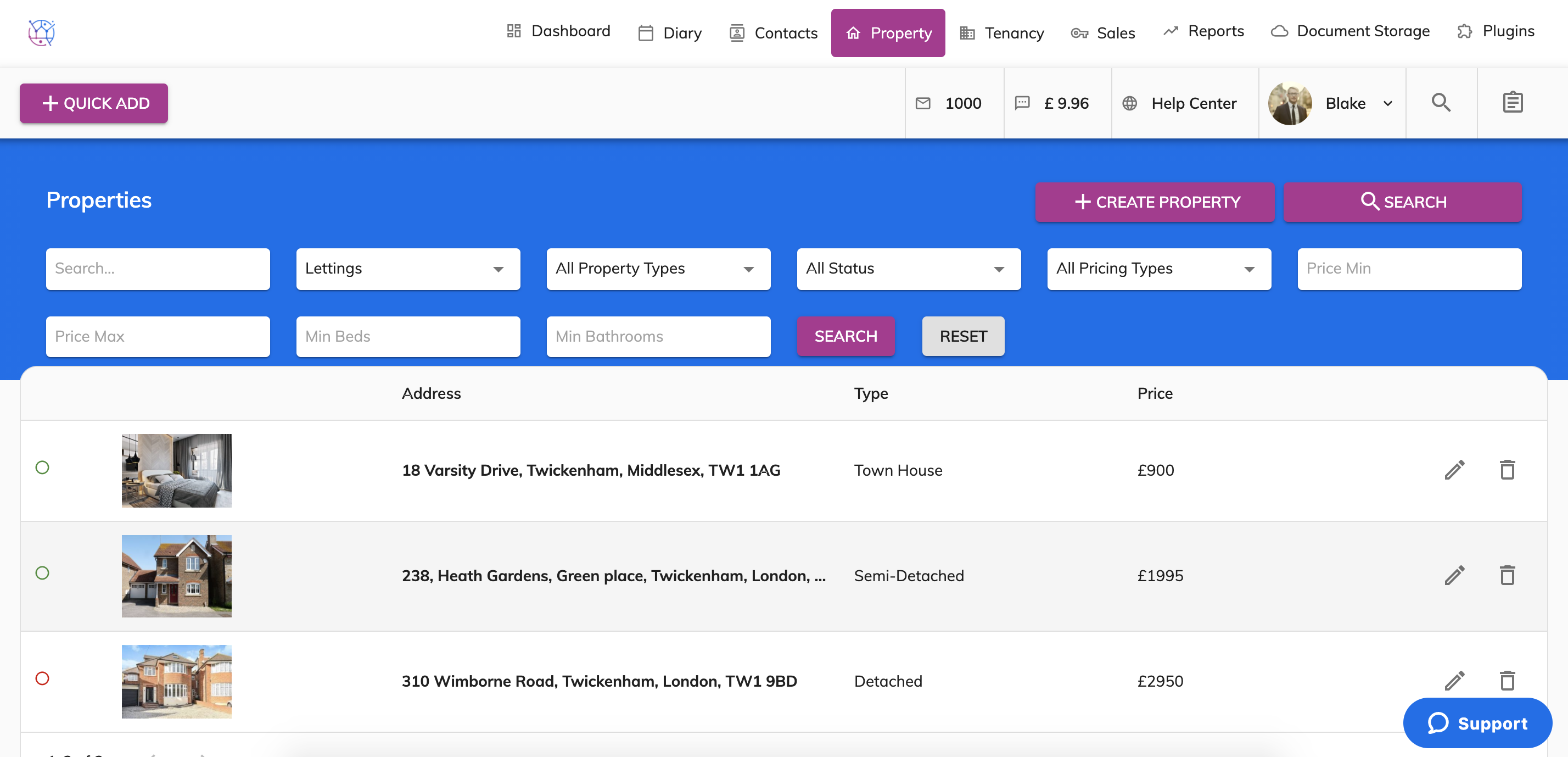
Sales, Lettings and Commercial properties are added in to the central Properties section.
To filter through these properties and only view one category of properties eg Lettings, this can be done using the Search bar at the top of the property.
1) Click on the Properties tab.
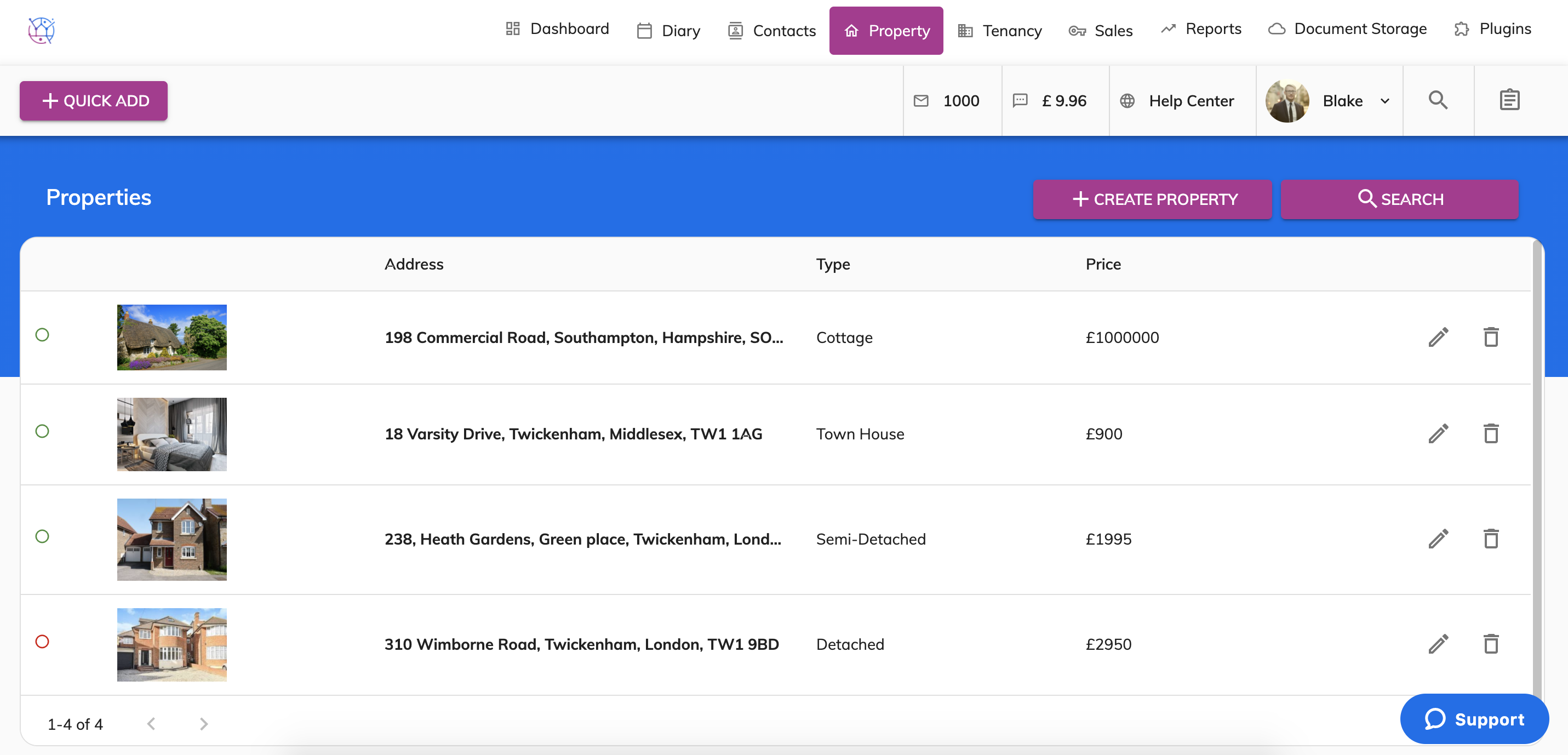
2) Click the Search button with the magnifying glass icon.
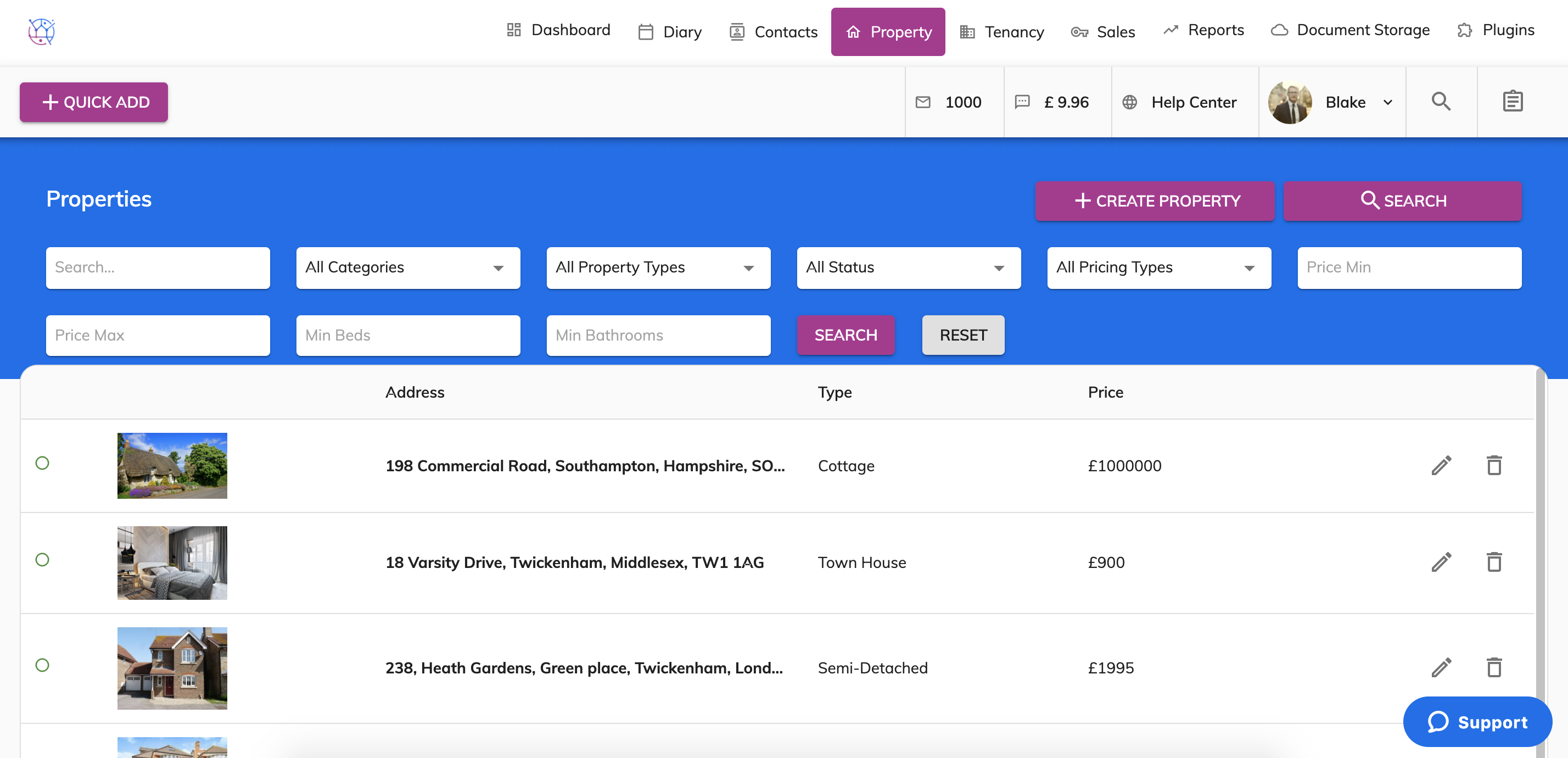
3) Use the Categories dropdown to select the type of property you are looking for.
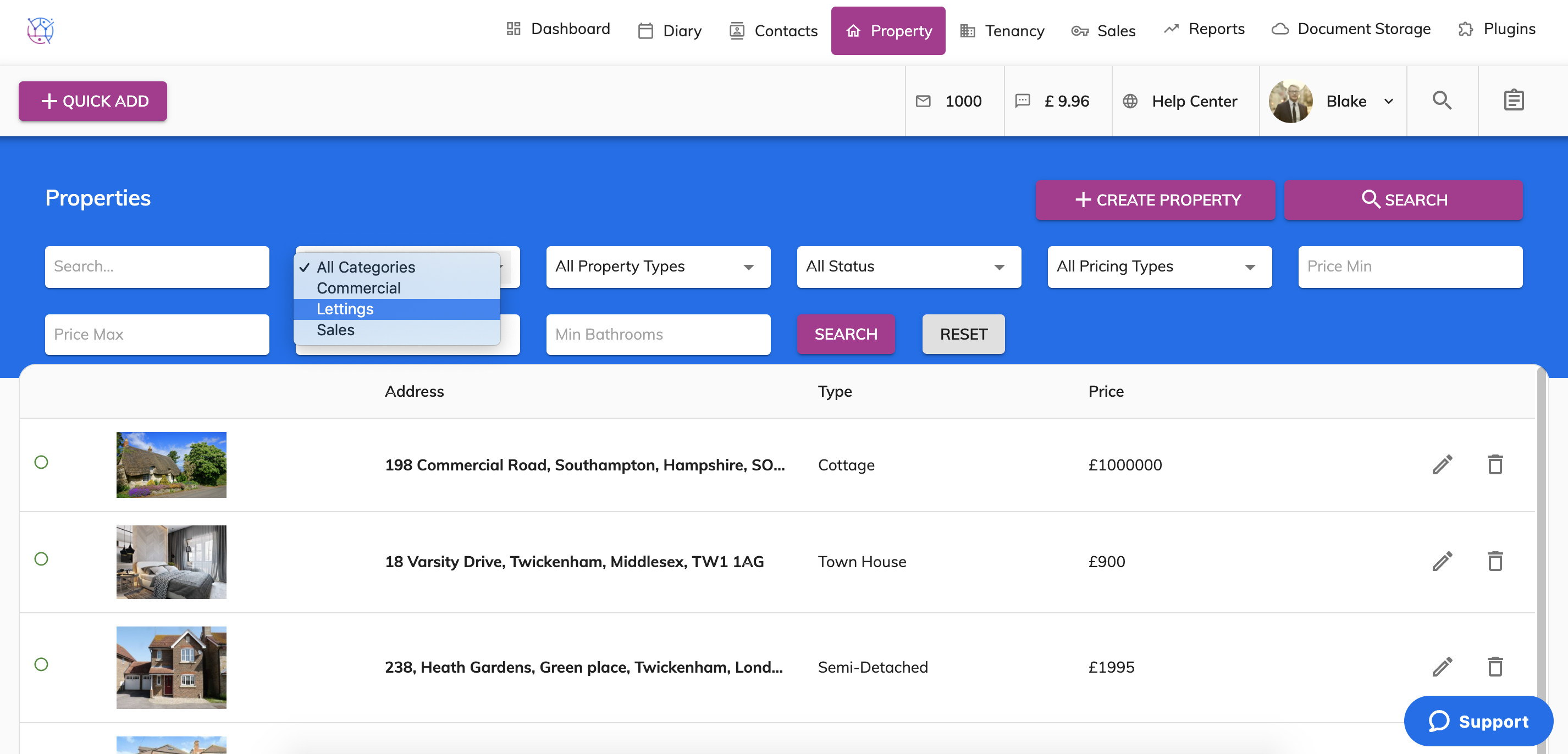
4) Press Search and use the pencil icon to edit the property.