
To delete or remove a property, follow the steps below:
1) Click the Property tab. 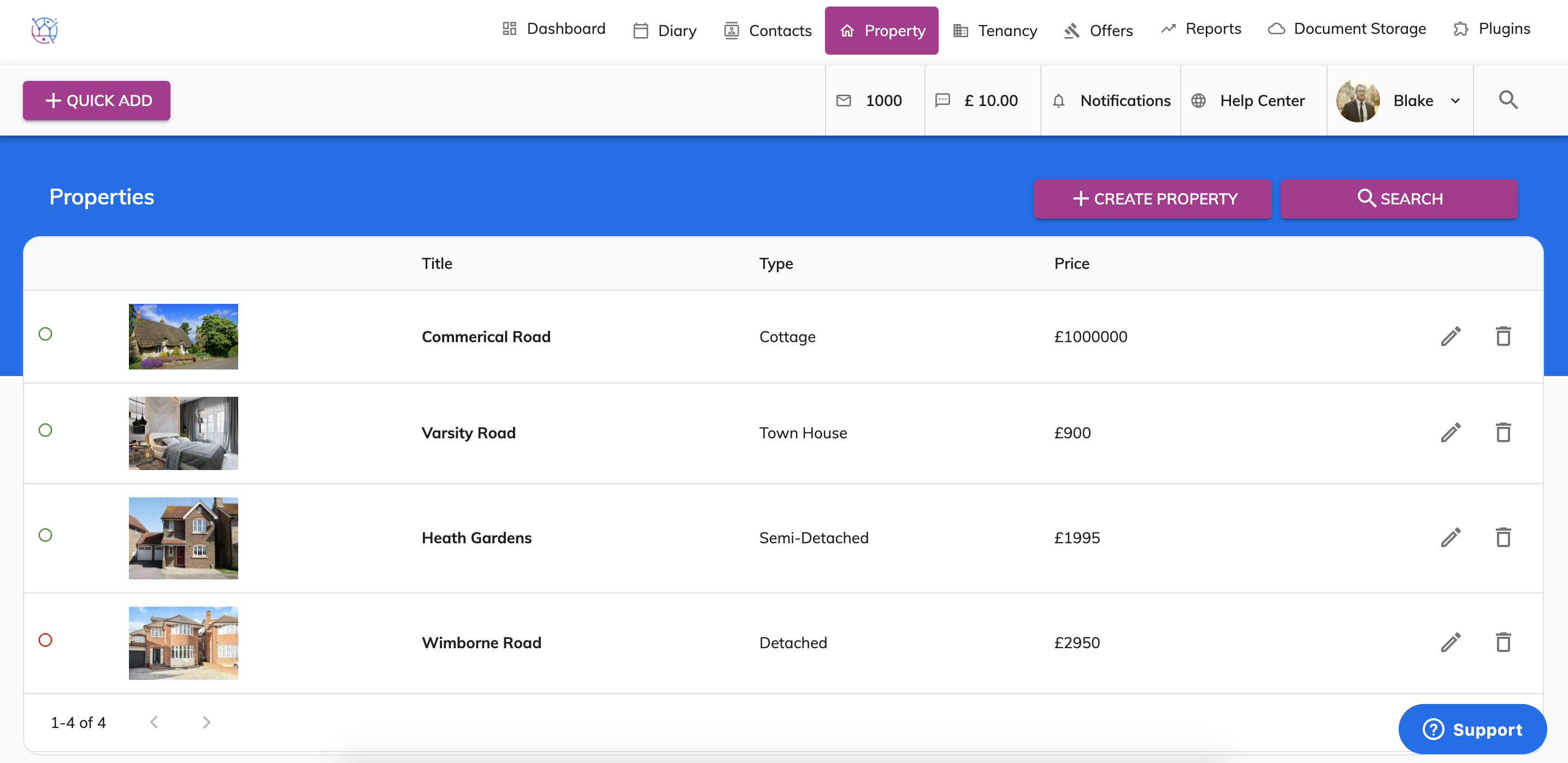
2) Using the property search, add in the name of the property and any other search criteria relevant. Then press Search.
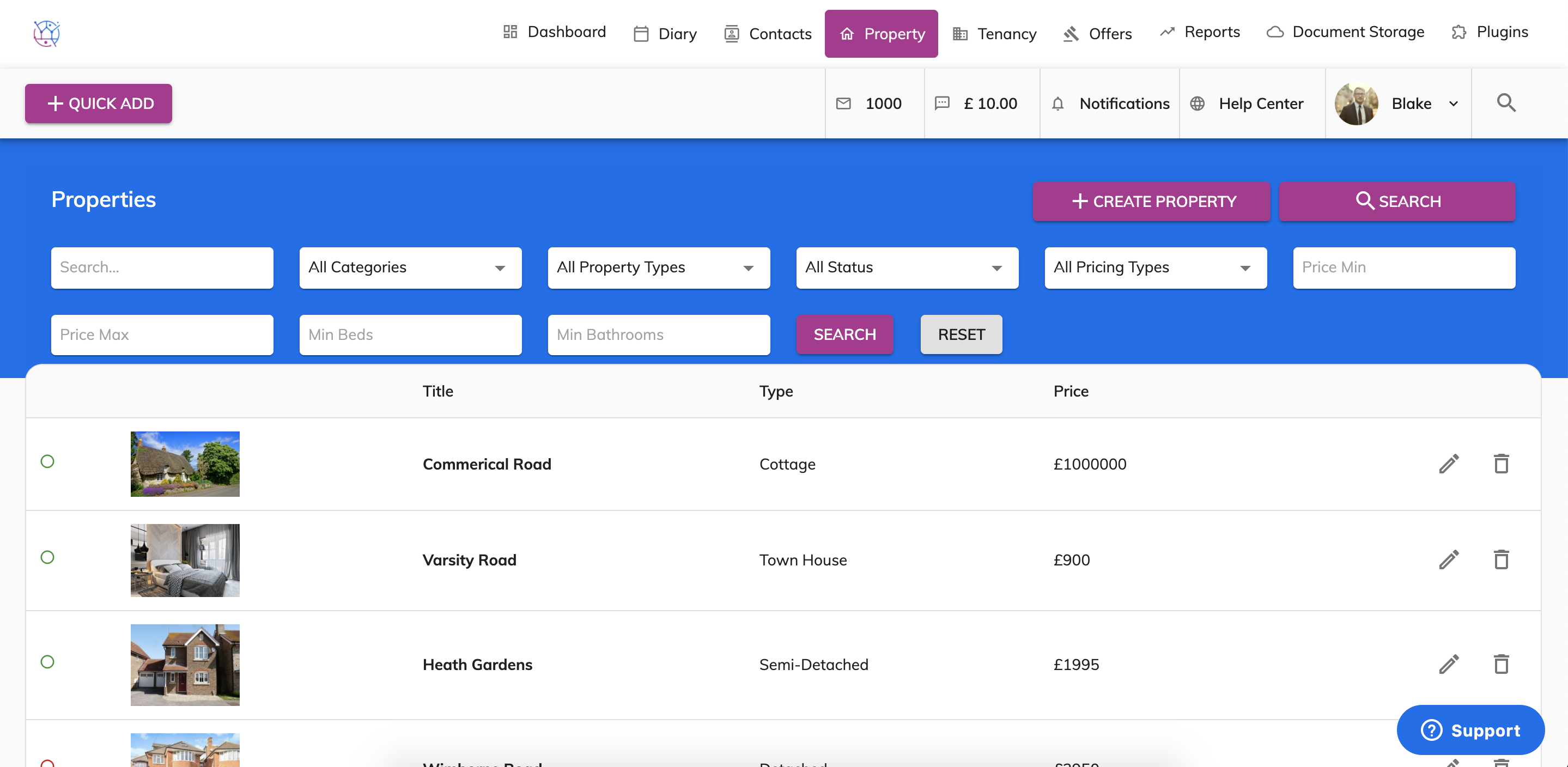
3) Click on the bin icon right hand side of the property to delete the property.
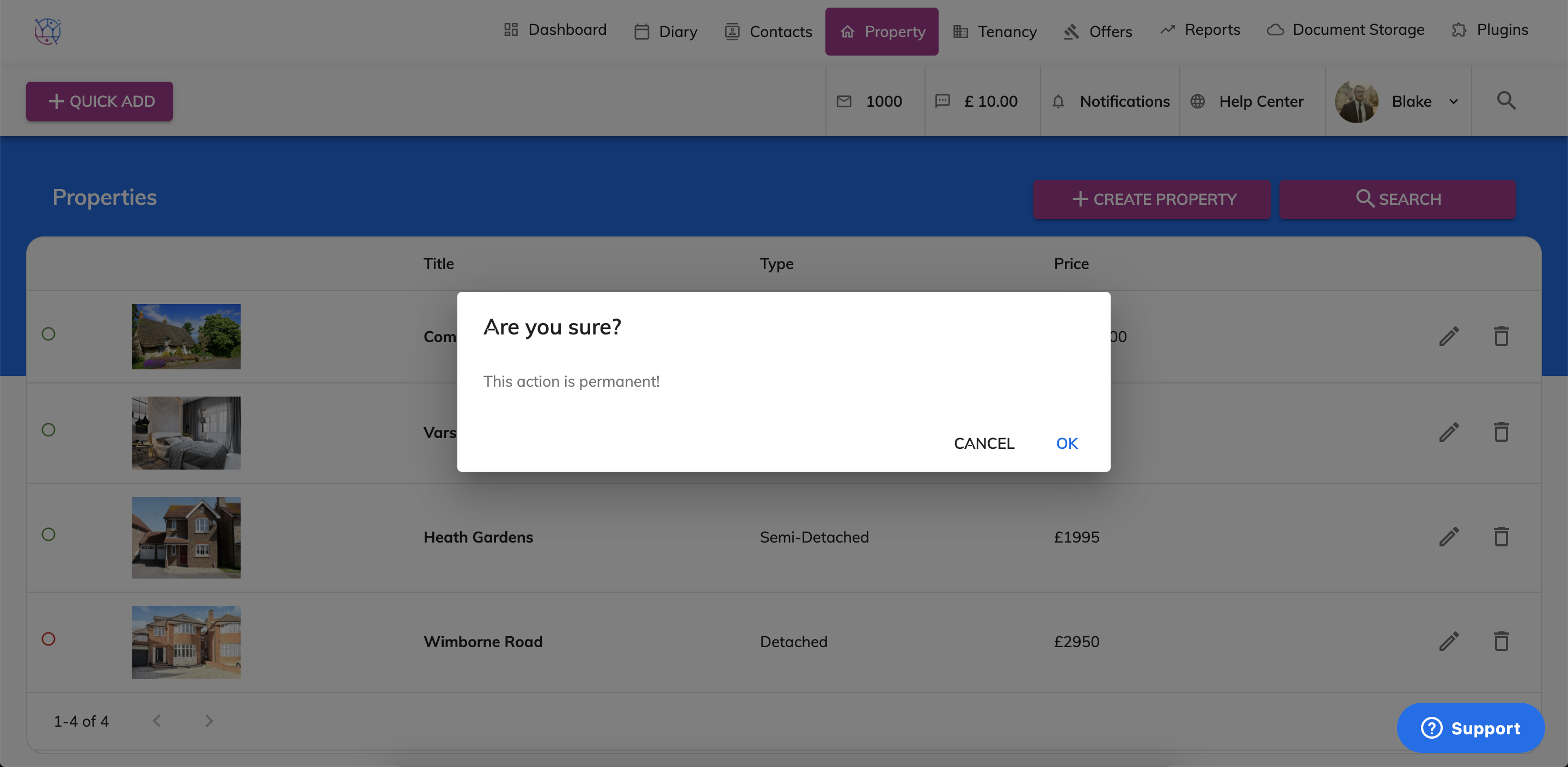
A warning box will appear, asking you to confirm that you wish to delete the property.
Please note once a property has been deleted it is unable to be restored.