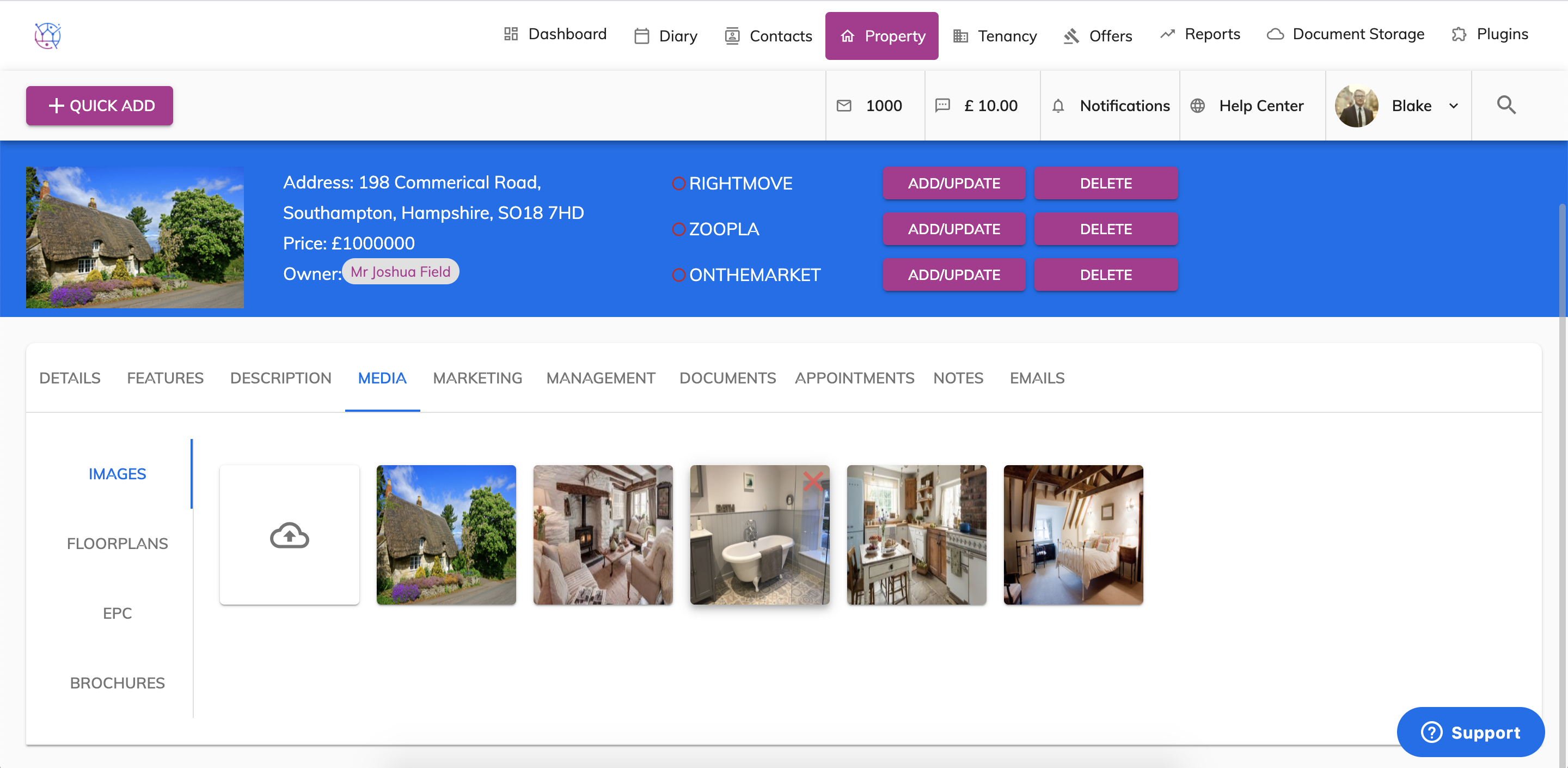
To upload your property Images or EPC or Floorplans or Brochures to a property, follow the steps below:
1) Click the Property tab from the menu at the top of Juvo.
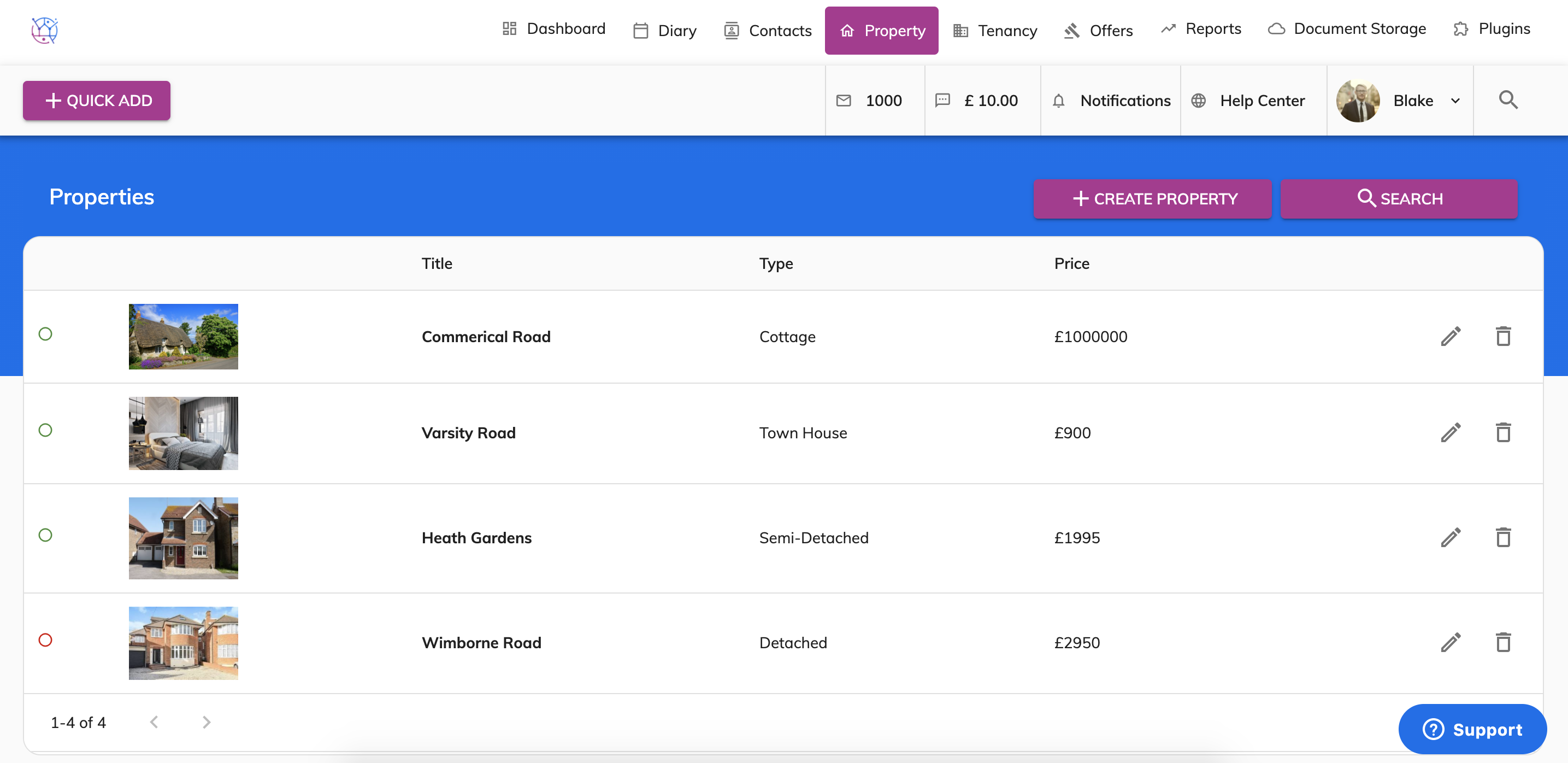
2) Find the relevant property and press the pencil icon, this will show the property details page.
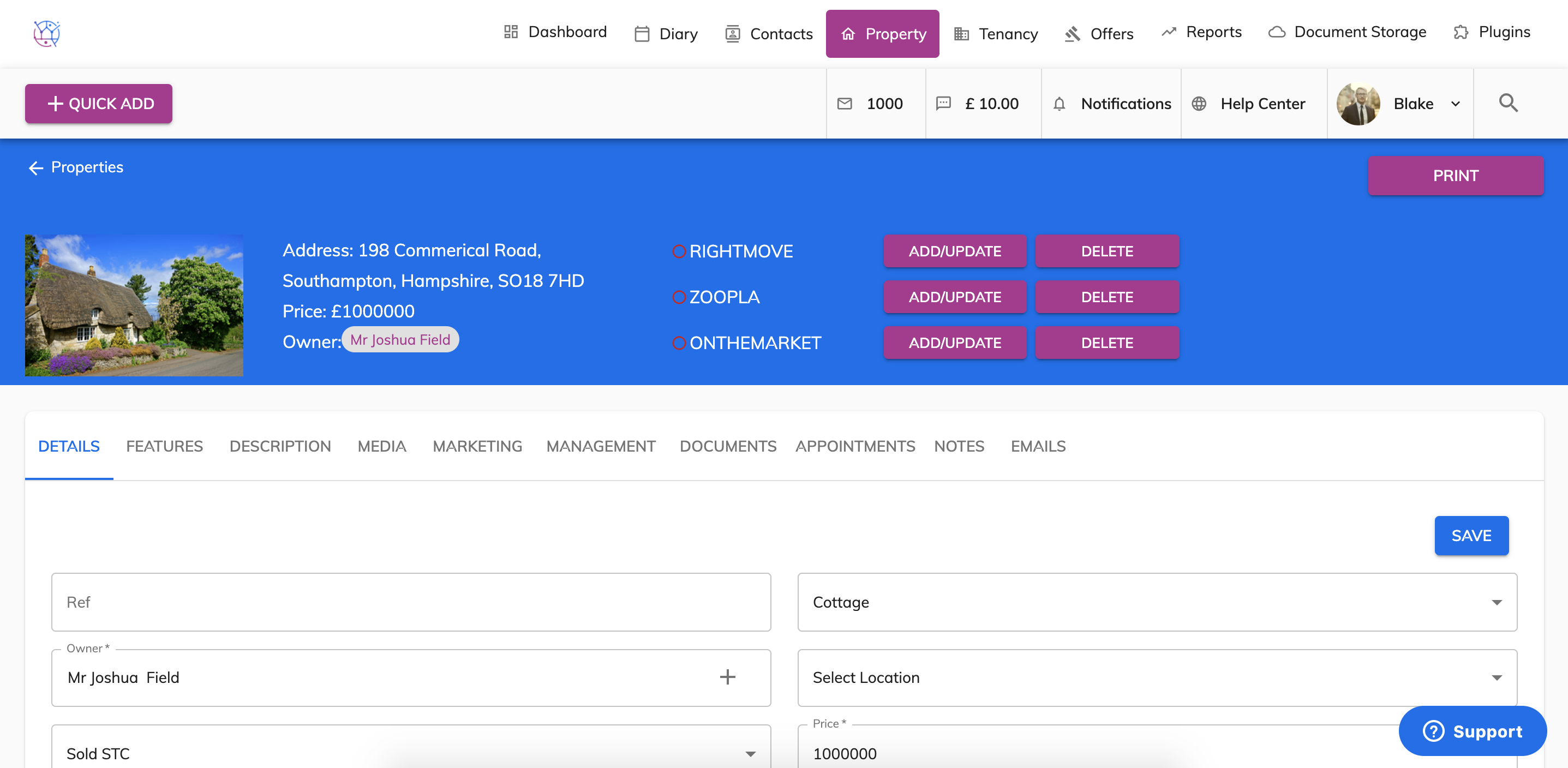
3) Select the Media tab on the menu.
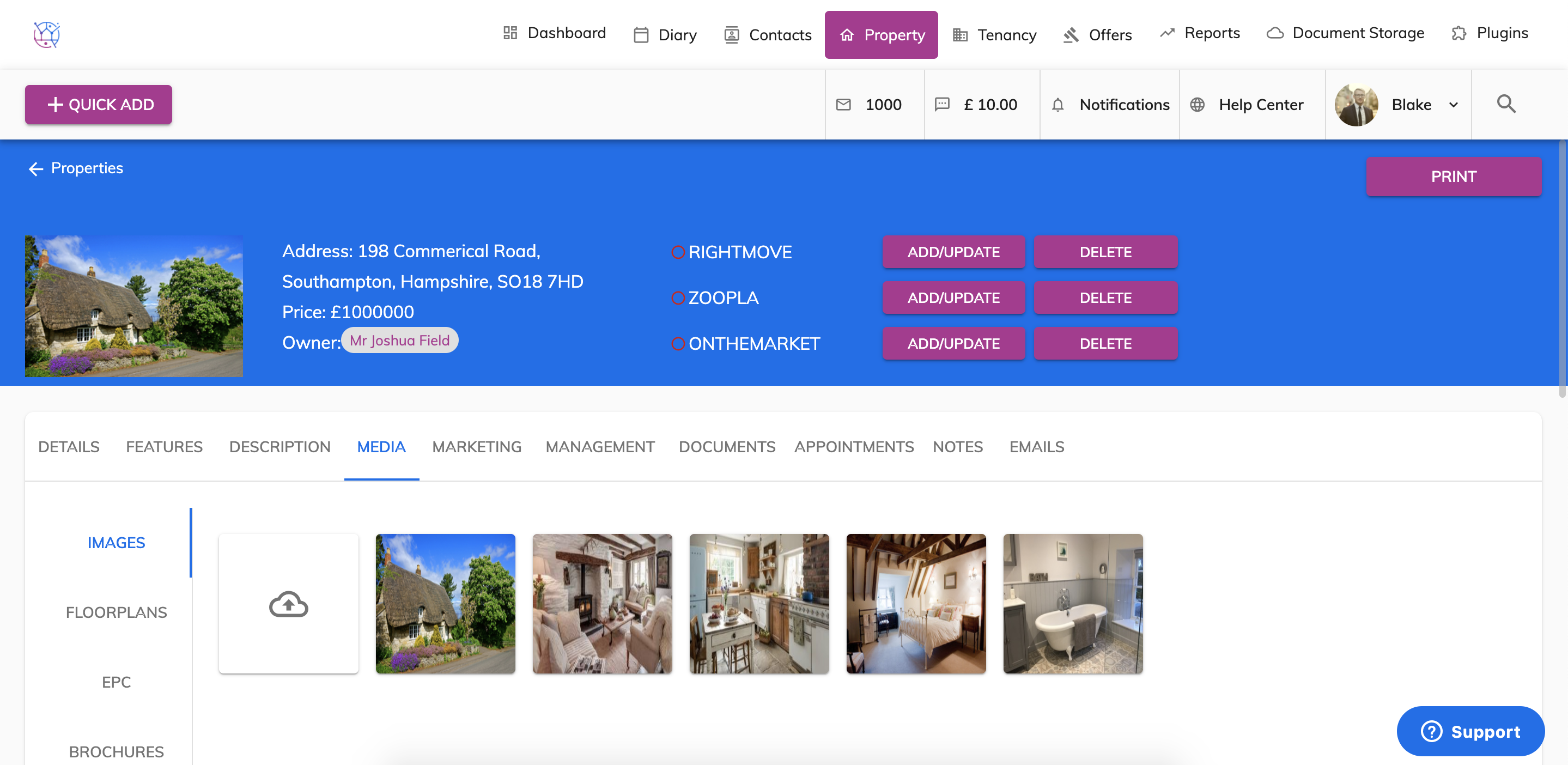
4) Select the tab as to whether you would like to upload an image, EPC (image format), floorplan or brochure (pdf).
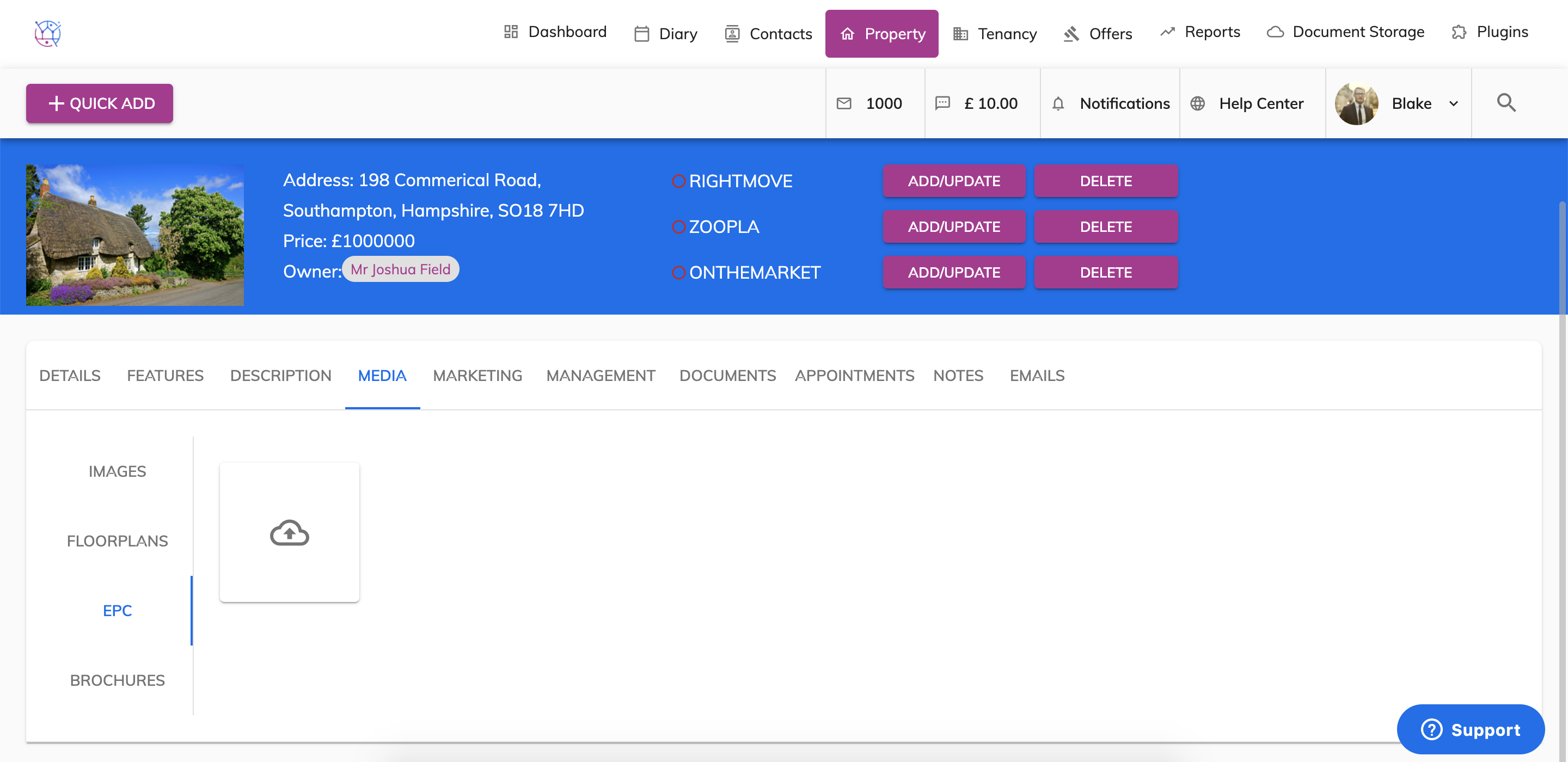
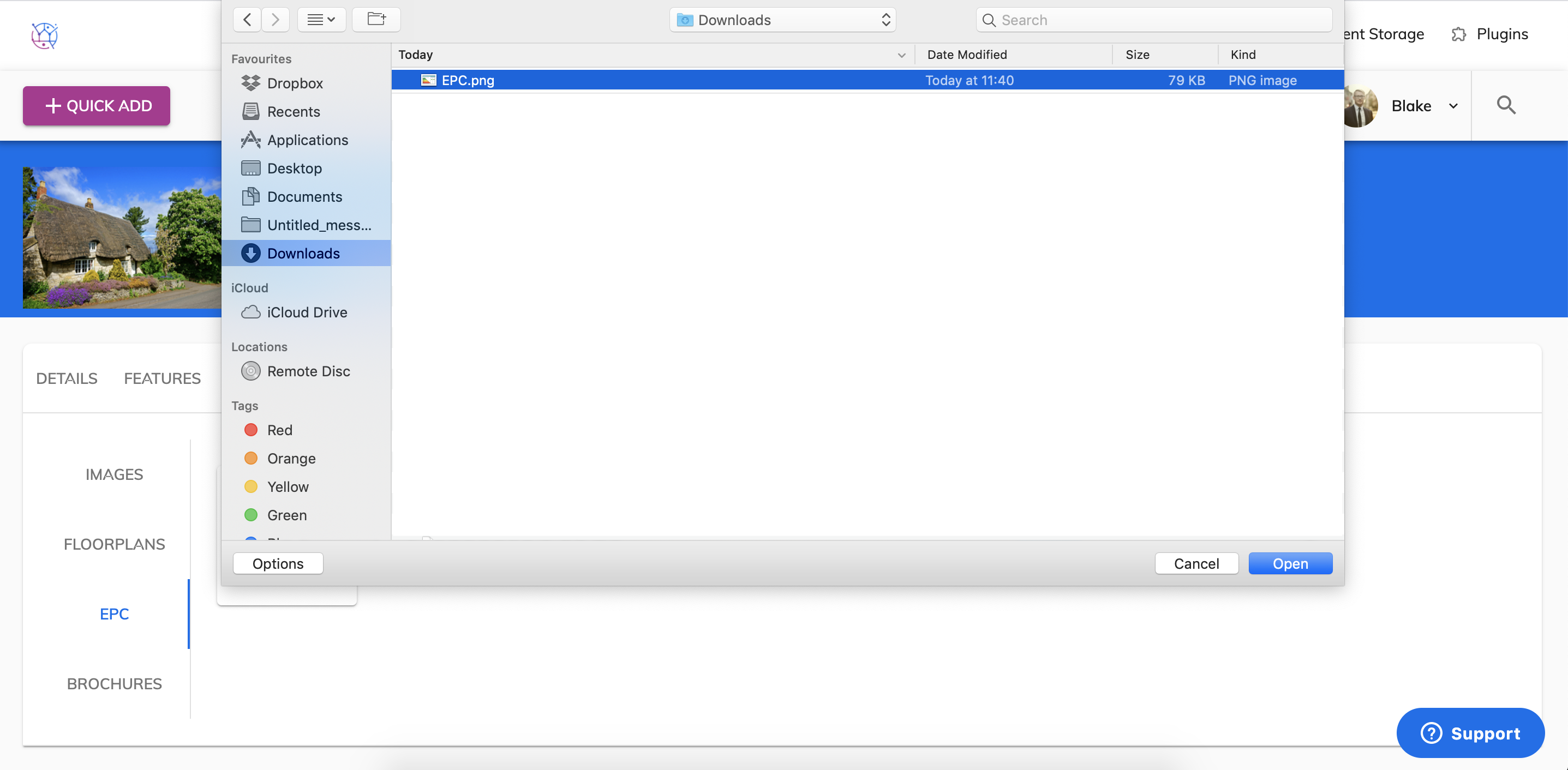
5) Click on the Cloud icon and select image/images from your computer and press the open button.
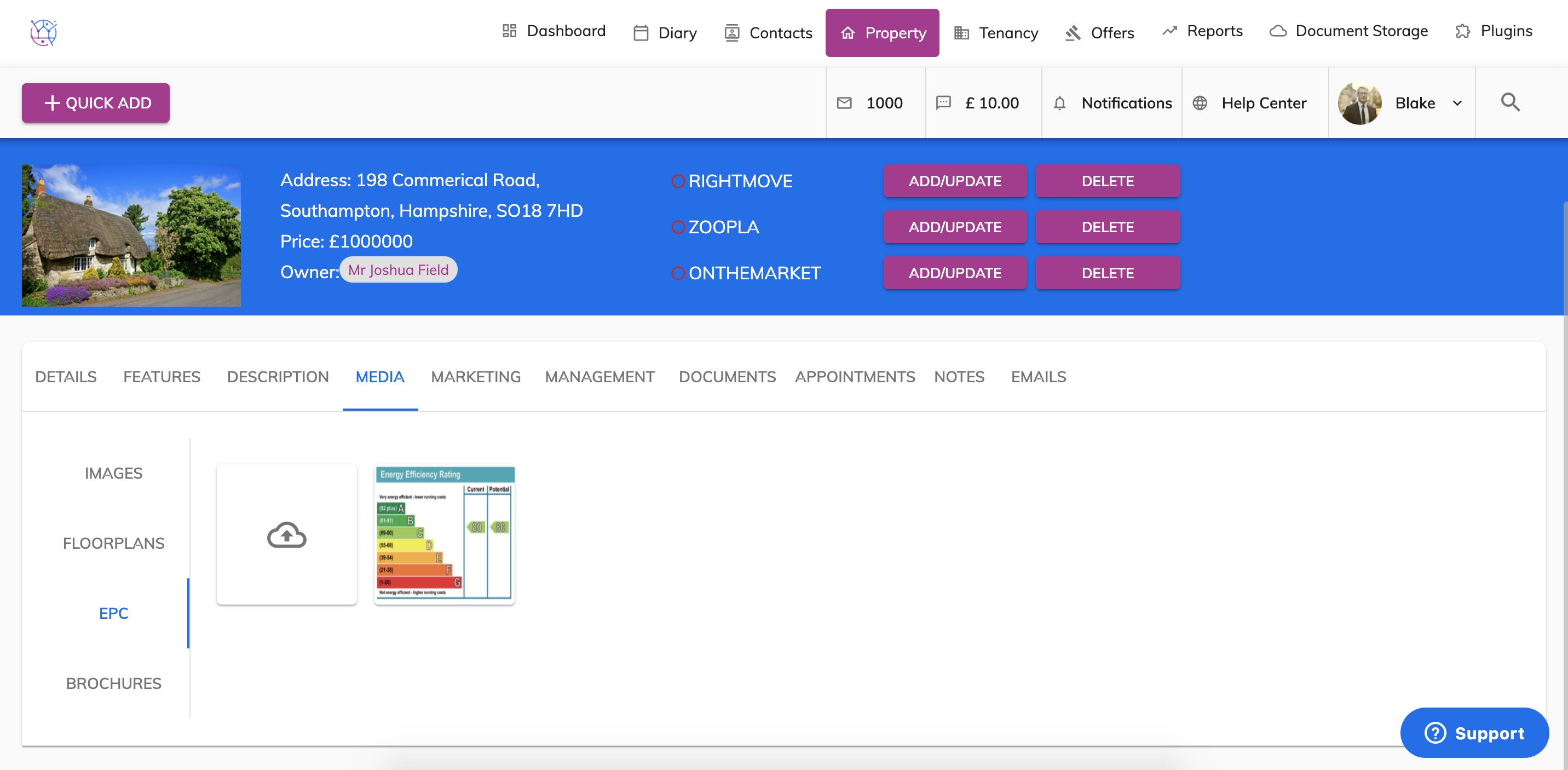
6) This will then upload the image/ images and appear below.
7) To reorder your images click in the centre of the images and drag to the desired location.