
When clients click on the client portal link, they will see a login screen similar to this but with your company logo.
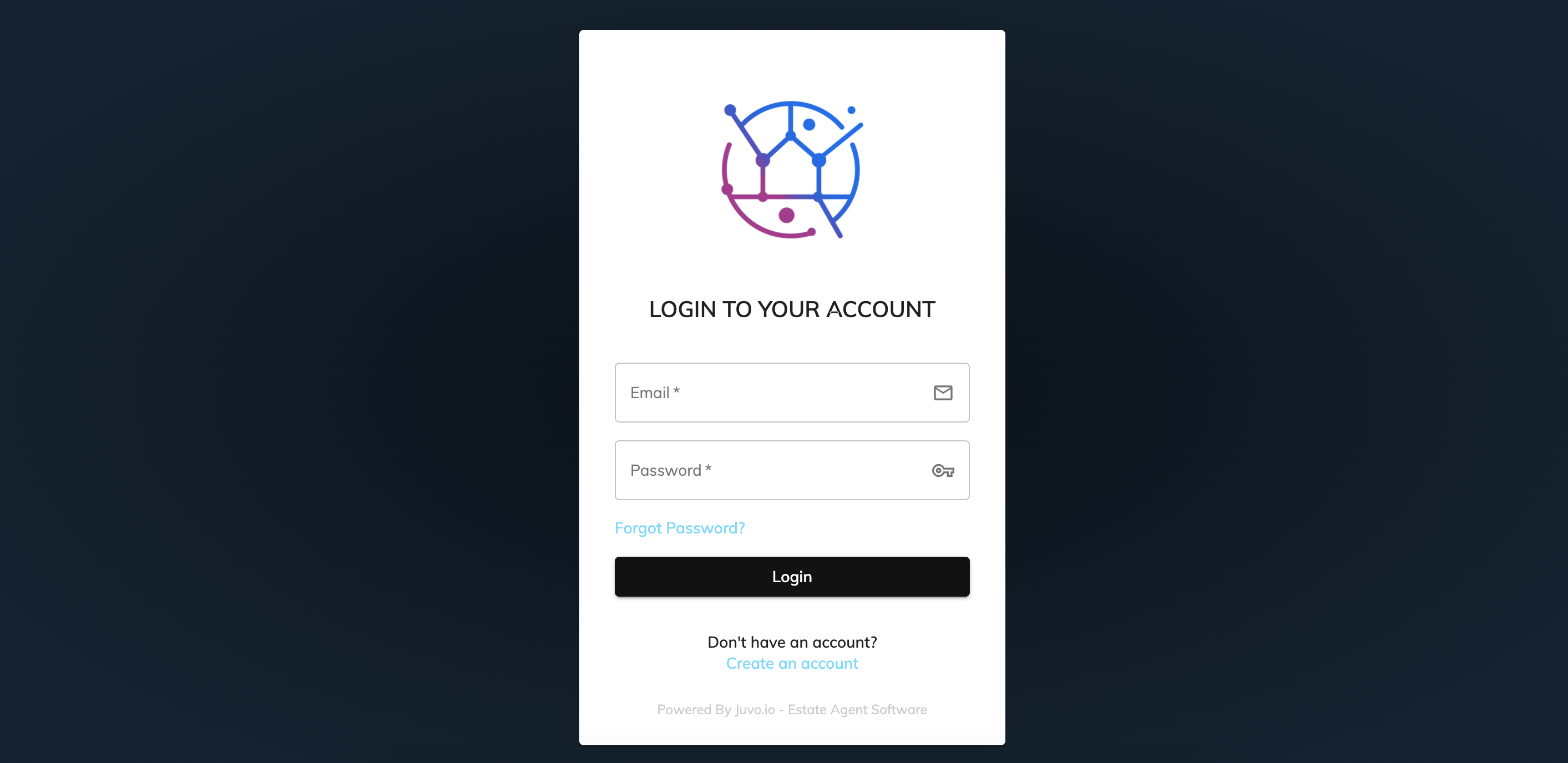
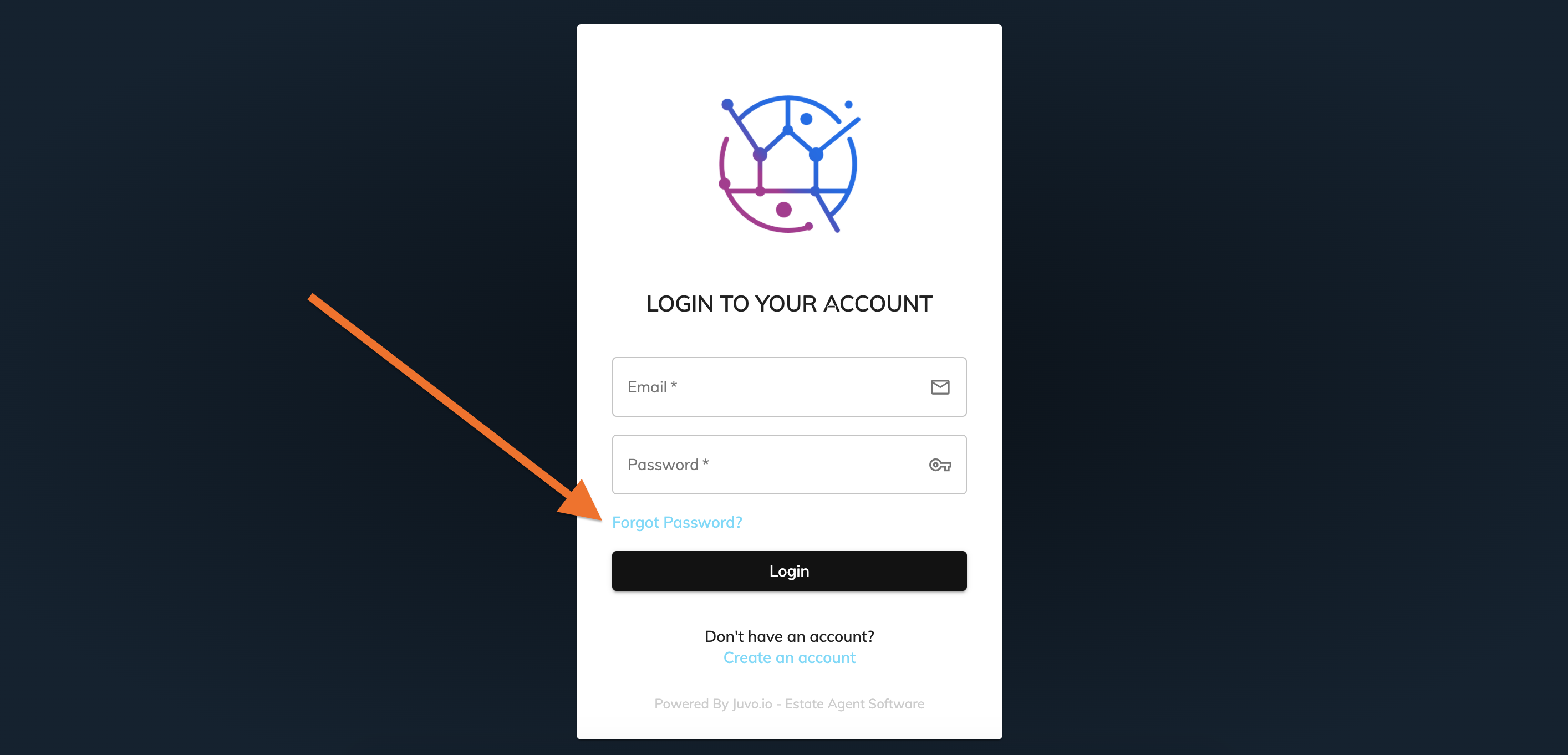
At the bottom of the form there is a Forgot Password button. Ask your client to click on this.
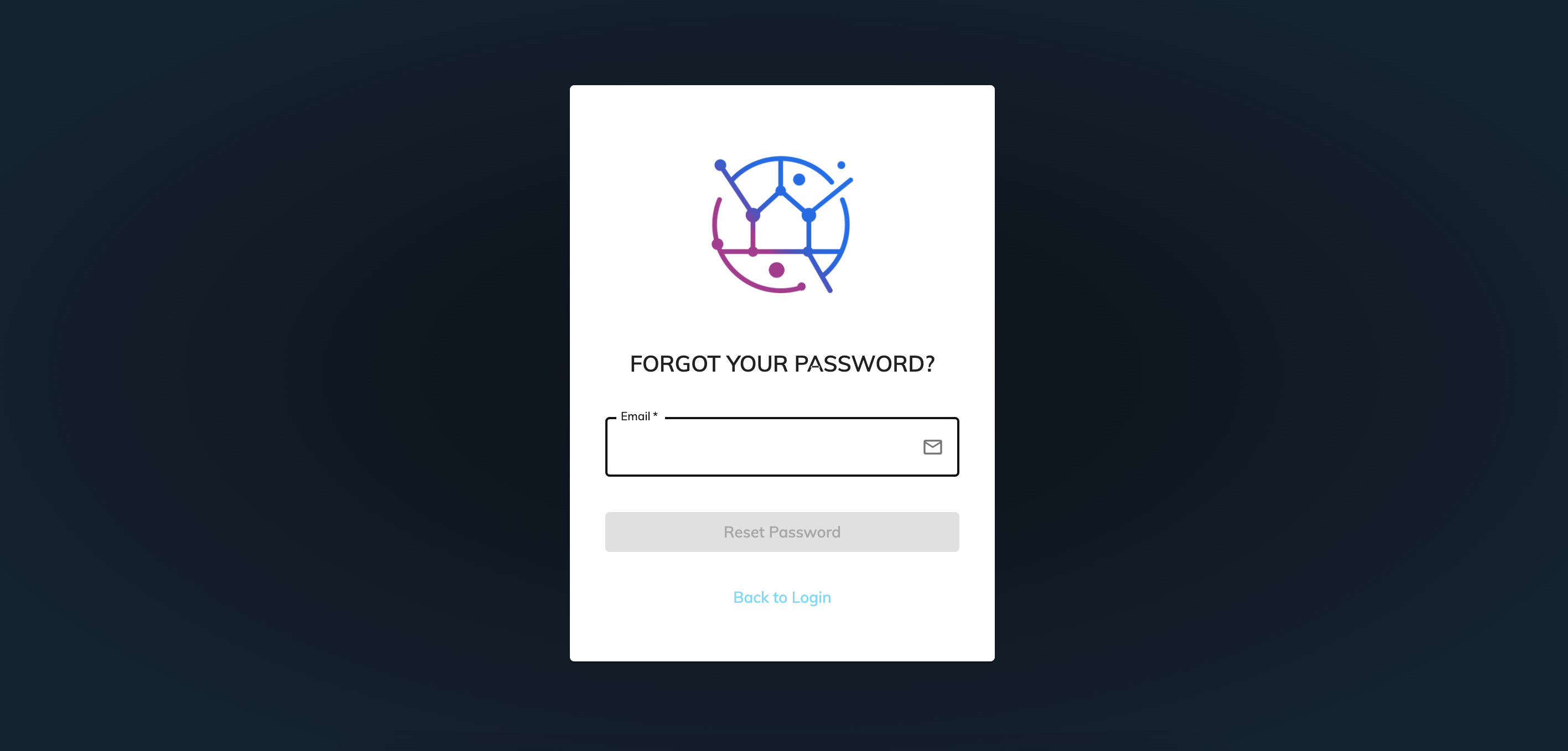
Ask your client to enter their email address & press the Reset Password button. An email will then be sent directly to the client for them to reset the password. If they have not received the email within 5 minutes, please ask them to check their Junk/Spam folder.
They can now login with this new password.