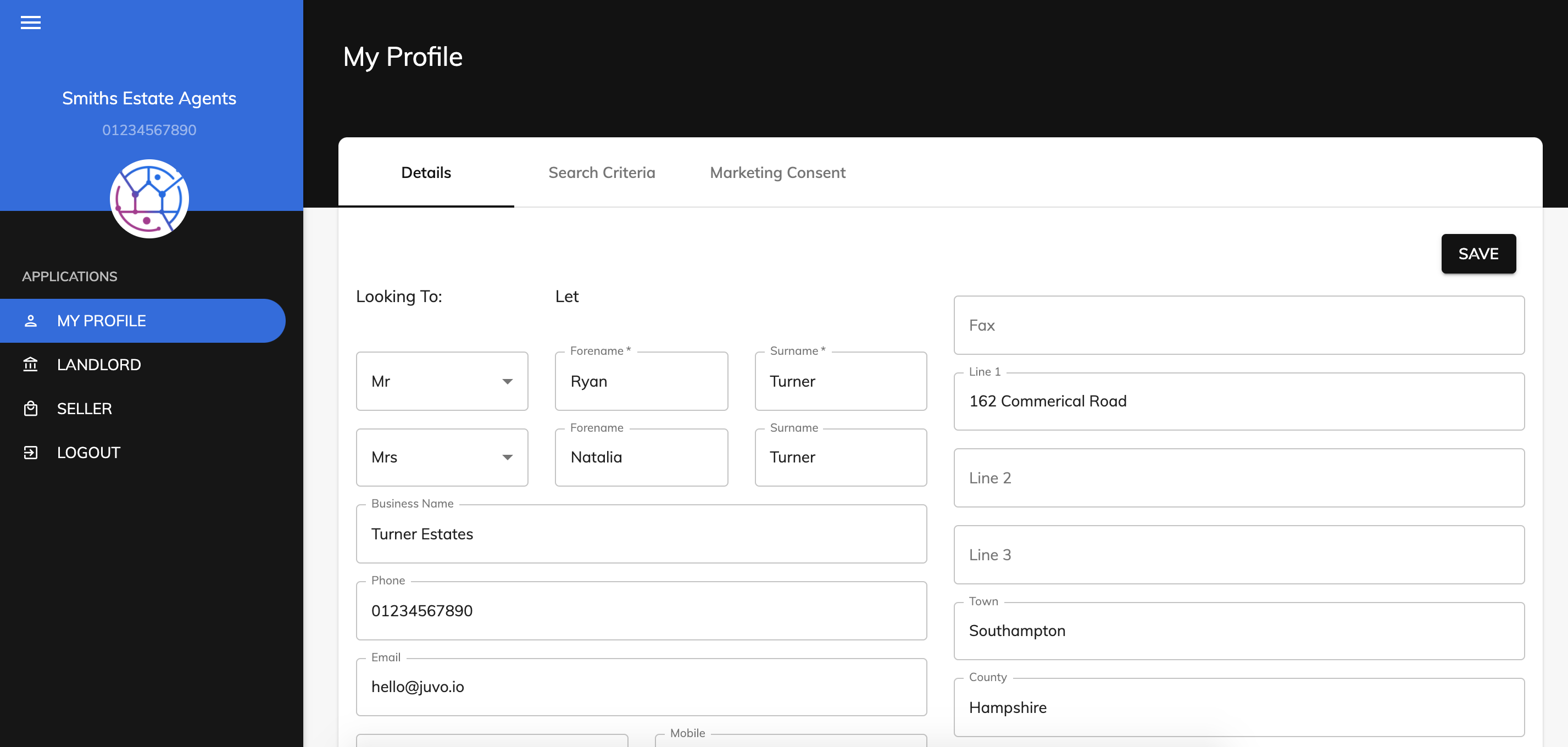
To allow access to your clients to the client portal or client login, follow the steps below:
New clients that are not yet added into Juvo:
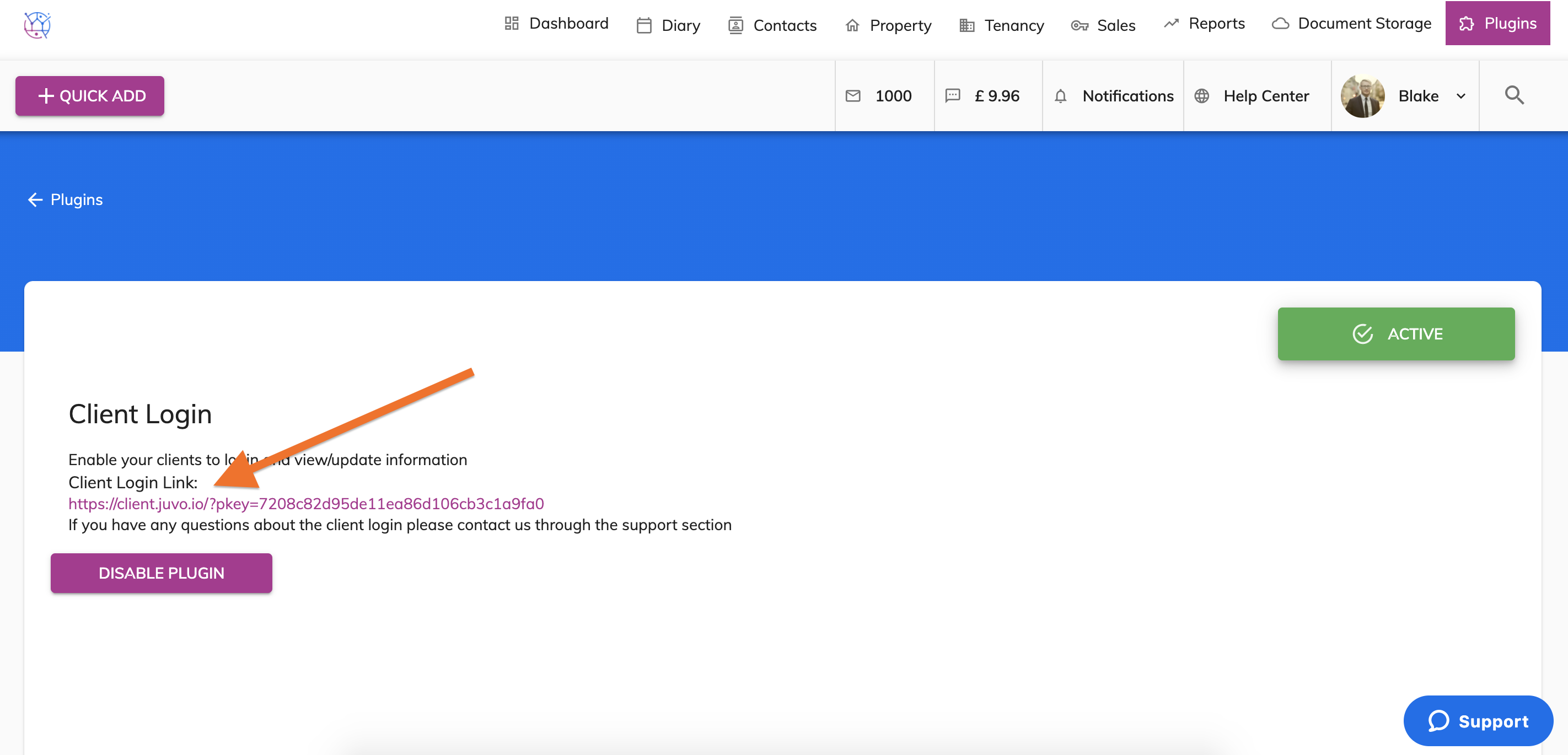
Ask your client to click on your link (this can be found in the more info section of the 'client login' the plugins section of your Juvo account). Do you know that this link can also be added as a button on to your website?
The client then clicks ‘Create an account’. Once their account has been created, they can use their email and password to access their client portal.
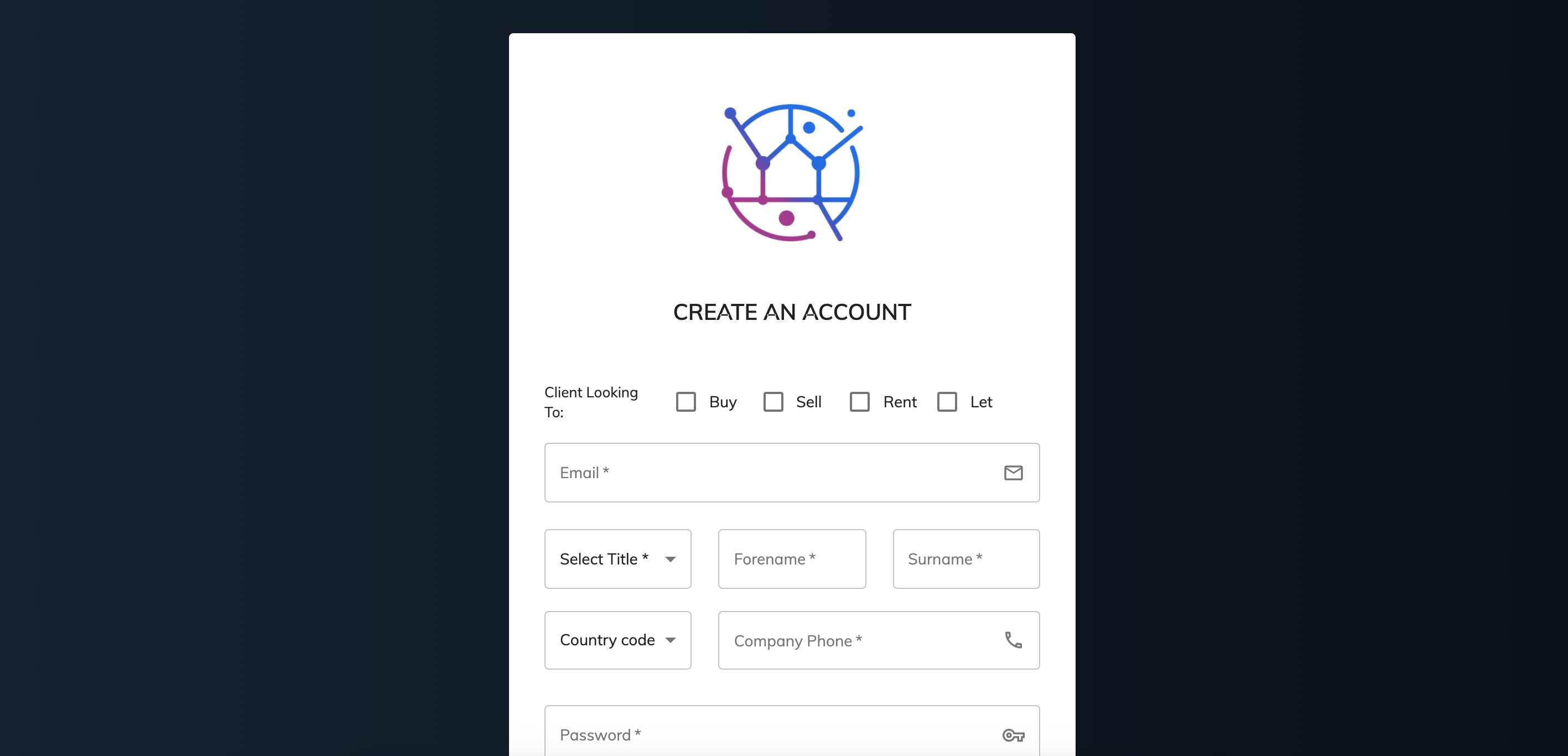
The client will then be added into your Juvo account automatically.
Clients already added into Juvo
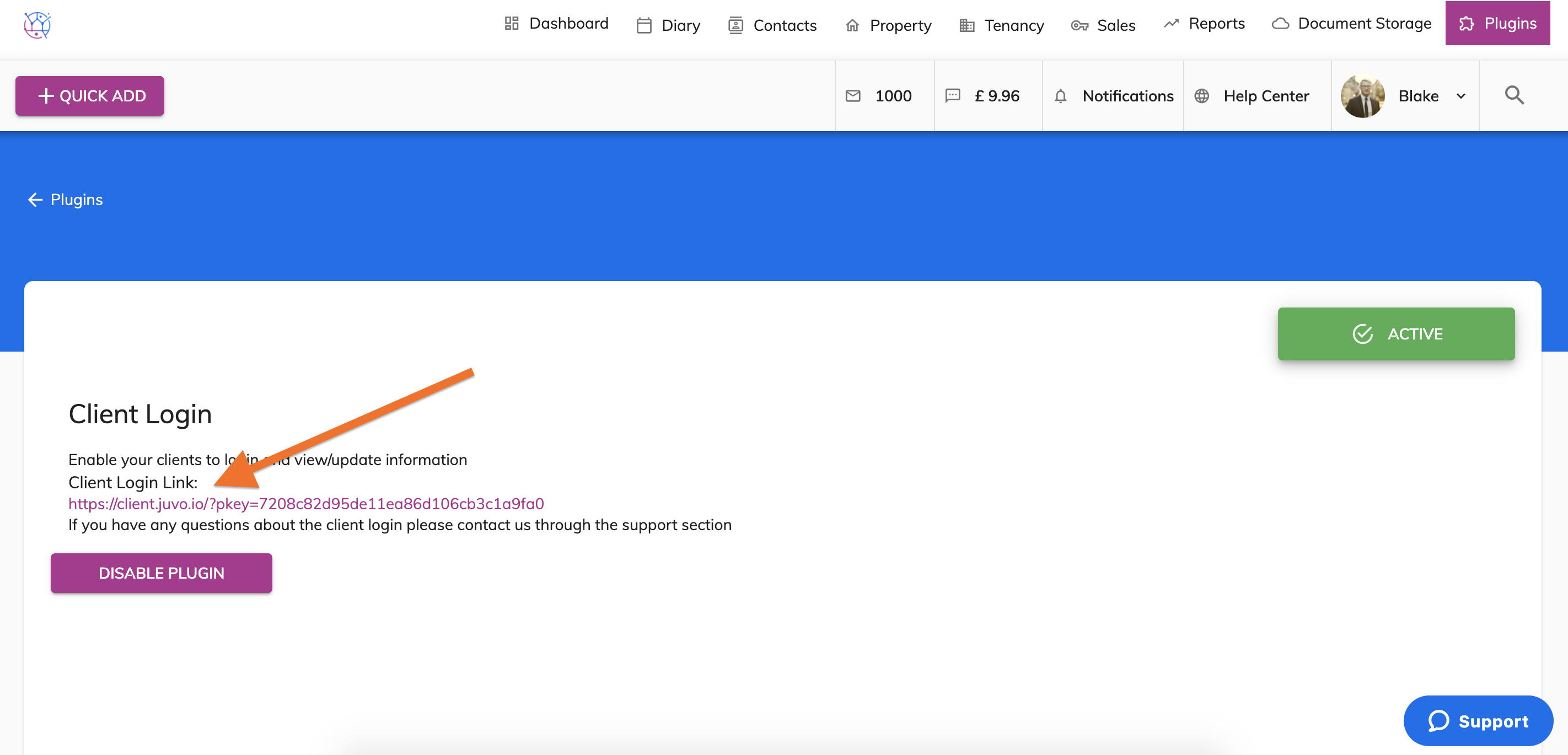
Ask your client to click on your link (this can be found in the more info section of the 'client login' the plugins section of your Juvo account) and then click ‘Forgot password’.
If they have not received the email please ask them to check their junk/spam email folder.
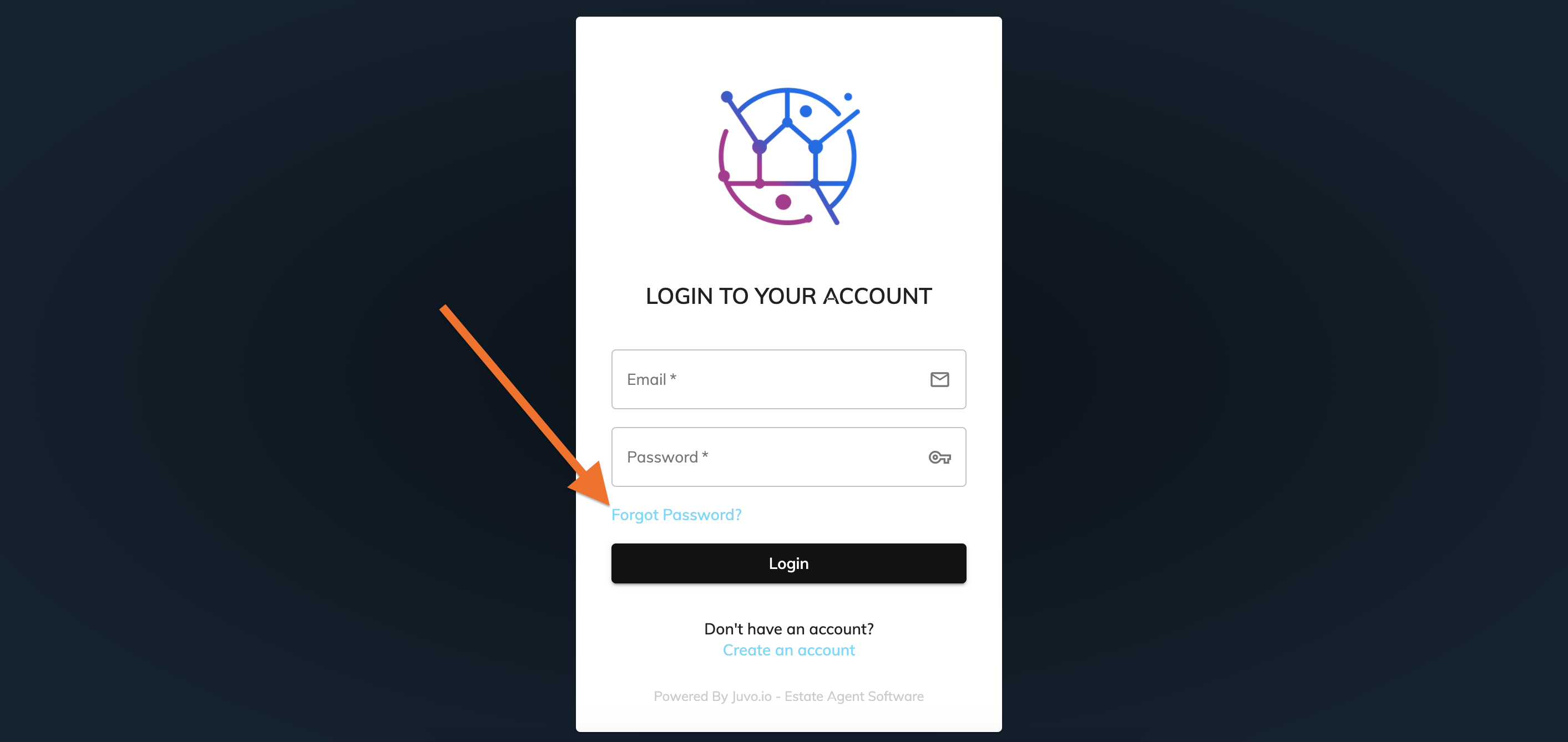
This will then send an email directly to your client with their client login password.
Once received they can use this to access their client portal.